If you're running Meta ad campaigns for multiple clients, you already know the frustration: logging into separate ad accounts, copying numbers into spreadsheets, and building reports that are already outdated by the time they land in a client's inbox. It's one of the biggest operational drains in agency work, and it doesn't have to be.
Meta Ads reporting software centralizes your campaign data, automates report delivery, and gives both you and your clients real-time visibility into what's actually working. The right tool can transform hours of manual work into a streamlined, professional process that scales with your agency.
This list covers the top Meta Ads reporting tools for 2026, evaluated on multi-client management, white-label reporting, automation depth, ease of use, and pricing. Whether you're a solo freelancer or running a full-scale Facebook ads agency, there's a solution here that fits your workflow.
1. ClientPlug.io
Best for: Digital marketing agencies and freelancers who want one dashboard for everything
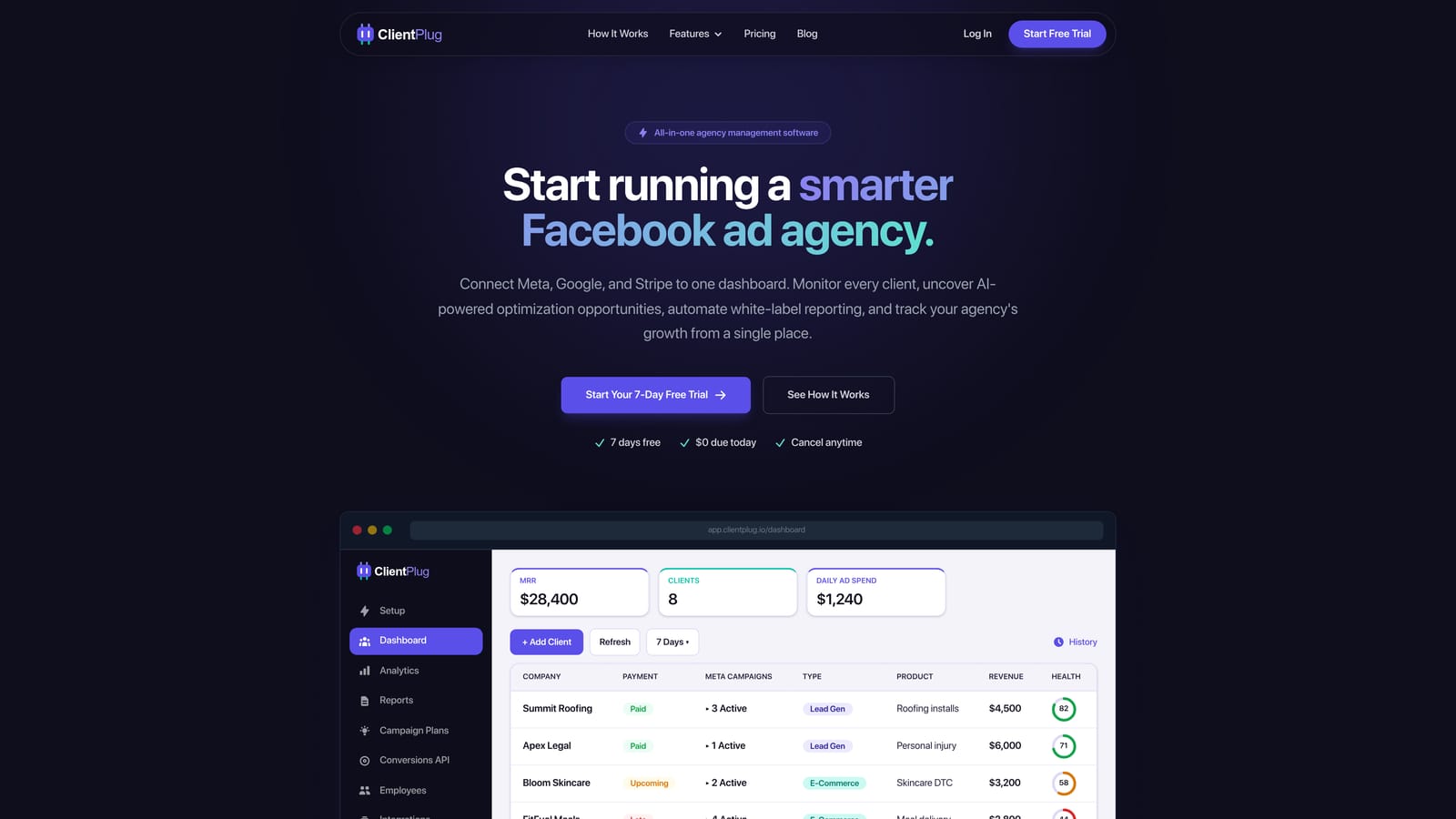
ClientPlug.io is an all-in-one client organizer built specifically for digital marketing agencies and freelancers managing Meta and Google Ads campaigns.
Where This Tool Shines
Most reporting tools do one thing: reporting. ClientPlug.io is different because it's designed to run your entire client operation from a single dashboard. You get Meta and Google Ads performance monitoring, automated white-label report delivery, client payment tracking, and Conversion API setup all in one place. That's a meaningful difference for agencies tired of stitching together four or five separate tools.
The AI-powered campaign optimization suggestions are a standout feature. Rather than just showing you what happened, ClientPlug.io helps you understand what to do next, which makes it genuinely useful in day-to-day campaign management rather than just end-of-month reporting.
Key Features
Unified Multi-Client Dashboard: Auto-syncs Meta and Google Ads campaign data across all your clients so everything is visible in one place without manual imports.
Automated White-Label Reports: Schedule and send branded client reports automatically, eliminating the need to build and deliver reports by hand each month.
Client Payment Tracking: Manage invoices and track client payments directly within the platform, keeping your financials organized alongside your campaign data.
Conversion API Setup: Configure Meta's Conversion API in a few clicks without needing a developer, which improves tracking accuracy for your clients' campaigns.
AI Campaign Optimization: Receive AI-powered suggestions to improve campaign performance, giving you actionable insights beyond raw data.
Best For
ClientPlug.io is best suited for agency owners and freelancers who want to consolidate their tech stack. If you're currently using separate tools for reporting, payment tracking, and campaign management, this platform is built to replace all of them with one organized hub.
Pricing
Visit clientplug.io for current pricing plans. Multiple tiers are available to suit freelancers and growing agencies.
2. AgencyAnalytics
Best for: Agencies wanting polished white-label dashboards with broad integration coverage
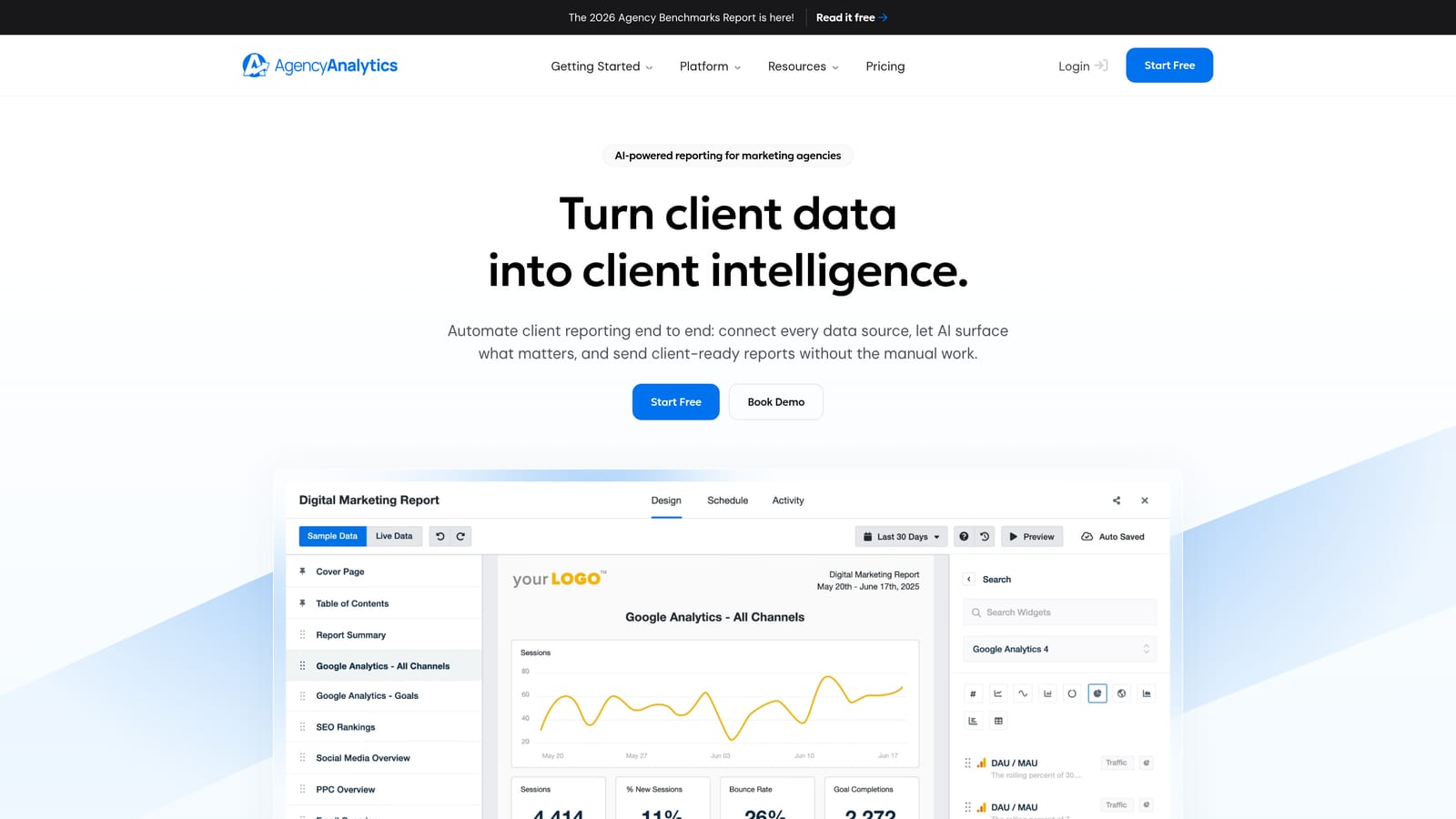
AgencyAnalytics is a dedicated agency reporting platform with over 80 integrations, including Meta Ads, built around drag-and-drop dashboard creation.
Where This Tool Shines
AgencyAnalytics has earned a strong reputation in the agency space for good reason. Its white-label dashboard builder is genuinely polished, and the breadth of integrations means you can pull in data from Meta Ads, Google Ads, SEO tools, and social platforms all in one client-facing report. For agencies with diverse service offerings, that cross-channel view is a real advantage.
The drag-and-drop builder makes report customization accessible to non-technical team members, which matters when you're delegating reporting tasks to account managers rather than doing everything yourself.
Key Features
80+ Integrations: Connects to Meta Ads alongside Google Ads, SEO platforms, social media channels, and more for consolidated reporting.
Drag-and-Drop Report Builder: Build custom dashboards and reports without any coding or technical knowledge required.
White-Label Branding: Apply your agency's logo, colors, and domain to all client-facing dashboards and reports.
Automated Scheduled Reports: Set up automated report delivery on daily, weekly, or monthly schedules.
Cross-Channel Reporting: Combine SEO, PPC, and social data in a single report for a complete picture of client performance.
Best For
AgencyAnalytics works well for mid-size to large agencies managing clients across multiple channels. If your clients receive reporting on SEO, Meta Ads, and Google Ads simultaneously, the breadth of integrations makes this a strong fit. Note that per-client pricing can add up quickly at scale.
Pricing
Starts at approximately $12 per month per client campaign. Costs scale with the number of clients, so larger agencies should model out total spend carefully before committing.
3. Databox
Best for: Teams focused on KPI tracking, goal monitoring, and performance scorecards
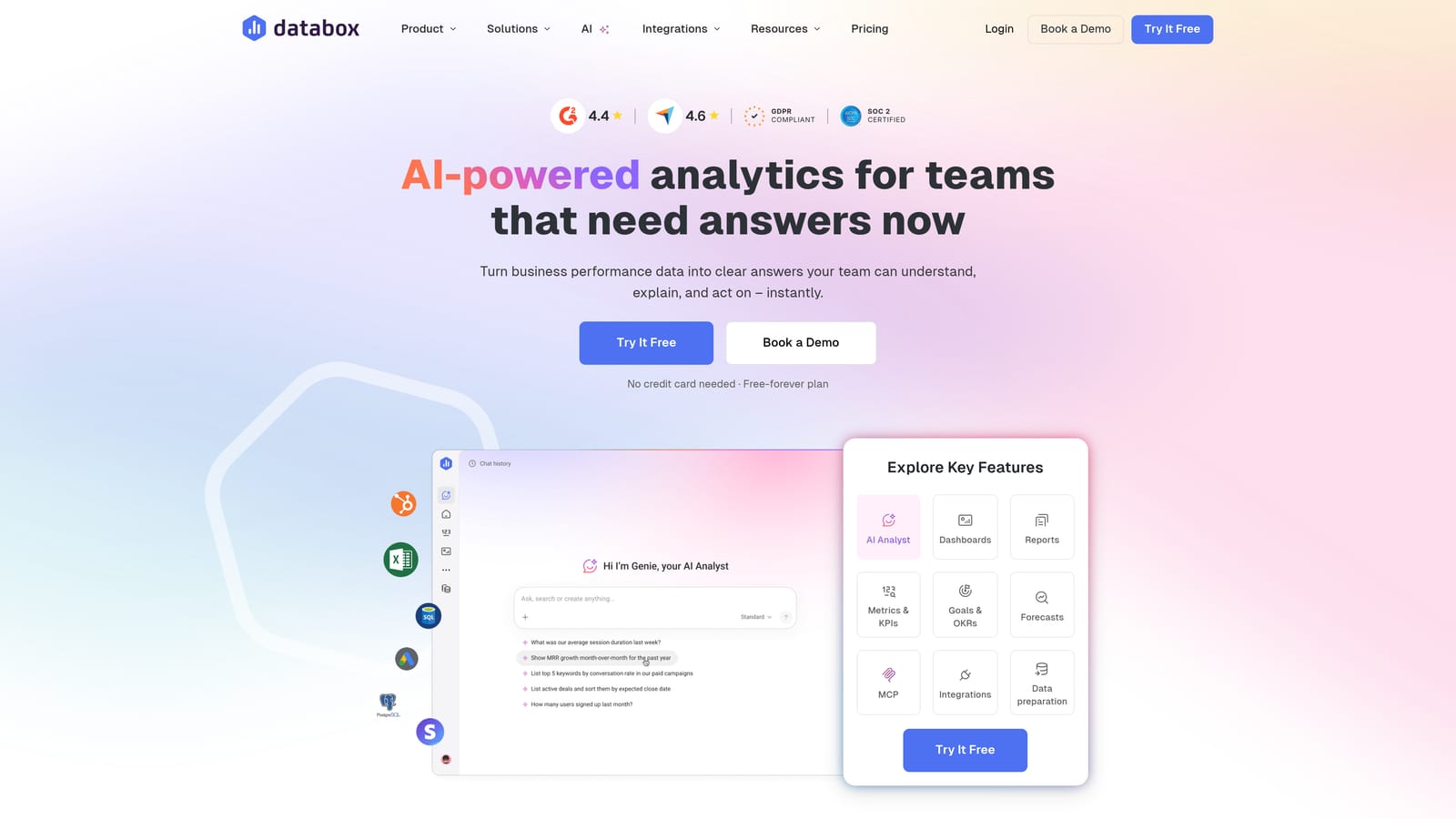
Databox is a data visualization platform with Meta Ads integration, centered on KPI dashboards and performance benchmarking rather than traditional client report generation.
Where This Tool Shines
Databox approaches reporting from a business intelligence angle. Rather than building client-facing PDF reports, it excels at creating live dashboards that track goals and performance trends over time. The benchmark data feature is particularly useful: it lets you compare your clients' Meta Ads performance against industry averages, which adds real context to the numbers you're presenting.
The mobile app is a practical bonus for agency owners who want to check in on campaign performance without sitting at a desk. It's genuinely usable on the go, not just a stripped-down mobile view.
Key Features
Visual KPI Dashboards: Build real-time dashboards pulling Meta Ads data alongside other marketing and business metrics.
Goal and Scorecard Tracking: Set performance targets and track progress against them visually across clients and campaigns.
Free Tier Available: Access core features with limited data connections at no cost, making it accessible for freelancers testing the platform.
Mobile App: Monitor dashboards and KPIs from iOS and Android devices with a well-designed mobile interface.
Benchmark Data: Compare client performance against industry benchmarks to add context to your reporting conversations.
Best For
Databox is a strong choice for agencies or in-house teams that want always-on performance dashboards rather than scheduled report delivery. It's particularly useful when clients prefer live dashboard access over static reports.
Pricing
Free plan available with limited connections. Paid plans start at approximately $47 per month, scaling based on data connections and features.
4. Whatagraph
Best for: Agencies sending high volumes of visually rich cross-channel client reports
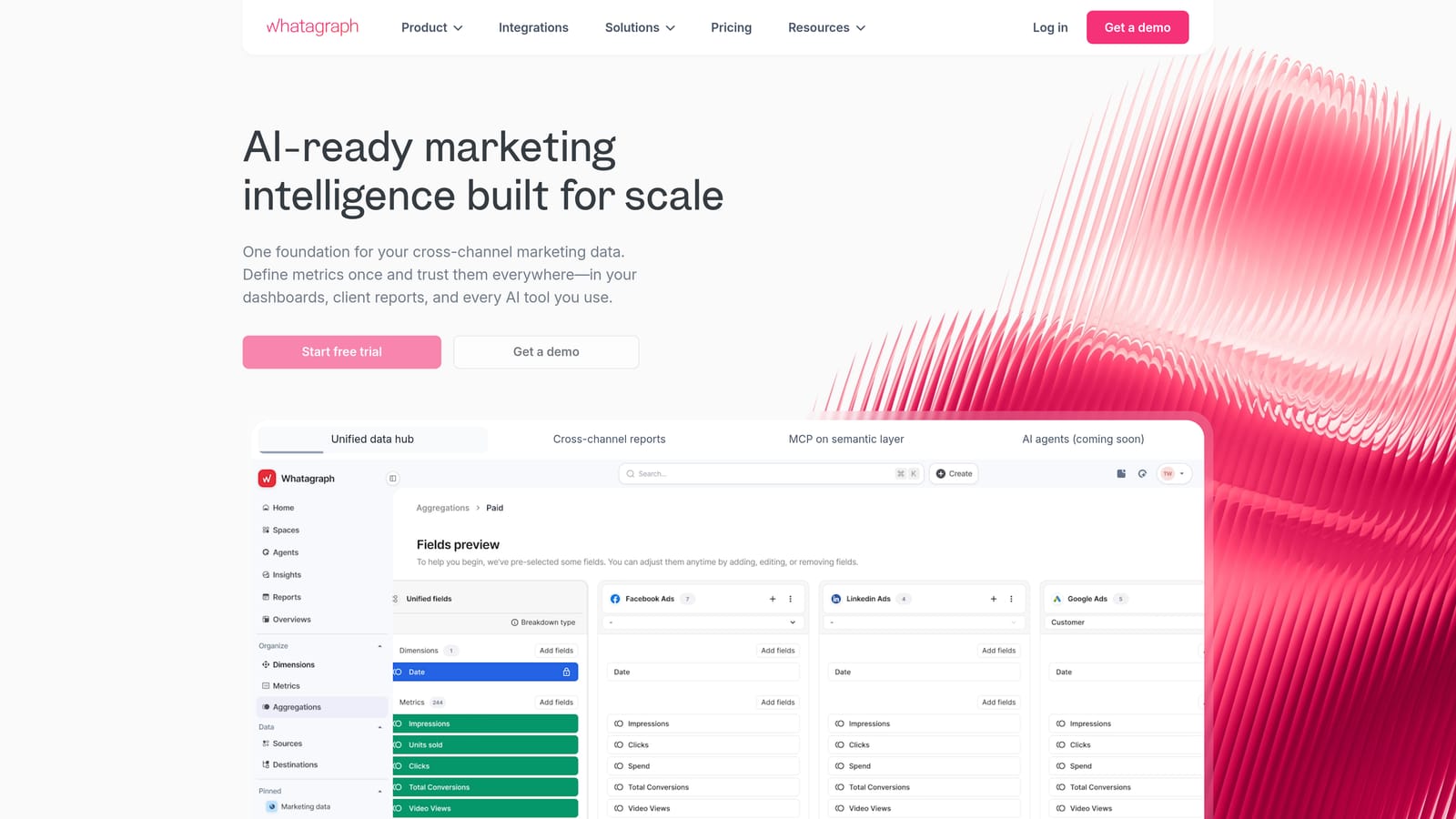
Whatagraph is a marketing reporting platform purpose-built for agencies, with a focus on visually compelling reports and cross-channel data blending.
Where This Tool Shines
Whatagraph's reports look genuinely good. For agencies where the visual presentation of data matters to client relationships, this is one of the more polished options available. Pre-built Meta Ads templates mean you can have a professional report ready in minutes rather than building from scratch each time.
The cross-channel data blending capability is a practical strength. Combining Meta Ads data with Google Ads, organic social, and other sources into a single cohesive report is straightforward in Whatagraph, which saves significant time when clients run campaigns across multiple platforms.
Key Features
Pre-Built Meta Ads Templates: Start with professional report templates designed for Meta Ads data rather than building layouts from scratch.
Cross-Channel Data Blending: Combine Meta Ads, Google Ads, and other data sources into unified client reports seamlessly.
Automated Report Delivery: Schedule reports to send automatically to clients on your preferred cadence.
White-Label Branding: Customize reports with your agency's branding for a professional client experience.
Team Collaboration: Invite team members to collaborate on report building and client management within the platform.
Best For
Whatagraph suits agencies that prioritize report aesthetics and send a high volume of automated reports to clients. It's particularly strong for teams managing clients across Meta, Google, and social channels simultaneously.
Pricing
Pricing is available on request and typically sits in the mid-to-upper range for agency tools. Request a demo or quote directly from their website for current figures.
5. Supermetrics
Best for: Technically capable teams building custom reports in Google Sheets, Looker Studio, or data warehouses
Supermetrics is a data connector that pulls Meta Ads data into your preferred reporting destination, giving technically skilled teams maximum flexibility in how they build and present reports.
Where This Tool Shines
Supermetrics isn't a reporting tool in the traditional sense. It's a data pipeline. If your team has the skills to build reports in Google Sheets, Looker Studio, or a data warehouse like BigQuery, Supermetrics gives you clean, automatically refreshed Meta Ads data to work with. The flexibility is unmatched for teams that want full control over their reporting structure.
For agencies with analysts or data-savvy team members, this approach can produce highly customized reports that no off-the-shelf tool could replicate. The tradeoff is setup time and technical investment upfront.
Key Features
Meta Ads Data Connector: Pull Meta Ads data directly into Google Sheets, Looker Studio, BigQuery, Snowflake, and other destinations.
Automated Data Refresh: Schedule automatic data updates so your reports always reflect current campaign performance.
Data Warehousing Support: Send Meta Ads data to BigQuery or Snowflake for advanced analysis and long-term storage.
Wide Integration Range: Connect data from dozens of marketing platforms alongside Meta Ads for consolidated analysis.
Custom Report Builds: Full flexibility to structure reports exactly as you need them, with no template constraints.
Best For
Supermetrics is ideal for data-heavy agencies with analysts on staff, or for teams that already have established reporting templates in Google Sheets or Looker Studio and simply need reliable, automated data feeds.
Pricing
Starts at approximately $29 per month per destination. Costs increase based on the number of data destinations and sources you connect.
6. Reportei
Best for: Freelancers and small agencies needing fast, professional reports at an accessible price point
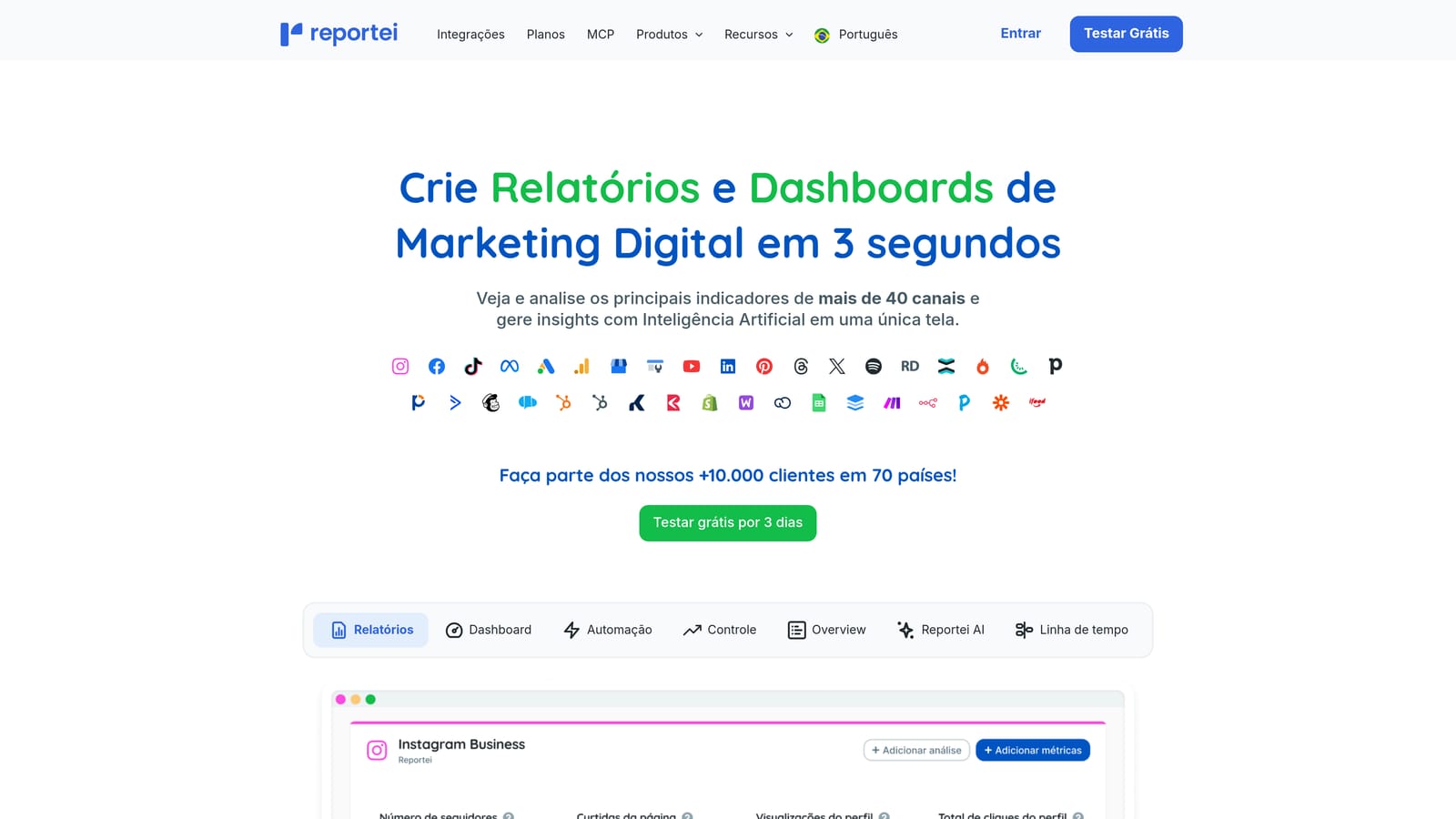
Reportei is a streamlined reporting tool built for simplicity, allowing users to generate professional Meta Ads reports quickly without complex setup or configuration.
Where This Tool Shines
Reportei's core appeal is speed. You can connect your Meta Ads account and generate a clean, professional report in minutes. For freelancers managing a handful of clients who need reliable monthly reporting without a steep learning curve, it delivers exactly what's needed without unnecessary complexity.
The pricing is one of the most accessible in this category, which makes it a realistic option for solo operators who can't justify the per-client costs of enterprise-focused platforms. It covers multi-channel reporting too, so Meta, Google, and Instagram data can all appear in the same report.
Key Features
One-Click Report Generation: Connect Meta Ads and generate a professional report with minimal manual steps.
Pre-Built Report Templates: Use professionally designed templates so reports look polished without design work.
Multi-Channel Reporting: Include data from Meta Ads, Google Ads, Instagram, and other channels in a single report.
Automated Scheduled Delivery: Set up reports to send automatically to clients on a regular schedule.
Affordable Pricing: Designed with freelancers and small agencies in mind, keeping costs manageable at lower client volumes.
Best For
Reportei is the right fit for freelancers and small agencies that want professional-looking Meta Ads reports without a large time or financial investment. It's less suited for large agencies needing advanced customization or enterprise-level features.
Pricing
Plans start at approximately $29 per month. Pricing is subject to change, so check their website for current options.
7. Looker Studio
Best for: Budget-conscious teams with the time and skills to build fully custom dashboards
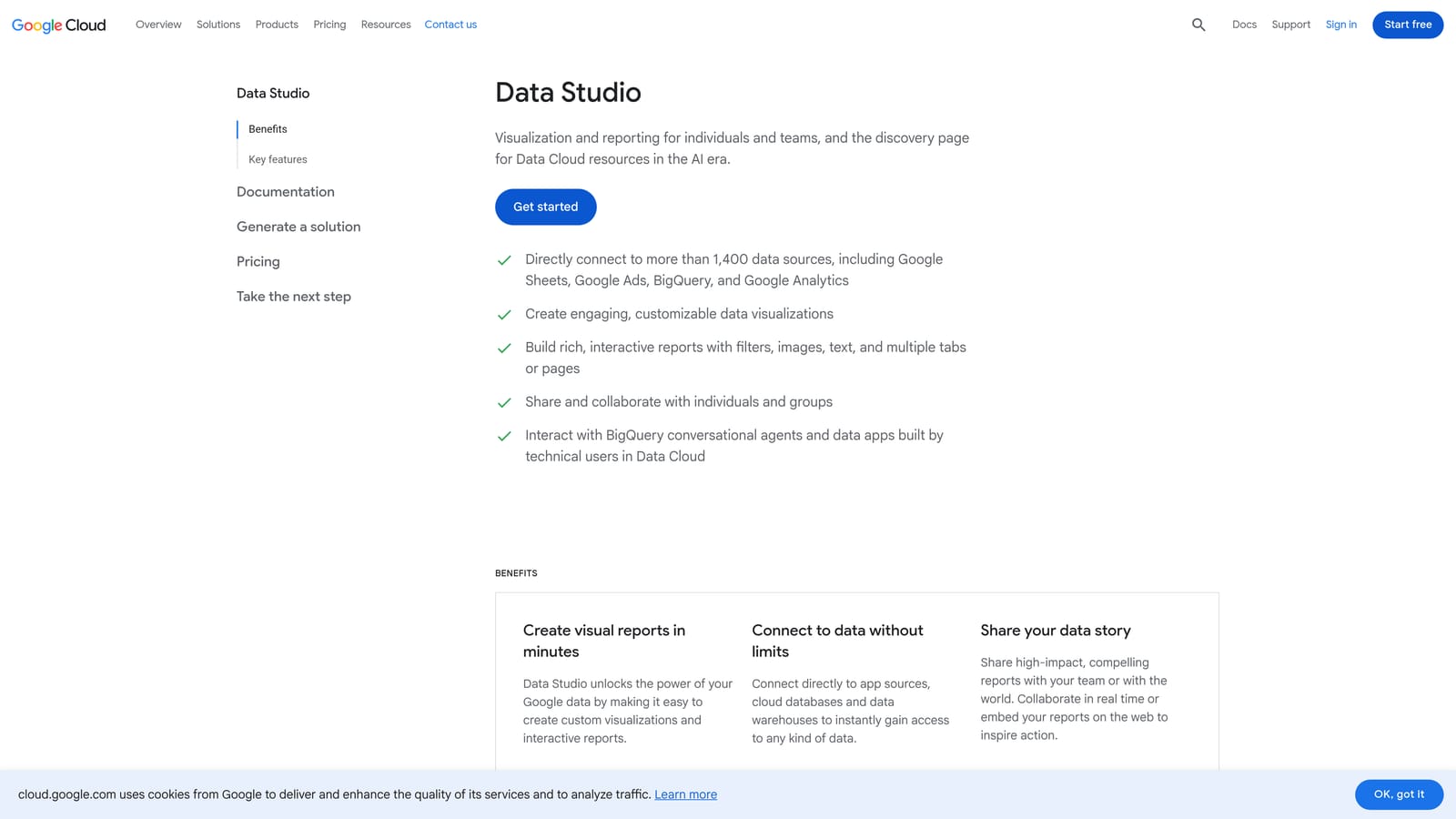
Looker Studio is Google's free data visualization and reporting platform, connecting to Meta Ads via third-party connectors for fully customizable, shareable dashboards.
Where This Tool Shines
The price point is hard to argue with: Looker Studio itself is free. For agencies willing to invest time in setup, it can produce sophisticated, fully branded dashboards that update automatically and can be shared with clients via a live link. The customization ceiling is essentially unlimited if you have the skills to take advantage of it.
The native integration with Google Ads and Google Analytics makes it especially powerful for agencies running both Meta and Google campaigns. Combining both data sources in a single dashboard gives clients a genuinely comprehensive view of their digital advertising performance.
Key Features
Free to Use: No subscription cost for the platform itself, making it accessible regardless of agency size or budget.
Fully Customizable Layouts: Build dashboards and reports exactly as you want them with no template restrictions.
Meta Ads Connectivity: Connect Meta Ads data via third-party connectors, some of which are free and others paid.
Shareable Live Dashboards: Share live dashboard links with clients so they can check performance at any time without logging into ad accounts.
Native Google Integration: Connect Google Ads and Google Analytics natively alongside Meta Ads for cross-channel reporting.
Best For
Looker Studio suits technically capable freelancers or agencies with an analyst on staff who can build and maintain custom dashboards. It requires upfront time investment and has no native white-label features, which limits its appeal for agencies needing polished branded reports quickly.
Pricing
Looker Studio is free. Some third-party Meta Ads connectors carry a separate monthly cost, typically ranging from free to around $20 per month depending on the connector.
8. DashThis
Best for: Agencies wanting a clean, straightforward reporting setup without a steep learning curve
DashThis is an automated reporting platform with Meta Ads integration, preset KPI widgets, and white-label options designed for simplicity and ease of use.
Where This Tool Shines
DashThis is built for people who want reporting to be easy. The preset Meta Ads KPI widgets mean you can have a functional, professional dashboard live in a short amount of time without configuring data mappings or building layouts from scratch. For agency owners who want to spend their time on strategy rather than report building, that's a meaningful advantage.
The dashboard-based pricing model is worth noting: you pay per dashboard rather than per client, which can work out favorably depending on how you structure your reporting. Agencies that send one dashboard per client will find the math straightforward to predict.
Key Features
Preset Meta Ads KPI Widgets: Get dashboards live quickly using pre-configured widgets for common Meta Ads metrics.
White-Label Branding: Apply your agency's branding to dashboards for a professional, client-ready presentation.
Automated Report Scheduling: Set up automated report delivery on your preferred cadence without manual intervention.
Non-Technical Interface: Navigate and configure dashboards without any coding or technical background required.
Dashboard-Based Pricing: Pay based on the number of dashboards rather than per client or per data source.
Best For
DashThis is a solid choice for small to mid-size agencies that want reliable, white-labeled Meta Ads reporting without a complex setup process. It's less suitable for teams needing deep customization or advanced data blending across many sources.
Pricing
Starts at approximately $49 per month for up to 3 dashboards. Higher tiers accommodate more dashboards at increased price points.
9. Swydo
Best for: Agencies that need automated reporting with built-in budget monitoring and performance alerts
Swydo is an automated reporting platform with Meta Ads integration that goes beyond standard reporting by adding budget tracking and performance threshold alerts.
Where This Tool Shines
Swydo's alert system sets it apart from most tools in this category. Rather than waiting for a scheduled report to notice a campaign is overspending or underperforming, Swydo can notify you when specific thresholds are crossed. For agencies managing multiple client budgets simultaneously, that kind of proactive monitoring reduces the risk of costly oversights.
The automated report delivery and white-label branding cover the standard bases well. Swydo's per-client pricing model is transparent, though it's worth calculating total costs carefully as your client roster grows, since per-client pricing scales linearly.
Key Features
Meta Ads Budget Tracking: Monitor client ad spend against budgets in real time to catch overspending before it becomes a problem.
Performance Alerts: Set threshold-based notifications so you're alerted when campaigns deviate from expected performance.
Automated Scheduled Reports: Deliver branded reports to clients automatically on daily, weekly, or monthly schedules.
White-Label Branding: Customize reports with your agency's logo and colors for a professional client-facing experience.
Per-Client Pricing: Pay based on the number of clients you manage, making costs predictable as you grow.
Best For
Swydo is well-suited for agencies where budget management is a critical part of client service. If you're regularly monitoring ad spend across many clients and need automated alerts when something goes off track, Swydo's monitoring features add genuine operational value.
Pricing
Starts at approximately $49 per month, scaling based on the number of clients managed. Check their website for current pricing tiers.
Which Meta Ads Reporting Tool Is Right for Your Agency?
The best Meta Ads reporting software depends on where your agency is right now and where it's headed. Here's a quick way to think through the decision.
Solo freelancers and small agencies should look at ClientPlug.io or Reportei first. Both are designed for simplicity and cost-efficiency, and ClientPlug.io adds the bonus of payment tracking and Conversion API setup that freelancers often need to manage separately.
Growing agencies managing multiple clients will get the most from ClientPlug.io or AgencyAnalytics. Both handle multi-client management and white-label reporting well. ClientPlug.io has the edge if you also want operational tools like payment tracking and AI-powered optimization built in. AgencyAnalytics is the stronger choice if you need a very broad range of third-party integrations.
Data-heavy teams with technical resources should consider Supermetrics or Looker Studio. Both give you maximum flexibility to build exactly the reporting setup you want, though both require more upfront investment in configuration and maintenance.
Agencies prioritizing proactive budget monitoring will find Swydo's alert system genuinely useful. If catching overspend before it becomes a client issue is a priority, the threshold notification features are worth the per-client cost.
If you're looking for one platform that handles Meta Ads reporting, client management, payment tracking, and Conversion API setup without needing to stitch together multiple tools, ClientPlug.io is built specifically for that workflow. Learn more about our services and see how it fits your agency's operations.