If you're running Google Ads campaigns for multiple clients, you already know the pain: logging into separate accounts, copy-pasting data into spreadsheets, formatting reports by hand, and somehow doing it all before the next client check-in. A dedicated Google Ads reporting tool changes that workflow entirely, automating data pulls, visualizing performance, and letting you send polished reports without the manual grind.
But not every tool is built for agencies managing multiple clients at scale. Some are designed for solo advertisers; others are enterprise platforms that cost more than your retainer fees. This list cuts through the noise and covers the best Google Ads reporting tools available in 2026, starting with the best option for agencies and freelancers who need more than just charts. Whether you need white-label reports, multi-account dashboards, or AI-powered optimization, there's a tool here for you.
1. ClientPlug.io
Best for: Digital marketing agencies and freelancers who need ad reporting, client billing, and management in one place.
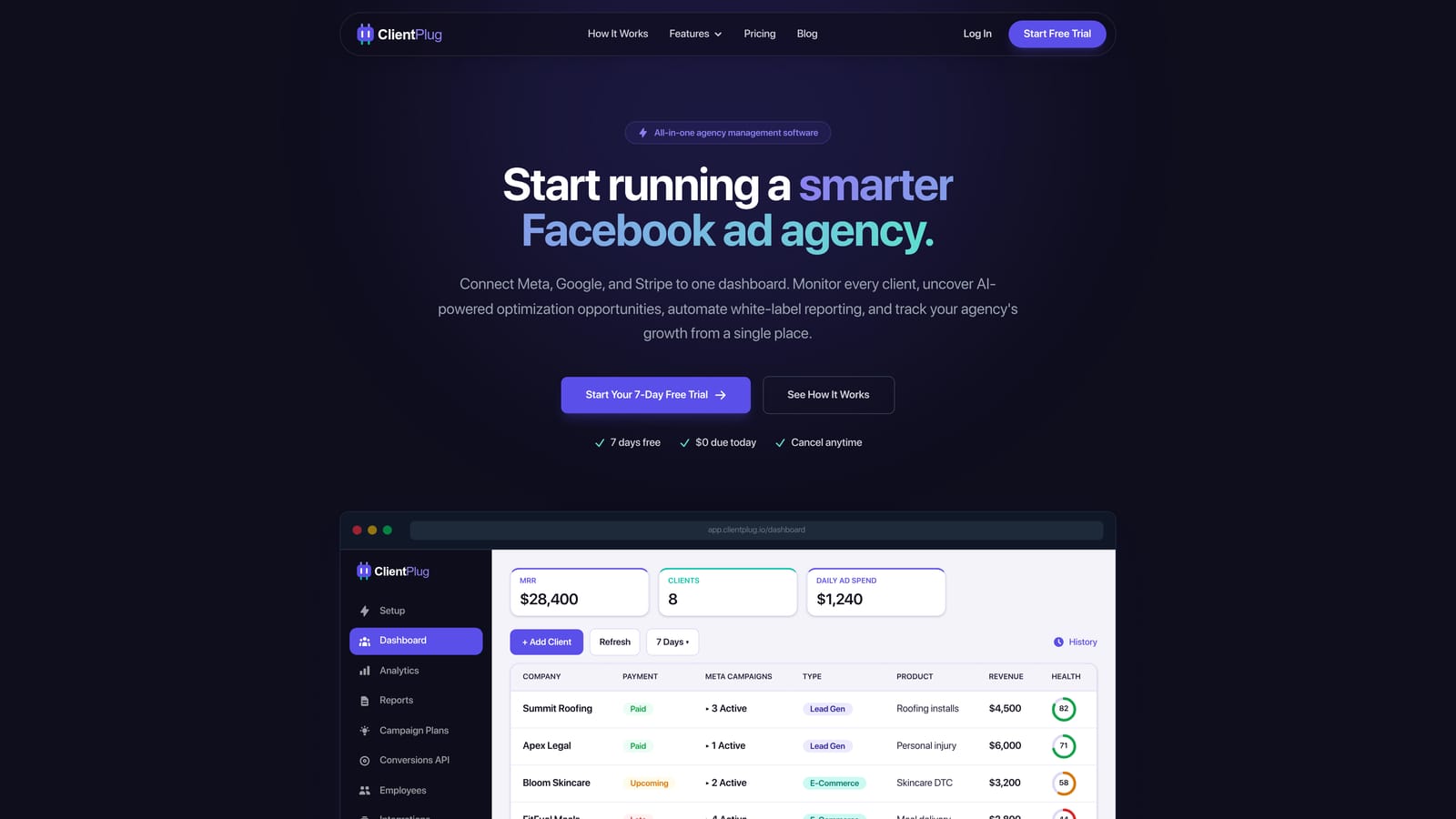
ClientPlug.io is an all-in-one client organizer that combines Google Ads and Meta Ads reporting with payment tracking, AI optimization, white-label reports, and Conversion API setup in a single dashboard.
Where This Tool Shines
Most reporting tools give you charts and stop there. ClientPlug goes further by combining your campaign performance data with client billing, so you can see how an account is performing and whether the invoice has been paid, all from the same screen. That's a workflow upgrade most agencies don't realize they need until they have it.
The white-label reporting is automated, meaning you set up the template once and reports go out on schedule without you touching them. Add in the AI-powered optimization recommendations and the few-click Conversion API setup, and ClientPlug positions itself as the operational backbone of an agency, not just a reporting add-on.
Key Features
Unified Multi-Platform Dashboard: Auto-syncs Google Ads and Meta Ads performance data so you're never toggling between platforms.
Automated White-Label Reports: Generate and schedule branded client reports without manual formatting or exporting.
AI-Powered Campaign Optimization: Surfaces actionable recommendations to improve campaign performance across your client accounts.
Integrated Payment Tracking: Monitor client billing and payment status alongside campaign data in one centralized view.
Conversion API Setup: Configure server-side tracking for clients in just a few clicks, no developer required.
Best For
ClientPlug is the strongest fit for agency owners and freelancers managing five or more clients who are tired of juggling separate tools for reporting, invoicing, and campaign management. If you want one dashboard that handles the operational side of running an agency, not just the analytics side, this is where to start.
Pricing
Visit clientplug.io/signup for current plan details and pricing tiers.
2. Google Looker Studio
Best for: Cost-conscious agencies with technical capacity to build and maintain custom report templates.
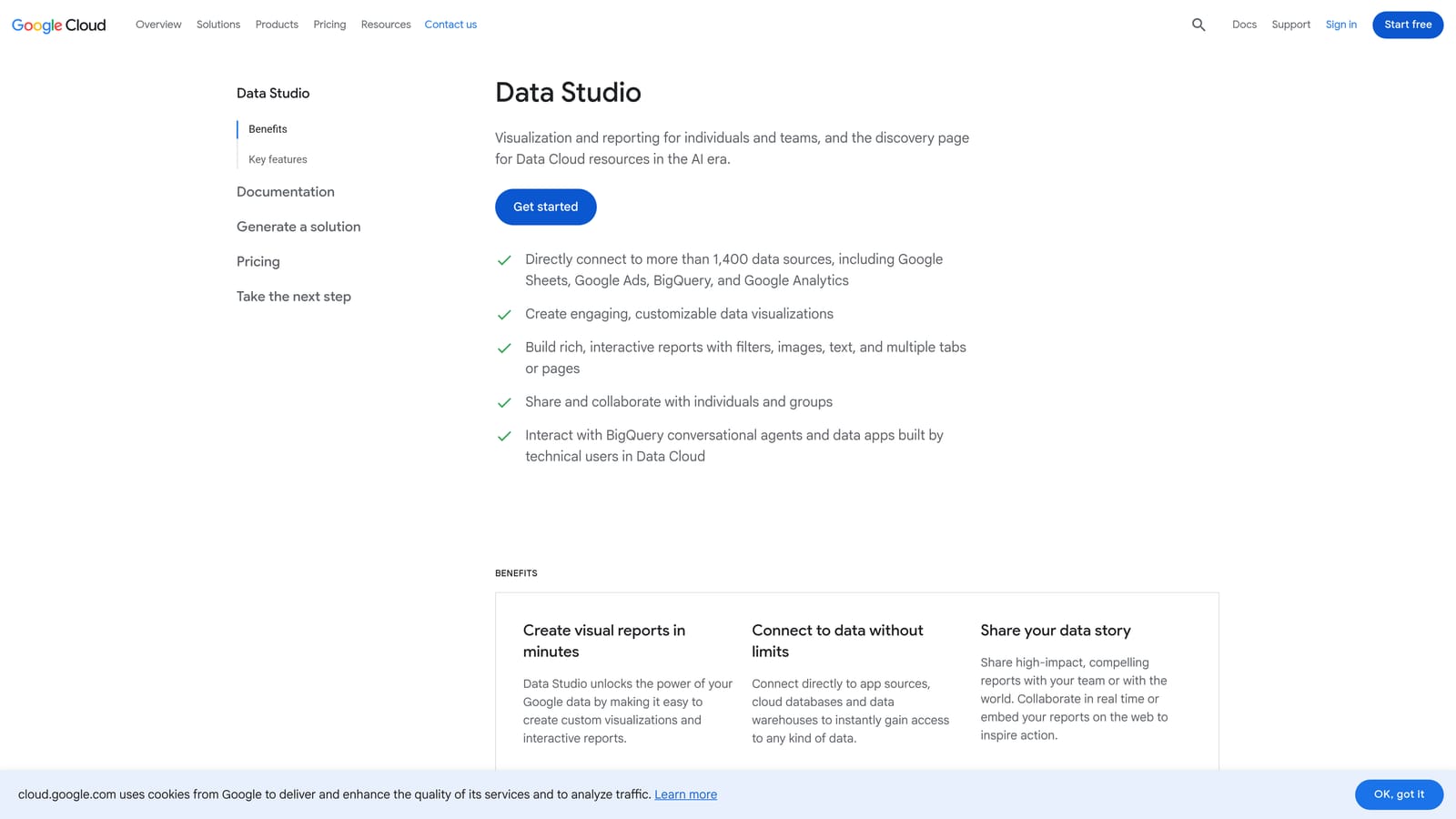
Google Looker Studio is Google's free, native reporting and data visualization platform with direct connectors to Google Ads, GA4, and Search Console.
Where This Tool Shines
The native Google Ads connector is a genuine advantage here. There's no third-party sync, no API key headaches, and no extra cost. If your reporting needs are primarily Google-ecosystem data, Looker Studio covers a lot of ground for free.
The drag-and-drop report builder is flexible enough to create polished, shareable dashboards. The tradeoff is a real learning curve: building a good Looker Studio report takes time, and maintaining templates as your client roster grows can become a manual burden. It's powerful, but it rewards the technically inclined.
Key Features
Native Google Ads Connector: Direct, no-cost connection to Google Ads data without third-party tools.
Drag-and-Drop Report Builder: Build custom dashboards with shareable, reusable templates.
Multi-Source Data Blending: Combine Google Ads with GA4, Search Console, and other sources in a single report.
Community Connectors: Extend beyond Google's ecosystem with connectors for Meta, LinkedIn, and other platforms.
Completely Free: No subscription cost at any level of usage.
Best For
Agencies with an analyst or technically capable team member who can invest time building solid templates. Also a strong choice for freelancers who want professional-looking reports without a monthly tool cost, and who don't mind the setup time.
Pricing
Free. No paid tiers or usage limits for the core platform.
3. AgencyAnalytics
Best for: Full-service agencies that need white-label client portals with multi-channel reporting under one roof.
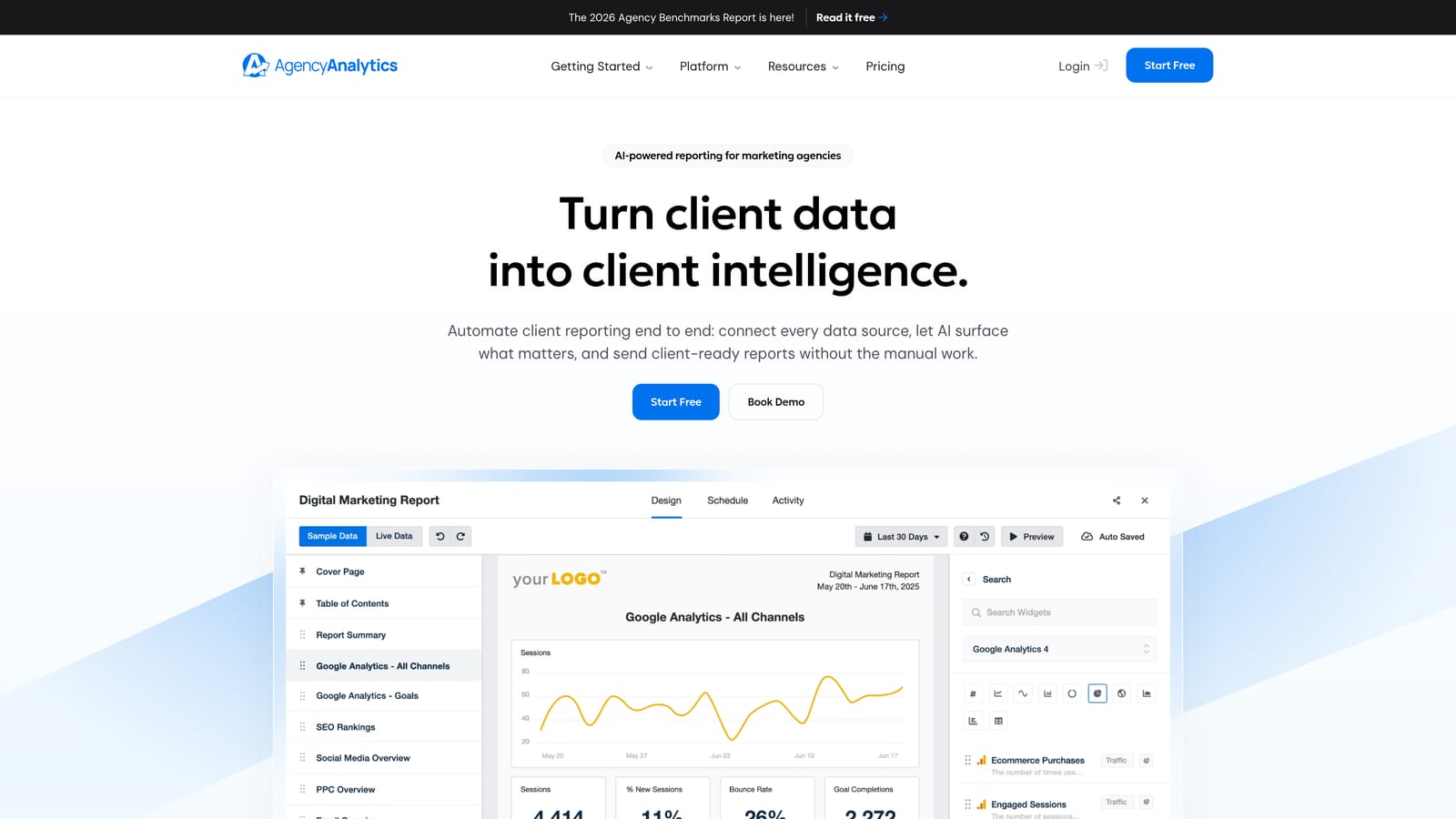
AgencyAnalytics is a purpose-built agency reporting platform with white-label dashboards, client portals, and over 80 integrations including Google Ads.
Where This Tool Shines
AgencyAnalytics was designed from the ground up for marketing agencies, and it shows. The client portal experience is polished: clients get their own branded login to view live dashboards, which cuts down on the "can you send me an update?" emails that eat into your day.
The breadth of integrations is another strong point. Combining Google Ads data with SEO metrics, social performance, and PPC from other platforms in a single client-facing dashboard is genuinely useful for agencies offering multi-service retainers.
Key Features
White-Label Client Dashboards: Branded portals where clients log in to see their own live performance data.
80+ Platform Integrations: Connects Google Ads, Meta, SEO tools, social platforms, and more.
Automated Report Scheduling: Set up recurring reports delivered automatically on your preferred cadence.
SEO and PPC in One Platform: Combines paid and organic reporting without needing separate tools.
Custom Branding: Apply your agency logo, colors, and domain to all client-facing materials.
Best For
Multi-service agencies running SEO, PPC, and social campaigns for clients who want everything visible in one branded portal. Particularly strong for agencies where client-facing presentation and professionalism are a selling point.
Pricing
Per-campaign pricing model; verify current tiers and costs at agencyanalytics.com.
4. Databox
Best for: Teams that want real-time KPI monitoring with goal tracking and performance alerts.
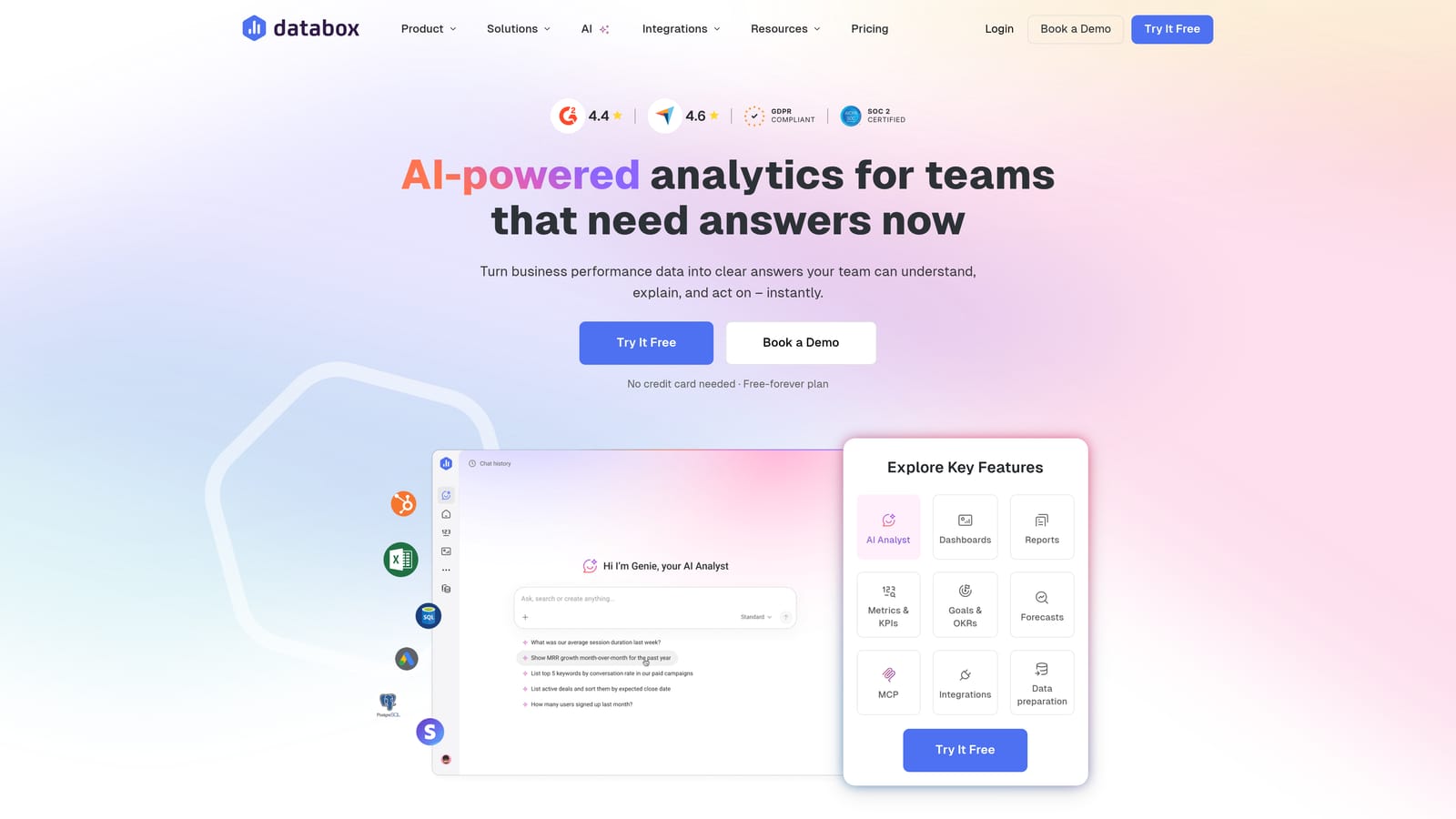
Databox is a real-time KPI dashboard platform with pre-built Google Ads templates, goal tracking, and automated performance alerts.
Where This Tool Shines
Databox's goal-tracking feature is what sets it apart from basic dashboard tools. You can set performance targets for specific KPIs and receive automated alerts when metrics are trending in the wrong direction. For agencies that want proactive monitoring rather than reactive reporting, this is a meaningful differentiator.
The mobile app is genuinely well-built, letting you check campaign performance from your phone without logging into a desktop dashboard. If you're the type who wants a quick pulse check between meetings, Databox makes that easy.
Key Features
Pre-Built Google Ads Templates: Get up and running quickly with ready-made dashboard configurations.
Goal Tracking and Alerts: Set KPI targets and receive automated notifications when performance deviates.
Mobile App: Monitor dashboards and KPIs from iOS or Android devices.
Multi-Source Data Blending: Combine Google Ads with data from other platforms in unified dashboards.
Free Tier Available: A functional free plan makes it accessible for smaller teams getting started.
Best For
Agencies and in-house teams that prioritize real-time monitoring and want to be alerted to performance issues before clients notice them. Also a solid option for smaller teams wanting a free starting point with room to scale.
Pricing
Free plan available; paid plans scale by data sources and users. Verify current pricing at databox.com.
5. Whatagraph
Best for: Agencies that prioritize visually polished, client-ready reports across multiple advertising channels.
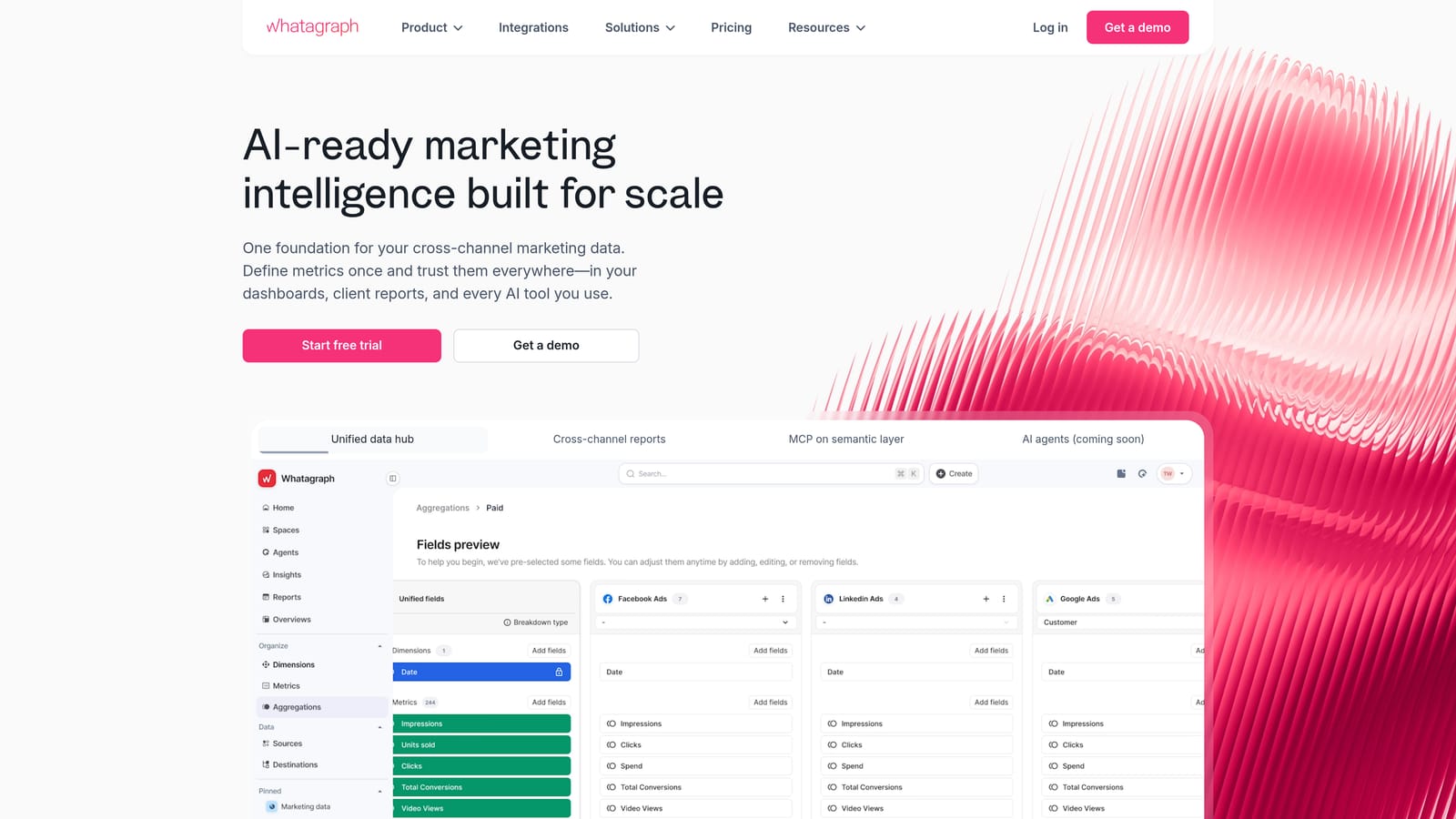
Whatagraph is a visual-first cross-channel reporting platform designed for creating polished, client-ready reports from Google Ads and other sources.
Where This Tool Shines
Whatagraph leans hard into design quality. The reports it produces look professional out of the box, which matters when you're sending deliverables to clients who judge the quality of your work partly by how the report looks. Less time spent formatting in Canva or PowerPoint is time better spent on actual campaign work.
Cross-channel blending is well-executed here. Pulling Google Ads, Meta, and LinkedIn data into a single cohesive report is straightforward, and the automated scheduling means those reports go out without you manually triggering them each month.
Key Features
Visual Report Builder: Strong emphasis on design quality for client-facing report output.
Cross-Channel Data Blending: Combines Google Ads, Meta, LinkedIn, and other sources in one report.
Automated Report Scheduling: Set reports to deliver automatically on your preferred schedule.
Team Collaboration: Multiple team members can work on and manage reports together.
White-Label Output: Brand reports with your agency's identity before client delivery.
Best For
Mid-market agencies where client presentation quality is a priority and the team manages campaigns across multiple advertising platforms. A good fit when aesthetics and automation matter equally.
Pricing
Mid-market pricing; verify current plans and tiers at whatagraph.com.
6. Supermetrics
Best for: Data-savvy agencies building custom reporting pipelines into spreadsheets or BI tools.
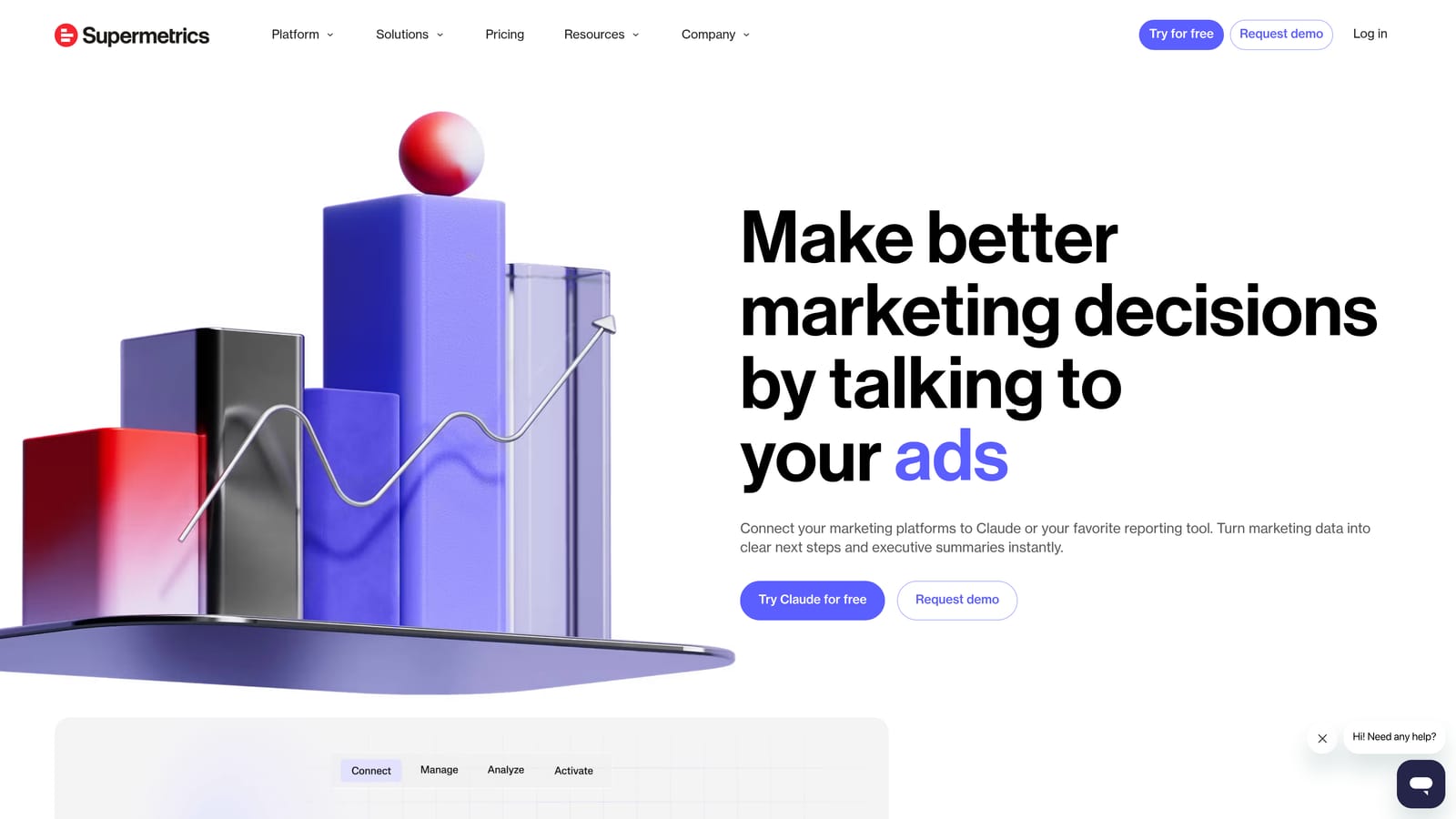
Supermetrics is a data connector tool that pipes Google Ads data into Google Sheets, Looker Studio, BigQuery, Excel, and other BI destinations.
Where This Tool Shines
Supermetrics isn't a reporting tool in the traditional sense. It's a data mover. It takes your Google Ads data and sends it exactly where you want it, whether that's a Google Sheet your analyst works in, a BigQuery warehouse, or a Looker Studio dashboard. The value is in flexibility and automation of that data pipeline.
For agencies with an analyst who builds custom models or wants granular control over how data is structured, Supermetrics removes the tedious manual export step. The automated refresh schedules keep your data current without anyone having to trigger it manually.
Key Features
Multi-Destination Connectors: Sends data to Google Sheets, Looker Studio, BigQuery, Snowflake, Excel, and more.
Automated Data Refresh: Schedules keep your reporting destinations current without manual exports.
100+ Source Integrations: Supports Google Ads, Meta, LinkedIn, and a wide range of other platforms.
Custom Pipeline Building: Ideal for teams that want to define exactly how data flows and is structured.
Enterprise Data Governance: Advanced options for larger teams with compliance or data management requirements.
Best For
Agencies with a dedicated analyst or data-focused team member who builds custom reporting infrastructure. Not the right fit if you want a ready-made reporting interface; you'll still need a destination tool to visualize the data.
Pricing
Per-connector pricing model; costs can accumulate with multiple connectors. Verify current rates at supermetrics.com.
7. ReportGarden
Best for: Small-to-mid agencies that want reporting, invoicing, and client proposals managed from one platform.
ReportGarden is an agency-focused platform combining Google Ads reporting with invoicing, project management, and client proposal tools.
Where This Tool Shines
ReportGarden occupies a similar operational niche to ClientPlug in that it bundles reporting with business management features. The invoicing and client proposal tools are particularly useful for smaller agencies that don't want to pay for a separate billing platform on top of their reporting tool.
The white-label report output keeps things professional for client delivery, and the project management layer means you can track campaign tasks alongside the performance data in the same tool. It's a practical combination for lean agency teams.
Key Features
Multi-Channel Reporting: Google Ads and other platform data in unified client reports.
Built-In Invoicing: Create and send invoices directly from the platform without a separate billing tool.
Client Proposals: Build and deliver proposals to prospects and new clients within the platform.
White-Label Reports: Branded report output for professional client delivery.
Project and Task Management: Track campaign work and deadlines alongside performance data.
Best For
Smaller agencies looking to consolidate reporting and client operations into one tool without enterprise pricing. Particularly useful if you're currently paying separately for a proposal tool and a reporting tool.
Pricing
Tiered plans based on client and account count; verify current pricing at reportgarden.com.
8. Swydo
Best for: PPC-focused agencies that want clean, automated white-label reports without platform complexity.
Swydo is a PPC-focused reporting tool built for automated, scheduled white-label reports that is straightforward and affordable for agencies.
Where This Tool Shines
Swydo's appeal is its simplicity. It does one thing well: creates clean, scheduled, white-label reports for PPC clients. There's no feature bloat, no steep learning curve, and no enterprise complexity to navigate. If your primary need is getting polished Google Ads reports out to clients automatically, Swydo delivers that without friction.
The per-client pricing model is also worth noting. For agencies with a smaller roster of high-value clients, paying per client rather than per feature tier can be more cost-effective than larger platform pricing structures.
Key Features
Automated Scheduled Delivery: Reports go out automatically on your set schedule without manual intervention.
Clean White-Label Output: Professional branded reports that look polished without heavy formatting work.
Google Ads and Meta Integration: Core PPC platforms covered without unnecessary integrations cluttering the interface.
Simple Interface: Non-bloated design that keeps the focus on report creation and delivery.
Per-Client Pricing: Cost structure that scales directly with your client roster size.
Best For
PPC-focused agencies or freelancers with a clear, defined reporting workflow who want an affordable, no-fuss tool that handles the automation without requiring a significant time investment to set up or maintain.
Pricing
Per-client pricing model; verify current rates at swydo.com.
9. Klipfolio
Best for: Technically proficient agencies that need granular, formula-based control over how metrics are defined and displayed.
Klipfolio is a flexible dashboard builder with formula-based metric customization, giving technically capable agencies precise control over how Google Ads data is calculated and visualized.
Where This Tool Shines
Klipfolio's formula-based metric builder is its defining feature. Rather than being locked into how a platform defines a KPI, you can write your own calculations. If you want a custom efficiency metric that blends cost-per-click with conversion rate and average order value in a specific way, Klipfolio lets you build that.
That flexibility comes with a real learning curve. This isn't a tool you'll be up and running with in an afternoon. But for agencies with analysts who want deep customization and are comfortable with formula logic, the control Klipfolio offers is hard to match at its price point.
Key Features
Formula-Based Custom Metrics: Build your own KPI calculations rather than relying on preset definitions.
Google Ads Connector: Direct connection to Google Ads alongside 100+ other data sources.
Flexible Dashboard Layouts: Highly configurable visual arrangements to match your reporting needs.
Data Caching and Refresh Controls: Manage how frequently data updates and how it's stored.
Shareable Client Views: Distribute dashboards to clients or stakeholders with controlled access.
Best For
Agencies with a data-oriented team member who wants maximum flexibility in defining and displaying metrics. Less suited to teams looking for a quick setup or a client-facing portal experience out of the box.
Pricing
Tiered plans available; verify current pricing at klipfolio.com.
Which Google Ads Reporting Tool Is Right for Your Agency?
The right choice depends on what your agency actually needs beyond the reporting itself. Here's a quick way to think through it.
If you want a single platform that handles Google Ads reporting, Meta Ads data, client billing, white-label reports, and AI optimization without stitching together multiple tools, ClientPlug.io is the strongest starting point. It's built specifically for the operational reality of running a client-facing agency.
If budget is the primary constraint and you have someone technical on your team, Google Looker Studio delivers serious reporting capability at zero cost. Pair it with Supermetrics if you need automated data pipelines feeding into it.
For agencies where client presentation and white-label portals are a core part of the value proposition, AgencyAnalytics and Whatagraph are both strong options, with AgencyAnalytics offering the more complete portal experience and Whatagraph leaning into visual report quality.
If you run a lean PPC-focused operation and want clean automated reports without complexity, Swydo is the most straightforward pick. And if your team is data-savvy and wants formula-level control over how metrics are defined, Klipfolio offers that depth.
The common thread across all of them: manual reporting at scale doesn't work. The agencies that grow efficiently are the ones with systems that run in the background. If you're ready to consolidate your reporting, billing, and client management into one place, Learn more about our services and see how ClientPlug.io fits your workflow.