If you run Google Ads for several clients, you need reporting that cuts hours from month-end and still looks credible when it lands in a client's inbox. The tools below were chosen for agency and freelance workflows rather than in-house teams, judged on data connectors, white-label and automation options, pricing transparency, and how well they handle many clients at once. Some are full dashboards, some are connector layers, and one is the free reporting already inside Google Ads. Pricing changes often, so confirm current plans on each vendor's site (details here reflect what was known as of November 2026).
Quick Comparison of Google Ads Reporting Dashboards
- ClientPlug: agencies and freelancers who want reporting and client billing together; pricing on the website; combines ad performance, client payments, and white-label reports in one auto-syncing dashboard.
- Looker Studio: budget-conscious freelancers who can build templates; free; fully customizable reports built directly on Google data.
- AgencyAnalytics: full-service agencies reporting across SEO, PPC, and social; pricing on the website; branded client logins across many channels.
- DashThis: agencies wanting fast, repeatable monthly reports; pricing on the website; template-driven setup with pricing tied to dashboards rather than data sources.
- Swydo: PPC-led agencies that also report on SEO; pricing on the website; built-in rank tracking alongside PPC reports.
- Supermetrics: data-savvy agencies with an existing Looker Studio or warehouse setup; quote-based or tiered; the widest set of marketing data connectors.
- Databox: teams that track KPIs against goals daily; free tier available; goal-based live scoreboards and benchmarking.
- Windsor.ai: cost-conscious teams needing attribution data in their own dashboards; pricing on the website; attribution-focused connectors for lower-cost pipelines.
- Google Ads built-in reports: single-account advertisers needing quick checks; free; reporting directly on the source data at no cost.
1. ClientPlug
ClientPlug is an all-in-one client organizer for digital marketing agencies and freelancers. Rather than being only a reporting layer, it puts Google and Meta Ads performance, client payments, and automated reports into one dashboard that syncs on its own. It is designed for the owner who currently juggles ad platforms, a spreadsheet of invoices, and a reporting tool.
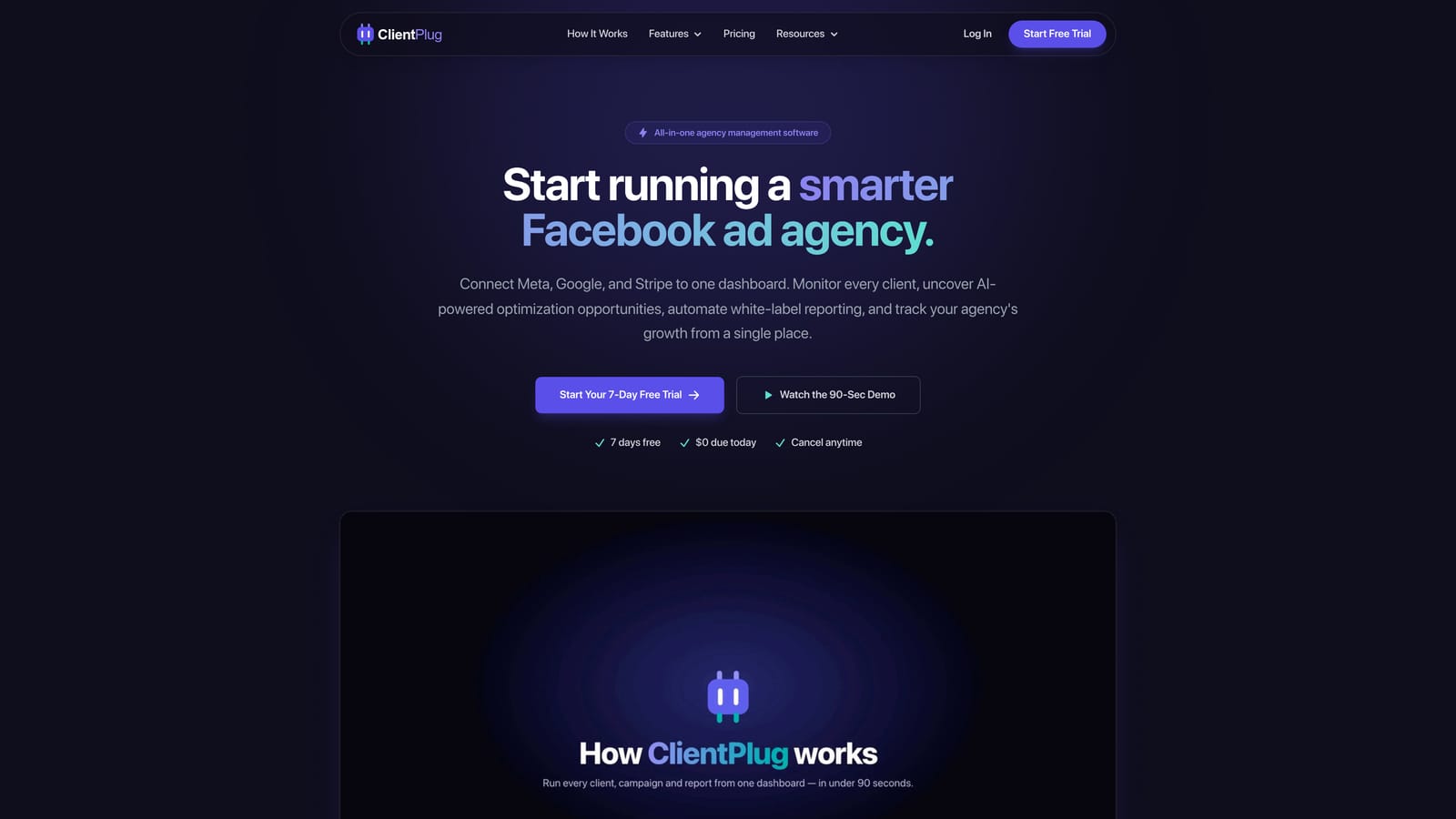
What sets it apart on this list is that reporting is tied to the business side of the client relationship. You can see that a client's campaigns are healthy and whether their latest payment has come through, without opening three tools.
- A unified dashboard shows Google and Meta Ads performance for every client, so you stop switching between accounts.
- Automated white-label reports go to clients under your branding, which removes the manual export-and-format step.
- Client payment tracking keeps billing status next to performance data.
- Health monitoring runs from individual ads up to campaigns, clients, and the whole agency, so problems surface before a client raises them.
- Conversion API setup takes a few clicks, which helps when tracking quality is the reason numbers look off.
- AI-assisted optimization suggestions help you act on what the data shows.
Integrations center on Google Ads and Meta Ads. Setup is connecting client accounts, and the day-to-day user is typically the agency owner or account manager.
The limits are real. ClientPlug focuses on paid ads and agency operations, so it is not a broad SEO, CRM, or multi-channel BI tool. If you need rank tracking, Search Console data, or dozens of other sources in one report, pair it with something else or look further down the list. Pricing is listed on the ClientPlug website, so check current plans there.
Best for: Agencies and freelancers who want reporting and client billing in one place.
2. Looker Studio
Looker Studio is Google's free visualization and reporting tool, with a native Google Ads connector. It suits people who want total control over how a report looks and are happy to build it.
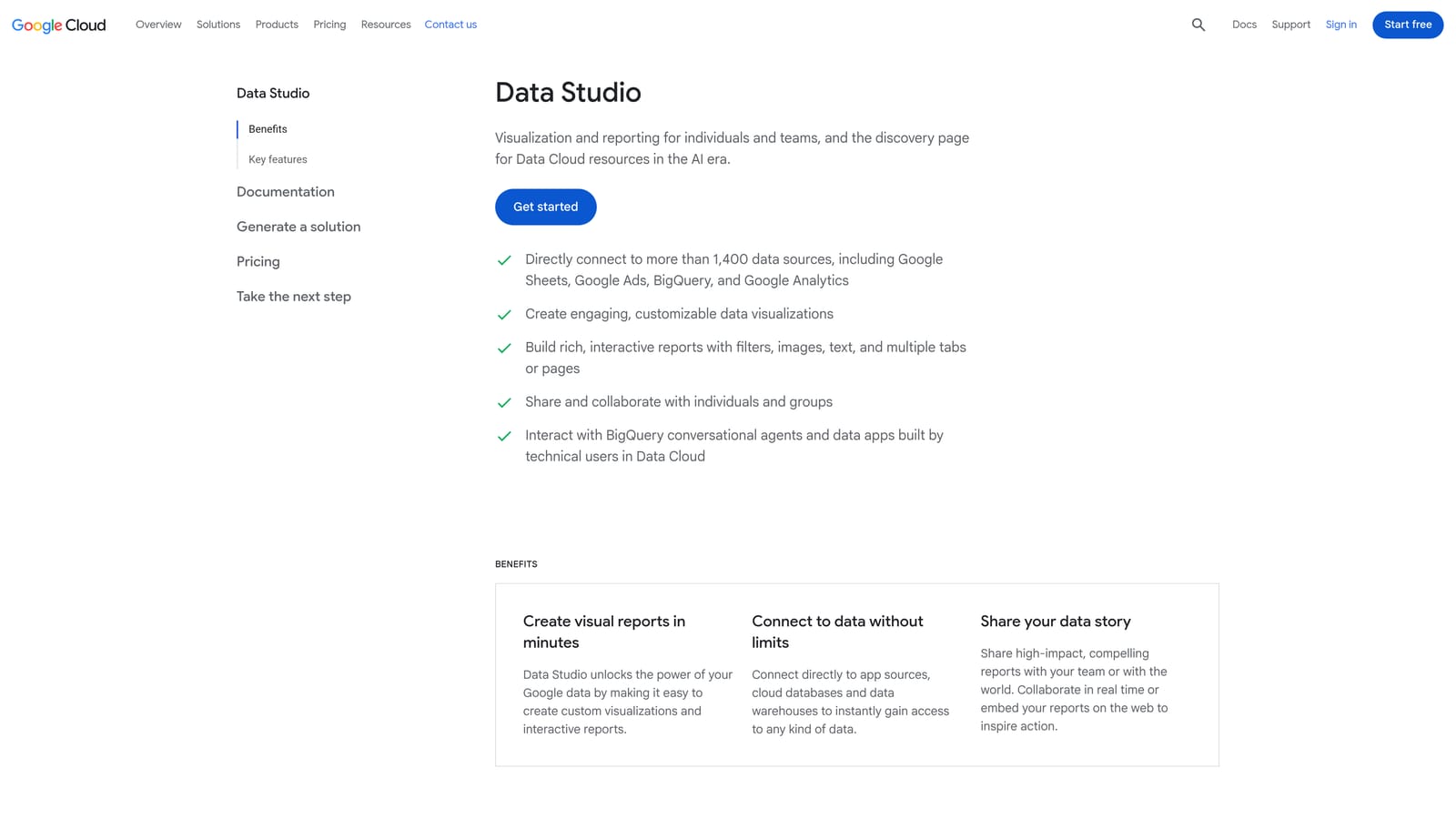
Its distinct strength is that it costs nothing to start and sits directly on Google data, including GA4, Sheets, and BigQuery. No other tool here lets you design a report this freely at no license cost.
- The native Google Ads connector pulls campaign, ad group, and keyword data without a third-party tool.
- Drag-and-drop editing lets you build the exact charts and layout a client expects.
- Scheduled email delivery sends reports automatically on a cadence you set.
- A template gallery gives you a starting point instead of a blank canvas.
- Link sharing makes it easy to give a client a live view.
The common misconception is that free means zero total cost. Non-Google sources such as Meta Ads typically need paid partner connectors, and your build time has a price too. Multi-client setups are manual: you duplicate reports and repoint data sources for each client, and there is no built-in multi-client roll-up or client billing.
Setup effort is moderate and scales with how custom you go. The person running it needs to be comfortable with data blending and calculated fields. Looker Studio Pro is the paid tier; there is no cost for the standard version.
Best for: Budget-conscious freelancers comfortable building their own templates.
3. AgencyAnalytics
AgencyAnalytics is a reporting platform built specifically for marketing agencies. It gives each client a dashboard, optionally behind a branded login, and covers a wide range of channels beyond Google Ads.
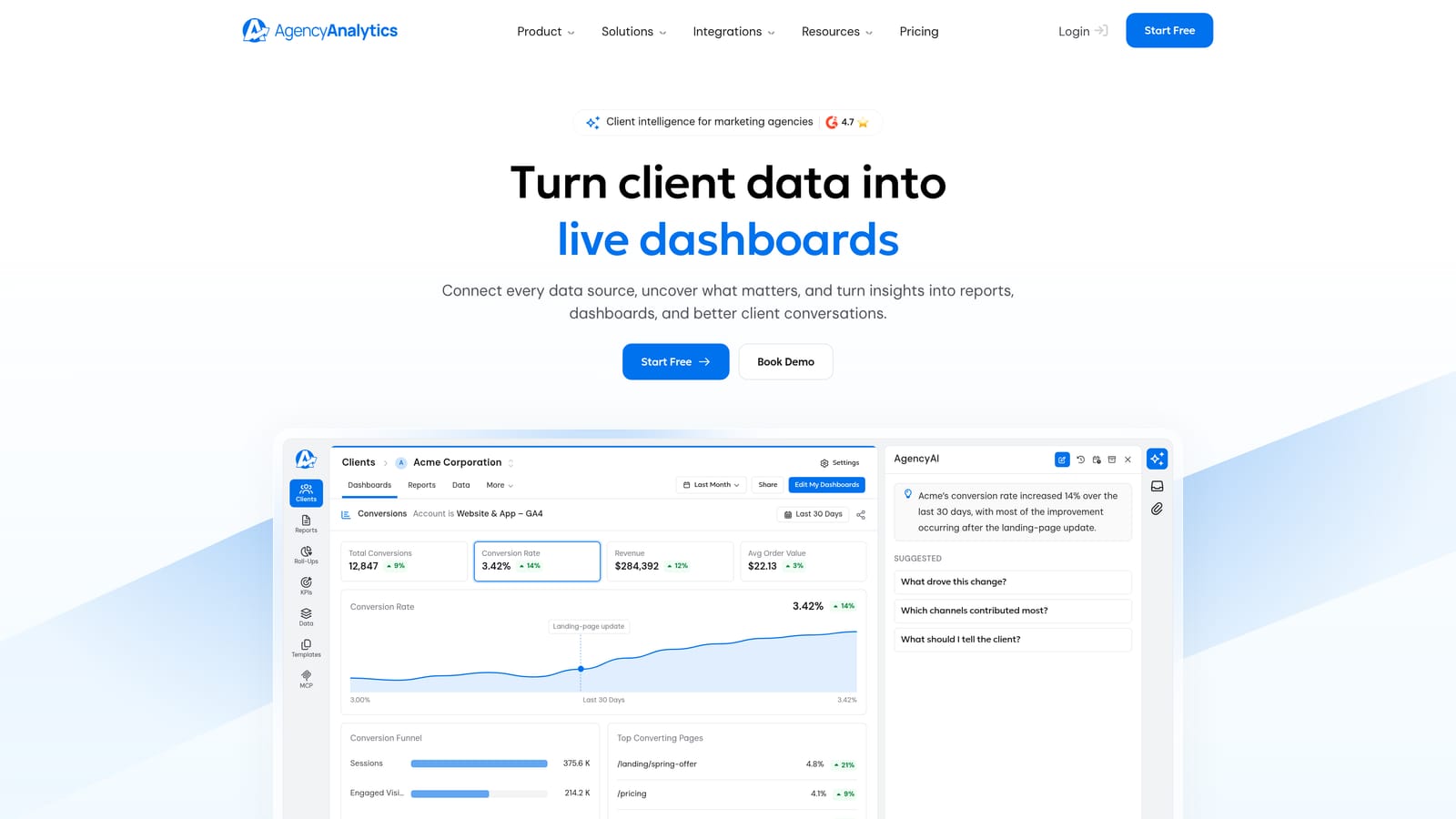
Its edge is breadth. If your clients buy SEO, PPC, and social from you, one platform can report on all of it under your brand, which is something the PPC-only tools cannot do as fully.
- Client-facing dashboards let clients check results themselves instead of emailing you for numbers.
- White-label branding applies your logo and look to dashboards and reports.
- Automated reports reduce monthly assembly work.
- A large integration set includes Google Ads, GA4, Facebook Ads, and Search Console.
- Rank tracking brings SEO position data into the same reports.
The main limitation is cost. Plans are priced per client campaign, so the bill grows as your roster grows. That can feel heavy for a solo freelancer with a handful of PPC clients who do not need SEO or social reporting. Check the website for current tiers.
Setup is mostly connecting each client's accounts and choosing a template, and the platform is usually run by account managers. It does not handle client payments or ad-level optimization, so it is a reporting layer, not an operations hub.
Best for: Full-service agencies reporting across SEO, PPC, and social.
4. DashThis
DashThis is a report automation tool built around preset templates for recurring marketing reports. You pick a template, connect sources, and the monthly report largely builds itself.
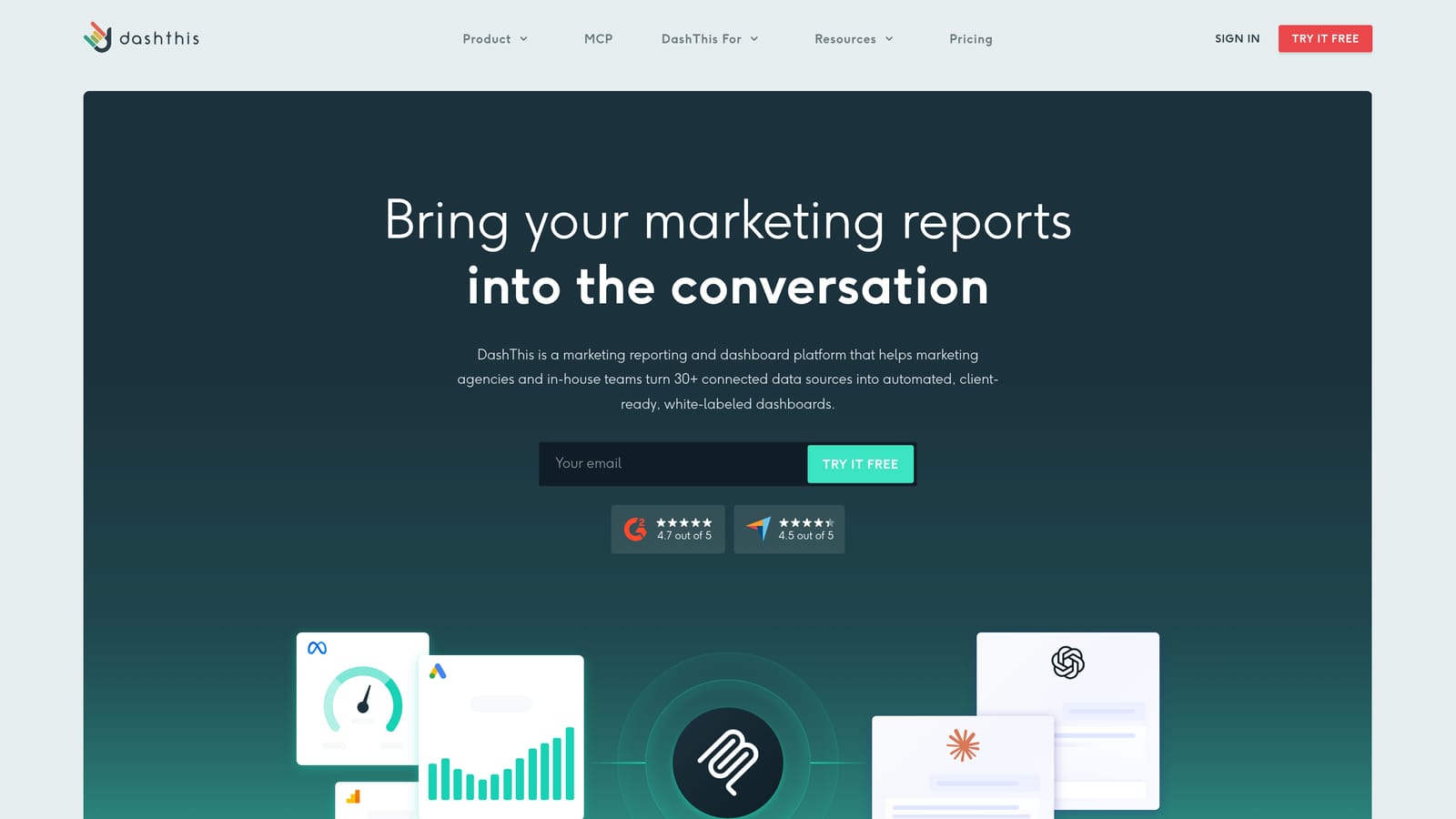
Its distinguishing choice is pricing tied to the number of dashboards rather than the number of data sources. If you pull many platforms into each client report, that structure can be easier to predict than per-source pricing.
- Preset templates get a Google Ads report running without design work.
- Automated scheduling sends reports on time every month.
- Custom branding lets the output carry your agency identity.
- Unlimited data sources per plan means adding Meta, GA4, or Search Console does not raise the price.
- Quick setup suits agencies onboarding clients frequently.
The trade-off is flexibility. Deep custom metrics and heavily tailored layouts are harder here than in Looker Studio. If a client demands unusual calculated fields, you may feel boxed in.
Integrations include Google Ads, GA4, Meta Ads, and Search Console, among many others. Plans are tiered by dashboard count, so cost rises as you add clients; see the website for current figures. It is typically run by an account manager or the owner, with little technical skill needed.
Best for: Agencies wanting quick, repeatable monthly reports.
5. Swydo
Swydo is a reporting and monitoring tool aimed at PPC and SEO agencies. It is more focused than the all-channel platforms, which can mean less clutter for a paid-search team.
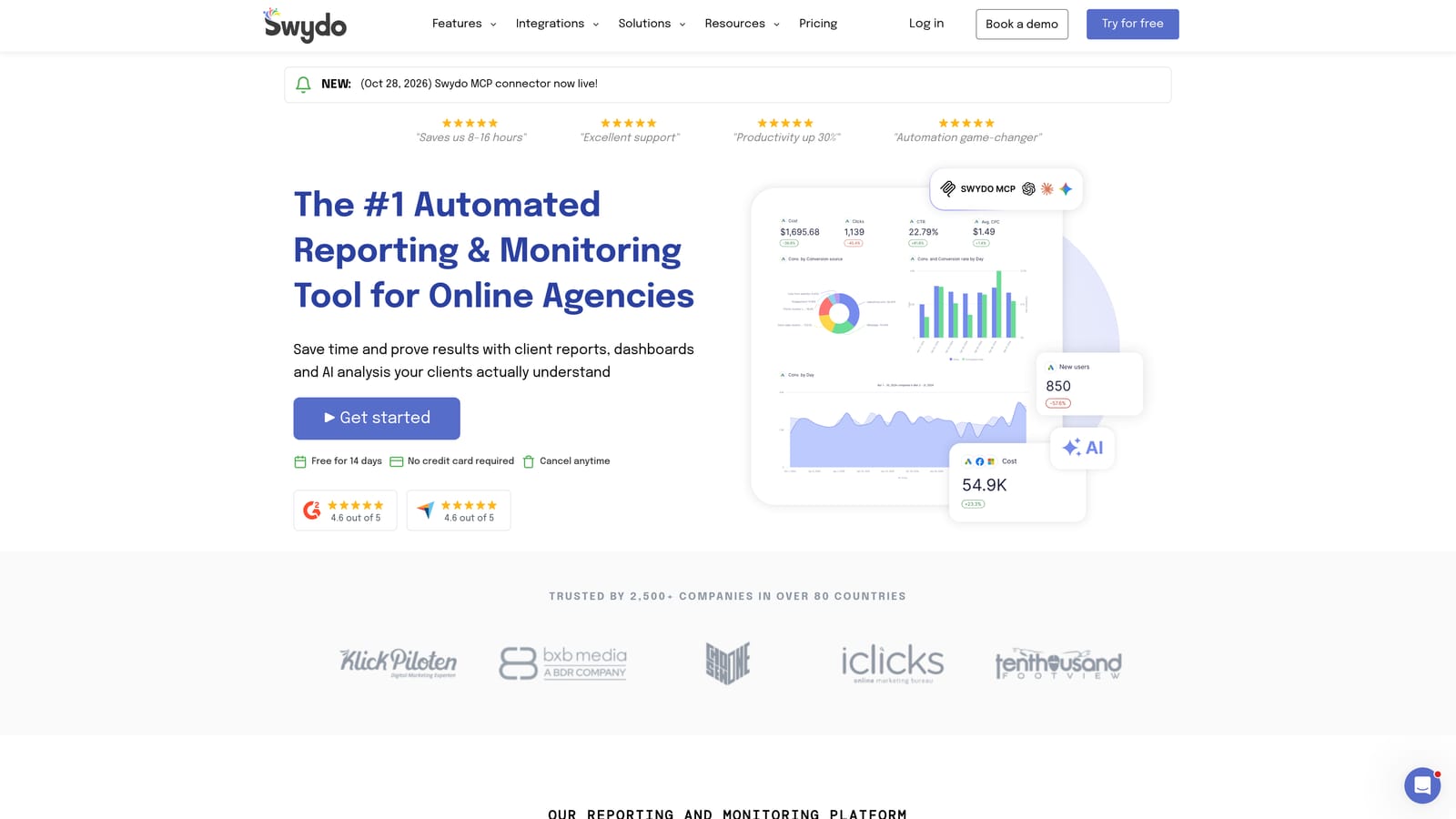
What it does that others here do not is combine PPC reporting with built-in rank tracking and performance alerts. A PPC-led shop that also owes clients a keyword ranking section can keep both in one report.
- Scheduled PPC reports go out automatically without manual exports.
- White-label options keep reports looking like your agency's work.
- Rank tracking adds SEO position data alongside ad results.
- Report templates speed up new client setup.
- Performance alerts flag shifts in results so you can react between reports.
The limitation is scale of options. Swydo has a smaller integration and template library than the largest competitors, so agencies reporting on many niche platforms may hit gaps. Core sources include Google Ads, Meta Ads, GA4, and Microsoft Ads.
Setup is straightforward and day-to-day use usually falls to a PPC manager. It does not manage client billing or provide AI optimization. Pricing is on the website, and as with most tools here it is worth confirming how cost changes with the number of clients or accounts.
Best for: PPC-led agencies that also report on SEO rankings.
6. Supermetrics
Supermetrics is not a dashboard. It is a data connector platform that moves Google Ads and other marketing data into the tools where you build reports, such as Looker Studio, Google Sheets, Excel, or a data warehouse.
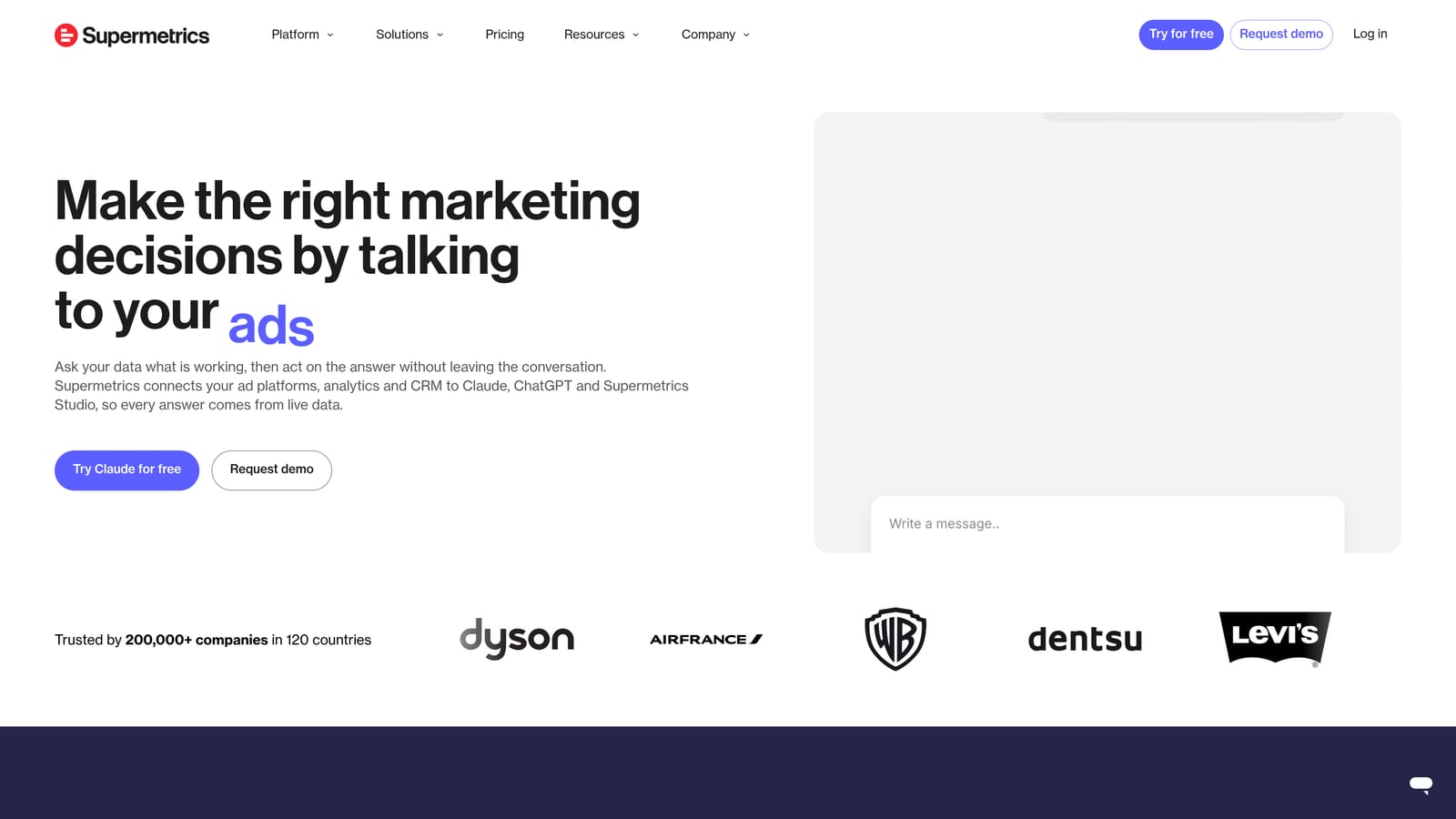
A connector, in this context, is the pipe that pulls data from an ad platform into your reporting tool. Supermetrics offers the widest set of those pipes on this list, which makes it the practical choice when your reporting stack is already built and only the data supply is the problem.
- Connectors to Looker Studio, Sheets, and Excel let you keep the tools you already know.
- Warehouse transfers, including BigQuery, support larger or more complex analysis.
- Scheduled refreshes keep reports current without manual pulls.
- A large connector library covers Google Ads, Meta Ads, LinkedIn Ads, and many more.
The limitation is plain: you still need somewhere to visualize the data, so Supermetrics adds cost on top of the destination tool. It also assumes comfort with spreadsheets or BI work. A freelancer wanting a finished client report with minimal effort will find it more assembly than they want.
Pricing is tiered or quote-based depending on the connectors and destinations you need, so request current numbers. Setup effort is moderate, and the person running it is usually the agency's data-minded team member.
Best for: Data-savvy agencies with an existing Looker Studio or warehouse setup.
7. Databox
Databox is a business analytics platform built around live metric scoreboards, goals, and benchmarks. It leans toward ongoing monitoring more than polished monthly documents.
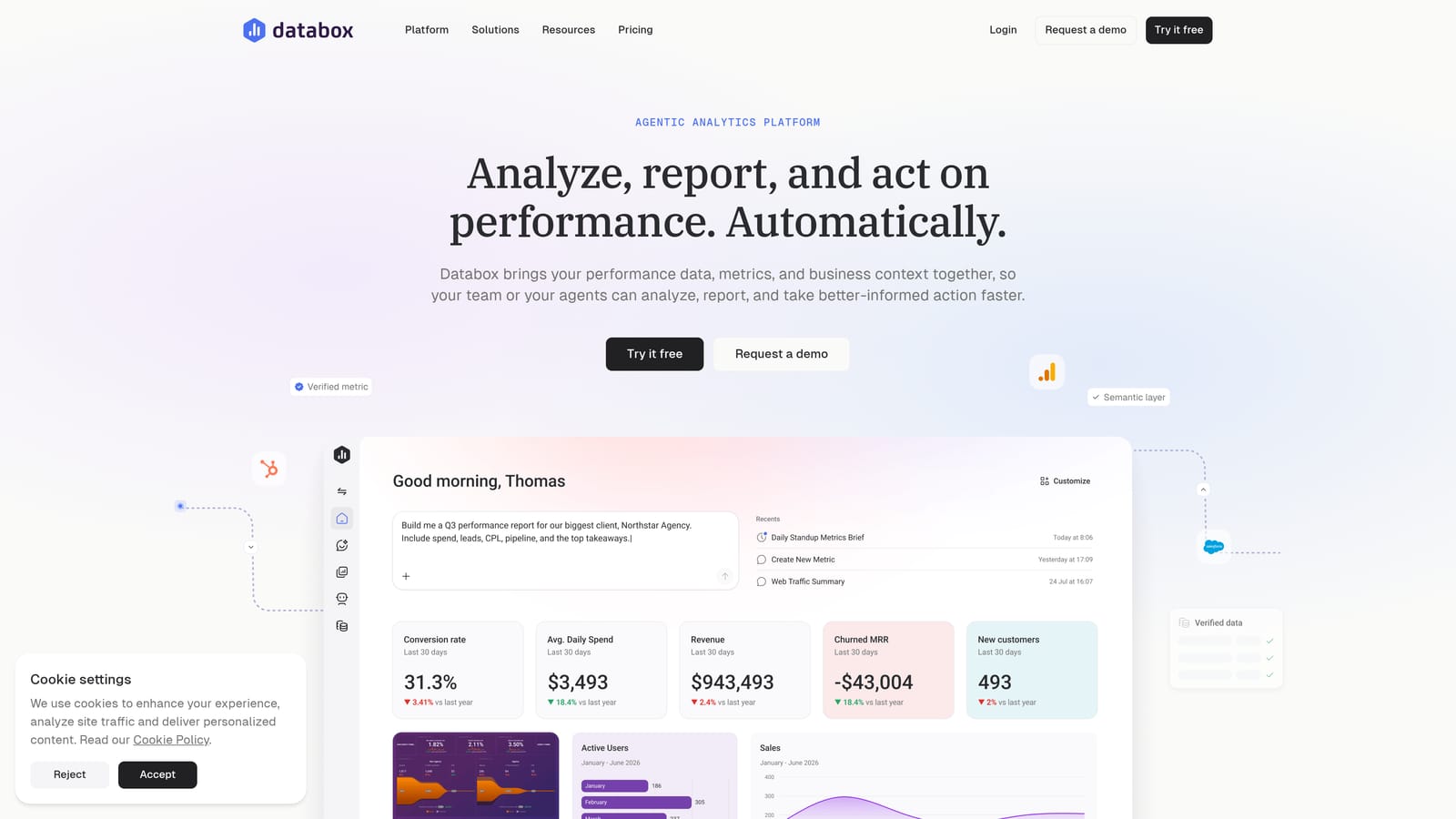
Its distinctive angle is goal tracking. You can set targets for metrics like cost per lead and see progress against them, which suits teams that check performance daily rather than once a month.
- Goal tracking shows whether a client is on pace for their targets.
- Mobile dashboards let you check numbers away from a desk.
- Benchmarks give context on how performance compares with similar companies.
- Custom metrics let you define the calculations your clients care about.
- Scheduled snapshots deliver regular updates by email.
The weakness for agencies is client-ready output. Producing a polished PDF takes more setup than in report-first tools like DashThis or Swydo, so if your main need is a branded monthly document, Databox may feel indirect.
Integrations include Google Ads, GA4, HubSpot, and Facebook Ads, among others. A free tier is available, which makes it easy to test, and paid plans add capacity; check the website for current limits and pricing. It is typically run by whoever owns KPI monitoring on the team.
Best for: Teams that track KPIs against goals day to day.
8. Windsor.ai
Windsor.ai is a data integration platform that sends marketing and attribution data to dashboards and BI tools. Like Supermetrics, it supplies data rather than a finished reporting interface.
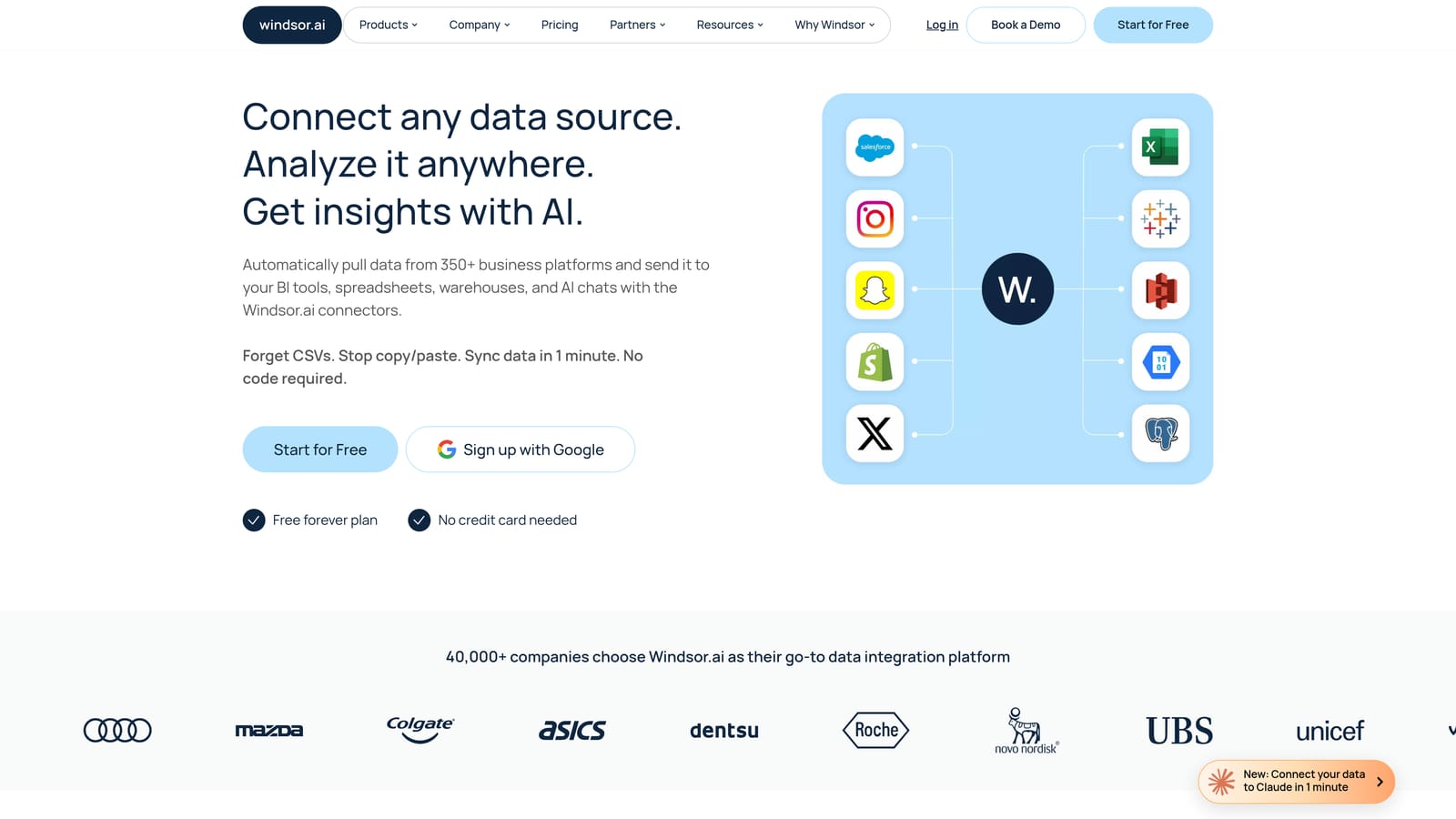
Its angle is attribution. Beyond pulling Google Ads numbers, it offers attribution modeling, and it is positioned as a lower-cost route to a data pipeline for teams that want more than platform-reported conversions.
- Many data connectors cover Google Ads, Meta Ads, and other marketing platforms.
- Looker Studio and Sheets output lets you build reports in tools you may already use.
- Attribution modeling helps you see how channels contribute to conversions.
- Warehouse export, including BigQuery, supports deeper analysis.
The limitation mirrors other connector tools: it relies on a separate dashboard for visualization, so you carry both the connector cost and the build effort. It is also less suited to a freelancer who simply wants a branded report to send, since there is no white-label client layer of its own.
Setup involves connecting sources and then designing reports elsewhere, so someone with analytics skills usually runs it. Pricing details are on the website; compare it against Supermetrics for your specific connectors and data volume before committing.
Best for: Cost-conscious teams that need attribution data in their own dashboards.
9. Google Ads Built-In Reports
Google Ads includes native reporting with a custom report editor and scheduled emails. It costs nothing beyond having an account, and it reads straight from the source data.
That directness is its advantage. There is no sync delay from a third party and no extra login, so for a quick check on one account it is the fastest option on the list.
- The custom report editor lets you build tables and charts from the metrics you choose.
- Scheduled email reports send results on a regular cadence.
- Looker Studio linking gives a path to richer visuals when needed.
- Manager account views let you look across accounts under one MCC (manager account), the Google Ads structure that groups multiple client accounts.
The limits matter for agencies. There is no agency branding, so reports look like Google's, and there is no cross-platform view, which means Meta or other channels live elsewhere. Managing many clients this way means repeated manual work and no client billing or roll-up beyond what the MCC offers.
Integrations are limited to Looker Studio, GA4, and Google Sheets. Setup is minimal, and it is run by whoever manages the account. It is free with a Google Ads account.
Best for: Single-account advertisers needing quick checks.
Matching a Google Ads Reporting Dashboard to Your Situation
For freelancers on a budget, Looker Studio paired with Google Ads' own reports gives a no-license-cost start, as long as you accept the time spent building and duplicating templates. For agencies that need white-label automation across several clients, ClientPlug, AgencyAnalytics, DashThis, and Swydo are the true agency dashboards. ClientPlug fits best when your work is Google and Meta Ads and you also want payments and client health in the same view; AgencyAnalytics fits when SEO and social reporting are part of the package.
Teams with an existing BI stack should look at Supermetrics or Windsor.ai to feed Looker Studio or a warehouse, remembering that connector fees stack on top of the dashboard. Databox suits teams that watch goals daily. Single-account advertisers can stay with the built-in reports.
Whichever you shortlist, test it on two or three real client accounts and project the cost at your expected client count, since pricing models differ in what they count. Learn more about our services