Running Google Ads for a handful of clients usually means one spreadsheet for invoices, another tab for campaign notes, and a separate login for every reporting tool you have tried over the years. That patchwork works until you add your sixth or seventh client, at which point something slips: a renewal gets missed, a report goes out late, or you spend Sunday night reconciling ad spend against what you actually billed. The tools below were chosen because they address at least one piece of that workflow well, and we have flagged which ones handle only reporting versus which try to cover client management end to end.
Quick Comparison
- ClientPlug.io: best for agencies and freelancers who want billing, ad performance, and reporting in one dashboard; pricing on website; the only tool here that unifies client payments with campaign monitoring.
- AgencyAnalytics: best for multi-channel agencies needing broad reporting; quote-based pricing; the largest integration library on this list.
- Whatagraph: best for agencies that need polished, presentation-ready client dashboards; quote-based pricing; strongest visual report builder here.
- ReportGarden: best for PPC-only shops that want proposals and budget alerts bundled in; quote-based pricing; built-in budget pacing alerts.
- Swydo: best for teams reporting against pre-agreed client KPIs; quote-based pricing; goal-tracking tied to benchmarks rather than raw metrics.
- NinjaCat: best for larger agencies managing high account volumes; quote-based enterprise pricing; custom data warehousing option.
- DashThis: best for small teams wanting fast, predictable setup; flat-rate pricing by dashboard count; per-dashboard pricing instead of per-client fees.
- Funnel.io: best for agencies with an analytics team feeding BI tools; quote-based pricing; built to centralize ad spend data for external analysis.
- Looker Studio: best for freelancers on a tight budget; free; the only free option with native Google Ads connectors.
1. ClientPlug.io
ClientPlug.io is built for agency owners and freelancers who are tired of running client billing, Google and Meta Ads monitoring, and reporting through three or four disconnected systems. Instead of treating those as separate problems, it puts payment tracking, campaign health, and client reporting into a single dashboard, which is the core reason it sits at the top of this list.
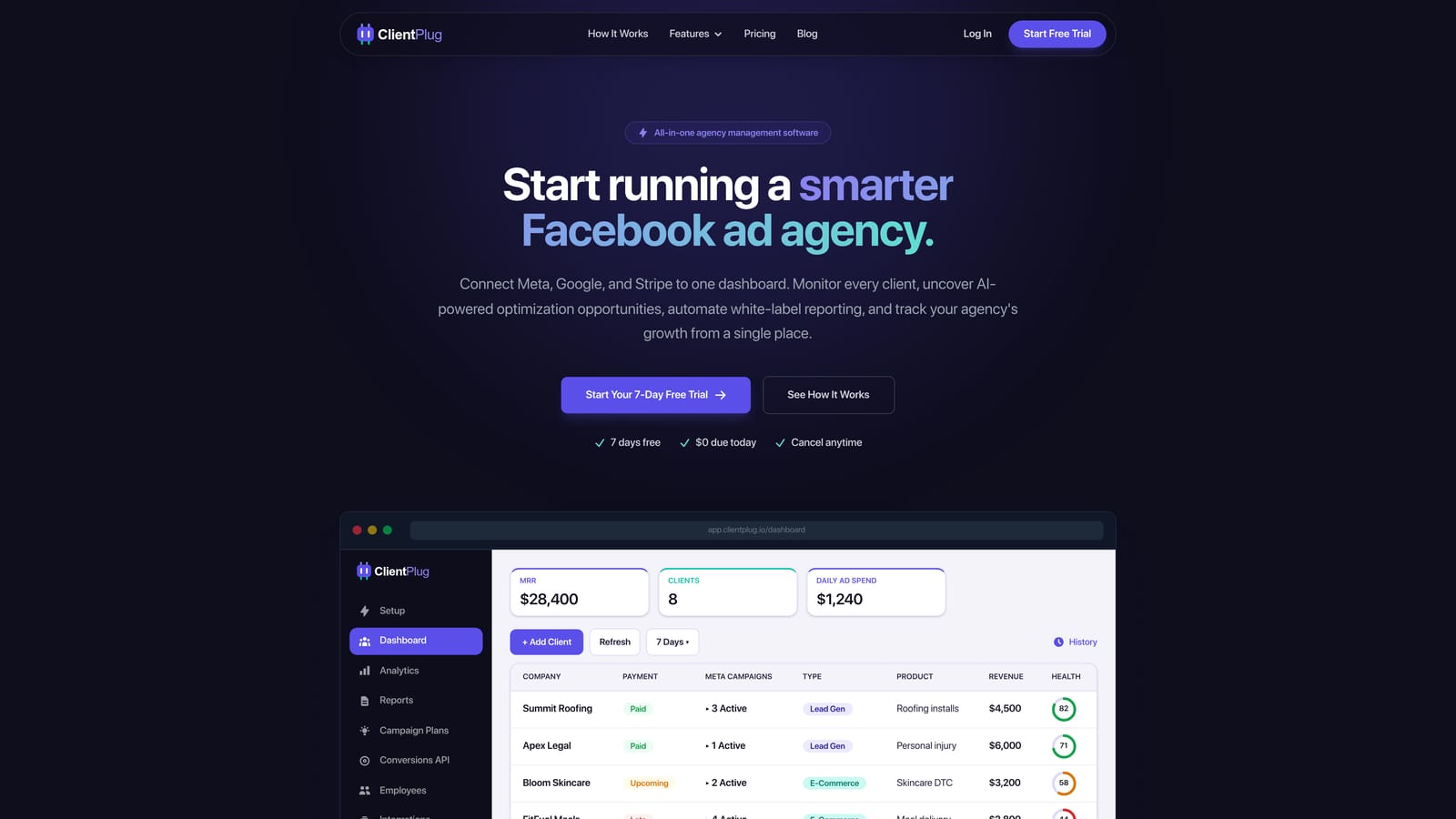
Where reporting-only platforms stop at dashboards, ClientPlug ties what a client owes and has paid to how their campaigns are actually performing, so an agency owner can see at a glance which accounts are profitable and which are draining time relative to revenue. Its features include:
- Client payment and invoice tracking sits next to ad performance data, so you are not cross-referencing accounting software with an ads dashboard to see if a client is worth the effort.
- AI-assisted optimization suggestions flag underperforming ads or budget issues before they eat into a client's spend.
- One-click Conversion API setup handles the server-side tracking that Google increasingly relies on as browser-based cookie tracking gets restricted, without requiring a developer.
- Automated white-label reports go out under your agency's own branding, cutting down the manual report-building that eats a Friday afternoon.
- A single dashboard view lets you check every client's ad accounts and payment status without switching logins.
Setup involves connecting Google Ads, Meta Ads, and Google Analytics accounts, and most agency owners or a single ops person can manage it without a dedicated analyst. As of 2026 it is a newer platform, so its integration library is smaller than tools like AgencyAnalytics that have spent years adding connectors for SEO, call tracking, and social platforms beyond Meta and Google. Agencies running heavy SEO or multi-channel reporting alongside Google Ads may still want a secondary tool for those channels. Pricing details are available on the ClientPlug website.
Best for: Agencies and freelancers who want billing, campaign health, and client reporting managed from one place instead of stitching together three tools.
2. AgencyAnalytics
AgencyAnalytics is built for agencies that run more than just Google Ads, covering PPC, SEO, social, and call tracking under one reporting roof. It suits marketing agency owners who need a single client dashboard that pulls from many different channels rather than just Google's ad ecosystem.
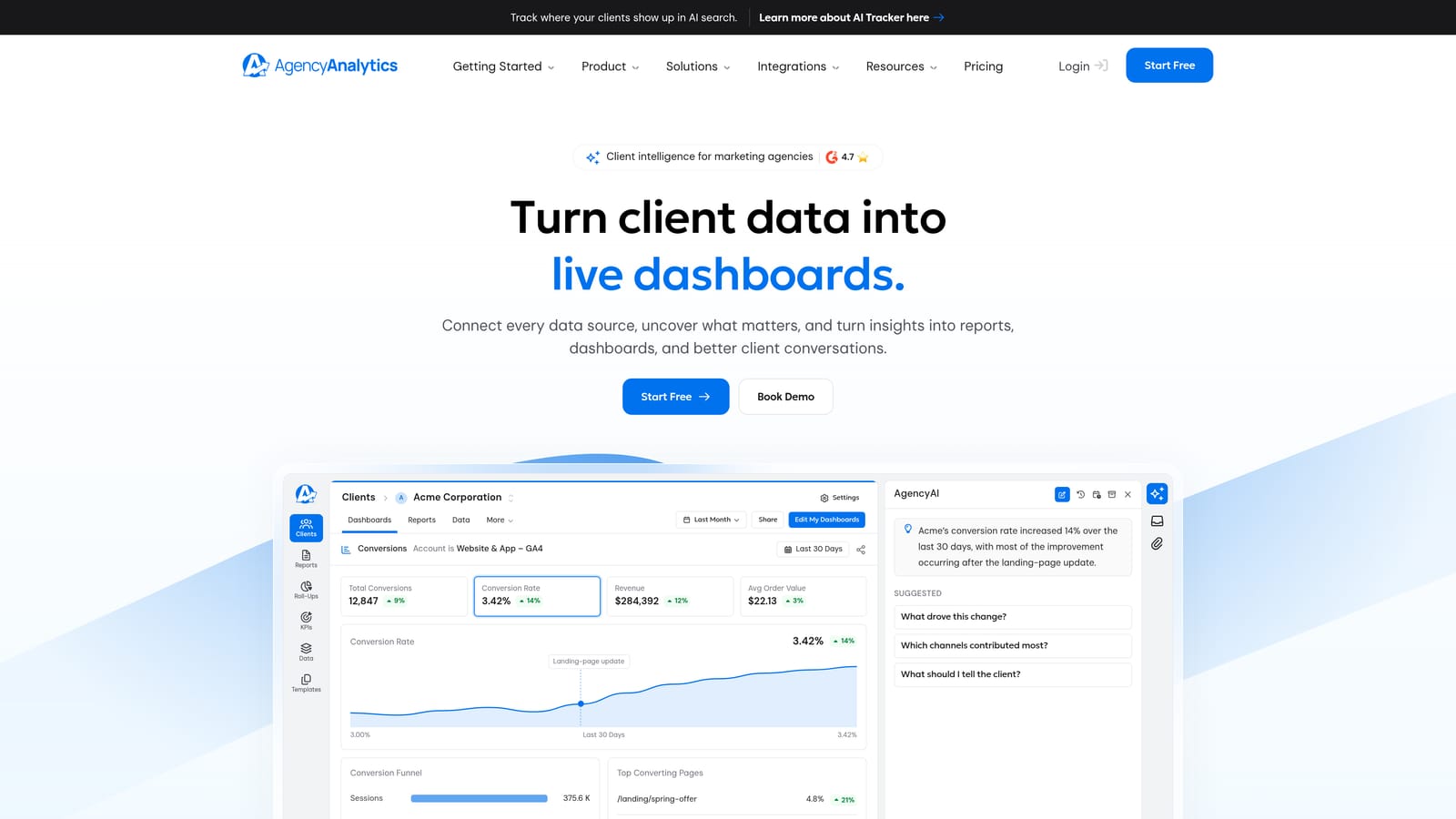
Its main advantage over everything else on this list is breadth: with 80+ marketing platform integrations, it can pull data from tools most competitors do not touch, which matters if your clients expect one report covering paid, organic, and social together.
- Integrations across dozens of platforms mean you rarely need a second reporting tool for a client running mixed campaigns.
- White-label client dashboards let clients log in and check live results between your scheduled reports.
- Automated report scheduling removes the recurring task of manually compiling monthly PDFs.
- Custom KPI tracking lets you build dashboards around what each client actually cares about, rather than a generic template.
Setup takes some time given the number of available integrations, and it typically runs under an agency's dedicated reporting or account manager rather than the owner alone. It has no native billing or payment tracking, so agencies still need a separate invoicing system or accounting software. Pricing is quote-based and tiered by client count as of 2026, so costs can grow noticeably as your roster expands.
Best for: Multi-channel agencies that need one reporting hub across PPC, SEO, and social.
3. Whatagraph
Whatagraph targets agencies whose clients expect reports that look as good as they read. It's a visual reporting and data-blending platform built around presentation, useful for shops pitching enterprise or brand-conscious clients who judge an agency partly by how polished the monthly update looks.
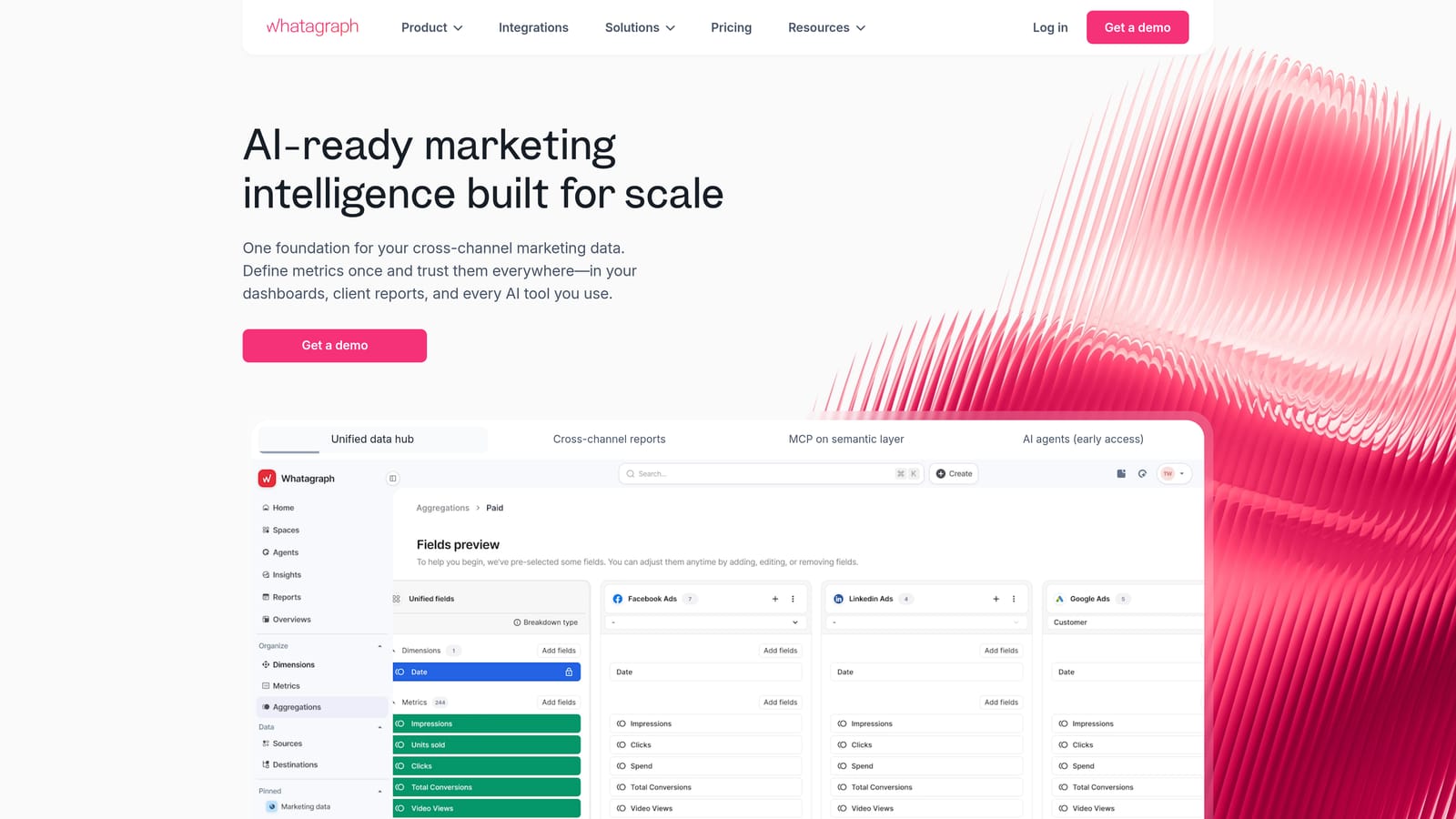
Compared with the rest of this list, Whatagraph's drag-and-drop report builder is the strongest for producing genuinely client-facing, presentation-ready dashboards rather than functional data tables.
- Drag-and-drop report design lets you build custom layouts without a designer or template constraints.
- Cross-channel data blending combines Google Ads with other platforms into a single visual narrative.
- Client-facing dashboards give clients a branded portal instead of a static PDF.
- Scheduled report automation sends updates on a set cadence without manual triggering.
Someone with reporting or design responsibility usually owns Whatagraph day to day, since building out the visual templates takes more attention than filling in a pre-built one. The tradeoff is cost: pricing is quote-based and scales with client count, and agencies report that costs climb noticeably as they add clients, which can strain freelancers or small teams more than larger agencies with bigger reporting budgets.
Best for: Agencies that prioritize visually polished client-facing reports over back-end client management.
4. ReportGarden
ReportGarden is aimed squarely at PPC agencies rather than full-service shops, combining reporting with proposal creation and budget pacing tools in one platform. It is a fit for agency owners who spend as much time writing pitches and audits as they do managing live accounts.
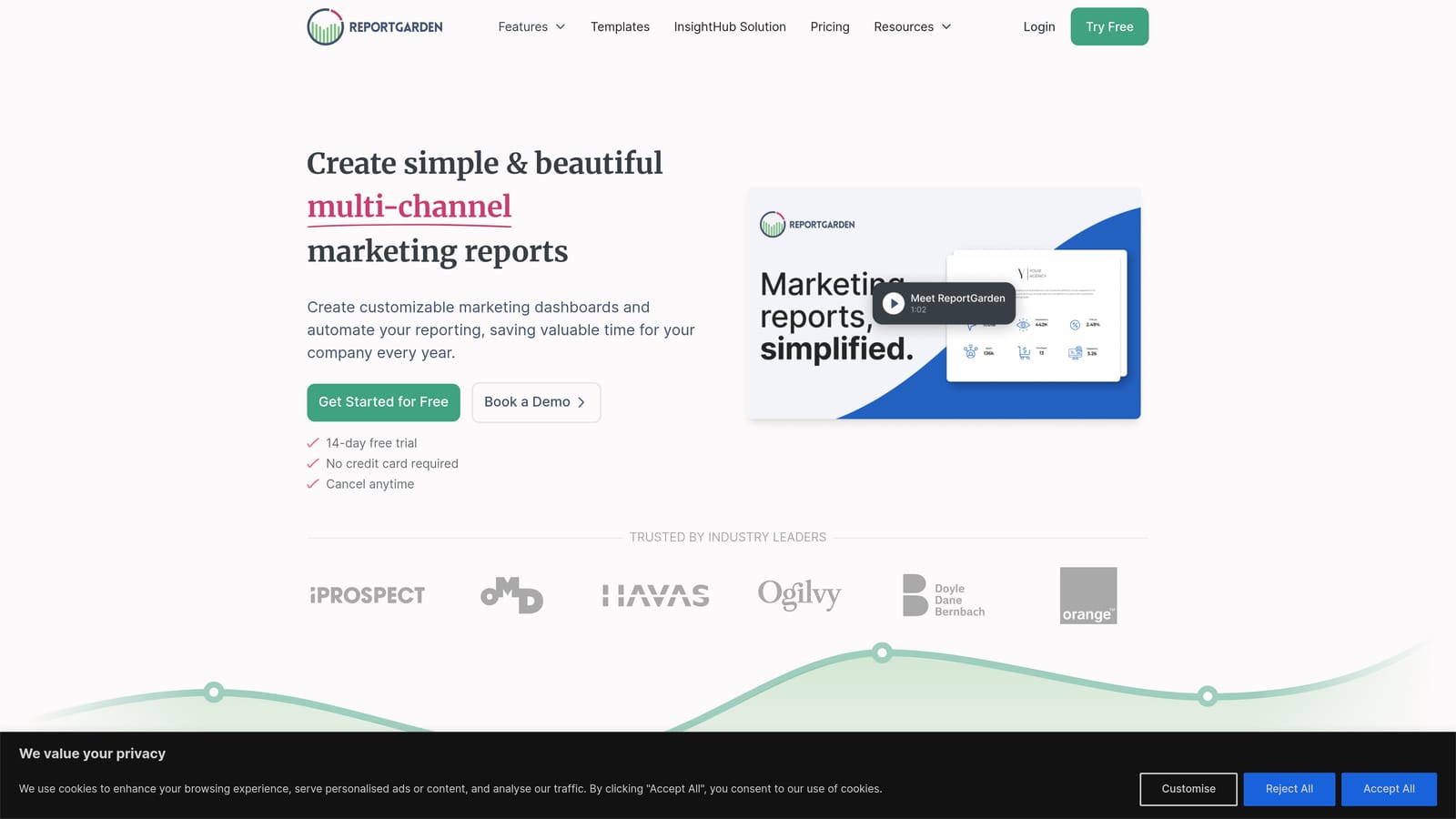
Its budget pacing alerts are the standout feature here: rather than general marketing dashboards, ReportGarden is built around the specific rhythm of managing ad spend across multiple client accounts and flagging when a budget is over or under-pacing mid-month.
- Budget pacing alerts notify you before a client's monthly spend runs out or falls behind schedule.
- Proposal and audit templates help you win new PPC clients without building pitch decks from scratch.
- Automated PPC reporting handles the recurring reporting cycle across Google, Meta, and Bing Ads accounts.
- Multi-client account management gives a single view across every account you manage.
Day-to-day, it is usually run by a PPC account manager rather than a generalist, since much of the interface is built around ad account specifics. As of 2026, the interface feels dated compared with newer platforms, which can mean more onboarding time when you bring on a new team member. It also lacks any client billing or payment component, so it functions purely as a PPC operations and reporting tool. Pricing is quote-based; confirm current AI-related feature additions directly with ReportGarden, since some competitors in this space have recently added AI features that may or may not be matched here.
Best for: PPC-only agencies that want budget alerts and proposal tools bundled with reporting.
5. Swydo
Swydo leans into goal tracking rather than raw metric reporting, tying client dashboards directly to KPI benchmarks that you and the client agreed on upfront. It suits agencies that sell results against specific targets, such as cost-per-lead thresholds, rather than just showing spend and clicks.
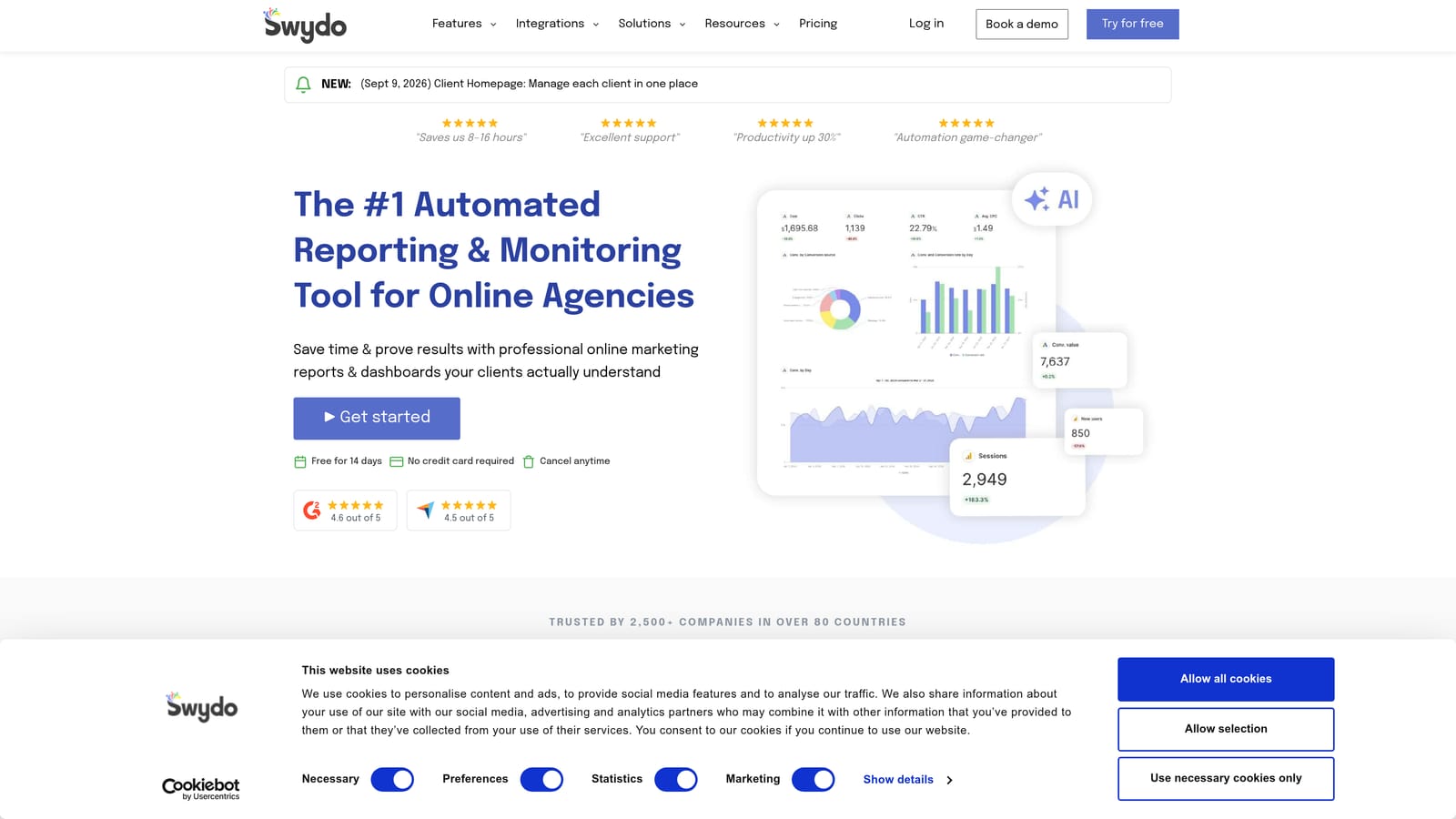
The distinguishing feature is that Swydo's reports are built around whether a campaign is hitting its agreed goal, not just what happened. That framing matters for client retention conversations, since a report that says "on pace to hit target" reads differently than a wall of numbers.
- Template-based report building speeds up setup for new clients with similar reporting needs.
- Goal and KPI tracking ties every report back to the benchmark you set with the client, making performance conversations more concrete.
- Automated report delivery removes manual sending on your recurring schedule.
- Multi-account management covers Google Ads, Analytics, and Meta Ads accounts from one interface.
Swydo is reporting-focused only. It has no payment tracking or CRM-style client management, so agencies still need a separate system for invoicing and client records. It's typically run by whoever handles client reporting, and setup is straightforward given the template-driven approach. Pricing is quote-based as of 2026.
Best for: Teams that want reporting tied tightly to pre-agreed client performance goals.
6. NinjaCat
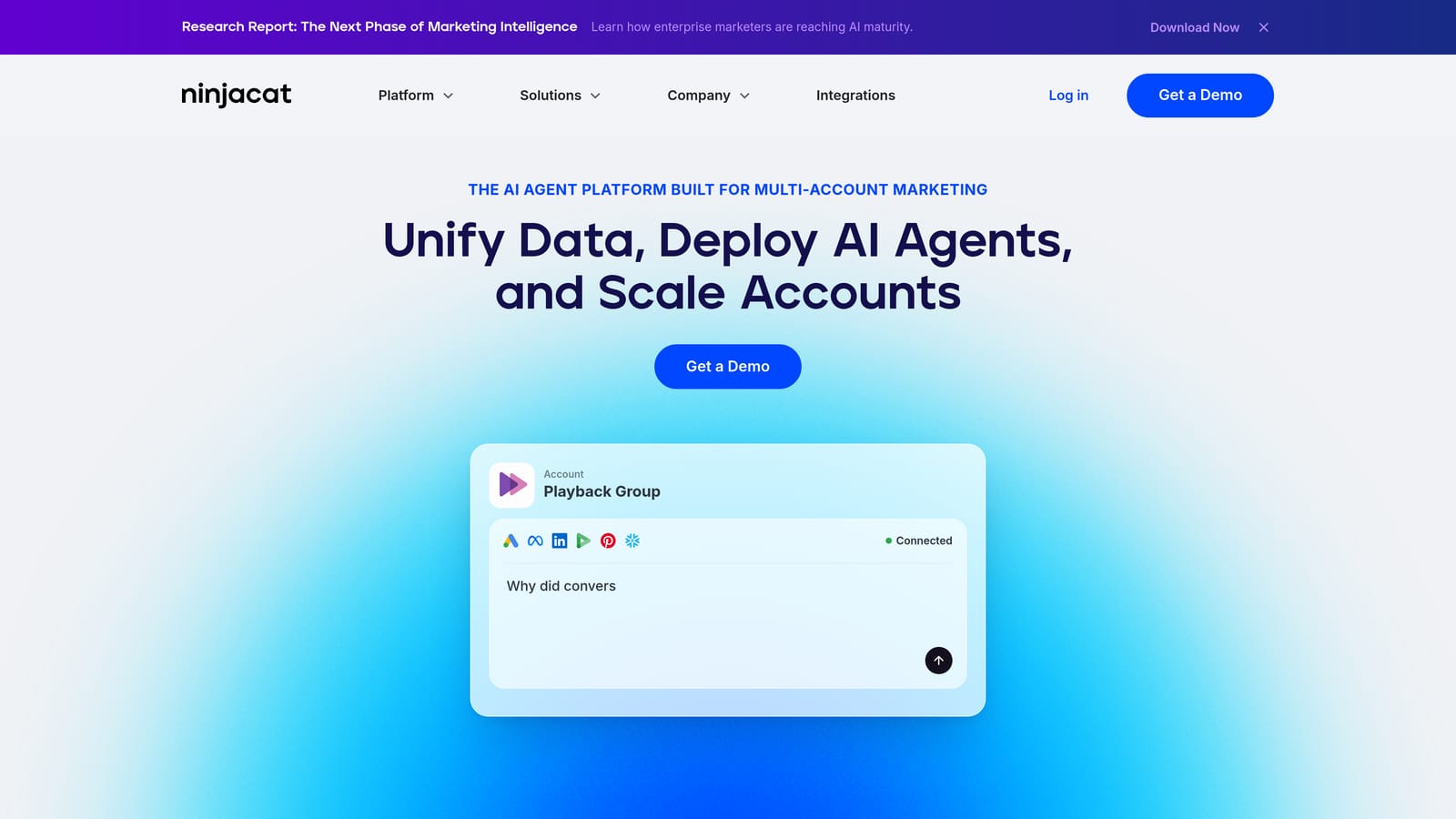
NinjaCat is built for agencies operating at scale, managing large volumes of Google Ads accounts across many clients rather than a handful of engagements. It is an enterprise-grade marketing data platform, and it behaves like one, both in capability and in cost.
What sets it apart
Its custom data warehousing option is the notable differentiator here: rather than only viewing dashboards, agencies can access raw underlying data for deeper custom analysis, which matters for larger teams with analysts who want to go beyond pre-built reports.
- Custom data warehousing gives your team direct access to raw performance data beyond dashboard summaries.
- Automated multi-client reporting handles reporting cycles across a large roster without manual assembly.
- Campaign performance alerts flag issues across accounts before they become client complaints.
- White-label dashboards keep everything branded consistently across every client relationship.
Who it does not fit
NinjaCat has a steeper learning curve than most tools on this list, and its enterprise pricing structure reflects that scale. Solo freelancers or very small teams will likely find both the cost and the complexity disproportionate to their needs. It typically requires a dedicated analytics or operations person to run effectively, not a solo owner juggling client work alone.
Best for: Mid-size to large agencies managing high volumes of Google Ads accounts that need deeper data access.
7. DashThis
DashThis takes a simpler approach than most tools on this list: pre-built templates, quick setup, and flat-rate pricing rather than fees tied to client count. It suits small teams that want a working Google Ads dashboard running quickly without a long onboarding process.
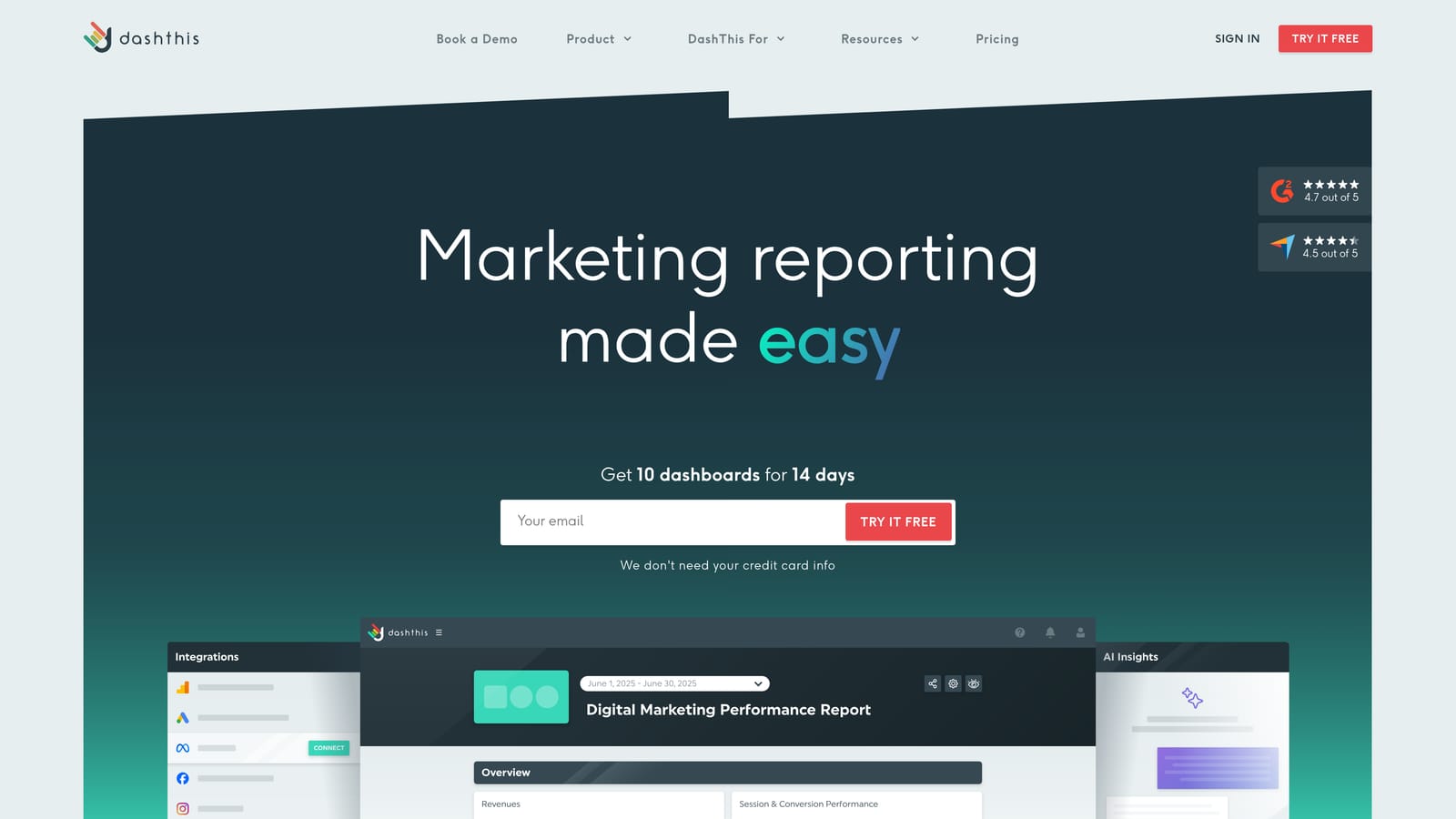
The pricing model is what separates it from the rest of this list. Instead of per-client fees that grow as your roster expands, DashThis charges flat-rate tiers based on the number of dashboards you build, which can make budgeting more predictable for smaller shops.
- Pre-built Google Ads dashboard templates let you launch a client report without building from a blank canvas.
- Flat-rate pricing by dashboard count keeps costs predictable as opposed to per-client billing that scales unpredictably.
- Automated report scheduling handles recurring delivery without manual effort.
- Basic white-labeling applies your agency branding to client-facing reports.
It has fewer automation and optimization features than newer AI-driven platforms, so agencies looking for campaign suggestions or predictive alerts will not find much here beyond straightforward reporting. Setup is light enough that most freelancers or a single team member can run it without dedicated reporting staff. Pricing is flat-rate and tiered by dashboard count as of 2026.
Best for: Small teams wanting fast, predictable-cost dashboard setup without extra bells and whistles.
8. Funnel.io
Funnel.io is not really a client-facing reporting tool in the way most of this list is. It is a data consolidation platform that pulls Google Ads spend, along with data from other ad platforms, into a warehouse for deeper analysis, usually feeding into a BI tool like Looker Studio or Tableau.
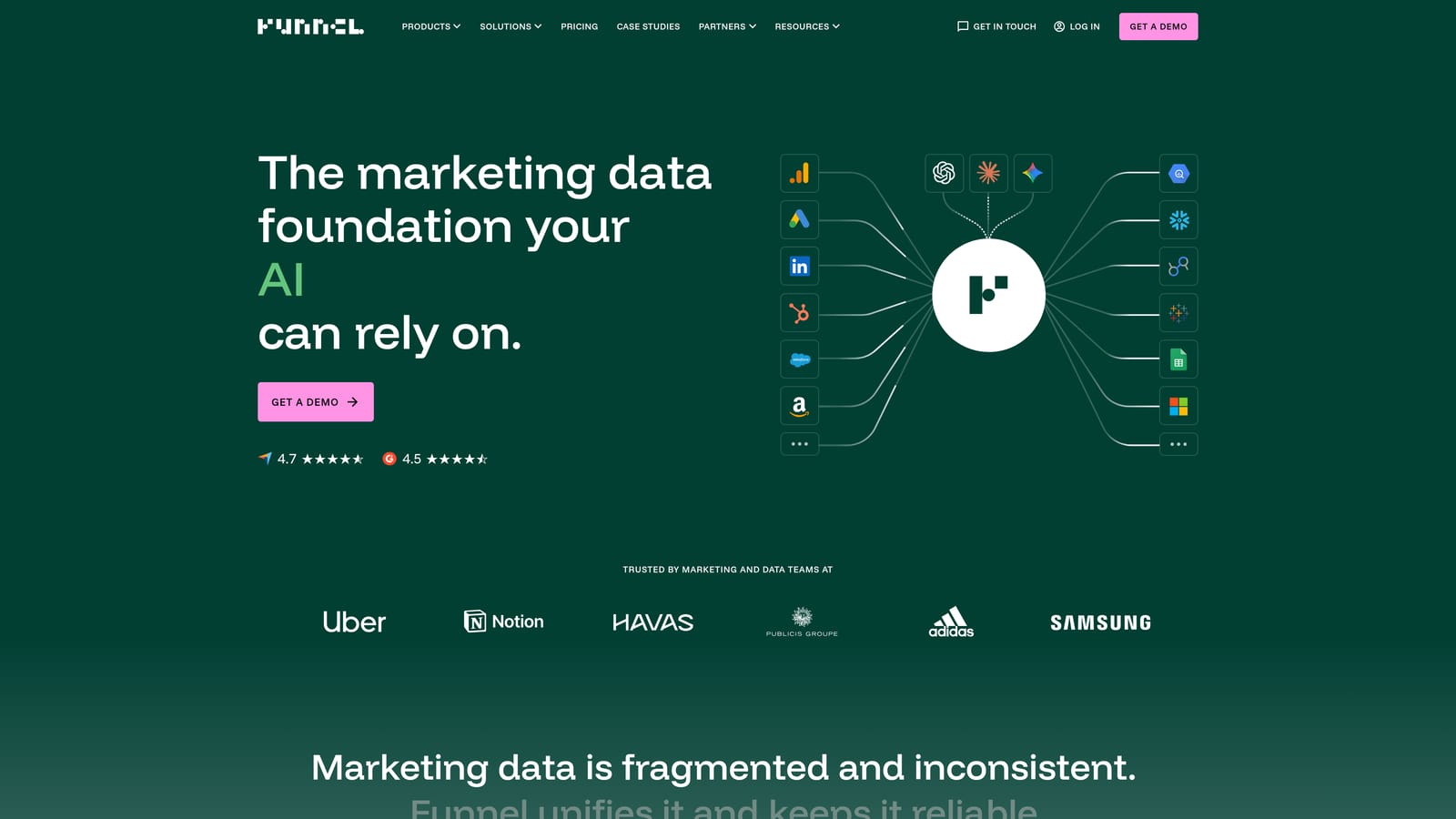
Its purpose on this list is distinct: rather than producing the report itself, Funnel exists to feed clean, centralized ad spend data into whatever visualization or analytics system your team already uses. That makes it valuable for agencies with an in-house data or analytics function.
- Data warehousing for marketing spend centralizes numbers from multiple ad platforms into one clean source.
- Connections to BI tools like Looker Studio and Tableau let your analytics team build custom visualizations on top of Funnel's data.
- Automated data collection across ad platforms removes manual exports and spreadsheet consolidation.
- Custom data transformation rules let you clean and standardize data before it reaches your reporting layer.
Funnel is not designed to be a standalone client-facing reporting tool, so agencies typically pair it with a second visualization platform, which adds cost and complexity. It generally requires someone with data or analytics skills to manage the transformation rules and connections, making it a poor fit for solo freelancers without that expertise. Pricing is quote-based as of 2026.
Best for: Agencies with a data or analytics team that need clean, centralized ad spend data for custom analysis.
9. Looker Studio
Looker Studio is Google's free reporting tool, and as of 2026 it remains free to use, which is a meaningful factor for freelancers and new agencies watching every dollar of overhead. Its native connectors to Google Ads and Google Analytics make it a common starting point before an agency invests in a paid platform.
The obvious standout is cost: it is the only free tool on this list with direct, native Google Ads data connections, no third-party integration layer required.
- Native Google Ads and Analytics connectors pull data directly without needing a paid connector add-on.
- Fully customizable report templates let you build exactly the layout a client wants, with no restrictions from a vendor's template library.
- Shareable, live-updating dashboards give clients a link they can check anytime rather than waiting for a scheduled PDF.
- Free to use as of 2026, with no per-client or per-dashboard fee structure.
The tradeoff is manual effort. Looker Studio has no billing, alerting, or multi-client management layer, and every report has to be built and maintained by hand, which becomes time-consuming once you pass a handful of clients. It works well for a freelancer managing two or three accounts personally but does not scale gracefully as a client roster grows. There is no dedicated support team behind it either, since it is a self-serve Google product rather than an agency-focused vendor.
Best for: Freelancers or new agencies on a tight budget who are comfortable building reports manually.
Matching the Tool to Where Your Agency Is
If you are managing client billing in one place, Google Ads performance in another, and building reports by hand in a third, ClientPlug is the most direct fix, since it is the only tool here built to unify all three. For agencies running Google Ads alongside SEO, social, and call tracking for a broad client base, AgencyAnalytics or Whatagraph cover that reporting breadth better than a Google Ads-specific tool would. Larger agencies with real data volume and an in-house analytics function will get more out of NinjaCat or Funnel.io, both of which are built for scale rather than simplicity. And if you are just starting out with one or two clients and need to keep costs at zero, Looker Studio is a reasonable place to begin, provided you are prepared to build and maintain each report manually.
Most agencies end up choosing based on which problem is costing them the most time right now: chasing invoices, building reports, or making sense of campaign data across too many accounts. If that problem is the disconnect between billing and performance tracking, Learn more about our services to see how ClientPlug brings those pieces together.