If you run Google and Meta campaigns for several clients, you already know the routine: native dashboards in one set of tabs, a spreadsheet in another, and a reporting request every month that eats an afternoon. This list is for agency owners and freelancers who want to cut that down. The tools were chosen for how well they track cross-platform ad performance, handle conversion tracking and attribution, and fit agency workflows like multi-account management and client reporting.
Quick Comparison of the Google Ads and Facebook Ads Tracking Tools
- ClientPlug: agencies and freelancers who want ad tracking, reporting, and client management together; pricing on the vendor's website; combines ad monitoring with client payment tracking and agency-level health checks.
- Triple Whale: DTC ecommerce brands and their agencies; pricing on the vendor's website; blended metrics that tie ad spend to store revenue.
- Supermetrics: agencies with analysts who build custom reports; pricing on the vendor's website; the broadest range of data connectors.
- Funnel.io: larger agencies standardizing data across many clients; pricing on the vendor's website; mapping and cleaning rules that normalize messy data.
- Hyros: high-ticket and lead-gen advertisers with long sales cycles; quote-based; attributes calls and delayed sales back to the originating ad.
- Northbeam: ecommerce brands with significant multi-channel spend; quote-based; multi-touch attribution for comparing channels beyond platform-reported numbers.
- Wicked Reports: subscription and repeat-purchase businesses; pricing on the vendor's website; ties ad source to lifetime value.
- Google Looker Studio: budget-conscious freelancers who can build their own dashboards; free; fully customizable dashboards with no license fee.
- Madgicx: media buyers focused on Meta; pricing on the vendor's website; Meta-focused optimization and creative analytics.
What "Tracking Tool" Means: Four Different Jobs
The phrase covers four distinct jobs, and most disappointment with these tools comes from buying one when you needed another.
- Reporting and monitoring shows spend, clicks, and conversions from each platform in one place, and packages them for clients. ClientPlug, Looker Studio, and Madgicx sit mostly here.
- Data connectors move raw platform data into a spreadsheet, dashboard, or warehouse you control. Supermetrics and Funnel.io do this.
- Attribution is the practice of assigning credit for a sale or lead to the touchpoints that led to it. Multi-touch attribution spreads that credit across several interactions instead of giving it all to the last click. Triple Whale, Northbeam, Hyros, and Wicked Reports work in this territory.
- Conversion tracking infrastructure controls how events reach the ad platforms. Server-side tracking sends events from a server instead of relying only on the browser, and Meta's Conversion API is its server-to-server version of that. Several tools below include some form of it.
Two misconceptions are worth keeping in mind. First, Google and Meta each report conversions using their own rules, and both can claim credit for the same sale, so adding the two platforms' numbers often overstates results. Second, browser pixels lose accuracy because of iOS privacy changes and cookie limits, which is why server-side methods matter. A reporting tool does not fix either problem; an attribution tool or a better tracking setup does. Ecommerce teams often check MER (marketing efficiency ratio, total revenue divided by total ad spend) as a sanity check that does not depend on any platform's attribution.
Pricing for every tool below is described as of October 2026 and should be confirmed on each vendor's site, since plans change often.
1. ClientPlug
ClientPlug is our own product, so weigh this section with that in mind. It is an all-in-one client organizer for digital marketing agencies and freelancers, built around the operational side of running paid media: knowing how every client's Meta and Google accounts are doing, whether they have paid you, and what to send them at the end of the month.
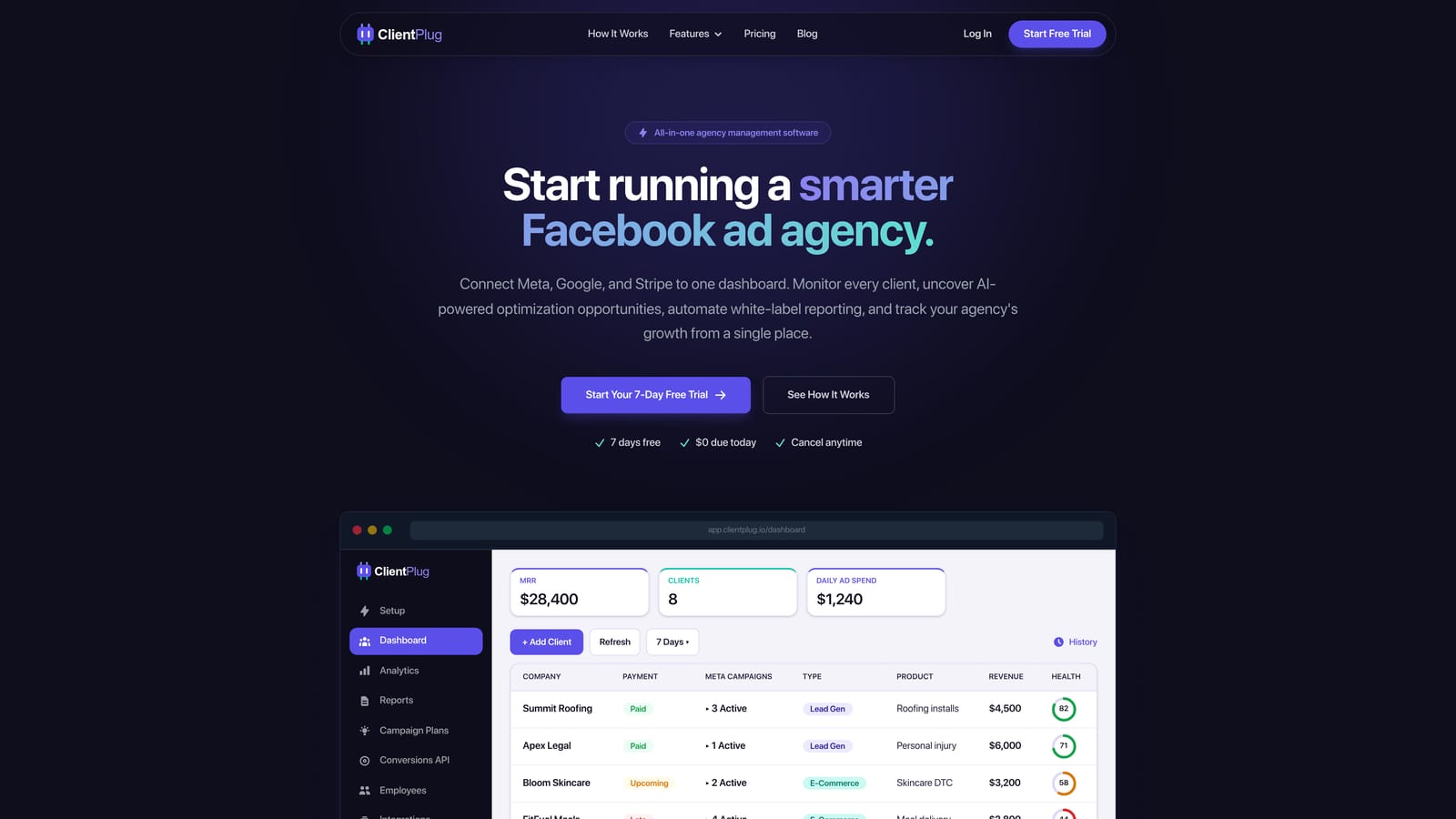
Its distinguishing feature on this list is the combination. Most tools here track ads and stop there. ClientPlug auto-syncs campaigns, payments, and client data into one dashboard, and monitors health at the level of individual ads, campaigns, clients, and the agency as a whole. That makes it easier to spot a client whose spend is climbing while their invoice is overdue, or an ad set that has quietly stopped delivering.
- An auto-syncing dashboard keeps campaigns, payments, and client records current without manual spreadsheet updates.
- Meta and Google Ads performance monitoring with health checks flags problem ads and campaigns before a client does.
- Automated white-label reports go to clients under your branding, replacing the monthly manual build.
- Guided Conversion API setup gets Meta's server-side event sending running in a few clicks, without a developer.
- AI-assisted optimization suggests improvements to campaigns so you spend less time auditing each account by hand.
Setup is light: you connect Meta Ads and Google Ads accounts, and the agency owner or account manager runs it day to day. Those two platforms are its integrations, so it is not a hub for a wide range of other marketing sources.
The limitation is depth of attribution. ClientPlug is not designed for enterprise-grade multi-touch attribution modeling, so if your main question is how credit should be split across channels for a large ecommerce budget, a dedicated attribution platform such as Northbeam fits better. Pricing is listed on the ClientPlug website; confirm current plans there as of October 2026.
Best for: Agencies and freelancers who want ad tracking, reporting, and client management in one dashboard.
2. Triple Whale
Triple Whale is an ecommerce analytics and attribution platform that puts ad spend and store revenue side by side. It is designed for DTC brands, and for the agencies that manage their paid media, who need to answer whether ads are actually producing profitable orders.
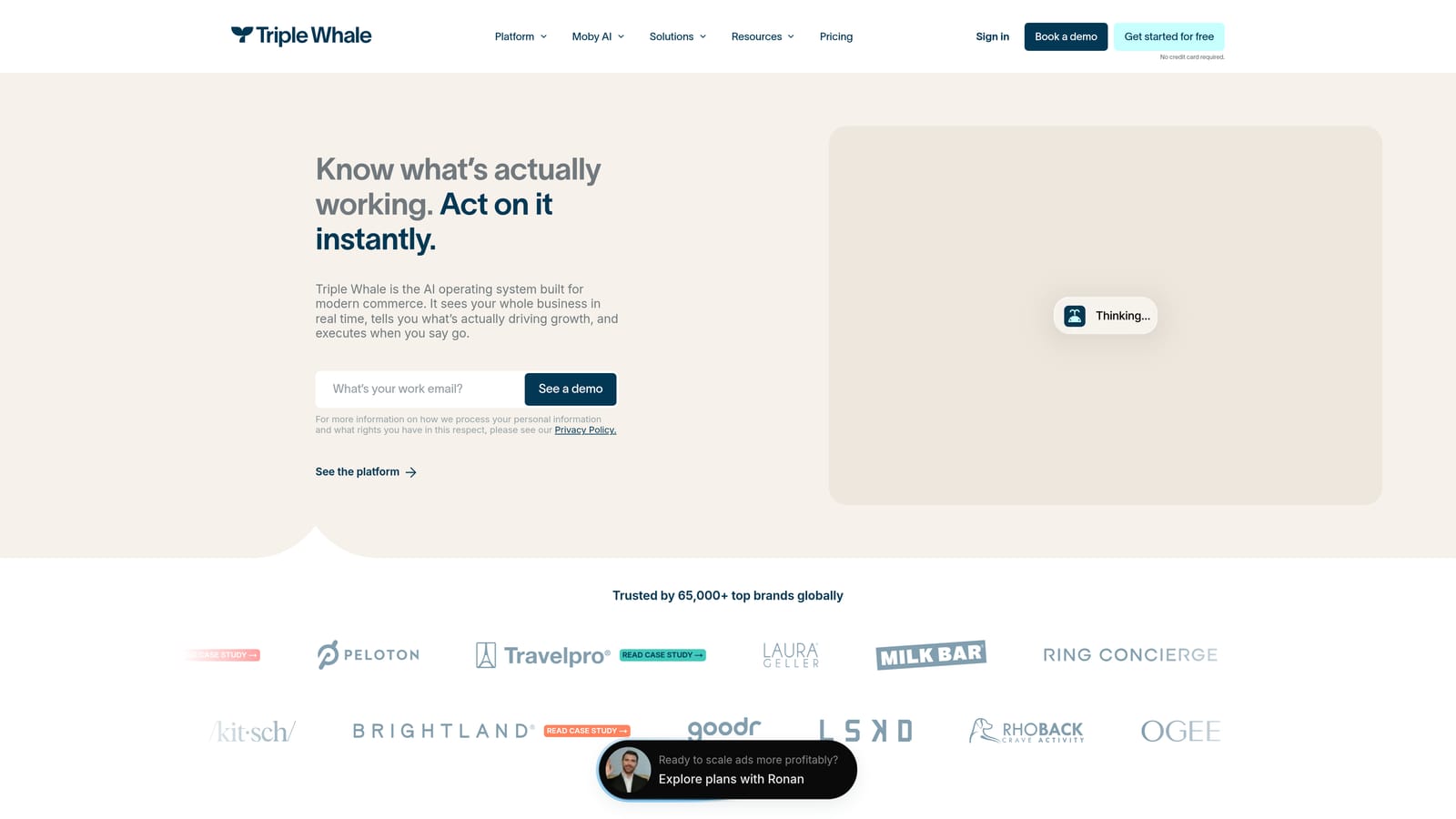
What it does distinctively is blended metrics. Instead of trusting each ad platform's own conversion count, it pulls revenue from the store and compares it with total spend across channels, which gives you a view closer to MER than to platform-reported ROAS. For a Shopify brand running both Google and Meta, that is a useful check on overlapping credit.
- A first-party tracking pixel captures visitor and order data directly, reducing dependence on browser-based platform pixels.
- A blended metrics dashboard shows total spend against total revenue so you can judge channels together.
- Shopify revenue integration connects real order data to your ad numbers.
- Creative and channel reporting shows which ads and channels are carrying results.
It integrates with Shopify, Meta Ads, Google Ads, and Klaviyo. Setup involves installing the pixel on the store and connecting accounts, and it is typically run by a marketing lead or the agency's ecommerce specialist.
The limitation is focus. It is primarily built for Shopify and ecommerce, so lead-gen agencies, service businesses, and anyone without store revenue to blend will get far less from it. It also does not handle client billing or agency operations. Pricing is listed on the vendor's website as of October 2026; check it for current tiers and what drives cost.
Best for: DTC ecommerce brands and their agencies.
3. Supermetrics
Supermetrics is a marketing data connector. It does not analyze anything on its own; it pulls data from ad platforms and delivers it to the tools where you build reports or store data. It suits agencies that already have someone who is comfortable assembling dashboards.
Its advantage is range. Supermetrics covers a very wide set of marketing data sources, so one subscription can feed Google Ads, Meta Ads, and many other platforms into the same reporting stack. If your reporting needs change from client to client, that flexibility matters.
- Connectors for Google Ads and Meta Ads pull campaign data without CSV exports.
- Destinations including Looker Studio, Google Sheets, and Excel let you keep working in the tools you already know.
- Scheduled data refreshes keep reports current without manual updates.
- A wide range of other marketing sources lets you combine ad data with analytics, email, or SEO data.
Beyond the destinations above, it also supports BigQuery for warehousing. Setup is straightforward for the connection itself, but the real effort is downstream: someone has to design the dashboards, maintain templates, and make sense of the numbers.
That is the main limitation. Supermetrics transports data only, so you build the dashboards and the analysis yourself, and it does nothing about attribution overlap or tracking accuracy. Freelancers without time to build reports may find it adds work. Pricing is on the vendor's website as of October 2026 and generally varies with the sources and destinations you use.
Best for: Agencies with analysts who build custom reports.
4. Funnel.io
Funnel.io is a marketing data hub. Like Supermetrics, it collects data from ad platforms and sends it onward, but it adds a layer of cleaning and organizing in the middle. It is aimed at agencies where inconsistent data across many clients is the real headache.
Where it stands out
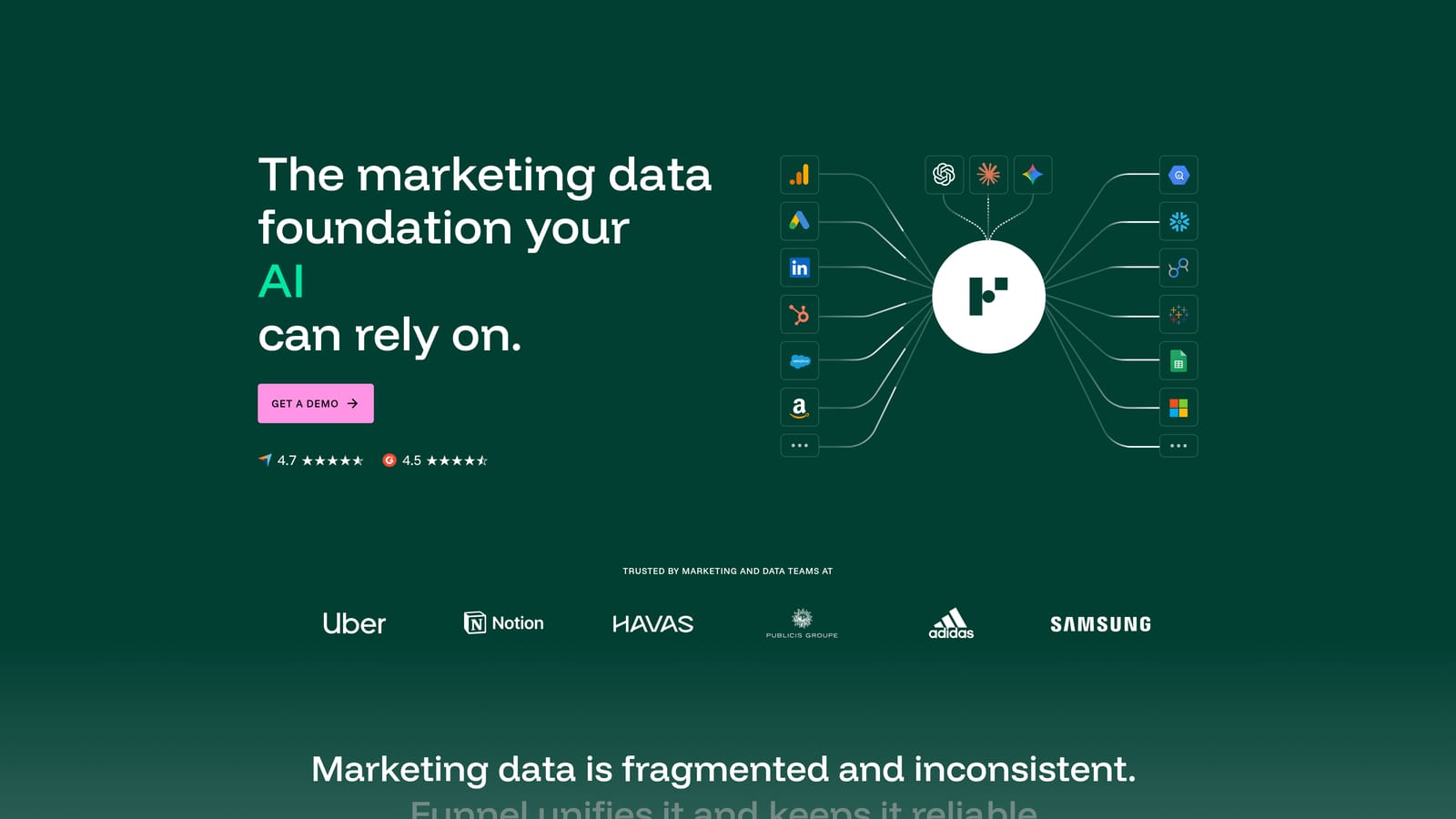
The distinctive piece is its rules. You can standardize campaign naming, convert currencies, and map platform-specific channels into a common structure, so Google and Meta data from dozens of clients lands in one consistent format. If your reports break because every account names things differently, this is the problem it solves.
Features and fit
- Automated data collection from ad platforms removes manual exports.
- Rules for naming, currency, and channel mapping make messy cross-client data comparable.
- Exports to BI tools and warehouses feed Looker Studio, Google Sheets, BigQuery, and Tableau.
- Data normalization across accounts lets you build one report template and reuse it for many clients.
Setup is where it asks the most. Defining mapping rules and structuring the data takes planning, and it works best with a data-minded person owning it day to day. Small teams and solo freelancers can find the effort and cost heavy for what they need, and like other connectors it still leaves you to build the reporting layer. Pricing is on the vendor's website as of October 2026; confirm what scales the cost.
Best for: Larger agencies standardizing data across many clients.
5. Hyros
Hyros is an ad tracking and attribution platform built for businesses where the sale does not happen in one session: high-ticket offers, coaching, lead-gen funnels, and anything with phone calls or a sales team in the loop.
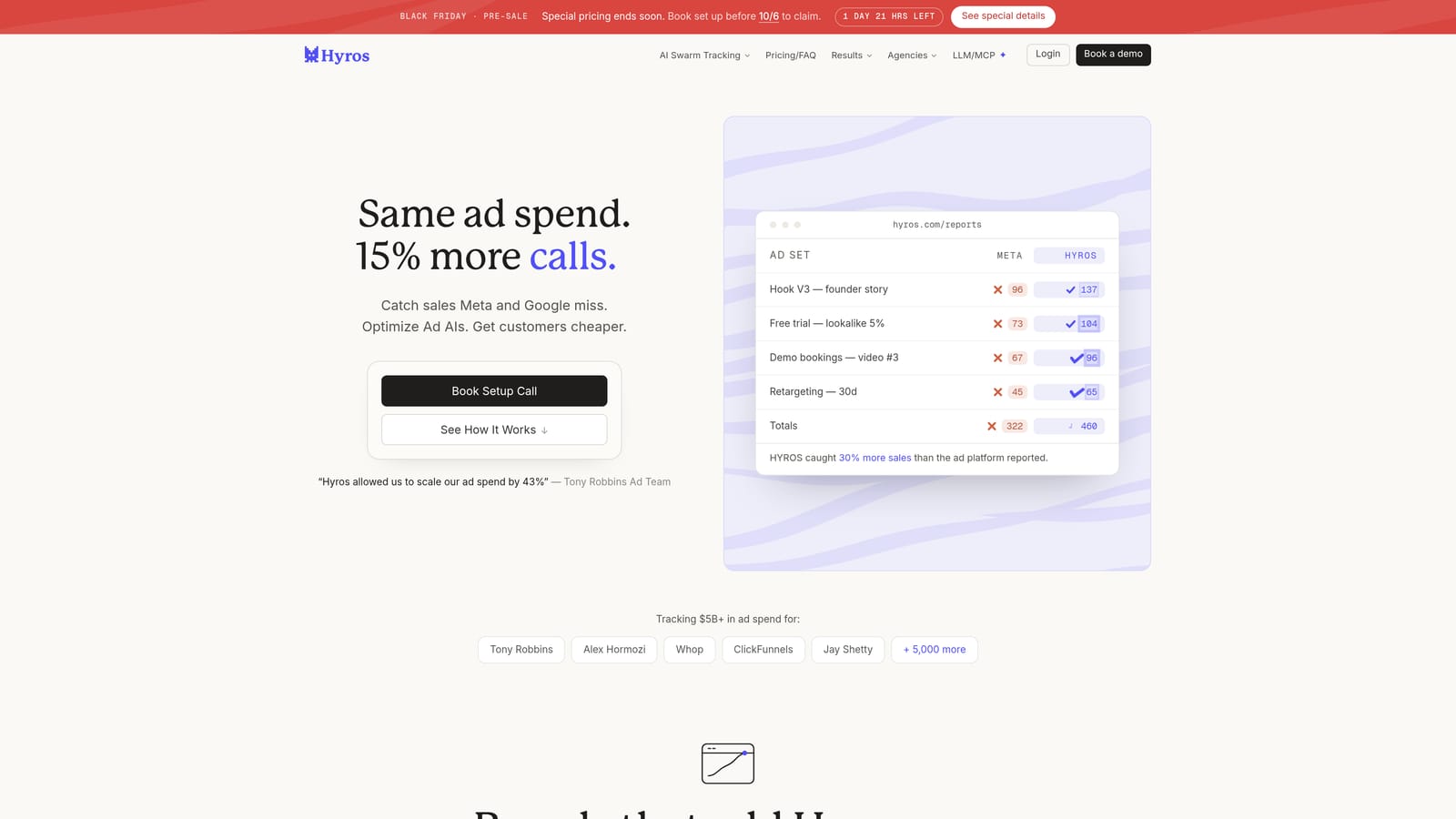
Its distinctive capability is following a lead to revenue that arrives later. It attributes calls and delayed sales back to the ad that originated the lead, so a deal closed three weeks after a Meta click can still show up against that campaign. Platform pixels alone often miss that.
- Server-side tracking sends events from a server, helping recover data that browser tracking loses.
- Call and CRM sales attribution links phone and pipeline outcomes to ad sources.
- Ad source tracking to later revenue shows which campaigns produce paying customers, not just leads.
- Reporting across ad platforms puts Google and Meta results in one view.
It integrates with Meta Ads, Google Ads, CRMs, and payment processors. Setup is more involved than a simple dashboard, since you connect the CRM and payment data and install tracking, so expect a technical owner or onboarding support.
The limitation is cost and scale. It is oriented to larger ad budgets, and smaller accounts may struggle to justify it. It is also not a client-management tool. Pricing is quote-based as of October 2026, so you will need to talk to the vendor.
Best for: High-ticket and lead-gen advertisers with long sales cycles.
6. Northbeam
Northbeam is a marketing attribution platform for ecommerce brands spending across several channels. Its purpose is to help you judge channels by something other than each platform's self-reported numbers.
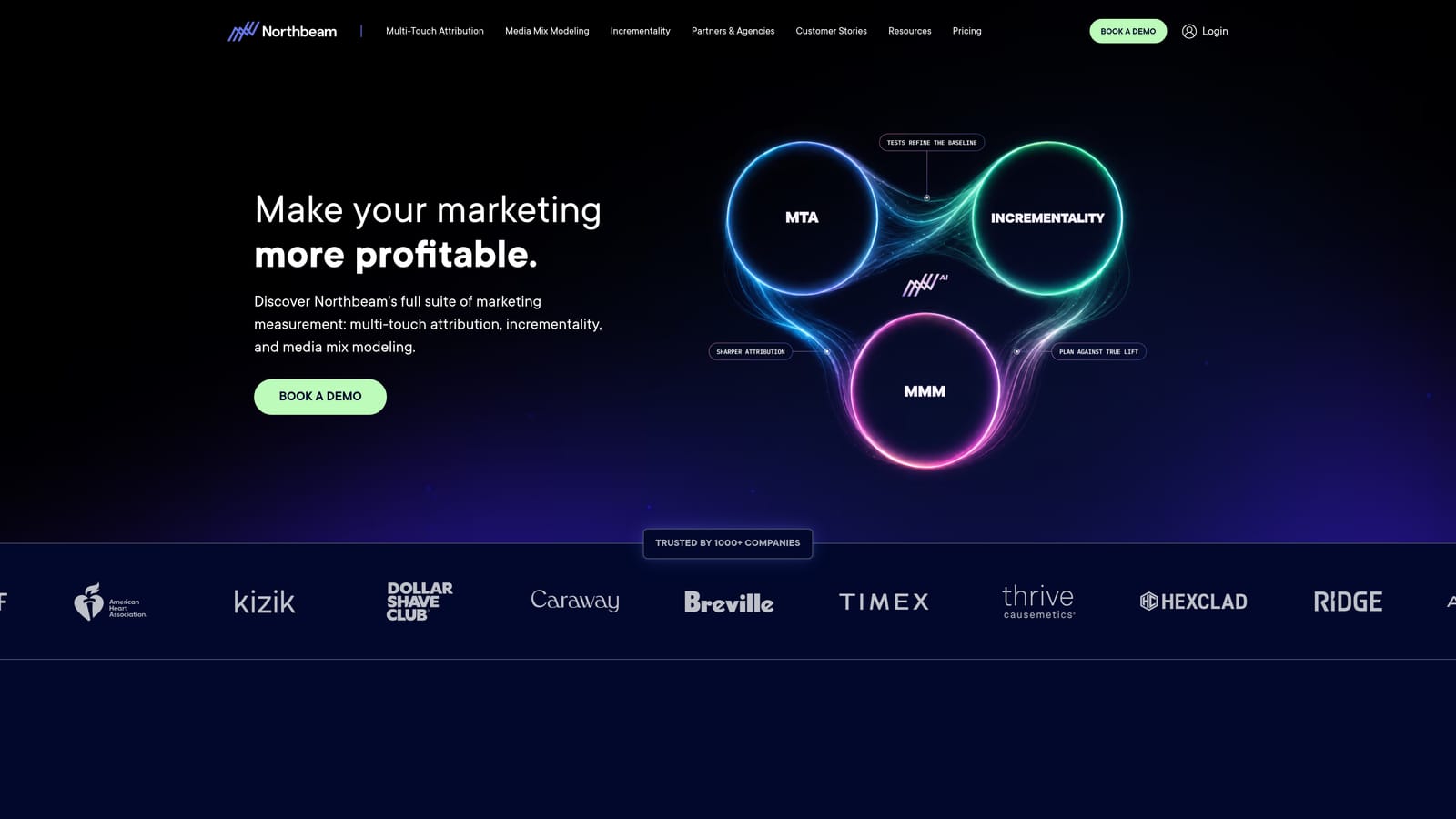
The standout is multi-touch attribution used for channel comparison. Where Google and Meta each claim credit for the same order, Northbeam models the customer's path across touchpoints and lets you compare channels on a common footing. For a brand deciding where to move budget between Google, Meta, and others, that view is the point of the product.
- Multi-touch attribution distributes credit across the touchpoints in a buyer's path.
- Cross-channel performance comparison puts all spend on the same scale.
- Marketing mix style reporting helps you see the broader contribution of each channel.
- Ecommerce platform integrations tie the model to real order data.
It integrates with Shopify, Meta Ads, and Google Ads. Setup involves connecting the store and ad accounts and installing tracking, and the output is typically used by a growth lead or analyst who can act on it.
It is not suited to small budgets or simple setups. If you run two campaigns for a local business, the modeling is overkill, and lead-gen advertisers without store data will find a poor fit. It also offers no agency workflow such as client reports or billing. Pricing is quote-based as of October 2026.
Best for: Ecommerce brands with significant multi-channel spend.
7. Wicked Reports
Wicked Reports is an attribution tool that connects ad spend to customer lifetime value and repeat revenue. It asks a different question from most tools here: not what did this ad return on the first purchase, but what is that customer worth over time.
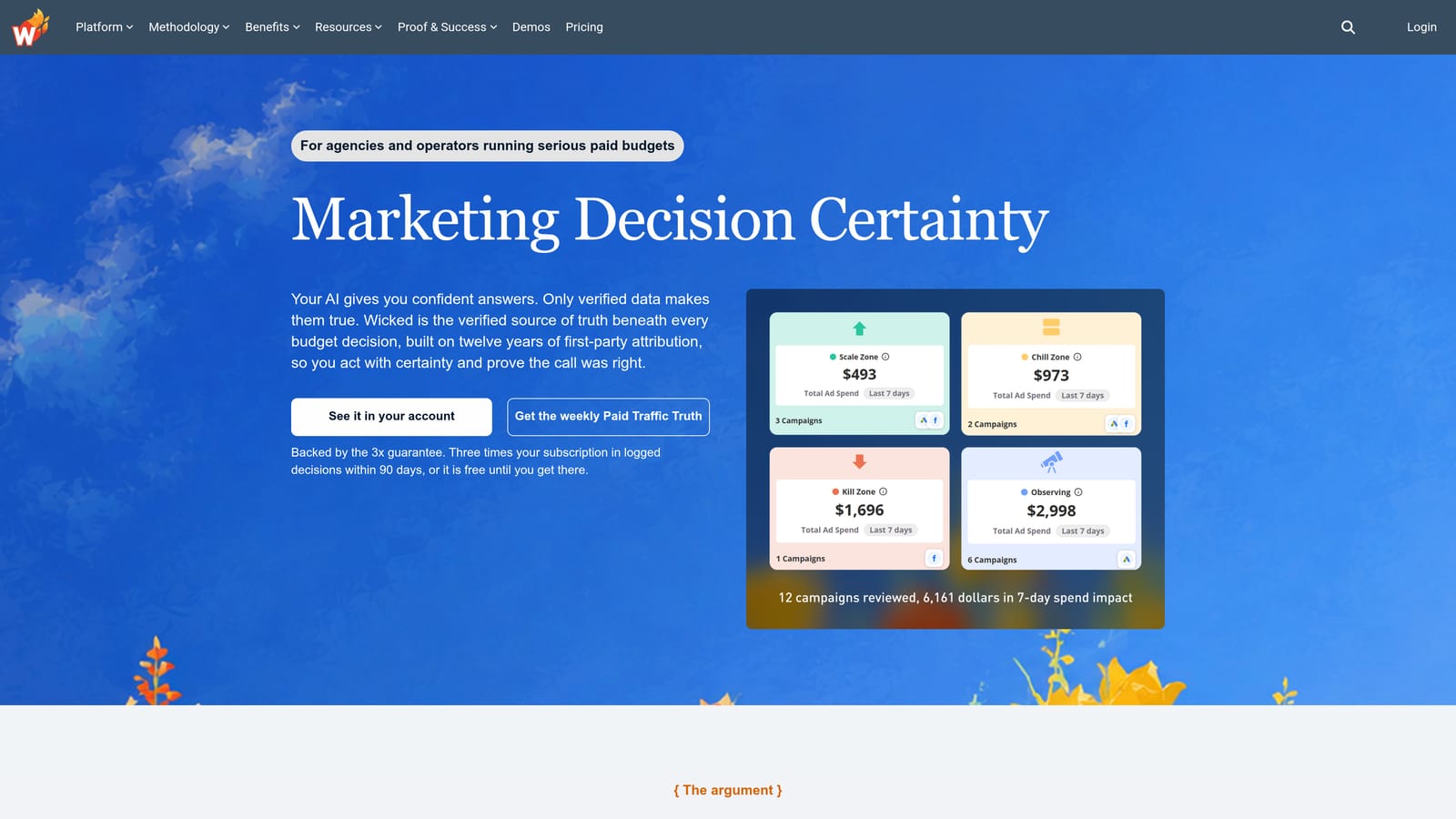
That focus is its distinguishing trait. A campaign that looks mediocre on first-order ROAS can be your best performer if its customers keep buying or renew subscriptions, and Wicked Reports is built to show that.
- Multiple attribution models let you compare how credit shifts under different assumptions.
- Lifetime value reporting shows what customers from each source are worth over time.
- Ad platform and CRM data syncing joins ad spend to customer records.
- Cohort-style revenue views track groups of customers from the same source as they repeat.
It connects with Meta Ads, Google Ads, Shopify, and CRMs. Setup means linking those sources and tagging traffic correctly, and the person who owns it should be comfortable reading cohort and LTV reports.
The limitation is scope. It is less agency-native than all-in-one tools, with no built-in client billing or branded reporting workflow, and it is narrower than a full operations platform. Businesses with one-off purchases and no repeat behavior get less from the lifetime view. Pricing is on the vendor's website as of October 2026; check current plans.
Best for: Subscription and repeat-purchase businesses measuring lifetime value.
8. Google Looker Studio
Google Looker Studio is Google's free dashboarding tool for building shareable marketing reports. It is the default starting point for many freelancers because it costs nothing in license fees and can be shaped to any layout a client asks for.
Its advantage over the rest of the list is exactly that: free and fully customizable. You decide every chart, filter, and branding choice, and you can share a live report link with a client instead of sending a PDF.
- A native Google Ads connector pulls campaign data straight in without extra tools.
- Customizable visual dashboards let you design reports around each client's goals.
- Shareable report links give clients live access without exporting files.
- Partner connectors for Meta and other sources extend it beyond Google data.
It also works with Google Analytics, Google Sheets, and BigQuery. Setup is easy to start and time-consuming to do well, because someone has to build the templates and keep them working as platforms change.
That upkeep is the real limitation. Meta data needs a third-party connector, which may carry its own cost, and templates need ongoing maintenance as fields or accounts change. It does no attribution work, so it will show you each platform's overlapping claims as they are. The tool is free as of October 2026, though paid connectors may apply.
Best for: Budget-conscious freelancers comfortable building their own dashboards.
9. Madgicx
Madgicx is an ad optimization platform centered on Meta, with analytics, automation, and Google Ads reporting around it. It is designed for media buyers who spend their days inside Meta accounts and want help acting on what they see.
Where it differs from the rest is the emphasis on optimization over reporting. Automation rules and creative analytics are aimed at changing campaigns, not just describing them, which suits someone managing many ad sets and creatives.
- Meta ad automation and rules adjust campaigns based on conditions you define, saving manual checks.
- Creative analytics shows which images, videos, and copy are driving results.
- Audience tools help you build and refine targeting.
- Google Ads reporting adds a view of your Google campaigns beside Meta.
It integrates with Meta Ads, Google Ads, and Shopify. Setup involves connecting ad accounts and, for ecommerce, the store, and the person running it is usually the media buyer.
It is strongest on Meta, so Google-heavy agencies will find its Google side lighter. It also lacks client billing and agency management features, so you would still need another system for payments and client records. Pricing is on the vendor's website as of October 2026; check what scales the cost.
Best for: Media buyers focused on optimizing Meta campaigns.
Matching the Right Tool to Your Agency's Situation
The best choice depends on which of the four jobs is your bottleneck. A few standout picks by situation:
- Tracking plus client management and reporting: ClientPlug fits agencies and freelancers who want Meta and Google monitoring, white-label reports, and payment tracking in one place. It is not an attribution modeling tool, so pair it with one if you need that depth.
- Ecommerce brands needing attribution: Triple Whale suits Shopify brands that want blended spend and revenue, while Northbeam fits brands with larger multi-channel budgets. Wicked Reports adds the lifetime value angle for repeat-purchase businesses.
- Custom dashboards on a budget: Looker Studio is free and flexible, and Supermetrics or Funnel.io become worth it once you have analysts and many clients to feed.
- High-ticket or lead-gen advertisers: Hyros is built for long sales cycles where calls and CRM outcomes decide what worked.
Whichever you choose, confirm current pricing and features on the vendor's site before committing. If you would rather see how one dashboard can handle ad tracking, client payments, and reporting for your agency, Learn more about our services.