Managing Google Ads campaigns across dozens of clients is a logistical challenge that spreadsheets and platform-native tools simply weren't built to handle. You need a single place to monitor campaign health, track spend, report results, and keep clients happy — without switching between ten browser tabs every hour.
A dedicated Google Ads agency dashboard solves this by centralizing performance data, automating reporting, and giving your team a clear view of every account at once. The tools below were evaluated on multi-account visibility, reporting capabilities, automation features, pricing, and overall agency-friendliness. Whether you're a solo freelancer handling five clients or a growing agency with 50+ accounts, there's a solution here that fits your workflow.
1. ClientPlug.io
Best for: Agencies and freelancers who want ad performance, client management, and billing in one place
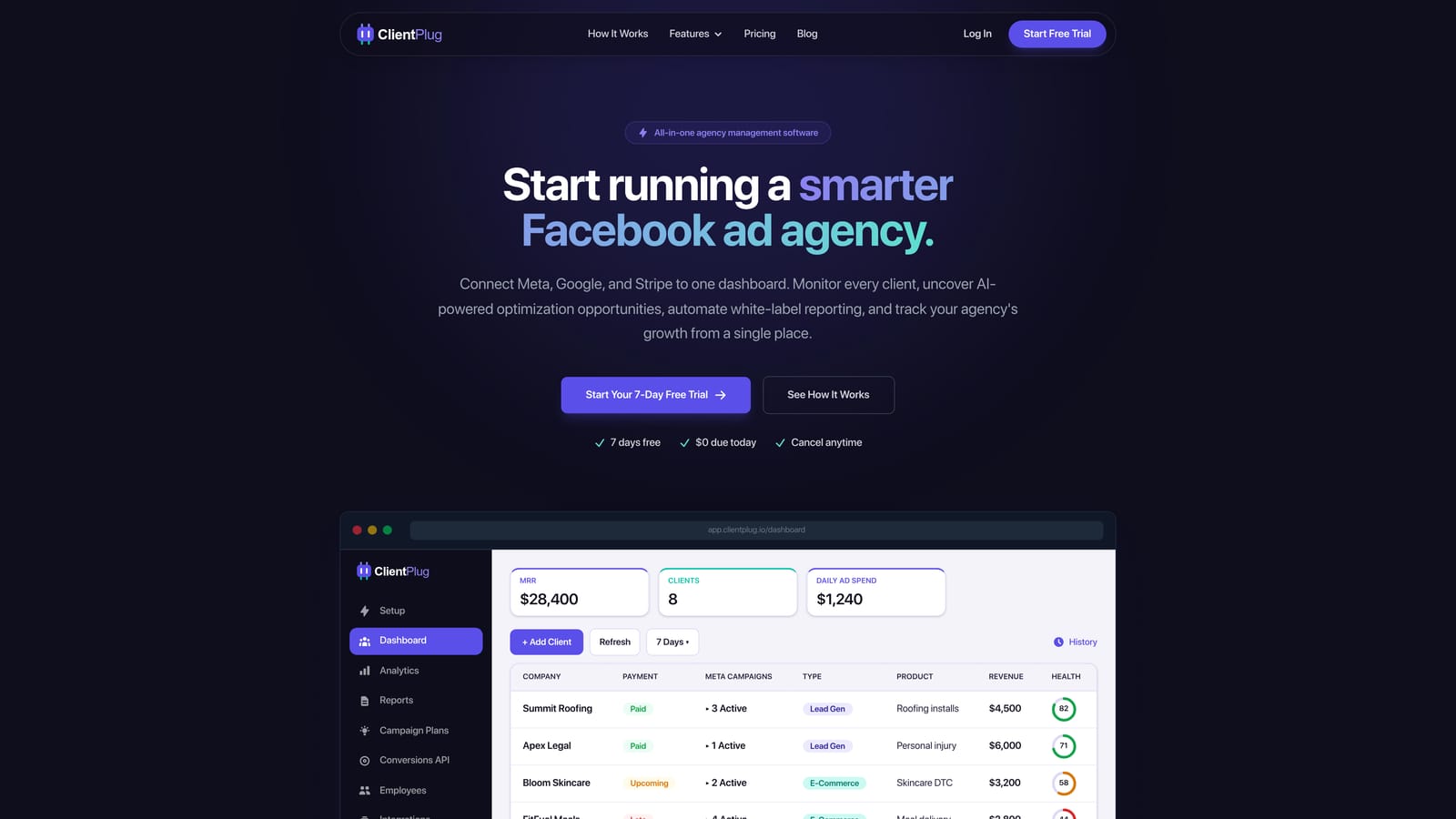
ClientPlug.io is an all-in-one client organizer built specifically for digital marketing agencies and freelancers managing Google Ads and Meta Ads at scale.
Where This Tool Shines
Most agency dashboards solve one piece of the puzzle: reporting, or optimization, or account access. ClientPlug takes a different approach by combining ad performance monitoring with client relationship management and payment tracking in a single interface. You can see how a client's Google Ads campaigns are performing right alongside their billing status — a combination that's surprisingly rare in this category.
The AI-powered campaign optimization suggestions are a standout feature for busy agency owners. Instead of manually auditing every account, ClientPlug surfaces actionable recommendations so your team can prioritize where to focus. White-label reporting means clients receive polished, branded reports without you spending hours in a design tool.
Key Features
Unified Client Dashboard: All clients, campaigns, and billing data in one place — no tab-switching required.
Google Ads and Meta Ads Monitoring: Cross-channel performance visibility from a single view, covering both major paid platforms.
Automated White-Label Reports: Set up branded reports once and let them send automatically to clients on your chosen schedule.
AI-Powered Optimization Suggestions: Continuous account analysis surfaces ranked recommendations to improve campaign performance.
Conversion API Setup: Configure Conversion API in just a few clicks — no developer required.
Client Payment Tracking: Monitor outstanding invoices and payment status alongside ad performance data, keeping your agency's financials visible at a glance.
Best For
ClientPlug is the strongest fit for agency owners and freelancers who are tired of juggling separate tools for reporting, optimization, and client billing. If you want one dashboard that covers the full client lifecycle — from campaign monitoring to invoice tracking — this is built for that exact workflow.
Pricing
Visit clientplug.io for current pricing and free trial options. Plans are designed with agency scale in mind.
2. Google Ads Manager Account (MCC)
Best for: Agencies that need free, native multi-account access as a foundation
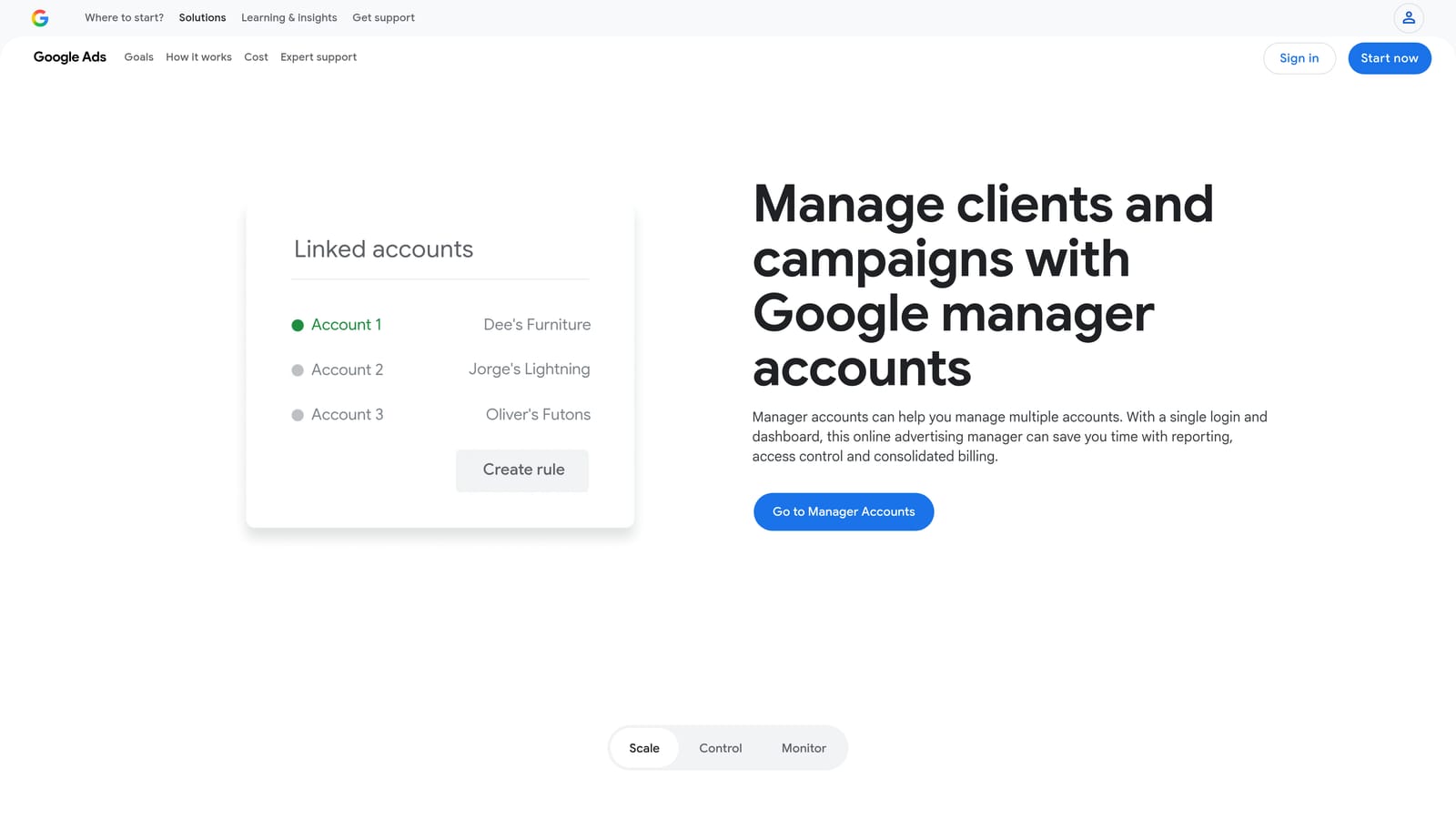
Google Ads Manager Account is Google's native multi-client center, allowing agencies to manage unlimited Google Ads accounts under a single login at no cost.
Where This Tool Shines
The MCC is the starting point for virtually every Google Ads agency. It gives you direct, first-party access to every linked client account with cross-account reporting, budget management, and optimization score tracking built in. Because it's Google's own product, data accuracy is as good as it gets.
The honest caveat is that MCC is a foundation, not a complete agency solution. It doesn't offer white-label reporting, client billing management, or visibility into other channels like Meta Ads. Most agencies use it as the data source that third-party tools build on top of.
Key Features
Free Multi-Account Access: Manage unlimited client Google Ads accounts under one login with no subscription cost.
Cross-Account Reporting: View aggregated performance data across all linked accounts from a single interface.
Budget Management: Monitor and adjust budgets across accounts without logging into each one individually.
Optimization Score Tracking: See Google's optimization score for each account and act on recommendations directly.
API Access: Direct Google Ads API access for agencies that want to build custom integrations or reporting pipelines.
Best For
Every Google Ads agency should have an MCC set up as their account management backbone. It's particularly valuable for teams that already have separate reporting and client communication tools and just need reliable, free multi-account access.
Pricing
Completely free. No subscription, no per-account fees.
3. AgencyAnalytics
Best for: Full-service agencies that need multi-channel reporting with SEO tools included
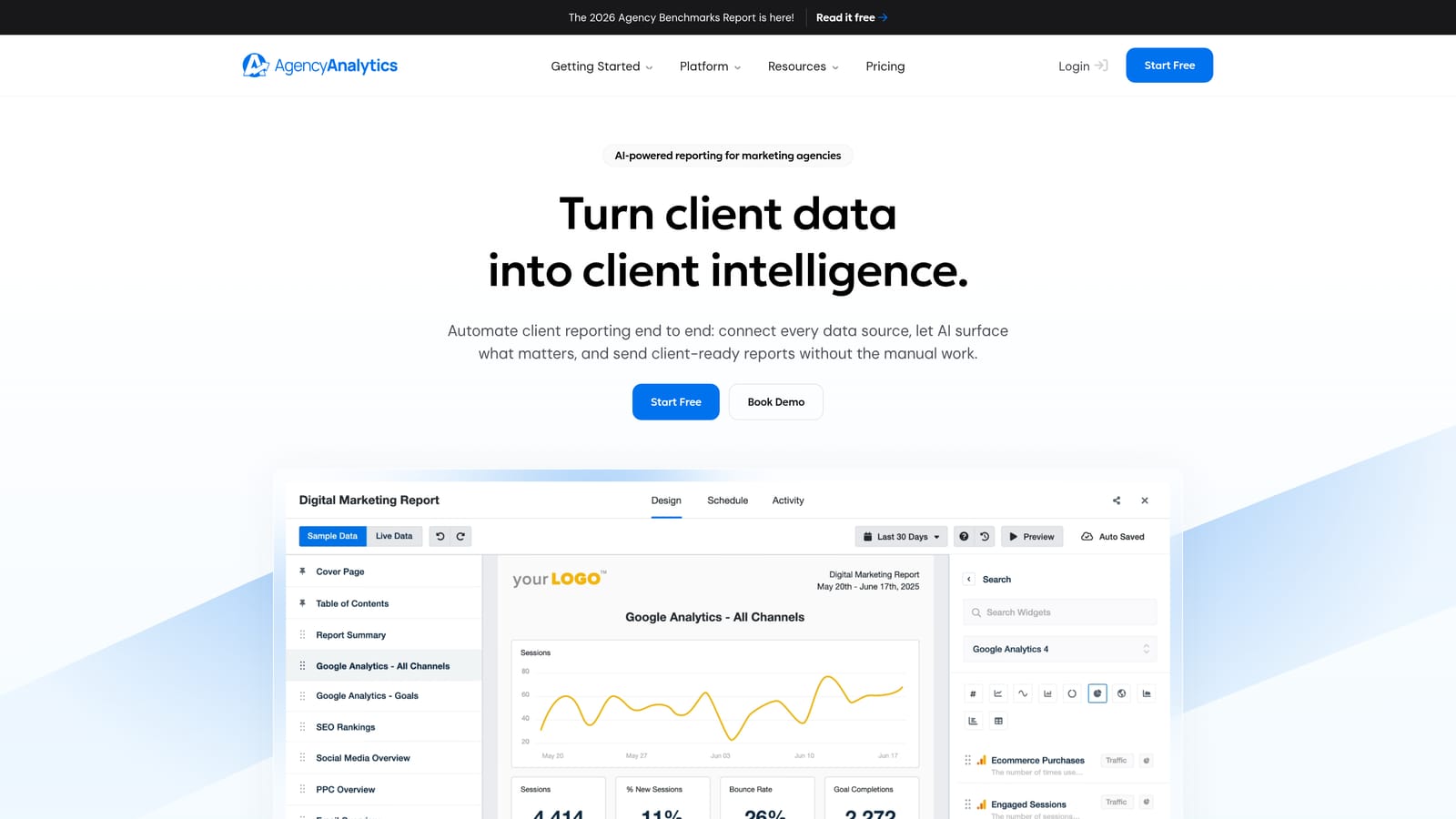
AgencyAnalytics is a marketing reporting platform built specifically for agencies, offering 80+ integrations, white-label client dashboards, and automated report scheduling.
Where This Tool Shines
AgencyAnalytics earns its reputation as one of the most comprehensive reporting platforms in the agency space. The breadth of integrations is genuinely impressive — Google Ads, Meta, SEO platforms, social channels, and more all feed into a single reporting environment. The drag-and-drop dashboard builder makes it accessible to team members who aren't data analysts.
The built-in rank tracker and SEO audit tools set it apart from pure PPC dashboards. If your agency handles both paid and organic, having those capabilities under one roof saves you from paying for a separate SEO reporting tool.
Key Features
80+ Integrations: Connects to Google Ads, Meta Ads, SEO tools, social platforms, and more from a single platform.
Drag-and-Drop Dashboard Builder: Build custom dashboards and reports without needing technical skills.
White-Label Client Portals: Give clients access to their own branded portal with live performance data.
Automated Report Scheduling: Set up reports to deliver automatically to clients on a daily, weekly, or monthly cadence.
Rank Tracker and SEO Audit: Built-in SEO tools eliminate the need for a separate organic performance platform.
Best For
Full-service agencies handling both paid and organic channels will get the most value here. It's also a strong choice for teams that prioritize polished, client-facing reporting as a key part of their service delivery.
Pricing
Tiered by number of campaigns. Visit agencyanalytics.com for current pricing details.
4. Swydo
Best for: PPC-focused agencies that want fast, clean client reports without a steep learning curve
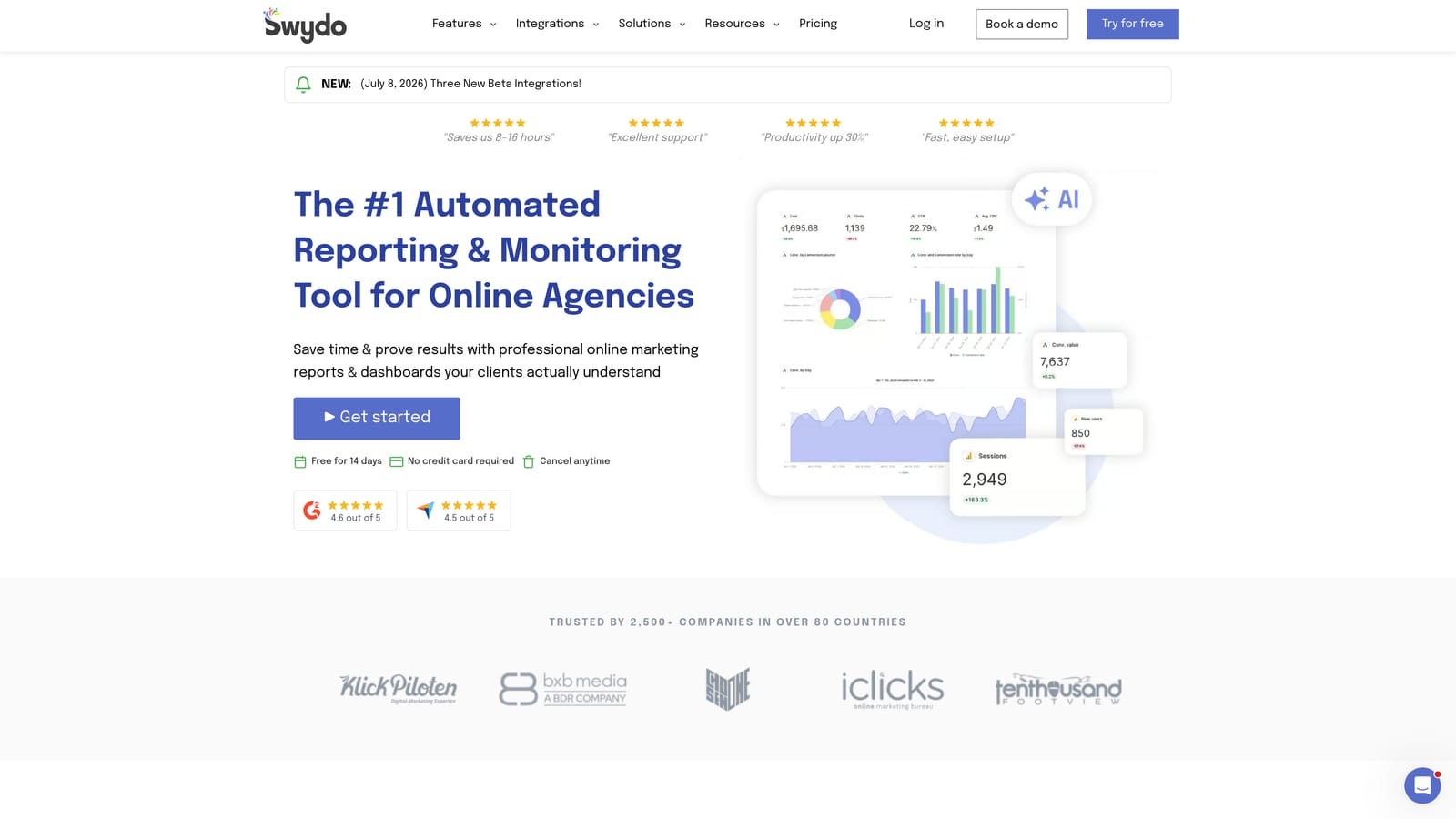
Swydo is a lightweight PPC and paid social reporting tool designed for agencies that want clean, template-driven client reports with minimal setup time.
Where This Tool Shines
Swydo's biggest strength is its simplicity. The template-based report builder lets you go from sign-up to a client-ready Google Ads report in a short amount of time. For agencies that have been wrestling with overly complex reporting platforms, Swydo's straightforward UI is a genuine relief.
The automated scheduled email reports are well-executed. You configure them once, and clients receive consistent, branded updates without you lifting a finger each cycle. It's not trying to be everything — it focuses on doing reporting well.
Key Features
Template-Based Report Builder: Pre-built templates for common PPC and social reporting use cases speed up initial setup considerably.
Automated Scheduled Reports: Reports deliver automatically via email on your chosen schedule.
Google Ads and Meta Integration: Core integrations cover the channels most PPC agencies manage most often.
Clean, Minimal UI: Low onboarding time means your team can be productive quickly without extensive training.
White-Label Branding: Add your agency's logo and colors to keep reports on-brand for clients.
Best For
Smaller PPC agencies and freelancers who primarily manage Google Ads and Meta Ads and want a no-fuss reporting setup. If your needs are straightforward, Swydo's simplicity is a feature, not a limitation.
Pricing
Priced based on number of data sources. Visit swydo.com for current pricing.
5. Opteo
Best for: Agencies that want continuous Google Ads optimization recommendations, not just reporting
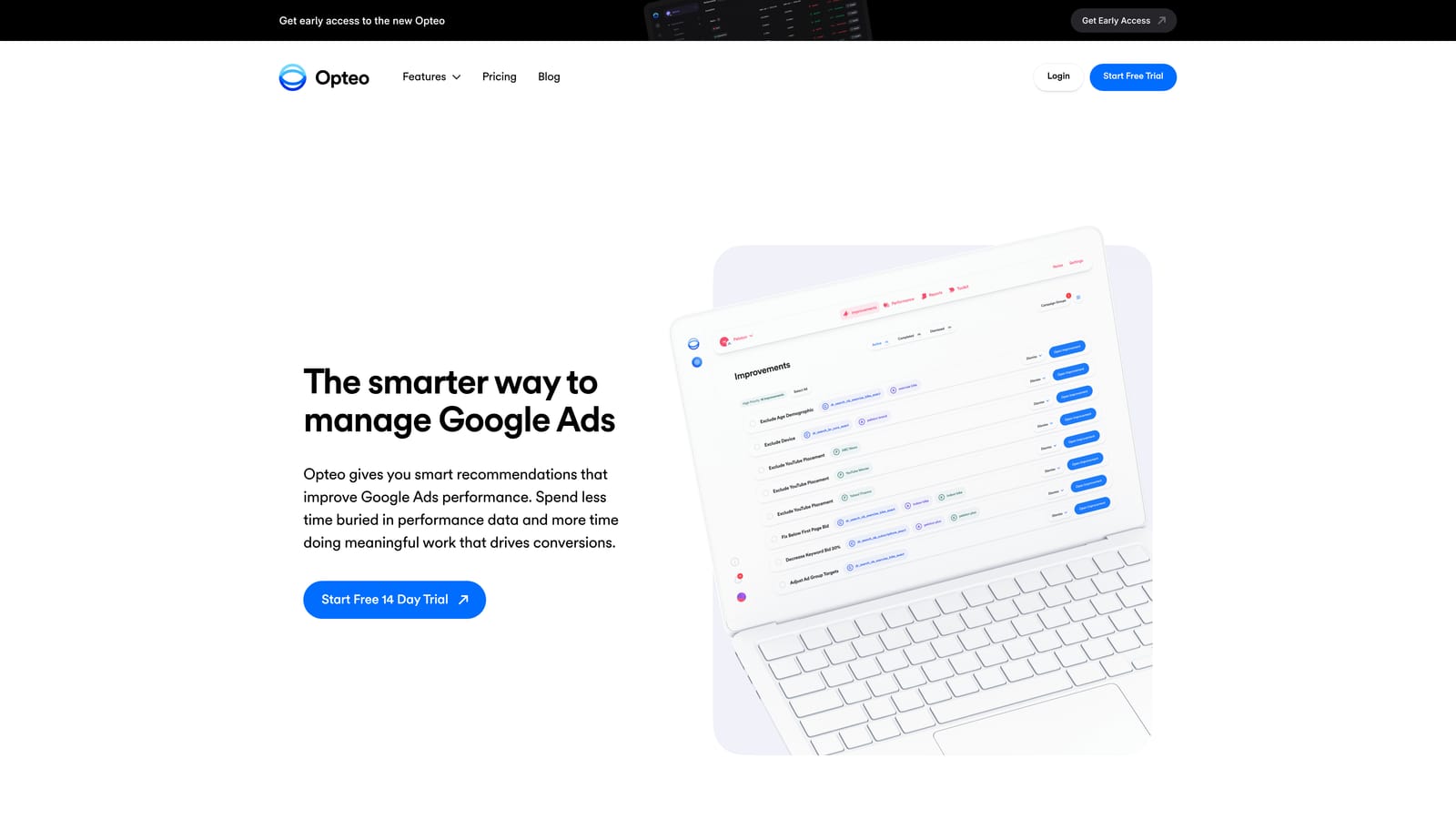
Opteo is a Google Ads-specific optimization platform that continuously monitors client accounts and surfaces ranked, actionable improvement recommendations.
Where This Tool Shines
Opteo occupies a unique space in this list because it's less about reporting and more about making your campaigns better. It monitors every linked Google Ads account in the background and continuously surfaces opportunities — things like pausing underperforming keywords, adjusting bids, or fixing broken URLs — ranked by their potential impact.
The Slack integration for alerts is particularly useful for agencies managing high-spend accounts where issues need fast attention. Many recommendations can be implemented with a single click, which saves meaningful time compared to making the same changes manually inside the Google Ads interface.
Key Features
Continuous Account Monitoring: Opteo runs in the background, analyzing accounts and flagging opportunities around the clock.
Impact-Ranked Recommendations: Suggestions are prioritized by potential performance impact so you know where to focus first.
Slack Alerts: Get notified of important account changes or issues directly in your team's Slack workspace.
One-Click Implementation: Many optimization recommendations can be applied directly from the Opteo interface without opening Google Ads.
Performance Monitoring: Basic reporting and trend visualization to track account health over time.
Best For
Agencies managing significant Google Ads spend who want an intelligent assistant surfacing optimization opportunities. Best used alongside a dedicated reporting tool rather than as a standalone client communication platform.
Pricing
Tiered by total ad spend managed across accounts. Visit opteo.com for current pricing.
6. Supermetrics
Best for: Data teams and analysts who want to build fully custom dashboards from raw Google Ads data
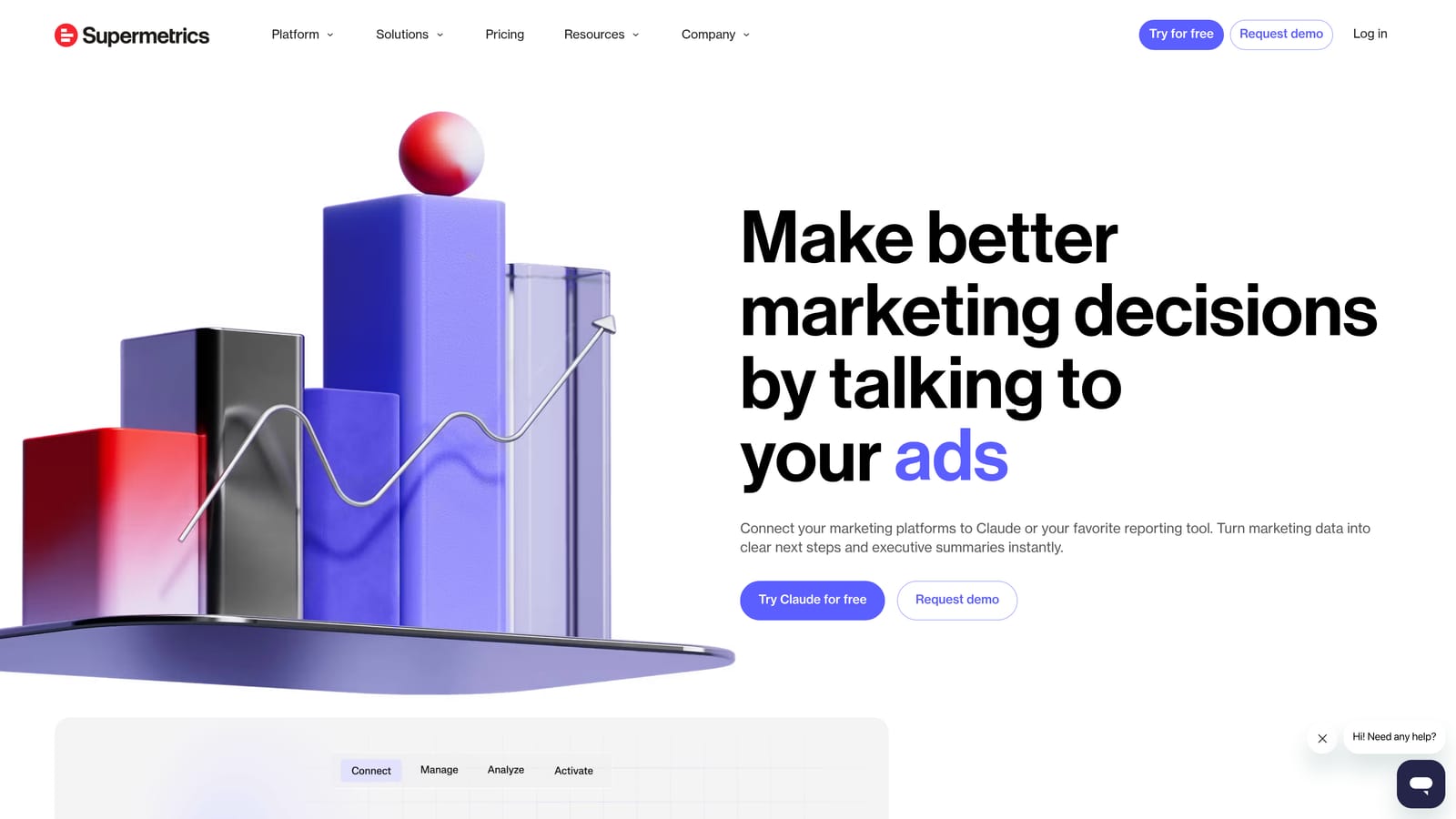
Supermetrics is a data connector platform that pulls Google Ads and other marketing data into Looker Studio, Google Sheets, BigQuery, and other BI destinations for custom analysis.
Where This Tool Shines
Supermetrics isn't a dashboard — it's the pipe that feeds your dashboard. If your agency has a data analyst or a team comfortable building custom reports in Looker Studio or Google Sheets, Supermetrics gives you the most flexible data access in this entire list. You're not constrained by someone else's template or widget library.
The breadth of connectors is genuinely impressive. With 100+ data sources available, you can pull Google Ads data alongside virtually any other platform your clients use and combine it in ways that off-the-shelf tools don't support. This power comes with a trade-off: you need to build and maintain the dashboards yourself.
Key Features
100+ Data Source Connectors: Google Ads, Meta, and a wide range of other marketing and analytics platforms.
Multiple Destination Options: Push data to Looker Studio, Google Sheets, BigQuery, Excel, and other BI tools.
Automated Data Refresh: Schedule automatic data updates so your dashboards always reflect current performance.
Custom Report Flexibility: No template constraints — build exactly the analysis your agency or clients need.
Analyst-Friendly Architecture: Designed for teams comfortable working with raw data and building their own visualizations.
Best For
Agencies with in-house data analysts or technical team members who need maximum flexibility in how they structure and present performance data. Not recommended for teams without data-building experience.
Pricing
Priced by connector and destination combination. Visit supermetrics.com for current pricing details.
7. Databox
Best for: Agencies that want real-time KPI dashboards with mobile and TV display options
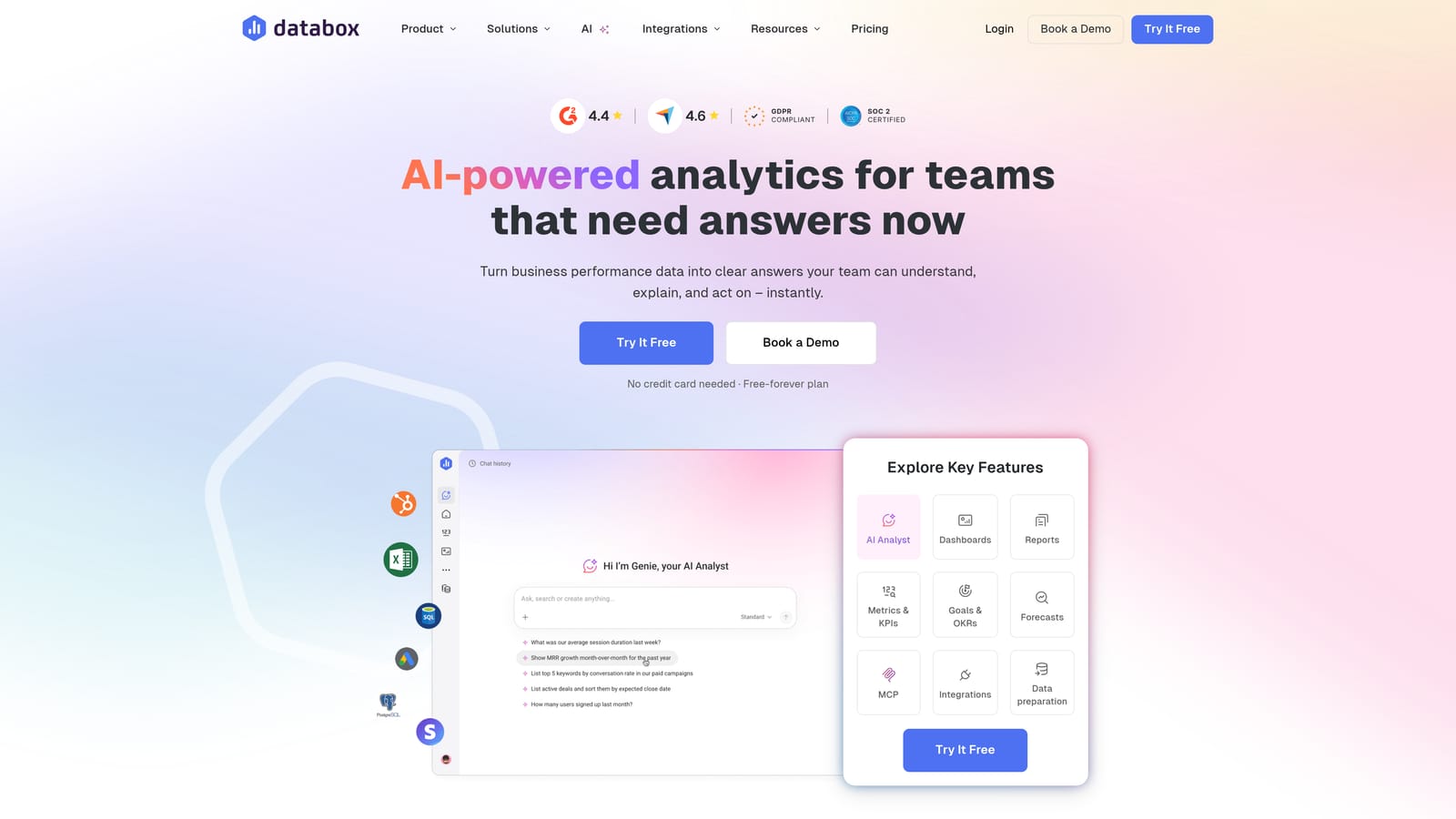
Databox is a KPI dashboard and business analytics platform with real-time Google Ads monitoring, TV-mode displays, and a mobile app for always-on performance visibility.
Where This Tool Shines
Databox is built around the idea that performance data should be visible at all times, not just when someone opens a browser tab. The TV mode lets agencies display live dashboards on office screens, and the mobile app means account managers can check performance from anywhere. For teams that want a culture of data visibility, this approach works well.
The goal tracking and scorecard features add a layer of context that pure reporting tools often miss. Instead of just showing numbers, Databox helps you frame performance against targets — which makes client conversations more productive.
Key Features
Real-Time KPI Dashboards: Live data updates keep performance visible without manual refreshes.
TV and Mobile Display Modes: Show dashboards on office screens or check performance on your phone from anywhere.
70+ Integrations: Google Ads, Meta, CRM platforms, and a broad range of other business tools.
Goal Tracking and Scorecards: Set targets and track performance against them — not just raw numbers.
Shareable Dashboard Links: Send clients a link to a live view of their performance data without needing a separate portal setup.
Best For
Agencies that value real-time visibility and want to share live dashboards with clients rather than scheduled PDF reports. The freemium entry point also makes it accessible for smaller agencies testing the waters.
Pricing
Freemium plan available, with paid tiers for additional features and data sources. Visit databox.com for current pricing.
8. DashThis
Best for: Agencies that prioritize visually polished, client-ready reports with minimal setup
DashThis is a marketing reporting tool known for visually polished, client-ready dashboards built from pre-made templates — minimal setup, strong presentation impact.
Where This Tool Shines
DashThis earns its following through design quality and ease of use. The pre-built templates for PPC, SEO, and social reporting look professional out of the box, which matters when you're presenting performance data to clients who care about presentation as much as the numbers themselves.
The flat-fee pricing model is worth highlighting because it removes the anxiety of scaling. Many competing tools charge per client or per campaign, meaning costs climb as your agency grows. DashThis charges by number of dashboards, which is predictable and easier to budget for.
Key Features
Pre-Built Dashboard Templates: Ready-to-use layouts for PPC, SEO, and social reporting that look polished immediately.
Google Ads, GA4, and Meta Integration: Core integrations cover the data sources most agencies report on most frequently.
Shareable Dashboard Links: Give clients access to a live view of their dashboard without requiring a login.
White-Label Branding: Apply your agency's branding to all client-facing dashboards and reports.
Flat-Fee Pricing: Pay by number of dashboards rather than by client or data source, making costs predictable as you scale.
Best For
Agencies where client presentation quality is a priority and teams want to spend minimal time configuring reports. Also a strong fit for agencies that want predictable, scalable pricing as their client roster grows.
Pricing
Flat-fee plans priced by number of dashboards. Visit dashthis.com for current plan details.
Which Tool Is Right for Your Agency?
The right Google Ads agency dashboard depends heavily on what your team actually struggles with day-to-day. Here's a quick way to think through the decision.
If you want a single platform that covers ad performance monitoring, client management, payment tracking, and white-label reporting without stitching together multiple tools, ClientPlug.io is the strongest all-in-one option. It's built for the way agencies actually operate, not just the reporting piece.
If you're a full-service agency managing both paid and organic channels and need deep reporting breadth, AgencyAnalytics delivers the widest integration coverage with solid white-label capabilities. For teams that prioritize visual presentation and predictable costs as they scale, DashThis is worth a close look.
If your primary need is Google Ads optimization rather than reporting, Opteo fills that gap well and pairs naturally with a dedicated reporting tool. And if your team has data analysts who want full control over how performance data is structured and visualized, Supermetrics gives you the flexibility that off-the-shelf platforms can't match.
For agencies just getting started, the Google Ads MCC is a free foundation that every agency should have in place regardless of which other tools they choose.
The most important thing is to stop managing clients across disconnected tabs and spreadsheets. Any of the tools above will move you in the right direction. If you're ready to see what a truly unified agency dashboard looks like, Learn more about our services and explore how ClientPlug.io brings campaigns, clients, and billing together in one place.