Freelancers with more than a handful of clients usually end up with details spread across inboxes, spreadsheets, and half-finished invoices. The tools below were chosen for how well they handle client records, communication, deliverables, and payments for solo and small-team work. We weighed price, learning curve, and fit for marketing freelancers, and we describe each tool's limits as plainly as its strengths.
Quick Comparison of the Freelancer Client Organization Tools
- ClientPlug: Meta and Google Ads freelancers; pricing on the vendor site; syncs payments, ad performance, and client data in one dashboard with health monitoring from ad level up.
- HubSpot CRM: freelancers wanting a scalable CRM for leads and deals; free to start; the largest ecosystem, growing into marketing and sales tools.
- HoneyBook: creative and service freelancers who sell via proposals; pricing on the vendor site; collects the signed contract and the payment in one client-facing step.
- Dubsado: freelancers with repeatable onboarding; pricing on the vendor site; highly customizable workflows triggered after a client signs.
- Notion: DIY organizers; free plan available; databases you design entirely around your own process.
- Trello: beginners wanting a visual pipeline; free plan available; usable within minutes.
- Moxie: solo freelancers wanting one tool for the client lifecycle; pricing on the vendor site; built for individuals rather than teams, with a client portal included.
- Bonsai: freelancers who want admin and taxes handled; pricing on the vendor site; freelancer contract templates plus expense and tax features.
- Zoho CRM: freelancers growing into a small team; free tier for small teams; deep ties to the wider Zoho app suite.
1. ClientPlug
ClientPlug is our own product, so weigh this section with that in mind. It is a client organizer for digital marketing freelancers and agencies, and it is built around paid-ads work rather than general project management. Its core idea is that payments, ad performance, and client records should live in one place, so you do not check Meta Ads Manager in one tab and a spreadsheet of unpaid invoices in another.
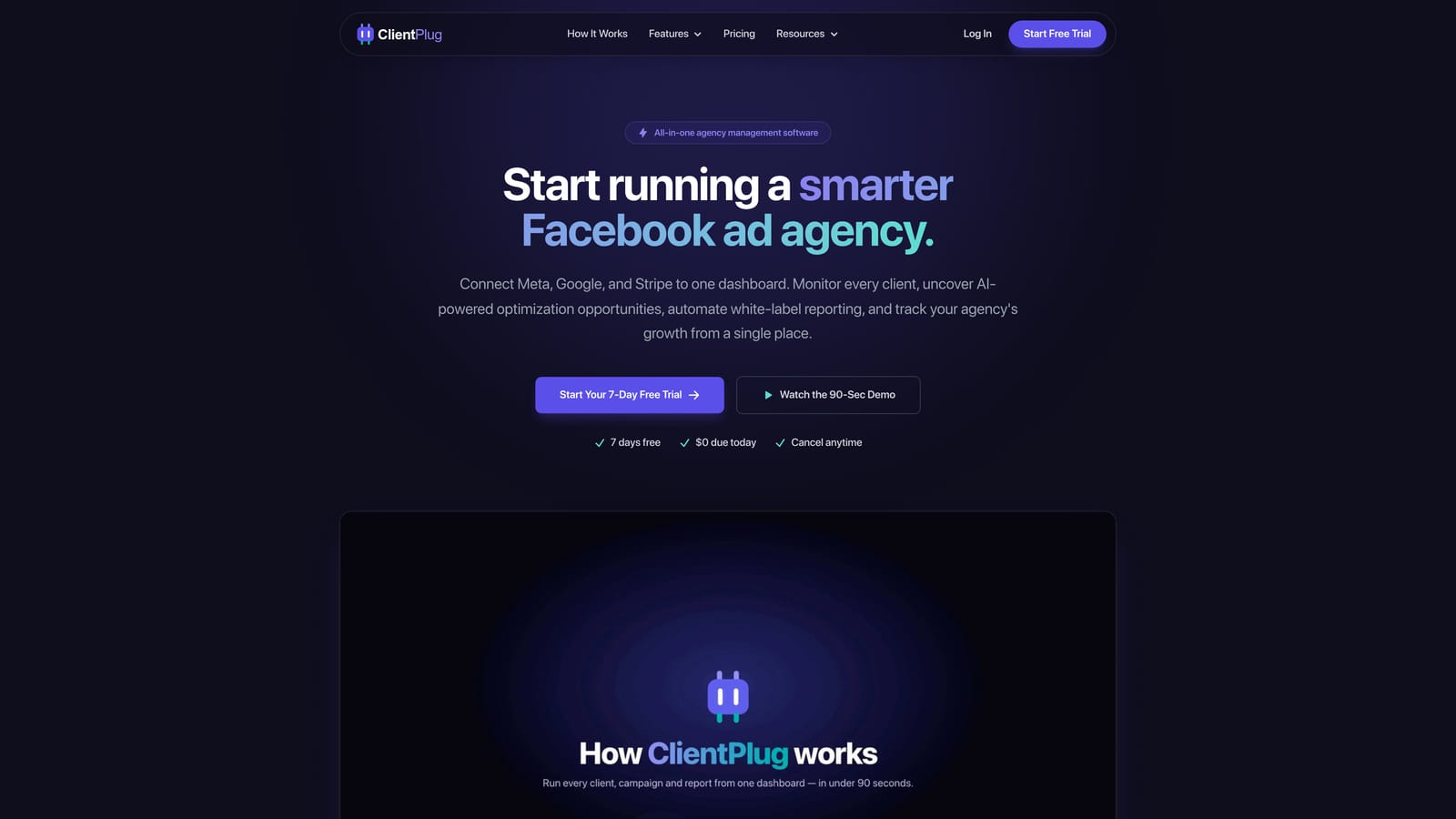
What sets it apart on this list is the auto-syncing. Payments, campaigns, and client data feed one dashboard, and health monitoring runs from individual ads up through campaigns, clients, and your whole practice. None of the other tools here look at ad performance at all.
- Client payment tracking keeps who has paid, and who is late, attached to the client record instead of a separate billing app.
- Meta and Google Ads monitoring shows how each client's campaigns are performing without logging into each platform.
- Automated white-label reports go to clients under your branding. A white-label report is simply a performance report that carries your name and look, not the software vendor's.
- Conversion API setup is handled in a few clicks. Conversion API is Meta's server-side way of sending conversion events, which helps when browser tracking misses data.
- AI campaign optimization suggests improvements to running campaigns, so you spend less time on routine checks.
Integrations center on Meta Ads and Google Ads, and you run it yourself day to day as the account owner. Setup mainly means connecting your ad accounts and clients.
The limitation is scope. If you are a copywriter, designer, or developer, there is little here for you. It is also not a general task manager, so you would not run a content calendar or design revisions in it. Pricing: see the ClientPlug website for current plans, as it may change.
Best for: Meta and Google Ads freelancers who want payments, performance, and client reports in one place.
2. HubSpot CRM
HubSpot CRM is a customer relationship management system: a database of contacts and companies with a pipeline showing where each deal stands. It starts free, which is its main draw for freelancers who want proper lead tracking without a monthly bill.
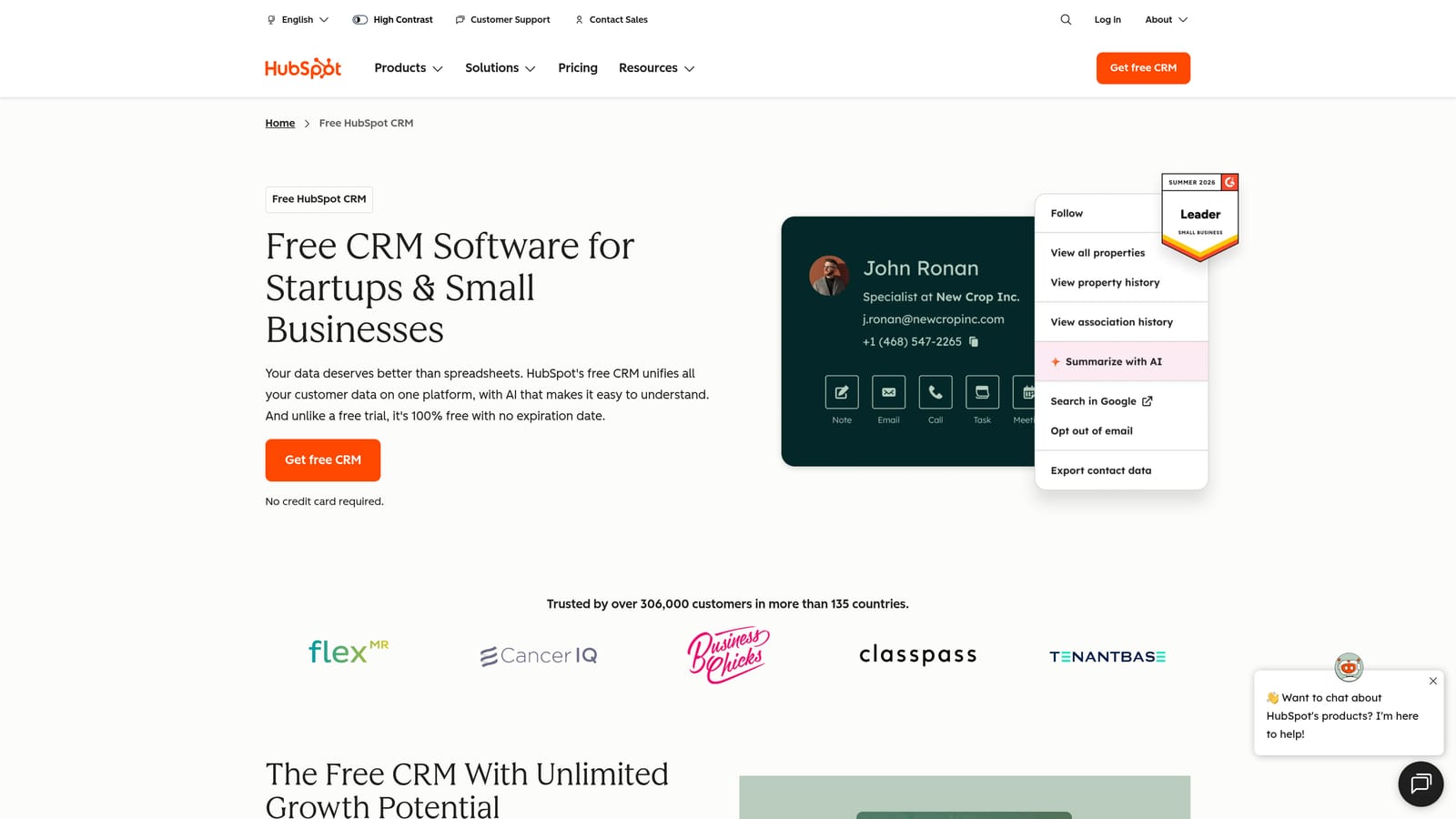
Its distinguishing strength is the ecosystem. Few tools here offer so many add-on marketing, sales, and service products, plus the volume of templates and tutorials that come with a large user base. You can start with contacts and grow from there.
- Contact and company records put every email, call, and note about a client in one timeline.
- Deal pipeline shows which prospects are at proposal, negotiation, or won stage.
- Email logging and tracking records conversations automatically so you do not copy them by hand.
- Meeting scheduling lets prospects book time without back-and-forth.
It connects with Gmail, Outlook, Slack, and Zapier. Setup is quick for the basics, and you manage it yourself, though tuning pipelines and properties takes some time.
The limitations are real. It can feel heavy for a one-person business, and it is a CRM, not a billing or delivery tool, so invoices and deliverables live elsewhere. Advanced features sit in paid tiers, and as of November 2026 the free tier is the entry point with paid plans priced per seat and tier; check the vendor site for current numbers, since free tiers do not stay fixed forever.
Best for: Freelancers who want a free, scalable CRM to track leads and deals.
3. HoneyBook
Where HubSpot tracks relationships, HoneyBook handles the selling and collecting. It is a client management platform for service businesses that covers inquiry, proposal, contract, invoice, and payment in a single flow.
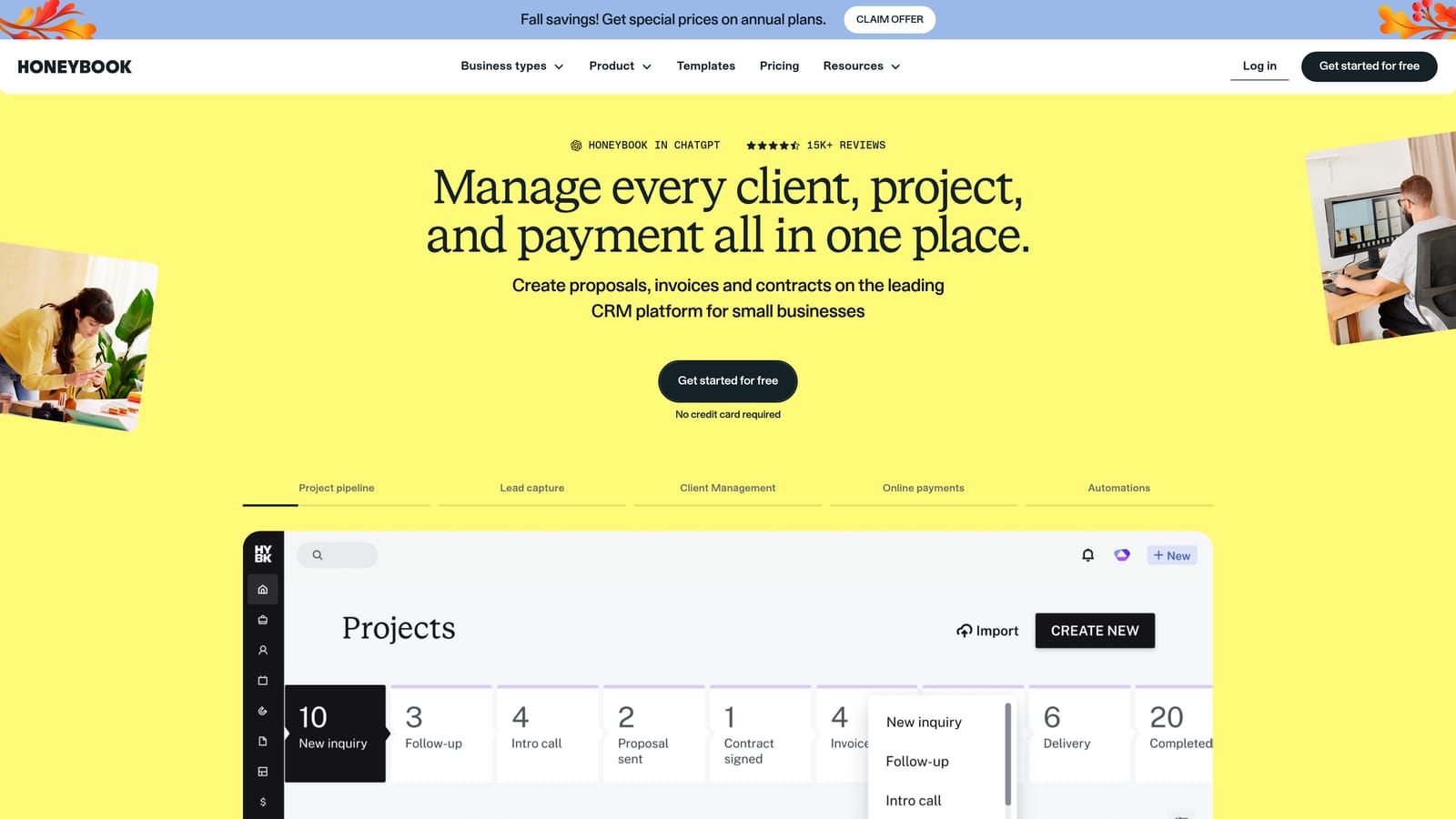
Its best trick is the combined client step: the client can sign a contract and pay the deposit in the same sitting, which shortens the gap between "yes" and money in the bank. That makes it especially useful for people who lose momentum between agreement and payment.
- Inquiry forms capture new leads straight into your pipeline.
- Proposals and contracts are built from templates and signed electronically.
- Invoicing and payments let clients pay online, with schedules for installments.
- Client pipeline shows each project's stage from inquiry to completed.
It integrates with QuickBooks, Gmail, and Zapier, and setup is moderate: you build templates once, then run it solo.
It does not suit freelancers who need task-level project management, since it tracks stages rather than detailed to-dos. It also has no ad reporting, so a paid-ads freelancer would need another place for performance data. It is a subscription product; as of November 2026 see the vendor site for current plan prices and any trial terms.
Best for: Creative and service freelancers who sell through proposals and contracts.
4. Dubsado
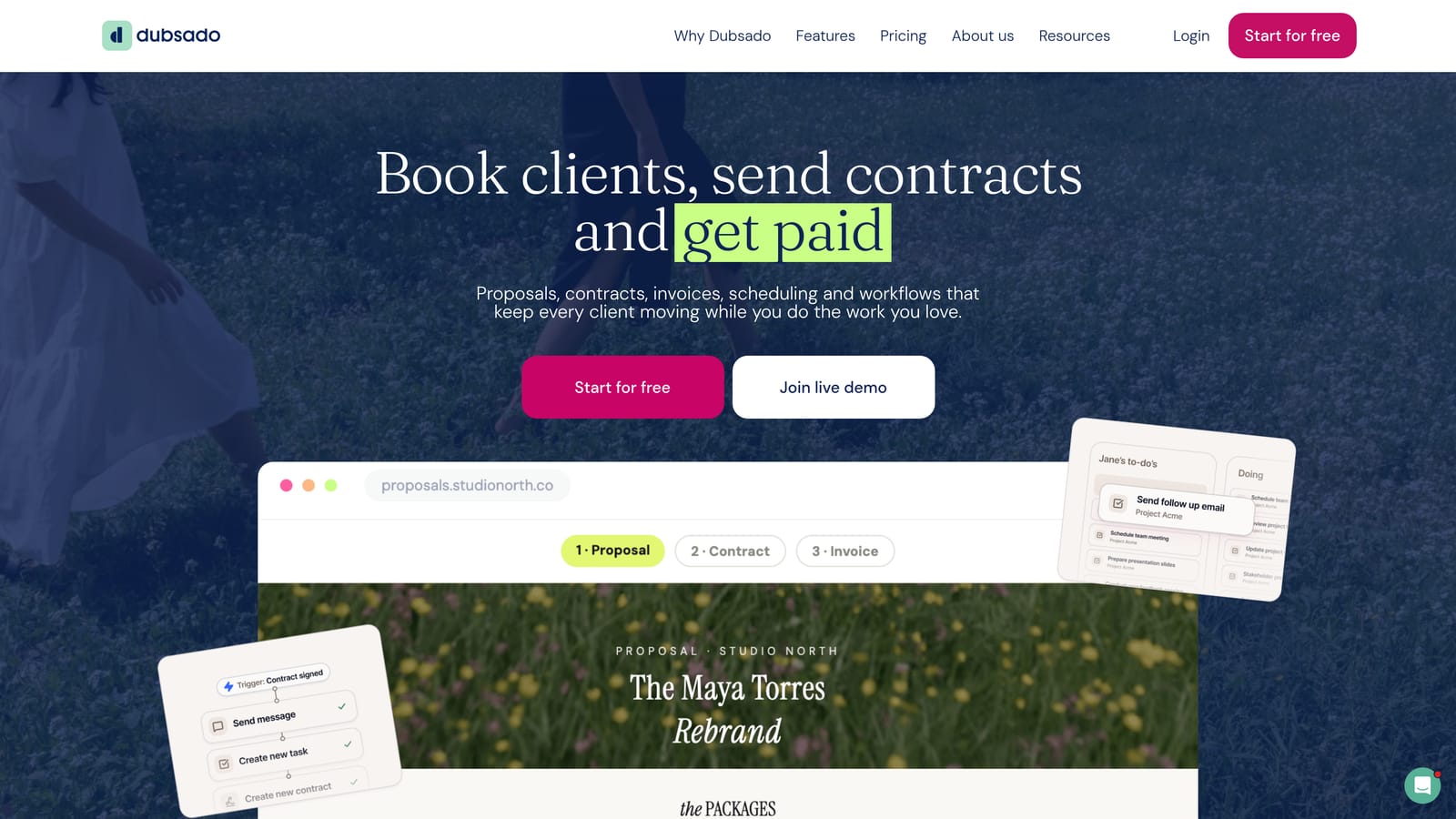
Dubsado is a business management tool whose strength is automation. If every new client goes through the same steps, it can run those steps for you.
What the automation does
You define a workflow once, and it fires when a trigger occurs, such as a signed contract. The workflow might send a questionnaire, schedule a kickoff reminder, and issue the first invoice with no manual action. This level of customization is what separates it from simpler tools on this list.
Features and fit
- Automated workflows remove repetitive onboarding emails and reminders.
- Forms and questionnaires collect project details before the first call.
- Scheduling handles booking so clients pick their own slots.
- Contracts and invoices sit in the same system as the workflow that triggers them.
It connects with Zapier, QuickBooks, Stripe, and PayPal. You run it yourself, but expect to invest time up front: the setup and learning curve are steeper than most tools here, and a freelancer with only a few clients a year may never recoup that effort.
It also lacks ad reporting and deep project tracking. It is a subscription; as of November 2026 check the vendor site for plan pricing.
Best for: Freelancers with repeatable onboarding who want to automate it.
5. Notion
Notion is a flexible workspace rather than a ready-made client system. You build the client hub yourself from databases, pages, and views.
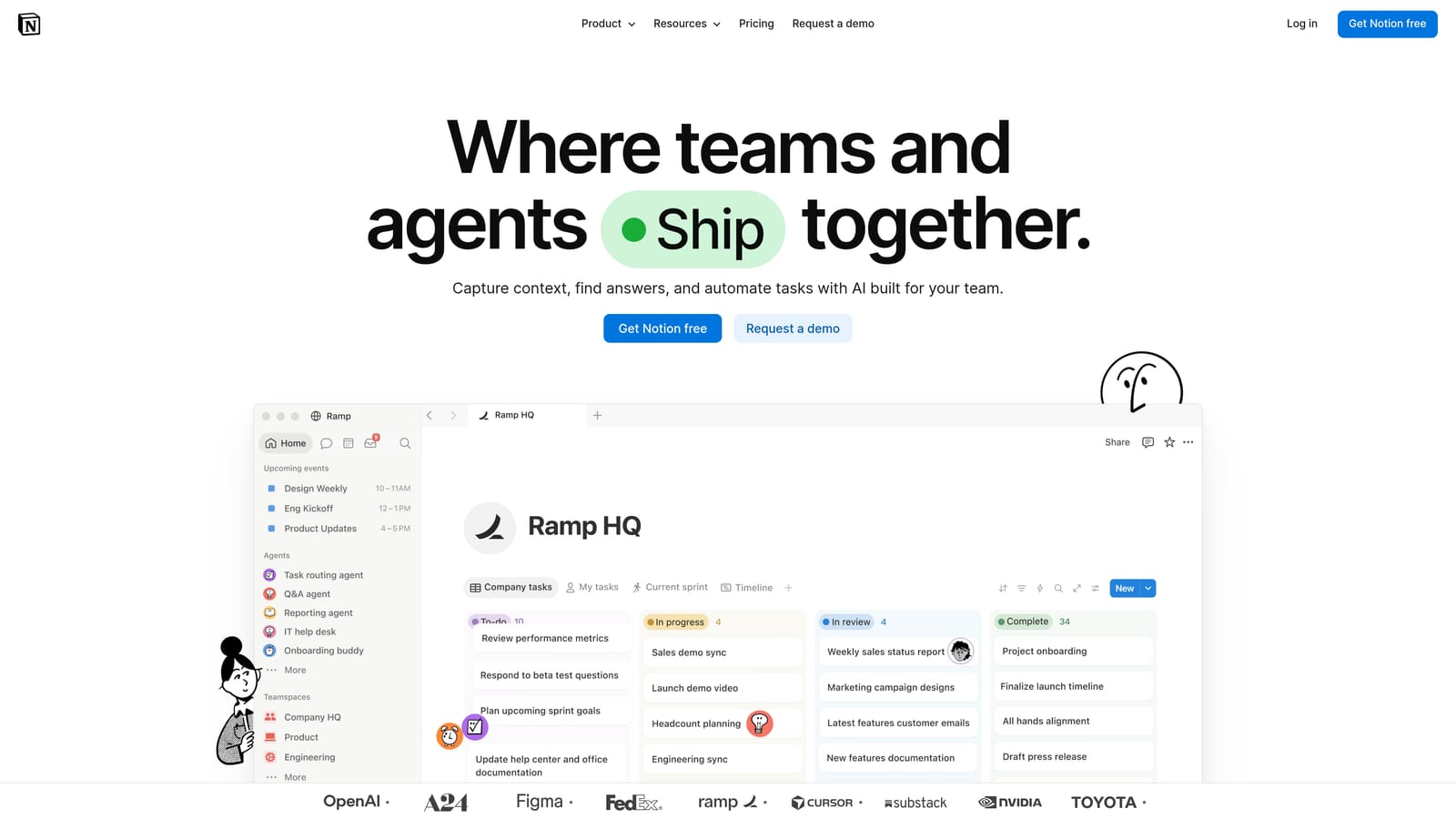
Its distinctive power is relational databases. You can link a clients table to a projects table and a tasks table, then view the same data as a board, calendar, or list. No other tool here lets you shape the structure so completely around your own process.
- Relational databases connect clients, projects, and deadlines so each shows its related items.
- Templates give you starting points instead of a blank page.
- Docs and wikis store briefs, SOPs, and meeting notes beside the client record.
- Board and calendar views let you see work by stage or by date.
It integrates with Slack, Google Drive, and Zapier. You are the administrator, and that is the catch: setup takes time, and it is easy to over-build an elaborate system that you then spend more effort maintaining than using.
There is no native invoicing or payment collection, so billing lives elsewhere, which risks splitting payments from client records. As of November 2026 there is a free plan, with paid plans listed on the vendor site.
Best for: DIY organizers who want a custom client hub.
6. Trello
Trello tracks work as cards moving across columns on a Kanban board. It is the quickest tool on this list to understand: most people have a working board within minutes.
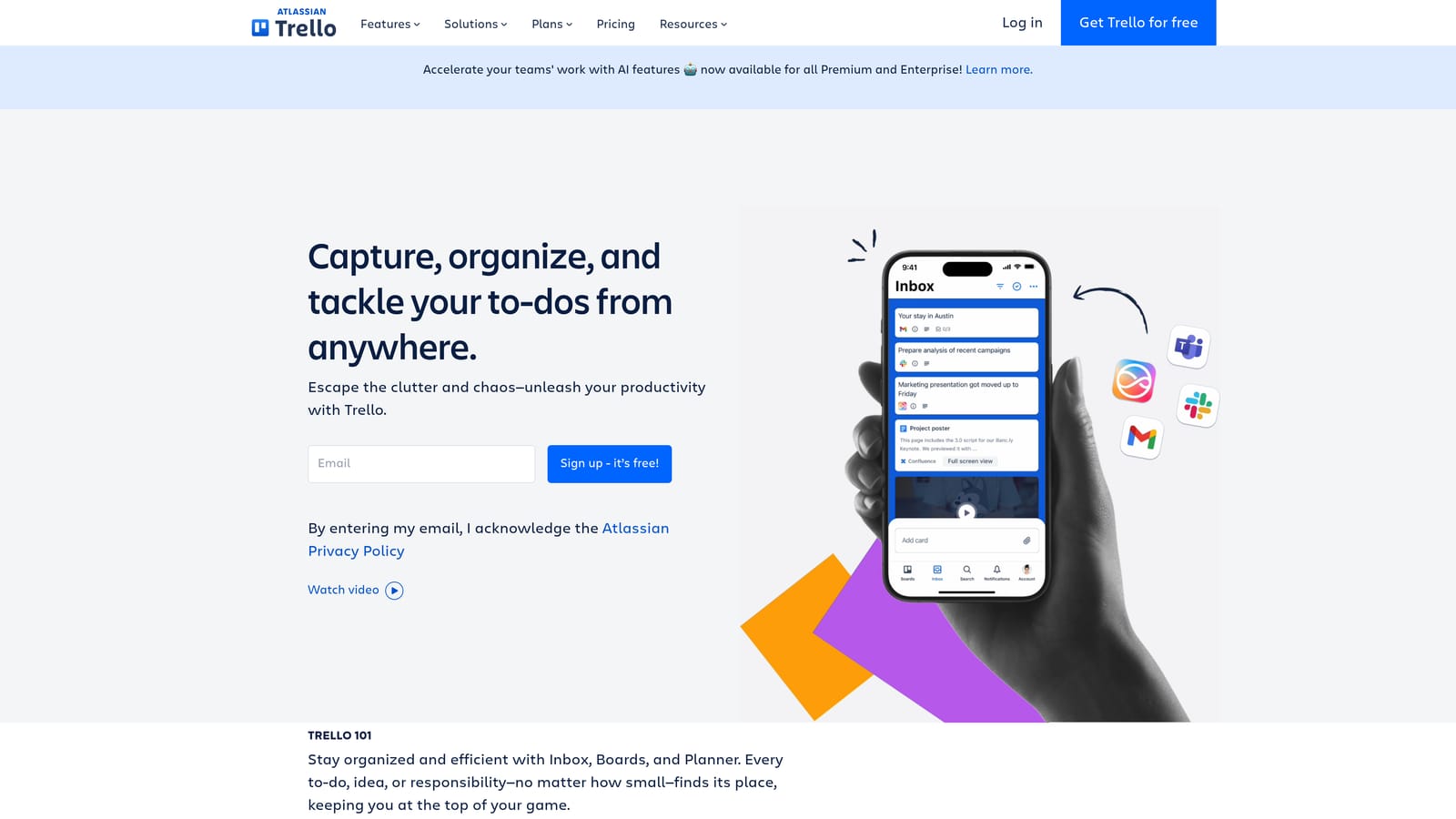
A common setup is one board with columns such as Lead, Proposal Sent, Active, Awaiting Feedback, and Done, with one card per client or project.
- Kanban boards make the status of every client visible at a glance.
- Cards with checklists break a deliverable into steps with due dates.
- Automation via Butler moves cards or sets dates based on rules, cutting repetitive upkeep.
- Power-Ups add extras such as calendar views and integrations.
It works with Slack, Google Drive, and Jira, and needs almost no setup. You manage it alone without training.
The limitation is that it is only a board. It has no built-in CRM, time tracking, or billing, so you will need other tools as your client list grows. It suits light needs best. As of November 2026 there is a free plan, with paid plans on the vendor site.
Best for: Beginners who want a lightweight visual pipeline.
7. Moxie
Moxie is an all-in-one platform designed for solo freelancers instead of agencies or teams. That focus shapes everything: its screens and workflows assume one person wearing every hat.
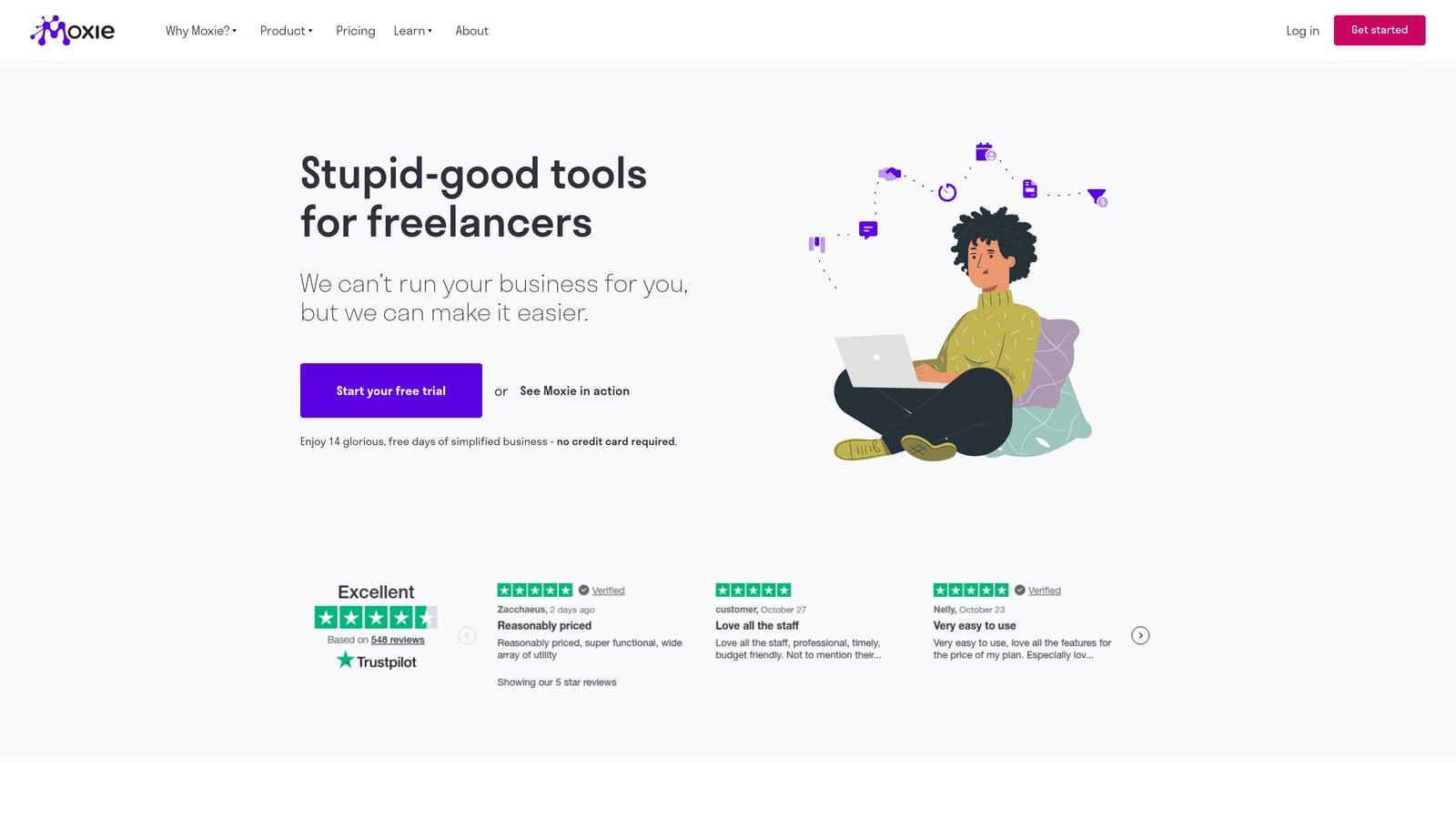
The standout is the client portal, included in the product. A client portal is a private page where a client can see proposals, files, invoices, and project status without emailing you for updates, which cuts down on status-check messages.
- CRM keeps leads and clients in one list.
- Proposals and contracts take a client from pitch to signature.
- Invoicing bills clients and tracks payment status.
- Time tracking records hours against client work for hourly billing.
- Client portal gives clients one place to find everything.
It integrates with Stripe, QuickBooks, and Zapier. Setup is moderate, and you run it alone as the single user it assumes.
The integration ecosystem is smaller than that of larger platforms, so check that your essential apps connect. It also has no ad performance reporting. It is a subscription; as of November 2026 see the vendor site for plan pricing.
Best for: Solo freelancers wanting one tool for the full client lifecycle.
8. Bonsai
Bonsai pairs client paperwork with the financial admin freelancers tend to dread. It covers proposals, contracts, time tracking, and invoicing, then adds expense and tax tools.
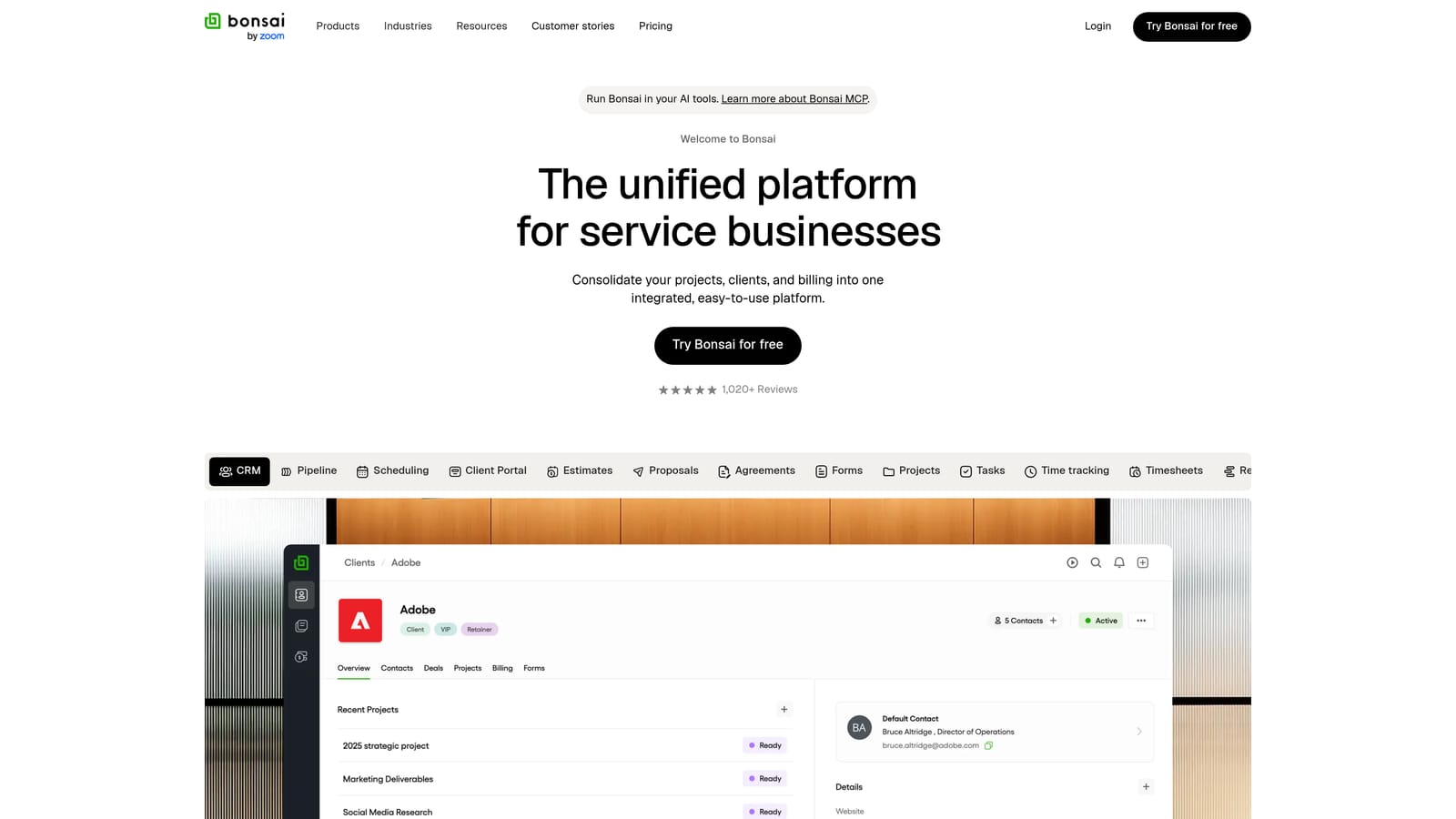
What distinguishes it is the freelancer-specific contract templates and the tax side. Few other tools here help you track deductible expenses or set aside money for tax, so your client records and your year-end paperwork stay in the same place.
- Proposals and contracts start from freelancer-oriented templates so you are not writing legal text from scratch.
- Time tracking turns logged hours into invoice line items.
- Invoicing sends bills and follows up on unpaid ones.
- Expense and tax tools categorize spending and estimate what you owe, easing tax season.
It connects with QuickBooks, Stripe, and Zapier. Setup is light, and you run it alone.
It is less flexible for custom pipelines, so if you want to model your sales stages precisely, a CRM or Notion fits better. There is no free plan. As of November 2026 it is subscription-based after a trial, with pricing on the vendor site.
Best for: Freelancers who want paperwork and tax admin handled alongside clients.
9. Zoho CRM
Zoho CRM is a scalable CRM with workflow automation and a free tier for small teams. It is the option for freelancers who expect to grow into a team and want their client system to grow with them.
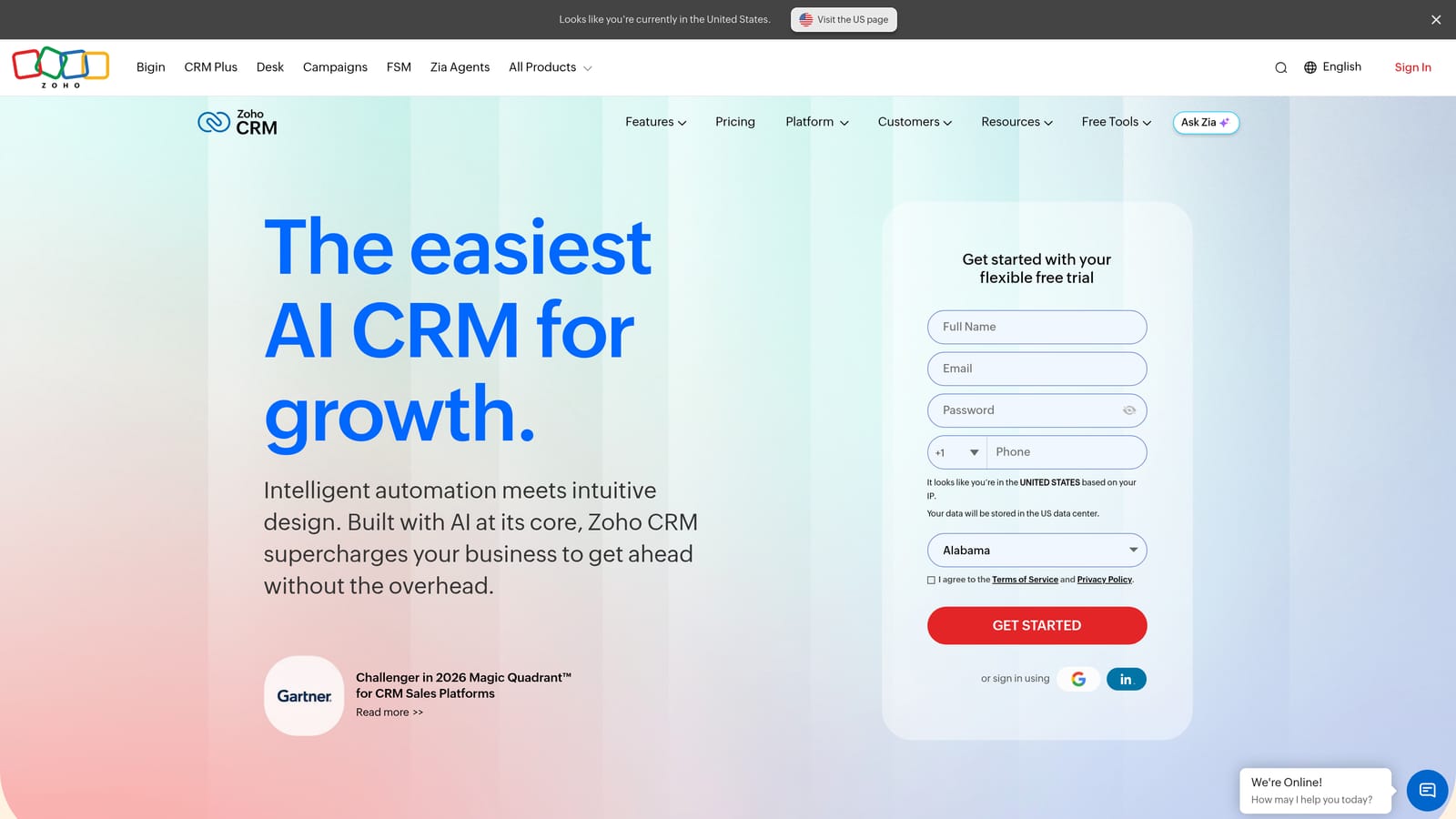
Its differentiator is the wider Zoho suite. A CRM tied to Zoho Books for accounting and Zoho Projects for delivery means contacts, invoices, and tasks can share data inside one vendor's apps, which addresses the split between payments and client records that plagues many setups.
- Lead and contact management tracks prospects through your sales stages.
- Workflow automation handles follow-ups and assignments by rule.
- Reports and dashboards summarize pipeline and revenue.
- Multichannel communication brings email and other channels into the record.
It integrates with Zoho Books, Zoho Projects, Google Workspace, and Zapier. Setup complexity can exceed what a solo freelancer needs, and someone has to own the configuration, which for a small team usually means the founder.
It does not report on ad performance. As of November 2026 a free tier exists for small teams, with paid plans listed on the vendor site; confirm limits before relying on it.
Best for: Freelancers growing into a small team who want a CRM tied to accounting and projects.
Matching a Tool to the Way You Freelance
No single tool wins everywhere, because client organization covers CRM, project tracking, billing, and reporting, and each tool starts from a different one. You also do not need a full CRM on day one; a board and an invoicing tool can carry you a long way.
- Meta or Google Ads freelancer: ClientPlug keeps payments, performance, and white-label reports together. Pair it with HubSpot CRM if you want deeper lead tracking.
- Creative or service freelancer selling proposals: HoneyBook, or Dubsado if your onboarding is repeatable enough to automate.
- Solo generalist who wants one login: Moxie for the full lifecycle, or Bonsai if tax and contract admin is the bigger pain.
- Tight budget or just starting: Trello or Notion, though keep payments tied to client records rather than split away.
- Planning to hire: Zoho CRM or HubSpot CRM, which scale beyond one person.
Free tiers and prices change, so verify current terms on each vendor's site before committing. If you run paid ads for clients and want to see how one dashboard could replace your patchwork of tabs, Learn more about our services.