If you run a Meta or Google Ads agency, or freelance for a handful of retainer clients, you probably juggle billing, reporting, communication, and delivery across four or five apps. The tools below were chosen because you can test them before paying, either through a time-limited trial or a permanent free plan. Each was judged on trial terms, fit for agency and freelance workflows, setup effort, and pricing transparency. Trial lengths, free-plan limits, and prices change often, so confirm every detail on the vendor's site as of November 2026.
Quick Comparison of the Client Management Tools
- ClientPlug: best for Meta and Google Ads agencies and freelancers; pricing on the website; syncs ad performance, client payments, and white-label reports in one dashboard.
- HubSpot CRM: best for agencies running clients as a sales pipeline; free tier available, paid tiers on the website; the largest add-on ecosystem across marketing, sales, and service.
- Moxie: best for solo freelancers; pricing on the website; a proposal-to-contract-to-invoice flow built for one-person operations.
- HoneyBook: best for freelancers and small studios selling packaged services; pricing on the website; branded forms, contracts, and payment links in one client flow.
- Zoho CRM: best for budget-conscious agencies; free edition and paid tiers, see the website; deep customization at a low per-user price.
- Copper: best for Google Workspace agencies; free trial, paid plans on the website; lives inside Gmail and logs contacts and email automatically.
- Monday.com: best for project-heavy agencies; free plan and paid tiers, see the website; highly visual boards for deliverables and approvals.
- Bitrix24: best for small teams wanting a broad free feature set; free plan available; CRM, tasks, and team chat in one free workspace.
- Agile CRM: best for small agencies wanting CRM plus email automation cheaply; pricing on the website; built-in landing pages and email campaigns inside a low-cost CRM.
1. ClientPlug
ClientPlug is an all-in-one client organizer for digital marketing agencies and freelancers. It is built around the work of running paid ads for clients: tracking what each client owes, watching how their campaigns perform, and sending them reports that look like your brand.
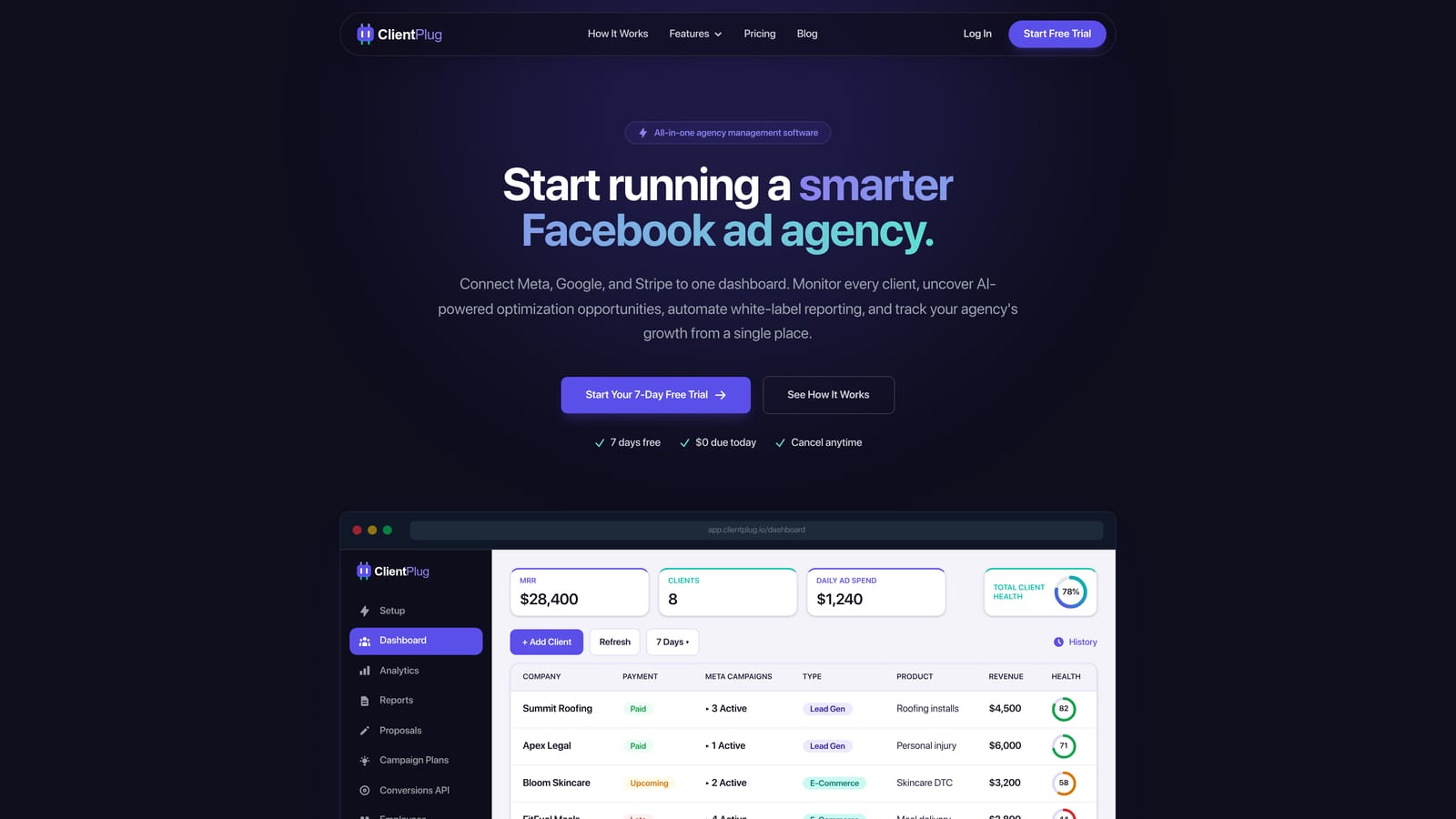
Its distinguishing trait on this list is that ad performance data, client payments, and white-label reporting sync automatically into one agency dashboard. Most other tools here manage the relationship or the project but know nothing about the ad accounts. ClientPlug shows the health of individual ads, campaigns, clients, and the agency as a whole, so you can spot a client whose spend is climbing while results fall, and see whether that client's invoice is paid, on the same screen.
- Client payment tracking shows who has paid and who is overdue without a separate spreadsheet.
- Meta and Google Ads monitoring pulls performance into one place instead of forcing you to open each ad account.
- AI campaign optimization suggests improvements so you spend less time auditing accounts by hand.
- Automated white-label reports go to clients under your branding on a schedule.
- Conversion API setup takes a few clicks, which helps when tracking accuracy is a recurring client problem.
Integrations center on Meta Ads and Google Ads. Setup means connecting ad accounts and adding clients, and it is typically run by the agency owner or an account manager.
The limitation is scope. ClientPlug is focused on ad-driven agencies. It is not a general sales CRM with deal pipelines, and it is not a project management tool for tasks and deliverables. If your clients are mostly SEO, web design, or content accounts, or you need heavy sales tracking, pair it with another tool or choose differently. For current trial terms, plan tiers, and what moves the price, check the pricing on the website.
Best for: Meta and Google Ads agencies and freelancers who want client ops and ad reporting in one place.
2. HubSpot CRM
HubSpot CRM is probably the best-known CRM with a permanent free tier, covering contacts, companies, deals, and email tracking. Paid hubs for marketing, sales, and service sit on top of the same database.
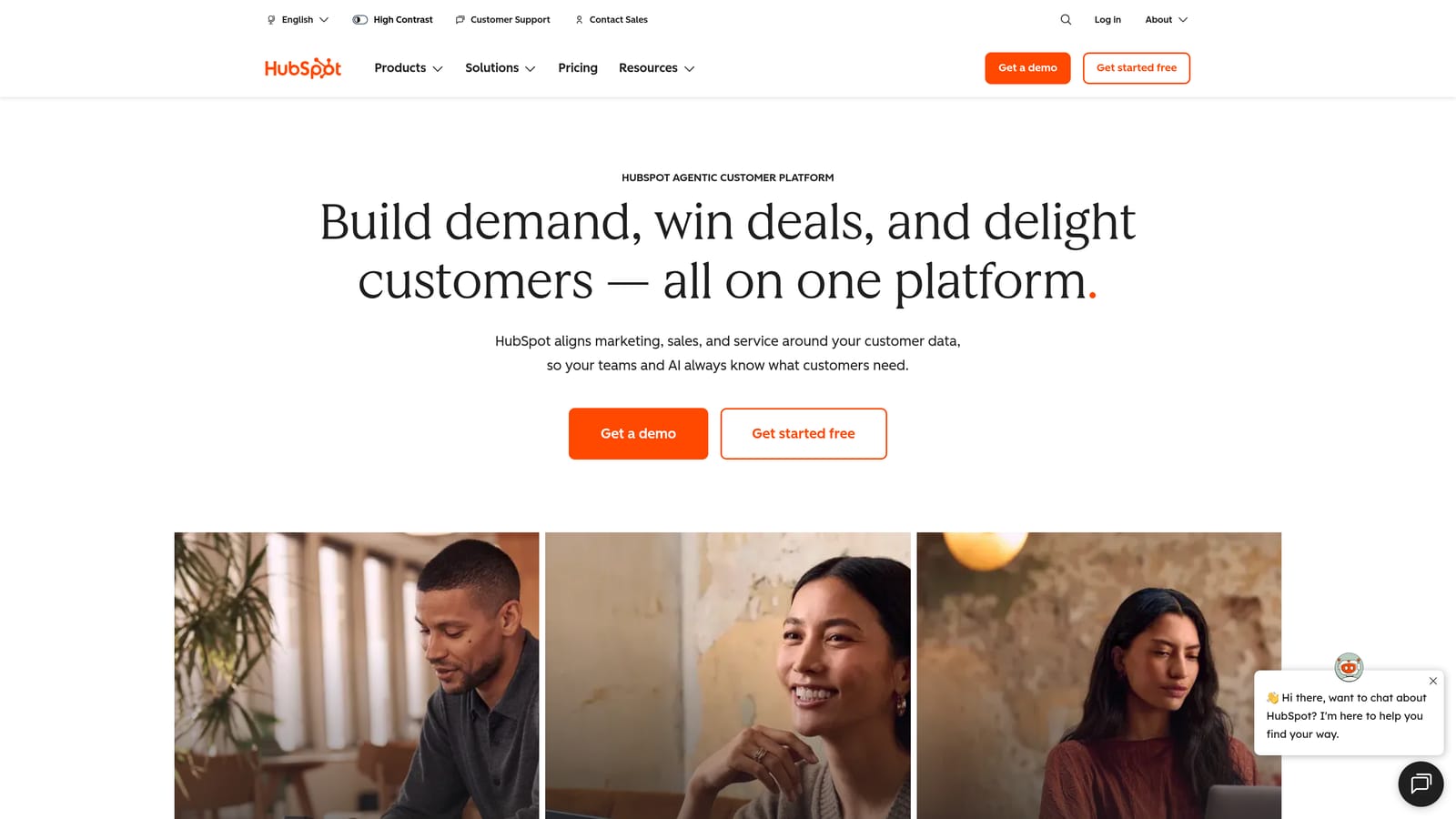
What sets it apart here is the ecosystem. No other tool on this list has as many add-ons, templates, and third-party connections, so an agency can start with free contact management and later add forms, sequences, or service ticketing without migrating data.
- Contact and company records keep every client conversation and detail in one searchable place.
- A visual deal pipeline shows where each prospect or upsell stands.
- Email tracking tells you when a proposal or invoice email was opened.
- Reporting dashboards summarize pipeline and activity without exporting to spreadsheets.
- Automation on paid tiers removes repetitive follow-ups.
It connects with Gmail, Outlook, Slack, and Zapier. Setup is quick for the free tier, and a sales lead or the owner usually runs it. Be clear on what the free tier is: a permanent limited plan, not a trial of the paid features. Costs can rise sharply as you move to paid tiers and add seats, so model your headcount before upgrading. HubSpot also does not track ad performance or invoice your clients in the way an agency back-office tool does. Confirm the current free-tier limits and paid pricing on the website as of November 2026.
Best for: Agencies managing clients as a sales and relationship pipeline.
3. Moxie
Moxie is a business management suite aimed squarely at freelancers. It bundles CRM, proposals, contracts, invoicing, time tracking, and a client portal so a solo operator can run the whole back office from one login.
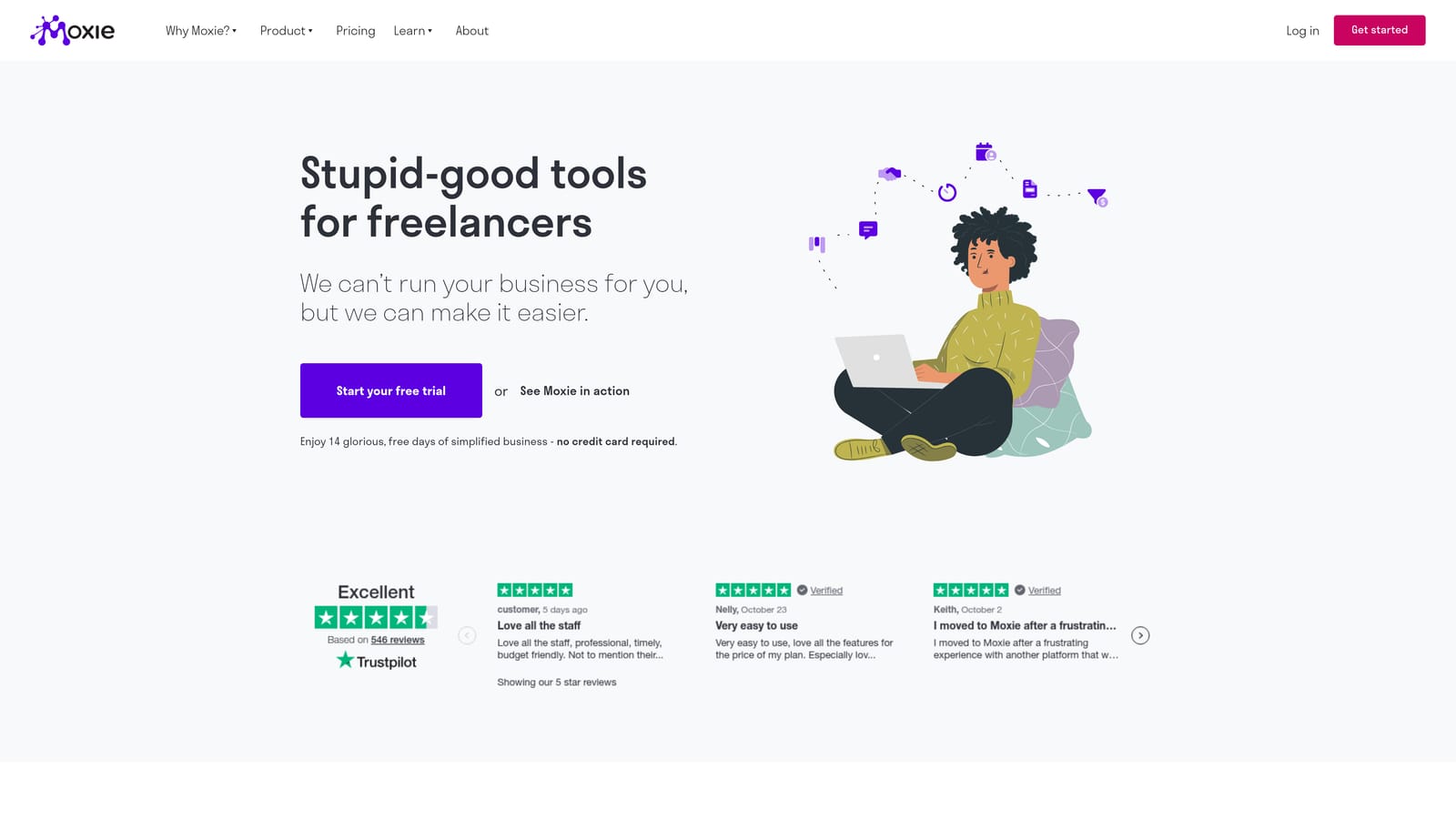
Its strongest point is the sequence: send a proposal, convert it to a contract once accepted, then turn the work into invoices, all without re-entering details. That flow is built for one person doing everything, which is a different design goal from team-oriented CRMs.
Features that matter day to day:
- A lightweight CRM keeps leads and clients organized without enterprise complexity.
- Proposals and contracts get signed faster and flow into billing.
- Invoicing collects payment through connected processors.
- Time tracking ties hours to projects and invoices, useful for hourly or hybrid retainers.
- A client portal gives clients one place for files, approvals, and invoices.
It integrates with Stripe, PayPal, Google Calendar, and Zapier. Setup is light, since a freelancer can configure it in an afternoon. The tradeoff is that it is not designed for larger teams, and it will not report on ad performance, so a PPC freelancer would still need a separate source for campaign results. Trial length, free-plan availability, and prices are on the website; verify them as of November 2026 before you plan around them.
Best for: Solo freelancers wanting a single back-office tool.
4. HoneyBook
HoneyBook is a client flow platform that handles the path from first inquiry to final payment. It is popular with creative service businesses such as photographers, designers, and consultants.
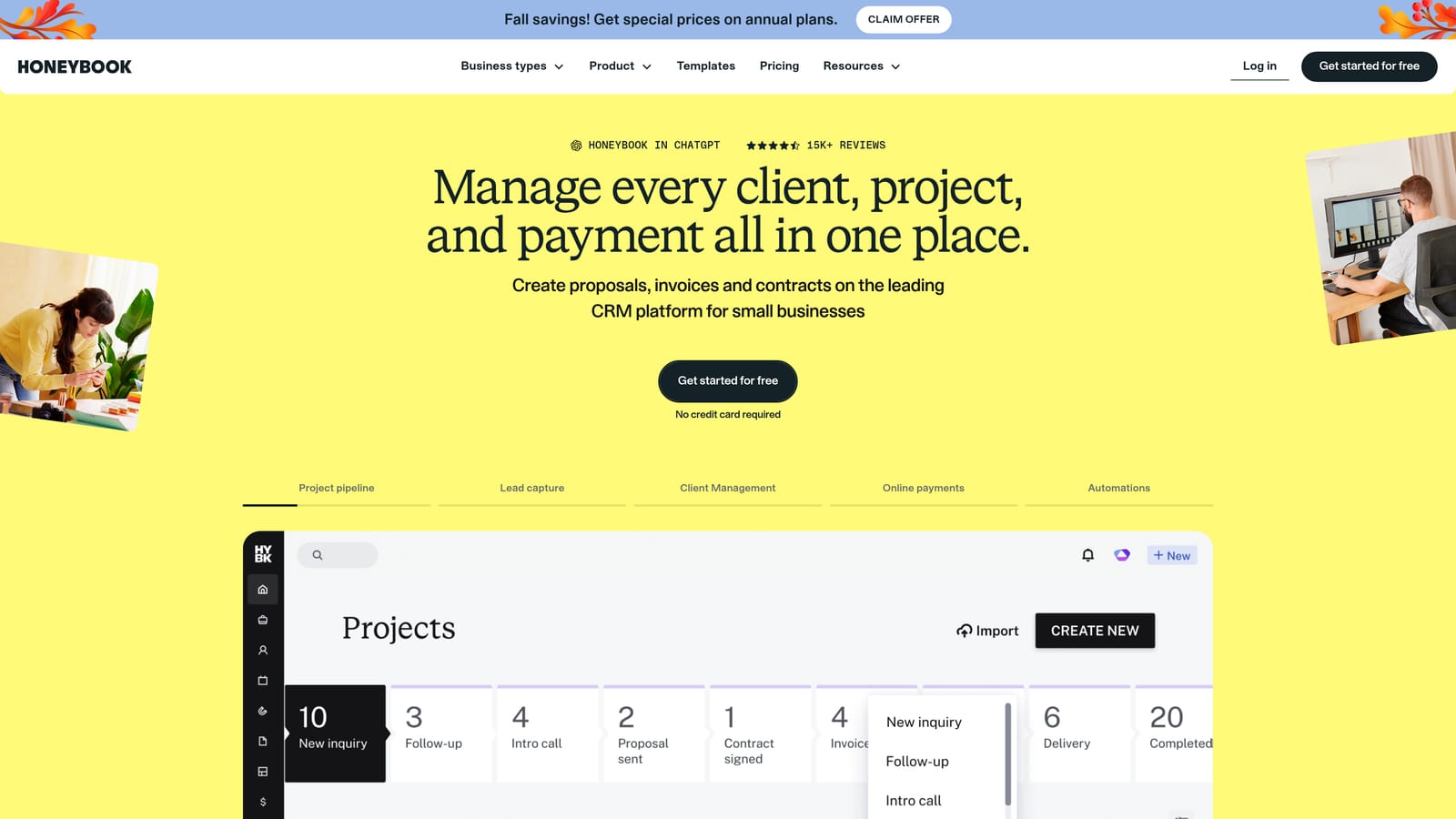
The standout is polish. Branded inquiry forms, proposals, e-signed contracts, and payment links sit in one client-facing flow, so a prospect moves from interest to paying without leaving your branded experience.
- Inquiry forms capture leads and drop them straight into your pipeline.
- Proposals and e-signed contracts shorten the time from yes to started.
- Invoicing and payments let clients pay online, including on a schedule.
- Scheduling removes the back-and-forth of booking calls.
- Automations send reminders and follow-ups so nothing depends on your memory.
It connects with QuickBooks, Google Calendar, Zapier, and Gmail. Setup centers on building templates for your services, which takes some upfront effort but pays off with repeatable packages. It is geared toward creative service businesses, so performance marketers who need ad data, campaign reporting, or recurring retainer analytics will find it thin. Whether a free trial is offered, how long it lasts, and what plans cost should be checked on the website as of November 2026.
Best for: Freelancers and small studios selling packaged services.
5. Zoho CRM
Zoho CRM is a configurable CRM with a free edition for small teams and a free trial of its paid editions. That gives you two ways to test: a permanent small plan, or time-limited access to the fuller feature set.
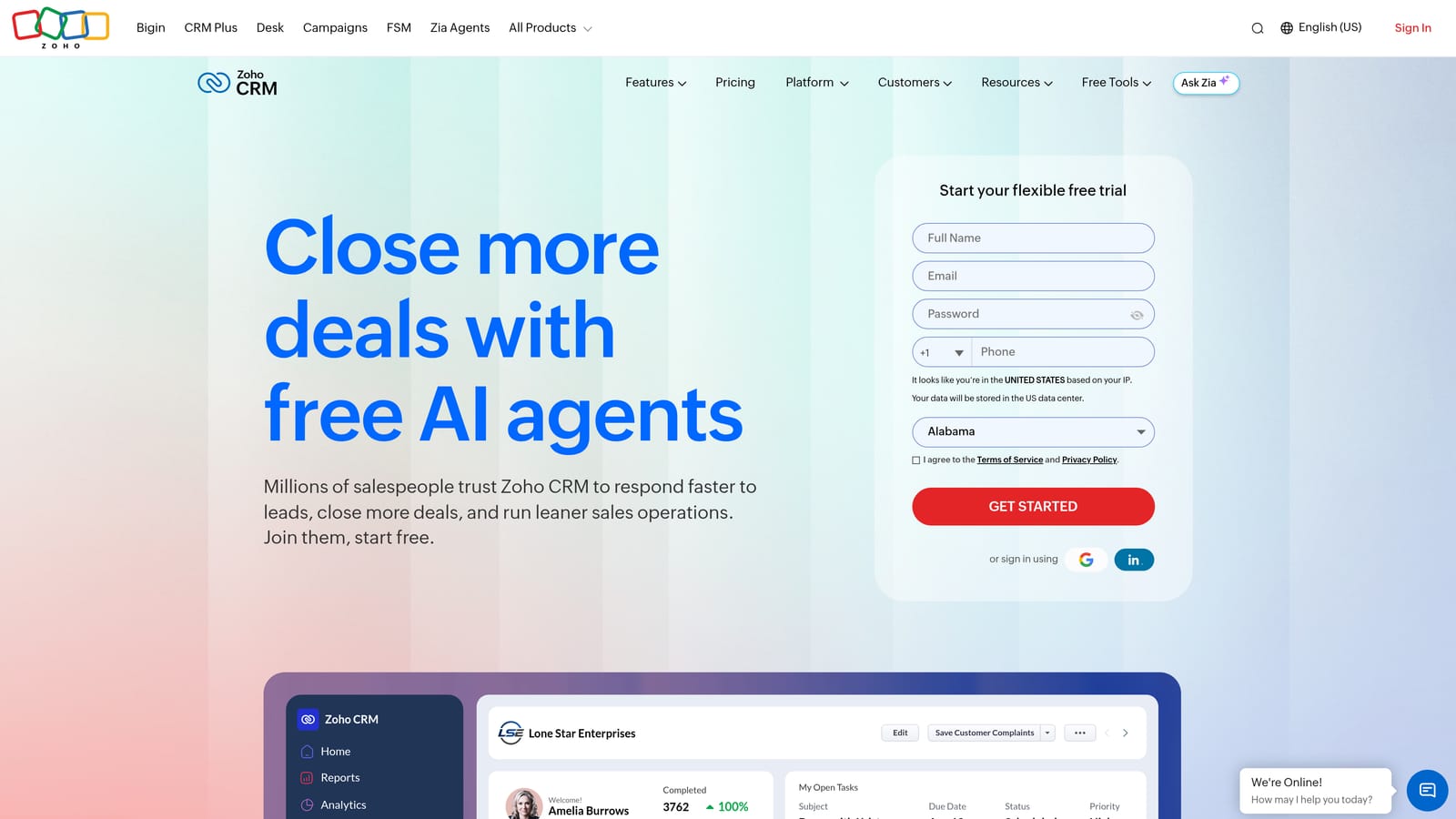
Its distinct advantage is how much you can customize for the money. Custom modules, workflow rules, and analytics are available at a low per-user price compared with many rivals, which suits agencies with unusual processes.
- Lead and contact management centralizes prospects and clients.
- Workflow automation handles assignments, reminders, and status changes.
- Custom modules let you track things like retainers or ad accounts as their own record types.
- Analytics show pipeline and activity trends.
- Multichannel communication brings email, phone, and chat into the record.
It integrates with the wider Zoho suite, Google Workspace, Microsoft 365, and Zapier, which makes it especially attractive if you already use other Zoho products. The cost of that flexibility is complexity. Small teams can find setup and the interface heavy, and someone, often the owner or an ops hire, has to own the configuration. Free edition limits and paid tier pricing change, so confirm them on the website as of November 2026.
Best for: Budget-conscious agencies needing configurable workflows.
6. Copper
Copper is a CRM designed to work inside Google Workspace. It captures contact and email data from Gmail so the record builds itself as you work.
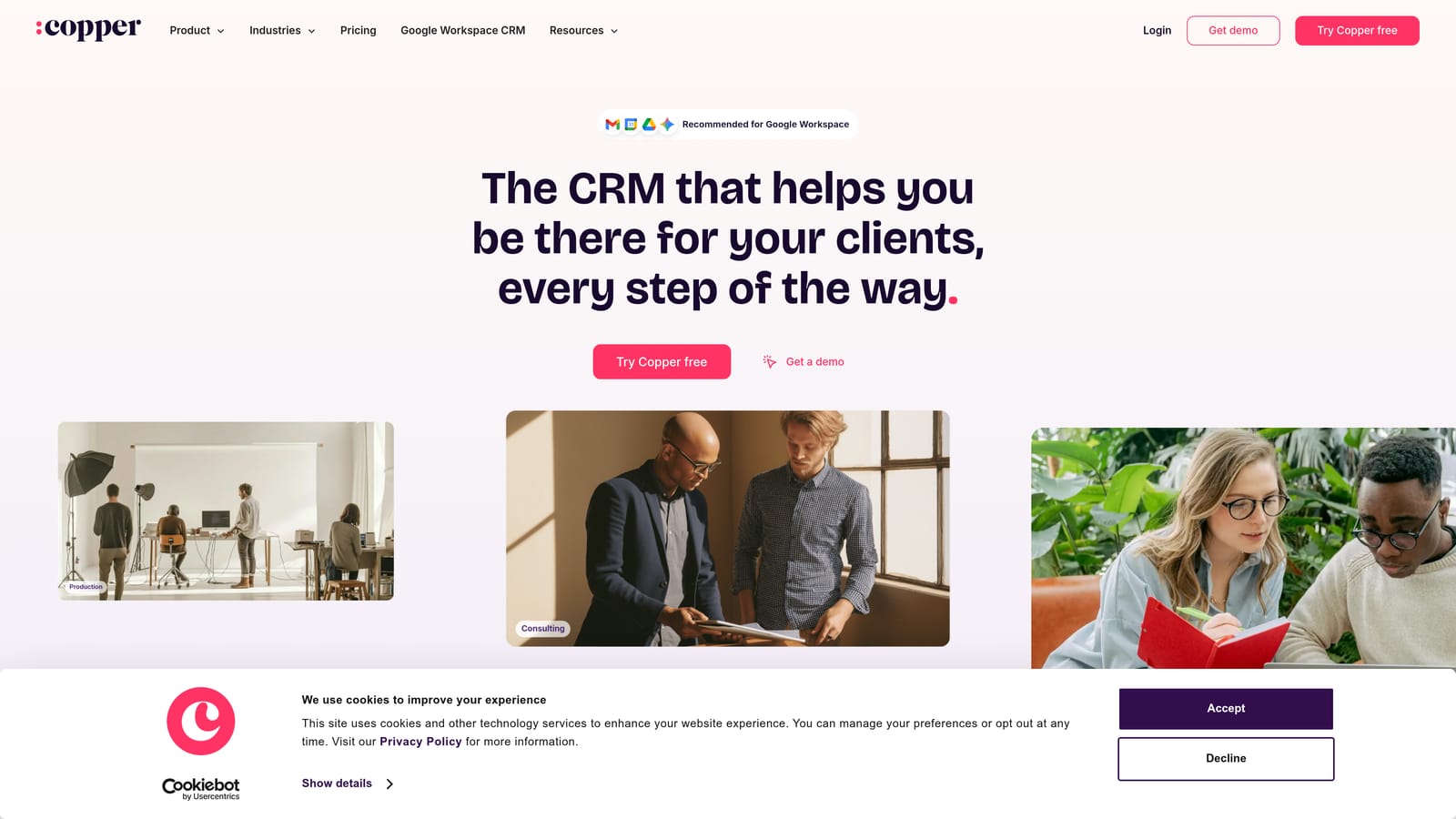
That native embedding is what separates it from the rest. Where other CRMs ask you to log activity, Copper logs email and contact details automatically, which matters for relationship-heavy accounts where the history lives in your inbox.
- Gmail-based contact capture keeps records current without manual entry.
- Pipeline management tracks deals and renewals visually.
- Project tracking handles post-sale work alongside the relationship.
- Workflow automation reduces repetitive follow-up steps.
- Reporting summarizes pipeline health and activity.
It integrates with Gmail, Google Calendar, Google Drive, Slack, and QuickBooks. Setup is quick if your team already lives in Google Workspace, and account managers can run it without an admin. The limitations are plain: it offers a free trial but no permanent free plan, and the best value assumes you use Google Workspace. If your team is on Microsoft 365, look elsewhere. Trial length and plan pricing are on the website; verify as of November 2026.
Best for: Google Workspace agencies with relationship-heavy accounts.
7. Monday.com
Monday.com is a work management platform with CRM and project templates. It offers a free trial and a limited free plan, so you can test either route.
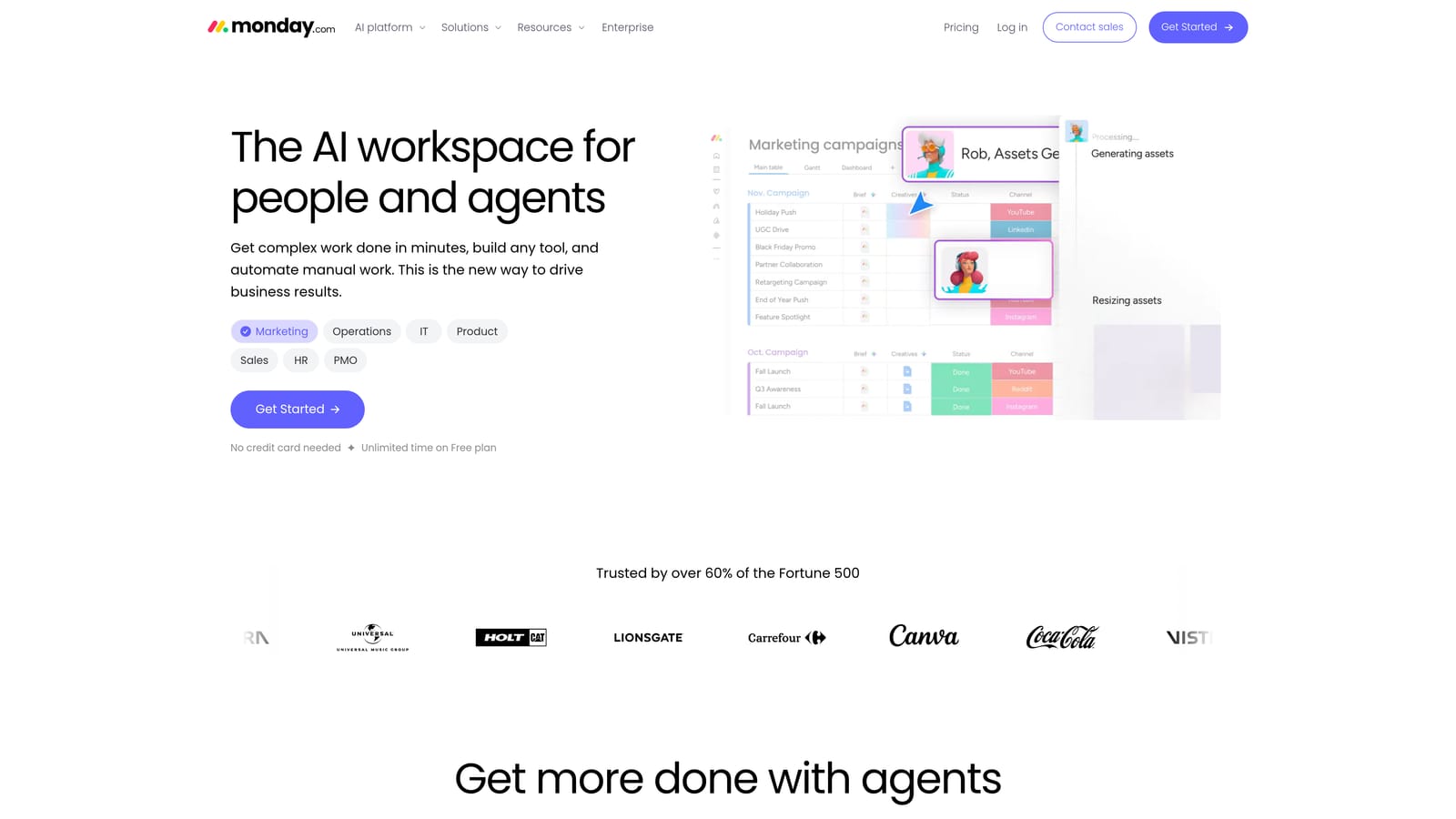
Its strength is visual clarity. Customizable boards and dashboards make it easy to see every client's projects, deliverables, and approval stages at a glance, which helps agencies where the biggest headache is knowing what is due and who is blocked.
- Customizable boards let you model onboarding, campaign launches, or content approvals your way.
- Dashboards roll up workload and status across clients.
- Automations move items and notify people when statuses change.
- CRM templates give you a basic pipeline without a separate system.
- Client-facing forms collect requests and briefs in a structured way.
It connects with Slack, Gmail, Google Drive, Zoom, and Zapier. Setup is flexible but open-ended: you build the structure, so someone needs to own board design. Pricing is per seat, and seat minimums can make costs climb for larger teams. It does not handle invoicing or ad reporting natively. Free plan limits, trial terms, and prices should be checked on the website as of November 2026.
Best for: Agencies whose main pain is project and deliverable tracking.
8. Bitrix24
Bitrix24 is an all-in-one workspace that combines CRM, tasks, chat, and collaboration, with a free plan available.
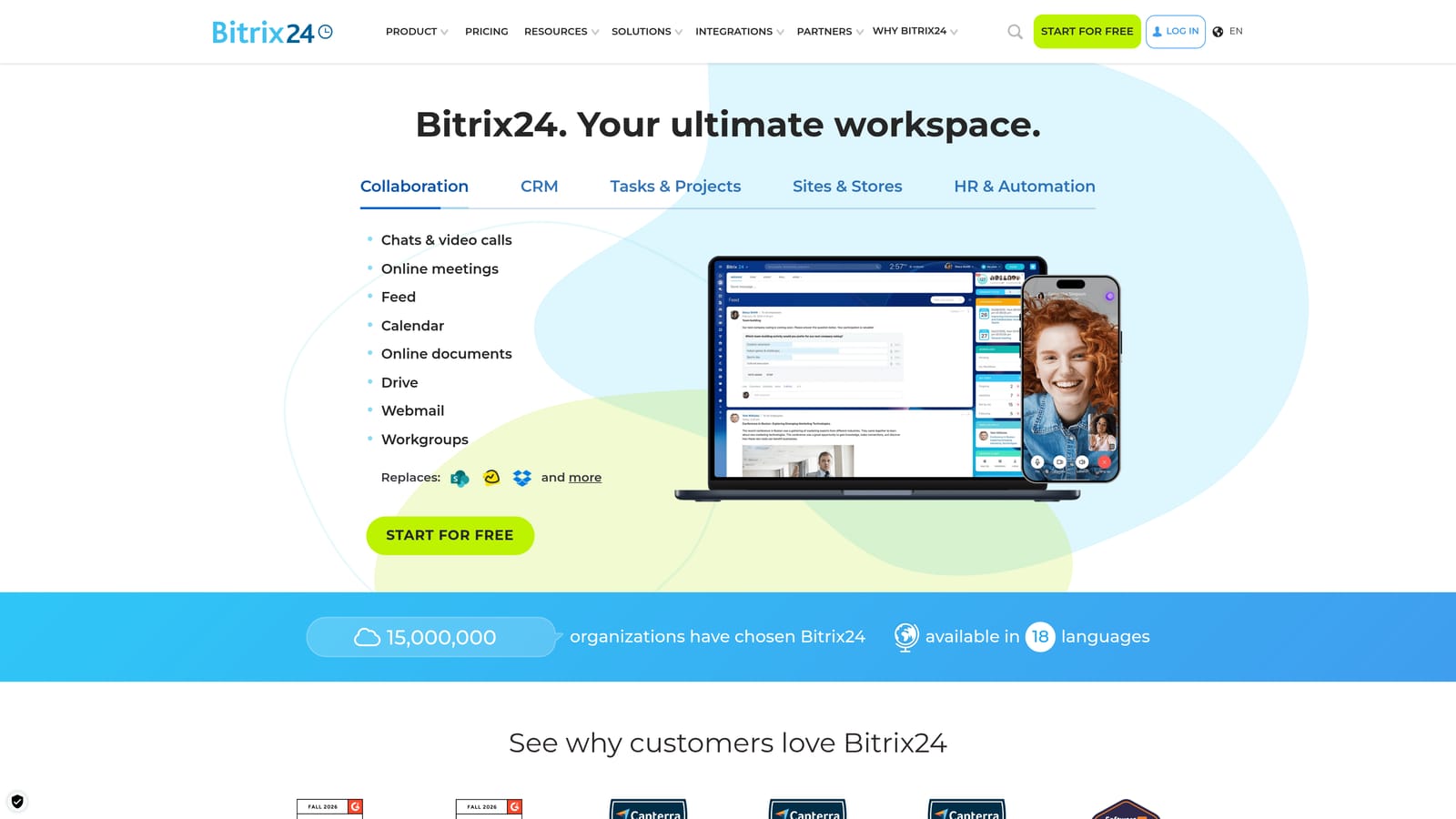
What it does distinctively is bundle those pieces into one free workspace. Where most tools here cover one area and expect you to add others, Bitrix24 puts client records, task management, and team communication under one roof, which can replace several subscriptions for a small team.
- CRM tracks leads, deals, and clients in one database.
- Task and project management assigns work and deadlines to team members.
- Team chat and video calls reduce reliance on separate messaging tools.
- A contact center brings email, calls, and chat channels together.
- Document management stores and shares client files.
It integrates with Google Workspace, Microsoft 365, Zapier, and Mailchimp. Setup takes longer than with narrower tools because there is a lot to configure, and the interface can feel crowded. Expect a learning curve, and plan for a team lead to guide onboarding. It is also not specialized for ad reporting or agency billing. Free plan limits, such as user and storage caps, and paid tier prices change, so verify them on the website as of November 2026.
Best for: Small teams wanting a broad free feature set.
9. Agile CRM
Agile CRM is a small-business CRM that combines contact management, email marketing, and appointment scheduling in one low-cost product.
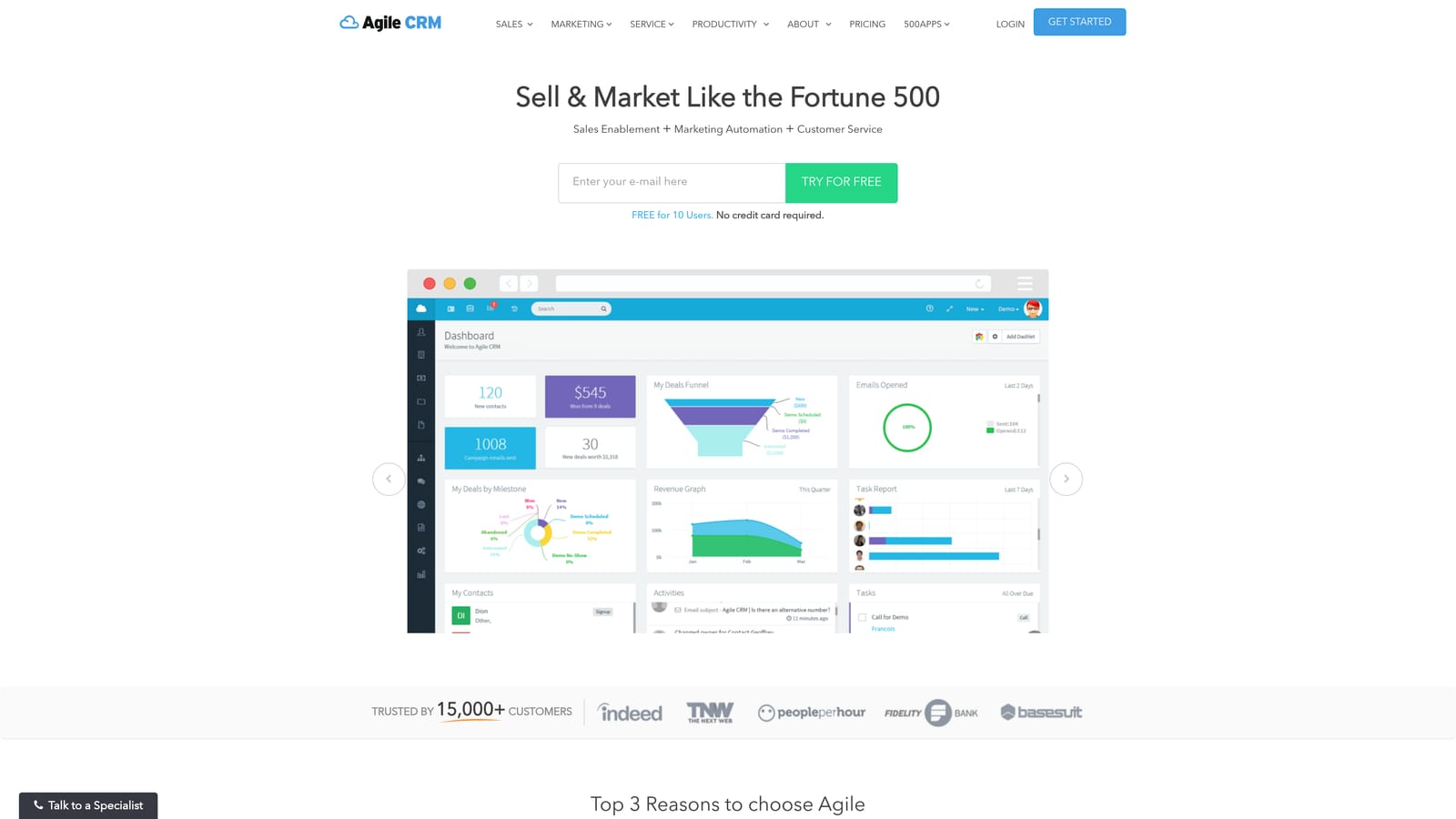
Its distinctive angle is marketing built into the CRM. Landing pages, email campaigns, and basic automation are included, so a small agency can nurture leads and send newsletters without paying for a separate email platform.
- Contact management keeps client and prospect details together.
- Email campaigns let you send newsletters and nurture sequences from the same records.
- Appointment scheduling cuts the back-and-forth of booking calls.
- Landing pages capture leads without a separate page builder.
- Basic automation handles simple follow-up workflows.
It connects with Gmail, Zapier, Stripe, and Mailchimp. Setup is modest and a single owner can handle it. The main caution is momentum: it appears to be less actively developed than larger competitors, so check that the plan you want is still offered and that the features you need are current before committing. It also lacks ad reporting and agency billing depth. Confirm trial and plan availability and pricing on the website as of November 2026.
Best for: Small agencies wanting basic CRM plus email automation cheaply.
Matching a Trial to Your Agency's Biggest Pain
"Client management" covers CRM, billing, project tracking, and ad reporting, and no single tool here does all four equally well. Start from your biggest bottleneck, then pick accordingly.
- Ad agencies: ClientPlug, because it ties Meta and Google Ads performance, payments, and white-label reports together.
- Solo freelancers: Moxie for a one-person back office, or HoneyBook if you sell packaged services.
- Sales-led agencies: HubSpot CRM, or Copper if your team works in Gmail.
- Project-heavy teams: Monday.com for visual tracking of deliverables.
- Budget-first teams: Zoho CRM or Bitrix24, both with free options.
Remember that a free plan is not a trial: it is permanently limited, while a trial gives time-limited full access and often asks for a card. Trial two tools at once using real client data. Import actual clients, send a test invoice, open the client portal or a sample report, and check how you can export your data, since moving out later can be hard. If you run Meta or Google Ads for clients, Learn more about our services.