Managing Facebook Ads across a dozen client accounts is a different job entirely from managing one. You're not just running campaigns — you're context-switching constantly, chasing down performance data across separate accounts, building reports manually, and hoping you catch a struggling campaign before your client does. It's the kind of workflow that burns out even experienced agency operators.
A dedicated Facebook ads performance dashboard changes that equation. Instead of bouncing between Meta Ads Manager accounts, you get a centralized view of every campaign, every client, and every key metric — with reporting automation built in. For more on managing multiple ad accounts efficiently, see our guide on multi-client ad account management.
Here are the top tools built for agency owners, freelancers, and ad teams who need more than what native Meta Ads Manager offers — evaluated on multi-account visibility, reporting flexibility, ease of use, and real agency value.
1. ClientPlug.io
Best for: Agencies and freelancers who want campaign monitoring, client payments, and reporting in one place
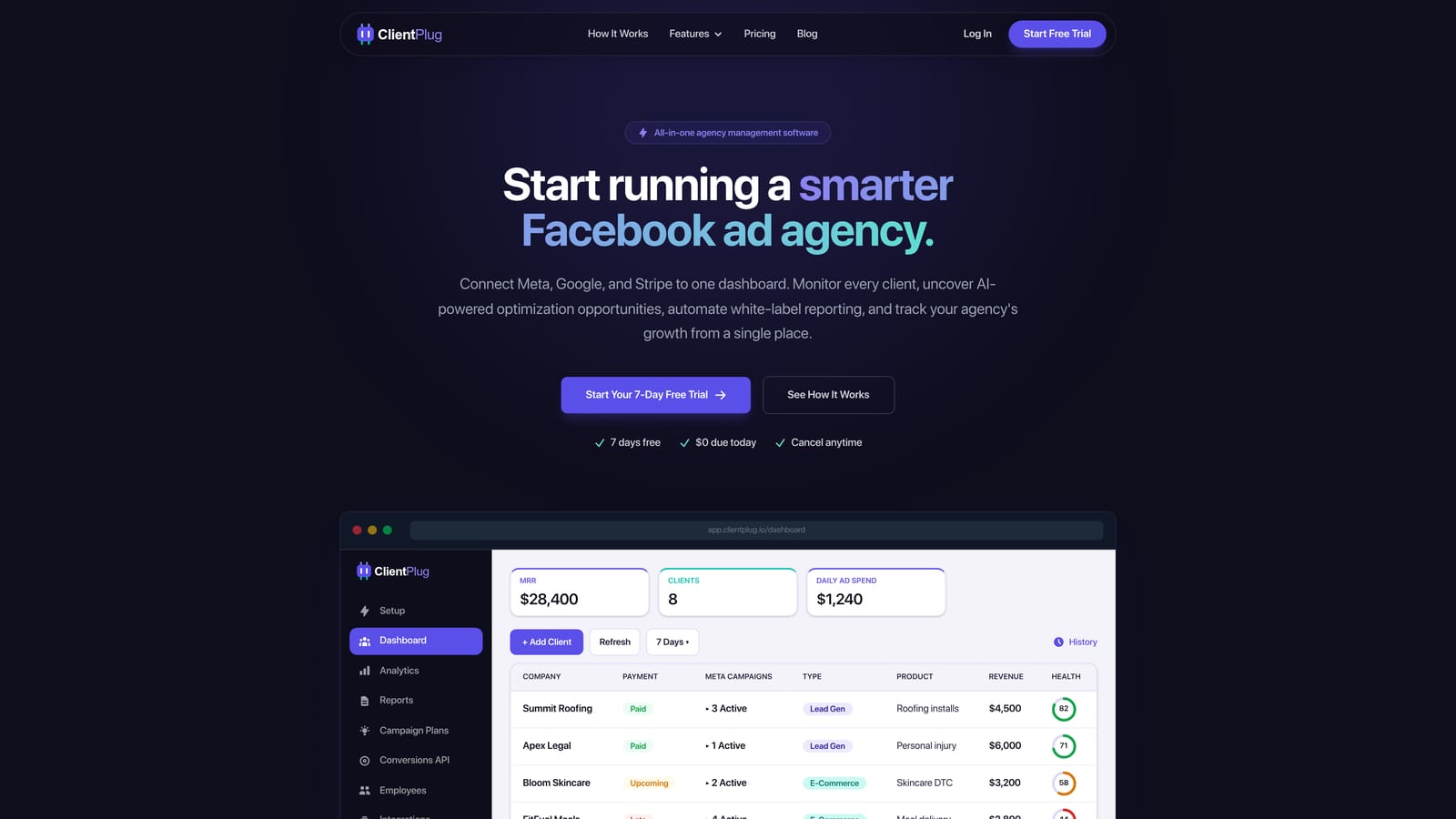
ClientPlug.io is an all-in-one client organizer purpose-built for digital marketing agencies and freelancers managing multiple clients.
Where This Tool Shines
Most Facebook ads dashboards do one thing well: show you campaign data. ClientPlug goes further by combining Meta Ads and Google Ads performance monitoring with client payment tracking, white-label reporting, and AI-powered optimization recommendations — all from a single dashboard. For agency operators, that means fewer tools to juggle and a cleaner operational workflow.
The agency health view is particularly useful. Rather than drilling into individual accounts one at a time, you get a layered perspective: individual ads, campaigns, clients, and your agency as a whole. Spotting which client's account needs attention becomes a matter of seconds, not a manual audit.
Key Features
Unified Multi-Client Dashboard: Monitor Meta Ads and Google Ads performance across all client accounts from a single interface, with no account-switching required.
AI-Powered Optimization Recommendations: Surface actionable campaign improvements automatically, so you're not relying entirely on manual analysis to catch underperformers.
Automated White-Label Reports: Set up branded reports once and let them deliver automatically to clients on your chosen schedule — no manual exports needed.
One-Click Conversion API Setup: Configure Meta's Conversion API for clients in a few clicks, removing a technical barrier that often requires developer involvement.
Integrated Client Payment Tracking: Track what clients owe alongside their campaign performance — a combination that's rare among dedicated ad dashboards.
Best For
ClientPlug is the strongest fit for digital marketing agencies and freelancers who manage multiple clients and want operational consolidation. If you're currently using separate tools for ad monitoring, client reporting, and payment tracking, this platform is designed to replace that stack with one dashboard.
Pricing
Visit clientplug.io for current pricing plans. Pricing is structured to serve agencies at various stages of growth.
2. Databox
Best for: Teams that want visually compelling, real-time KPI dashboards without writing code
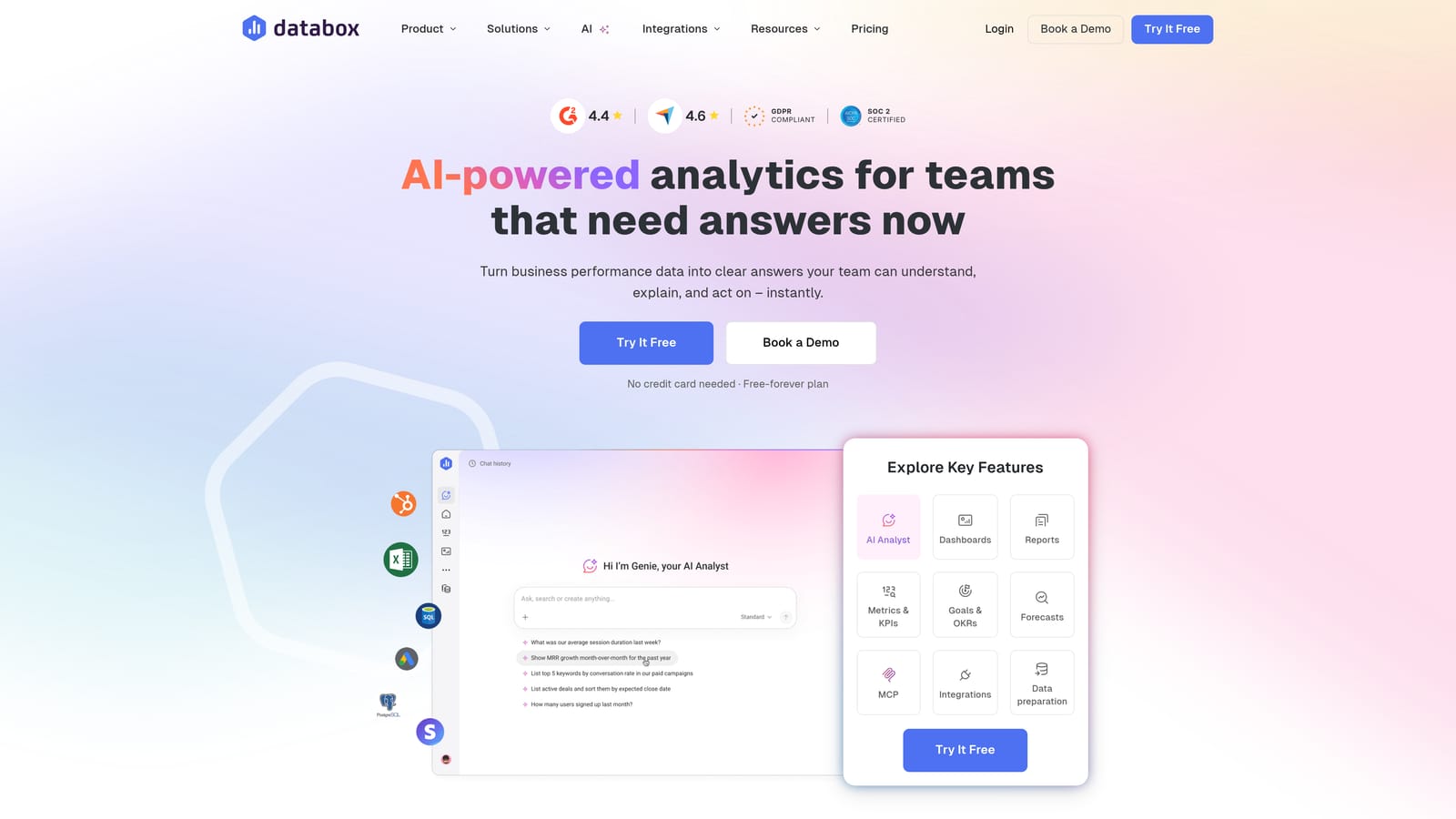
Databox is a flexible KPI dashboard platform with native Meta Ads integration and a drag-and-drop builder designed for non-technical users.
Where This Tool Shines
Databox excels at turning raw performance data into clean, executive-style dashboards that are easy to read at a glance. The drag-and-drop interface means you can build a polished Meta Ads performance view without touching a single line of code — and the mobile app makes it accessible when you're away from your desk.
The goal-tracking and benchmarking features add a layer of context that pure data views often lack. Instead of just seeing raw numbers, you can set performance targets and see how campaigns are trending against them in real time.
Key Features
Drag-and-Drop Dashboard Builder: Build and customize dashboards visually with no coding required, making it accessible to the full agency team.
70+ Native Integrations: Connects directly to Meta Ads alongside dozens of other data sources, including Google Ads, HubSpot, and Shopify.
Goal Tracking and Benchmarking: Set performance targets and monitor campaign progress against them, adding meaningful context to your metrics.
Mobile App Access: View live dashboards from any device, useful for agency owners who need visibility on the go.
Free Tier Available: A limited free plan makes it accessible for smaller teams or those wanting to test the platform before committing.
Best For
Databox works well for agencies and in-house teams that prioritize visual dashboard quality and want a no-code setup experience. It's particularly strong for teams that present performance data to internal stakeholders or clients in a live dashboard format rather than scheduled reports.
Pricing
A free tier is available with limited data source connections. Paid plans start at approximately $47/month — verify current pricing at databox.com.
3. AgencyAnalytics
Best for: Marketing agencies that need white-label client portals and automated report scheduling
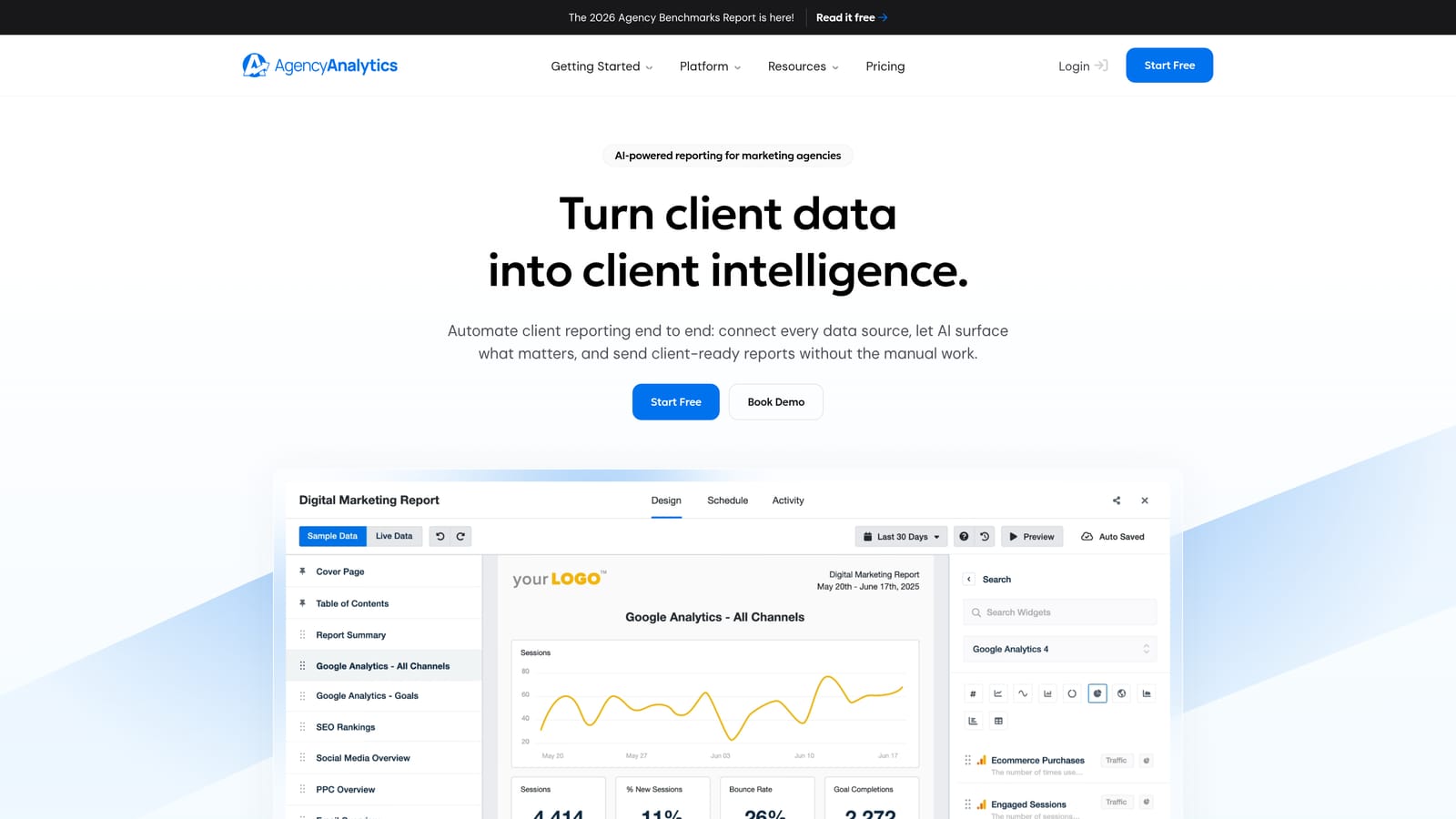
AgencyAnalytics is a reporting and dashboard platform built specifically for marketing agencies, with a strong focus on branded client communication.
Where This Tool Shines
AgencyAnalytics has carved out a well-earned reputation in the agency community by solving a specific problem: making client reporting look professional without requiring significant manual effort. White-label client portals let each client log in and see their own branded dashboard, while automated report scheduling means your team isn't spending Friday afternoons pulling exports.
The integration library is broad enough to cover most agency workflows, spanning Meta Ads, Google Ads, SEO platforms, and social media channels. For agencies offering multi-channel services, that breadth reduces the need for separate reporting tools per channel.
Key Features
White-Label Client Dashboards: Give each client access to their own branded portal with custom logos, colors, and domain options.
Automated Report Scheduling: Set reports to deliver automatically on weekly or monthly cycles without manual intervention.
80+ Integrations: Connects to Meta Ads, Google Ads, major SEO tools, and social platforms from a single platform.
Custom Branding on All Materials: Apply your agency's branding consistently across every client-facing report and dashboard.
Per-Campaign Pricing: Costs scale with the number of clients you manage, making it easier to budget as you grow.
Best For
AgencyAnalytics is an excellent fit for growing agencies that manage multi-channel campaigns and need a polished, branded reporting experience for clients. It's particularly well-suited to agencies where client communication is a core differentiator.
Pricing
Starts at approximately $12 per campaign per month. Verify current pricing at agencyanalytics.com.
4. Supermetrics
Best for: Analytically sophisticated teams that need Meta Ads data routed into custom reporting environments
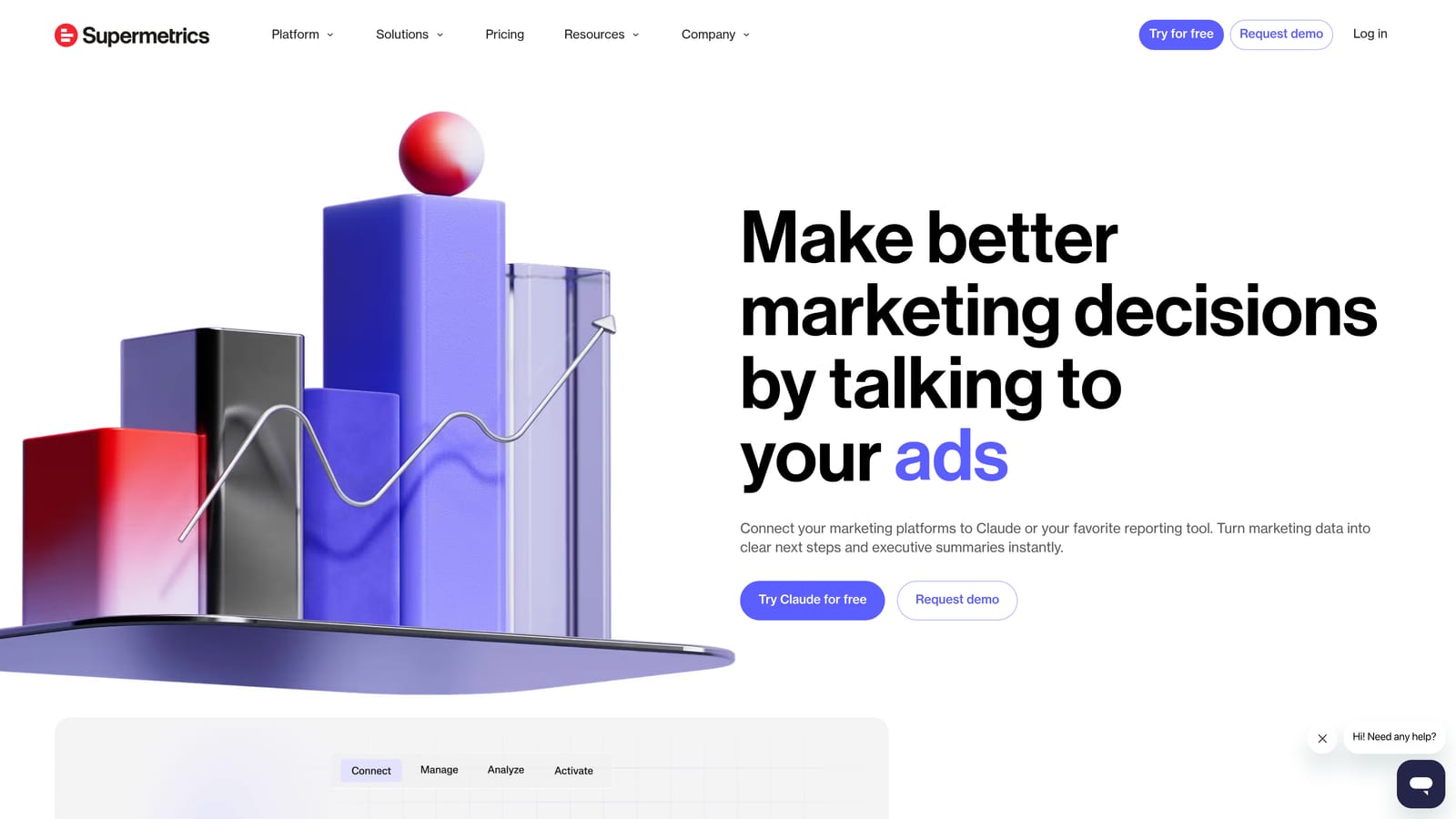
Supermetrics is a data pipeline tool that extracts Meta Ads data and delivers it to destinations like Google Sheets, Looker Studio, BigQuery, and cloud data warehouses.
Where This Tool Shines
Supermetrics isn't a dashboard — it's the data layer underneath one. If your agency has analysts who build custom reports in Google Sheets, or if you're feeding campaign data into a data warehouse for broader business intelligence, Supermetrics handles the extraction and delivery reliably. The depth of its Meta Ads API integration means you can pull granular data that native exports often don't surface easily.
Scheduled data refreshes keep your reports current without manual pulls, which is particularly valuable when clients or internal stakeholders expect always-up-to-date numbers in a shared spreadsheet or dashboard environment.
Key Features
15+ Data Destinations: Route Meta Ads data to Google Sheets, Looker Studio, BigQuery, Snowflake, and other environments your team already uses.
Scheduled Data Refreshes: Automate data pulls on a set cadence so reports stay current without manual intervention.
Cross-Channel Data Blending: Combine Meta Ads data with other channel sources in a single destination for unified reporting.
Deep Meta Ads API Integration: Access granular campaign, ad set, and ad-level data beyond what standard exports provide.
Flexible Workflow Fit: Works alongside your existing tools rather than replacing them, making it a strong complement to custom reporting setups.
Best For
Supermetrics is best suited for agencies with in-house analysts, data-savvy teams, or clients who require custom reporting environments. It's not the right choice if you need an out-of-the-box dashboard — it requires setup and a clear destination in mind.
Pricing
Pricing varies by destination and data volume. Check supermetrics.com for current plan details, as costs can range significantly depending on your use case.
5. Looker Studio
Best for: Budget-conscious agencies willing to invest setup time for a fully customizable, free reporting solution
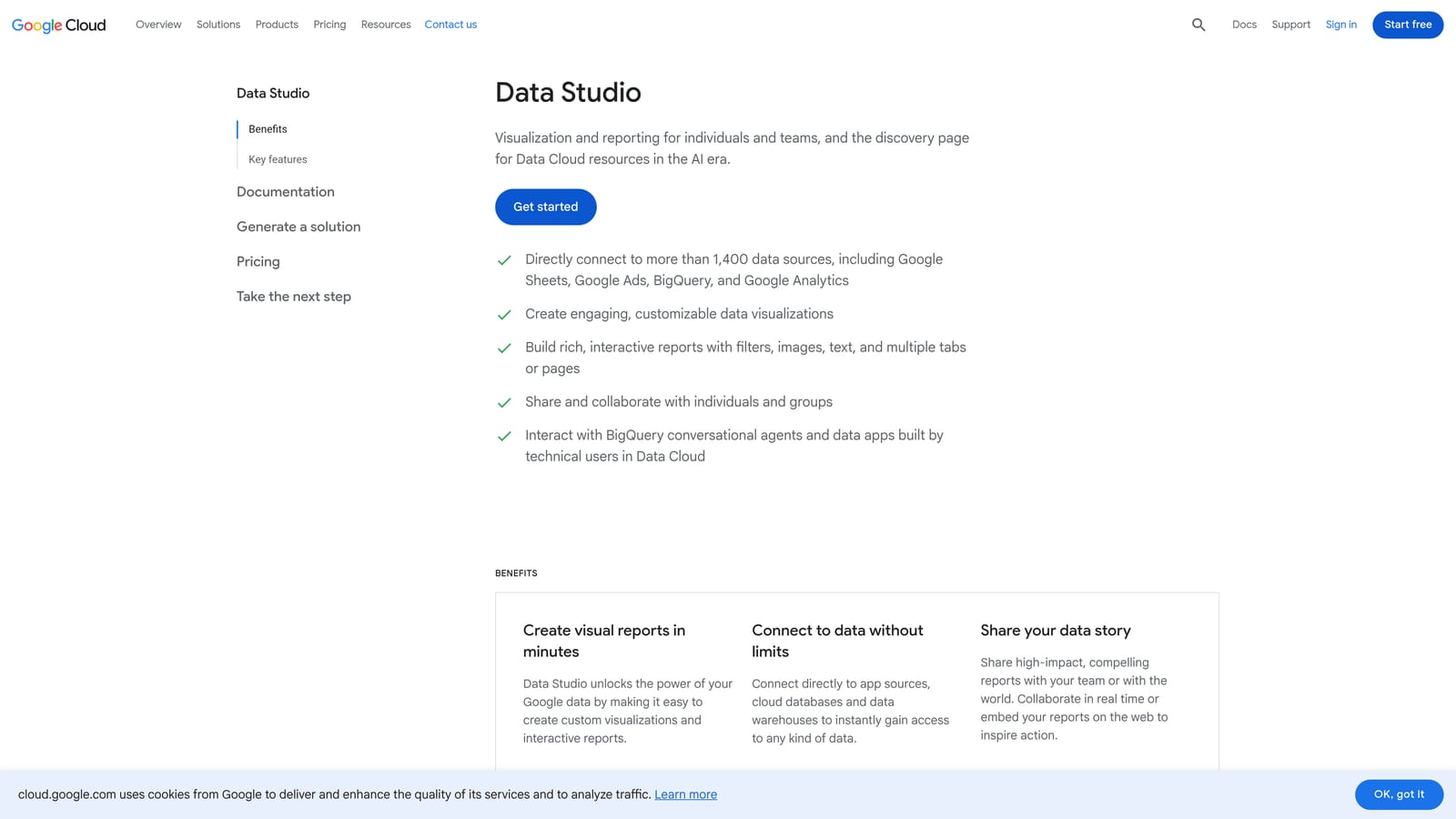
Looker Studio is Google's free business intelligence and data visualization platform, offering highly flexible dashboard building with broad connectivity options.
Where This Tool Shines
The most compelling thing about Looker Studio is what it costs: nothing. There are no dashboard limits, no report limits, and no user caps. For agencies with tight tool budgets or those who want complete control over how their dashboards look and behave, that combination of flexibility and zero cost is hard to beat.
Sharing is frictionless — dashboards are distributed via link, so clients don't need to create accounts or log into a portal. The native integration with Google Ads, GA4, and Google Sheets makes it a natural fit for agencies already embedded in the Google ecosystem.
Key Features
Completely Free: No cost for creating or sharing dashboards, with no limits on the number of reports you build.
Highly Customizable Layouts: Full control over visualizations, layout, and data presentation without rigid templates.
Meta Ads Connectivity via Third-Party Connectors: Connect Meta Ads data through free or paid third-party connectors available in the connector marketplace.
Link-Based Sharing: Share dashboards with clients via a simple URL — no login or account required on their end.
Native Google Ecosystem Integration: Connects directly to Google Ads, GA4, and Google Sheets without additional connectors.
Best For
Looker Studio suits freelancers, small agencies, and technically capable teams who want maximum customization at no cost. The tradeoff is setup time: building a polished Meta Ads dashboard requires more manual effort than template-driven platforms.
Pricing
Free to use. Some Meta Ads connectors from third-party providers may carry separate costs — check the Looker Studio connector marketplace for current options.
6. Swydo
Best for: PPC-focused agencies that need fast, automated client reports for Meta Ads and Google Ads
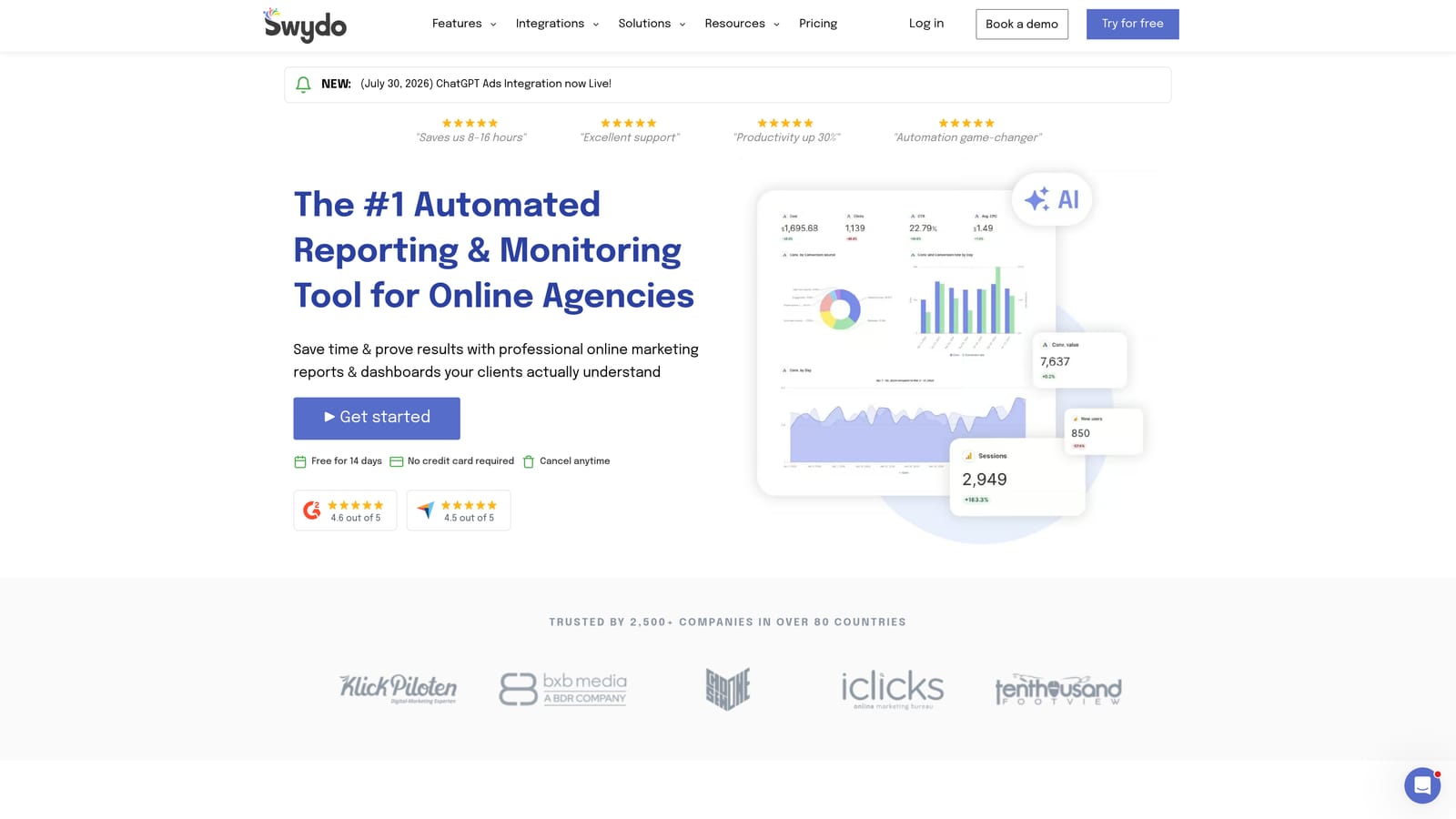
Swydo is a PPC reporting tool built to make client report creation fast and repeatable, with strong Meta Ads and Google Ads integration at its core.
Where This Tool Shines
Swydo's template-driven approach is its biggest practical advantage. Rather than building reports from scratch for each client, you start from a structured template and customize as needed — significantly reducing the time it takes to get a professional report out the door. For agencies where PPC is the primary service, that speed matters.
Automated report scheduling means that once a report is configured, it delivers itself to clients on your chosen schedule without any manual steps. The per-report pricing model also makes cost predictable as your client roster grows.
Key Features
Template-Driven Report Creation: Start from pre-built templates to produce client-ready reports quickly without starting from a blank canvas.
Strong PPC Integration: Deep connectivity with Meta Ads and Google Ads, covering the channels most PPC agencies rely on most.
Automated Scheduling and Delivery: Configure reports to send automatically via email on weekly or monthly cycles.
Custom Branding: Apply your agency's branding to all client-facing reports for a professional, consistent presentation.
Predictable Per-Report Pricing: Costs scale with the number of client reports rather than a flat fee, keeping expenses tied directly to your client count.
Best For
Swydo is a strong fit for PPC agencies or freelancers whose primary deliverable is regular performance reporting on Meta Ads and Google Ads. It's simpler than full-featured platforms like AgencyAnalytics but more focused and efficient for teams where PPC reporting is the core need.
Pricing
Starts at approximately $39/month for up to 5 reports. Verify current pricing at swydo.com.
7. Whatagraph
Best for: Agencies that need presentation-quality, visually polished reports with cross-channel data blending
Whatagraph is a multi-channel marketing reporting platform known for producing visually rich, presentation-ready reports that agencies can deliver with confidence.
Where This Tool Shines
Where many reporting tools produce functional but visually plain outputs, Whatagraph prioritizes design quality. Reports look polished enough to present in a client meeting or send as a standalone document without additional formatting. For agencies where presentation quality is part of the value proposition, that matters.
Cross-channel data blending is another genuine strength. Combining Meta Ads performance with Google Ads, social media, and other channels into a single unified report gives clients a cleaner view of their overall marketing picture rather than siloed channel-by-channel snapshots.
Key Features
Presentation-Ready Report Templates: Visually polished templates that produce client-ready outputs without manual design work.
Cross-Channel Data Blending: Combine Meta Ads, Google Ads, social media, and other channel data into unified reports.
White-Label Branding: Apply full agency branding to client-facing reports and dashboards.
Automated Report Scheduling: Set reports to deliver automatically on a recurring basis to reduce manual effort.
Team Collaboration Features: Built-in workflows that support agency teams working across multiple client accounts simultaneously.
Best For
Whatagraph suits mid-size to larger agencies that manage multi-channel campaigns and need reports that reflect the quality of their work. It's positioned at a higher price point than simpler tools, making it most appropriate for agencies where polished client deliverables justify the investment.
Pricing
Pricing is on the higher end of the market. Check whatagraph.com for current team and agency plan details.
8. Reportei
Best for: Freelancers and small agencies that need professional reports fast, without a steep learning curve
Reportei is a lightweight reporting tool designed to generate shareable, professional-looking reports from Meta Ads, Google Ads, Instagram, and other channels in minutes.
Where This Tool Shines
Reportei's core appeal is speed and simplicity. You connect your data sources, and within minutes you have a clean, shareable report ready to send to a client. There's no heavy configuration, no complex dashboard building, and no steep learning curve to navigate before you can produce something useful.
For freelancers or small agencies where time is the most constrained resource, that immediacy has real value. The link-based sharing model also removes friction for clients — they receive a link and view their report without needing to create an account or navigate a portal.
Key Features
Fast Report Generation: Connect data sources and produce a shareable report in minutes, with minimal setup required.
Multi-Channel Connectivity: Connects to Meta Ads, Google Ads, Instagram, LinkedIn, and other commonly used channels.
Clean, Professional Report UI: Reports look polished out of the box without requiring design customization.
Affordable Pricing: Entry-level pricing suited to freelancers and small agencies who need professional output without enterprise costs.
Simple Link-Based Sharing: Deliver reports to clients via a shareable link — no client login or portal access needed.
Best For
Reportei is the right fit for freelancers and small agencies that need professional-looking reports delivered quickly without investing time in platform setup. It's more limited in customization and advanced features than larger platforms, but for straightforward reporting needs, it delivers strong value at an accessible price point.
Pricing
Affordable entry-level pricing designed for freelancers and small agencies. Check reportei.com for current plan details.
Which Tool Is Right for Your Agency?
The right Facebook ads performance dashboard depends on where your agency is right now and what operational problems you're actually trying to solve.
If you're a solo freelancer or small agency, the priority is usually speed and cost. Reportei gets you professional reports fast with minimal setup, while Looker Studio offers a free, highly customizable option if you're willing to invest some build time upfront. Swydo sits in the middle — affordable, template-driven, and purpose-built for PPC reporting.
For growing agencies managing a broader client roster, the needs shift toward automation and branded client experience. AgencyAnalytics and Whatagraph both deliver polished white-label reporting with strong multi-channel integration. Databox is worth considering if live KPI dashboards are more important than scheduled reports.
For analytically sophisticated teams with custom reporting environments, Supermetrics is the data pipeline layer that makes everything else possible — routing Meta Ads data wherever your team needs it.
And if you want to consolidate more than just reporting, ClientPlug.io is the only platform on this list that combines Facebook Ads and Google Ads performance monitoring with client payment tracking, automated white-label reports, AI-powered optimization recommendations, and one-click Conversion API setup. For agencies that are tired of managing five separate tools to run their client operations, that consolidation is the real value.
Ready to see what a unified agency dashboard looks like in practice? Learn more about our services and explore how ClientPlug can simplify the way you manage every client, every campaign, and every payment from one place.