If you run Meta campaigns for clients, you have probably lost hours to screenshots, pasted spreadsheets, and exports that look different every month. The tools below are for agency owners and freelancers who want a branded, repeatable way to show results. They were chosen on Meta Ads data depth, white-label and automated delivery, ease of setup, multi-client management, and pricing transparency. One disclosure: ClientPlug is our own product, and it appears first. Prices and features were not independently re-verified for this article, so confirm current plans on each vendor's site before you buy, as of October 2026.
Quick Comparison of the Facebook Ads Reporting Tools
- ClientPlug: Meta and Google ad agencies and freelancers; pricing on website; combines ad reporting with client payment tracking in one dashboard.
- Swydo: small to mid-size agencies; pricing on website; pairs reports with per-client KPI and goal tracking.
- AgencyAnalytics: full-service agencies; per-client tiered pricing; white-labeled client login portal on a custom domain.
- Supermetrics: data-savvy agencies with a BI stack; tiered or quote-based pricing; the widest choice of destinations and field-level control over Meta data.
- Looker Studio: freelancers who design their own templates; free, connector costs extra; fully customizable layouts shared via live link.
- DashThis: agencies wanting predictable cost; pricing by dashboard count; preset setup with pricing not tied to data sources.
- Databox: teams wanting live goal tracking; free tier plus paid plans; performance alerts tied to live metrics.
- Whatagraph: mid-size multi-channel agencies; quote-based; blends Facebook Ads data with other channels in unified views.
- Reporting Ninja: small agencies and freelancers on a budget; tiered pricing; low-cost entry point for branded reports.
1. ClientPlug
ClientPlug is an all-in-one client organizer for agencies and freelancers. Rather than being only a reporting layer, it syncs ad performance, payments, and client data into one dashboard, so the same place that shows a client's cost per lead also shows whether their invoice is paid. It is built for Meta and Google ad specialists who run the whole client relationship themselves.
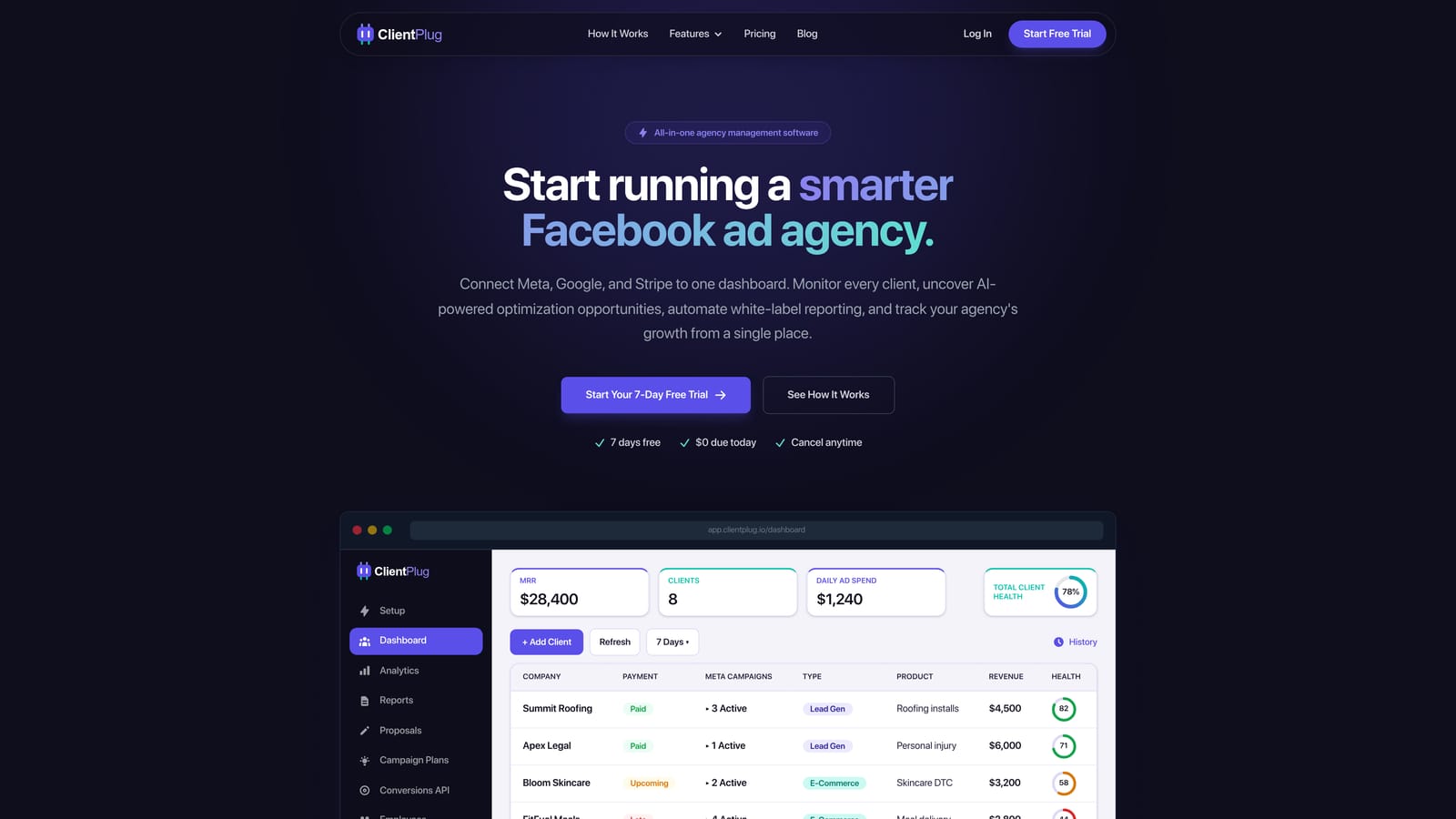
Its distinguishing trait on this list is that operations and reporting live together. Most tools below stop at the report; ClientPlug also tracks the money and the health of each ad, campaign, client, and your agency overall.
- Auto-synced payments, campaigns, and client data, so you are not reconciling billing and ad spend in separate tools.
- Automated white-label reports that go to clients on a schedule under your branding.
- Meta and Google Ads performance monitoring with health tracking, so you see which ads or accounts need attention before the client does.
- AI-assisted campaign optimization to suggest where to adjust.
- Conversion API setup in a few clicks, which sends events to Meta from the server side and helps recover signal lost to browser tracking limits.
Integrations center on Meta Ads and Google Ads, and the setup is a connect-your-accounts job that a solo owner can handle without a developer. The real limitation is channel scope: if you report on TikTok, LinkedIn, SEO, or call tracking for the same clients, you will need another tool alongside it. It also is not a data connector for custom BI work.
Pricing: see the website for the starting price and what moves it, as of October 2026.
Best for: Meta and Google ad agencies and freelancers who want reporting, payments, and client management in one place.
2. Swydo
Swydo is a reporting and dashboard tool aimed at small and mid-size agencies that want templated reports without much building. It ships Facebook Ads templates and pulls from Google Ads, Google Analytics, and LinkedIn Ads too, so one report can cover a client's paid mix.
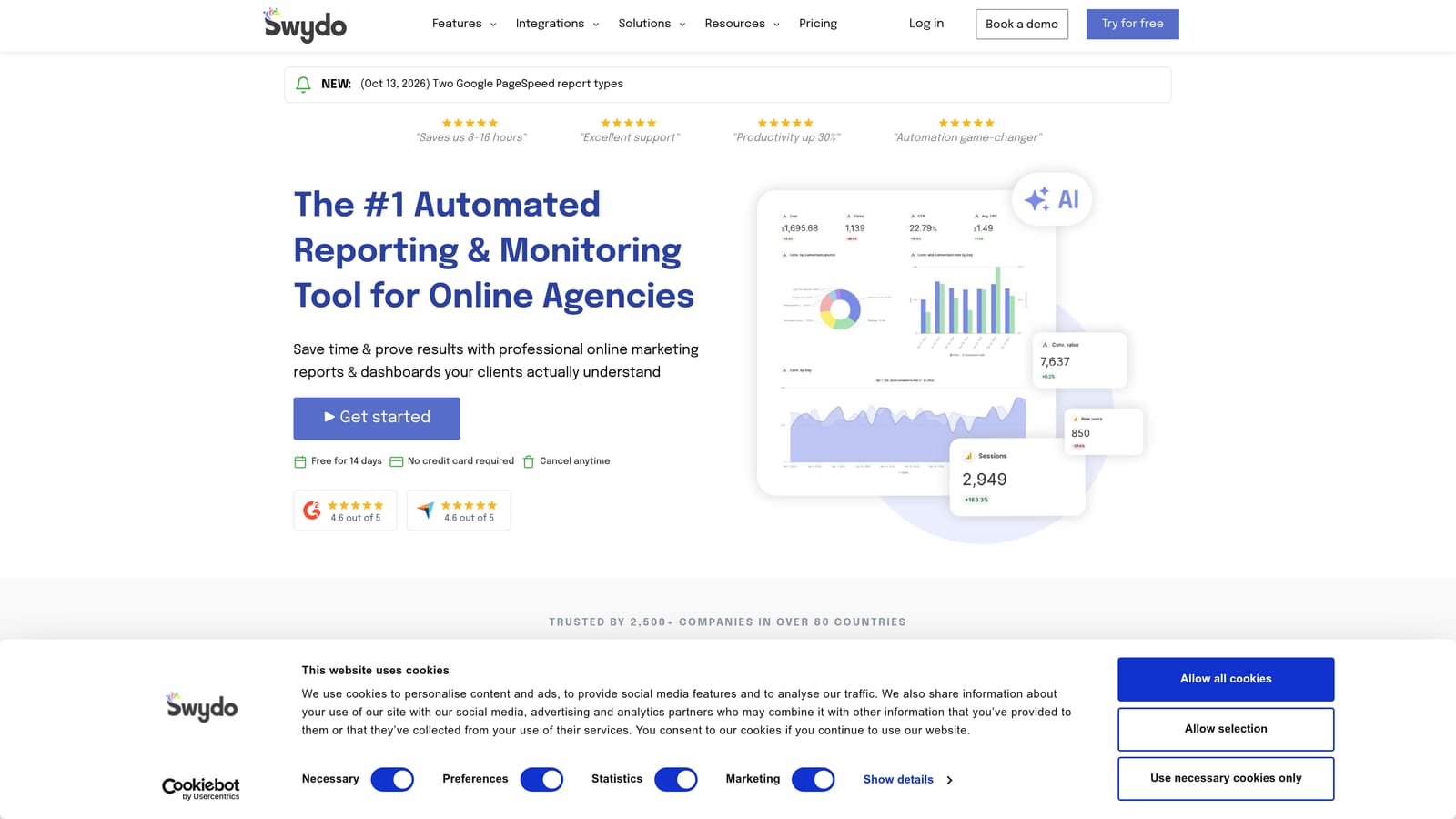
What sets it apart here is the pairing of reports with dashboards and KPI and goal tracking per client. You can set a target, such as a cost per result, and show progress against it rather than just listing numbers.
- Facebook Ads report templates that get a first report out quickly.
- Scheduled delivery so reports reach clients without a manual send.
- White-label branding to put your identity on what clients see.
- KPI and goal tracking that frames results against what the client expects.
- Multi-source support for combining channels in a single report.
Setup is mostly connecting accounts and picking a template, and the account manager or owner typically runs it. The limitation is scale: pricing and source limits grow with the plan, so check fit carefully if you have a large client roster. It has no payment or billing features, so it covers reporting only.
Pricing: tiered plans, with details on the website as of October 2026.
Best for: Small to mid-size agencies wanting quick templated multi-channel reports.
3. AgencyAnalytics
AgencyAnalytics is a broad marketing reporting platform with a client portal, covering paid ads, SEO, social, and more. It is designed for full-service agencies that report on many channels for the same client and want one login for all of it.
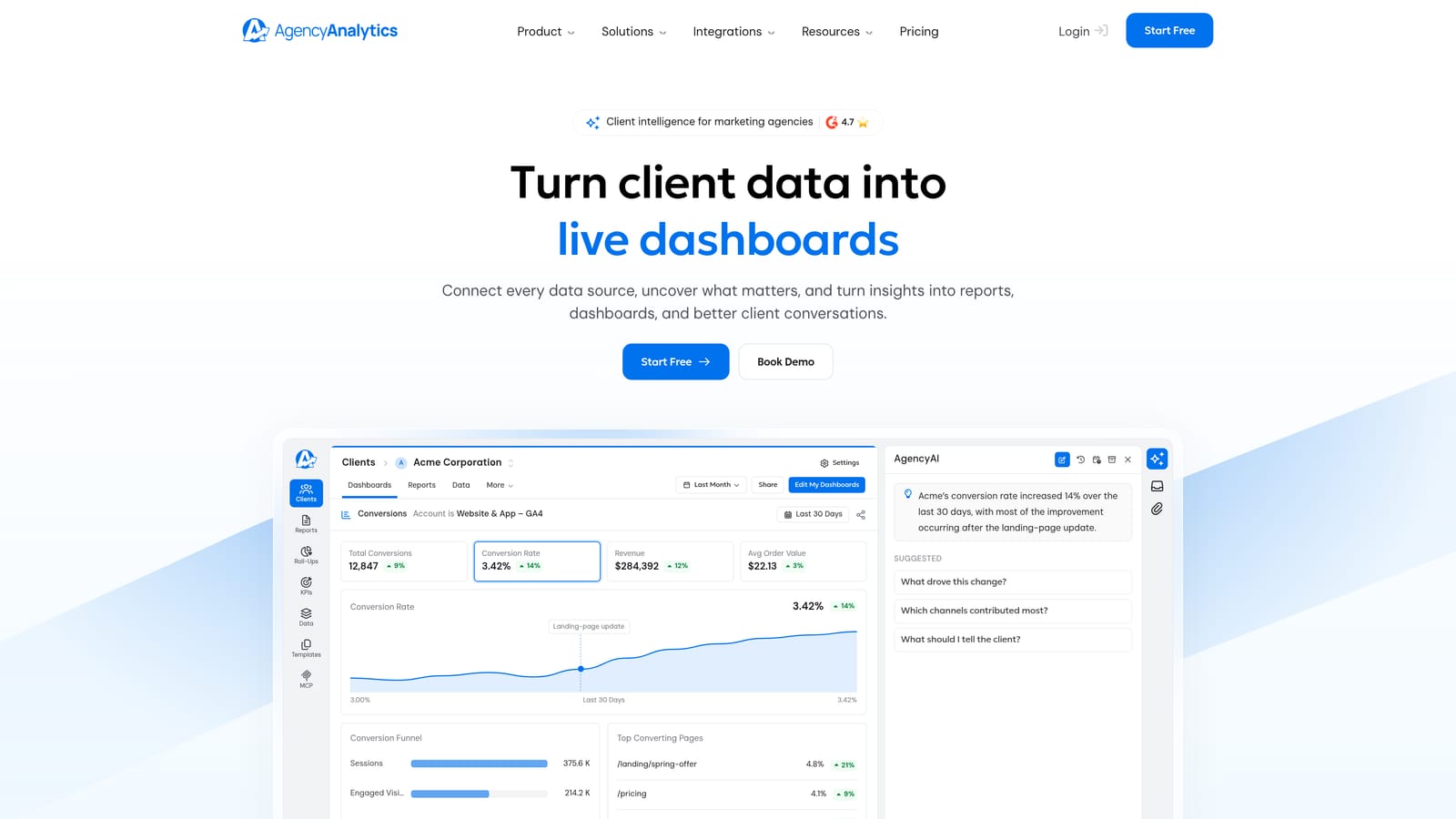
Its standout feature is the fully white-labeled client login portal on a custom domain. Clients visit a URL on your domain, log in, and see live dashboards, which feels like your own product rather than a third-party tool.
- A large integration library covering Facebook Ads, Google Ads, Google Analytics, Instagram, and call tracking tools.
- Client login portal so clients can check numbers themselves instead of emailing you.
- Custom domain white-labeling for a fully branded experience.
- Automated reports on a schedule.
- Rank tracking and SEO tools, useful if SEO is part of your retainer.
Setup takes longer than with single-purpose tools because there is more to configure per client, and it usually suits an account team rather than a solo operator. The main limitation is cost: pricing is tiered per client, so it climbs as your roster grows and can be more than a paid-social-only freelancer needs. It does not handle invoicing or payment tracking.
Pricing: per-client tiered, so client count is the main driver. Verify current tiers on the website as of October 2026.
Best for: Full-service agencies reporting across SEO, social, and paid channels.
4. Supermetrics
Supermetrics is a different kind of product: a connector, not a finished dashboard. It moves Facebook Ads data into spreadsheets, BI tools, and warehouses, and you build the client-facing view yourself.
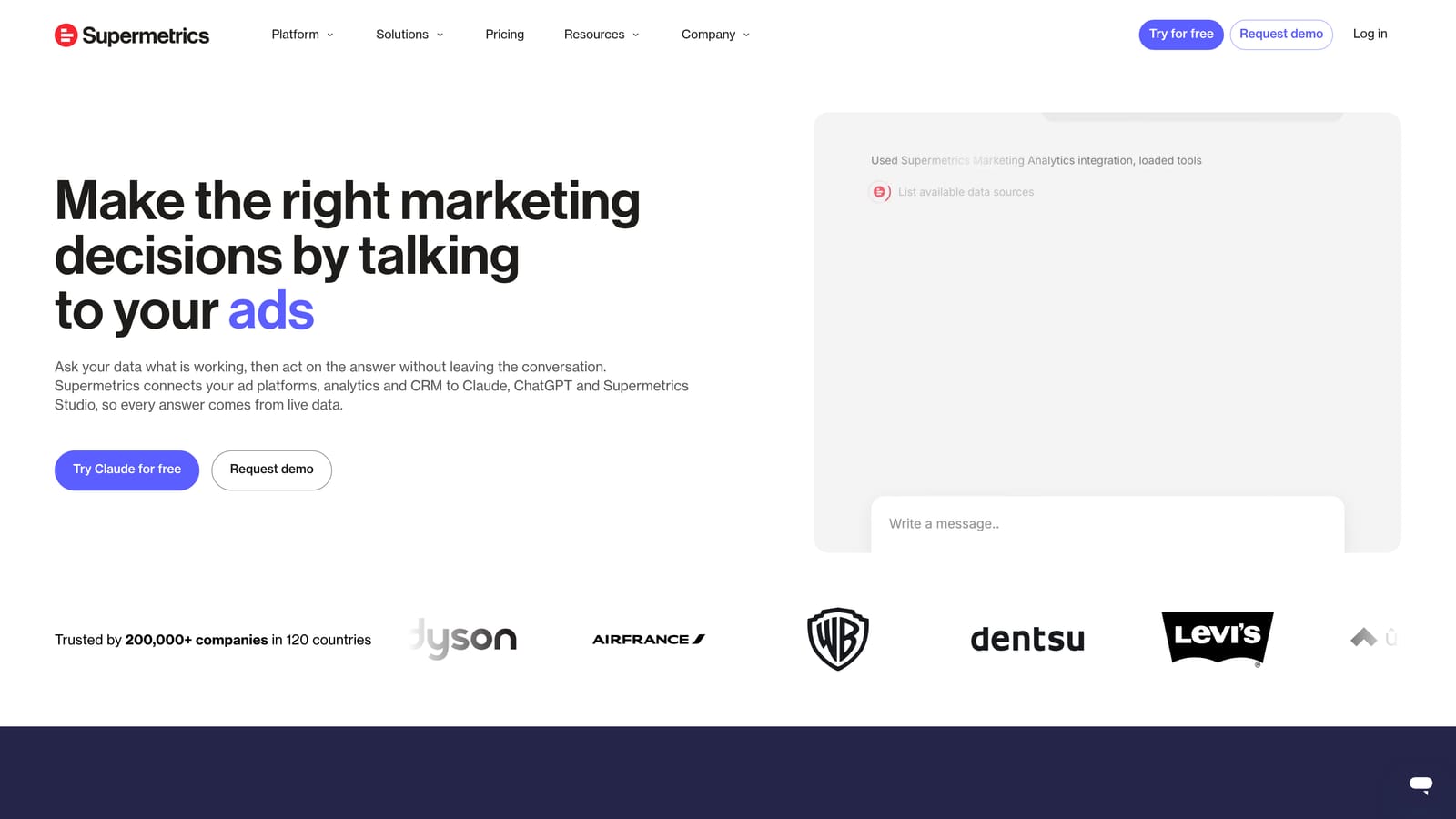
Its edge is control. It offers the widest choice of destinations on this list, including Looker Studio, Google Sheets, Excel, and BigQuery, plus field-level and breakdown selection, so you can pull exactly the Meta dimensions and metrics you want.
- A Facebook Ads connector that pulls campaign, ad set, and ad-level data.
- Multiple destinations, so the data lands in whatever tool your team already uses.
- Scheduled refreshes that keep reports current without manual exports.
- Granular field and breakdown selection for custom analysis, such as by placement or age.
Setup is straightforward on the connector side, but the real effort is building and maintaining report layouts. Someone on your team needs to be comfortable with spreadsheets or BI tools and own the templates when metrics change. If you want a ready-made, branded dashboard, this is not it.
Pricing: tiered or quote-based depending on destination and volume. Check the website as of October 2026.
Best for: Data-savvy agencies building custom reports in their own BI stack.
5. Looker Studio
Looker Studio is Google's dashboarding tool, and it is free. It has no native Meta connector, so showing Facebook Ads data means adding a third-party connector, which is usually paid. That makes "free" true for the dashboard and misleading for the full setup.
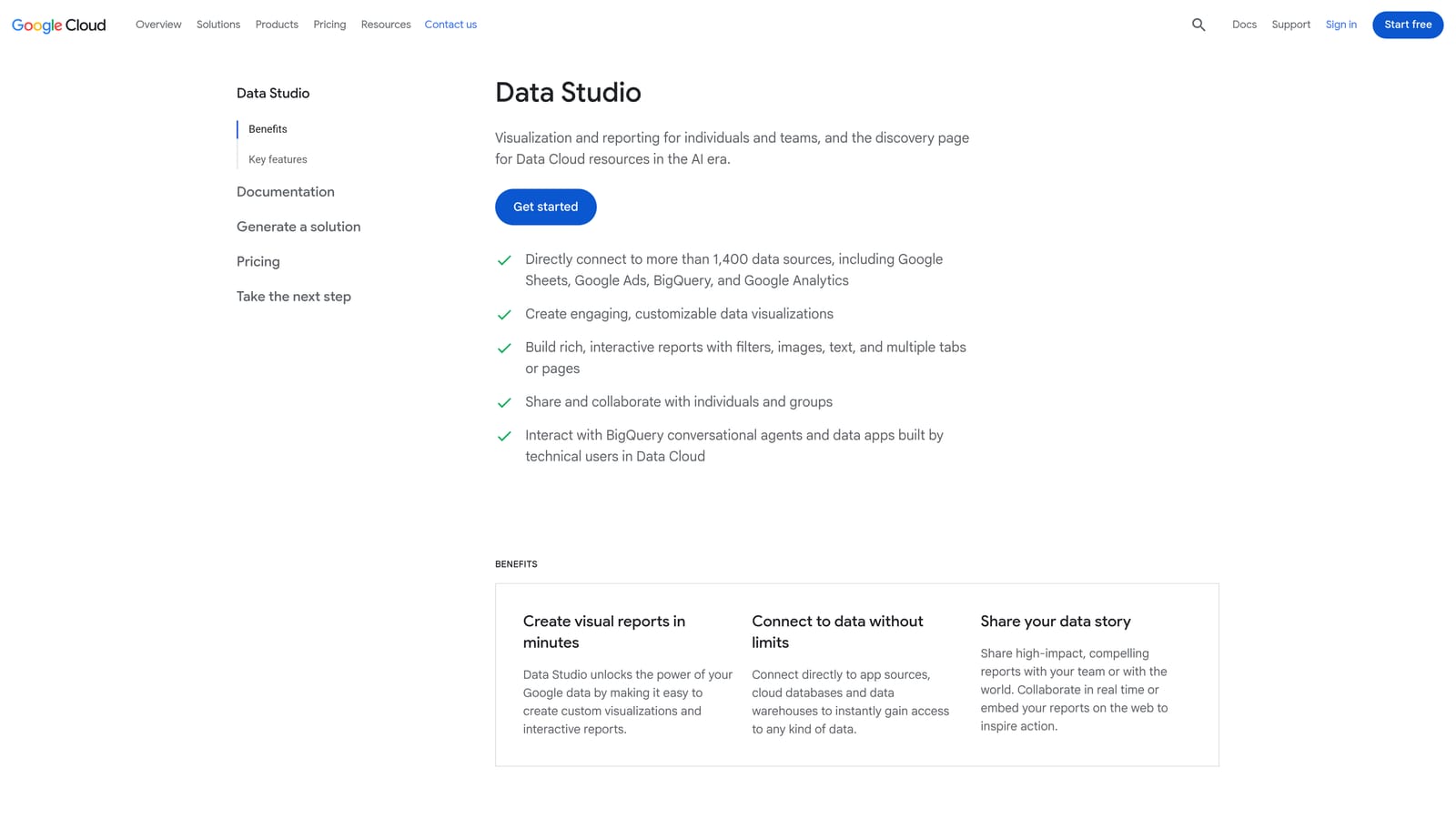
Its strength is flexibility. You get drag-and-drop layouts and custom visualizations, and clients can open a live link instead of waiting for a PDF.
- Free drag-and-drop dashboards with no per-dashboard fee.
- Shareable live links so clients see current numbers.
- Custom visualizations to shape the report around what each client cares about.
- Scheduled email delivery of reports.
It works natively with Google Ads, Google Analytics, and BigQuery, and Facebook Ads through connectors such as Supermetrics. Setup effort is the real cost: you design the template, fix broken fields, and maintain it. It is not white-labeled in the sense of custom domain and branded portal, so expect Google's interface around your report. It suits those who enjoy building.
Pricing: Looker Studio is free; Facebook Ads connectors typically cost extra and scale with the connector plan.
Best for: Freelancers and agencies comfortable designing their own report templates.
6. DashThis
DashThis is a template-based dashboard builder for marketing agencies, with Facebook Ads presets that get a report running fast. It connects to Facebook Ads, Google Ads, Google Analytics, and Mailchimp, among others.
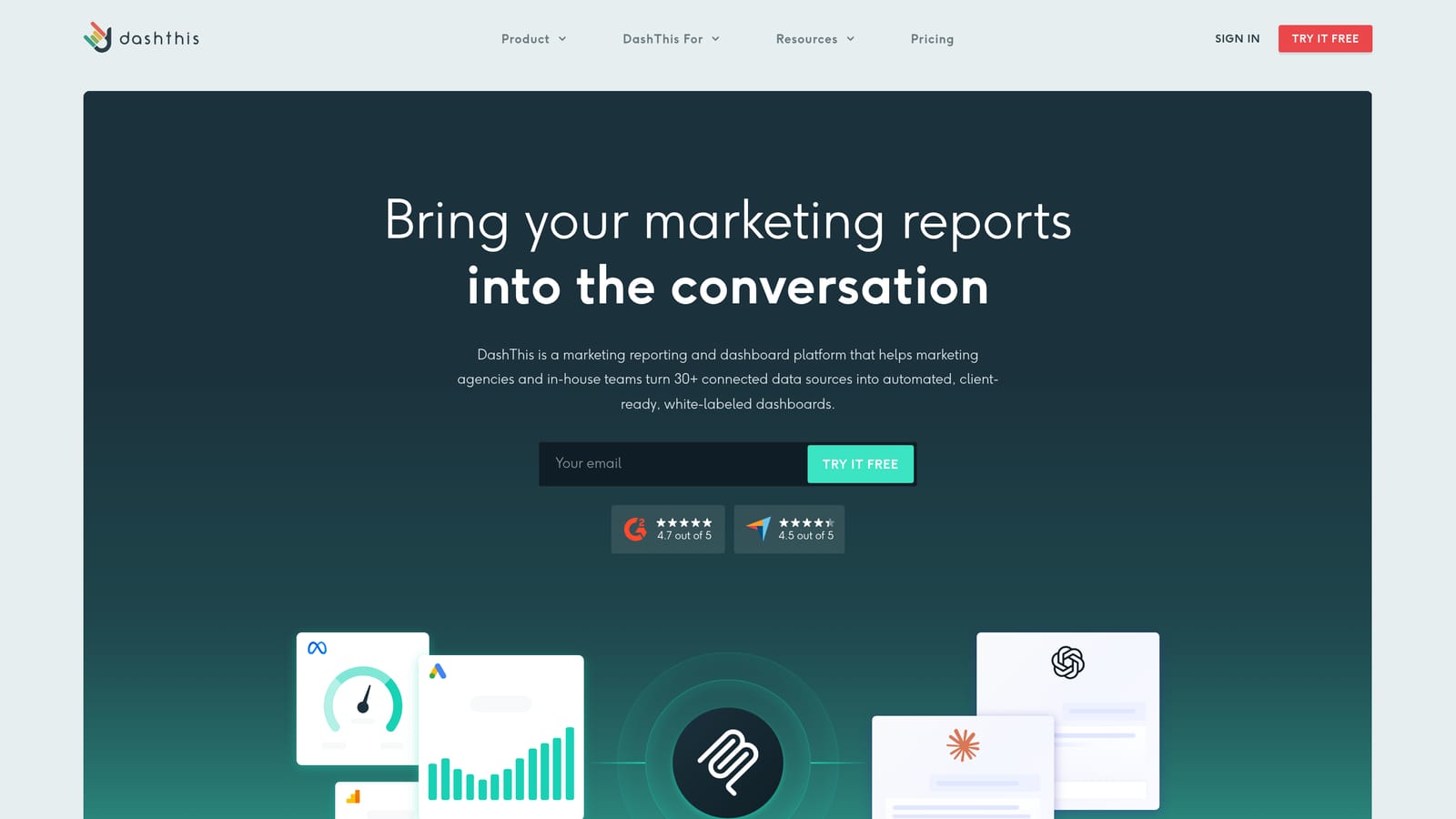
Its pricing model is the differentiator: plans are based on the number of dashboards rather than data sources, so adding another channel to a client's report does not raise the bill. That makes monthly cost easier to forecast.
- Preset report templates so you are not starting from a blank canvas.
- Automated scheduling that sends reports without manual work.
- Unlimited data sources per dashboard on the plan, so multi-channel reports cost the same.
- Custom branding to put your identity on the output.
Setup is quick, and one person, often an account manager, can run it. The limitation is flexibility: it is less suited to highly custom metrics or unusual calculations. If clients want bespoke formulas, you may hit the edges of the presets. It does not cover billing or operations.
Pricing: tiered by number of dashboards, so client count drives the cost. Verify plan details as of October 2026.
Best for: Agencies wanting fast, predictable-cost reporting.
7. Databox
Databox is a KPI dashboard platform built around goals, alerts, and benchmarks. It connects to Facebook Ads, Google Analytics, HubSpot, and Shopify, and offers pre-built Facebook Ads templates.
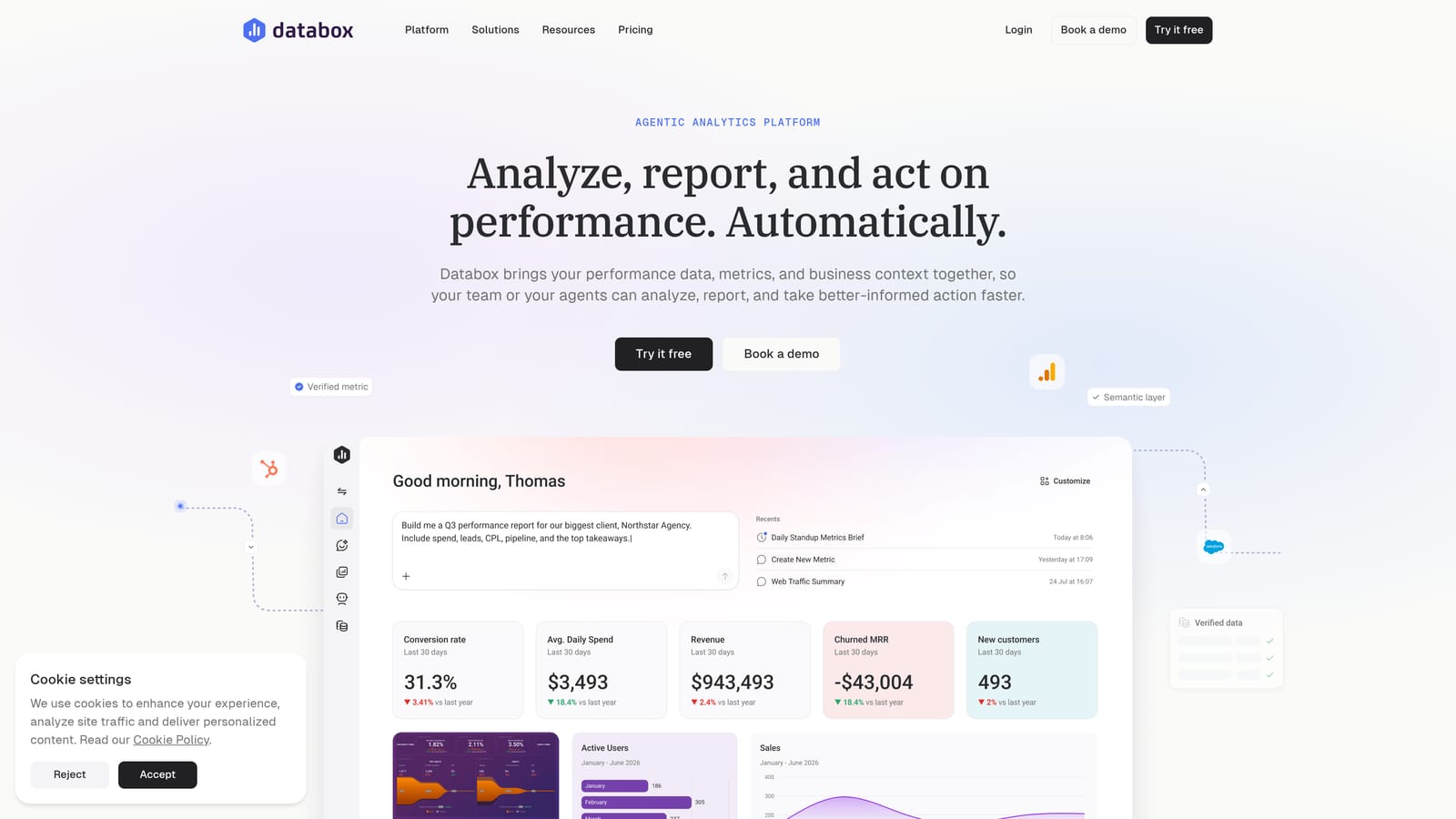
What it does differently is turn metrics into monitoring. You set a goal, such as a target return on ad spend, and get alerts when performance drifts, which suits teams that watch accounts daily rather than reporting monthly.
- Metric dashboards and scorecards for a quick read on account health.
- Goal tracking and alerts that flag problems before the client notices.
- A mobile app for checking numbers away from a desk.
- Pre-built Facebook Ads templates to start quickly.
Setup is light, and media buyers or account leads usually run it. The limitation is that it is stronger for KPI monitoring than narrative monthly client reports, so if clients expect a written, formatted report with commentary, you may need extra work. Billing and payment tracking are outside its scope.
Pricing: a free tier plus paid plans; what you pay depends on plan limits. Check the website as of October 2026.
Best for: Teams that want live goal tracking and alerts on ad performance.
8. Whatagraph
Whatagraph is a cross-channel reporting platform with visual report building and data blending. It connects Facebook Ads with Google Ads, TikTok Ads, LinkedIn Ads, and Google Analytics.
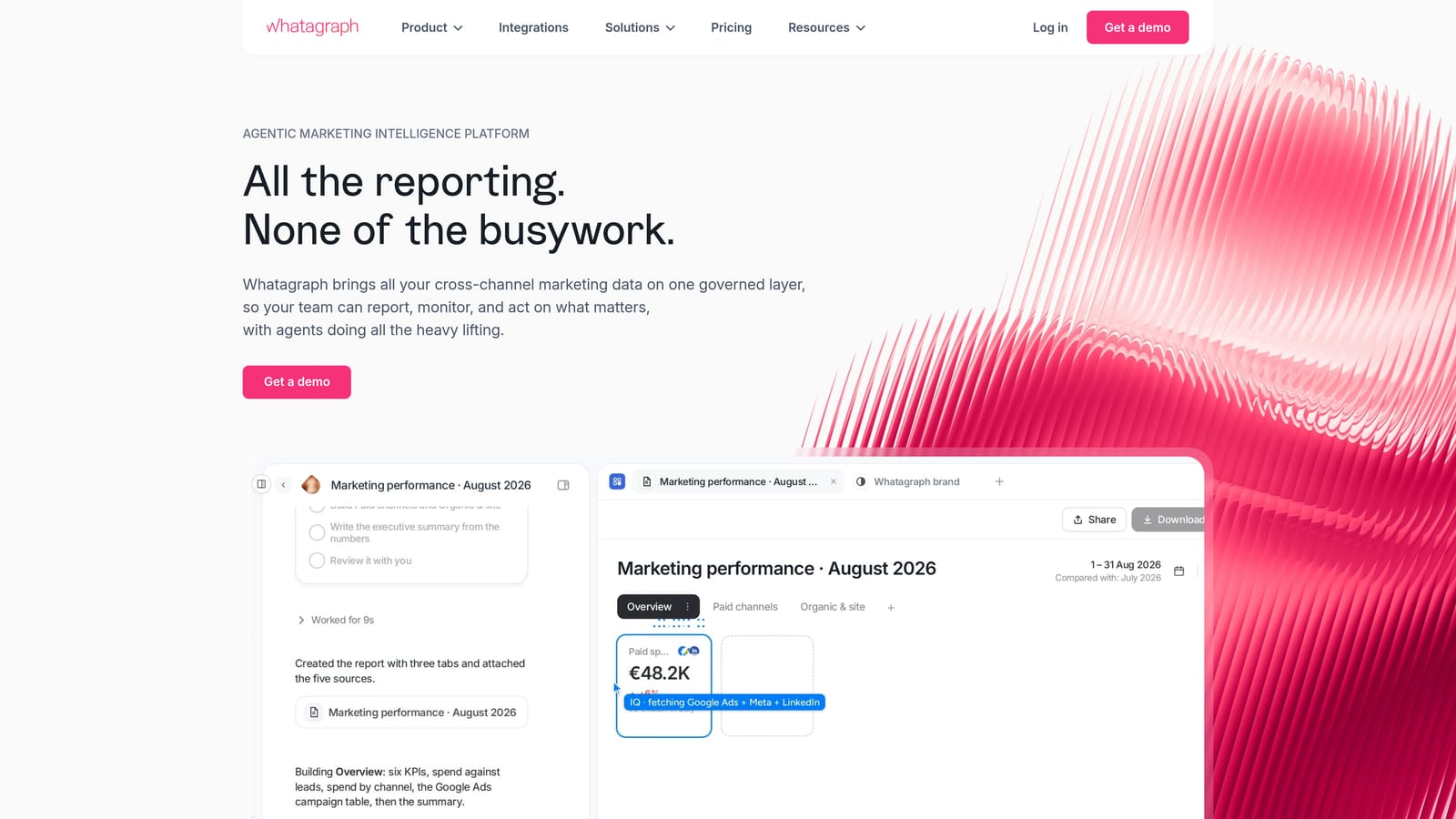
The distinctive piece is blending: it combines Facebook Ads data with other channels into unified views, so a client sees total paid performance in one chart rather than a page per platform.
- A drag-and-drop report builder for visual, client-friendly layouts.
- Cross-channel data blending for combined metrics across platforms.
- Automated report sharing on a schedule.
- A Facebook Ads integration that sits alongside your other paid channels.
It is run by account managers or reporting leads, and setup involves connecting each channel and arranging blended views, which takes more effort than a preset-only tool. It can be costly for small freelancers with few clients, and there is no billing or payment tracking.
Pricing: quote-based or tiered, so request a quote based on your client and source count. Confirm on the website as of October 2026.
Best for: Mid-size agencies running multi-channel campaigns who want blended reports.
9. Reporting Ninja
Reporting Ninja is an agency-focused reporting tool with white-label options and Facebook Ads templates, pitched at lower price points than the larger platforms. It connects to Facebook Ads, Google Ads, and Google Analytics.
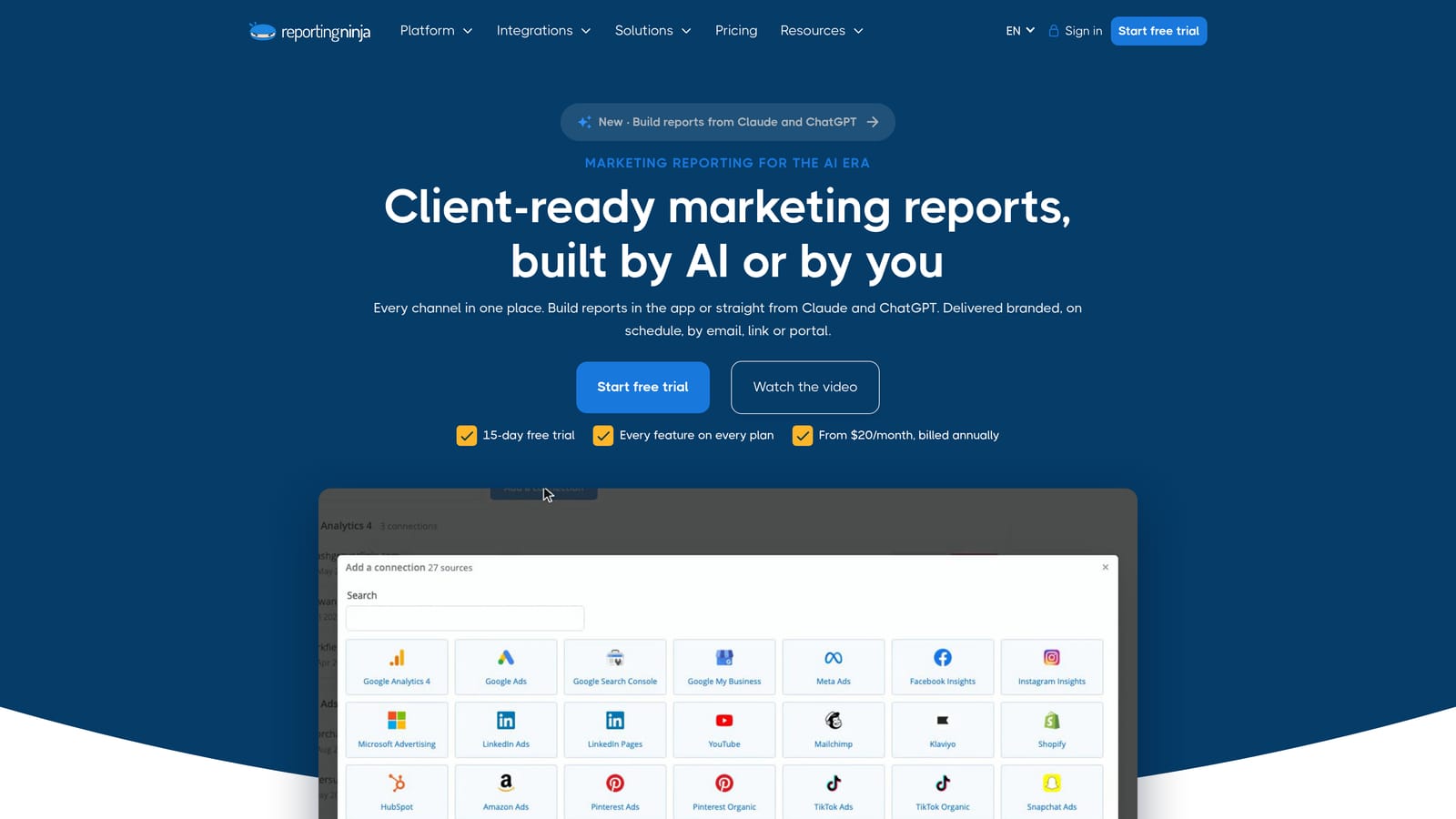
Its place on this list is as a budget-friendly entry point for branded client reports. If you simply need your logo on a clean Facebook Ads report that goes out on schedule, it covers that without paying for a large feature set.
- White-label reports so clients see your brand, not the tool's.
- Facebook Ads templates for quick starts.
- Scheduled delivery to cut manual monthly sending.
- Custom branding for colors and logos.
Setup is simple and a freelancer can handle it alone. The trade-off is a smaller feature set and integration range than larger platforms, so agencies that expand into more channels or want a client login portal may outgrow it. It does not track payments or manage client operations.
Pricing: tiered plans; check current prices and limits on the website as of October 2026.
Best for: Small agencies and freelancers on a tight budget needing branded reports.
Matching a Facebook Ads Client Reporting Dashboard to Your Agency
Three picks cover most situations. If you run Meta and Google campaigns and want reporting, payment tracking, and client management in one dashboard, ClientPlug fits best, with the caveat that it is our product and focused on those two channels. If you report across many channels, AgencyAnalytics (with its custom-domain client portal) or Swydo (with per-client goals) suit multi-channel work better.
For custom builders, pair Supermetrics with Looker Studio and accept that you will design and maintain the layouts, plus connector fees. Budget-conscious freelancers should look at DashThis for predictable pricing or Reporting Ninja for the lowest-cost branded reports. Whatever you pick, check current plan limits and whether Facebook Ads templates are still offered before committing.