Managing Facebook Ads for multiple clients is a juggling act that most agency owners know all too well. Between monitoring campaign performance across accounts, chasing overdue invoices, assembling client reports, and fielding questions about ROAS, the context-switching never stops — and things fall through the cracks.
A dedicated Facebook ads agency dashboard changes that dynamic entirely. Instead of bouncing between Meta Business Manager, spreadsheets, invoicing tools, and email threads, the right platform centralizes everything: live ad performance, client data, billing, and automated reporting in one place.
This list covers the top dashboards built for Facebook ads agencies and freelancers in 2026. Each tool is evaluated on multi-client management, reporting capabilities, automation, and value for money. Whether you're a solo freelancer managing five clients or a growing agency with dozens of accounts, there's an option here for you. For more on managing multiple client accounts efficiently, see our guide on multi-client ad account management.
1. ClientPlug.io
Best for: Agencies and freelancers who need ads, payments, and reporting under one roof
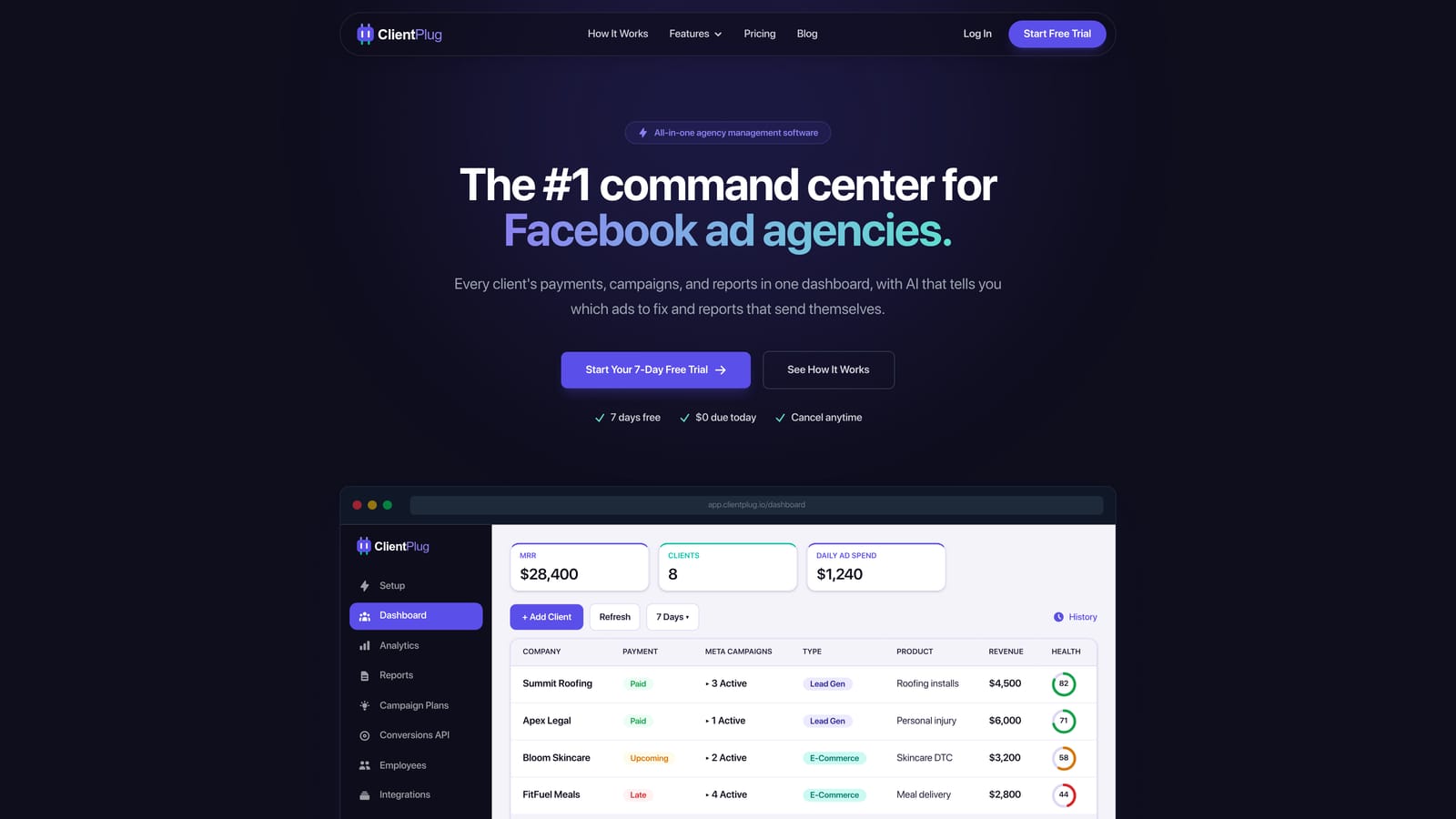
ClientPlug.io is an all-in-one client organizer built specifically for digital marketing agencies and freelancers managing Meta and Google Ads.
Where This Tool Shines
Most dashboard tools focus on one thing: reporting. ClientPlug takes a different approach by combining ad performance monitoring, client payment tracking, and white-label reporting into a single dashboard that auto-syncs all your data. You're not just seeing how campaigns are performing — you're seeing which clients have paid, which are overdue, and which accounts need attention, all from the same screen.
The Conversion API setup is another standout. As browser-based tracking becomes less reliable in a post-iOS world, CAPI is increasingly essential for accurate data. ClientPlug lets you configure it in a few clicks without touching a line of code or hiring a developer — a genuine time-saver for agencies without a dedicated tech team.
Key Features
Unified Dashboard: Auto-syncs client payments, Meta Ads, and Google Ads data so everything is visible in one place without manual updates.
Automated White-Label Reports: Set up branded reports once and they go out to clients automatically, saving hours of manual assembly each month.
Conversion API Setup: Configure CAPI in a few clicks without developer involvement, protecting your tracking accuracy as third-party cookies decline.
AI Campaign Optimization: Surfaces underperforming campaigns and budget opportunities so you can act fast rather than dig through data manually.
Full Client Lifecycle Management: Track payments, account health, campaign performance, and client status from individual ad level up to agency-wide overview.
Best For
ClientPlug is the strongest fit for solo freelancers and growing agencies that want to consolidate their workflow. If you're currently using separate tools for reporting, invoicing, and ad monitoring, this platform is designed to replace all three. It's particularly well-suited to agencies managing both Meta and Google Ads accounts simultaneously.
Pricing
Visit clientplug.io for current plan pricing. Plans are structured to accommodate both individual freelancers and larger agency teams.
2. AgencyAnalytics
Best for: Reporting-focused agencies that need polished white-label client dashboards at scale
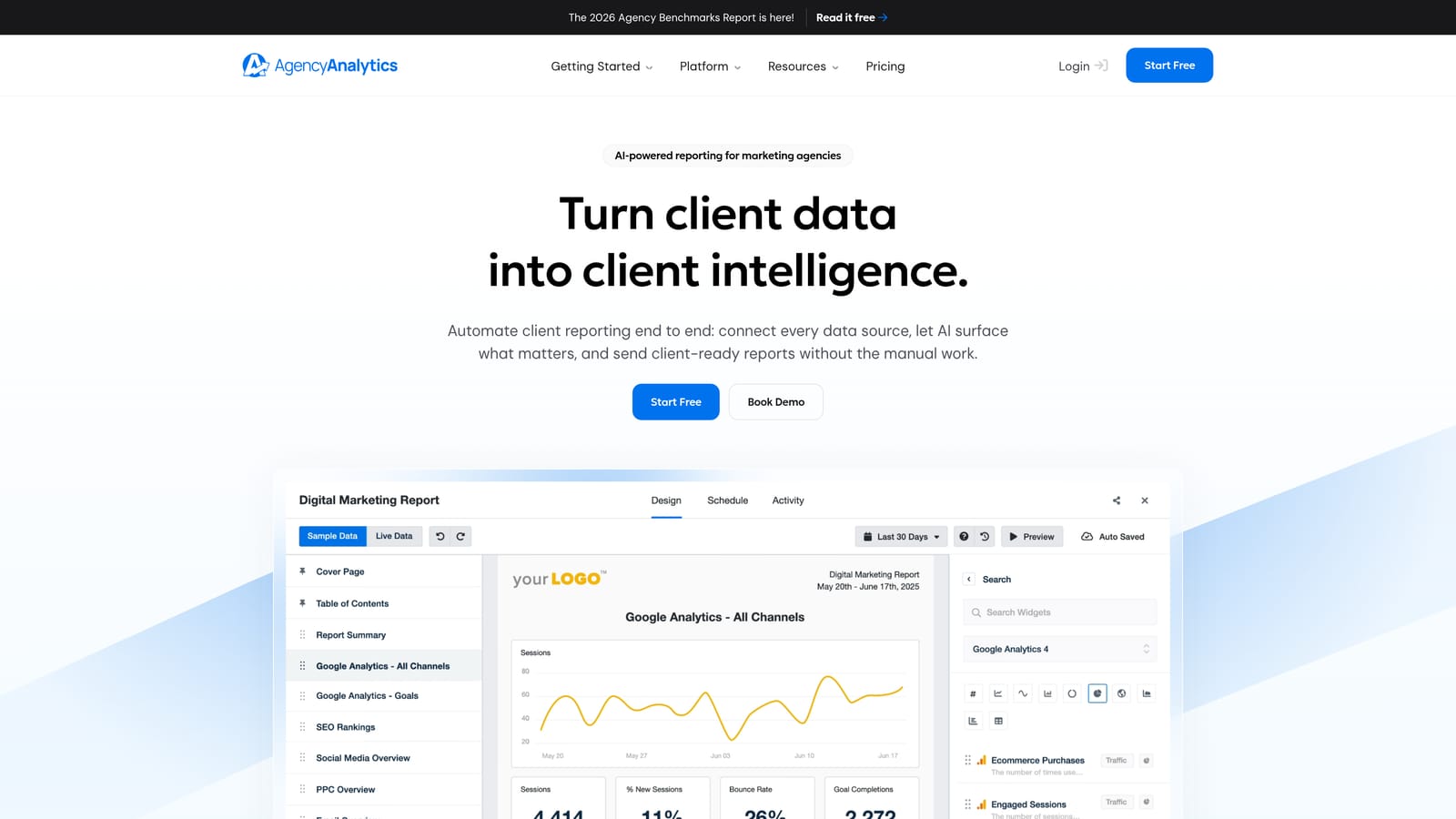
AgencyAnalytics is one of the most established agency reporting platforms on the market, known for its broad integration library and clean client-facing dashboards.
Where This Tool Shines
AgencyAnalytics has built a strong reputation for making white-label client reporting genuinely easy. The platform handles the visual presentation well — dashboards look professional without requiring design work — and automated report scheduling means clients receive updates without you lifting a finger each month.
With over 60 integrations, it covers the full range of channels most agencies manage, not just Facebook Ads. If you're running cross-channel campaigns and need a single reporting layer across all of them, AgencyAnalytics handles that cleanly.
Key Features
60+ Integrations: Connects to Facebook Ads, Google Ads, and a wide range of other marketing platforms in one reporting layer.
White-Label Dashboards: Fully branded client portals with your agency's logo and color scheme, keeping your branding front and center.
Automated Report Scheduling: Set reports to go out on a schedule without manual intervention each reporting cycle.
Goal Tracking: Set performance goals per client and track progress directly inside the dashboard.
Best For
Agencies whose primary need is polished, automated client reporting across multiple channels. AgencyAnalytics does not handle billing or payment tracking, so it works best alongside a separate invoicing tool. Ideal for agencies that have their financial workflow sorted and just need a strong reporting layer.
Pricing
Tiered plans based on number of client campaigns, with both freelancer and agency options available. See agencyanalytics.com for current pricing.
3. Databox
Best for: Agencies that want flexible, custom-built dashboards with strong KPI visualization
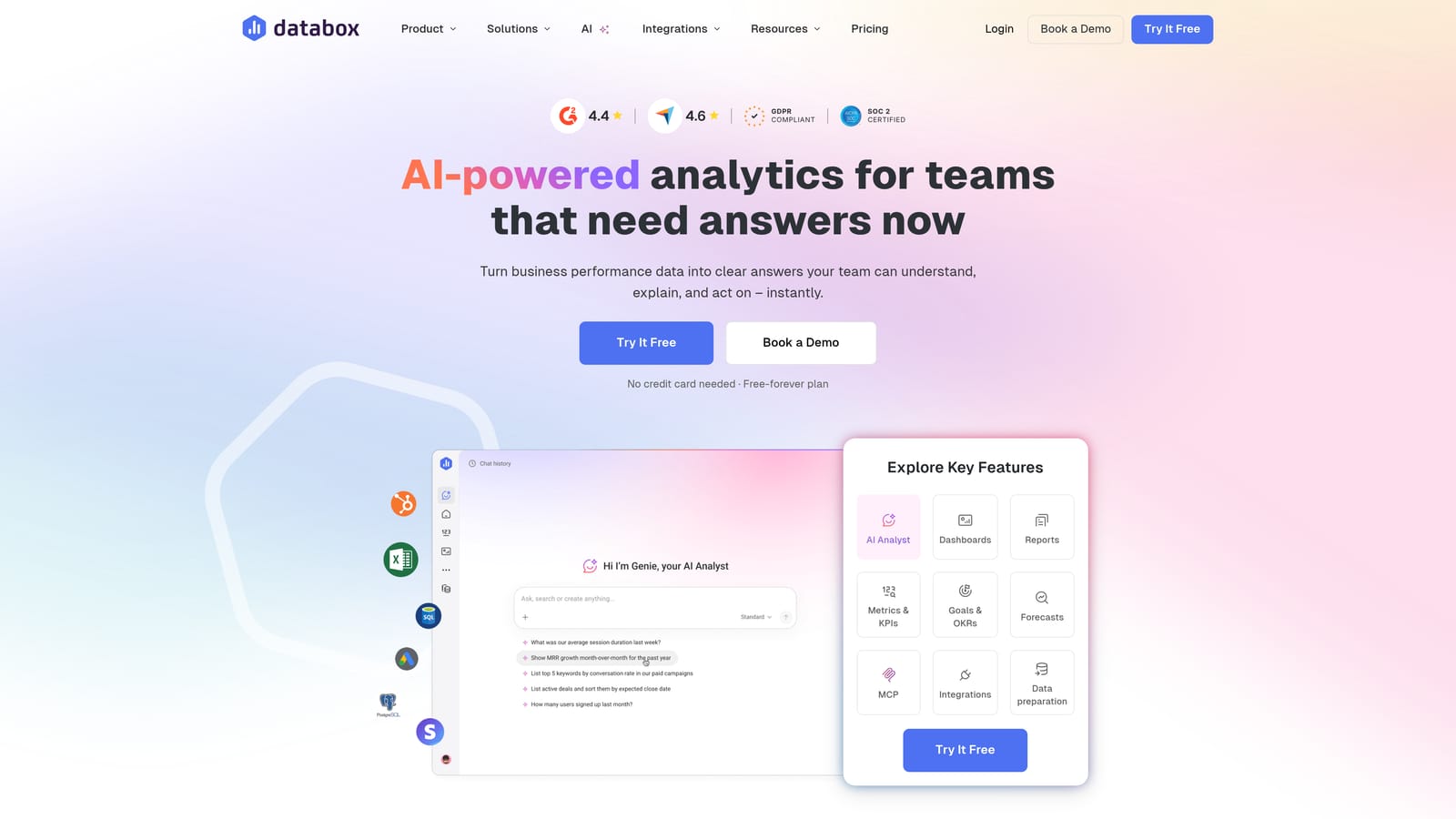
Databox is a business analytics platform with a drag-and-drop dashboard builder and solid Facebook Ads integration that appeals to agencies with specific data visualization needs.
Where This Tool Shines
The drag-and-drop builder is genuinely flexible. You can pull Facebook Ads metrics alongside data from other sources and arrange them exactly how you want, without being locked into a template. For agencies that track unusual KPI combinations or want dashboards tailored to specific client verticals, that flexibility is valuable.
Databox also offers a free tier, which makes it accessible for freelancers or small agencies that want to test the platform before committing to a paid plan.
Key Features
Drag-and-Drop Builder: Fully customizable dashboard layouts with 70+ native integrations, including Facebook Ads.
Custom Metric Combinations: Combine KPIs from multiple data sources into a single view tailored to each client's priorities.
Scorecards and Goal Tracking: Set performance benchmarks and track whether campaigns are hitting targets over time.
Free Tier: A functional free plan lets smaller agencies get started without an immediate financial commitment.
Best For
Agencies with specific dashboard customization needs or those that want to build unique client views that go beyond standard templates. Databox is a general analytics platform rather than an agency-specific tool, so it doesn't cover billing or client lifecycle management.
Pricing
Free tier available; paid plans scale by number of data sources and team size. See databox.com for current pricing details.
4. Whatagraph
Best for: Agencies where client report design and visual presentation are a priority
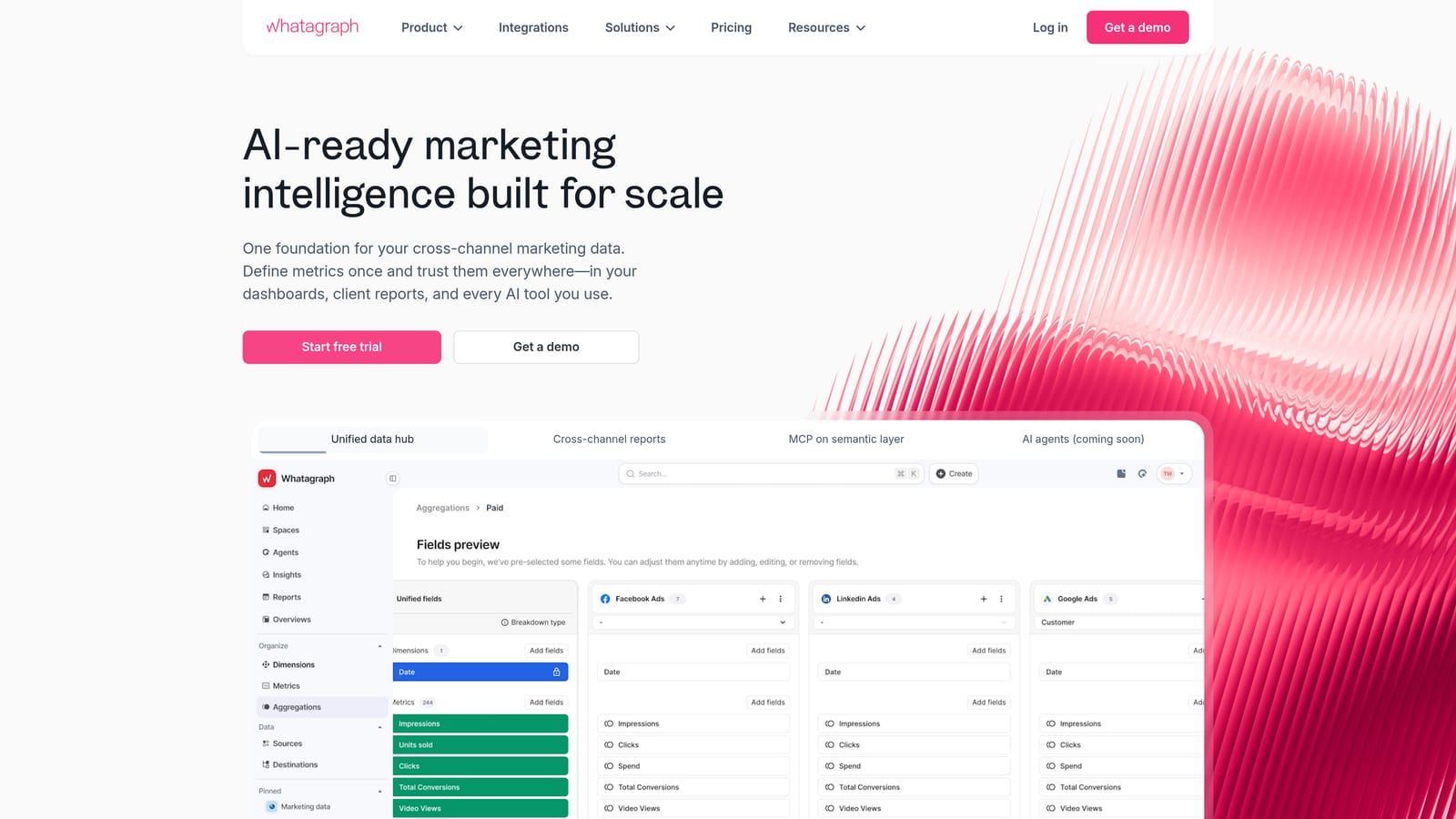
Whatagraph is a marketing reporting tool that puts visual polish front and center, making it easy to produce client-ready reports that look impressive with minimal design effort.
Where This Tool Shines
If your clients are accustomed to receiving reports that look like they came from a design agency, Whatagraph delivers that out of the box. The report templates are visually designed from the ground up, not just data tables with a logo dropped on top. For agencies where client presentation is part of the value proposition, this matters.
The automated scheduling and delivery system is reliable, and cross-channel data combining Facebook Ads with other sources works well for clients running multi-platform campaigns.
Key Features
Visually Designed Templates: Report layouts that look client-ready from the start, reducing the time spent on presentation formatting.
Automated Delivery: Schedule reports to land in client inboxes automatically on a cadence you set.
Cross-Channel Data: Combine Facebook Ads data with other marketing channels in a single report view.
White-Label Branding: Apply your agency's branding to all client-facing reports and dashboards.
Best For
Agencies that compete partly on the quality of their reporting presentation, particularly those serving clients who expect polished deliverables. Whatagraph sits at the mid-to-higher price range, so it's best suited to agencies where premium reporting justifies the investment.
Pricing
Per-source pricing model; tends toward the mid-to-higher range. See whatagraph.com for current pricing.
5. Swydo
Best for: Smaller agencies and freelancers looking for affordable automated reporting without complexity
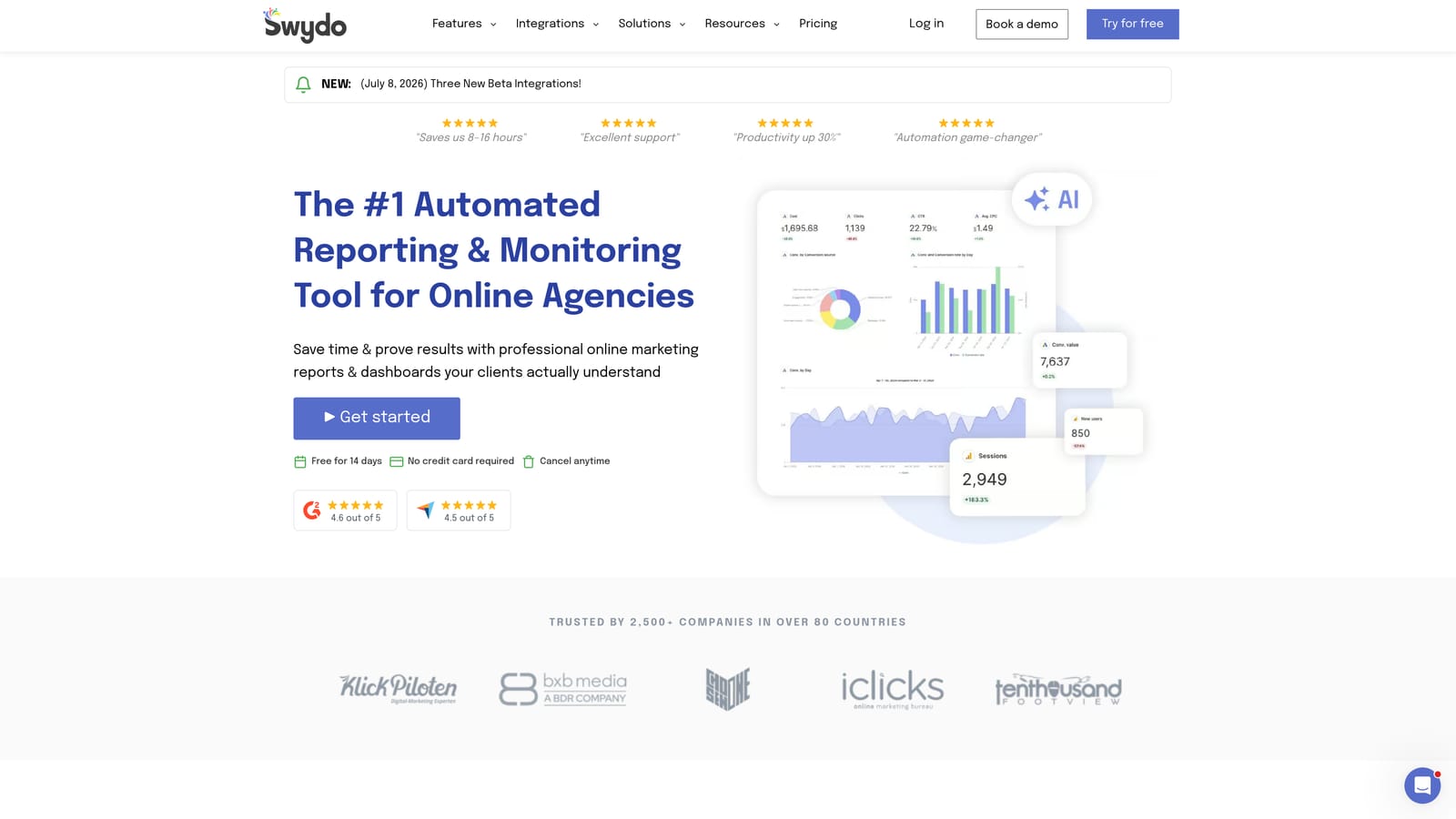
Swydo is a reporting and monitoring tool designed with smaller agencies in mind, offering Facebook Ads and Google Ads integration at a more accessible price point than larger platforms.
Where This Tool Shines
Swydo keeps things straightforward. The interface is clean and approachable, which is a real advantage for agencies without dedicated ops staff who need to get reports out quickly without a steep learning curve. Setup is relatively fast, and the automated report delivery to clients works reliably.
The budget monitoring and alert features are a practical addition — you can set thresholds and get notified when client campaigns are approaching or exceeding budget, reducing the risk of overspend going unnoticed.
Key Features
Facebook and Google Ads Reporting: Pulls data from both major paid platforms into unified client reports.
Automated Report Delivery: Schedule and send reports to clients automatically without manual assembly.
Budget Monitoring and Alerts: Set budget thresholds and receive notifications when campaigns approach limits.
Accessible Interface: Simpler design suited to agencies without dedicated technical or ops team members.
Best For
Boutique agencies and freelancers who primarily need reliable automated reporting at a reasonable cost, without the overhead of a more complex platform. Swydo is a strong choice if your main requirement is getting clean reports to clients on schedule.
Pricing
Per-report pricing model; generally more affordable than AgencyAnalytics or Whatagraph. See swydo.com for current pricing.
6. DashThis
Best for: Agencies that need shareable client dashboards live quickly using pre-built templates
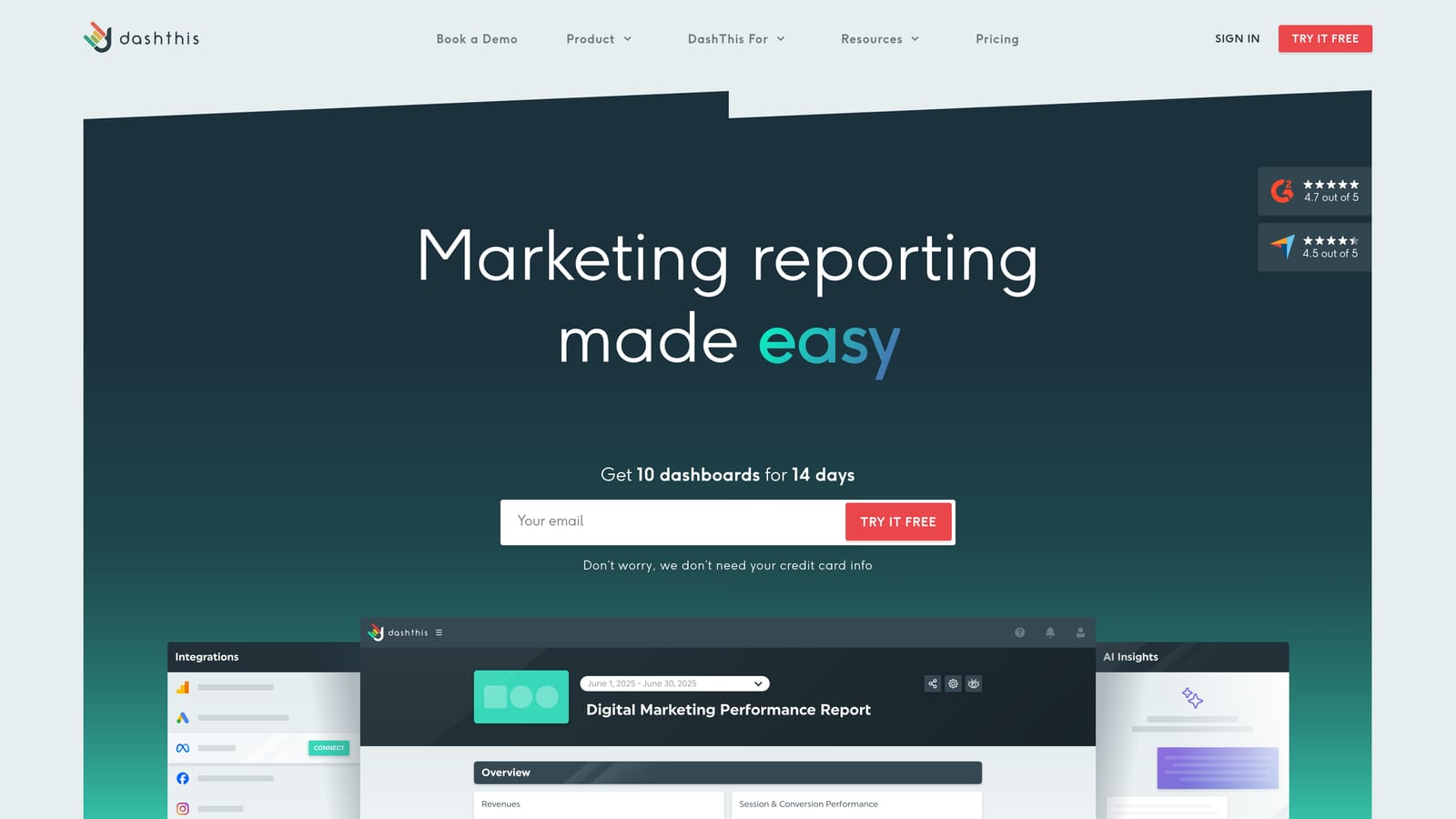
DashThis is a dashboard tool built around speed and simplicity, with a template library that helps agencies get client-facing dashboards deployed fast.
Where This Tool Shines
The template library is DashThis's biggest selling point. Rather than building dashboards from scratch, you pick a template that matches your use case, connect your data sources, and share a link with your client. For agencies onboarding new clients frequently, that speed matters.
Shareable dashboard links make client access easy — no logins or portal navigation required. Clients click a link and see their data. It's a small thing, but it reduces friction in the client relationship significantly.
Key Features
Pre-Built Templates: A library of ready-made dashboard layouts for quick deployment across different campaign types.
Facebook Ads Integration: Connects directly to Facebook Ads data and populates dashboards automatically.
Shareable Dashboard Links: Send clients a simple link to view their live dashboard without requiring account setup.
White-Label Options: Apply agency branding to client-facing dashboard views.
Best For
Agencies that prioritize fast onboarding and simple client access over deep customization. DashThis is less flexible than Databox for bespoke layouts, but considerably faster to deploy. Well-suited to agencies with standardized service packages.
Pricing
Per-dashboard pricing model. See dashthis.com for current pricing.
7. Looker Studio
Best for: Tech-savvy agencies that want free, deeply customizable reporting with full layout control
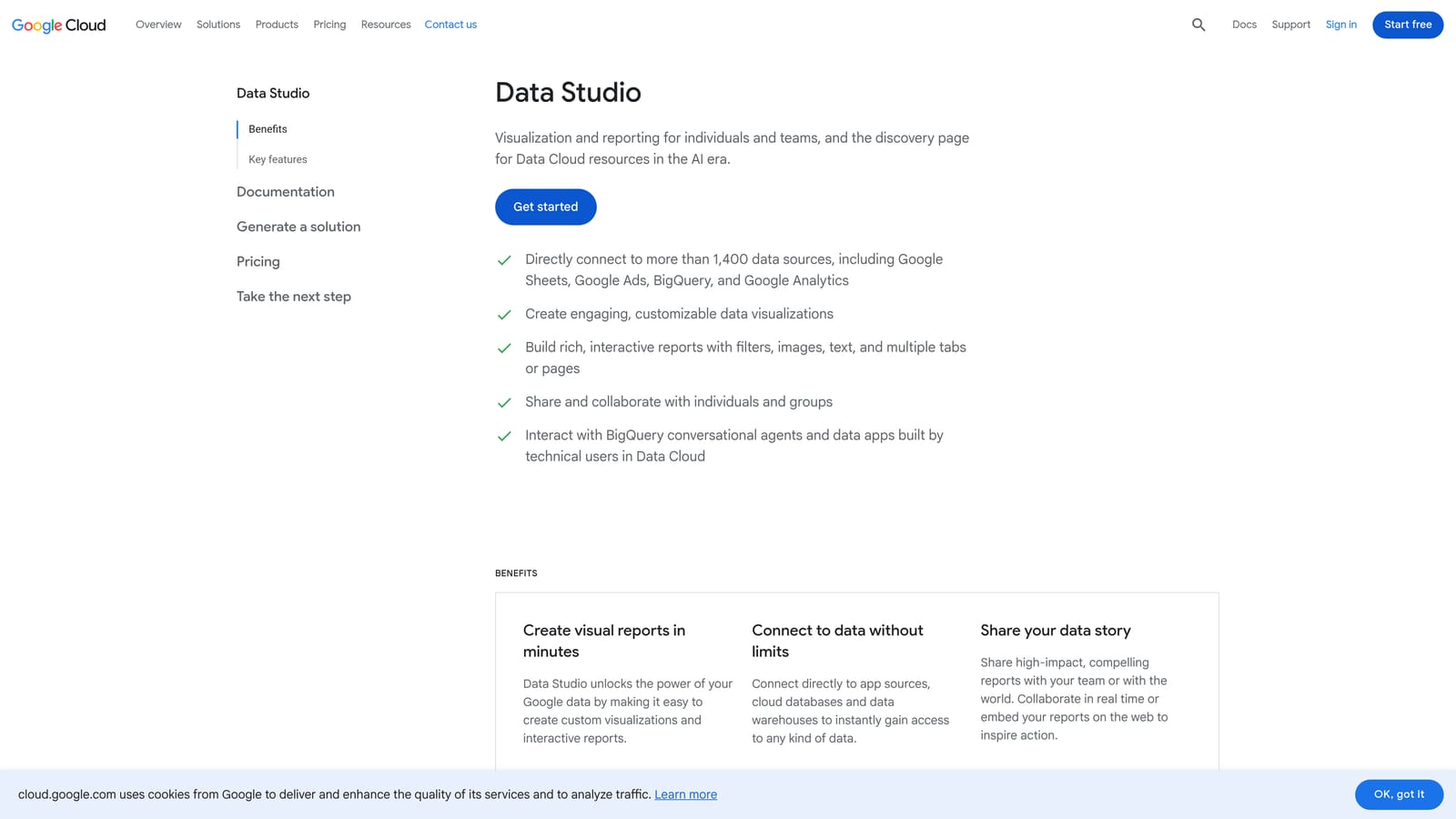
Looker Studio is Google's free data visualization platform that connects to Facebook Ads via third-party connectors, offering a high degree of customization for agencies willing to invest the setup time.
Where This Tool Shines
The price point is hard to argue with: the platform itself is free. For agencies with an analyst or a technically capable team member, Looker Studio can produce highly customized, visually sophisticated reports that rival paid tools. The layout flexibility is extensive — you control exactly what appears, where, and how it's styled.
Shareable links make client access simple, and because reports live in Google's ecosystem, they're easy to integrate with other Google Workspace tools your agency may already use.
Key Features
Free Platform: No cost to use Looker Studio itself, making it highly accessible for budget-conscious agencies.
Deep Customization: Full control over report and dashboard layouts, including design elements not available in template-based tools.
Third-Party Connectors: Connects to Facebook Ads via tools like Supermetrics or Windsor.ai, enabling data pulls from Meta's API.
Shareable Links: Clients can access live reports via a simple URL without needing a platform login.
Best For
Agencies with a data-savvy team member who can handle setup, connector configuration, and ongoing maintenance. Looker Studio requires more manual work than plug-and-play tools and has no native client management or billing features, but the cost-to-capability ratio is excellent for the right team.
Pricing
Free to use. Third-party connector costs may apply depending on which data sources you connect. See connector provider websites for current pricing.
8. Supermetrics
Best for: Data-driven agencies with existing BI workflows that need reliable Facebook Ads data pipelines
Supermetrics is a data pipeline tool that pulls Facebook Ads and other marketing data into Google Sheets, Looker Studio, Excel, BigQuery, and other destinations — making it a foundational layer for agencies with established analytics setups.
Where This Tool Shines
Supermetrics isn't a dashboard in the traditional sense. It's the infrastructure that feeds data into the dashboards and reports you've already built. If your agency has invested in a Looker Studio setup or relies on Google Sheets for client reporting, Supermetrics automates the data pipeline so your reports update on schedule without manual exports from Meta Business Manager.
The breadth of marketing data sources it supports is a genuine strength. Beyond Facebook Ads, it connects to dozens of platforms, making it useful for agencies running complex multi-channel campaigns that need all their data in one analytical environment.
Key Features
Multi-Destination Data Pulls: Sends Facebook Ads data to Google Sheets, Looker Studio, Excel, BigQuery, and other destinations your team already uses.
Wide Source Library: Connects to a broad range of marketing platforms beyond Facebook Ads, supporting cross-channel data consolidation.
Scheduled Refreshes: Automates data updates on a schedule so reports stay current without manual intervention.
Analyst-Friendly: Designed for teams comfortable with data modeling and BI tools rather than plug-and-play dashboard users.
Best For
Agencies with an analyst or ops function that have existing reporting infrastructure and need a reliable data pipeline to power it. Supermetrics is not a standalone dashboard — it works best as part of a broader analytics stack. Costs can scale significantly with the number of data destinations, so it's most cost-effective for agencies already committed to a BI workflow.
Pricing
Per-destination pricing; costs scale with the number of data destinations connected. See supermetrics.com for current pricing.
Which Dashboard Is Right for Your Agency?
The right choice depends on what your agency actually needs — and being honest about that saves you from paying for features you'll never use.
If you're a solo freelancer or growing agency that wants payments, ad performance, and client reporting in one place without stitching together multiple tools, start with ClientPlug.io. It's the only platform on this list that combines financial tracking with ad monitoring and white-label reporting natively, making it the most complete option for agencies managing the full client relationship.
For reporting-focused agencies whose billing workflow is already handled elsewhere, AgencyAnalytics and Whatagraph are both strong contenders. AgencyAnalytics wins on integration breadth; Whatagraph wins on visual presentation quality. If budget is a priority for a smaller agency, Swydo delivers reliable automated reporting at a lower price point than either.
DashThis is worth considering if fast client onboarding and shareable dashboard links are your primary requirement. Databox suits agencies that need flexible, custom-built KPI dashboards and appreciate the free tier entry point.
For agencies with a technical team and existing BI infrastructure, the Looker Studio plus Supermetrics combination is hard to beat on cost-to-capability ratio. The setup investment is real, but once it's running, the flexibility is unmatched.
If you're ready to consolidate your client management, ad monitoring, and reporting into a single workflow, Learn more about our services and see how ClientPlug.io can simplify how your agency operates. You might also find our guides on automated client reporting and white-label reports useful as you build out your agency's systems.