Freelancers who bill clients every month know the routine: a spreadsheet for invoices, a bank app for deposits, an inbox full of "just checking in" emails. The tools below were chosen by four criteria: how clearly they show who has paid and who is late, how much billing admin they remove, how well they fit a solo or small-agency workflow, and what they cost at freelancer scale. Some are invoicing and accounting products, while one is a client-operations dashboard for marketers. That split matters when you pick.
Quick Comparison of Client Payment Tracking Tools
- ClientPlug: best for marketing and ad freelancers; pricing on the website; shows payments next to Meta and Google Ads performance and white-label reports.
- FreshBooks: best for service freelancers wanting polished invoicing; tiered monthly plans; a client portal with automated reminders.
- Wave: best for budget-conscious solo billers; free core tools with per-transaction payment fees; no-monthly-fee invoicing and accounting.
- QuickBooks Online: best for freelancers who work with an accountant; tiered monthly plans; the deepest accounting and reporting on the list.
- HoneyBook: best for project-based freelancers taking deposits; subscription plans; a contract-to-payment flow with automated payment schedules.
- Bonsai: best for independent contractors; tiered plans; freelancer-specific contract templates bundled with invoicing.
- Zoho Invoice: best for freelancers billing in multiple currencies; free for invoicing; multi-currency invoicing with an upgrade path to Zoho Books.
- Invoice Ninja: best for technical freelancers; free self-hosted option, paid hosted plans; open source with self-hosting for data control.
- Stripe Invoicing: best for freelancers already on Stripe; per-transaction fees; invoice status comes straight from the payment processor.
What Payment Tracking Means Before You Compare Tools
In this guide, payment tracking means recording each invoice's status, due date, and receipt so you can see what is paid, overdue, or outstanding without checking a bank statement. A recurring invoice is one that generates itself on a schedule, such as monthly. A retainer is a standing fee a client pays, usually monthly, for ongoing work or availability.
Four mistakes come up often. Reconciling from bank statements alone makes partial payments and batched deposits hard to match. Skipping late-payment reminders leaves chasing to you. Adopting full accounting software before you need it adds setup and cost. Ignoring processor fees quietly shrinks every invoice. All prices, free-tier limits, regional availability, and fees below can change, so check each vendor's site; details are accurate as of November 2026 only where stated.
1. ClientPlug
ClientPlug is an all-in-one client organizer for digital marketing freelancers and agencies. It tracks client payments in the same dashboard where you monitor Meta and Google Ads performance, so a client's billing status and campaign results sit side by side. It is the company's own product, so weigh it with that in mind.

What sets it apart on this list is scope. Other tools here handle money only. ClientPlug connects payments to the ad work being paid for, which helps when a client questions an invoice during a weak month and you want results in front of you.
- Client payment tracking shows who has paid and who has not, per client.
- Meta and Google Ads performance monitoring puts campaign results in the same view as billing.
- White-label automated reports send branded results to clients without manual assembly.
- AI campaign optimization suggests improvements to running campaigns.
- Conversion API setup is handled in a few clicks, so tracking work does not need a separate tool.
Its integrations are Meta Ads and Google Ads, and it is run day to day by the freelancer or agency owner. The main limitation is focus: it is built for digital marketing work and is not a general accounting tool. If you are a designer, writer, or developer, it will not fit, and if you need tax reports or full bookkeeping you will still want accounting software alongside it. Pricing is listed on the ClientPlug website.
Best for: Marketing and ad freelancers who want payments and campaign results in one place.
2. FreshBooks
FreshBooks is cloud invoicing and light accounting software for self-employed professionals. Its strength is the client-facing side: invoices look professional, clients can pay and review history through a portal, and reminders go out automatically so you do not have to write the awkward follow-up.
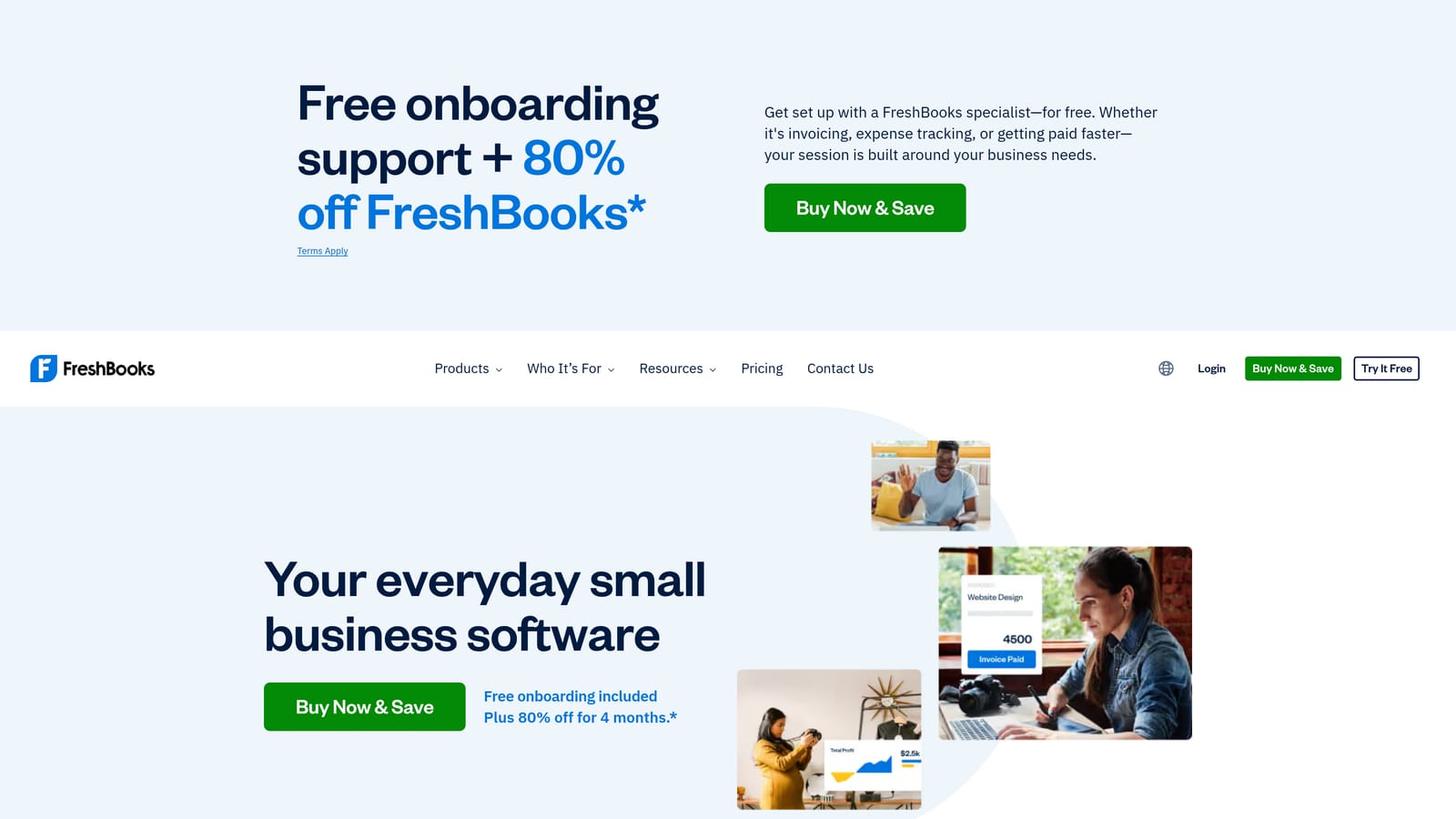
It connects with Stripe, PayPal, and Zapier, so online payments mark invoices as paid without manual entry. Setup is quick for a solo user, usually a matter of adding business details, a logo, and a payment gateway.
- Invoicing with saved client details cuts repeat data entry.
- Automatic payment reminders chase late invoices for you.
- Expense tracking keeps costs tied to the work they relate to.
- Time tracking turns hours into billable line items.
- A client portal gives clients one place to view and pay invoices.
The catch is pricing: plans scale with the number of billable clients, so a freelancer with a growing roster can be pushed into a higher tier. It is also light accounting, so if you need deep reporting or an accountant-grade ledger, look at QuickBooks. Plans are tiered monthly; see the FreshBooks site for current prices.
Best for: Service freelancers who want easy, professional invoicing with minimal accounting.
3. Wave
Wave offers free invoicing and accounting for small businesses and freelancers. Its distinguishing point on this list is that the core tools carry no monthly fee, which matters when you are billing a handful of clients and every subscription counts.
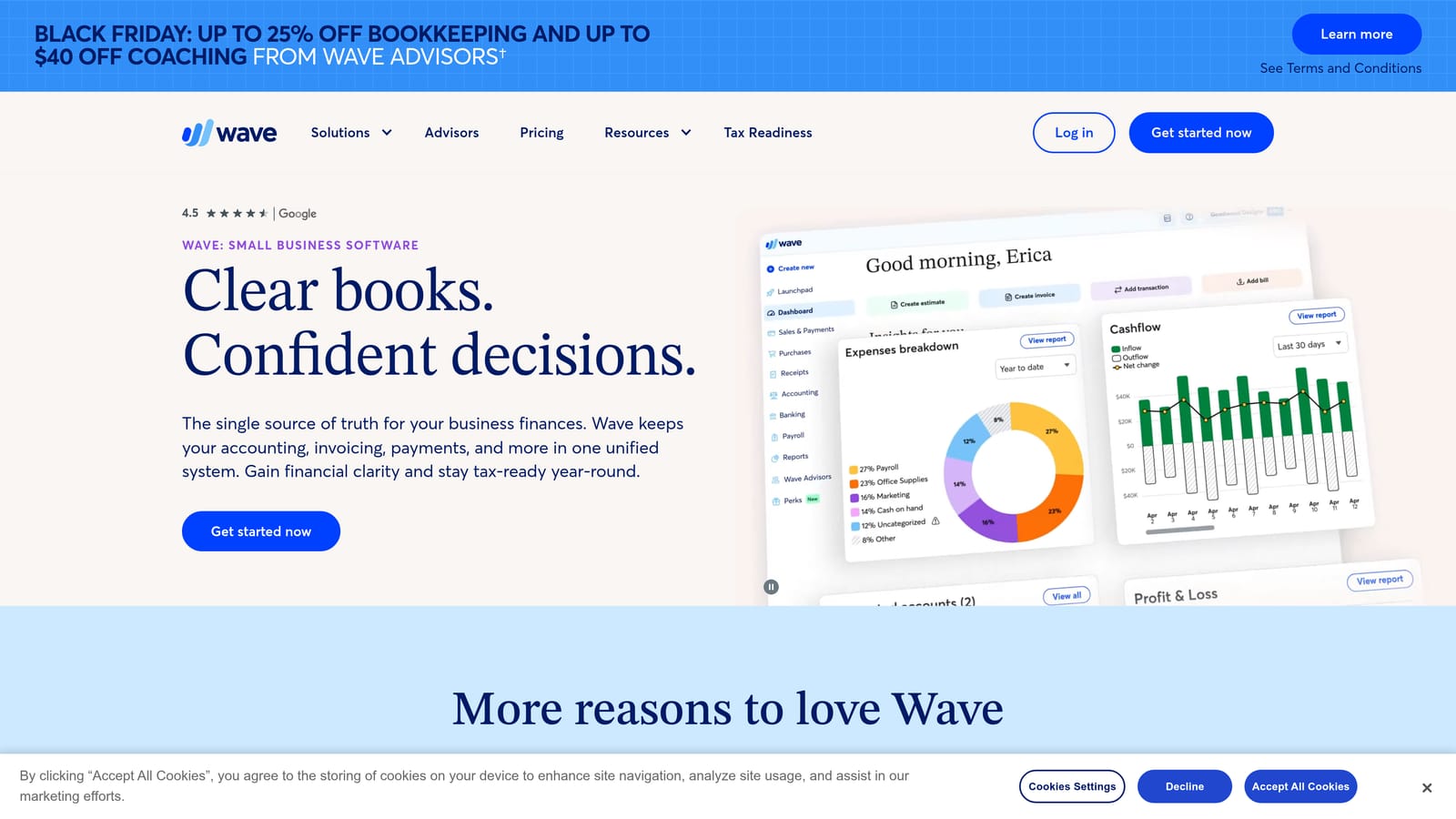
You get invoicing, bookkeeping, and receipt scanning in one place, with bank connections and online payment processing. Setup is light, and one person can run it without accounting training.
- Free invoicing lets you bill clients without a subscription.
- Accounting and bookkeeping keep income and expenses in one ledger.
- Receipt scanning captures expenses without manual typing.
- Online payments let clients pay by card or bank transfer from the invoice.
The trade-off is cost shifting to transactions: online payments carry per-transaction fees, so check the current rates before assuming it is free in practice. Project and time-tracking depth is limited, and features vary by region, so confirm what is available where you work. It is a fit for simple billing, less so for retainer-heavy or project-heavy work.
Core tools are free; payment fees apply. See the Wave site for current terms as of November 2026.
Best for: Budget-conscious freelancers with simple billing needs.
4. QuickBooks Online
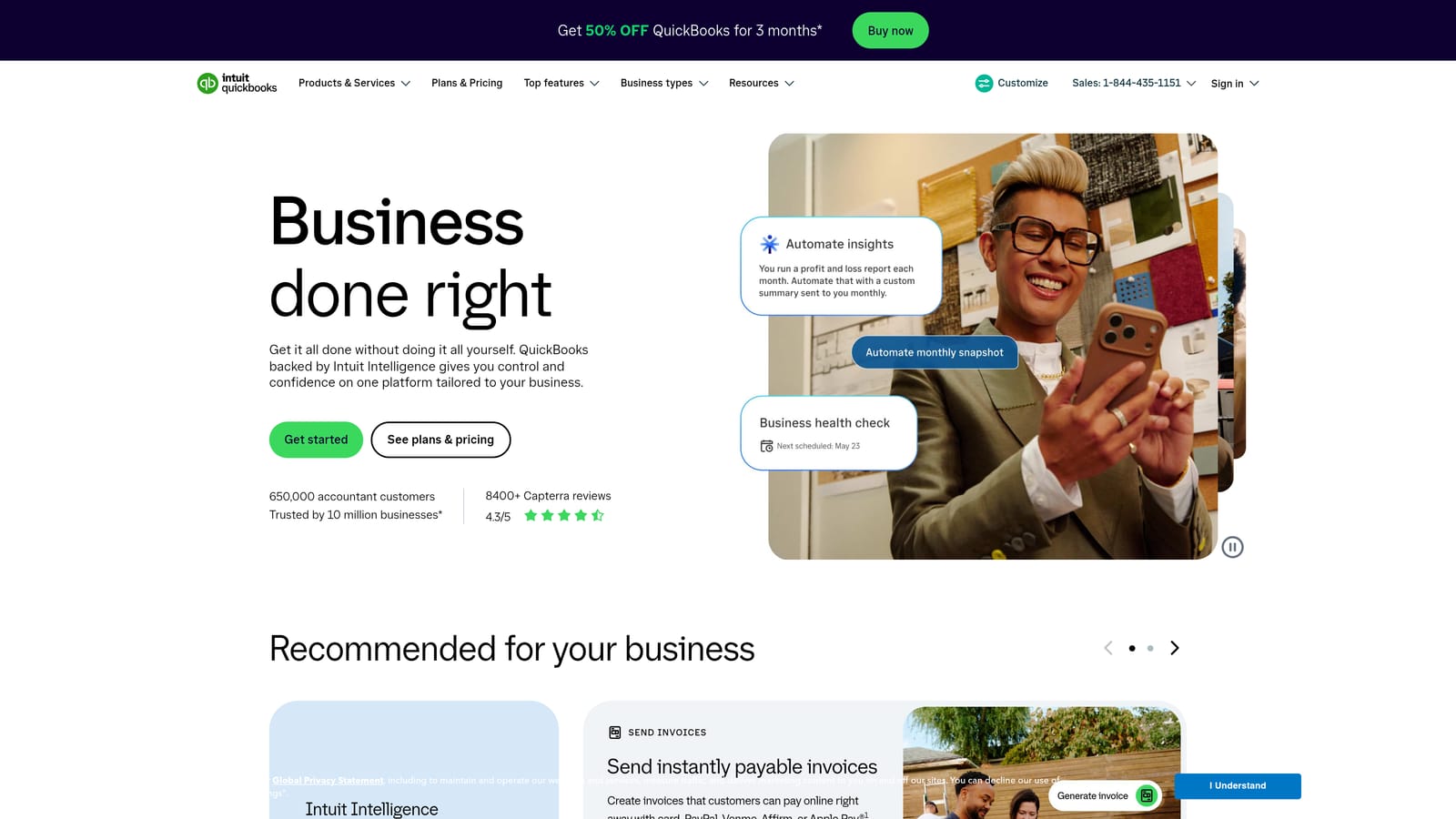
QuickBooks Online is Intuit's full cloud accounting platform, with invoicing and payment tracking built on top of a complete ledger. It is the deepest accounting option here, and the one most accountants and bookkeepers already know, which makes handoffs at tax time easier.
What you get
- Invoicing and payment tracking tie each payment to the right invoice and account.
- Expense categorization sorts spending for cleaner books.
- Financial reports show profit, cash flow, and what clients owe.
- Tax support organizes figures for filing.
Setup and fit
It connects to banks and payment processors and has a large third-party app marketplace, so it can sit at the center of a wider toolset. Setup takes longer than the invoicing-first tools: you configure a chart of accounts and bank feeds, and many freelancers bring in an accountant to do it properly.
That is also the limitation. For most solo freelancers it is more complex and costly than needed, and picking full accounting software too early is a common mistake. It is not designed around client relationships or projects. Plans are tiered monthly, and prices change, so see the QuickBooks site for current figures.
Best for: Freelancers who need full bookkeeping and work with an accountant.
5. HoneyBook
HoneyBook is a client management platform that joins proposals, contracts, invoices, and payments in one flow. Instead of treating payment as a separate step, it moves a client from proposal to signed contract to scheduled payments without leaving the tool.
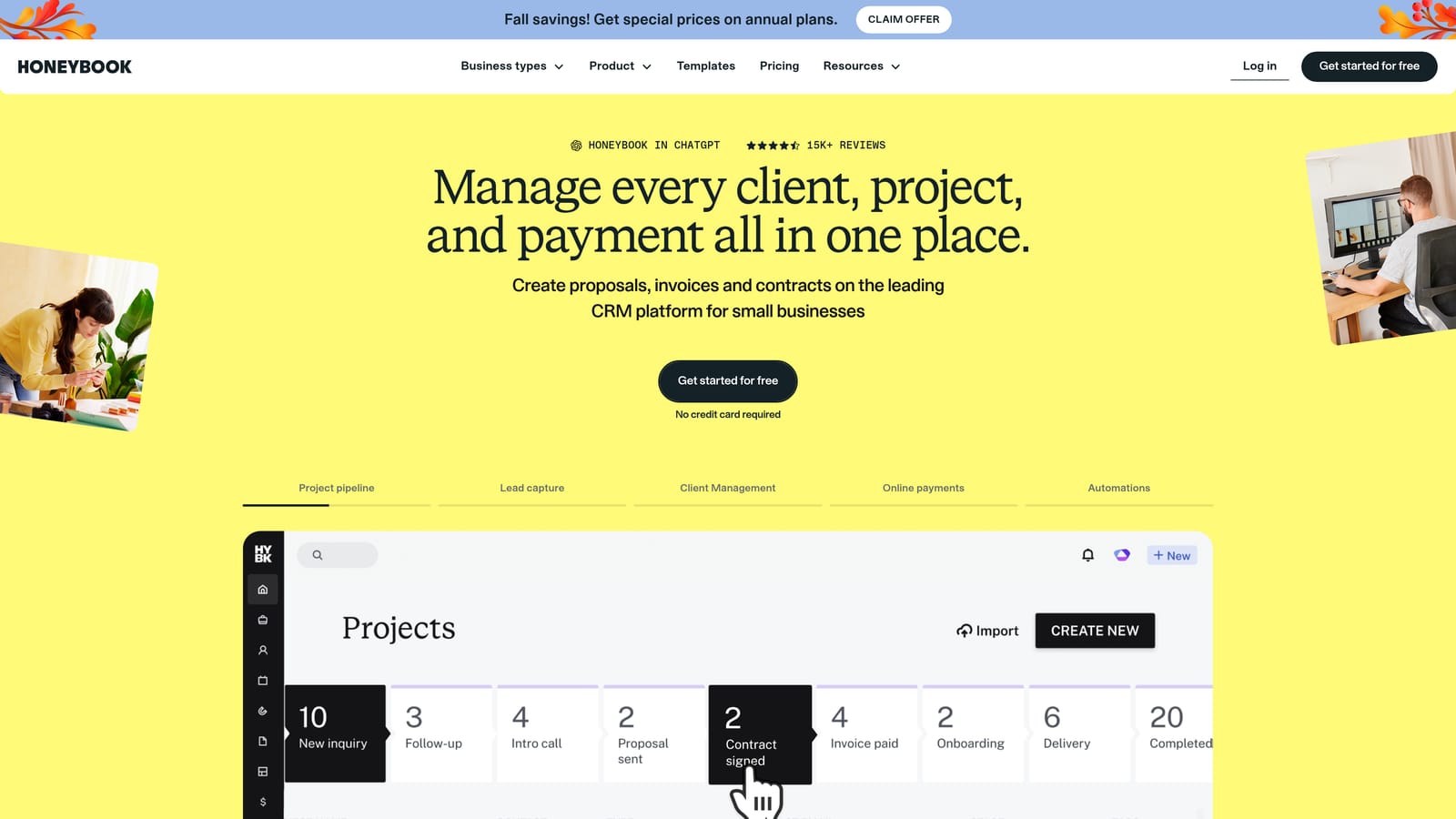
Its standout for payment tracking is the automated payment schedule. If you take a deposit up front and milestone payments later, you set the schedule once and the platform issues and tracks each installment.
- Proposals and contracts get signed before work begins, so terms are on record.
- Invoices are generated from the agreed scope.
- Payment schedules automate deposits and milestone billing.
- Scheduling lets clients book calls or sessions.
- Client flows automate repeated steps across a project.
It integrates with QuickBooks, Zapier, and calendar apps. Day to day it is run by the freelancer, and setup is mostly building templates for your usual projects. It is aimed at creative and service businesses and is largely US-focused, so check availability and payment options if you work elsewhere. If you only need to send plain invoices, it is more than you need. Pricing is by subscription plan; see the HoneyBook site.
Best for: Project-based freelancers collecting deposits and milestone payments.
6. Bonsai
Bonsai is a business suite built for freelancers, combining contracts, time tracking, and invoicing. Its distinctive piece is a set of contract and proposal templates written for independent work, bundled with the billing so scope and payment terms sit in the same system.
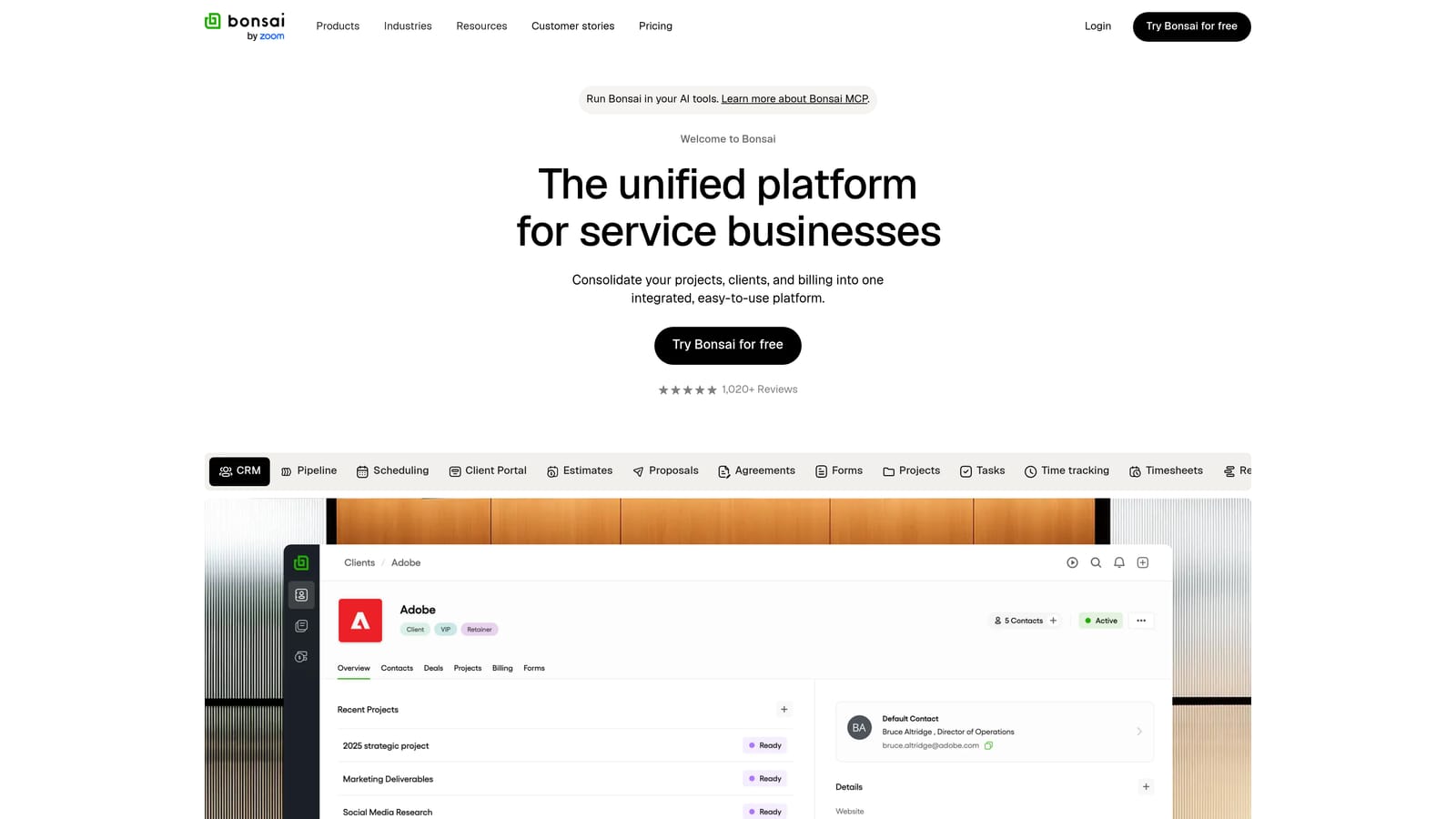
- Contracts and proposals use freelancer-oriented templates, so you are not drafting from scratch.
- Time tracking converts hours into invoice line items.
- Invoicing handles billing and shows payment status.
- Expense tracking records costs against clients and projects.
- Late payment reminders prompt clients without you writing each email.
It integrates with Stripe, PayPal, and QuickBooks, which lets you take payments online and pass figures to accounting software. It is typically run by the freelancer alone, with setup centered on your rates, templates, and payment gateway.
Accounting is shallower than on dedicated platforms, so many users pair it with QuickBooks or an accountant for tax work. It also covers more than a freelancer who only needs invoices will use. Plans are tiered; check the Bonsai site for current prices and what each tier includes.
Best for: Independent contractors who want contracts and billing in one tool.
7. Zoho Invoice
Zoho Invoice is Zoho's free invoicing application, with recurring billing and multi-currency support. If you bill clients in different currencies, it is the most direct answer on this list, because currency handling is part of the free product rather than a paid add-on.
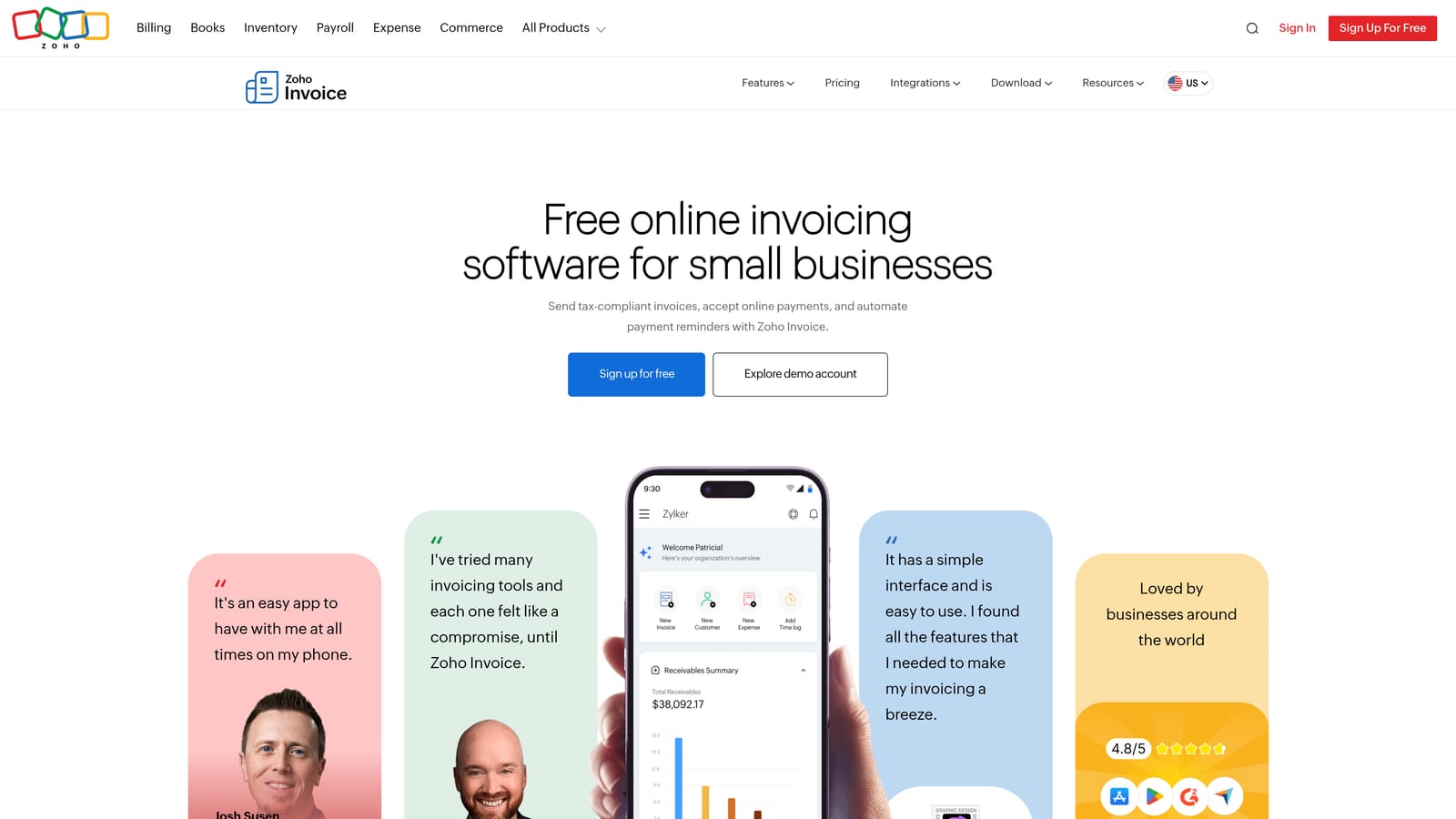
- Recurring invoices bill retainer clients automatically each period.
- Multi-currency lets you invoice in the client's currency.
- Payment reminders follow up on overdue invoices.
- Time tracking converts logged hours to billable items.
- A client portal lets clients view and pay invoices.
It connects with other Zoho apps and with payment gateways. There is an upgrade path to Zoho Books when you need full accounting, which means you can start free and move up without changing vendors.
The limitation is ecosystem dependence: it is most valuable if you also use other Zoho apps, and on its own it is a straightforward invoicing tool. Gateway fees depend on the provider you connect. Invoicing is free, with limits described on the Zoho site, so confirm them as of November 2026.
Best for: Freelancers billing international clients in multiple currencies.
8. Invoice Ninja
Invoice Ninja is an open-source invoicing platform that you can use hosted or run on your own server. That self-hosted option is what separates it from the rest of the list: your invoice and client data lives where you put it, and you can modify the software.
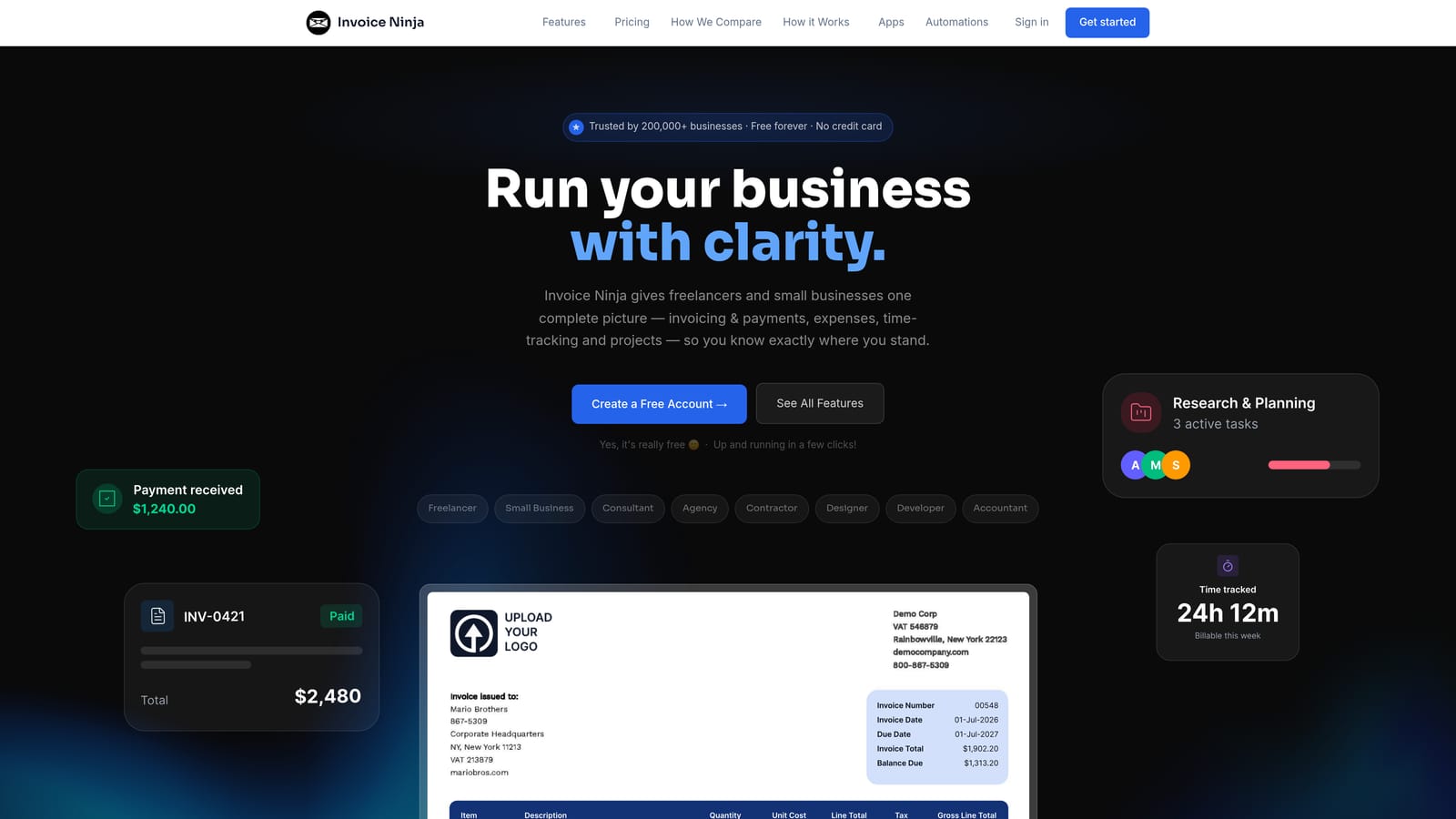
- Recurring invoices automate retainer billing.
- Expense tracking attaches costs to clients.
- Multiple payment gateways let clients pay the way they prefer.
- A client portal gives clients a place to view and pay.
- Self-hosting gives full control over data and customization.
It integrates with Stripe, PayPal, and Zapier. Setup depends on the route: the hosted plan is quick, while self-hosting means managing a server, updates, and backups yourself. That requires technical comfort, and if something breaks, you are the support team.
For non-technical freelancers, the hosted plan is the realistic choice, and at that point you should compare it with simpler tools. The self-hosted version is free, hosted plans are paid, and gateway fees still apply. See the Invoice Ninja site for current plans.
Best for: Technical freelancers who want control and customization.
9. Stripe Invoicing
Stripe Invoicing is invoicing built into the Stripe payments platform. Because the invoice and the payment live in the same system, status updates come directly from the processor, so reconciliation is built in. There is no matching a deposit to an invoice by hand.
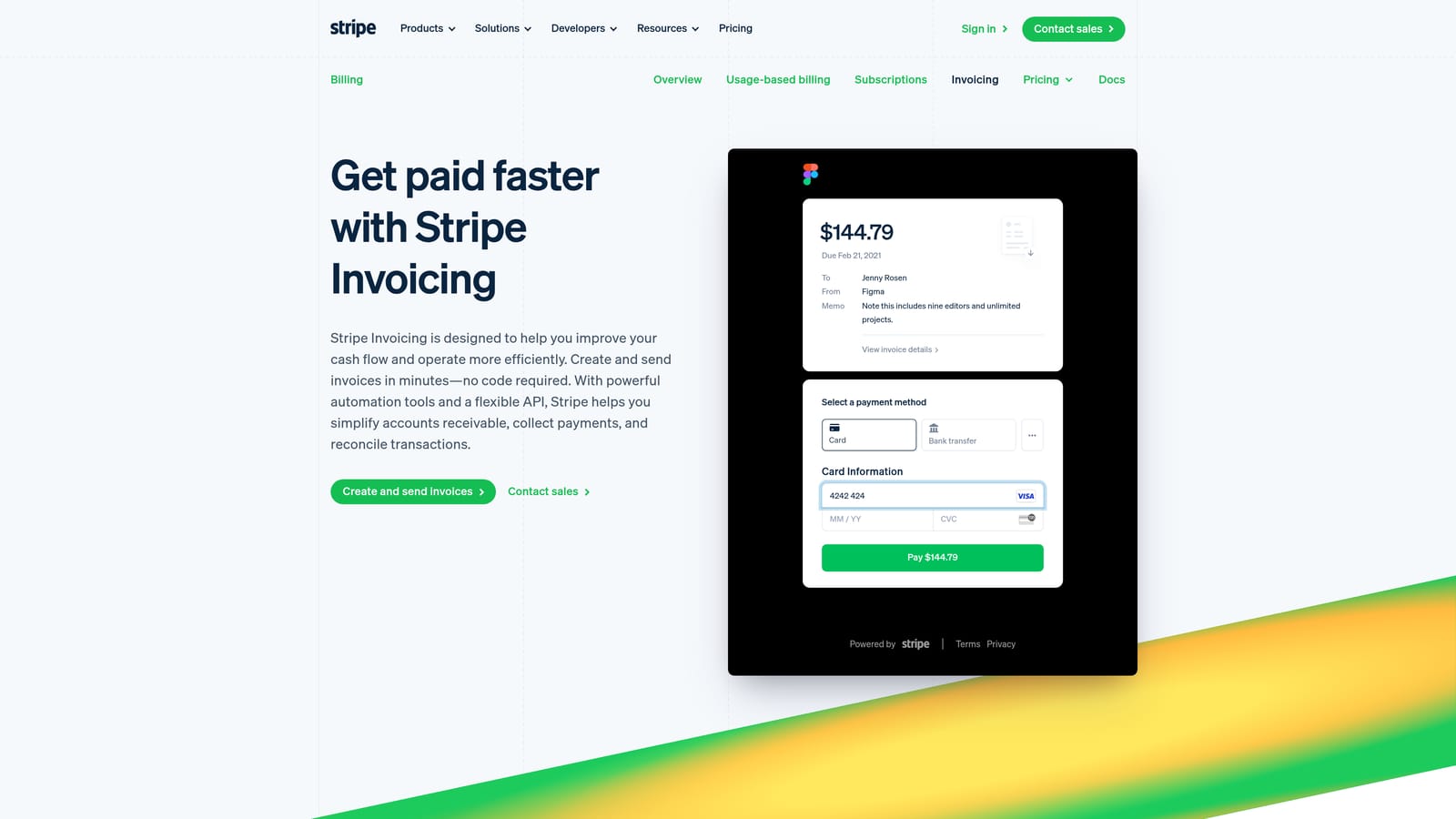
- Hosted invoice pages give clients a link to view and pay.
- Automatic payment status marks invoices paid the moment funds arrive.
- Multiple payment methods let clients choose how to pay.
- Reminders nudge clients about unpaid invoices.
- Recurring billing handles retainers and subscriptions.
It works within the Stripe ecosystem and connects to QuickBooks and Xero for accounting. If you already take payments through Stripe, setup is minimal, as the account and customers exist already.
It is not a full client or project management tool: there are no contracts, proposals, or time tracking, so you would pair it with other software for those. It is also tied to Stripe, so clients who pay by bank transfer outside Stripe will not appear automatically. Pricing is per transaction, so check current rates on the Stripe site as of November 2026, and factor them into your rates.
Best for: Freelancers already collecting payments through Stripe.
Which Payment Tracker Fits Which Freelancer
For marketing and ad freelancers who want payments next to campaign results, ClientPlug is the one built for that. It keeps billing, Meta and Google Ads performance, and white-label reports in one dashboard, though it will not replace accounting software if you need tax-ready books.
If cost comes first and your billing is simple, Wave covers invoicing and bookkeeping without a monthly fee, and Zoho Invoice does the same with multi-currency support. When you need full accounting or work with an accountant, QuickBooks Online is the safer long-term base. For contract-driven project work with deposits and milestones, HoneyBook and Bonsai tie agreements to payments; HoneyBook suits creative service businesses, Bonsai suits independent contractors more broadly.
If you already run payments through Stripe, Stripe Invoicing removes manual reconciliation, and technical freelancers who want data control can look at self-hosted Invoice Ninja. FreshBooks sits in the middle for anyone who wants polished invoicing without bookkeeping overhead.
Whichever you choose, check current pricing and fees before committing. If you run ad accounts for clients and want payments and performance in one place, Learn more about our services.