If you run a Meta or Google ads agency, or freelance for a handful of clients, the sticker price on a client organizer is rarely what you end up paying. Seat minimums, payment processing fees, tier-gated automation, and add-ons for reporting all change the bill. These nine tools were chosen because they centralize client contacts, payments, communication, or reporting, and each is judged on its pricing model, fit for agency workflows, and the limits that affect cost. Pricing here is described by model rather than quoted, because plans change often; check each official pricing page before you commit (as of October 2026).
Quick Comparison of Client Organizer Pricing Models
- ClientPlug: best for Meta and Google ad agencies and freelancers; pricing listed on its website; combines payment tracking, ad monitoring, white-label reports, and Conversion API setup in one dashboard.
- HubSpot CRM: best for agencies building their own sales and marketing engine; free tier, paid per-seat tiers; the largest marketing, sales, and service ecosystem here.
- Monday.com: best for teams wanting visual client pipelines; per-seat with minimum seat bundles; the most flexible boards and automations.
- Copper CRM: best for Google Workspace freelancers and small teams; per-user tiers; works inside Gmail so contacts update without manual entry.
- Productive: best for multi-service agencies; per-user tiers; budget-versus-actual profitability per client.
- Moxo: best for document-heavy client work; tiered or quote-based; structured request and approval portals.
- Dubsado: best for solo consultants; flat monthly or annual plans; contracts, proposals, invoices, and workflows in one flat fee.
- HoneyBook: best for creative freelancers and studios; tiered plans plus processing fees; built-in booking-to-payment flow.
- Zoho CRM: best for budget-conscious teams willing to configure; free plan and per-user tiers; the most customization per dollar.
1. ClientPlug
ClientPlug is an all-in-one client organizer built for digital marketing agencies and freelancers who run paid ads. It pulls payments, Meta and Google Ads performance, and client records into a single dashboard, so you can see who has paid, which campaigns are healthy, and what to send each client without opening five tabs.
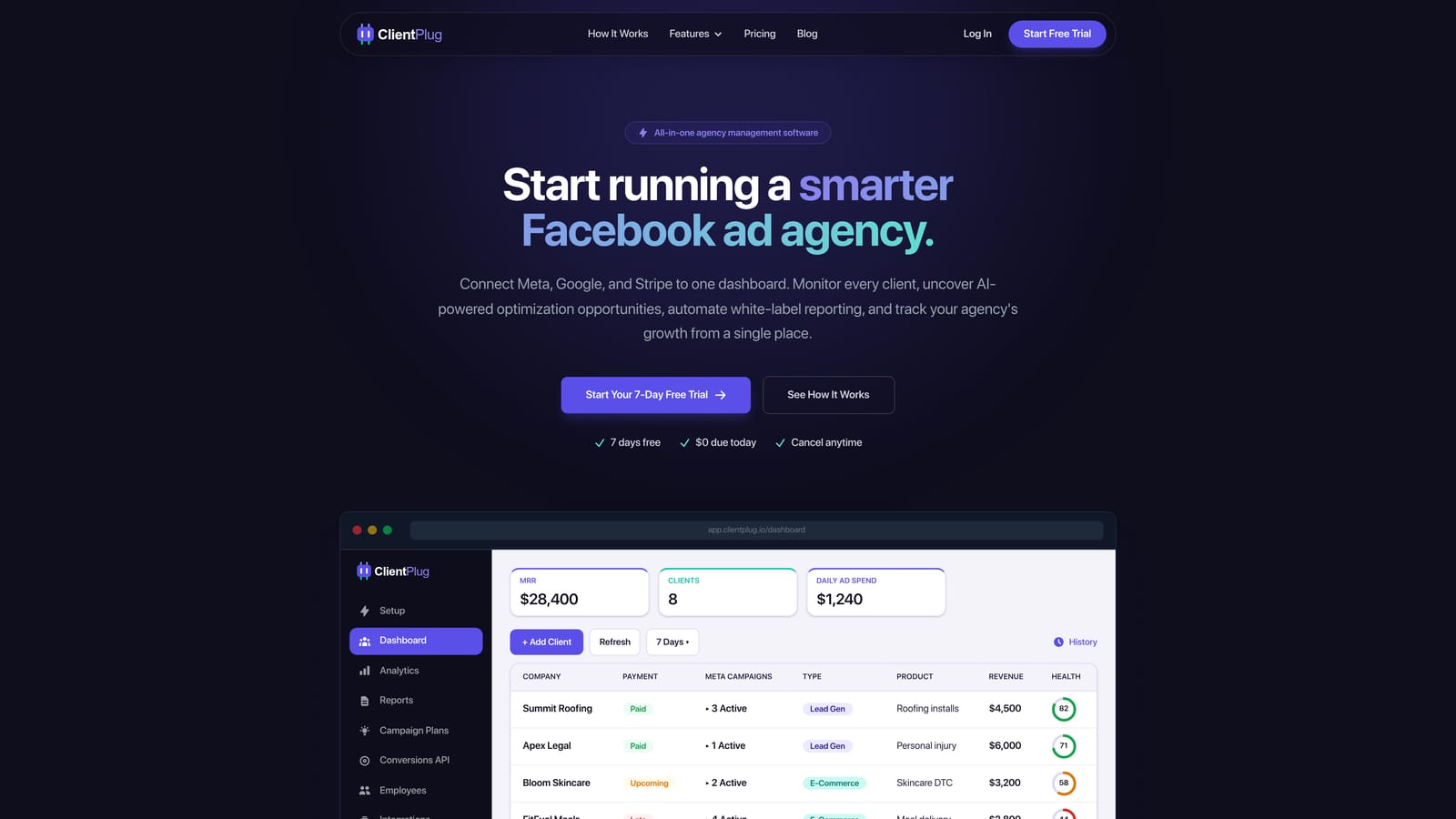
Its distinguishing trait on this list is the combination. Most tools here handle either the relationship side (contacts, contracts, invoices) or the work side (projects, tasks). ClientPlug adds the ad-account layer: health monitoring from individual ads up to campaigns, clients, and the agency as a whole, plus Conversion API setup in a few clicks, which none of the other tools offer.
- Client payment tracking syncs payment status so you can spot late or missing payments next to the campaigns you are running for that client.
- Meta and Google Ads monitoring shows performance for every connected account in one view instead of switching between ad managers.
- AI campaign optimization suggests improvements to campaigns, saving time on routine audits.
- Automated white-label reports send branded performance reports to clients on a schedule, without manual spreadsheet work.
- Conversion API setup helps you configure server-side tracking quickly rather than through a custom build.
Integrations center on Meta Ads and Google Ads. Setup is mainly connecting ad accounts, and the person who runs it day to day is usually the agency owner or account manager rather than a dedicated admin.
The limits are real. ClientPlug is focused on paid-ads agencies, so it is not a replacement for deep project management, and it is a poor fit if most of your revenue comes from non-ad services such as web design or SEO retainers. Teams that need detailed task boards or time tracking will pair it with another tool.
On pricing, I cannot quote a figure here. Plans and what each includes should be verified on the ClientPlug website. When comparing, check how the price scales with the number of clients or ad accounts you manage, since that is the factor that typically moves an agency bill.
Best for: Meta and Google ad agencies and freelancers wanting one dashboard for clients, payments, and reports.
2. HubSpot CRM
HubSpot CRM is a widely used CRM with a free tier and paid Starter, Professional, and Enterprise plans across its marketing, sales, and service hubs. It suits agencies that want to manage their own pipeline, email, and forms inside a platform they can grow into.
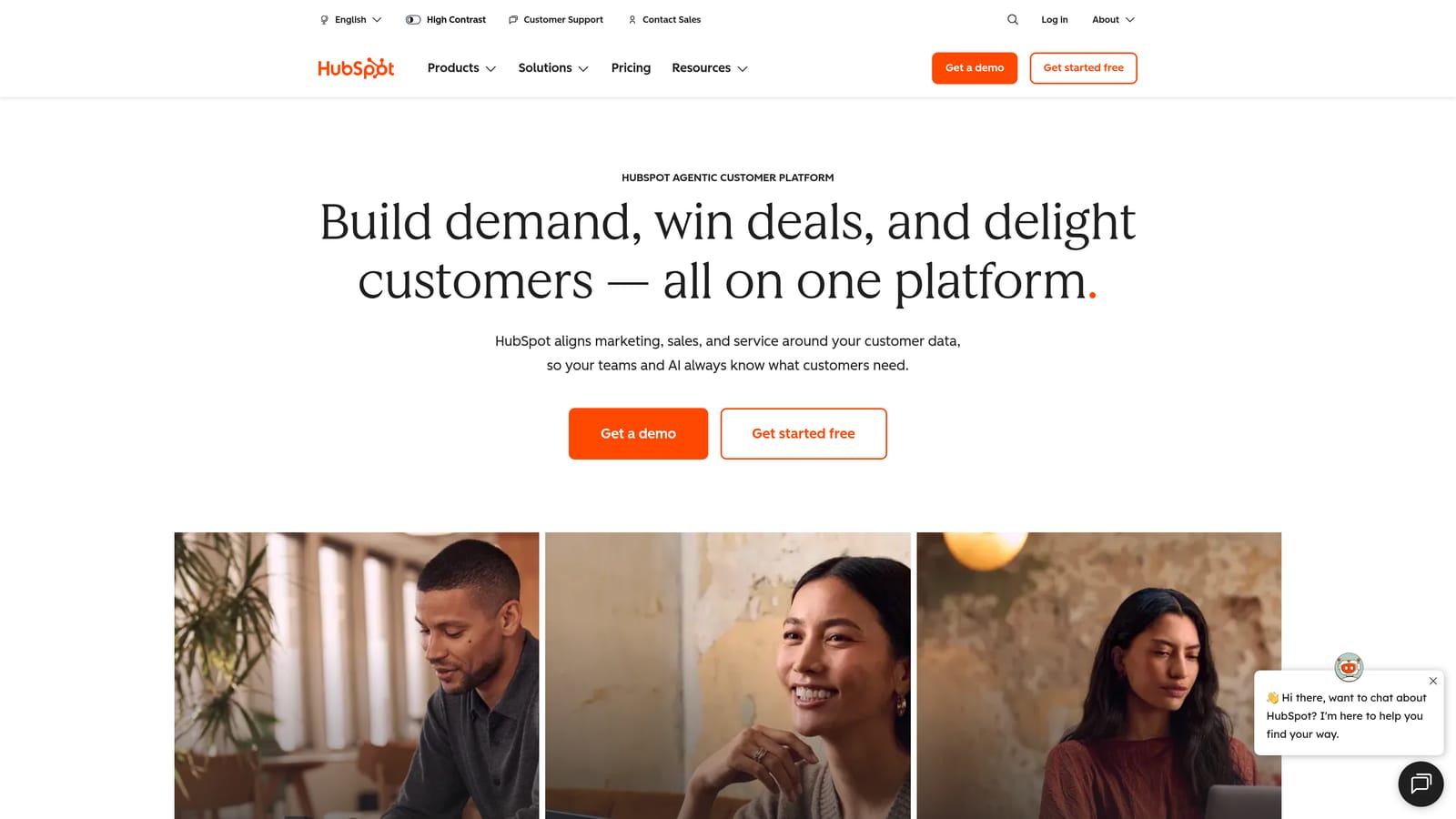
Its edge over the rest of the list is ecosystem breadth. No other tool here covers marketing automation, sales pipelines, and service ticketing under one login, which matters if you are also selling your own agency aggressively.
- Contact and deal management tracks every lead and client with a full history of interactions.
- Email tracking shows when prospects open messages, so follow-ups are better timed.
- Forms and landing pages capture leads without a separate builder.
- Reporting dashboards summarize pipeline and activity for your own team.
- Free CRM tier lets a small team start without a card.
It connects to Gmail, Outlook, Slack, and Zapier. Basic setup is quick, but getting value from the paid hubs takes a dedicated owner, often someone in marketing ops.
The cost warning is the important part. The free tier is genuinely useful, but costs climb quickly as you move across tiers and add seats, and the most useful automation sits in higher plans. HubSpot also has no native ad-performance client reporting, so you would not use it to show a client how their Meta campaigns are doing.
Pricing: free to start; paid tiers are per seat and vary by hub, so confirm current numbers on the HubSpot pricing page (as of October 2026).
Best for: Agencies that want a scalable CRM tied to their own sales and marketing.
3. Monday.com
Monday.com is a work management platform whose customizable boards can double as a client pipeline and onboarding tracker. It is not a CRM by default, but agencies often shape it into one.
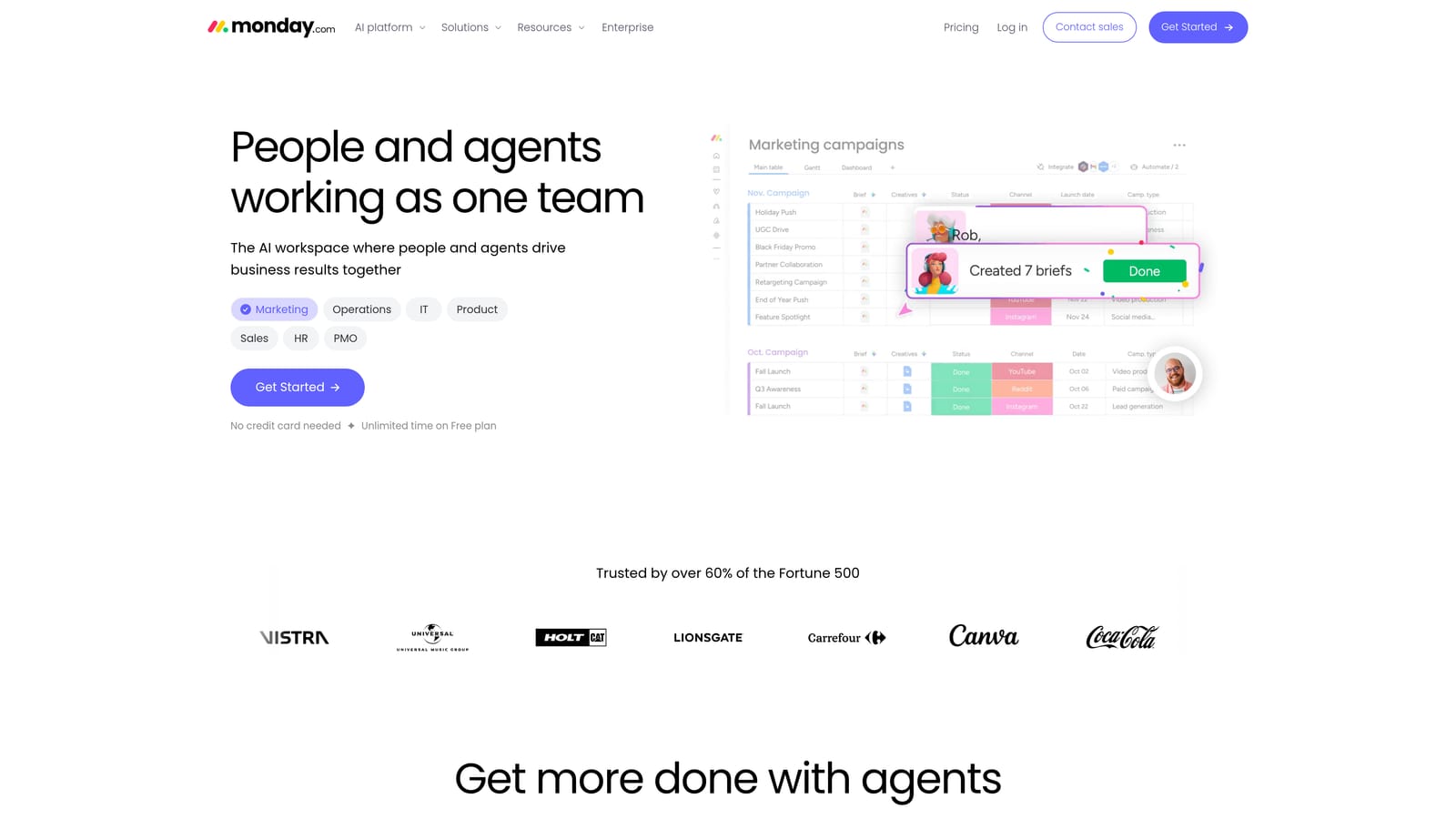
The limitation comes first because it drives the bill: pricing is per seat with minimum seat bundles, which penalizes solo users and very small teams who pay for seats they do not fill. Ad reporting also requires add-ons or outside tools, so it will not show campaign performance on its own.
What it does better than anything else here is flexibility. You can build a board for onboarding, another for monthly deliverables, and another for renewals, then connect them with automations.
- Custom boards let you model your exact client stages instead of adapting to a fixed pipeline.
- Automations handle repetitive steps like status changes and reminders.
- Dashboards roll up workload and pipeline across clients.
- Forms standardize intake so new client requests arrive in a consistent format.
- Guest access lets clients see selected boards without a full paid seat in most cases; check current terms.
It integrates with Slack, Gmail, Google Drive, and Zapier. Setup effort depends on how elaborate your boards get; a project lead or operations manager usually owns it.
Pricing is per seat, with the seat bundle minimum and the plan tier (automation and dashboard limits rise with tier) moving the total. See the Monday.com pricing page for current rates.
Best for: Teams that want flexible visual client pipelines and onboarding.
4. Copper CRM
Copper CRM is built around Google Workspace and keeps contacts updated directly from Gmail. For freelancers and small teams already living in Gmail, it removes most manual data entry.
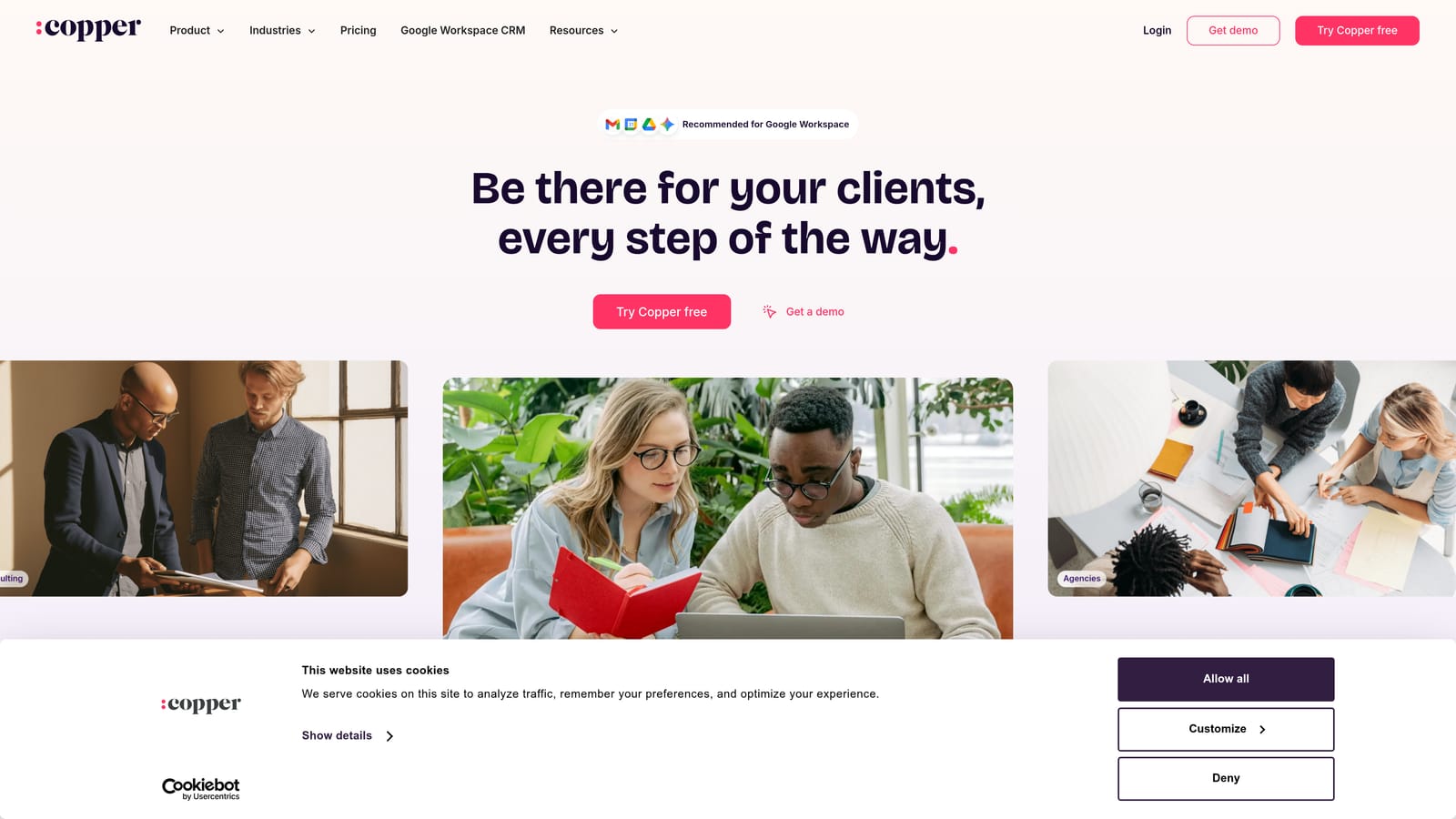
Its distinctive trait is that it operates inside Gmail, so contacts and conversation history update from email rather than from you copying details into a form.
- Gmail integration lets you see and update client records without leaving your inbox.
- Contact auto-updating keeps details current from email signatures and threads.
- Pipelines track prospects and active deals through stages.
- Task reminders prompt follow-ups so nothing slips.
It works with Gmail, Google Calendar, Google Drive, and Slack. Setup is light, and a freelancer can run it alone in an afternoon.
The trade-off is scope. Copper has little project, billing, or ad reporting functionality, so it organizes relationships but not the work or money around them. It also assumes Google Workspace; if your team uses Outlook, it is the wrong pick.
Pricing is per user across tiers, and higher tiers unlock more automation and reporting. Because seats multiply the cost, a growing team should price out the plan they will actually need rather than the entry tier. Check the Copper pricing page for current figures.
Best for: Google Workspace freelancers and small teams needing a light contact organizer.
5. Productive
Productive is an agency management platform that combines projects, budgets, time tracking, and billing. It is aimed at agencies that sell several services and need to know whether each client is actually profitable.
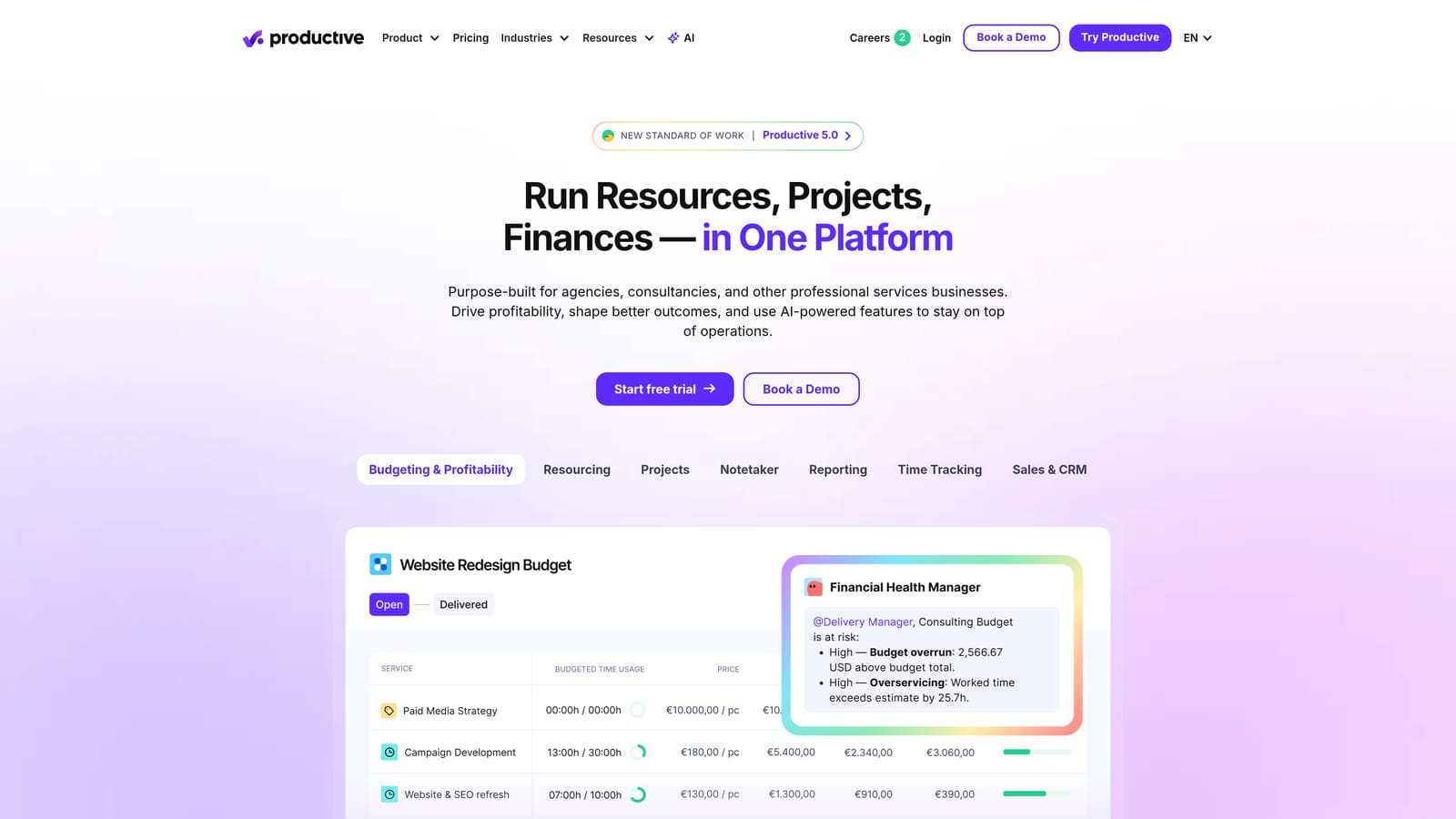
The standout is budget-versus-actual tracking per client. You set a budget, log time and costs, and see where a retainer is bleeding margin, something the CRMs and portals here do not do.
- Project management organizes deliverables and tasks across accounts.
- Budget tracking compares planned against actual spend per project.
- Time tracking captures hours so scope creep becomes visible.
- Invoicing bills from tracked time and budgets.
- Profitability reports show which clients and services earn their keep.
It integrates with QuickBooks, Xero, Slack, and HubSpot. Setup is heavier than for the lighter tools, because budgets, rate cards, and team structures need configuring, and an operations or finance lead typically owns it.
It has no native ad-platform performance data, so a paid-ads agency would still need another way to report campaign results. Pricing is per user in tiers, so team size and the tier that includes the features you need set the total. See the Productive website for current plans.
Best for: Multi-service agencies that need to track project profitability.
6. Moxo
Moxo is a client portal and workflow platform for secure document exchange and approvals. It replaces the email chains where clients send assets, sign-offs, and requests.
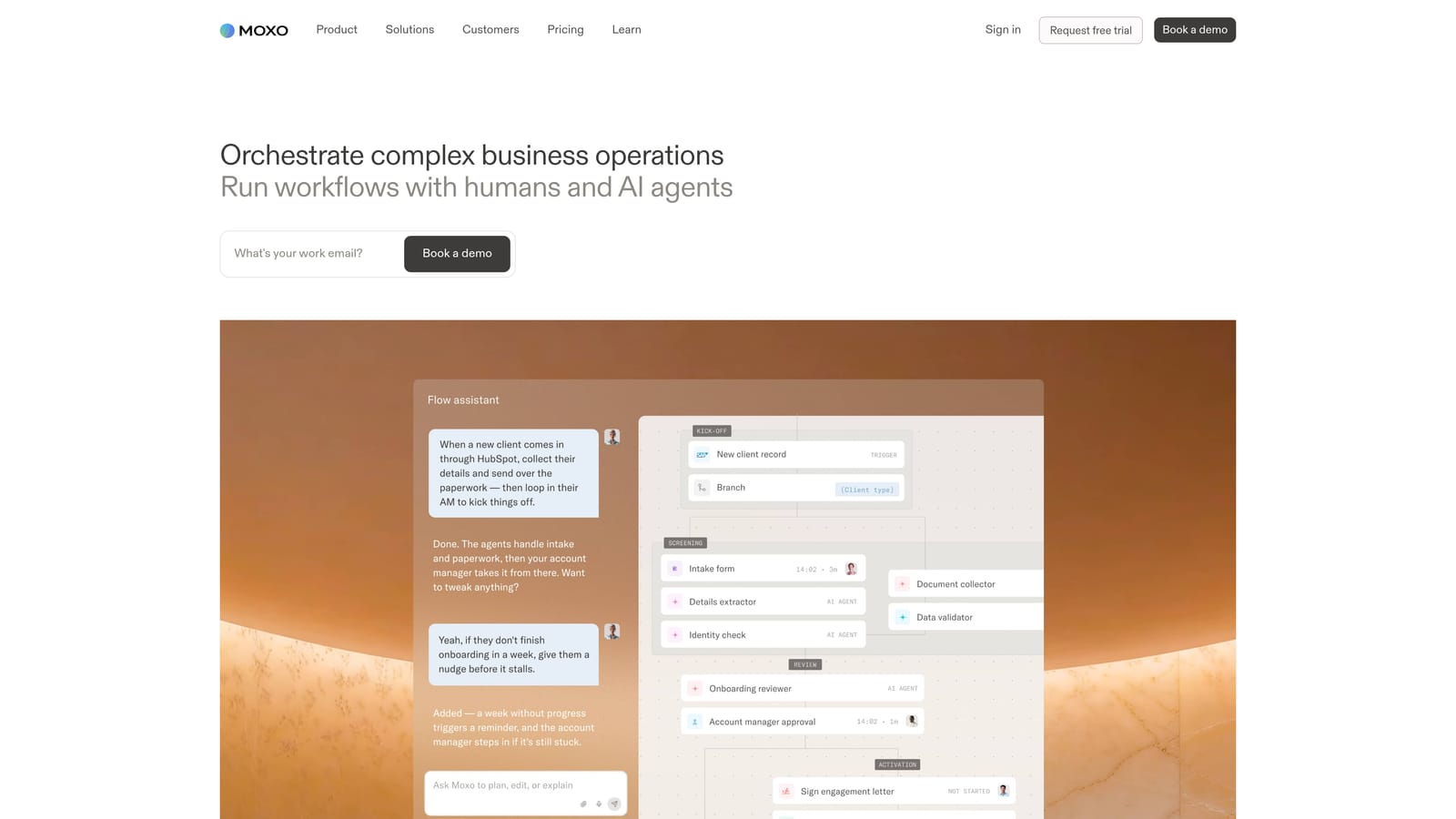
Its strength is structure on the client-facing side. Requests, approvals, and documents move through defined steps, with a clear record of who approved what and when.
- Client portals give each client one place to see requests and files.
- Document exchange moves files securely rather than through attachments.
- Approval workflows route creative, contracts, or budgets to the right person and log the decision.
- Task requests let you ask clients for specific items with due dates.
It connects with Microsoft 365, Salesforce, and Slack, which suits firms already in those environments. Setup involves designing the workflows, so expect some planning, with an operations or client-services lead running it.
It is built for service firms generally, not marketing, so there is no ad reporting and no performance data. For an agency whose main pain is campaign visibility, it solves a different problem. Pricing is tiered or quote-based, which means you should request a quote and ask what is included, such as user counts, storage, and workflow limits. Details are on the Moxo website.
Best for: Agencies that exchange many documents and approvals with clients.
7. Dubsado
Dubsado is a business management tool for freelancers, bundling CRM, contracts, proposals, invoices, and workflows under flat monthly or annual plans.
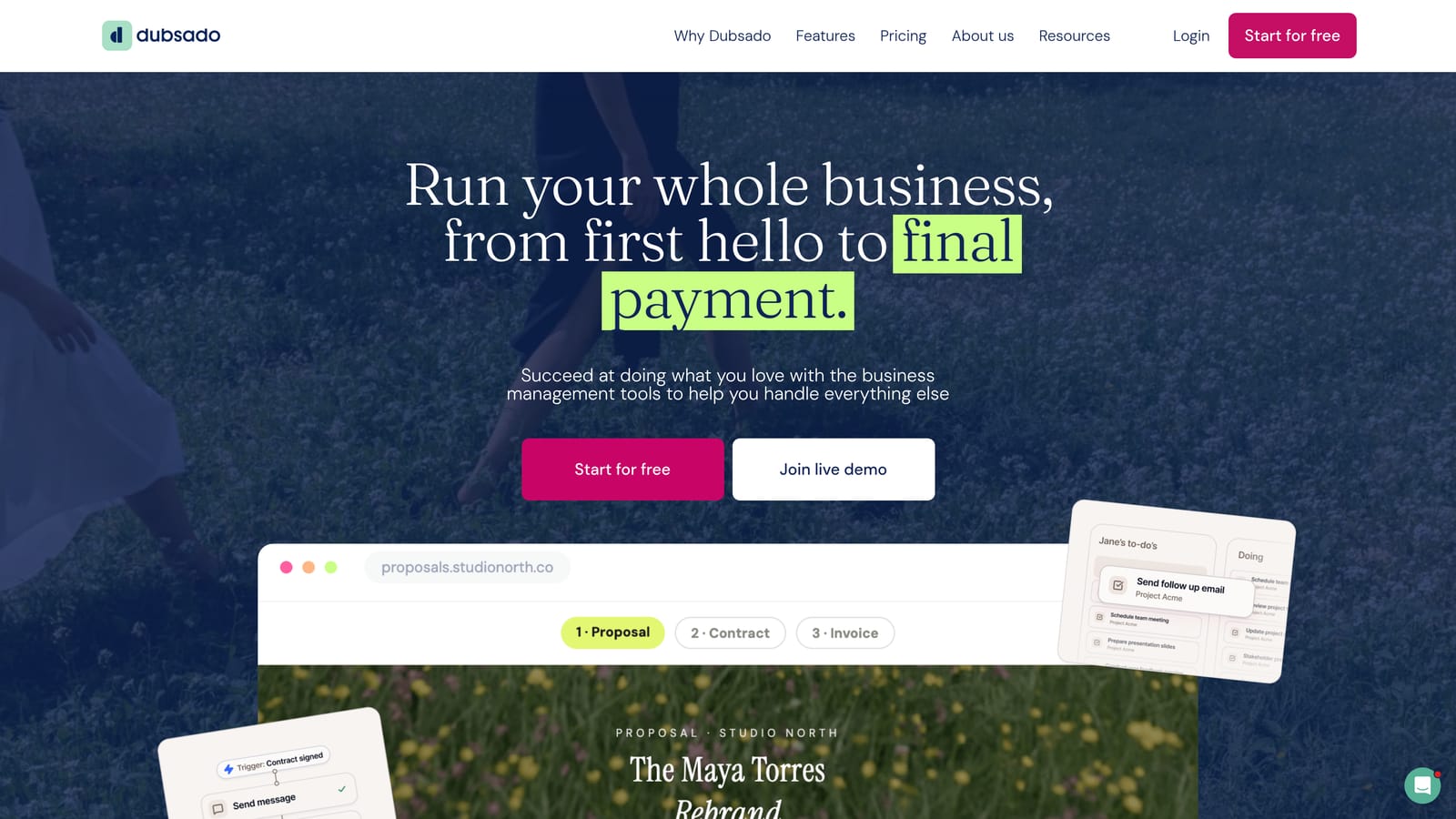
The flat fee is its pricing advantage. You are not paying per client or per transaction tier for the admin stack, which makes cost predictable for a solo operator whose client count grows.
- Contracts are sent and signed digitally, so onboarding is faster.
- Proposals combine scope, pricing, and agreement in one document.
- Invoicing collects payments and supports payment plans.
- Automated workflows trigger emails and tasks as a client moves through stages.
- Scheduler lets clients book calls without back-and-forth.
It integrates with Stripe, PayPal, Zapier, and Google Calendar. Setup takes effort up front, since templates and workflows must be built, but then the owner runs it largely alone.
It has no ad data and is less suited to multi-person agencies, because it was designed around one operator. Stripe and PayPal charge their own processing fees on top of the plan, so include those in your calculation. Check the Dubsado site for current plan prices.
Best for: Solo consultants and freelancers wanting a flat-rate admin stack.
8. HoneyBook
HoneyBook is a client flow platform combining CRM, bookings, contracts, and payments for independent service businesses. A prospect can inquire, book, sign, and pay without leaving the system.
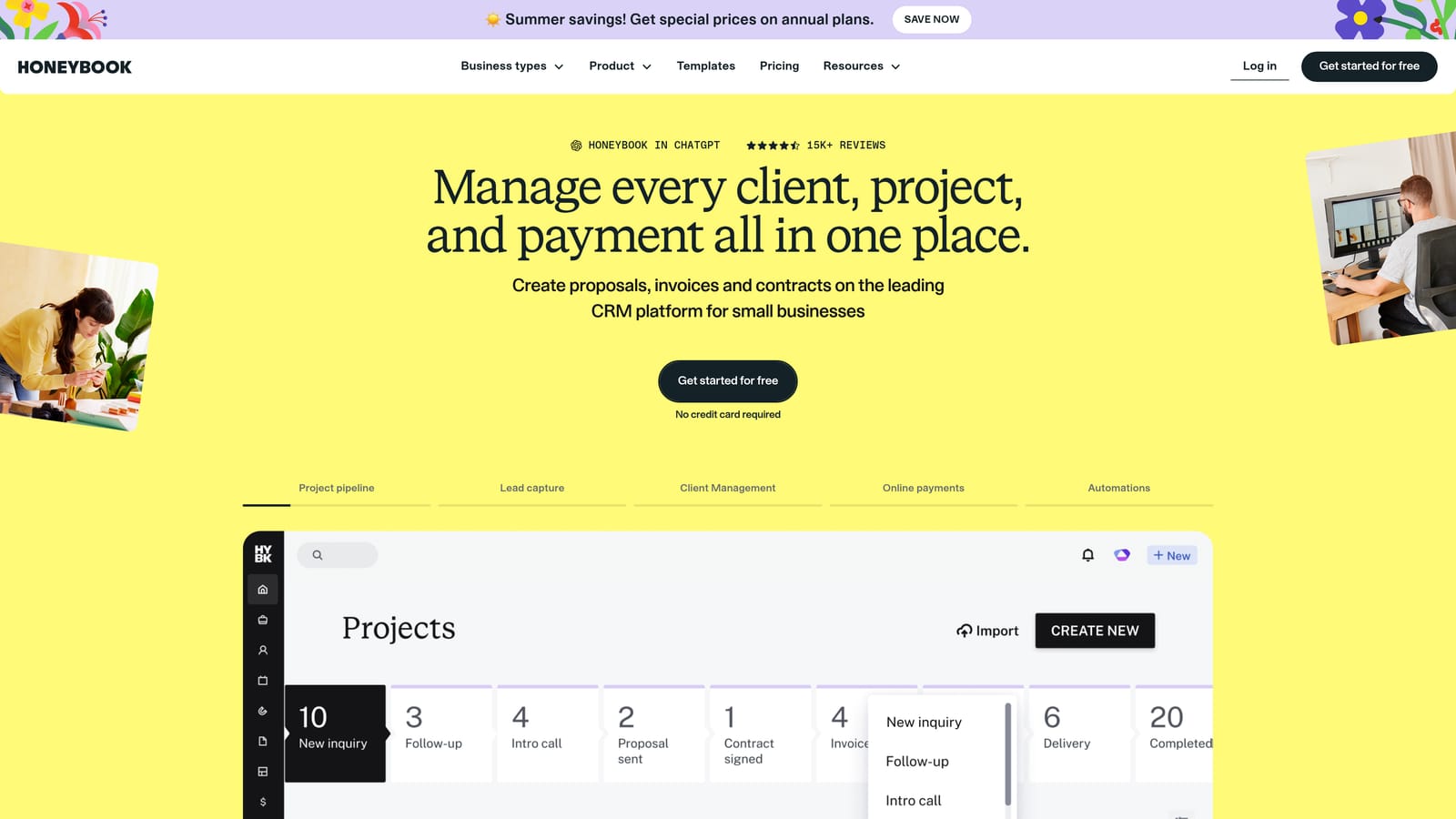
That booking-to-payment flow is its distinguishing feature, and it is polished for people who sell packages or sessions.
- Client CRM keeps inquiries and project details together.
- Contracts collect signatures inside the same flow.
- Invoices and payments let clients pay online, including on schedules.
- Scheduling handles consultations and meetings.
- Automations send reminders and follow-ups on a trigger.
It integrates with QuickBooks, Gmail, Zoom, and Zapier. Setup is approachable for a solo owner.
It is aimed at creative and service freelancers rather than performance marketing teams, so there is no ad reporting or campaign monitoring. On cost, the plans are tiered and payment processing fees apply on top, so the real price depends on how much you invoice through it. Review the HoneyBook pricing page and the current processing rates before comparing.
Best for: Creative freelancers and studios who want bookings and payments in one flow.
9. Zoho CRM
Zoho CRM is a customizable CRM with low-cost per-user tiers and a wider Zoho app suite behind it. It tends to attract teams that want control without a large budget.
Its edge is customization per dollar. Custom modules, workflows, and the surrounding Zoho apps let you build a fairly tailored system for less than most rivals charge.
- Pipeline management tracks leads and clients through stages you define.
- Workflow automation removes repetitive follow-up work.
- Analytics summarize pipeline and activity.
- Custom modules let you track things like retainers or ad accounts that a stock CRM ignores.
- Free plan for small teams allows a trial of the core system at no cost.
It integrates with the Zoho suite, Google Workspace, Microsoft 365, and Zapier. Setup takes real effort, and someone on the team needs to own configuration.
The catch is that useful automation and analytics sit in higher tiers, so the cheap entry price can be misleading once you need those features. There is also no native ad-performance reporting. Pricing is a free plan plus per-user tiers; see the Zoho pricing page for current rates.
Best for: Budget-conscious teams willing to configure a flexible CRM.
Choosing by Situation and Checking the Real Bill
For a Meta or Google ads agency, ClientPlug is the closest fit because it covers payments, ad performance, and white-label reporting together. Pair it with a project tool if you need task management. For a multi-service agency focused on margins, Productive is the stronger choice. For a solo operator who wants predictable admin costs, Dubsado is the simplest. If you are building your own sales pipeline and expect to grow, HubSpot or Zoho CRM give more room, at different price levels.
Before committing to any of them, run this checklist:
- Count the seats you will need in 12 months, and check for seat minimums.
- List the features you need and confirm which plan tier includes each.
- Add payment processing fees based on your realistic invoice volume.
- Check whether pricing scales with clients, contacts, or ad accounts.
- Price any add-ons for reporting, since several tools here lack ad data.
- Ask about annual versus monthly billing and cancellation terms.
- Confirm all figures on the official pricing page dated within the last month.
If your work is paid ads and you want to see how one dashboard handles clients, payments, and reports, Learn more about our services.