Running client work alone means you are the account manager, the bookkeeper, the strategist, and the person who sends the Friday update. This list is for freelancers and one-person agencies handling roughly 3 to 20 clients who have outgrown spreadsheets and a crowded inbox. Each tool was judged on how well it works for a single seat: setup time, pricing at one-user scale, which of the jobs (sales CRM, onboarding and contracts, project tracking, billing, ad reporting) it covers, and whether it connects to the apps and ad platforms you already use.
Quick Comparison of the Nine Tools
- ClientPlug: best for solo ad freelancers who need payments and client ad reporting together; pricing on the website; auto-syncs ad performance, payments, and client data with health monitoring from single ad to whole agency.
- HubSpot CRM: best for solo marketers who actively prospect; free to start (verify current limits); the largest integration ecosystem and upgrade path on this list.
- HoneyBook: best for consultants selling packaged services; subscription, see website; automations that carry a lead from inquiry to signed contract and paid deposit.
- Dubsado: best for process-minded freelancers; subscription, see website; deeply configurable conditional workflows you can template per client type.
- Notion: best for DIY-minded marketers; free to start (verify current limits); a build-your-own client hub with relational databases.
- Trello: best for solo marketers with a few clients; free to start (verify current limits); the lowest learning curve here.
- Bonsai: best for freelancers wanting the whole business side in one place; subscription, see website; built-in time tracking plus financial and tax tools.
- Moxie: best for creative and marketing freelancers; subscription, see website; a branded client portal bundling proposals, files, and invoices.
- Zoho CRM: best for budget-conscious marketers planning to scale; see website (verify free tier); extends into a low-cost business suite through other Zoho apps.
1. ClientPlug
ClientPlug is our own product, an all-in-one client organizer for digital marketing agencies and freelancers. It is built around the work of running paid media for clients: it syncs ad performance, payments, and client data into one dashboard, so you are not checking Ads Manager in one tab and a spreadsheet of unpaid invoices in another.
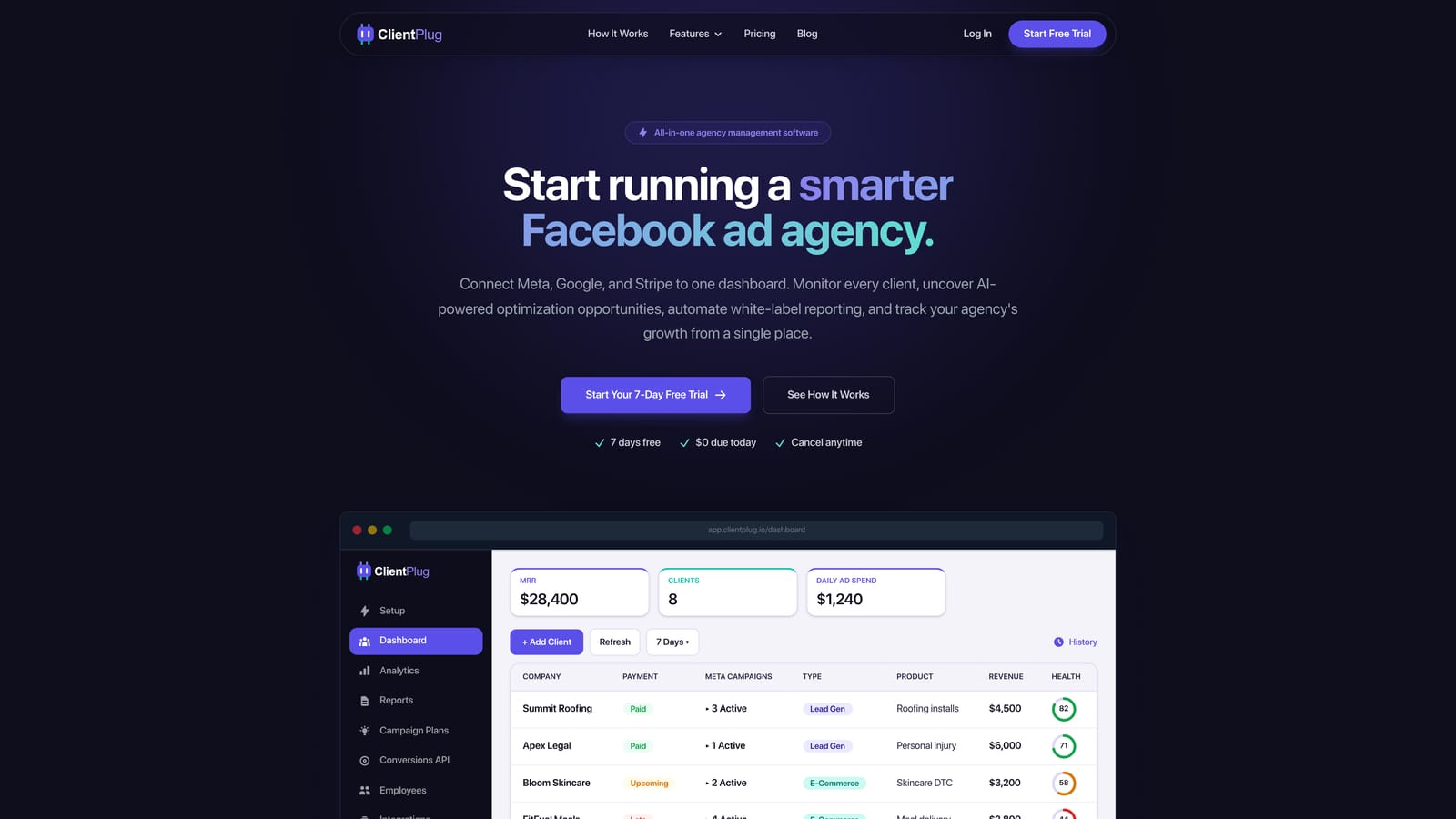
What sets it apart on this list is the ad-side data. Most tools here manage contacts, contracts, or tasks, but none of the others is designed to watch Meta and Google Ads accounts. ClientPlug monitors health at every level, from an individual ad to a campaign, a client, and your whole book of business, so a client whose spend or results are slipping stands out before they email you about it.
- Client payment tracking shows who has paid and who is overdue next to their ad results, so billing conversations are informed by performance.
- Meta and Google Ads monitoring pulls campaign metrics into one view instead of making you log in to each account.
- AI campaign optimization suggests improvements to campaigns, which helps when you have no colleague to sanity-check your work.
- Automated white-label reports are client-ready performance reports under your own branding, sent on a schedule, which removes the monthly reporting scramble.
- Conversion API setup guides you through server-side event tracking for Meta in a few clicks, a task that otherwise means developer time or fiddly tag work.
Setup is connection-driven: you link your ad accounts and add clients, and you are the only person who needs to run it. Integrations center on Meta Ads and Google Ads.
The limitation is scope. ClientPlug focuses on ad and payment management; it is not a sales-pipeline CRM and not a general project manager. If you need deal stages, proposals with e-signature, or task boards for non-ad work, pair it with another tool from this list. Pricing is on the ClientPlug website; confirm current plans there as of 2026.
Best for: Solo ad freelancers who need payments and client ad reporting in one place.
2. HubSpot CRM
HubSpot CRM is a contact-and-deal CRM with a free entry point and a path into paid marketing, sales, and service products. It suits a solo marketer who spends real time finding new clients and wants a proper pipeline rather than a list in a spreadsheet.
Its distinctive strength is the ecosystem. HubSpot connects to Gmail, Outlook, Slack, Zapier, and Meta Ads, and it has the longest upgrade runway here, so you can start with contacts and add email marketing or automation later without switching platforms.
- Contact and company records keep every conversation and detail attached to the right client or prospect.
- Deal pipeline shows where each prospect stands so follow-ups do not slip.
- Email tracking tells you when a proposal has been opened, so you know when to nudge.
- Meeting scheduling lets prospects book time without back-and-forth emails.
- Forms and live chat capture leads from your site straight into the CRM.
Setup is quick for the basics, and you will be the only admin. The drawbacks are cost and weight: paid tiers get expensive as you add hubs and features, and the interface can feel heavy if you have a dozen clients and no sales team. It also does not handle invoicing or ad reporting in the way a freelancer-focused suite does.
Pricing starts free; limits on the free tier change, so verify them as of 2026. Paid plans vary by product, tier, and seat count, so see the website.
Best for: Solo marketers who actively prospect and need a real sales pipeline.
3. HoneyBook
HoneyBook is a client flow platform that covers the stretch from first inquiry to final payment: forms, proposals, contracts, invoices, and scheduling in a single place. It is designed for independents who sell packaged services.
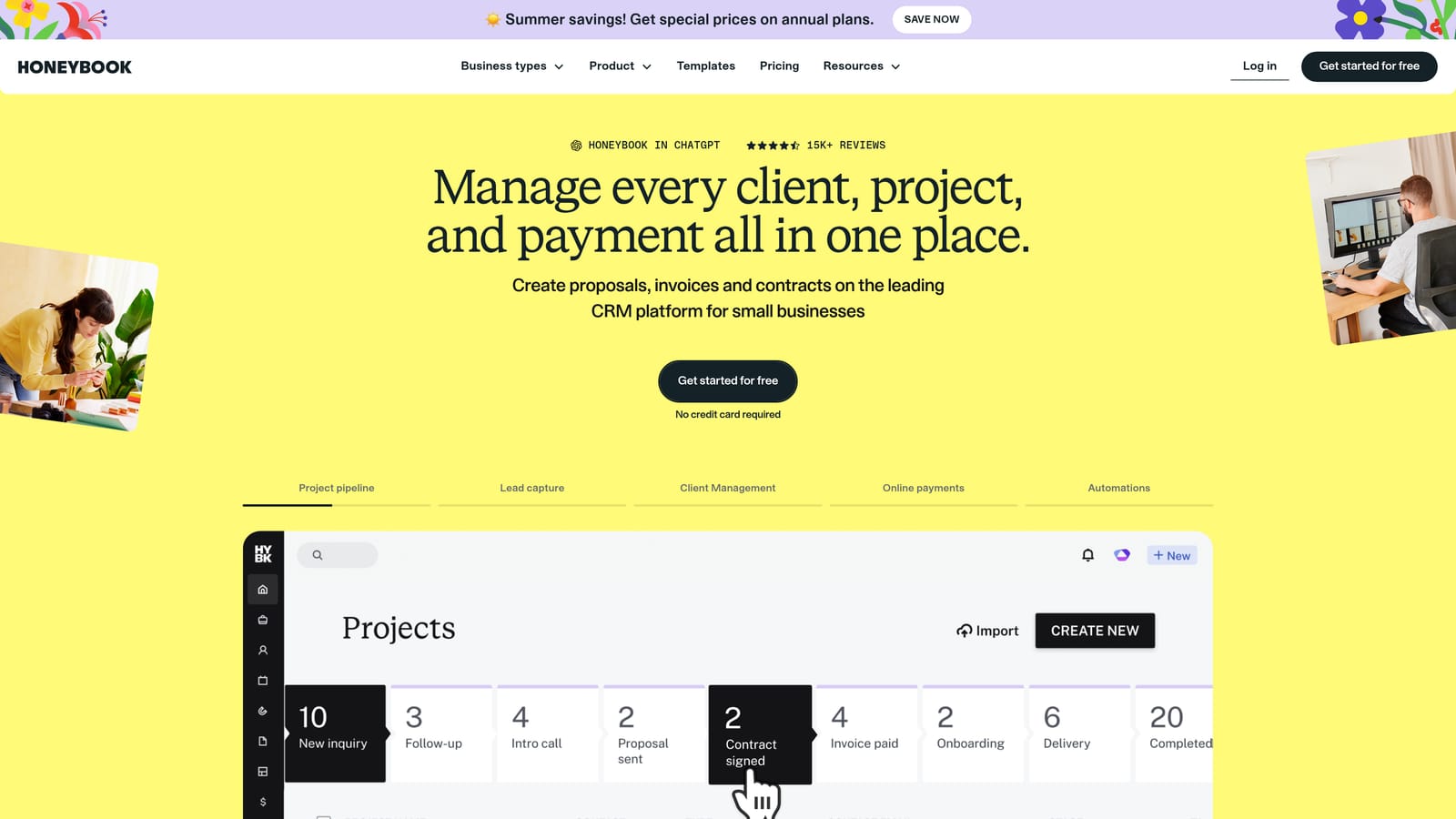
Where it stands out is automation across that sequence. A lead can submit an inquiry, receive a proposal, sign a contract, and pay a deposit with little manual handling from you, which is a real time saver when you are also doing the work.
- Proposals and contracts with e-signature get agreements signed without printing or chasing attachments.
- Invoicing and payments let clients pay online and give you a clear view of what is outstanding.
- Client inquiry forms turn website visitors into organized leads.
- Automated workflows send reminders and follow-ups on your behalf.
- Scheduling handles discovery calls and meetings.
It integrates with QuickBooks, Google Calendar, Gmail, and Zapier, and setup is mostly template-driven. The limitations: it has no ad reporting, so performance updates must live elsewhere, and availability is geared to the US and Canada, so check whether it works for your country and payment setup before committing.
It is a subscription product; see the website for current plans and what changes the price as of 2026.
Best for: Solo consultants selling packaged services who want a smooth booking-to-payment flow.
4. Dubsado
Dubsado, at dubsado.com, is a configurable business management tool covering forms, contracts, proposals, scheduling, and invoicing. Its appeal is control: you decide exactly what happens at each stage of a client relationship.
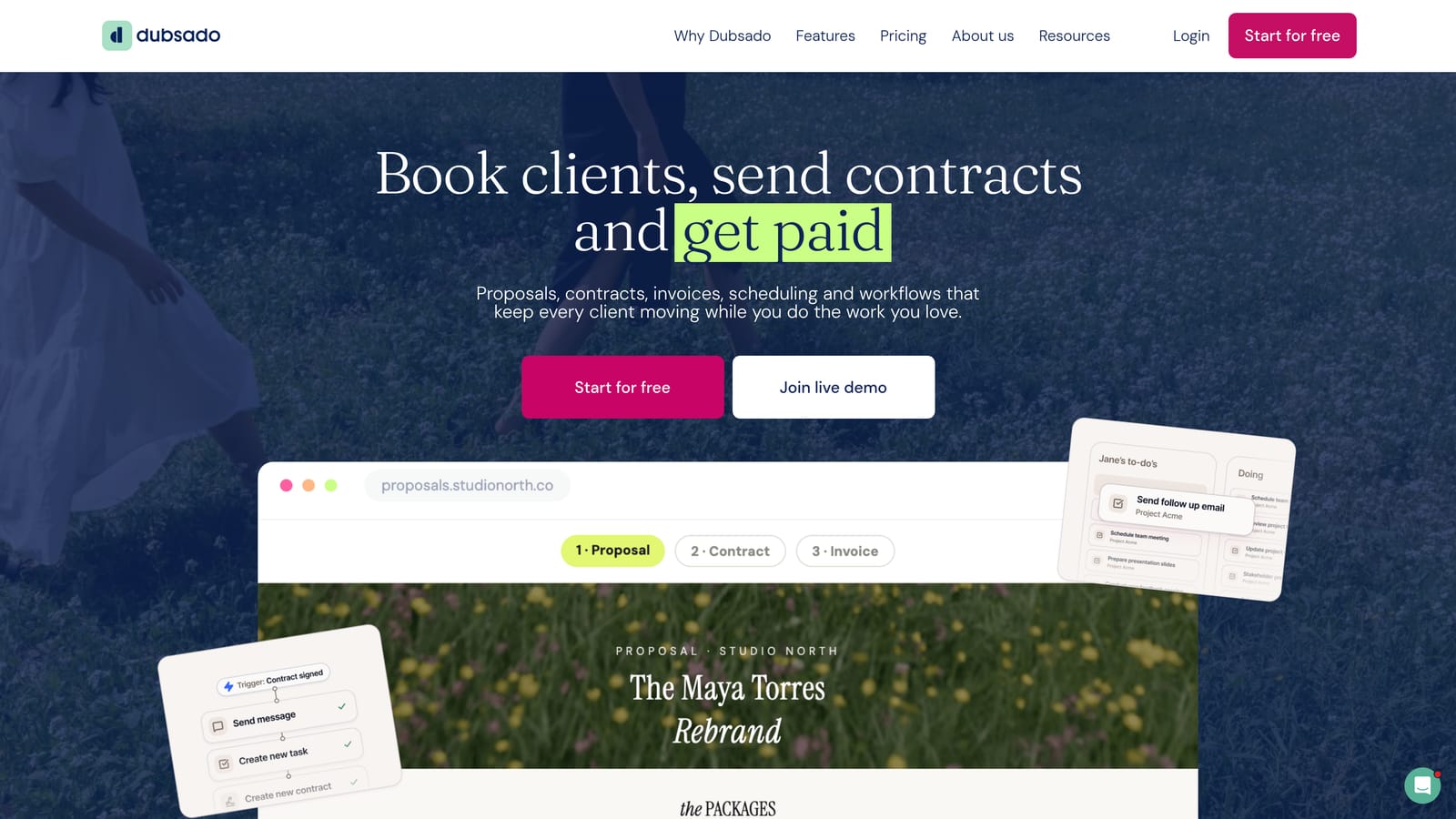
The standout is conditional workflow automation. You can build a sequence for a retainer client and a different one for a one-off audit, with emails, forms, and tasks triggered by what the client does, then save each as a template. For a solo marketer who onboards clients repeatedly, that consistency is the payoff.
What you get
- Workflow automation runs onboarding and offboarding steps on its own once templated.
- Custom forms collect the exact intake details you need, such as ad account access and brand assets.
- Contracts and proposals formalize scope before work starts.
- Scheduling books calls without email ping-pong.
- Invoicing connects to Stripe and PayPal for payment collection.
What to weigh
Dubsado also integrates with QuickBooks, Zapier, and Google Calendar. The trade-off is effort: the learning curve is steeper than most tools here, the interface looks dated, and you need to budget real setup time before it pays off. If you have only a couple of clients, that investment may not be worth it yet. It also offers no ad performance data.
Dubsado is a subscription; see the website for plans and what affects price as of 2026.
Best for: Process-minded freelancers who want to systemize client onboarding.
5. Notion
Notion is a flexible workspace rather than a purpose-built client tool. You assemble your own client database, project pages, and documentation from blocks and linked databases, which makes it the most adaptable option on this list and the least finished out of the box.
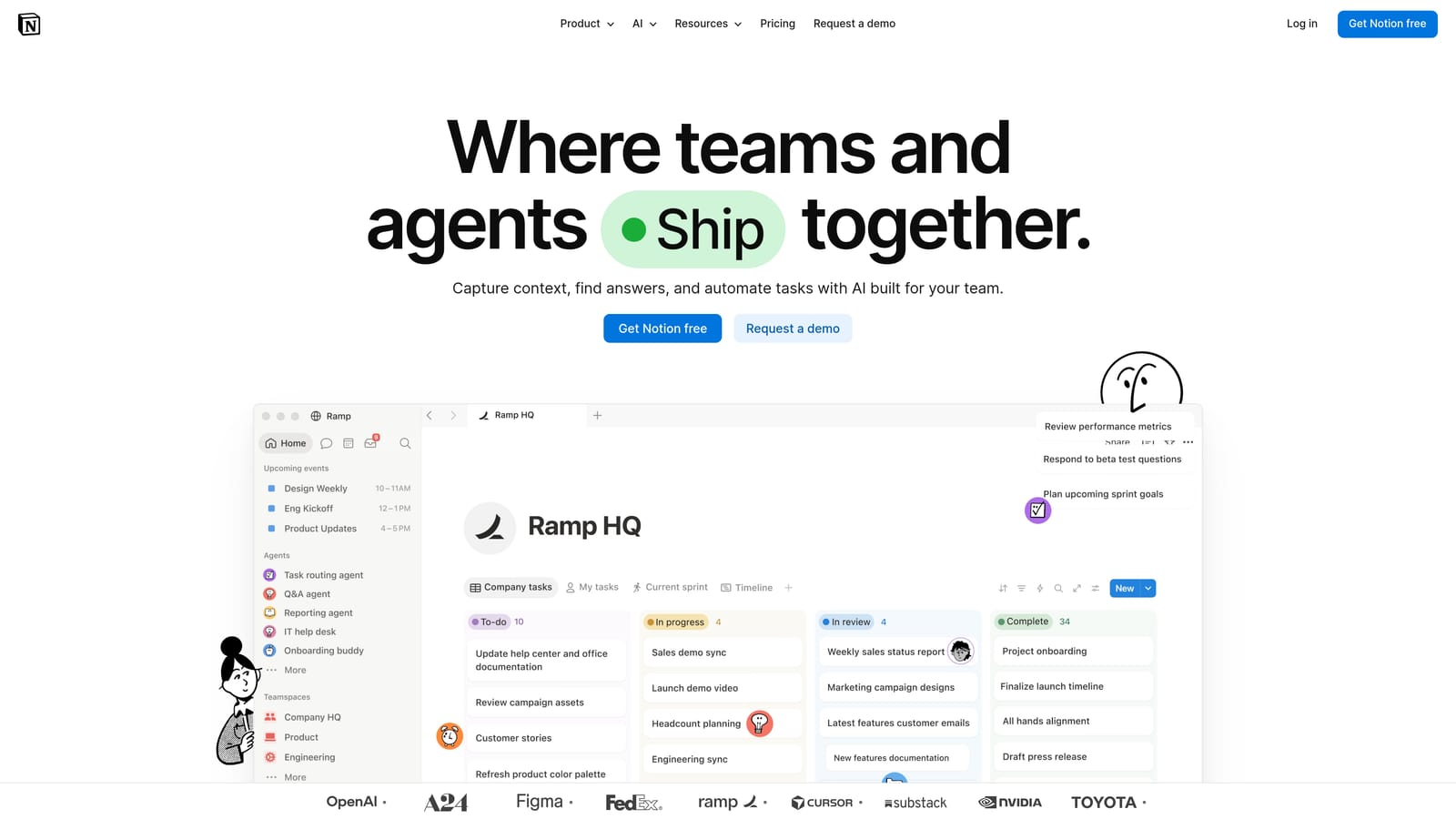
Its distinctive strength is relational databases. You can link a Clients table to Projects, Deliverables, and Meeting Notes, so opening a client shows everything tied to them. You can also share individual pages with clients for status updates or documentation.
- Relational databases connect clients, projects, and tasks so nothing lives in isolation.
- Page templates let you stamp out a consistent client setup in seconds.
- Shared client pages give clients a simple view of progress without a separate portal product.
- Docs and wikis store SOPs, playbooks, and campaign notes alongside client records.
- Automations and integrations connect with Slack, Google Drive, Zapier, and Figma to reduce manual updates.
Setup is as long or short as you make it, and you are both the builder and the maintainer. That is the catch: Notion has no native invoicing and no ad reporting, and a system you built yourself needs ongoing upkeep. It is easy to over-build a dashboard before you have enough clients to justify it.
Notion has a free plan and paid plans; verify free-tier limits as of 2026 and see the website for paid pricing, which typically depends on seats and features.
Best for: DIY-minded marketers who want one knowledge and client hub.
6. Trello
Trello is a Kanban board tool: columns for stages, cards for tasks. It does one job, visual task tracking, and does it with almost no friction.
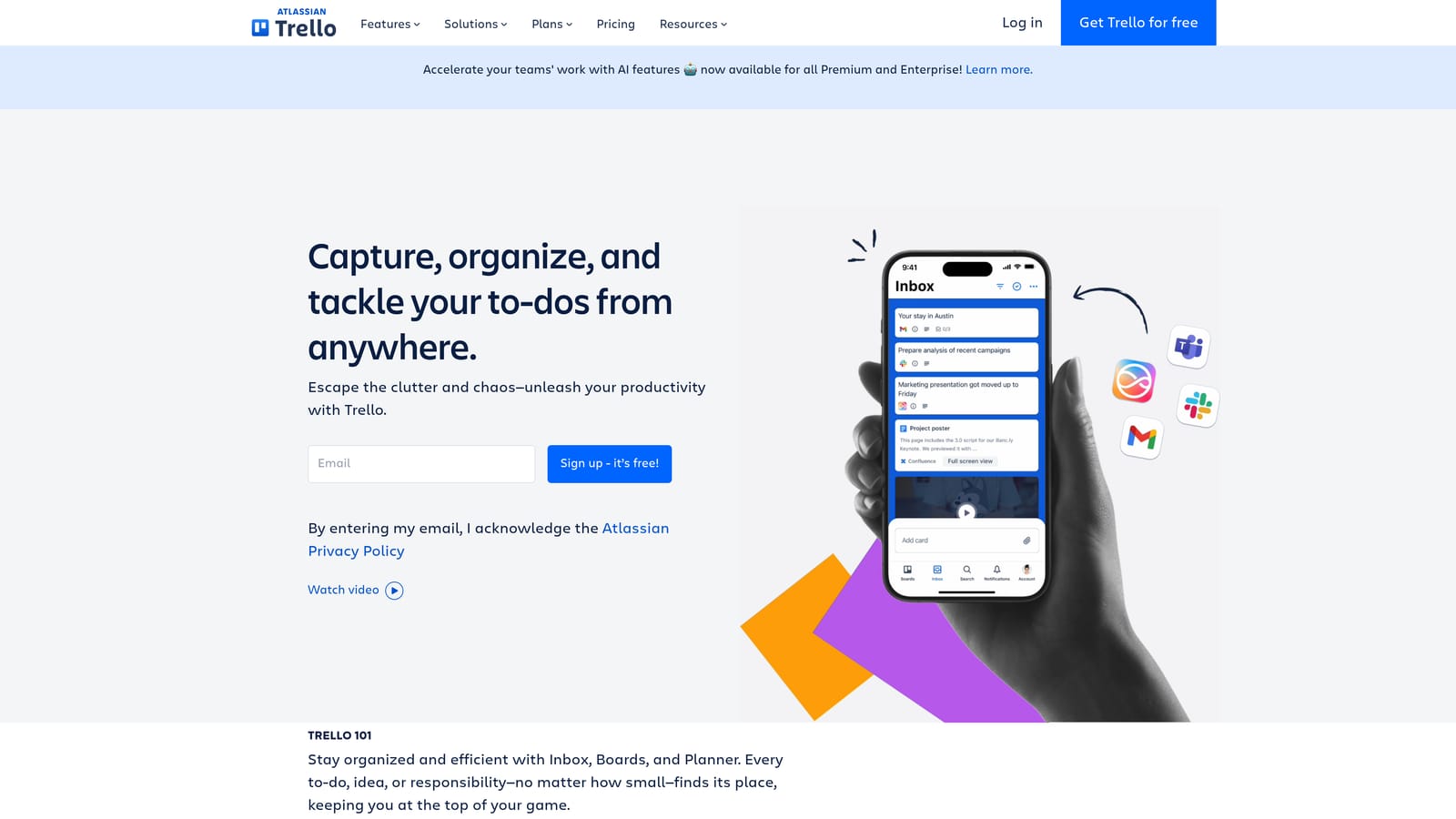
Its clear advantage over everything else here is the learning curve. You can create a board, add a card per deliverable, and be productive in minutes, which suits a solo marketer who wants to see "to do, in progress, waiting on client, done" at a glance.
- Kanban boards show every client's work stage so you can spot bottlenecks quickly.
- Cards with checklists and due dates break deliverables into steps and keep deadlines visible.
- Power-Ups add extras such as calendar views and app connections when you need them.
- Automation rules move cards or assign due dates automatically, trimming repetitive admin.
- Templates let you reuse a board layout for each new client.
It connects with Slack, Google Drive, Jira, and Zapier, and one person can set it up in an afternoon. Limitations are plain: reporting is thin, and there is no billing or CRM depth unless you bolt on add-ons, which can turn a simple tool into a patchwork. It tells you nothing about how a client's ads are performing.
Trello has a free plan and paid tiers; verify current free limits as of 2026 and see the website for paid pricing, which generally scales with seats and features.
Best for: Solo marketers with a few clients who just need visual task tracking.
7. Bonsai
Bonsai is a suite aimed squarely at independent workers, combining a client CRM, proposals, contracts, time tracking, invoicing, and expense tracking. It is meant to be the business-side home for a freelancer.
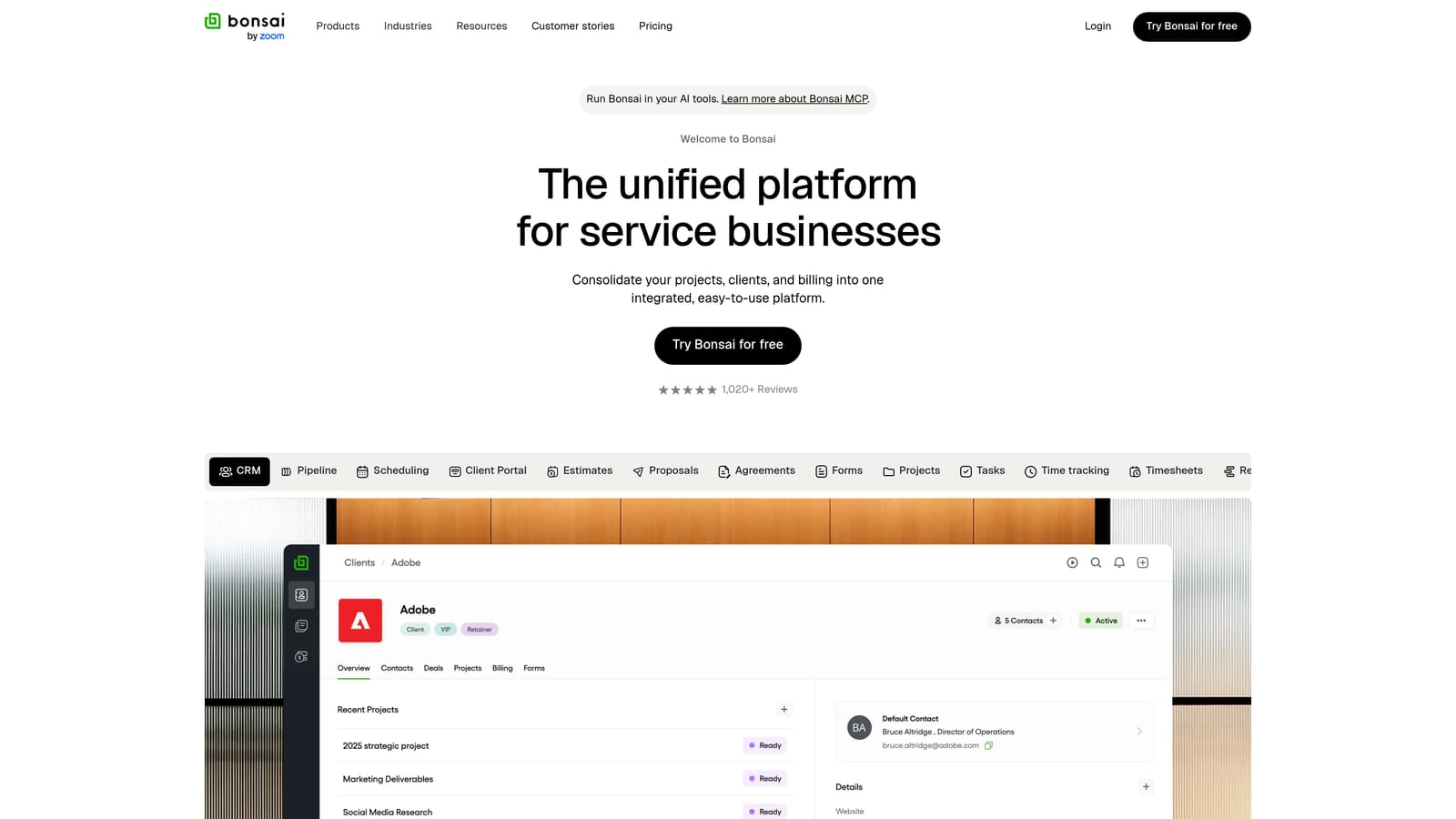
Its distinguishing feature is the financial layer. Time tracking feeds directly into invoices, and expense and tax-oriented tools are built for people without an accountant on call. If you bill hourly or run retainers with tracked hours, that connection removes a lot of manual reconciliation.
- Proposals and contracts get scopes agreed and signed in the same system that will later bill them.
- Time tracking captures billable hours and turns them into invoice line items.
- Invoicing collects payment through connected processors.
- Expense tracking keeps costs organized for tax time.
- Client CRM stores contacts and project history without a separate tool.
It integrates with QuickBooks, Stripe, PayPal, and Zapier, and setup is straightforward for one user. The downsides: it is paid-only, so there is no free tier to test long-term, and it offers no ad platform data, so campaign reporting will need another tool.
Bonsai is a subscription; see the website for current plans, which can vary by tier and billing period as of 2026.
Best for: Freelancers who want one tool for the entire business side of their practice.
8. Moxie
Moxie is an all-in-one platform for independents that combines a CRM, project and task management, proposals, invoicing, and a client portal.
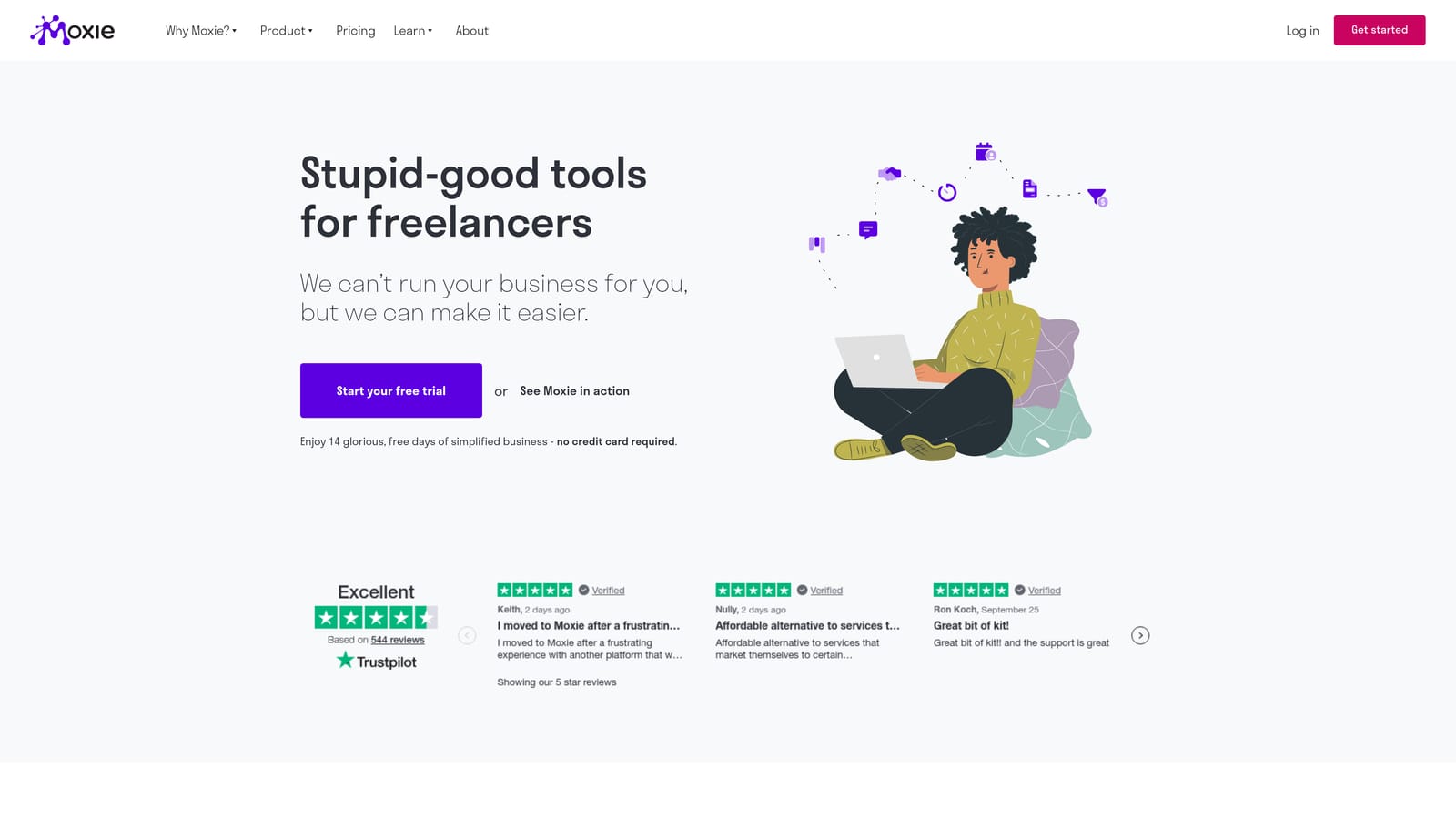
The portal is its calling card. A client logs into a branded space where proposals, shared files, and invoices sit together, which looks professional and cuts the "can you resend that file?" emails. For a solo marketer competing against larger agencies, that polish matters.
- Client portal gives each client one branded place for documents, files, and payments.
- CRM tracks leads and client details in the same system as your projects.
- Proposals and contracts move a prospect to signed work without leaving the platform.
- Invoicing bills clients directly, with Stripe as a payment option.
- Project and task management keeps deliverables on schedule.
It also connects with QuickBooks, Zapier, and Google Calendar. The ecosystem is smaller than the big platforms, so if you rely on a niche app, check that a Zapier route exists first. Like most tools here, it does not pull ad performance data, so reporting for paid media clients will sit elsewhere.
Moxie is a subscription; see the website for current pricing as of 2026.
Best for: Creative and marketing freelancers who want a client-facing portal.
9. Zoho CRM
Zoho CRM is a configurable CRM with lead scoring, workflow automation, and analytics, and it belongs to the wider Zoho suite of business apps.
Its edge is extensibility at low cost. You can begin with the CRM and later add Zoho Books for accounting or Zoho Campaigns for email, keeping everything in one vendor family. It also integrates with Google Workspace, Zapier, and Meta Lead Ads, which helps if you generate leads from social ads.
- Lead and deal management tracks prospects through stages so opportunities do not stall.
- Workflow automation handles follow-ups and assignments without manual effort.
- Analytics and reports show pipeline health and conversion patterns.
- Multichannel communication brings email, phone, and social touchpoints into one record.
- Customization lets you shape fields and layouts around your service mix.
The cost of that flexibility is complexity. Setup and the interface can be overkill if you manage a handful of clients, and you will be the sole person configuring it. It is a sales CRM first, so invoicing and ad reporting need other Zoho apps or outside tools.
Zoho CRM has had a free tier and paid plans, but verify what is currently included as of 2026; paid pricing typically depends on tier and number of users, so see the website.
Best for: Budget-conscious solo marketers planning to scale into a larger stack.
Matching Each Tool to the Job You Need Done
"Client management" covers several different jobs, and no tool on this list does all of them well. Pick by the job that costs you the most time right now.
For ad-driven client work, ClientPlug is the pick: payments, Meta and Google Ads performance, and white-label reporting sit in one dashboard. For a sales pipeline, HubSpot or Zoho CRM fit better, with HubSpot easier to start and Zoho cheaper to grow. For the proposal-to-payment flow, choose among HoneyBook, Dubsado, Bonsai, and Moxie: HoneyBook for smooth automation, Dubsado for deep customization, Bonsai for time and tax tools, Moxie for a branded portal. For lightweight organization, Notion or Trello will do, as long as you accept they have no billing or ad data.
Many solo marketers pair two tools, for example ClientPlug for ads and payments with Trello for tasks, or a contract tool with a CRM. Resist building a large system before you have the clients to justify it, and check regional availability and current free-tier limits before you commit.