If you run a small agency or freelance practice, you probably have client details in a spreadsheet, payment status in your bank app, and campaign numbers in three ad dashboards. These tools were chosen for fit with teams of roughly 2 to 20 people, ease of setup, how much of the client-facing side of agency work they cover, and pricing you can understand before you talk to sales. "Client management" covers several different jobs, so each tool below is labeled by what it does best.
Quick Comparison of the Client Management Tools
- ClientPlug: best for Facebook and Google ad agencies and freelancers; pricing on the vendor's website; syncs payments, ad campaigns, and client data into one health-monitored dashboard.
- HubSpot CRM: best for agencies managing a new-business pipeline; free tier, paid plans vary; the largest integration ecosystem on this list.
- Moxie: best for freelancers and tiny studios; pricing on the vendor's website; proposal-to-contract-to-invoice flow inside a branded client portal.
- Productive: best for growing agencies that track profitability; pricing on the vendor's website; per-project budget and margin tracking.
- Monday.com: best for teams building custom client workflows; pricing per seat with minimums, see website; highly configurable visual boards.
- Teamwork.com: best for agencies that bill by the hour; pricing on the vendor's website; client-user access paired with billable-time tracking.
- Dubsado: best for solo consultants and boutique agencies; pricing on the vendor's website; triggered onboarding automations.
- Copper CRM: best for Google Workspace agencies; per-user pricing, see website; native Gmail integration with automatic logging.
- Notion: best for budget-conscious agencies; free tier available; docs and databases combined at very low cost.
1. ClientPlug
ClientPlug is the all-in-one client organizer for digital marketing agencies and freelancers, and it is our own product, so weigh this entry with that in mind. It pulls payments, ad campaigns, and client records into one dashboard, so you can see in a single place who has paid, whose campaigns are healthy, and who needs attention.
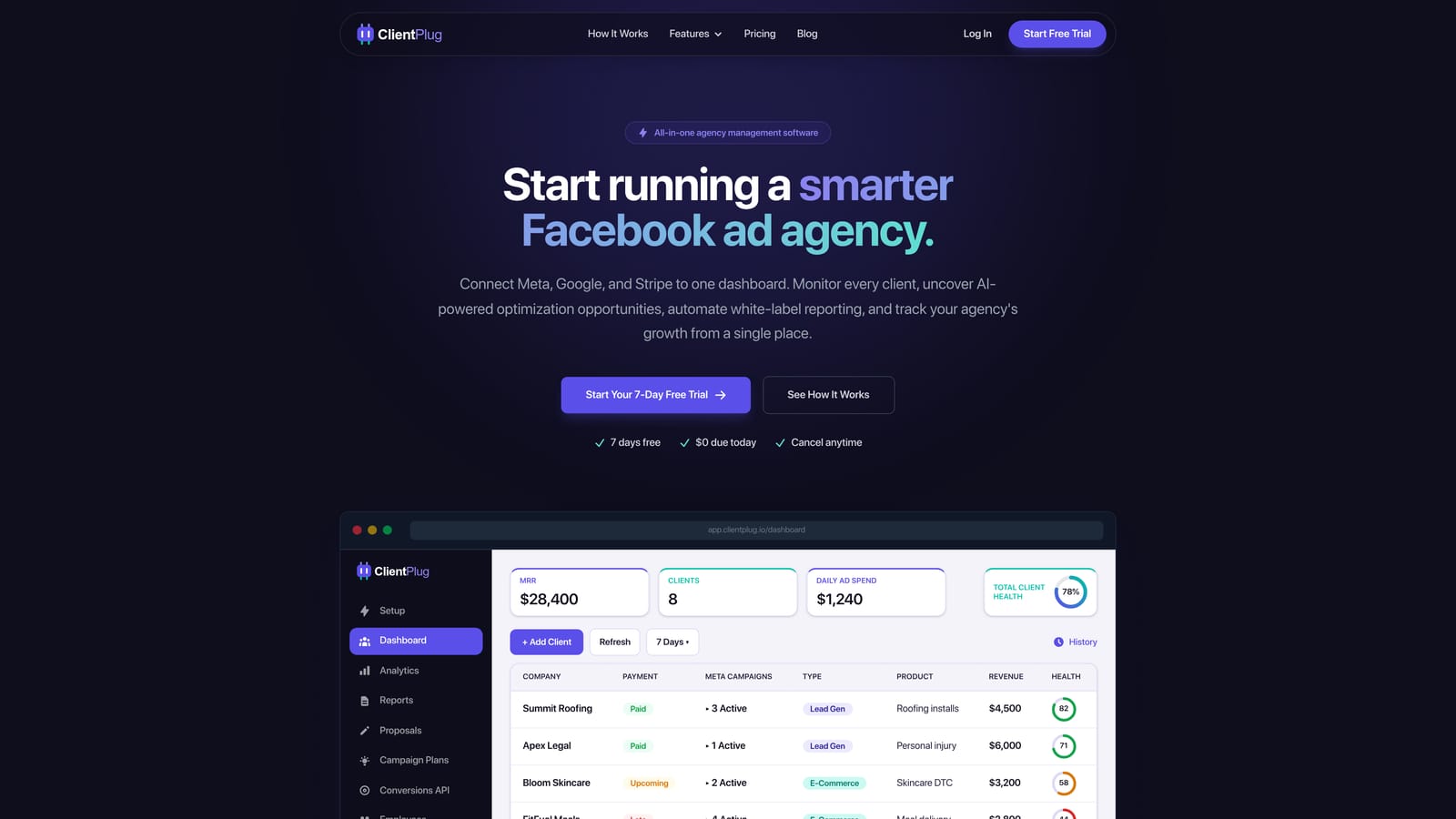
What sets it apart on this list is that it connects the money side of a client relationship with the performance side. Most tools here handle one or the other. ClientPlug monitors health at every level: individual ads, campaigns, clients, and the agency as a whole.
- Client payment tracking shows what is paid, pending, or overdue without checking separate billing tools.
- Meta and Google Ads performance monitoring puts campaign numbers for every client in one view.
- AI campaign optimization surfaces suggestions for improving underperforming campaigns.
- Automated white-label reports go to clients under your branding, removing the monthly report-building chore.
- Conversion API setup takes a few clicks, which helps with tracking accuracy on Meta.
Integrations center on Meta Ads and Google Ads. Setup means connecting ad accounts and adding clients, and it is typically run by the agency owner or an account manager.
The limitation is scope. ClientPlug is built for ad-performance agencies. It is not a full CRM with deal pipelines, and it is not a general project manager for design or content deliverables. If your agency does not run paid media, much of its value disappears. Pricing is listed on the ClientPlug website, so check current plans there.
Best for: Facebook and Google ad agencies and freelancers who want payments and reporting in one place.
2. HubSpot CRM
HubSpot CRM is a widely used CRM with a free tier for tracking contacts, companies, deals, and email. It is designed for teams that need to manage leads through to signed clients, and it can grow into paid marketing and sales tools later.
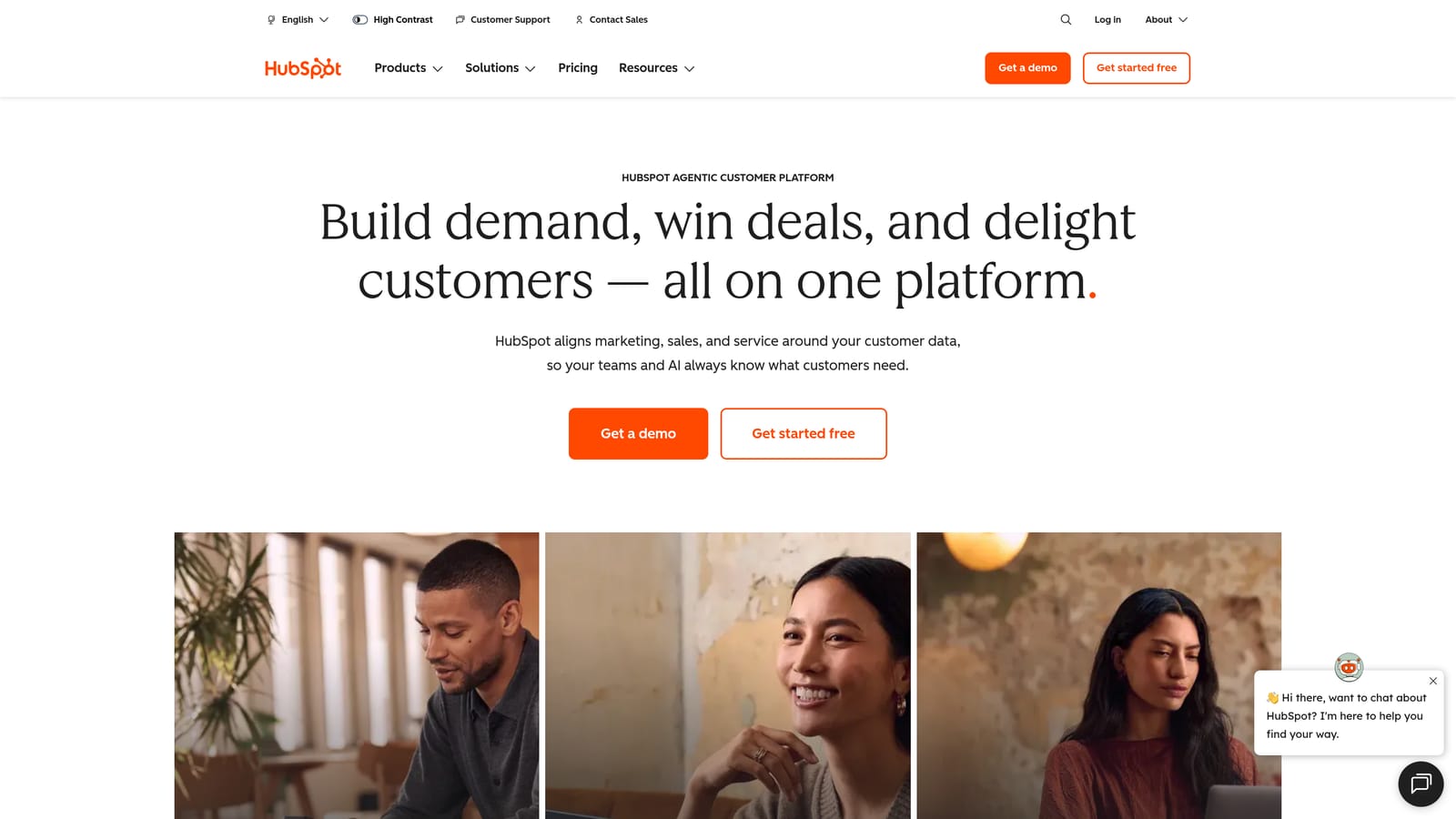
Its distinct strength is the ecosystem. It has the largest integration and app marketplace on this list, so it is the least likely to leave you stuck when you add another tool.
What you get
- Contact and company records keep every conversation and detail attached to the right client or prospect.
- A deal pipeline shows where each opportunity stands and what is likely to close.
- Email tracking tells you when a prospect opens your proposal, so follow-ups are better timed.
- Forms and meeting scheduling capture leads and book calls without back-and-forth.
Setup, limits, and cost
It connects with Gmail, Outlook, Slack, and Zapier. Basic setup is quick, and a sales lead or the owner usually runs it. The trouble comes later: paid tiers are priced per seat, and add-ons can push costs up quickly as you add people and hubs. It also has no client ad reporting and no payment tracking tied to campaign performance, so it covers acquisition rather than delivery. The free tier is a reasonable start; for paid plans, check current pricing on the HubSpot website as of 2026.
Best for: Agencies focused on managing a new-business sales pipeline.
3. Moxie
Moxie is a business management platform for freelancers and small studios. It combines proposals, contracts, invoices, time tracking, projects, and a client portal so the whole sales-to-billing path lives in one place.
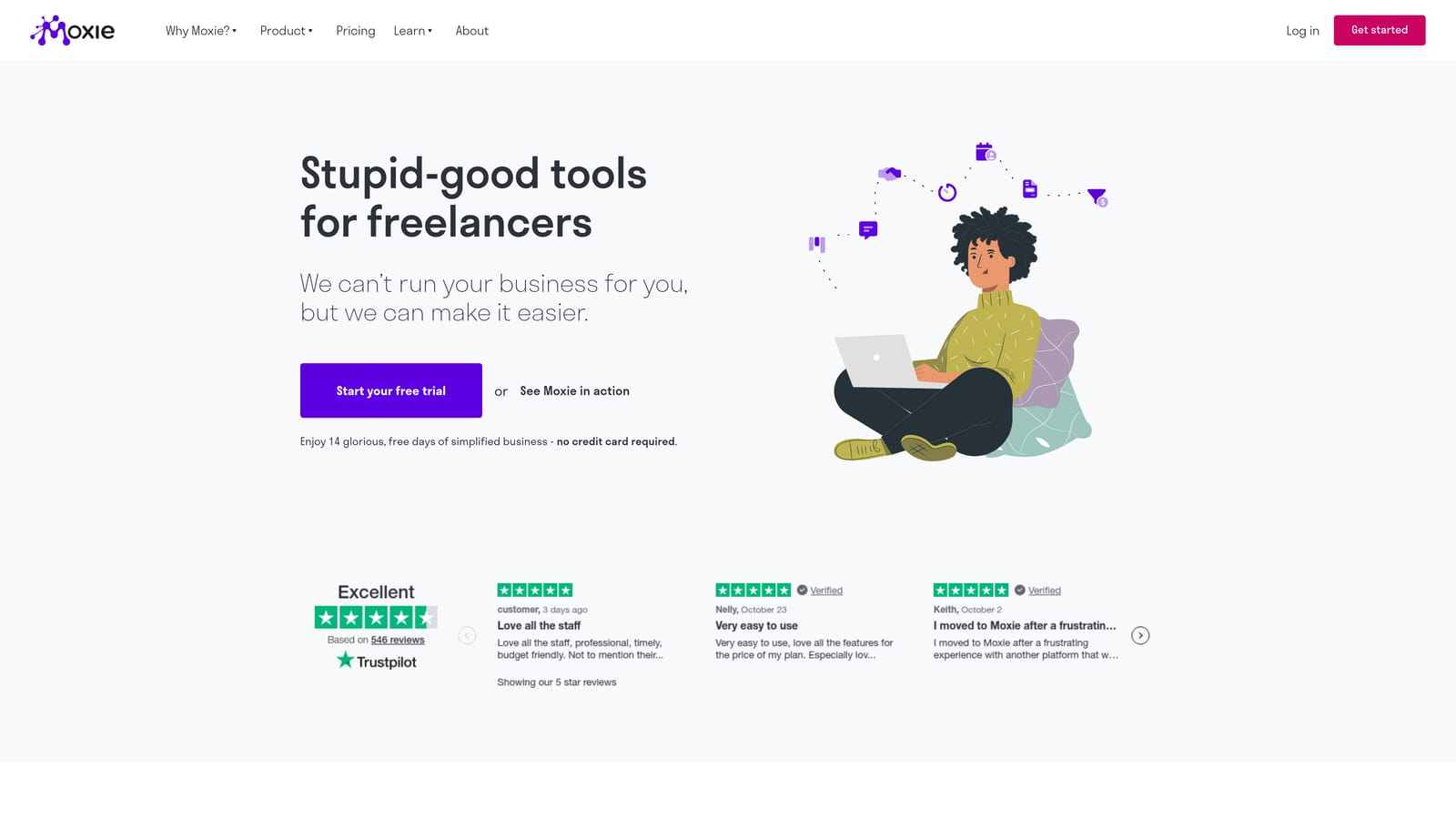
Its best trick is the flow: a client can accept a proposal, sign a contract, and later pay an invoice without leaving a branded portal. That makes a one-person shop look polished without stitching together separate apps.
- The client portal gives each client one link for files, messages, and invoices.
- Proposals and contracts turn an accepted quote into paperwork without retyping.
- Invoicing collects payment and keeps billing history alongside the project.
- Time tracking records hours against clients for hourly or retainer work.
- Project management covers tasks and deadlines at a light level.
It integrates with Stripe, PayPal, Google Calendar, and Zapier. Setup is light, and the freelancer or studio owner typically runs it alone. The tradeoff is depth: it is light on team resource planning, so it strains as headcount grows, and it has no ad-platform reporting. Pricing is on the Moxie website; confirm plan details there as of 2026.
Best for: Freelancers and tiny studios who want sales-to-billing handled in one tool.
4. Productive
Productive is an agency operations platform. It joins projects, budgets, resource planning, time tracking, and profitability reporting, aimed at agencies that want to run delivery as a business rather than a to-do list.
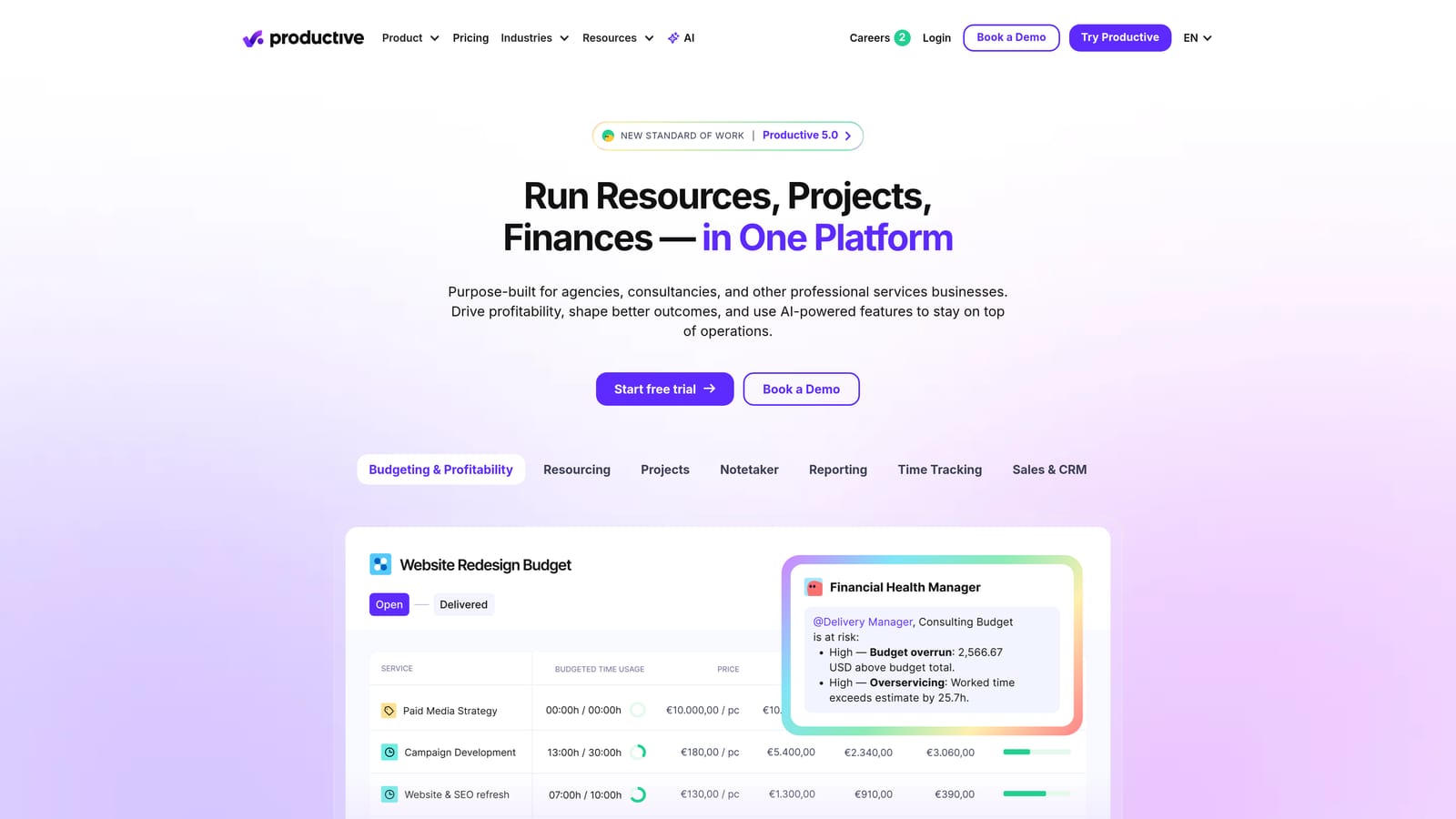
The standout is per-project budget and margin tracking. You can see whether a retainer is making money while the work is still underway, not when the quarter closes. For a growing agency, that answers the question of which clients are worth keeping.
- Project and task management organizes delivery work by client and deadline.
- Budgeting sets limits per project and flags overruns early.
- Resource planning shows who is booked and who has capacity before you take a new client.
- Time tracking feeds actual hours into cost and margin figures.
- Profitability reports compare revenue against cost by client or project.
It connects with Slack, QuickBooks, Xero, and HubSpot, which lets finance and sales data flow in. Setup is steeper than for lighter tools: you need to define rates, budgets, and roles before the reports mean anything, and someone like an operations lead or the owner has to maintain it. A solo freelancer will likely find it too much. Pricing is listed on the Productive website; verify current plans as of 2026.
Best for: Growing agencies that need to know which clients are profitable.
5. Monday.com
Monday.com is a customizable work management platform built on boards, automations, and dashboards. It is not client management out of the box, but it adapts to it well if you are willing to design the process.
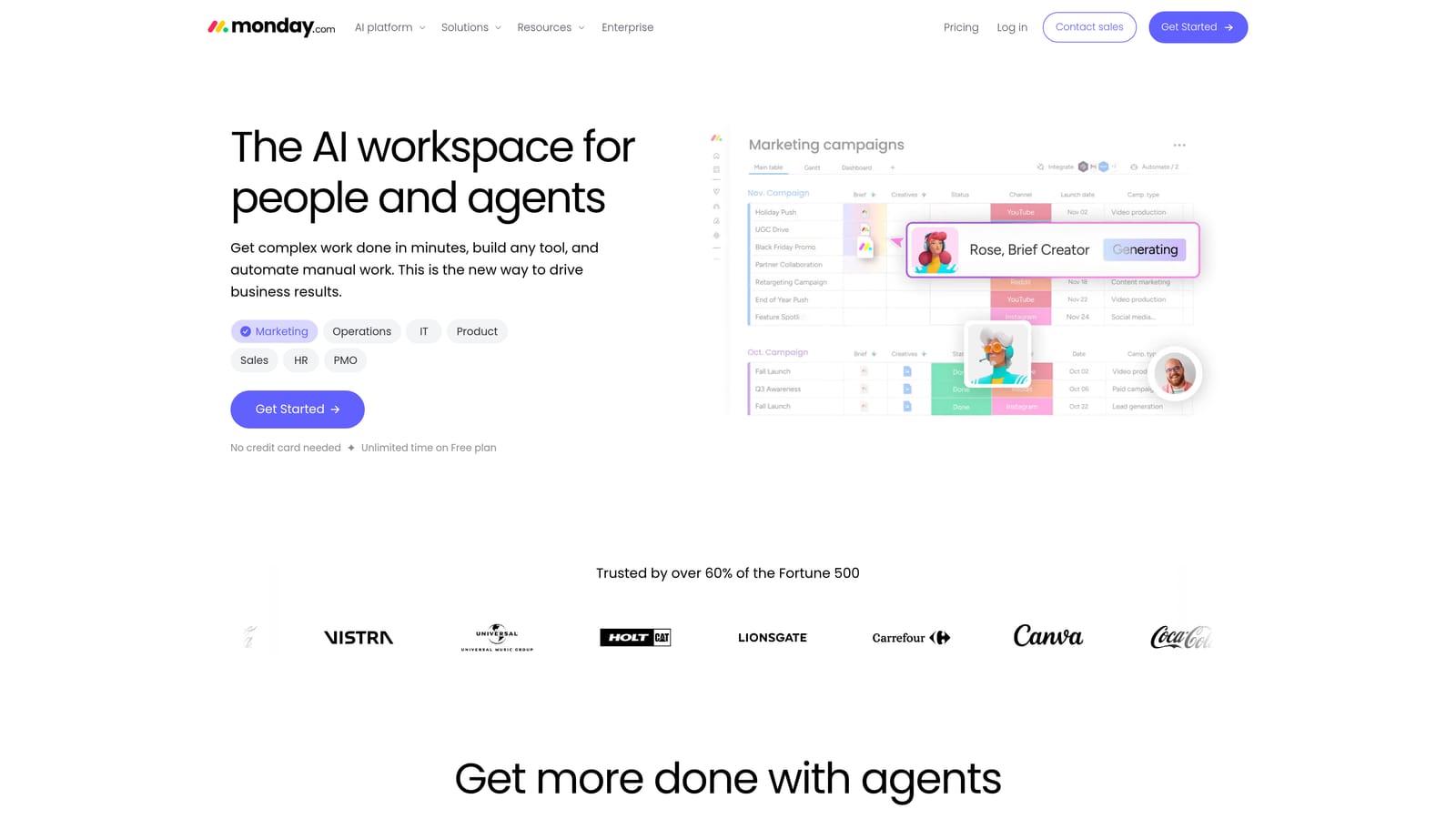
Its distinguishing quality is flexibility. You can model a client onboarding pipeline, a content approval flow, and a retainer tracker in the same visual system, and a template library gives you starting points.
- Customizable boards let you track clients, tasks, and statuses in whatever layout suits you.
- Automations move items, send notifications, and assign owners when statuses change.
- Dashboards roll up workload and progress across clients.
- Templates shorten the time from signup to a working setup.
- Guest access lets clients view specific boards without becoming full seats.
It integrates with Slack, Gmail, Google Drive, and Zapier. The real setup cost is design time: someone has to decide what the client process is and build it, usually an operations-minded owner or project lead. Paid plans are per seat with seat minimums, which can make small teams pay for seats they do not use. There is no built-in invoicing or ad reporting. Check the Monday.com site for current plan details as of 2026.
Best for: Teams that want to build custom client workflows visually.
6. Teamwork.com
Teamwork.com is a project management platform designed for client services. Unlike general-purpose boards, it assumes you bill for your time and that clients need some visibility into the work.
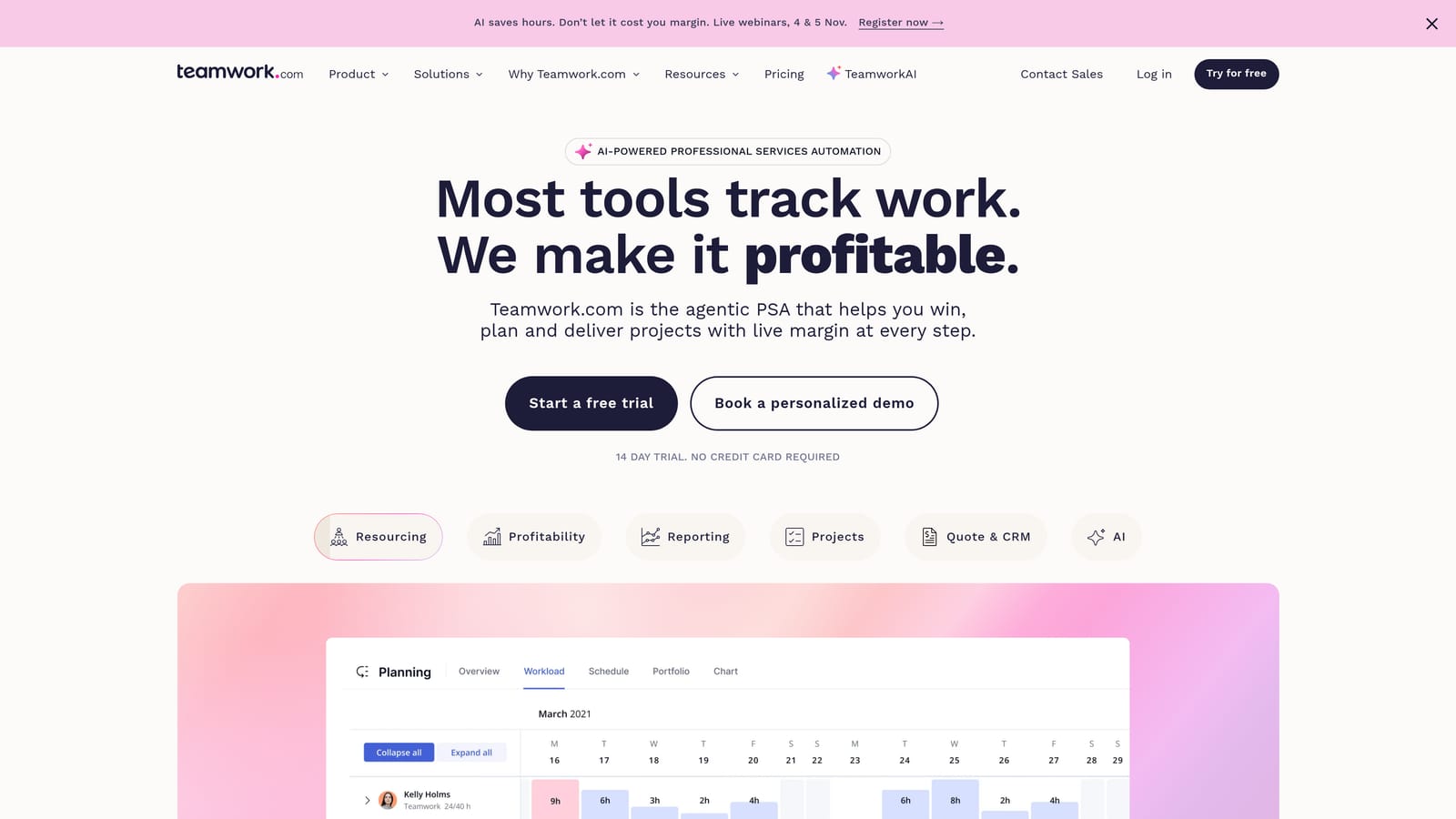
Its edge over the rest of this list is pairing client-user access with billable-time tracking. Clients can be invited as collaborators to see and comment on relevant work, while your team logs hours that are marked billable or not.
- Client project management organizes deliverables, milestones, and tasks per account.
- Billable time tracking separates chargeable hours from internal work for accurate invoicing.
- Workload views show who is overbooked before deadlines slip.
- Client collaborator access keeps feedback in the tool instead of in email threads.
It connects with Slack, QuickBooks, HubSpot, and Google Drive. Setup is moderate, and a project manager or owner typically configures templates and permissions. The weak spots are the CRM and invoicing features, which are shallower than dedicated tools, and there is no ad performance reporting. Pricing is on the Teamwork.com website; confirm current plans there as of 2026.
Best for: Agencies that deliver client projects and bill by the hour.
7. Dubsado
Dubsado is a client workflow tool covering leads, contracts, scheduling, invoices, and automated emails. It is aimed at service businesses that want a repeatable path from inquiry to paid client.
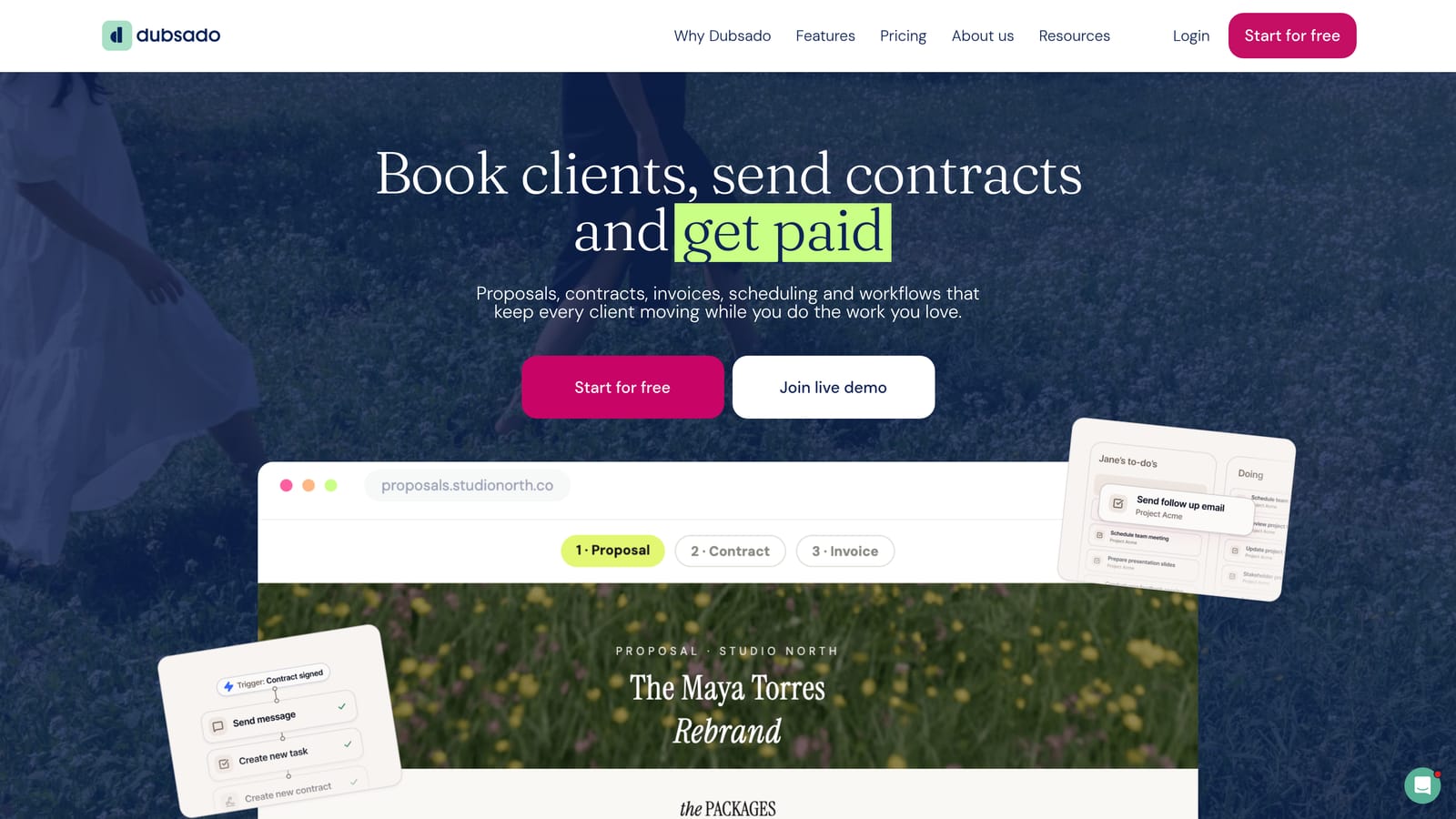
The feature it does better than the others here is triggered onboarding. When a client signs a contract or pays a deposit, Dubsado can fire off a sequence of emails, forms, and scheduling links without you lifting a finger.
- Lead capture forms bring inquiries straight into your client list.
- Contracts get signed electronically, so there is no printing or chasing.
- Scheduling lets clients book calls from your availability.
- Invoices collect payments, including installments.
- Automated workflows chain these steps so onboarding runs the same way every time.
It integrates with Stripe, PayPal, QuickBooks, and Zapier. Expect an afternoon or more to build your first workflows and templates, and plan on one person owning it. Its roots are in creative businesses, so team features and reporting are limited, and it does not report on ad performance. Pricing is on the Dubsado website; verify plans as of 2026.
Best for: Solo consultants and boutique agencies automating onboarding.
8. Copper CRM
Copper CRM is a CRM designed to live inside Google Workspace. It logs contacts and emails automatically from Gmail, so you spend less time on data entry.
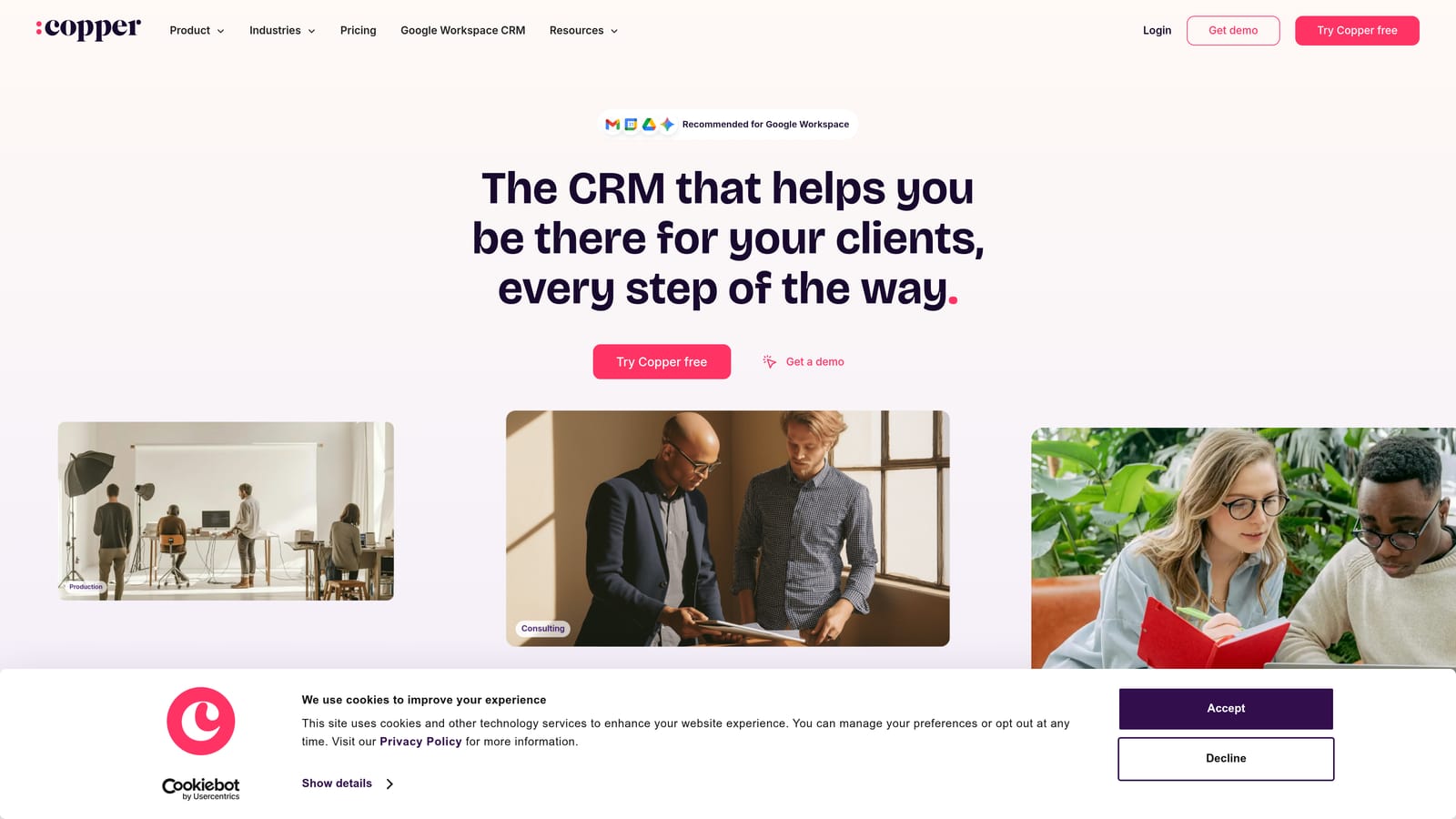
That native integration is its differentiator. Where other CRMs ask you to log activity or install connectors, Copper works from the inbox you already use, which suits teams that dislike CRM admin.
- Gmail integration shows contact context and history beside your email.
- Pipeline management tracks opportunities through stages.
- Automatic contact logging captures people and conversations without manual entry.
- Task reminders prompt follow-ups so leads do not go cold.
It works with Gmail, Google Calendar, Google Drive, and Slack. Setup is quick for a Google Workspace team, and the owner or a sales lead can run it. If your agency uses Microsoft tools, it is a poor fit. It also offers no project delivery and no reporting for clients. Pricing is per user; see the Copper website for current plans as of 2026.
Best for: Google Workspace agencies that want a low-admin CRM.
9. Notion
Notion is a flexible workspace combining documents and lightweight databases. With some effort, it works as a simple client hub: one database of clients, linked pages for notes, SOPs, and meeting records.
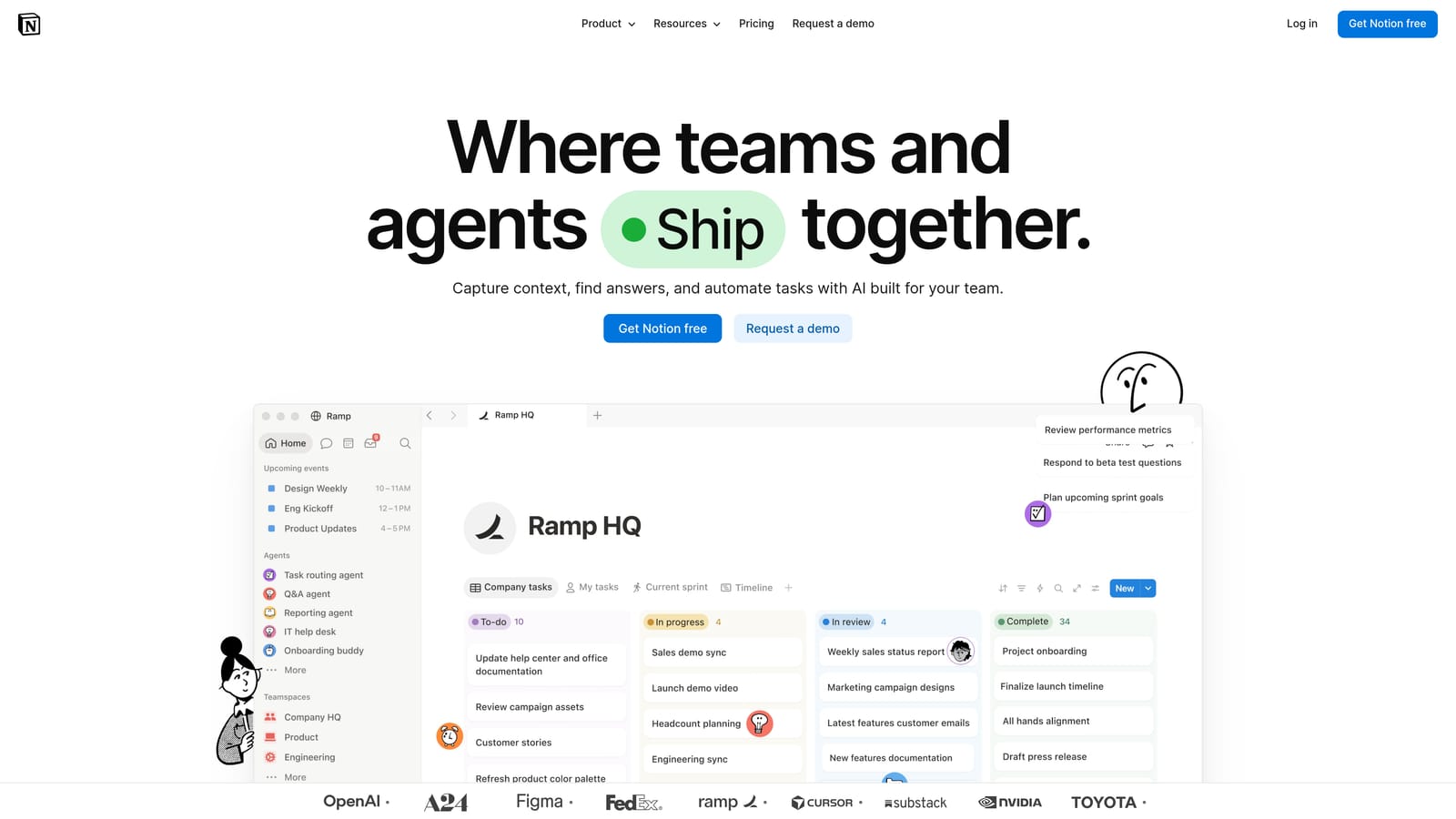
Its advantage is cost and combination. Docs and databases sit together at very low cost, so an agency can keep processes and client information in the same place.
- Databases track clients, deliverables, and renewal dates with filtered views.
- Client wikis and docs hold briefs, login notes, and meeting records per account.
- Templates give you starting layouts instead of a blank page.
- Shared workspaces let teammates, and selected outsiders, see the pages that matter.
It integrates with Slack, Google Drive, Zapier, and GitHub. Setup is entirely on you: nothing is built for agencies, so someone must design and maintain the structure, and it can become messy without ownership. There is no built-in invoicing and no ad reporting. A free tier exists, and paid plans are per member; check the Notion website for current pricing as of 2026.
Best for: Budget-conscious agencies building client wikis and SOPs.
Matching a Tool to Your Agency
Three picks stand out, depending on what hurts most. If you run Facebook or Google ads for clients, ClientPlug covers the payment tracking and white-label reporting that general tools skip. If new business is your bottleneck, HubSpot CRM gives you a free pipeline with the widest integrations. If profit per client is the unknown, Productive answers it directly.
- Ads-focused agencies: ClientPlug.
- Pipeline-heavy agencies: HubSpot CRM, or Copper if you live in Google Workspace.
- Freelancers needing proposals and invoices: Moxie, or Dubsado for onboarding automation.
- Operations and profitability: Productive, or Teamwork.com for hourly billing.
- Budget-conscious teams: Notion, or Monday.com if you want visual workflows and can absorb seat minimums.
Trial two tools on real clients for a couple of weeks before committing, and favor the pair that sync with each other so you are not copying data by hand. Prices and plans change, so confirm them on each vendor's site.