If you run a paid-ads agency, a retainer shop, or a one-person consultancy, "client management software" can mean four different things, and picking the wrong one is the usual mistake. These nine tools were chosen for agency-specific needs: client records, billing, reporting, task delivery, and fit for teams from solo freelancers to growing agencies. Match the category to your biggest bottleneck first, then compare the options.
Four Kinds of Client Management Software and How They Compare
The label covers four categories. A CRM tracks leads, contacts, and deals. Project management tools handle tasks, time, and delivery. A client portal gives clients a structured place for onboarding, documents, and approvals. An agency operations platform blends several of these with billing and profitability. ClientPlug sits in a fifth, narrower spot: performance, payments, and reporting for paid-ads agencies.
Pricing changes often. Every price note below is as of October 2026, so check each vendor's pricing page before you buy.
- ClientPlug: Facebook and Google ad agencies and freelancers; see website for pricing; puts ad performance, client payments, and white-label reporting in one dashboard.
- HubSpot CRM: agencies focused on leads and pipeline; free core CRM; the deepest ecosystem for lead-to-client pipelines.
- Copper: Google Workspace agencies; per user pricing, see website; embeds in Gmail and auto-logs client communication.
- Productive: mid-sized agencies watching margin; per user pricing, see website; client-level profitability and utilization reporting.
- Moxo: agencies with document-heavy onboarding; quote-based; portal-first workflows that pull onboarding out of email.
- Teamwork.com: scoped-project agencies; per user pricing, see website; retainer and budget tracking tied to client-visible delivery.
- monday.com: agencies building custom workflows; per seat pricing, see website; no-code customization across sales and delivery.
- Rocketlane: teams running structured client launches; per user pricing, see website; shared onboarding timelines clients can see.
- Bonsai: freelancers and very small agencies; monthly plans, see website; proposal-to-contract-to-invoice flow for solo operators.
1. ClientPlug
ClientPlug is an all-in-one client organizer for digital marketing agencies and freelancers. It combines client payments, Meta and Google Ads monitoring, AI optimization, and white-label reporting in one dashboard. It is built for people who sell paid advertising and are tired of checking an ad account in one tab, an invoice in another, and a spreadsheet for everything else.
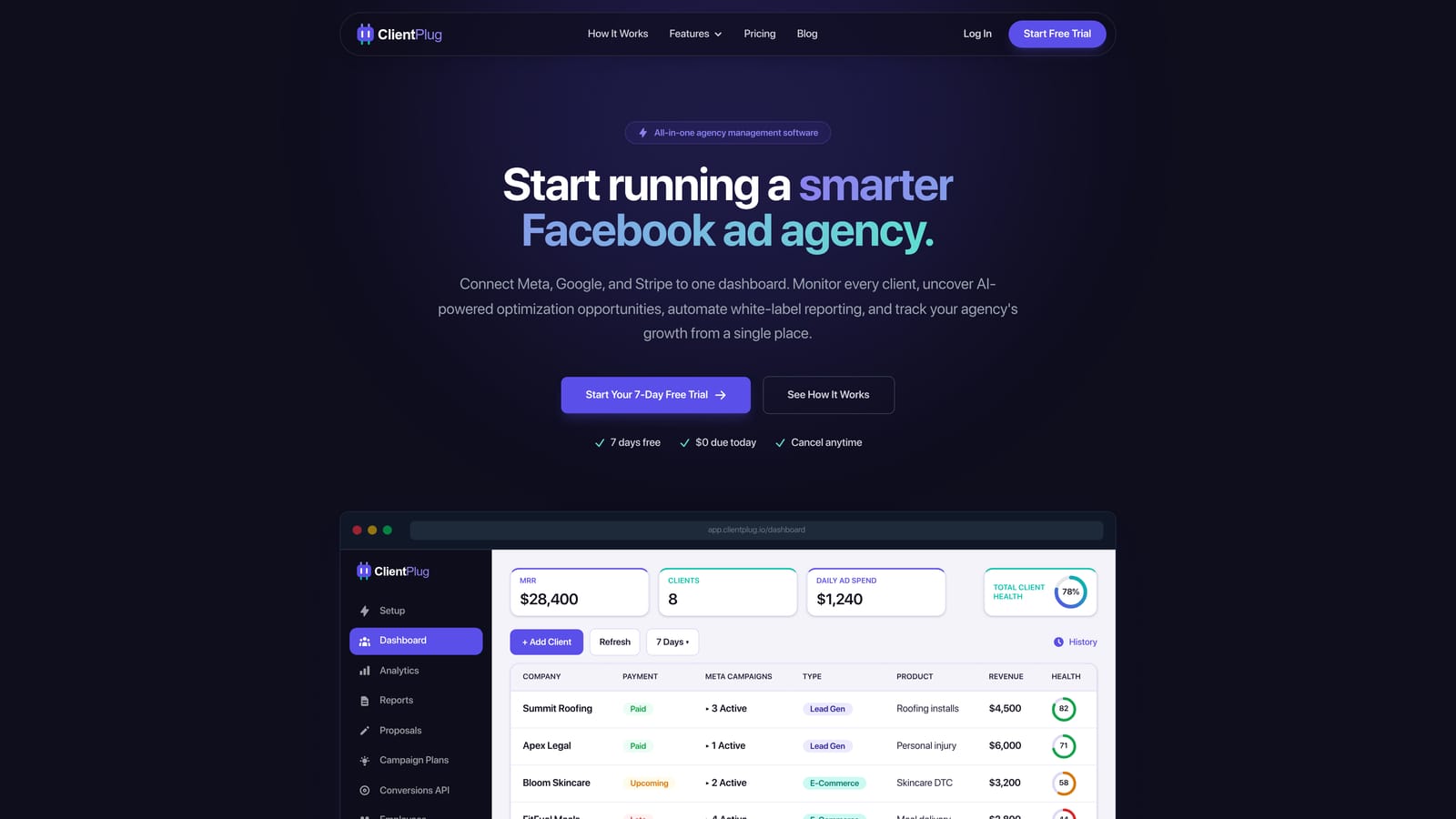
Its distinctive strength on this list is that ad performance and money sit side by side. Most tools here manage relationships or projects and leave you to pull ad numbers in from elsewhere. ClientPlug starts from the ad accounts and adds the business layer around them, so you can see the health of an individual ad, a campaign, a client, and the agency as a whole.
- Auto-synced payments, campaigns, and client data keep records current without manual entry.
- Automated white-label reports go to clients under your branding, which cuts the monthly reporting scramble.
- Meta and Google Ads performance monitoring shows which accounts need attention before a client complains.
- AI campaign optimization suggests improvements so you spend less time auditing accounts by hand.
- Conversion API setup in a few clicks removes a technical task many agencies postpone.
Integrations center on Meta Ads and Google Ads, and setup is mostly connecting those accounts. The agency owner or account manager typically runs it day to day, so it does not need an admin.
The limitation is scope. ClientPlug is focused on paid-ads agencies. It is not a full project management or proposal suite, so an SEO, web design, or content agency would need a different core tool, and a team that wants task boards or contract workflows will pair it with something else. Pricing is listed on the website; check it for current plans and what drives cost.
Best for: Facebook and Google ad agencies and freelancers who want payments, performance, and reporting in one place.
2. HubSpot CRM
HubSpot CRM is a widely used CRM with a free core and paid Hubs for marketing, sales, and service. For agencies it works best as the front end of the business: capturing leads, moving them through a pipeline, and keeping a record of every company and contact.

What it does better than the rest of this list is breadth at no entry cost. You can start on the free CRM and add pieces as the agency grows, and the app marketplace is large enough that most tools you already use will connect.
- Contact and company records keep every client touchpoint in one profile.
- Deal pipelines show where each prospect sits and what is likely to close.
- Email tracking and sequences tell you when a proposal was opened and automate follow-ups.
- Reporting dashboards summarize pipeline and activity for the owner.
- The free CRM tier lets a small team test the workflow before paying.
Integrations include Gmail, Outlook, Slack, Zapier, and a large marketplace. Setup is light for the free tier, though a sales or operations lead usually owns configuration once properties and pipelines multiply.
The catch is cost and scope. Paid Hubs and extra seats raise the bill quickly, and HubSpot has no native ad-performance reporting for clients, so a paid-ads agency still needs another tool for that. It is also a relationship system, not a delivery or billing system. A free CRM tier is available, and paid tiers are priced per seat, so verify current plans as of October 2026.
Best for: Agencies whose priority is managing leads and sales pipeline.
3. Copper
Copper is a CRM built to work inside Google Workspace. It links email, calendar, and files to client records, so the CRM updates as a byproduct of work you already do in Gmail.
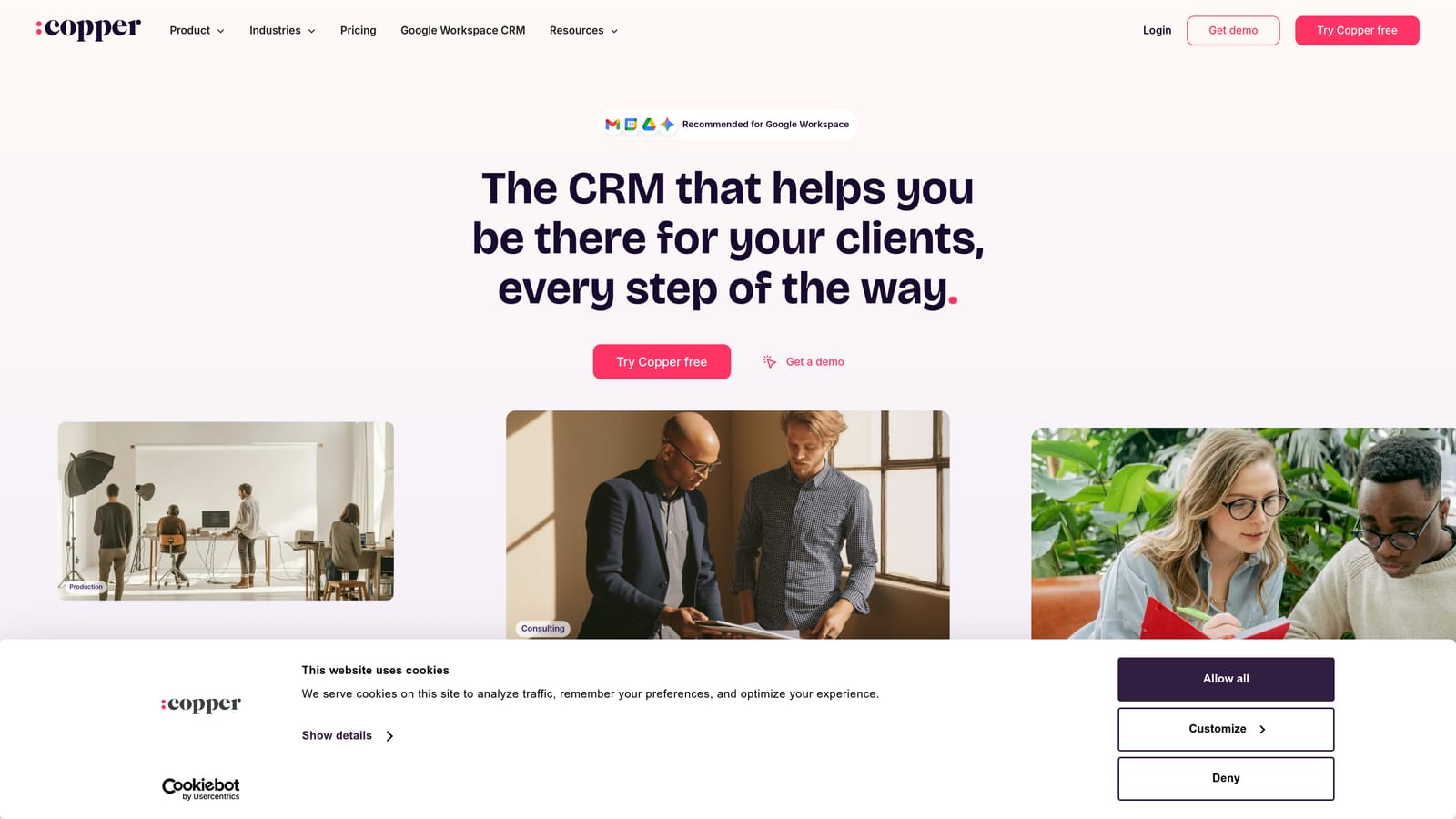
That native embedding is its edge. Where most CRMs depend on people logging activity, Copper captures contacts and conversations automatically, which suits agency owners who will not maintain a database by hand.
- Google Workspace integration puts client records inside Gmail rather than in a separate tab.
- Pipeline management tracks deals and renewals with a simple visual board.
- Automatic contact capture from email builds records without data entry.
- Project tracking handles light delivery tasks after a deal closes.
- Workflow automation handles repetitive steps such as follow-up reminders.
It connects with Gmail, Google Calendar, Google Drive, Slack, QuickBooks, and Zapier. Setup is quick for teams already on Google, and the owner or an operations person can run it without technical help.
It is a poor fit for agencies on Microsoft 365, because the value depends on Google Workspace. Reporting is also lighter than in dedicated agency tools, and there is no ad-performance view. Pricing is per user per month; see the website for current tiers, as they can change.
Best for: Google Workspace-based agencies wanting a low-admin CRM.
4. Productive
Productive is an agency operations platform that combines CRM, projects, time tracking, budgeting, and billing with profitability reporting. It aims to answer the question many growing agencies cannot: which clients and retainers actually make money.
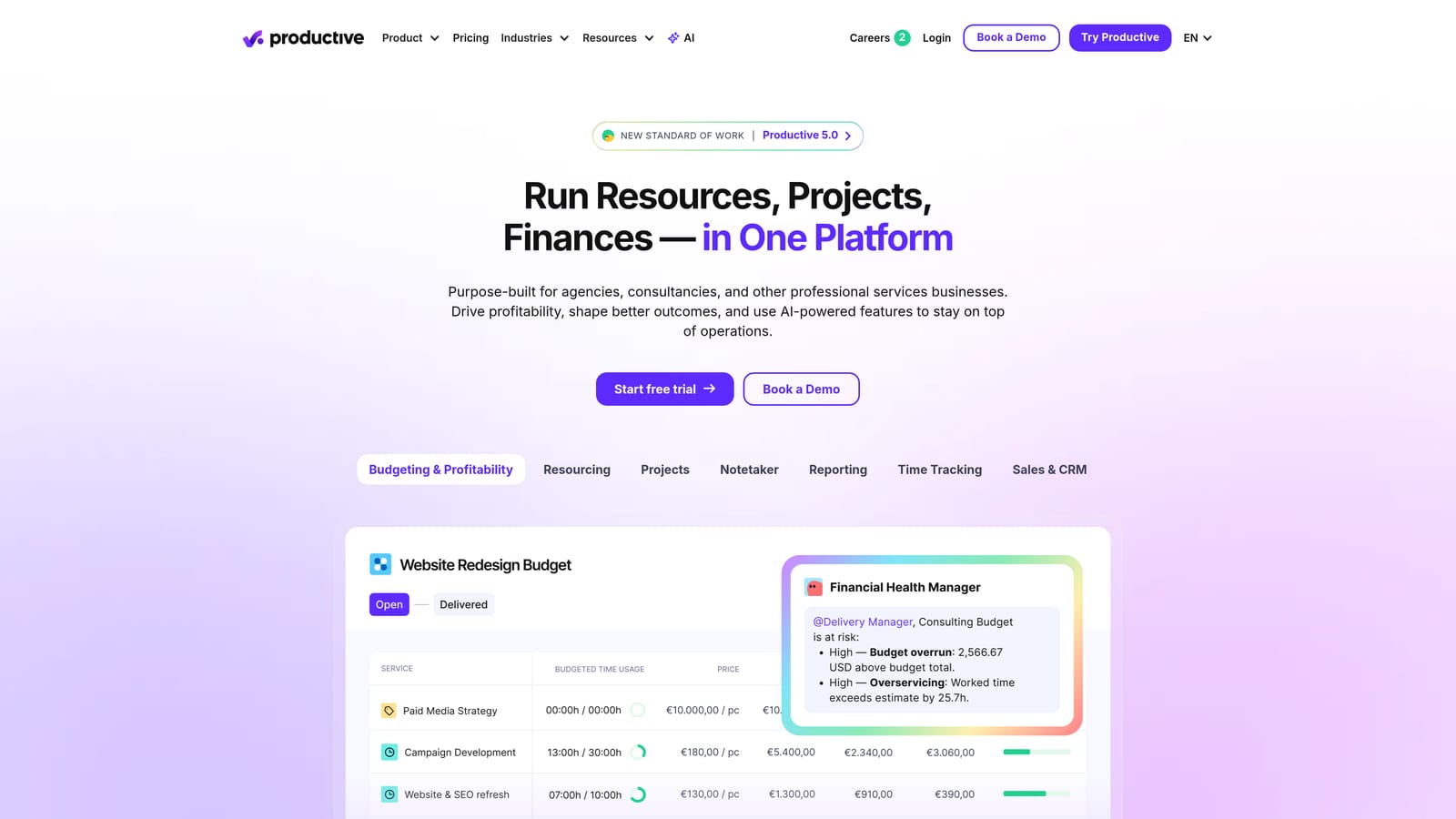
Its distinctive feature is client-level profitability and utilization reporting. Because time, budgets, and invoices live in the same system, you can compare what you quoted with what delivery cost and see how busy each person is.
- Deals and CRM carry a sale straight into a project with its budget attached.
- Project and task management organizes delivery across teams.
- Time tracking captures effort against each client and project.
- Budgets and invoicing connect scope to billing so overruns show early.
- Profitability reports reveal which retainers erode margin.
Integrations include QuickBooks, Xero, Slack, HubSpot, and Google Calendar. Expect a real setup effort: rate cards, budgets, and time-entry habits all need defining, and someone in operations or finance typically owns it.
That setup and the learning curve are the drawbacks for small teams, who may find it heavier than they need. It also does not monitor ad accounts. Pricing is per user per month in tiers, so cost grows with headcount; see the website for current figures.
Best for: Mid-sized agencies tracking margin across retainers and projects.
5. Moxo
Moxo is a client portal and workflow platform for onboarding, document collection, approvals, and secure communication. It targets the stage where a new client has to send contracts, access credentials, and sign-offs, and where email threads usually break down.
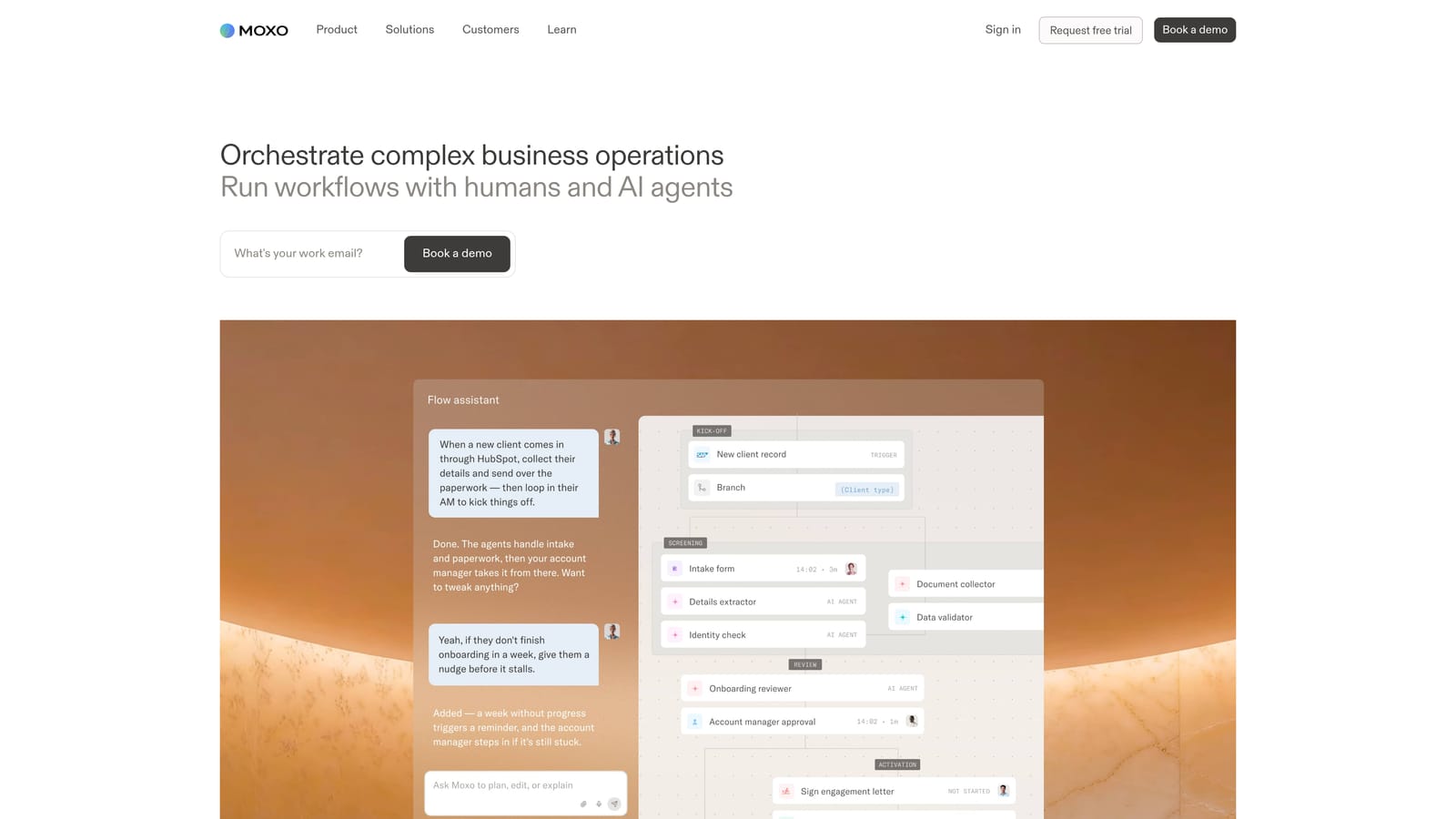
Where others on this list manage the agency's side of the relationship, Moxo is portal-first. Clients log into a branded space with structured steps, so the process is the same for every account rather than rebuilt per client.
- A branded client portal gives clients one place to go instead of scattered emails.
- Workflow and approvals route requests to the right person and record decisions.
- Document collection chases missing files so your team does not.
- E-signature closes agreements without a separate signing tool.
- Secure messaging keeps sensitive exchanges out of open email.
It integrates with Salesforce, Microsoft 365, Slack, and Zapier. Setup means designing the workflows, which an operations lead or client success manager usually does once and reuses.
It is not designed for campaign reporting or ad management, and a simple agency with informal onboarding may find it more structure than it needs. Pricing is quote-based, so expect a sales conversation rather than a published plan.
Best for: Agencies with document-heavy or compliance-sensitive client onboarding.
6. Teamwork.com
Teamwork.com is project management software designed for client work, with time tracking, billable rates, and client permissions. It assumes you are selling time or scoped deliverables and need to protect margin.
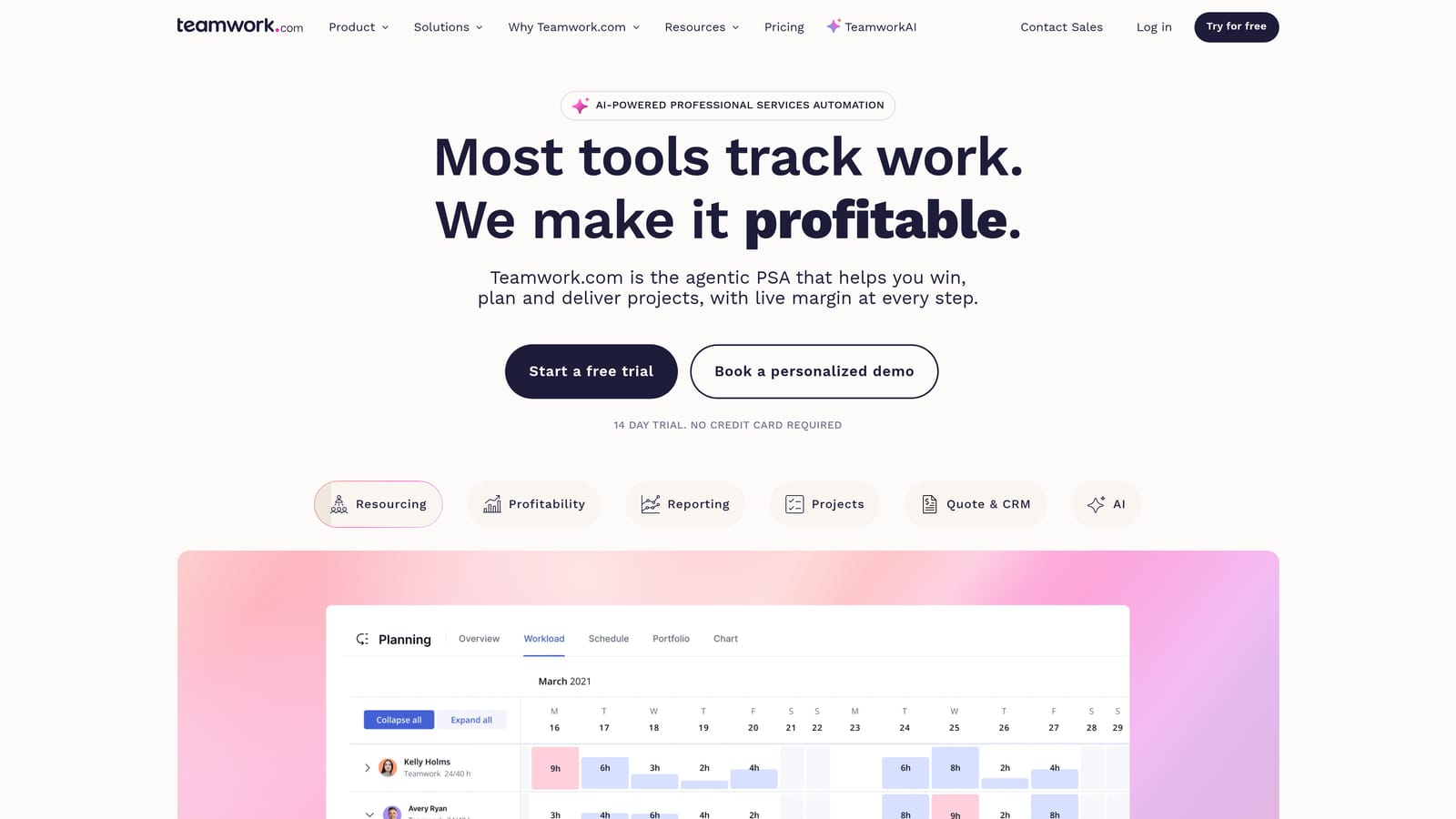
Its standout is retainer and budget tracking tied to client-visible delivery. You can give clients access to specific projects while keeping internal notes and rates private, and watch hours against the budget as work happens.
- Client-facing project permissions let clients see progress without seeing your internal work.
- Billable time tracking records hours at the right rate for invoicing.
- Resource scheduling shows who has capacity before you promise a deadline.
- Budget tracking flags projects drifting past their allotted hours or spend.
- Invoicing turns tracked time into bills without retyping.
It connects with QuickBooks, Xero, Slack, HubSpot, and Google Drive. Setup involves templates, rates, and permissions, and a project manager or operations lead typically administers it.
Its CRM capabilities are lighter than a dedicated CRM, so pair it with one if lead management matters. It also does not pull ad data. Pricing is per user per month in tiers, which makes seat count the main cost driver; see the website for current plans.
Best for: Agencies delivering scoped projects that need billable-time control.
7. monday.com
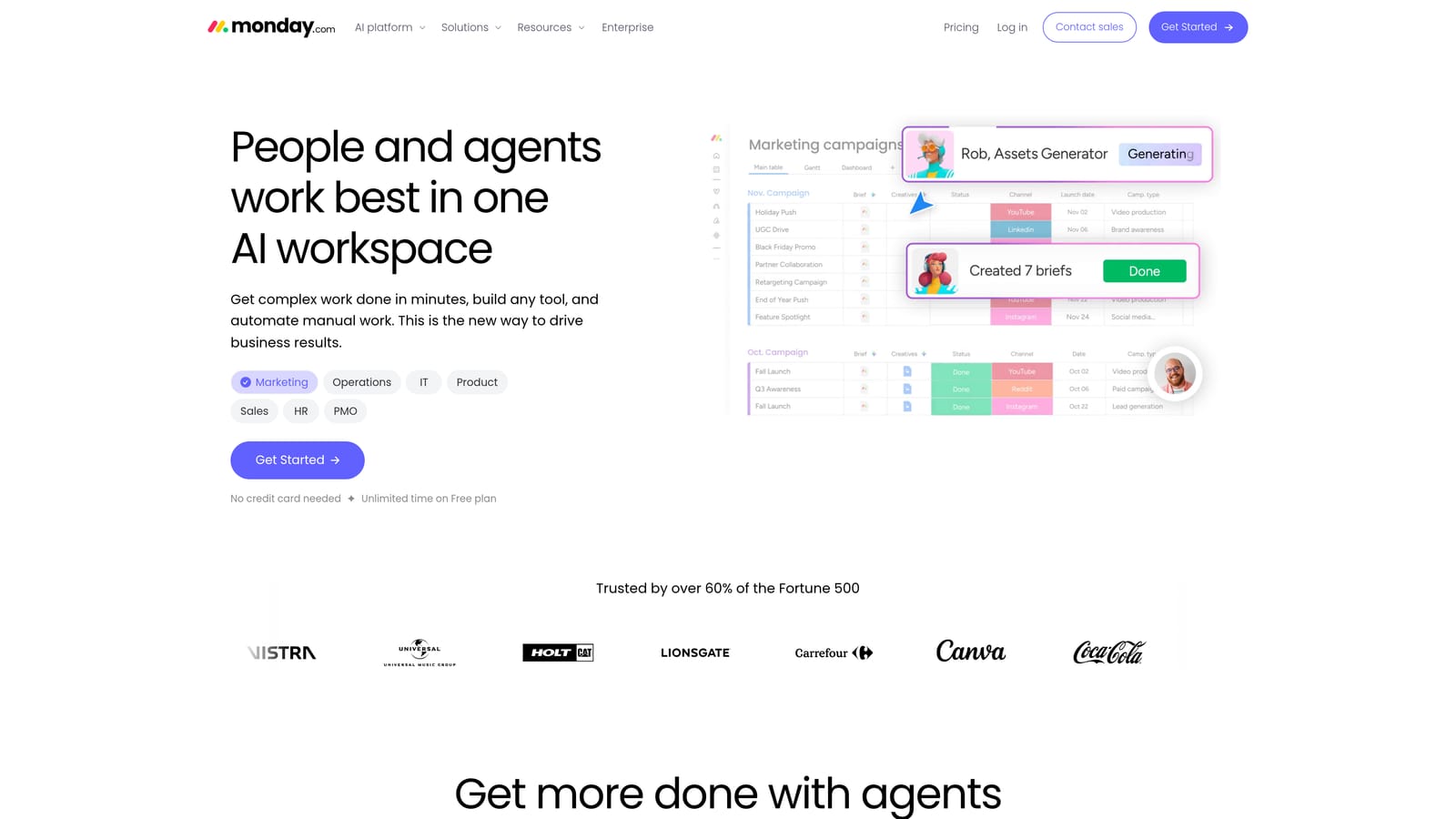
monday.com is a customizable work platform with CRM and project boards that agencies can adapt to client pipelines and delivery. It is less a finished agency product than a set of building blocks.
What flexibility buys you
The distinctive point is no-code customization across sales and delivery in one workspace. A lead board can hand off to a production board, with dashboards rolling both up for the owner.
- Customizable boards model your own stages, whether pipeline, onboarding, or content production.
- Automations move items, notify people, and assign tasks without manual nudging.
- Dashboards combine data from multiple boards into one view.
- The CRM product handles contacts and deals alongside delivery work.
- Forms for intake turn new client requests into tracked items.
What it costs you in effort
Integrations include Slack, Gmail, Google Drive, Zoom, and Zapier. Someone has to design the boards, and without an internal owner they tend to sprawl. Paid plans have seat minimums, and ad performance data requires integrations rather than arriving natively, so reporting for ad clients takes extra work. Pricing is per seat per month in tiers; see the website for current numbers.
Best for: Agencies that want to build a custom workflow across teams.
8. Rocketlane
Rocketlane is a client onboarding and implementation platform with shared project plans and client-visible timelines. It was built for service teams that have to get a customer live through many dependent steps.
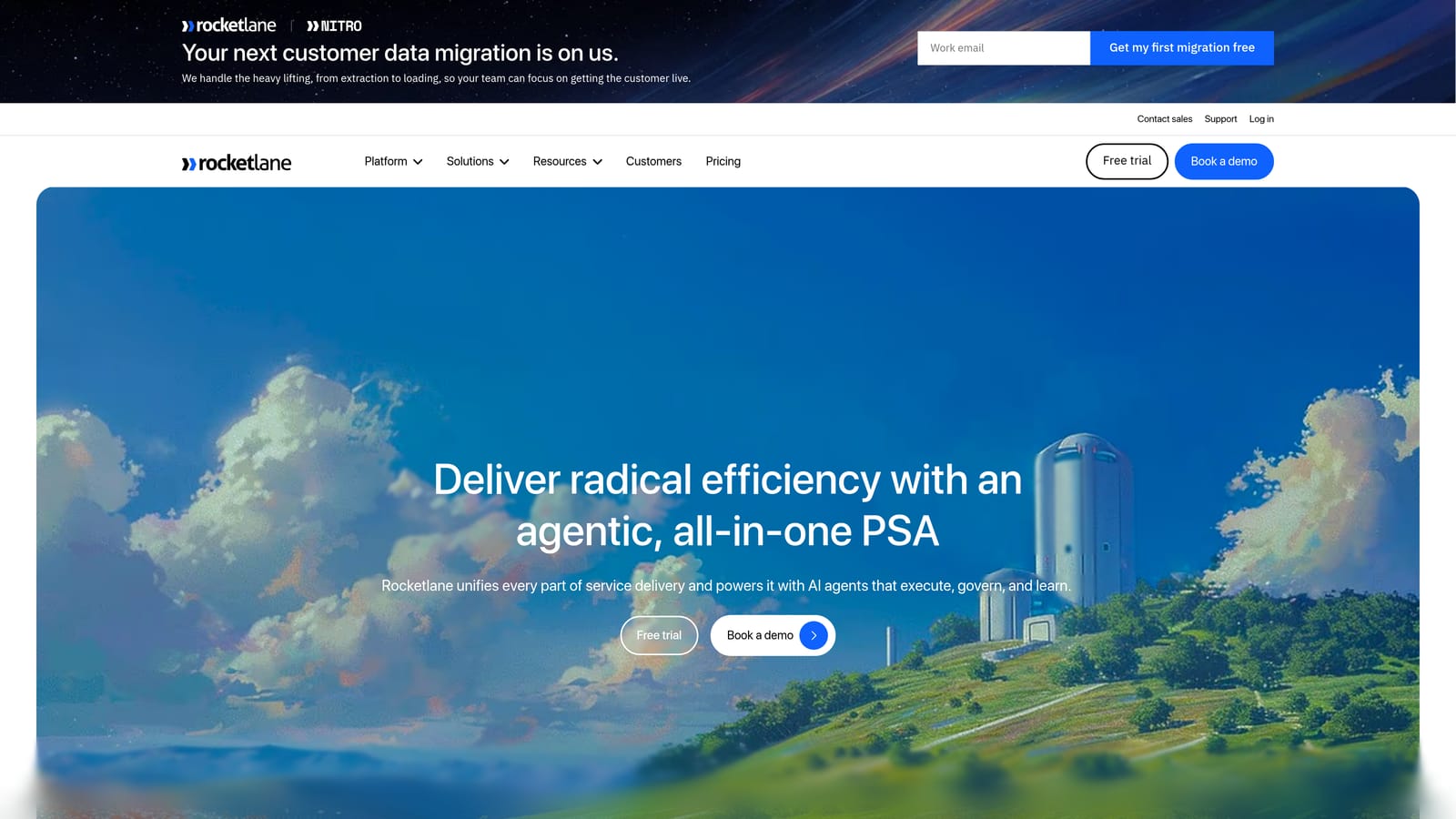
Its differentiator is collaboration on the timeline itself. Clients see the plan, own their tasks, and can be held to dates, which reduces the launch delays caused by waiting on client assets or approvals.
- Shared client project plans keep both sides working from one schedule.
- A client portal gives clients a single place for tasks, files, and updates.
- Task dependencies show how a late item pushes everything behind it.
- Time tracking records effort against each implementation.
- Onboarding templates let you repeat a proven launch process for every new client.
It integrates with Slack, Salesforce, HubSpot, and Jira. Setup centers on building templates, and a delivery or customer success lead normally runs it.
It is geared to implementation-style projects rather than ongoing media buying, so a paid-ads agency managing daily optimization will find little to use after launch. It also has no ad reporting. Pricing is per user per month; see the website for current plans and tiers.
Best for: Service teams running structured, multi-step client launches.
9. Bonsai
Bonsai is a freelancer and small-agency toolkit covering proposals, contracts, invoicing, time tracking, and light CRM. It replaces the patchwork of documents and payment links a solo operator typically assembles.
The standout is the paperwork flow: a proposal becomes a contract, which becomes an invoice, without re-entering client details. For one person handling sales, delivery, and billing, that continuity saves real time.
- Proposals and contracts get a client from quote to signed agreement quickly.
- Invoicing and payments let clients pay online and help you chase late ones.
- Time tracking logs hours that flow into invoices.
- Client CRM keeps contact details and history in one place.
- Task management covers the basic to-dos of a small engagement.
It integrates with QuickBooks, Stripe, PayPal, Zapier, and Google Calendar. Setup is quick, and the freelancer or owner runs it alone.
Team collaboration is limited, so it strains once several people share client work, and it offers no ad-performance reporting. Plans are monthly; see the website for current tiers and what each includes.
Best for: Freelancers and very small agencies handling contracts and billing.
Which Client Management Tool Fits Which Agency
Start with the bottleneck, not the feature list. A general CRM bought for a reporting problem, or a heavy operations platform bought for a three-person team, is where most agencies waste money.
- Paid-ads agencies and freelancers: ClientPlug, because ad performance, payments, and white-label reports live in one dashboard. Add a project or CRM tool only if you need task boards or deal tracking.
- Sales-pipeline-led agencies: HubSpot CRM, or Copper if your team lives in Google Workspace.
- Operations and profitability focus: Productive for margin visibility, Teamwork.com for billable-time control, or monday.com if you want to build your own workflow.
- Portal and onboarding needs: Moxo for documents and approvals, Rocketlane for structured, timeline-driven launches.
- Solo freelancers handling contracts and invoices: Bonsai.
Before committing, confirm each vendor's current pricing, free-plan availability, and features, since all of them change. If you run Meta or Google campaigns for clients and want to see how ClientPlug handles payments, performance, and reporting together, Learn more about our services.