If you run paid media for clients, you already know the pattern: a screenshot here, a spreadsheet there, a monthly PDF that is out of date by the time it lands. This list is for agency owners and freelancers who want a live, professional view to hand clients instead. The tools were chosen on data connections, reporting and white-label options, client-facing access, billing or payment visibility, and how well each fits an agency's size and budget. A few terms: a client dashboard is a live, shareable view of results; white-label means your branding (sometimes your domain) instead of the vendor's; a data connector is the piece that pulls numbers from a platform into a report.
Quick Comparison of the Client Dashboards
- ClientPlug: paid-media agencies and freelancers; pricing on the vendor's website; syncs client payments, campaigns and ad health in one dashboard.
- AgencyAnalytics: multi-channel agencies mixing SEO, PPC and social; pricing on the vendor's website, tiered per client campaign; built-in SEO rank tracking.
- DashThis: agencies wanting quick, tidy recurring reports; pricing on the vendor's website, tiered by dashboard count; template-based setup with plans based on dashboards, not users.
- Databox: agencies that want KPI goals and benchmarks; free tier plus paid plans; goal tracking and alerts inside dashboards.
- Looker Studio: budget-conscious, Google-centric agencies; free; fully customizable with native Google data.
- Swydo: PPC and SEO agencies automating monthly reports; pricing on the vendor's website; templates shaped around PPC and SEO agency workflows.
- Supermetrics: agencies building custom dashboards; pricing on the vendor's website, by connector and destination; the broadest connector library.
- Reportei: freelancers and small agencies on tight budgets; pricing on the vendor's website; low-cost automated social and ad reports.
- Klipfolio: data-minded agencies with custom KPI needs; pricing on the vendor's website; deep data modeling beyond marketing metrics.
1. ClientPlug
ClientPlug is our own product, so weigh this section with that in mind. It is an all-in-one client organizer for digital marketing agencies and freelancers, built around the idea that reporting is only one piece of running client accounts. Ad performance, client payments and reports live in a single dashboard rather than in three separate tools.
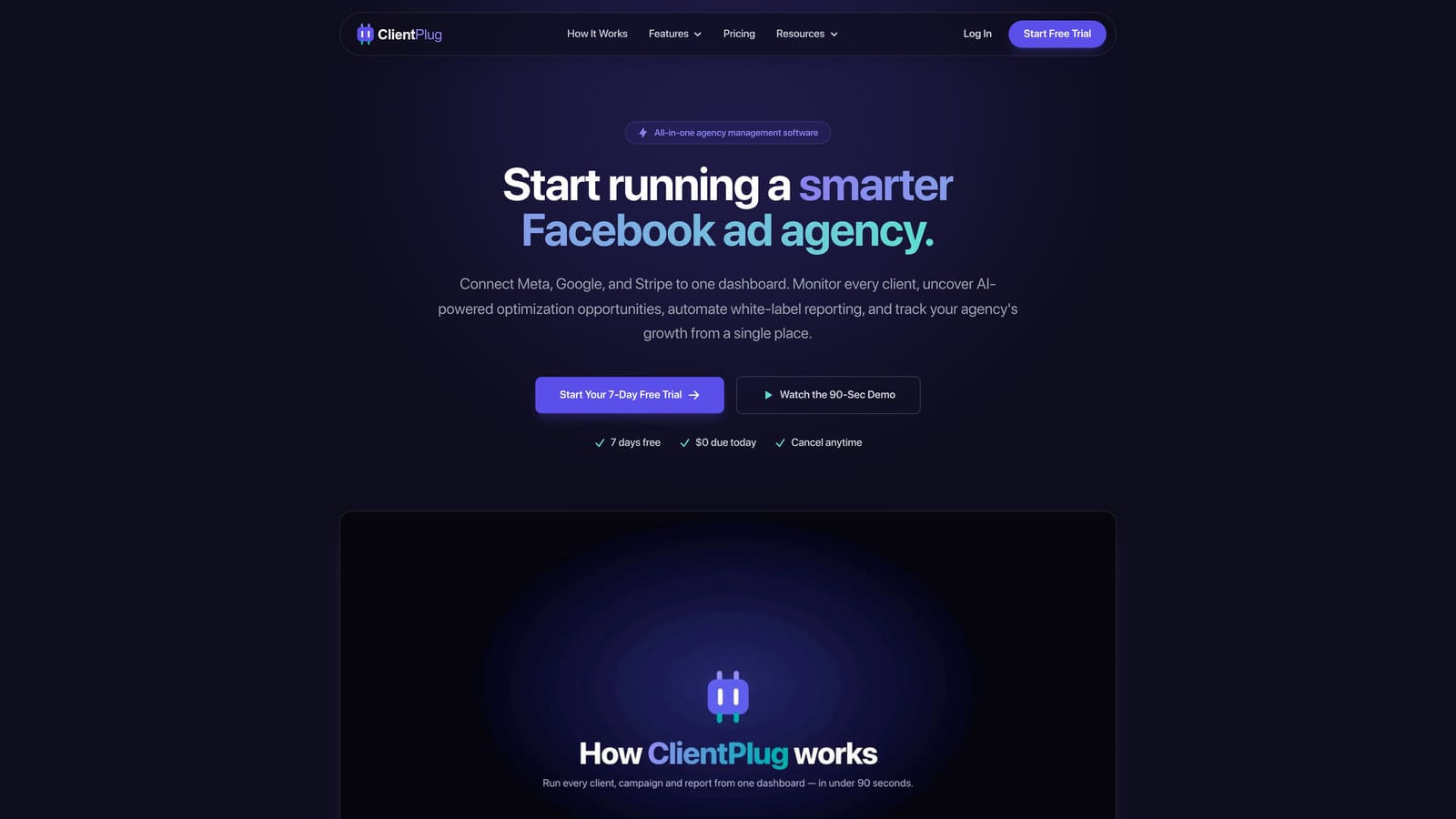
What sets it apart on this list is the payment layer and the health monitoring. Most tools here stop at reporting. ClientPlug auto-syncs payments, campaigns and client data, and lets you check health at every level: individual ads, campaigns, clients and the agency as a whole. That makes it useful for the owner who wants to know which accounts are underperforming and which invoices are outstanding without opening two systems.
- Meta and Google Ads performance monitoring, so you see campaign results for every client in one place.
- Client payment tracking, which shows who has paid and who is late alongside the ad results you are delivering.
- Automated white-label reports sent under your agency's branding, replacing manual monthly screenshots.
- Conversion API setup in a few clicks, which spares you a technical project when tracking needs repair.
- AI campaign optimization to flag where spend or creative could be improved.
Integrations center on Meta Ads and Google Ads, and day-to-day use fits the account manager or owner who already works in those platforms. Setup is a matter of connecting ad accounts rather than building dashboards from scratch.
The limitation is scope. ClientPlug is focused on Meta and Google paid media. If your reports must cover SEO rankings, email, organic social or a long tail of other channels, you will need a broader reporting platform. Pricing is listed on the ClientPlug website; check it there for current plans.
Best for: Paid-media agencies and freelancers who want ads, billing and reports in one place.
2. AgencyAnalytics
AgencyAnalytics is a reporting platform designed for agencies that serve clients across many channels and want one branded portal for all of it. It is the most obvious choice here when SEO is part of the service mix.
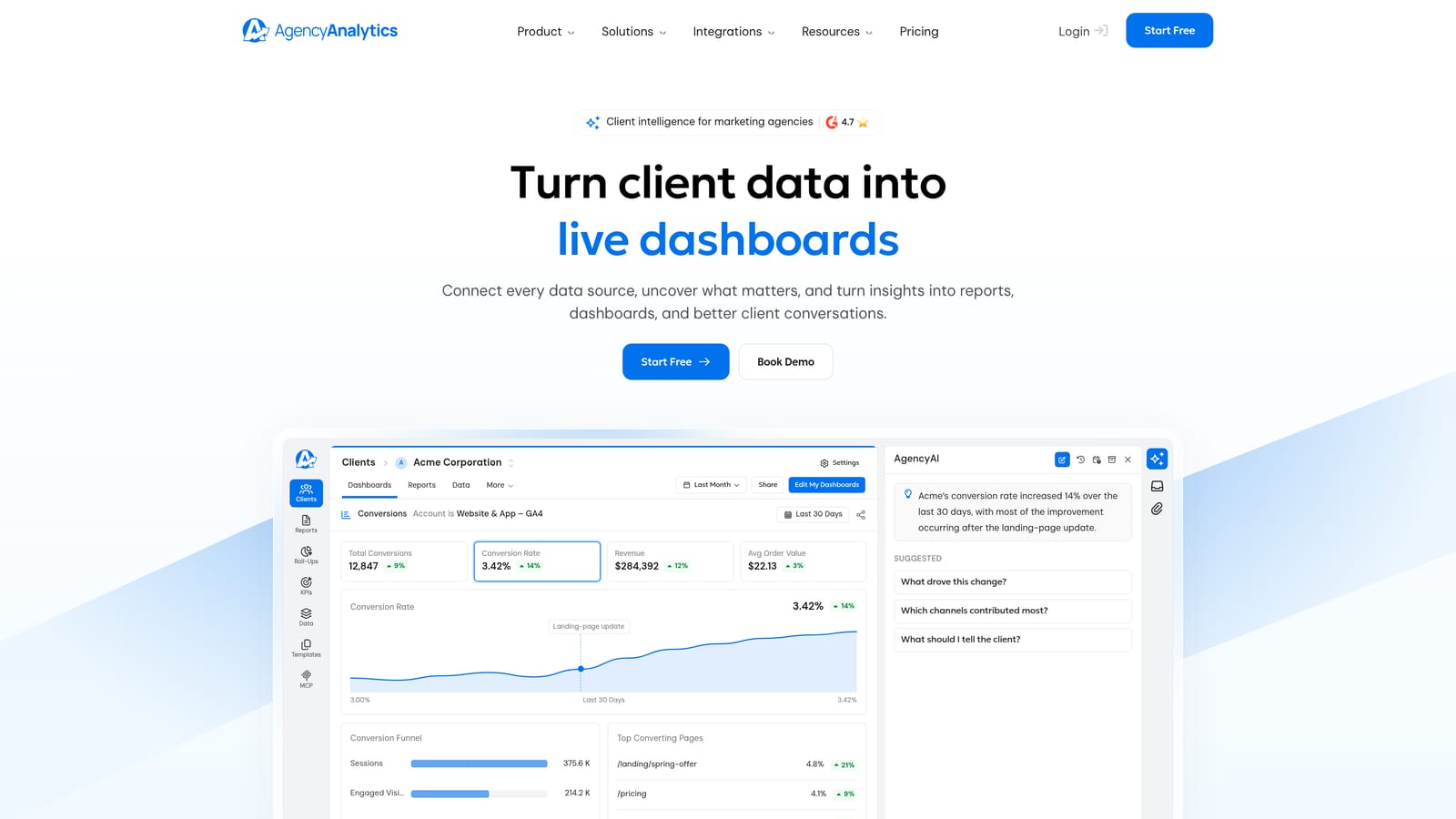
Its distinguishing feature is built-in rank tracking next to paid and social reporting. Where other tools make you bring in a separate SEO product, AgencyAnalytics puts keyword positions in the same client view as Google Ads and Meta Ads results.
- White-label dashboards with a custom domain, so clients see your brand on the login page.
- A large integration library covering Google Ads, Meta Ads, GA4, Search Console and Mailchimp, among others.
- Scheduled reports that go out without a manual export.
- Rank tracking for clients who buy SEO.
- Client login access, so stakeholders can check numbers on their own.
Setup involves connecting each client's accounts and choosing dashboard templates, which most agencies can handle without technical help. Someone on the account team typically owns it.
The main drawback is cost scaling. Pricing is tiered per client campaign, so the bill grows as you add clients and channels. A small agency with few campaigns may find it comfortable; a growing one should model the cost at its expected client count. It also has no payment or invoicing layer. Current tiers are on the vendor's website.
Best for: Multi-channel agencies mixing SEO, PPC and social.
3. DashThis
DashThis focuses on speed. Its preset report templates let an agency connect accounts, pick a layout and have a clean recurring report running quickly, which suits teams that do not want to design dashboards.
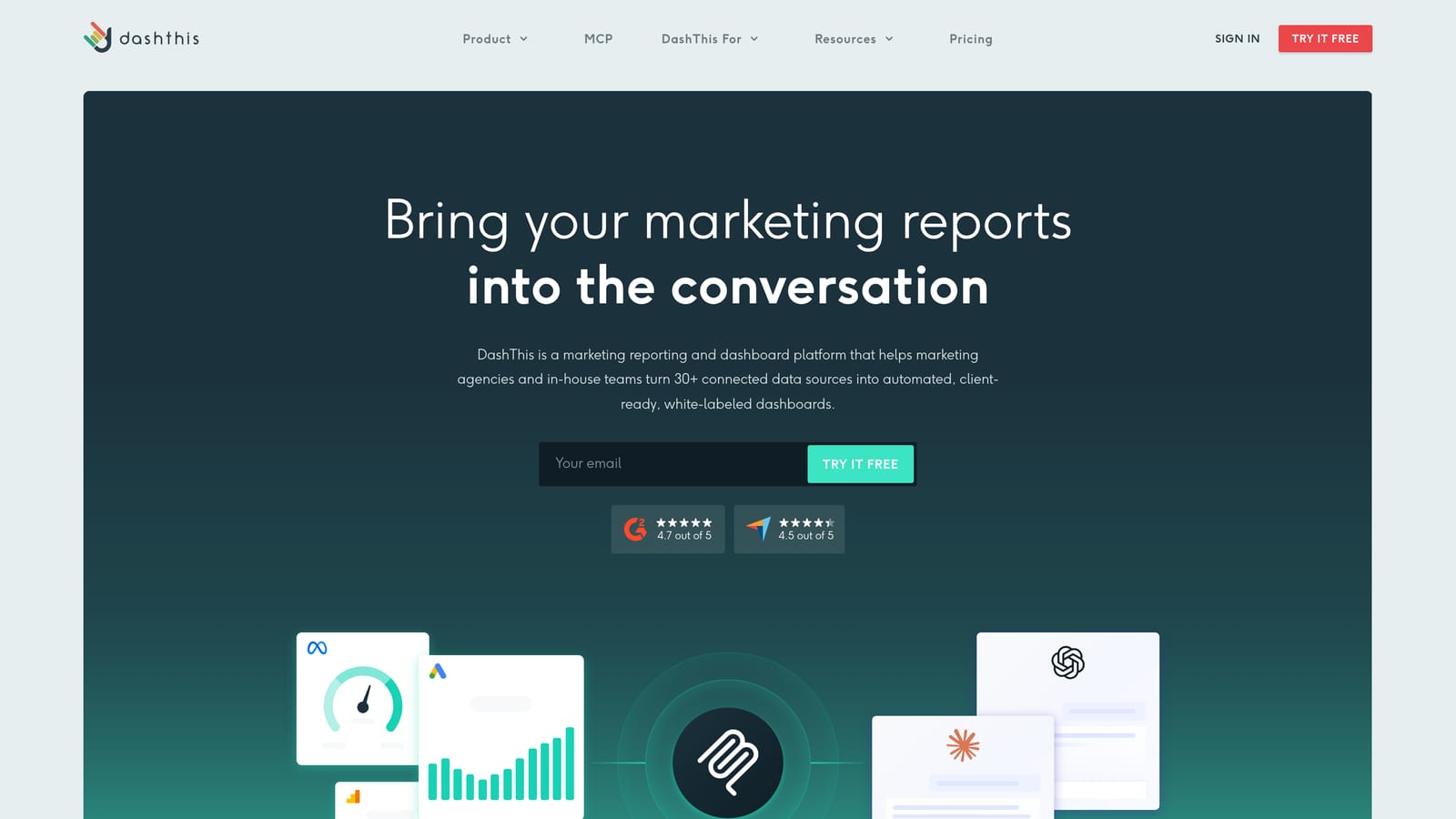
The pricing model is the other differentiator: plans are tiered by number of dashboards rather than by user, so adding teammates does not raise the bill. For an agency with a large team and a modest client roster, that can be a meaningful advantage.
- Preset templates that give you a finished report structure on day one.
- Auto-sent reports so clients receive updates on schedule.
- Shareable live dashboards for clients who prefer a link over a PDF.
- Custom branding to keep reports looking like yours.
- Connections to Google Ads, Meta Ads, GA4, HubSpot and Shopify.
Setup is light, and one person, often an account manager or operations lead, can run the whole reporting program.
The trade-off is flexibility. Custom data modeling is limited, so unusual calculated metrics are harder to build, and there is no payment layer. If you need blended or heavily transformed data, look at Klipfolio or a connector-plus-Looker Studio setup. Plans are tiered by dashboard count; see the vendor's site for current prices.
Best for: Agencies wanting quick, tidy recurring reports.
4. Databox
Databox is a KPI dashboarding platform that treats a dashboard as a scoreboard, not just a report. It is aimed at agencies and in-house teams that want to track results against targets.
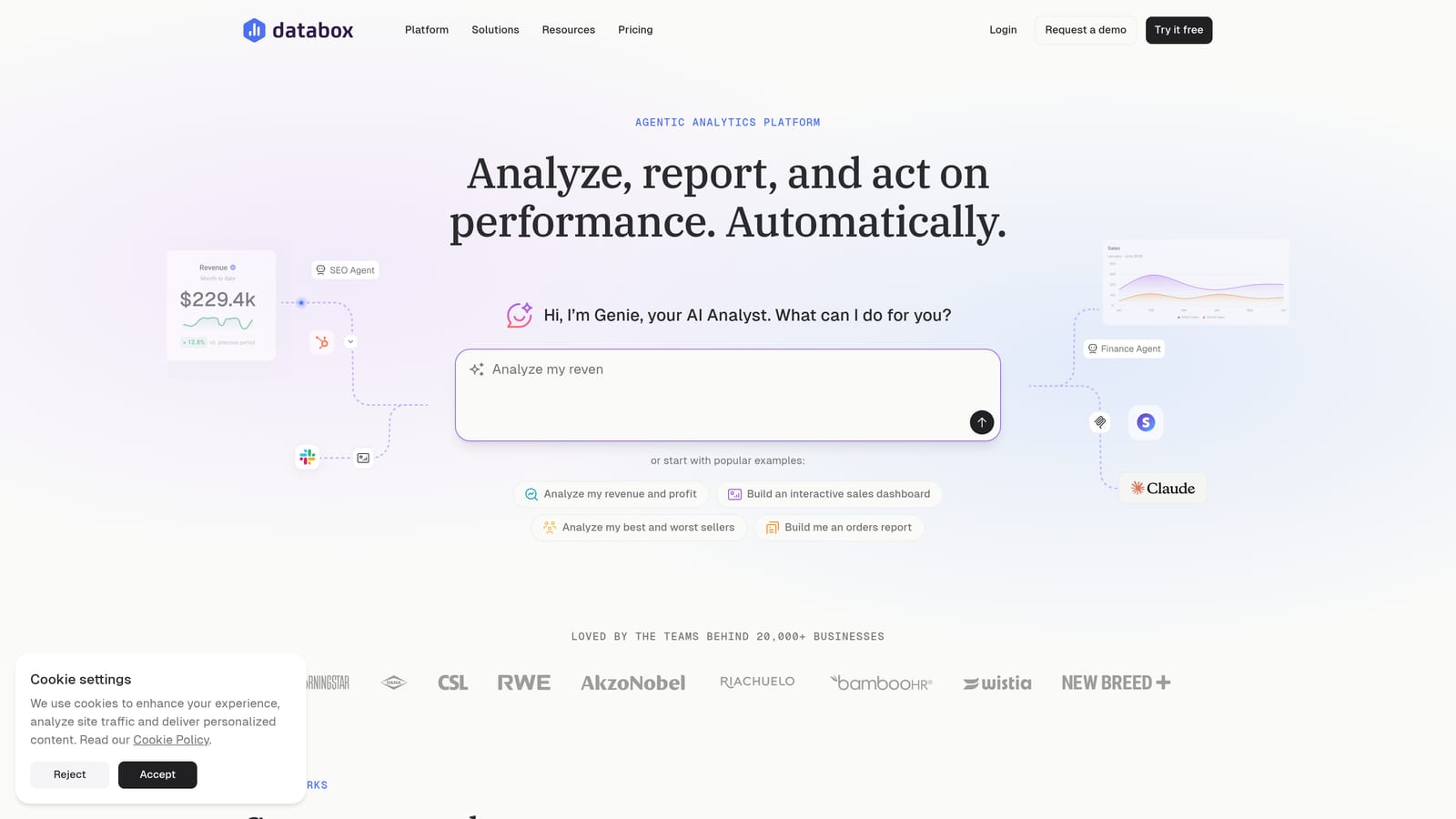
What it does differently is goal tracking and alerts. You can set a target for a metric, watch progress, and be notified when performance moves, which turns a passive report into something closer to monitoring. Benchmarking adds context on how a client compares with similar businesses.
- Real-time KPI dashboards that update as the underlying data changes.
- Goal tracking, so you can show a client progress toward an agreed number.
- Benchmarking to put a result in context.
- Alerts that flag changes before the client notices them.
- Custom metrics for numbers the standard connectors do not provide.
It connects to Google Ads, Meta Ads, GA4, HubSpot and Salesforce, which makes it handy when a client's CRM data matters as much as ad data. Expect more setup effort than with template tools: building custom metrics takes time, and someone comfortable with data should own it.
That setup effort is the main limitation, and like most tools here it has no payment visibility. Databox offers a free tier plus paid plans; as of November 2026, confirm current limits and pricing on the vendor's website.
Best for: Agencies that want KPI goals and benchmarks.
5. Looker Studio
Looker Studio is Google's free dashboard builder, and for many agencies it is the starting point. You design the layout yourself, and native connectors make Google data easy to pull in.
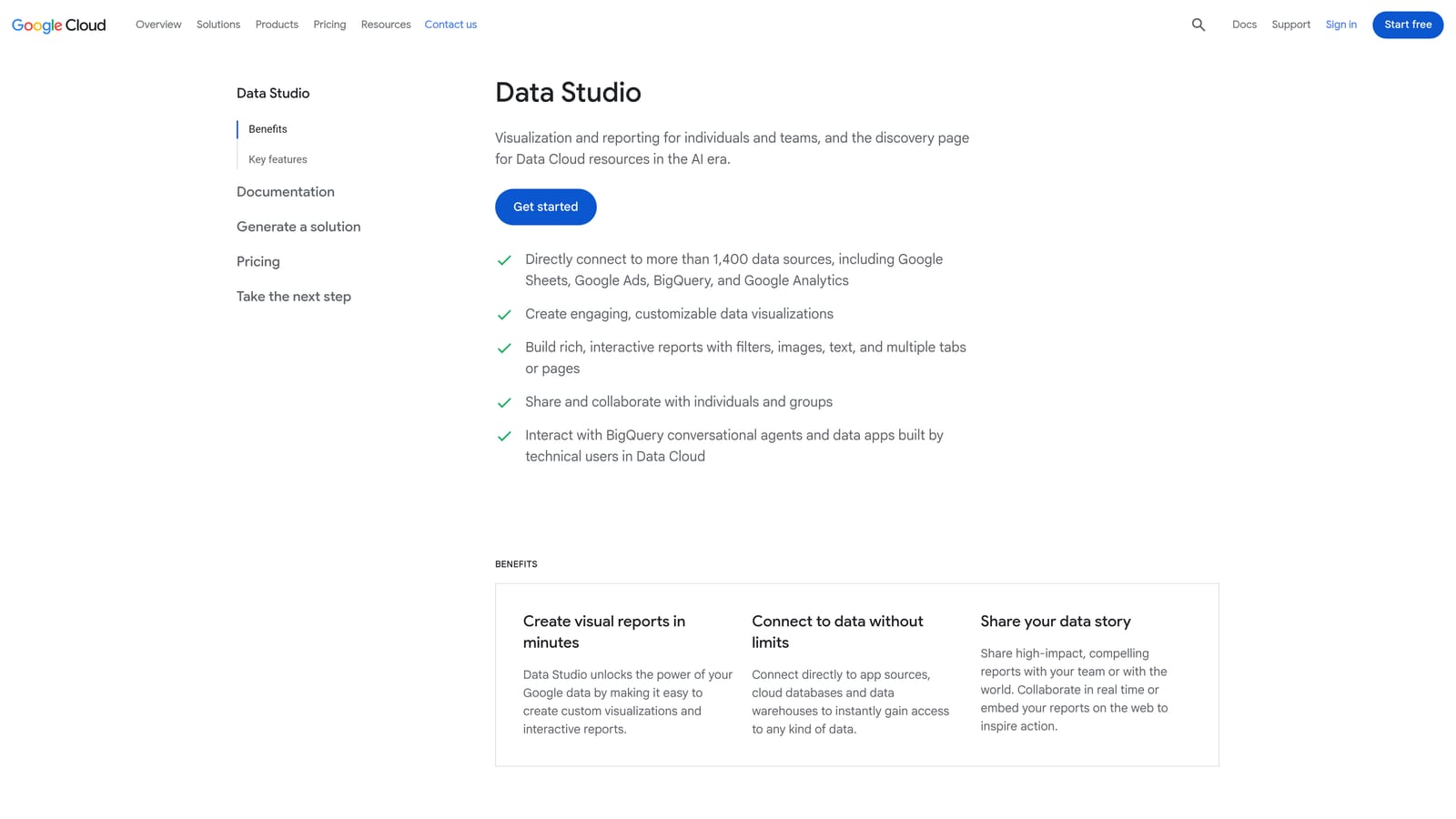
Its distinction is the combination of no license cost and near-total control over design. No other tool on the list lets you build exactly the view you want at zero software cost.
- Free to use, which keeps startup cost at nothing.
- Native connectors for Google Ads, GA4, Search Console, BigQuery and Google Sheets.
- Custom layouts, so a report can match a client's needs rather than a template.
- Link sharing for live client access.
- Community templates to avoid starting from a blank canvas.
The catch is that "free" has edges. Meta data requires a paid third-party connector (Supermetrics is a common one), and there is no built-in white-labeling, so the dashboard carries Google's interface rather than your brand. Once connector fees are counted, a multi-client setup is not free. You also build and maintain every report yourself, which means the time cost lands on whoever in your team has the skill.
It is not a fit for agencies that want turnkey, branded client portals. Pricing: free, with paid connectors extra.
Best for: Budget-conscious, Google-centric agencies willing to build their own.
6. Swydo
Swydo automates reporting for PPC and SEO agencies, and its templates reflect how those agencies actually report: spend, conversions, rankings, month-over-month movement.
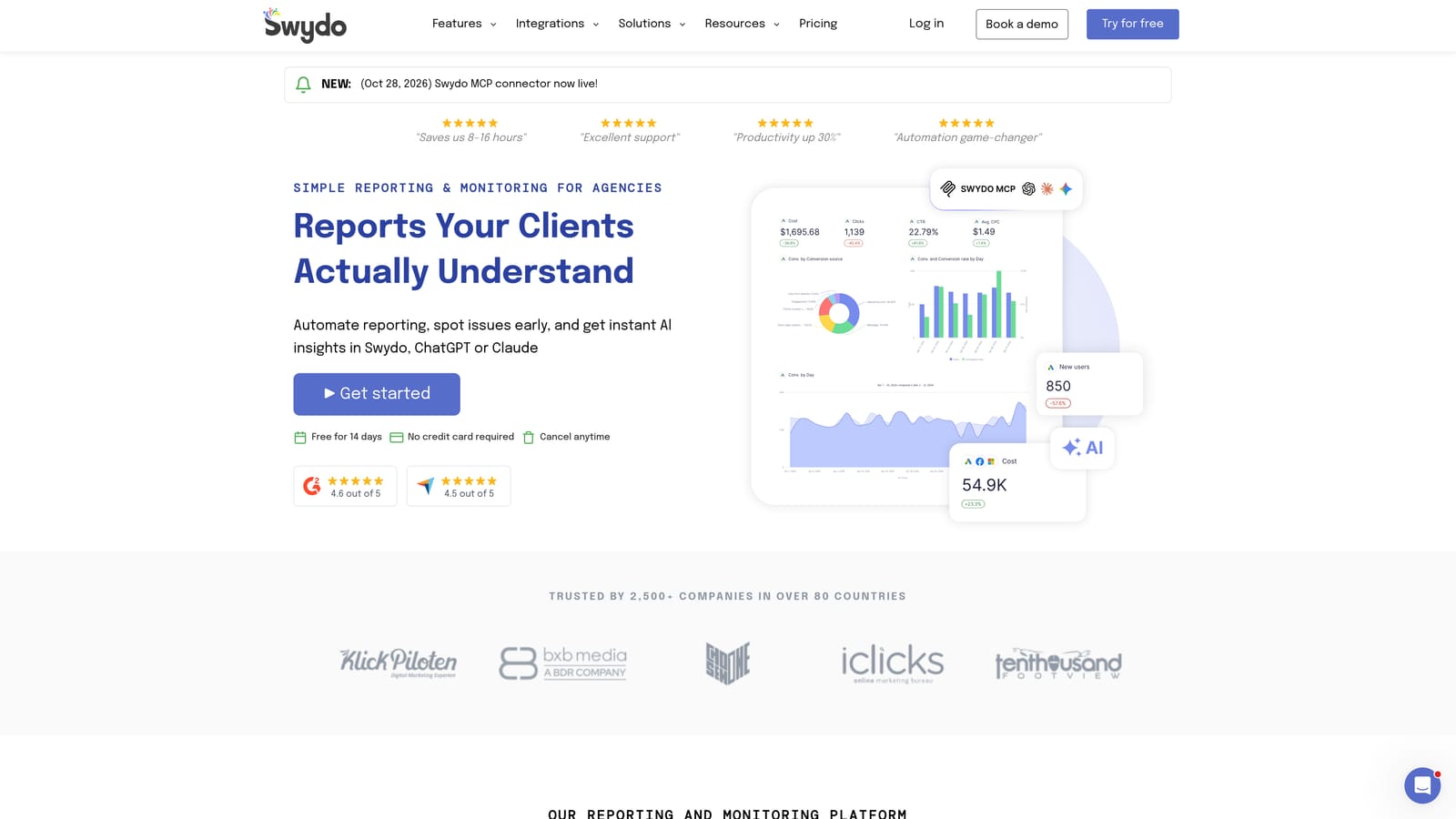
That specialization is what separates it from general dashboard tools. Instead of assembling widgets, you start from report structures built around agency workflows and adjust from there.
- White-label reports carrying your branding.
- Client dashboards for live access between reports.
- A template library that cuts the time to a first report.
- Scheduled delivery so monthly reports go out automatically.
- Pricing tied to data sources, which matters when you plan costs.
It connects to Google Ads, Meta Ads, GA4, Search Console and LinkedIn Ads. Setup is mostly account connection and template selection, typically handled by the person responsible for monthly reporting.
The limitation is breadth of purpose. Swydo is a reporting tool, not an all-in-one platform, so there is no payment tracking or project context. Because pricing depends on data sources, an agency connecting many platforms per client should check how the bill scales. See the vendor's website for current plans.
Best for: PPC and SEO agencies automating monthly reports.
7. Supermetrics
Supermetrics is not a dashboard at all, and that is the point to understand before shortlisting it. It is a data connector that moves marketing data into the tools where you build your own dashboards.
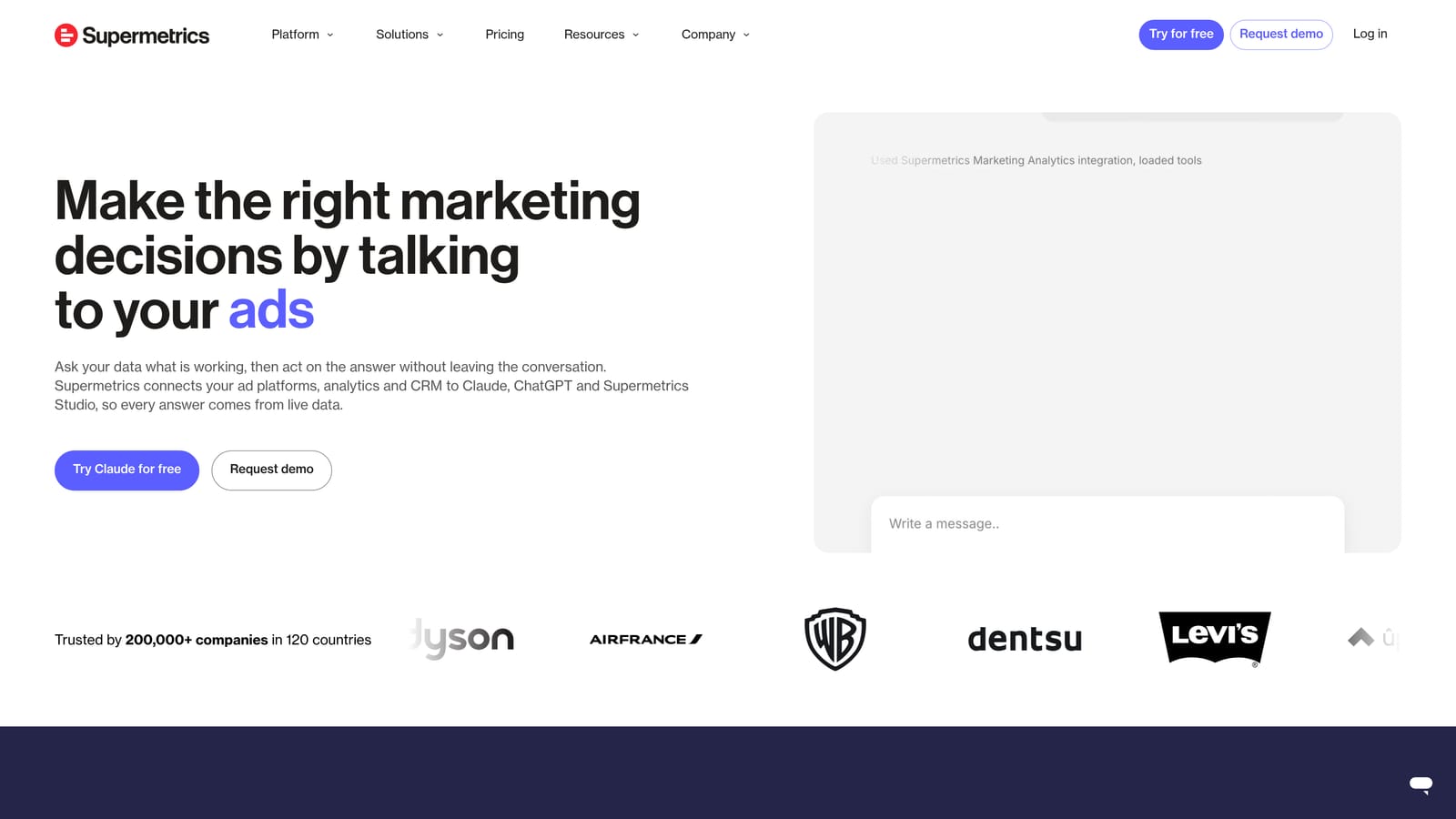
Its strength is coverage: the broadest connector library on this list, with destinations including Looker Studio, Google Sheets, Excel, BigQuery and Snowflake. If a platform has marketing data, Supermetrics probably has a way to pull it.
- Wide connector coverage, so unusual platforms are less likely to be a dead end.
- Looker Studio integration, which fills the Meta gap in that free tool.
- Sheets and Excel export for teams that live in spreadsheets.
- Warehouse destinations for agencies with data engineering capacity.
- Scheduled refreshes so dashboards stay current without manual pulls.
Setup depends on where the data goes. Sending it to Sheets is simple; building a warehouse pipeline needs technical skill. Either way, you still design and maintain the dashboards.
It is not client-facing by itself, so it does not suit agencies wanting a ready-made branded portal. Pricing varies by connector and destination, and costs add up when you combine many sources, so confirm current pricing on the vendor's website.
Best for: Agencies building custom dashboards in Looker Studio or Sheets.
8. Reportei
Reportei produces automated, white-label reports for social and ad performance, with small teams and tight budgets in mind.
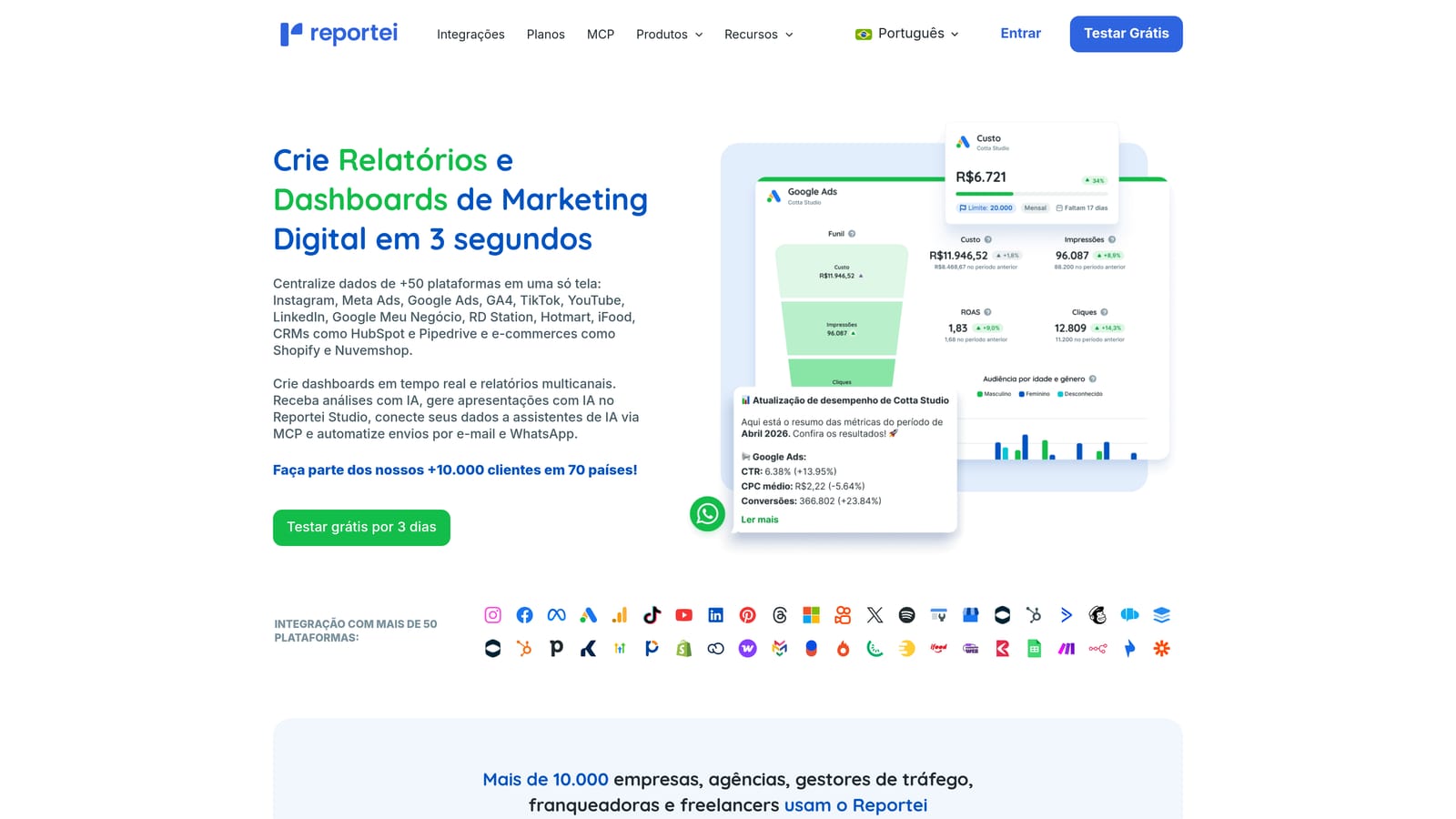
Its standout quality is affordability combined with automation. A freelancer managing a handful of clients can get branded reports out the door without building anything, and without committing to enterprise-style pricing.
- Automated reports generated without manual assembly.
- White-label branding so reports carry your identity.
- Report templates for a fast start.
- Social and ads metrics in one report, covering Instagram and paid campaigns.
- Client sharing to deliver results without exporting files.
It connects to Meta Ads, Google Ads, Instagram, GA4 and TikTok. Setup is simple enough that a solo operator can run it alone.
The limitation is depth. Customization is less advanced than in tools like Databox or Klipfolio, so agencies with bespoke reporting needs may outgrow it. There is also no payment layer. Pricing is listed on the vendor's website; check current plans there before committing.
Best for: Freelancers and small agencies on tight budgets.
9. Klipfolio
Klipfolio is a flexible analytics platform with a custom metric builder and real data modeling. It is the most analytical tool on this list, and it serves needs that go beyond marketing performance.
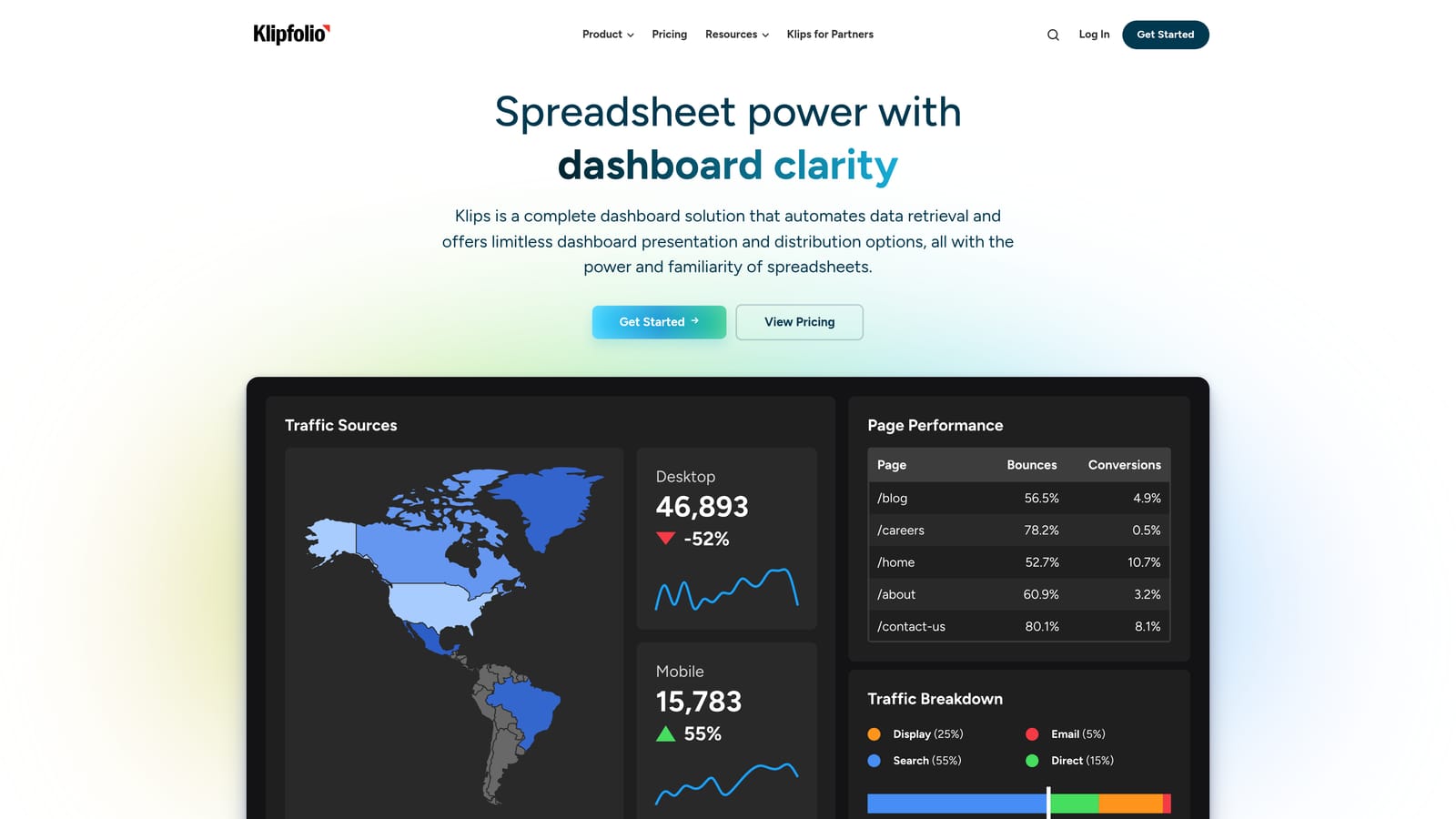
That depth is its distinguishing trait. You can define KPIs from scratch, transform data before it reaches a chart, and build dashboards that span departments, which suits an agency that wants to blend ad results with CRM or finance data.
- A custom metric builder for calculations templates cannot handle.
- Data modeling to clean and combine sources before visualizing.
- Cross-department dashboards that reach beyond marketing.
- Scheduled reports for regular delivery.
- Many data connectors, including Google Ads, GA4, HubSpot, Salesforce and Google Sheets.
Setup is the most demanding here. Expect a steeper learning curve and a team member who enjoys working with data to own the build.
The limitations follow from that: less white-label focus than agency-specific tools, and more effort than most agencies want to spend on a client report. If you only need tidy monthly PDFs, it is more than you need. Pricing is on the vendor's website; verify current plans as of November 2026.
Best for: Data-minded agencies with custom KPI needs.
Matching a Client Dashboard to Your Agency
Most tools here are reporting-only, and the real divide is between those and the one that also covers payments and campaign health. More integrations do not automatically mean a better fit, and a dashboard does not replace talking to clients; it just gives those conversations better data.
- Paid-media agencies wanting payments and ads together: ClientPlug. It keeps Meta and Google Ads results, billing and white-label reports in one place, with the caveat that it does not cover SEO or social breadth.
- Multi-channel SEO and PPC reporting: AgencyAnalytics for a full branded portal, or Swydo if your work is mainly PPC and SEO monthly reports.
- Budget or free builds: Looker Studio if you will build it yourself and can absorb connector costs, or Reportei for low-cost automated reports.
- Data-heavy custom setups: Klipfolio for modeling, Databox for goals and alerts, and Supermetrics to feed your own dashboards.
Whatever you shortlist, check current pricing, plan limits and white-label availability on each vendor's site before you commit, since these change often.
If you run Meta and Google Ads for clients and want ads, payments and reports in a single view, Learn more about our services.