Client communication for an agency covers more than chat. It includes status updates, approvals, results reporting, payment questions and the quiet reassurance that work is moving. This guide is for agency owners and freelancers who want fewer scattered threads and fewer "any update?" messages. Each platform was judged on how well it centralizes conversations, approvals, reporting and project visibility, plus pricing, integrations, and fit for small versus larger teams. Most agencies will end up pairing two tools, so each entry says what it does not cover.
Quick Comparison of the Platforms
- ClientPlug: best for Facebook and Google ad agencies; pricing on its website; the only one here that ties white-labeled ad performance reports to payment and campaign data.
- Slack: best for agencies with clients who expect fast, informal chat; free plan, paid per user; real-time shared channels backed by the largest app directory.
- Basecamp: best for small creative agencies; paid plans, see website; per-item control over what clients see versus internal talk.
- Asana: best for deliverable-heavy agencies; free tier, paid per seat; approvals and proofing attached directly to tasks.
- Monday.com: best for mid-size agencies running many clients; free tier, paid per seat; the most configurable board and dashboard builder.
- Trello: best for freelancers and tiny agencies; free plan, paid per user; the simplest board a client understands at a glance.
- Dubsado: best for solo consultants and small studios; paid plans, see website; onboarding workflows that chain forms, contracts, emails and invoices.
- HoneyBook: best for freelance brand, web and content professionals; paid plans, see website; inquiry-to-payment flow in one branded experience.
- Loom: best for agencies that explain results asynchronously; free plan, paid per creator; video walkthroughs that show when clients watched.
1. ClientPlug
ClientPlug is an all-in-one client organizer for digital marketing agencies and freelancers. It syncs payments, Meta and Google Ads performance, and client data into one dashboard. For performance agencies, the most requested "communication" is usually results, so it treats the report as the main client touchpoint.
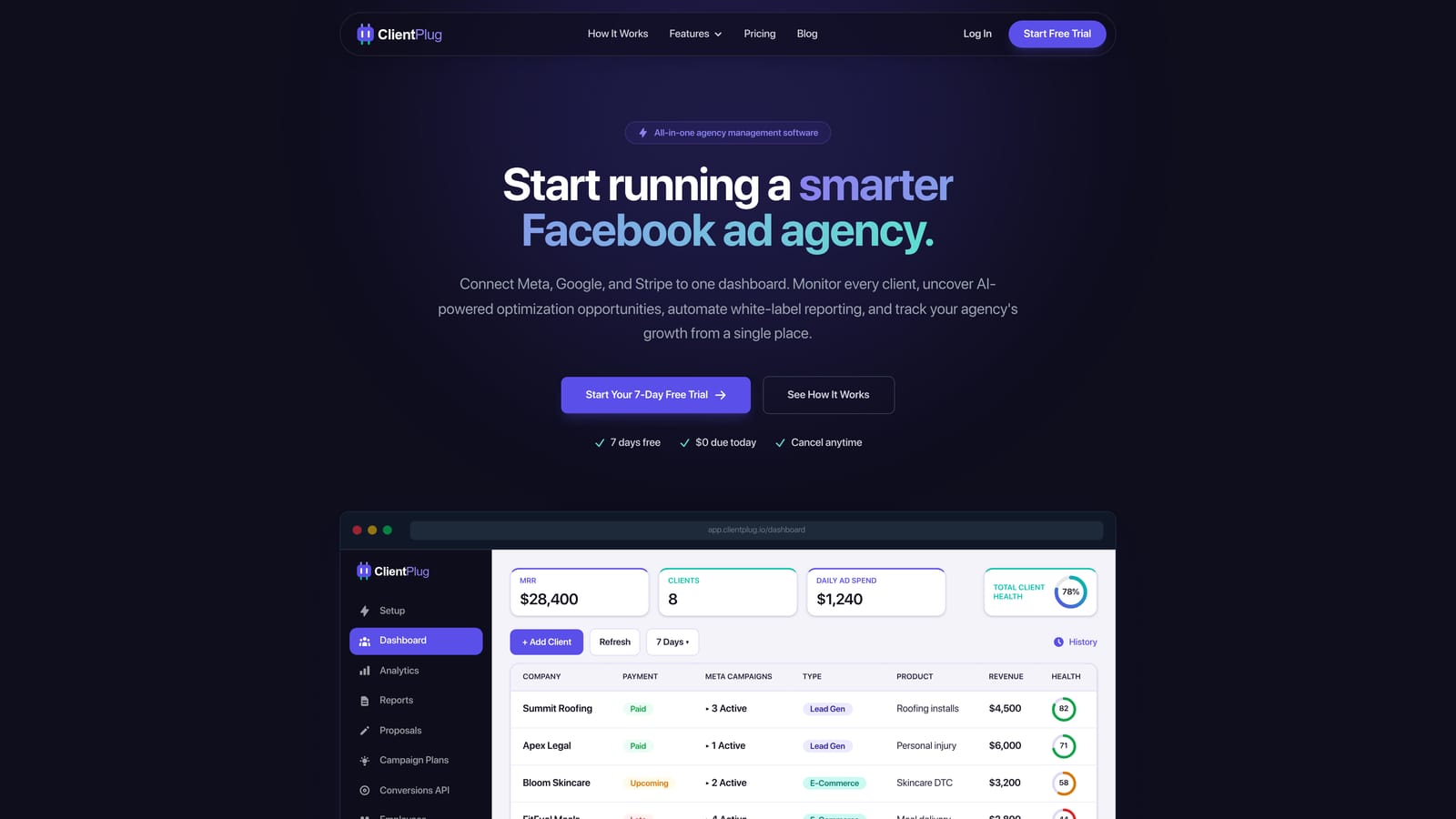
What sets it apart on this list is that reports are automated, white-labeled, and built from the same data you use to run the account. You see campaign health, payment status and client records side by side, then send the client a branded report without assembling a deck.
- Automated white-label reports go out under your agency's brand, cutting the monthly slide-building routine.
- Meta and Google Ads monitoring shows the health of individual ads, campaigns, clients and the agency as a whole.
- Client payment tracking shows who has paid and who is late, in the same view as performance.
- AI campaign optimization suggests improvements so you spend less time hunting for problems.
- Conversion API setup takes a few clicks, which helps tracking quality without developer help.
Integrations center on Meta Ads and Google Ads, and the dashboard auto-syncs data from them, so setup is mainly connecting accounts. The agency owner or account manager typically runs it day to day.
The limitation is plain: ClientPlug is not a chat tool, proposal builder or full project management system. If clients want real-time conversation or task boards, pair it with something like Slack or Loom. It is also built around paid ads, so agencies doing mostly design or web work will find less value. Pricing is listed on the ClientPlug website, so check current plans there.
Best for: Facebook and Google ad agencies that want reporting, payments and campaign health in one place.
2. Slack
Slack is a team messaging platform that extends to clients through Slack Connect, which lets you share channels with people at other organizations. It suits agencies whose clients want quick, informal answers rather than formal portals.
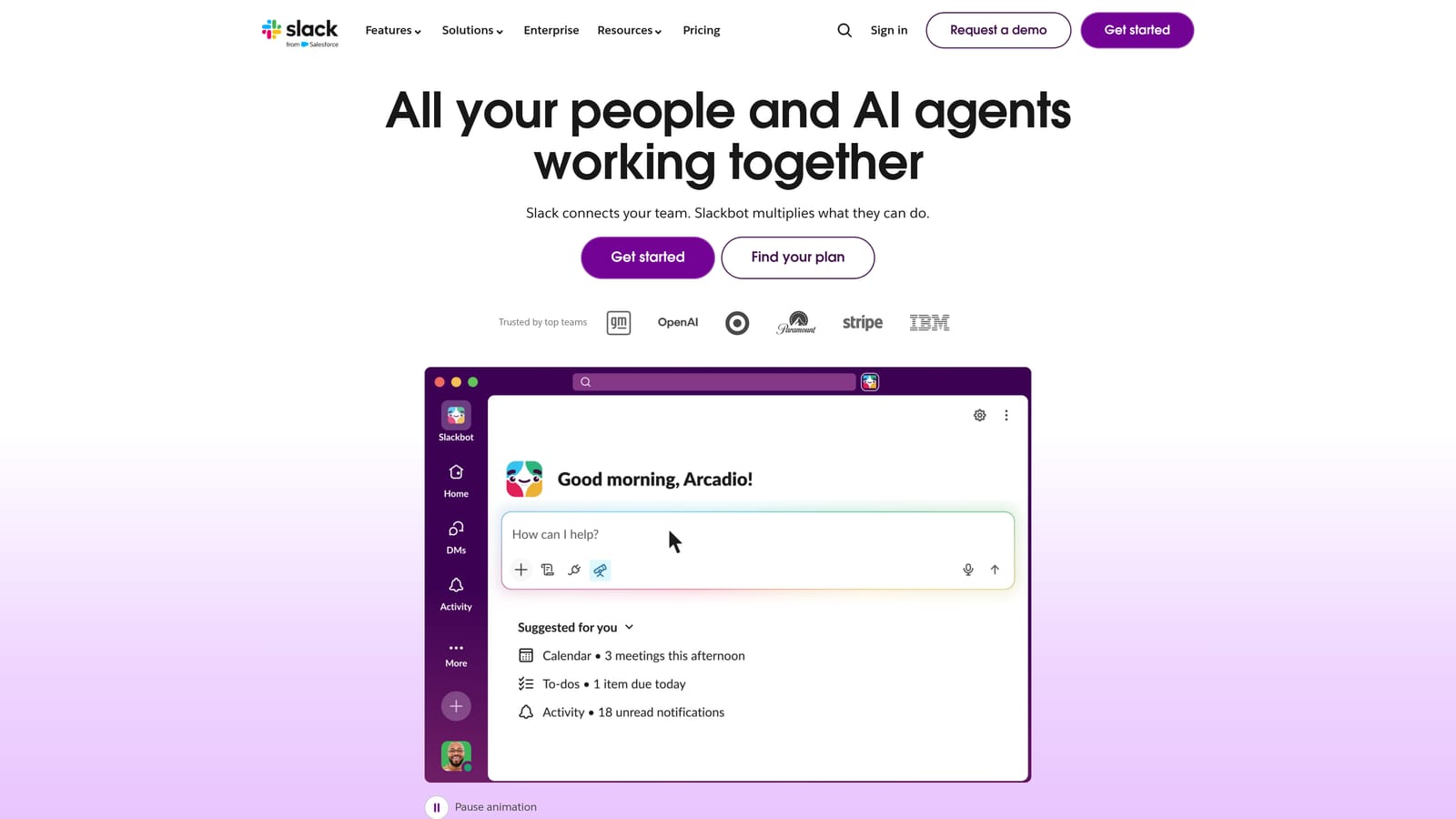
Its edge is speed and ecosystem. Shared channels give clients a direct line to the team, and the app directory is the largest on this list, so project, file and CRM tools can post updates into the same place.
- Slack Connect shared channels put clients and your team in one conversation without guest accounts in your workspace.
- Threads and search keep replies organized and make past decisions findable.
- Huddles let you jump into a quick audio call from a channel.
- Workflow automation handles routine prompts such as intake or weekly check-ins.
- The app directory connects Google Drive, Asana, Zoom, Salesforce and many others.
Setup is fast, and whoever owns client relationships usually manages channels, though someone should set naming and archiving rules. The real limitations: channels sprawl quickly, important approvals get buried in scrollback, and there is no built-in reporting or billing. It is a conversation layer, not a system of record.
Slack has a free plan and paid per-user plans. Cost grows with the number of paid members on your side; verify current plan details as of October 2026.
Best for: Agencies whose clients expect fast, informal real-time conversation.
3. Basecamp
Basecamp combines project management and team communication in a deliberately simple structure. Each client gets a project with message boards, to-dos, schedules and files in one place.
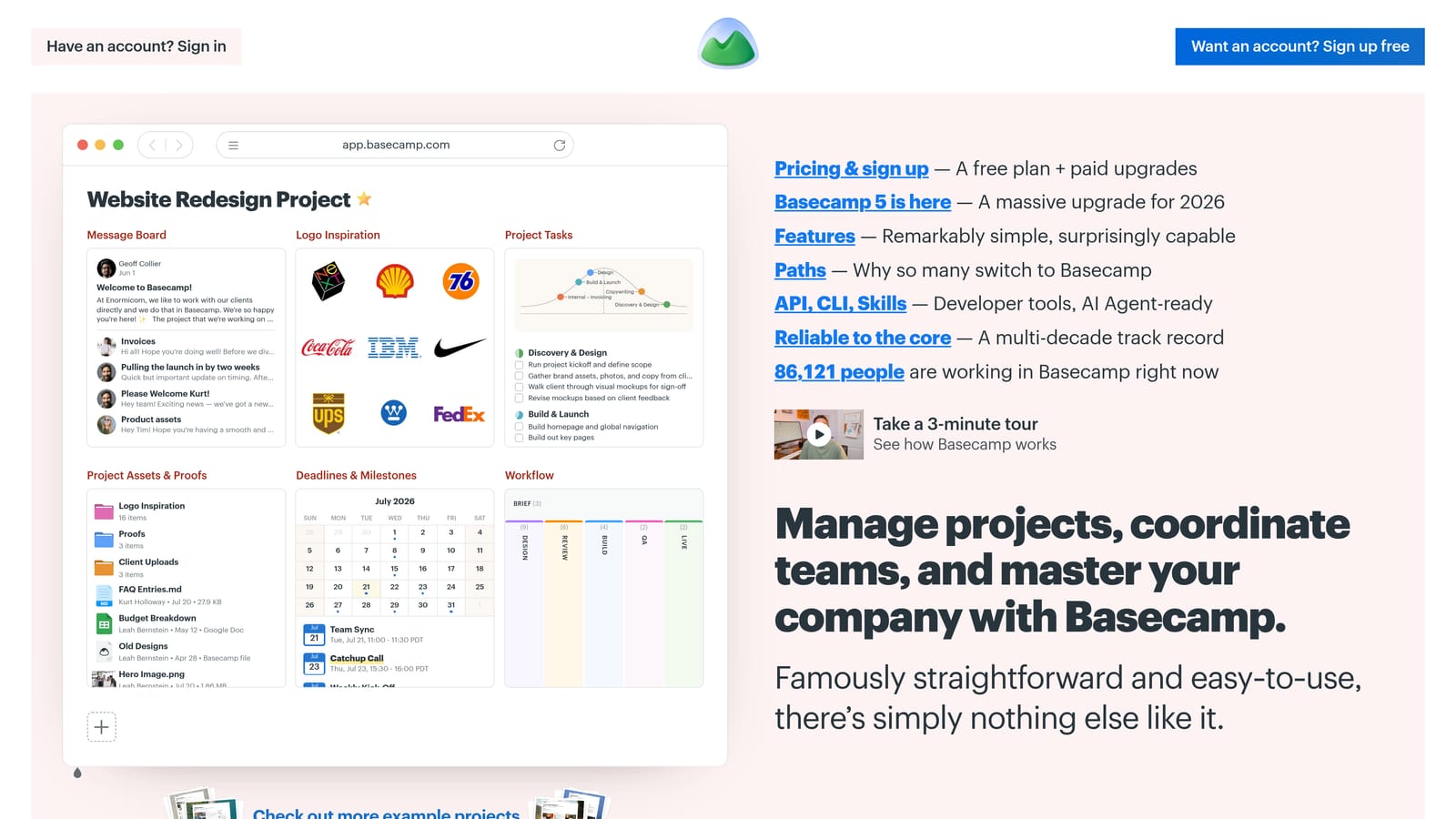
Its distinctive strength is control over visibility. You can decide per item what clients see and what stays internal, so candid team discussion and polished client updates live in the same project without leaking into each other.
- Message boards replace long email threads with a single searchable record per topic.
- To-dos and schedules show clients what is done and what is due.
- Automatic check-ins ask the team or client recurring questions, so status arrives without chasing.
- Client visibility controls keep internal notes private.
It integrates through Zapier, Google Drive, and Slack via third-party tools, so expect lighter native connections than the bigger platforms. Setup is quick, and a project lead typically owns each client space.
The trade-off is simplicity. Reporting, automation and customization are limited, and agencies that want dashboards or detailed workflow rules will outgrow it. It is also not a billing or ad reporting tool. Basecamp is sold on paid plans; check its website for current pricing.
Best for: Small creative agencies that want a calm, all-in-one project space for clients.
4. Asana
Asana is a work management platform where communication hangs off tasks and deliverables. Instead of asking "did you see my email?", feedback and sign-off happen on the item itself.
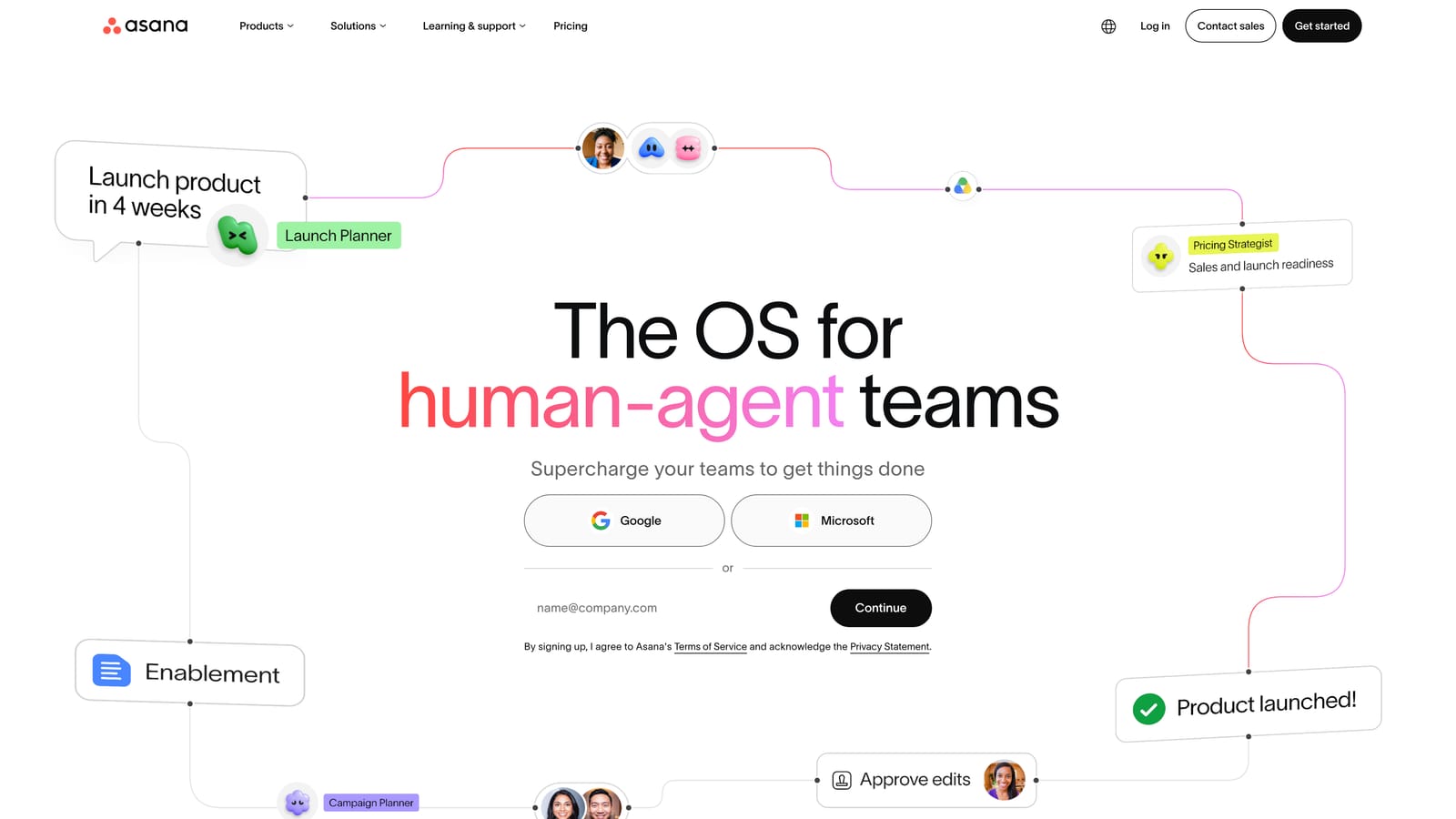
Its distinctive strength on this list is approvals and proofing attached directly to tasks. A creative asset, ad copy draft or landing page can be reviewed, commented on and approved in one place, leaving a clear audit trail.
What it offers
- Task comments keep feedback attached to the work it concerns.
- Approvals and proofing let clients or stakeholders formally sign off deliverables.
- Intake forms standardize client requests so they arrive as structured tasks.
- Rules automation assigns, moves and notifies without manual steps.
- Timeline views show clients and teams how deadlines connect.
Setup and limits
It connects to Slack, Google Workspace, Adobe Creative Cloud and Microsoft Teams. Setup takes some planning, since templates and permissions need design, and a project manager or operations lead usually runs it.
The main snag is cost and access: per-seat pricing and guest rules can complicate bringing clients in, so confirm how guests are treated on your plan. It has no ad performance reporting or payment tracking. Asana offers a free tier and paid per-seat plans; verify as of October 2026.
Best for: Agencies with deliverable-heavy workflows that need formal approvals.
5. Monday.com
Monday.com is a customizable work operating system built from boards, dashboards, forms and automations. Agencies use it to shape a workspace around their own process, including views clients can follow.
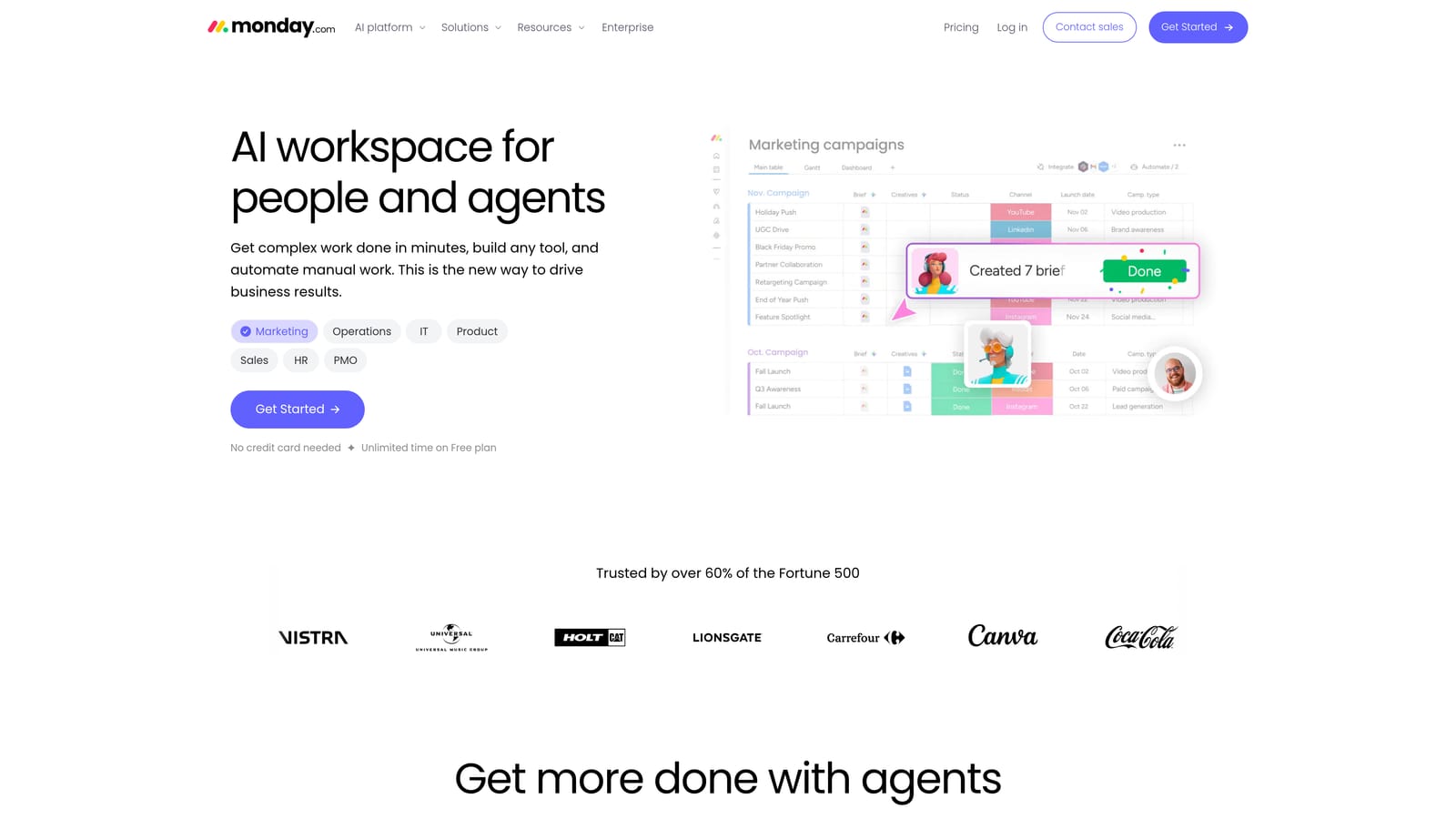
Its standout is flexibility. Few tools here let you build a client-facing board and summary dashboard to your own specification, then replicate it across many accounts.
- Custom boards model campaigns, content pipelines or onboarding in whatever columns you need.
- Dashboards roll up status across clients for you and for review calls.
- Forms capture client requests directly into boards.
- Automations notify people and change statuses when conditions are met.
- Updates on items keep conversation attached to the specific piece of work.
It integrates with Slack, Gmail, Google Drive and Zoom. Setup effort is real: someone has to design boards, permissions and automations, and that person often becomes the internal admin.
That heaviness, plus seat minimums, can overwhelm very small teams. Client access can also add to seat counts depending on how you configure it, so check this before rolling it out. Monday.com has a free tier and paid per-seat plans with seat minimums; verify as of October 2026.
Best for: Mid-size agencies that want a configurable workspace across many clients.
6. Trello
Trello is a Kanban board tool that many agencies share with clients for content calendars, approvals and simple task pipelines. Cards move across columns, and everyone sees where things stand.
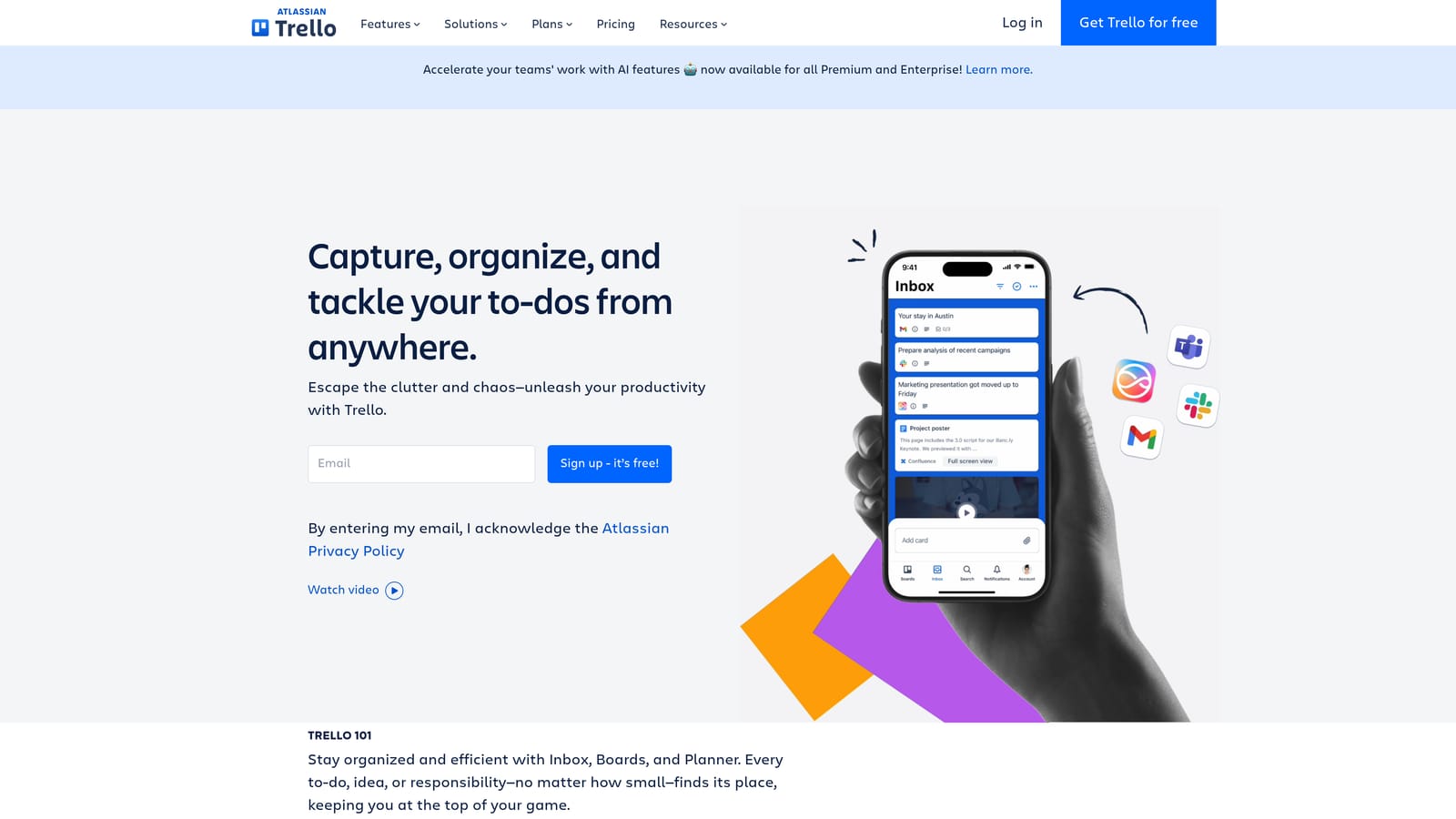
Its advantage is clarity. A client can open a board for the first time and understand it without training, which matters when your clients are busy and unwilling to learn software.
- Kanban boards show work moving from idea to approved to published.
- Card comments let clients leave feedback right where the work sits.
- Butler automation handles repetitive moves and reminders.
- Power-Ups add calendars, custom fields and other extras.
- Board sharing invites clients without much account friction.
It integrates with Slack, Google Drive, Jira and Dropbox. Setup takes minutes, and the freelancer or account manager can run it alone.
The limits show up as you grow. Trello has little built-in messaging, reporting or billing, and boards with dozens of cards per client become hard to read. It is a pipeline view, not a communication hub. It has a free plan and paid per-user plans; verify as of October 2026.
Best for: Freelancers and tiny agencies sharing a simple content or task pipeline.
7. Dubsado
Dubsado is a client management system for forms, contracts, proposals, scheduling and invoices, tied together by automated workflows. It focuses on the front half of the client relationship.
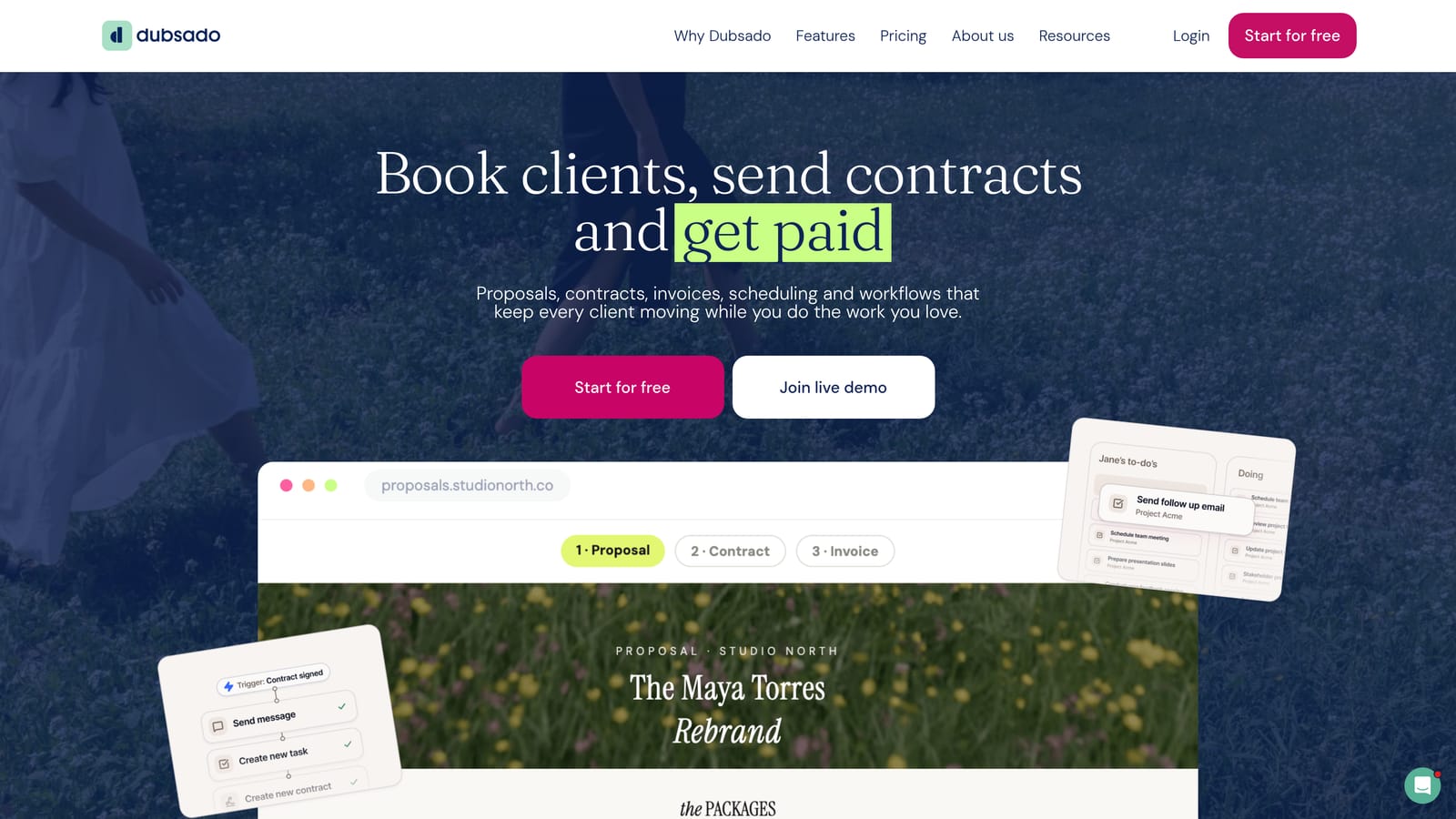
What it does best here is onboarding automation. You can chain a questionnaire, contract, welcome email and first invoice so a new client moves through the sequence with little manual effort from you.
- Workflow automation triggers emails, forms and reminders in a set order.
- The client portal gives clients one place for documents, signing and payment.
- Contracts and proposals are built from templates and signed online.
- Invoicing collects payments, including through Stripe and PayPal.
- Scheduling lets clients book calls without email back-and-forth.
It integrates with Zapier, Google Calendar, Stripe and PayPal. Setup is the main investment: templates and workflows take time to build well, and usually one person, often the owner, runs it.
It has no ad performance reporting and is less suited to team-scale project work, so it will not replace a PM tool or reporting dashboard. Dubsado is sold on paid monthly or annual plans; verify details as of October 2026.
Best for: Solo consultants and small studios that want automated client onboarding.
8. HoneyBook
HoneyBook is a client management platform covering inquiries, proposals, contracts, payments and a client portal. It is designed for service professionals who sell projects to individual clients.
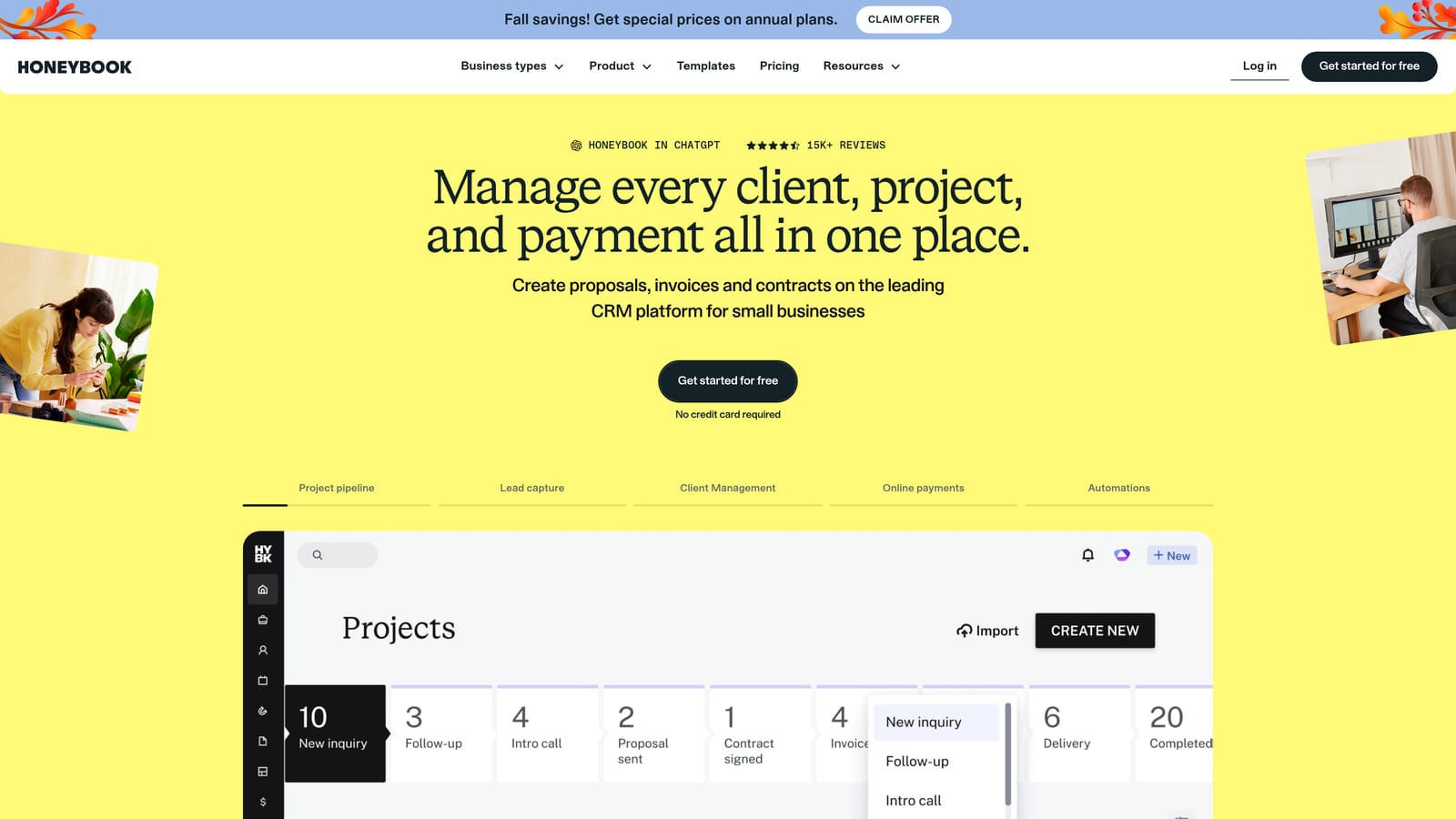
Its distinctive trait is a single branded flow from inquiry to payment. A prospect can inquire, receive a proposal, sign, pay and message you without leaving one experience.
- The client portal and messaging keep conversations alongside the project's documents.
- Proposals and contracts can be sent, signed and tracked in one place.
- Invoices and payments let clients pay online, including on schedules.
- Automations send reminders and follow-ups on your behalf.
- Scheduling handles booking calls and meetings.
It connects with QuickBooks, Google Calendar and Zapier. Setup is relatively light, and the freelancer or owner usually handles it solo.
It is built for service freelancers and small businesses, so performance marketing agencies will find limited fit: no campaign reporting, and little for multi-person delivery teams. HoneyBook is sold on paid plans; verify current pricing as of October 2026.
Best for: Freelance brand, web and content professionals running a lead-to-payment pipeline.
9. Loom
Loom is an asynchronous video messaging tool for recording your screen and camera. Instead of scheduling a status call, you record a walkthrough and send a link.
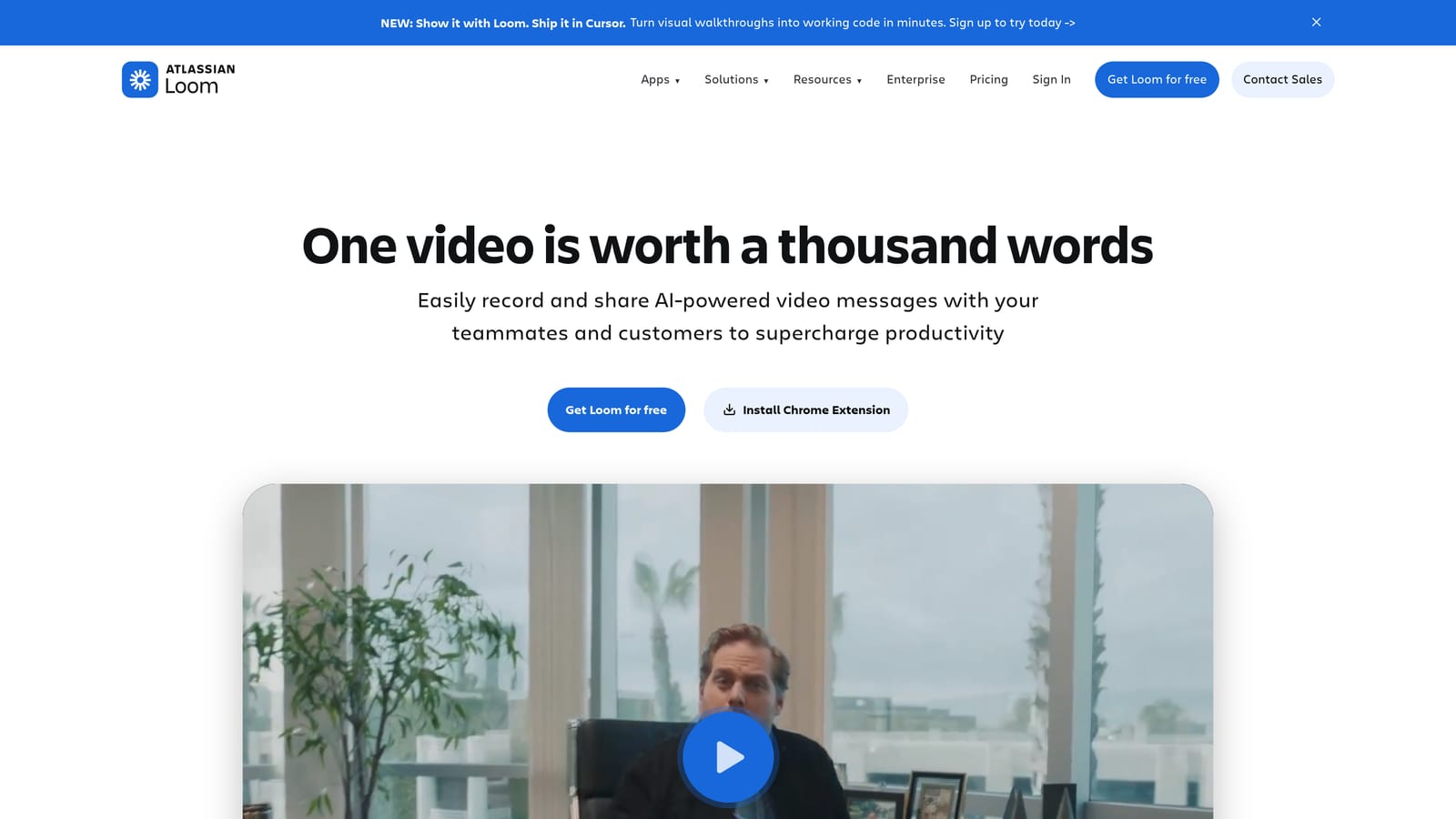
It stands out for explaining things that are hard to write: a dashboard walk-through, creative feedback or a campaign change rationale. It also shows when a client has watched, which answers the question "did they see it?"
- Screen and camera recording lets you narrate results or creative in minutes.
- Viewer comments and reactions give clients a light way to respond.
- Viewer insights show who watched and when.
- Share links work without requiring clients to install anything.
- Transcripts make videos skimmable and searchable.
It integrates with Slack, Notion, Gmail and Jira, and setup is close to zero. Anyone on the team can record, so adoption is easy.
It is not a full communication hub. There is no task tracking, billing or reporting, and videos can pile up without structure. It works best as an add-on to another platform. Loom has a free plan and paid plans per creator; verify as of October 2026.
Best for: Agencies that explain results and creative feedback asynchronously.
Matching the Platform to Your Agency
No single tool here covers chat, projects, billing and reporting well, so decide which job your clients care about most. Also watch per-seat pricing, since clients counted as seats can inflate costs quickly.
- Performance-focused agencies: start with ClientPlug for reporting, payments and campaign health. Add Slack for real-time chat or Loom for video walkthroughs of results.
- Project-heavy creative teams: Asana suits formal approvals, Basecamp suits a calmer client space, and Monday.com suits agencies that want to build their own structure.
- Solo freelancers: Trello for simple pipelines, Dubsado or HoneyBook when contracts, onboarding and invoices matter most.
If you run Facebook or Google ads for clients, ClientPlug plus Slack or Loom is a practical pairing: one handles the data and reports, the other handles the conversation. Learn more about our services.