If you run Google Ads for a handful of clients or a few dozen, you have probably outgrown the tab-per-client routine. This guide is for agency owners and freelancers who want one place to see account health, report to clients, or act on campaigns. The tools were judged on Google Ads depth, multi-client management, white-label reporting, pricing transparency and fit for agency size. "Dashboard" covers four different jobs here (operations, native account management, reporting, optimization), so each entry says which job it does.
Quick Comparison of Google Ads Agency Dashboards
- ClientPlug: agencies and freelancers wanting ads, payments and clients in one place; pricing on its website; combines ad health monitoring with client payment tracking.
- Google Ads Manager Account (MCC): Google-only agencies needing multi-account access; free; native control over account access and billing across clients.
- Looker Studio: agencies with analysts who want custom reports; free (paid Pro tier available); unlimited design flexibility with no license cost.
- AgencyAnalytics: full-service agencies reporting across SEO and paid; pricing on its website; SEO rank tracking and ad reporting in client-facing portals.
- DashThis: agencies needing quick recurring reports; pricing on its website; quick-start templates that get reports live fast.
- Databox: performance-focused teams tracking targets; free tier plus paid plans; goal and benchmark tracking with performance alerts.
- Optmyzr: PPC specialists who want to act on accounts; pricing on its website; deep optimization and bulk editing directly in accounts.
- Swydo: small to mid-sized agencies wanting simple reporting; pricing on its website; budget monitoring paired with simple report building.
- Supermetrics: agencies with analysts building custom data models; pricing on its website; a cross-channel data pipeline into any BI destination.
1. ClientPlug
ClientPlug is an all-in-one client organizer for digital marketing agencies and freelancers. It syncs Google and Meta Ads performance, client payments and client data into a single dashboard, so the person running the agency can see how campaigns are doing and who has paid without opening four tools. It is an operations-plus-ads organizer, not a business intelligence product, and that distinction shapes who should choose it.
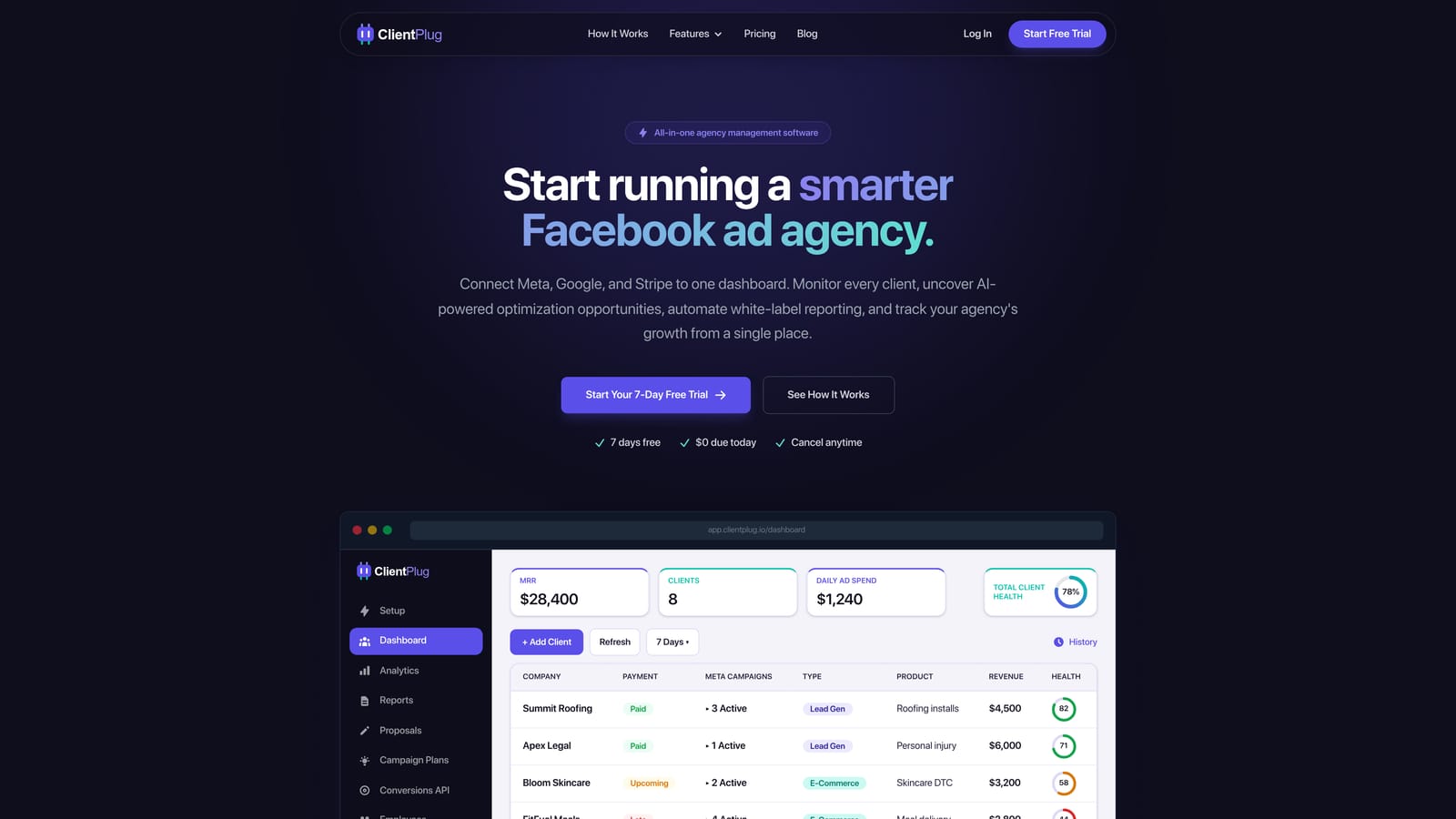
Its distinctive trait on this list is the pairing of ad health monitoring with payment tracking. Imagine a 15-client agency at month end: you want to know which accounts are pacing badly, which invoices are outstanding, and which reports still need sending. Most tools below answer only the first or third question. ClientPlug puts all three in one view.
- Google and Meta Ads performance monitoring shows the health of individual ads, campaigns, clients and the agency as a whole.
- Client payment tracking syncs payments so you can spot late payers next to the accounts you are working on.
- Automated white-label reports go to clients under your branding without manual assembly.
- AI campaign optimization suggests improvements, so you spend less time hunting for problems.
- Conversion API setup takes a few clicks, which helps when clients need better tracking but have no developer.
Integrations center on Google Ads and Meta Ads, and setup is mostly connecting client accounts. The agency owner or an account manager can run it day to day without an analyst.
The limitation is scope. It is not a deep BI or custom data modeling tool, so if you need blended warehouse data, bespoke metrics or heavily designed report layouts, pair it with Looker Studio or a connector. Agencies that run mostly SEO, email or LinkedIn reporting will also find the channel coverage narrower than reporting platforms. Pricing is listed on the ClientPlug website; check it for current plans and limits as of October 2026.
Best for: Agencies and freelancers wanting ads, payments and clients in one place.
2. Google Ads Manager Account (MCC)
The Google Ads Manager Account, usually called an MCC, is Google's native way to link many client Google Ads accounts under one login. If you are new to the term, MCC stands for "My Client Center," the older name for a manager account. It is the starting point for nearly every Google Ads agency, and it is free.
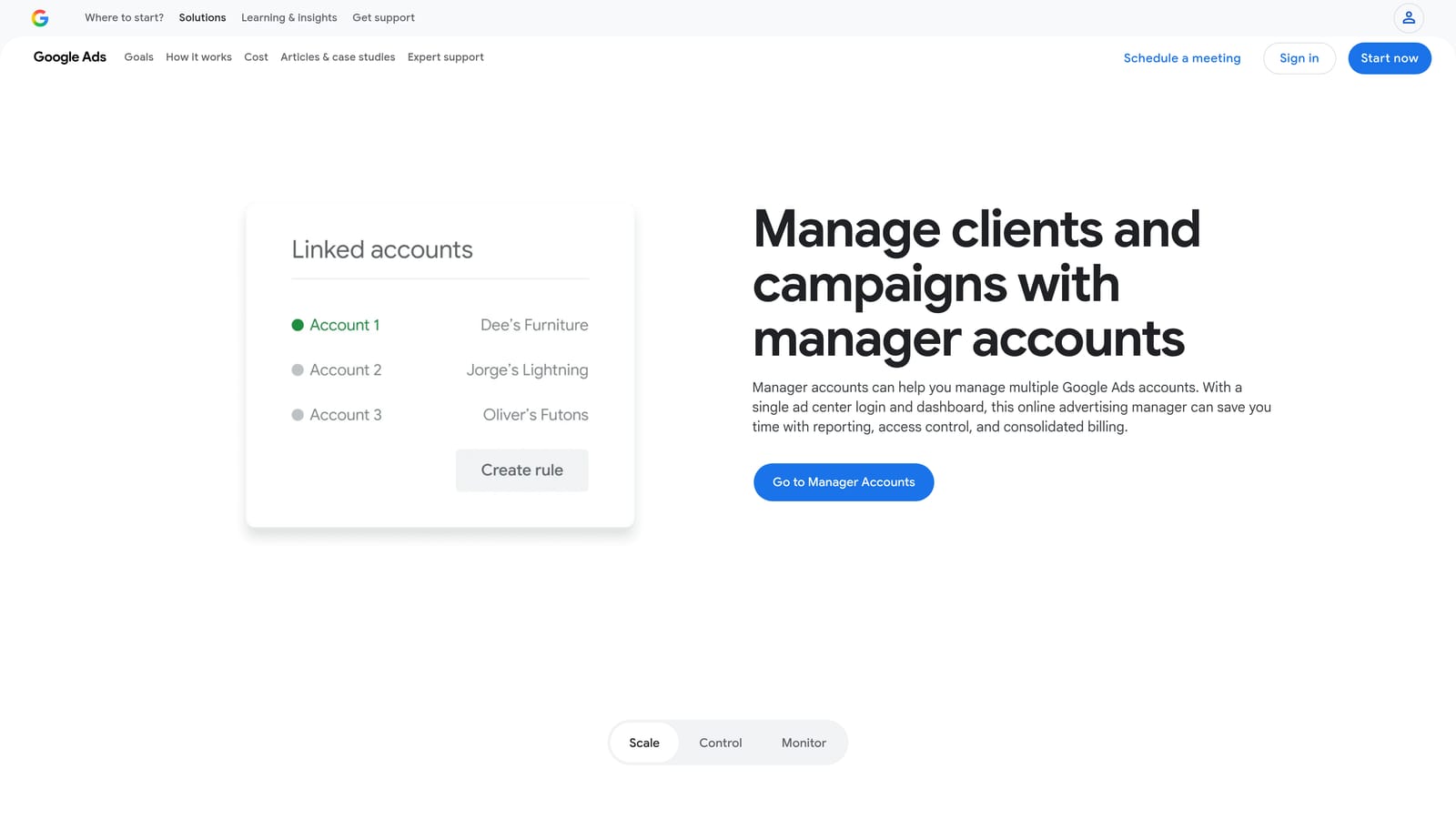
Its edge over the rest of the list is control. Because it is native, you manage account access, user permissions and billing relationships across clients directly inside Google, with no third-party sync to break.
- Linking client accounts lets you switch between them without separate logins.
- Account-level user access means you can grant a freelancer or junior access to specific clients only.
- Scripts and automation let you build custom checks, such as flagging accounts that stop spending.
- Shared budgets and alerts help you catch pacing problems before the month closes.
It connects to Google Analytics and Looker Studio, and setup takes minutes. Whoever manages the ads runs it, though scripts need someone comfortable with JavaScript.
A common misconception is that an MCC alone covers client reporting. It does not. It has no polished white-label reports, no non-Google data such as Meta or CRM, and no payment or client-management layer. Agencies with a 15-client roster usually outgrow it as a reporting tool within a few months, while keeping it as the access backbone. It is free, with no tiers.
Best for: Google-only agencies needing free multi-account access.
3. Looker Studio
Looker Studio is Google's free dashboard builder. It connects to Google Ads and many other sources, and you design client reports with drag-and-drop charts, tables and filters.
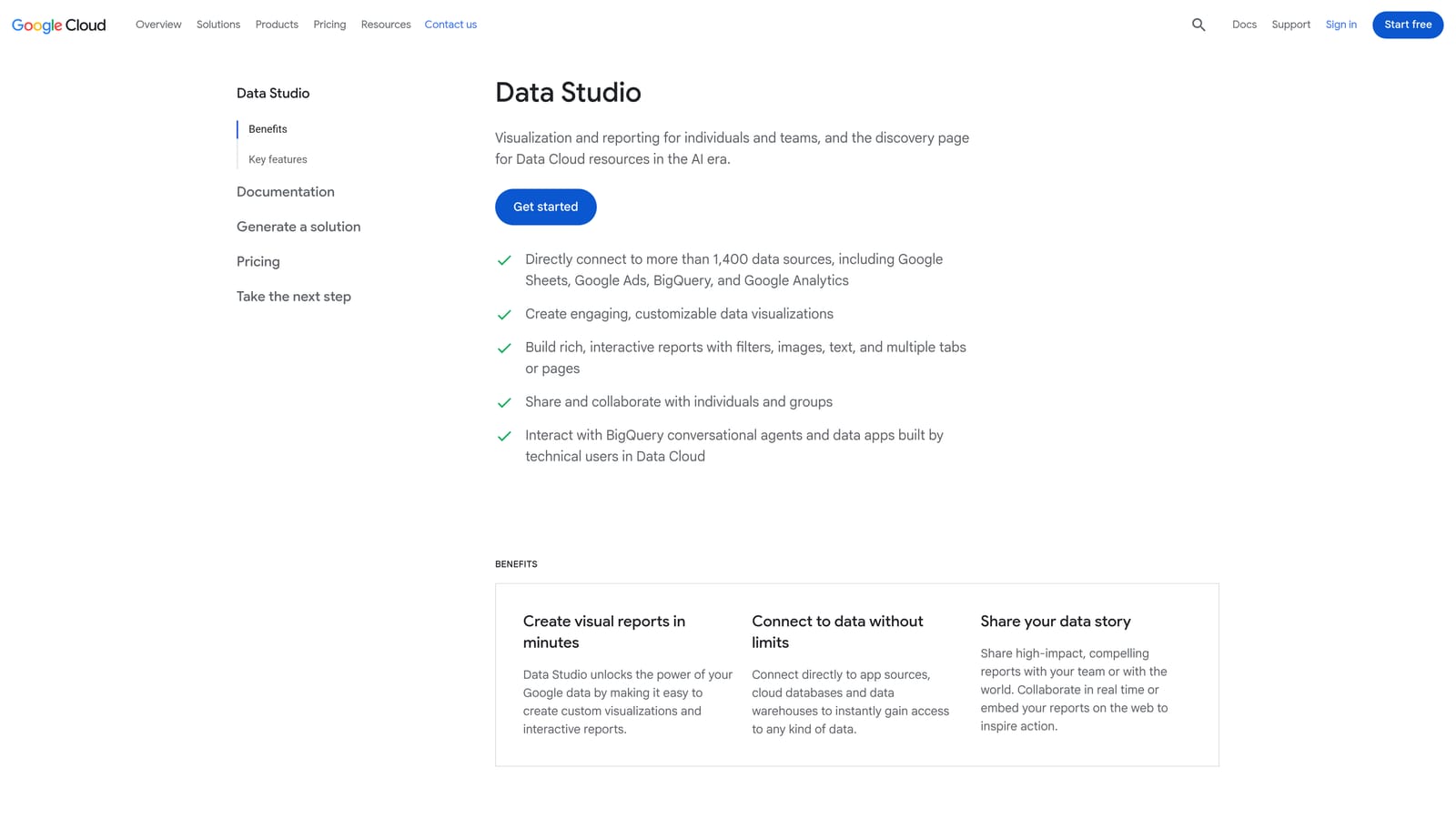
What it does better than anything else here is design freedom at zero license cost. You decide exactly which metrics appear, how they are blended and how the page looks. Data blending lets you join Google Ads with GA4 or a spreadsheet of client revenue, which makes it possible to show cost per qualified lead rather than cost per click.
What you get
- A native Google Ads connector that pulls campaign, ad group and keyword data.
- Drag-and-drop design so reports match a client's brand and priorities.
- Template cloning, so one well-built report can be copied per client and pointed at a new account.
- Data blending to combine Google Ads with GA4, Search Console, BigQuery or Sheets.
The real cost
The price is time. Building a template, handling quirks in blended data, and fixing reports when connectors or fields change all fall on someone. Agencies with an analyst find this worthwhile; an owner doing it between client calls often does not. It also offers no payments, client records or optimization, and it is a view of data, not a place to act on it.
It is free, and a paid Pro tier exists for team management features; verify current details on the site as of October 2026. Non-Google sources often require a paid connector such as Supermetrics.
Best for: Agencies with analysts wanting fully custom reports.
4. AgencyAnalytics
AgencyAnalytics is a reporting platform built around client-facing dashboards and white-label scheduled reports across marketing channels. It suits agencies that sell more than paid search and want one portal per client.
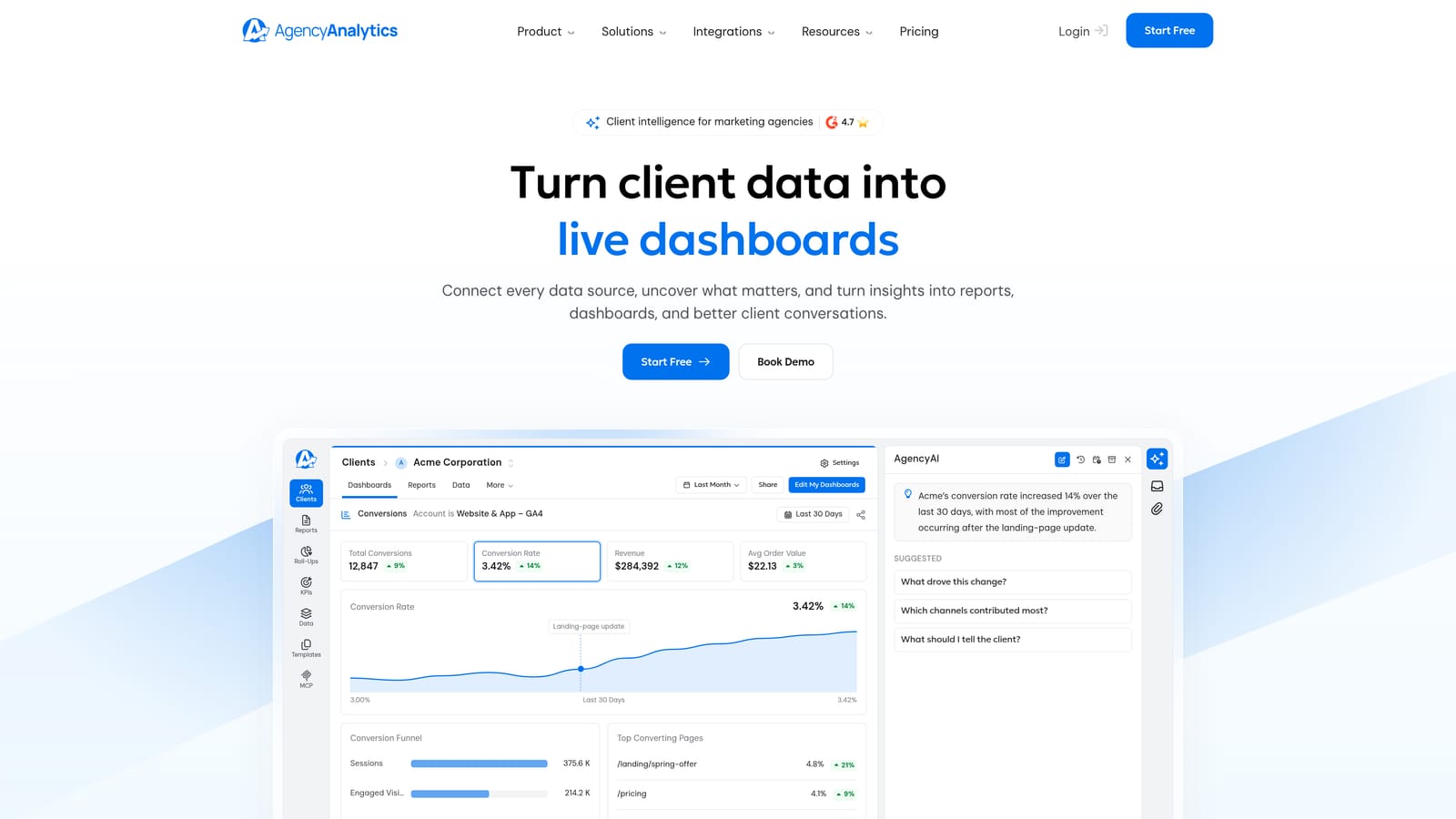
Its differentiator is combining SEO rank tracking with ad reporting. A client who pays for Google Ads and organic work can log in to one branded dashboard and see keyword positions beside ad spend and conversions, which makes the agency's whole contribution visible.
- White-label client dashboards put your branding and domain in front of clients.
- Scheduled reports go out automatically, removing the month-end assembly scramble.
- Rank tracking shows organic keyword movement alongside paid results.
- A wide integration library covers Google Ads, GA4, Meta Ads, Search Console and Mailchimp, among others.
Setup is connecting each client's accounts and choosing a dashboard template, and account managers can usually run it themselves. The limitation is depth on the ad side: it reports on campaigns but is lighter on optimization and bulk changes than PPC specialists like Optmyzr, so you still work in Google Ads or another tool to improve accounts.
Pricing is tiered by number of campaigns, so the bill rises as your client roster grows. Because that is the variable, model your cost at today's client count and at double it before committing. Check the website for current plans as of October 2026.
Best for: Full-service agencies reporting across SEO and paid.
5. DashThis
DashThis offers template-based reporting dashboards that refresh automatically from a large set of marketing data sources. It is designed for agencies that want recurring client reports without designing each one.
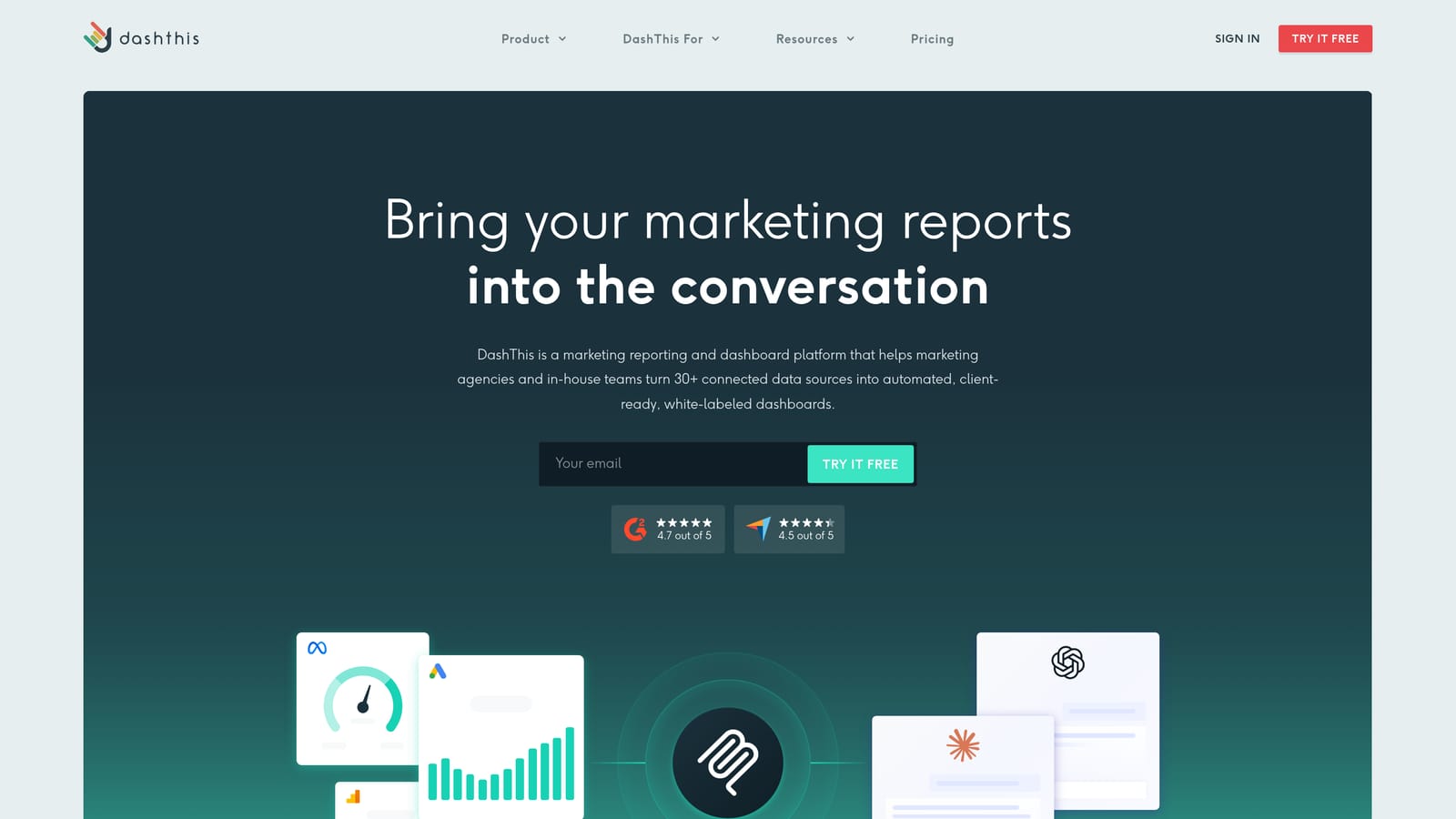
Its standout is speed to a finished report. You pick a template, connect Google Ads and other sources, and the dashboard populates. For an agency that currently spends the first two days of each month copying numbers into slides, that shift alone can justify it.
- Report templates provide a ready layout for PPC, SEO or social, so you are not starting from a blank page.
- Automatic data updates keep dashboards current without manual exports.
- A large integration library covers Google Ads, GA4, Facebook Ads, LinkedIn Ads and HubSpot.
- Shareable dashboards let clients view results through a link or scheduled delivery.
Setup is light and the person who owns client reporting can run it. The trade-off is that it is reporting only. There is no campaign management, no budget actions and no client billing, so it answers "what happened" but not "what should I change."
Pricing is based on the number of dashboards, which maps neatly to clients but means costs climb steadily as the roster grows. Check the website for current plan tiers as of October 2026. Agencies that want heavy customization beyond templates may find it more constrained than Looker Studio.
Best for: Agencies needing quick, no-fuss recurring reports.
6. Databox
Databox is a dashboard and goal-tracking platform that pulls Google Ads and other data into shareable views, with alerts when metrics move. It leans toward teams that manage to targets rather than just present history.
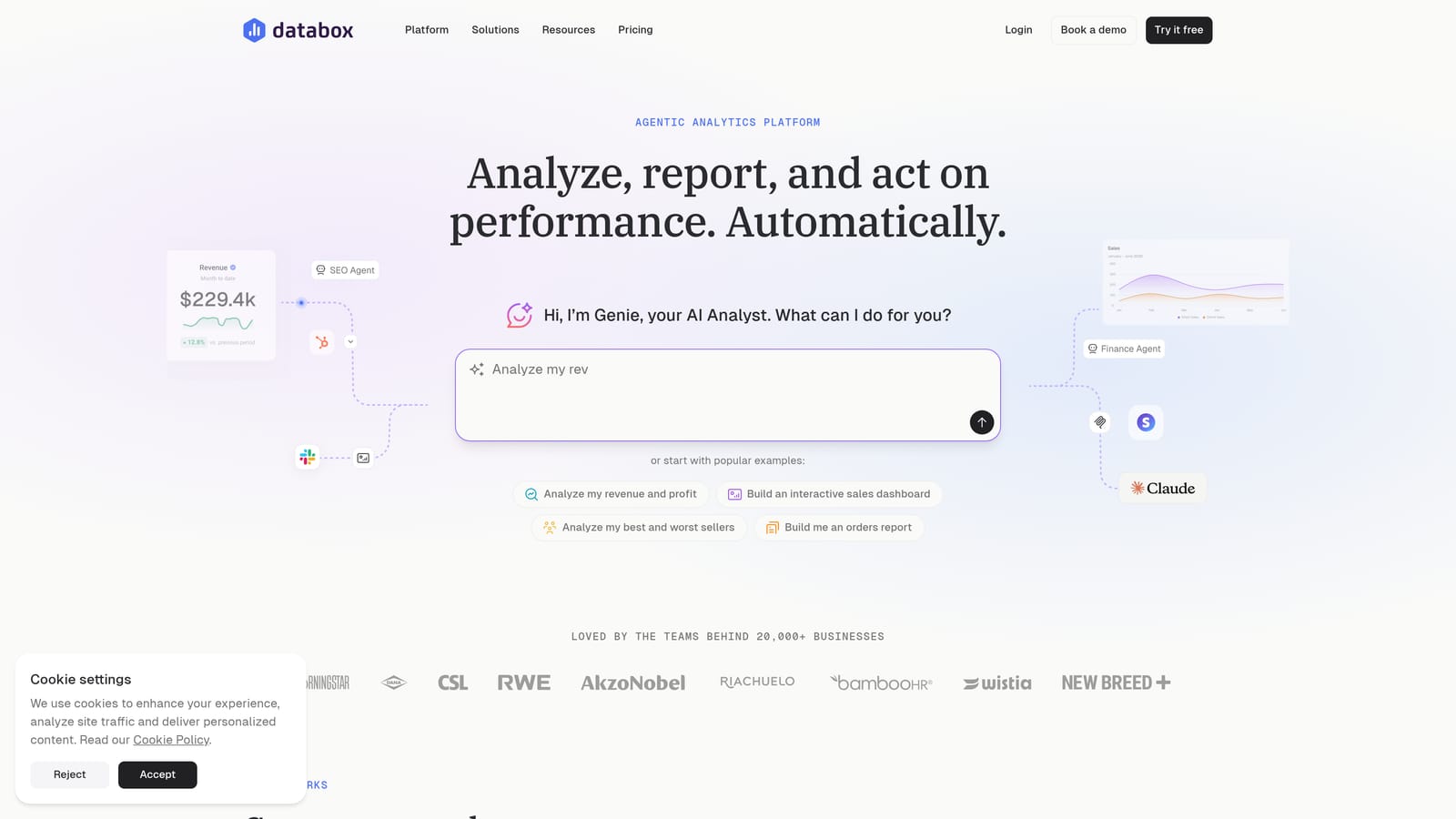
The distinctive piece is goal and benchmark tracking. You can set a target such as a cost-per-lead ceiling for a client and see progress against it, and get notified when a metric slips. That is closer to proactive monitoring than the static reports other tools produce.
- Goal tracking shows whether each account is on pace for its monthly target.
- Metric alerts flag drops in conversions or spikes in cost before the client notices.
- Calculated metrics let you define your own formulas, such as blended cost per acquisition.
- Mobile dashboards let you check performance away from a desk.
It integrates with Google Ads, GA4, HubSpot, Meta Ads and Shopify. Initial setup for one account is quick, but it gets heavier with many clients, since each needs its own data connections, goals and alert rules. Someone with a reporting mindset should own that configuration.
It has a free tier plus paid plans, so you can test it on a few accounts first. Limits on data sources and dashboards vary by plan, so confirm current details on the website as of October 2026. It is not a place to edit campaigns.
Best for: Performance-focused teams tracking targets.
7. Optmyzr
Optmyzr is a PPC management platform that gives optimization suggestions, rule-based automation and bulk editing for Google Ads. Unlike the reporting tools above, it is built for the person who changes accounts every day.
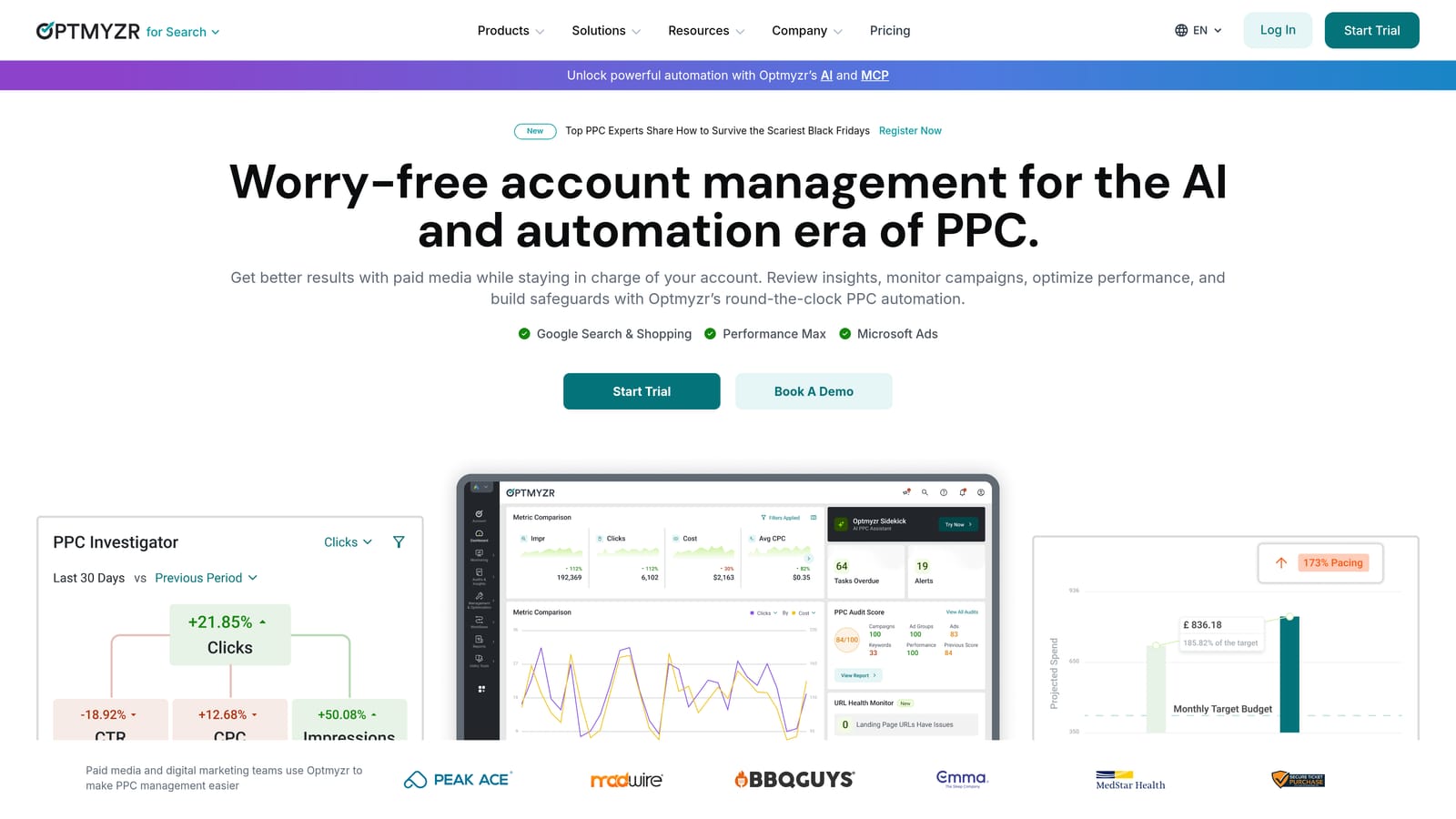
It does something none of the others do: it lets you act inside accounts at scale. A reporting dashboard can show that search terms are wasting spend, but Optmyzr can surface those terms and let you add negatives across many campaigns in one pass. This addresses the misconception that a prettier dashboard improves performance. Visibility helps, but only actions change results.
- Optimization suggestions highlight bid, budget and keyword changes worth reviewing.
- A rule engine automates routine checks, such as pausing ads that overspend or alerting on pacing.
- Bulk editing applies changes across campaigns or accounts without clicking through each one.
- Account audits give a structured health check when you take on a new client.
- Reporting is included, though it is secondary to the optimization tools.
It connects to Google Ads, Microsoft Ads, Amazon Ads and Meta Ads. Setup is straightforward, but getting value takes PPC expertise, so a specialist should run it rather than an account coordinator. It has no billing or CRM layer, so you still need something for payments and client records.
Pricing is based on ad spend managed, which means cost scales with how much your clients spend. Agencies growing client budgets should factor that in. See the website for current pricing as of October 2026.
Best for: PPC specialists who want to act on accounts, not just view them.
8. Swydo
Swydo is a reporting and monitoring platform for agencies, with white-label reports and budget tracking. It targets teams that want straightforward client reports without a steep learning curve.
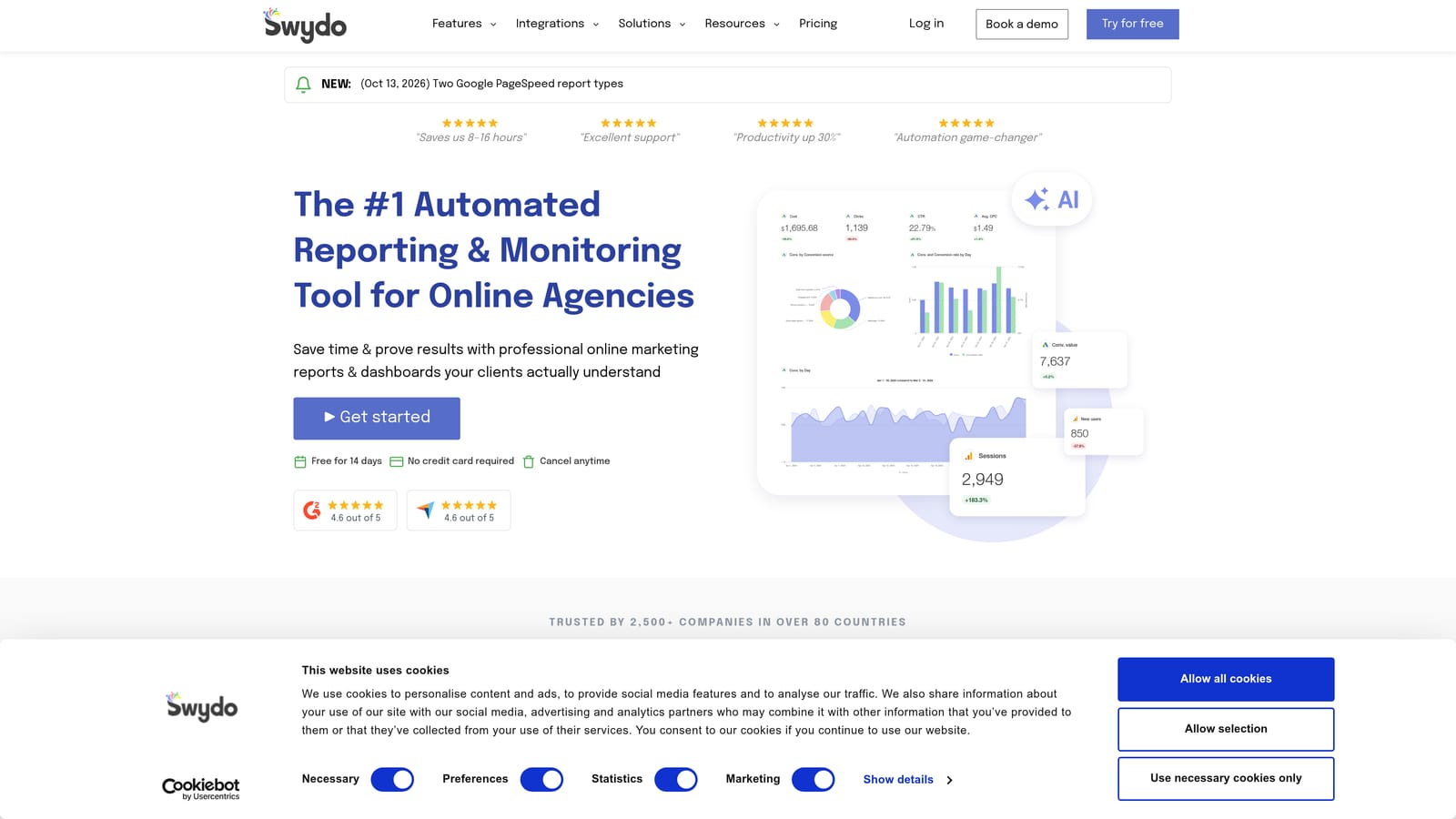
What sets it apart here is budget monitoring paired with simple report building. For a 15-client agency, budget pacing is a recurring worry: an account overspending by midmonth or underspending and leaving results on the table. Swydo lets you watch spend against budget and then produce the client report from the same data.
- White-label reports carry your branding so clients see the agency, not the tool.
- Budget monitoring shows spend against plan so pacing problems surface early.
- PPC and SEO data sources let you cover paid and organic in one report.
- Scheduled delivery sends reports on a set cadence without manual effort.
It integrates with Google Ads, Meta Ads, GA4, Microsoft Ads and Search Console. Setup is light, and an account manager can typically run it alone. The limitation is that it has fewer automation tools than PPC specialists, so it will not bulk edit campaigns or suggest optimizations the way Optmyzr does.
Pricing is by data source plans, so costs depend on how many sources you connect. Agencies pulling several channels per client should price that out carefully. Check the website for current plans as of October 2026.
Best for: Small to mid-sized agencies wanting simple reporting.
9. Supermetrics
Supermetrics is a data connector. A data connector moves data from a platform such as Google Ads into a destination like a spreadsheet, BI tool or data warehouse. It does not give you a dashboard itself; you build the views elsewhere.
Its distinctive value is a unified cross-channel pipeline into whatever destination your analysts prefer. If you want Google Ads, Meta and CRM data landing in BigQuery or Snowflake for a custom model, this is the plumbing that makes it possible.
- A Google Ads connector pulls detailed campaign data without manual exports.
- Looker Studio and Sheets destinations feed the most common agency reporting setups.
- Warehouse transfers send data into BigQuery or Snowflake for larger modeling work.
- Scheduled refreshes keep the data current without anyone pressing a button.
It also supports Power BI. Setup effort is moderate to high, because you must design the reports or models the data feeds. An analyst or data-minded team member should own it day to day.
It is not for agencies that want a ready-made dashboard, since there is nothing to look at until you build it. Pricing is tiered by sources and destinations, so adding channels or outputs raises the cost. Confirm current tiers on the website as of October 2026, and compare against Looker Studio's native Google Ads connector if you only need Google data.
Best for: Agencies with analysts building custom data models.
Matching a Dashboard to the Job You Need Done
For all-in-one agency operations, ClientPlug is the strongest fit on this list, since it keeps ad health, payments and client data in one view. For free native management, the Google Ads MCC is the foundation almost every Google Ads agency should have regardless of what else it adds. For custom reporting, Looker Studio gives the most design freedom if you have someone to build it, and Supermetrics suits teams that need data engineering behind it. For PPC optimization, Optmyzr is the pick when you want to change accounts, not just watch them.
Reporting-focused tools such as AgencyAnalytics, DashThis, Databox and Swydo fill the middle, differing mainly in channel breadth, speed and monitoring features. Remember that most of these price per client, dashboard or dollar of spend, so model costs at double your current roster.
Before committing, trial two tools with real client accounts, ideally through one full month-end reporting cycle. That will show you more than any feature list.