If you run paid media for clients, you have probably felt the cost of splitting work across ad managers, spreadsheets, invoicing apps, and reporting tools. This list is for agency owners and freelancers who want one place to see how clients are doing. The tools were judged on data connections, client reporting, workflow coverage, pricing transparency, and fit for small versus large teams. "Centralized dashboard" means different things across them, so check which kind of problem each one solves.
Quick Comparison of Each Dashboard
- ClientPlug: Meta and Google ad agencies and freelancers; pricing on the vendor site; ties client payment tracking to ad health monitoring.
- AgencyAnalytics: full-service agencies reporting on SEO, PPC, and social; per-client tiered pricing, see site; the broadest all-channel reporting, including SEO and call tracking.
- DashThis: small agencies wanting fast reports; tiered by dashboard count, see site; template-based setup with predictable pricing.
- Looker Studio: budget-conscious agencies with report-building skills; free; fully custom layouts on native Google data at no cost.
- Databox: owners who want KPI scorecards; tiered plans, see site; goal tracking and alerts with mobile access.
- Supermetrics: data-savvy agencies with an existing reporting stack; quote or tiered pricing, see site; deep paid media connector coverage that feeds any destination.
- Swydo: PPC-heavy agencies; tiered by data sources, see site; PPC-first report templates.
- Funnel.io: larger agencies consolidating multi-channel spend; quote-based; normalizes naming and currency before reporting.
- Monday.com: agencies bottlenecked on project coordination; per-seat tiers, see site; workload management across every client in one workspace.
Pick the Category Before the Tool
These nine products fall into four groups, and mixing them up is the most common buying mistake. An operations hub (ClientPlug) covers billing, client data, and ad performance together. A reporting layer (AgencyAnalytics, DashThis, Looker Studio, Databox, Swydo) turns data into dashboards and scheduled reports. A data pipeline (Supermetrics, Funnel.io) moves and cleans data but leaves the dashboard to you. A work management platform (Monday.com) organizes tasks and deadlines.
Two terms recur below. White-label reporting means reports and dashboards carry your agency's branding, not the vendor's. A data connector pulls numbers from an ad platform into another tool, while a dashboard is where people actually read them.
Agencies often buy a reporting tool when the real pain is chasing invoices and checking account health. Two other costs get overlooked: connector fees and client-seat limits. All pricing details here should be confirmed on each vendor's site, as plans change often (details as of November 2026).
1. ClientPlug
ClientPlug is the all-in-one client organizer from the company publishing this article, built for digital marketing agencies and freelancers who run Meta and Google Ads for clients. It syncs client payments, campaign data, and client records into one dashboard, so the question "who has paid and how are their ads doing?" has one answer in one place.
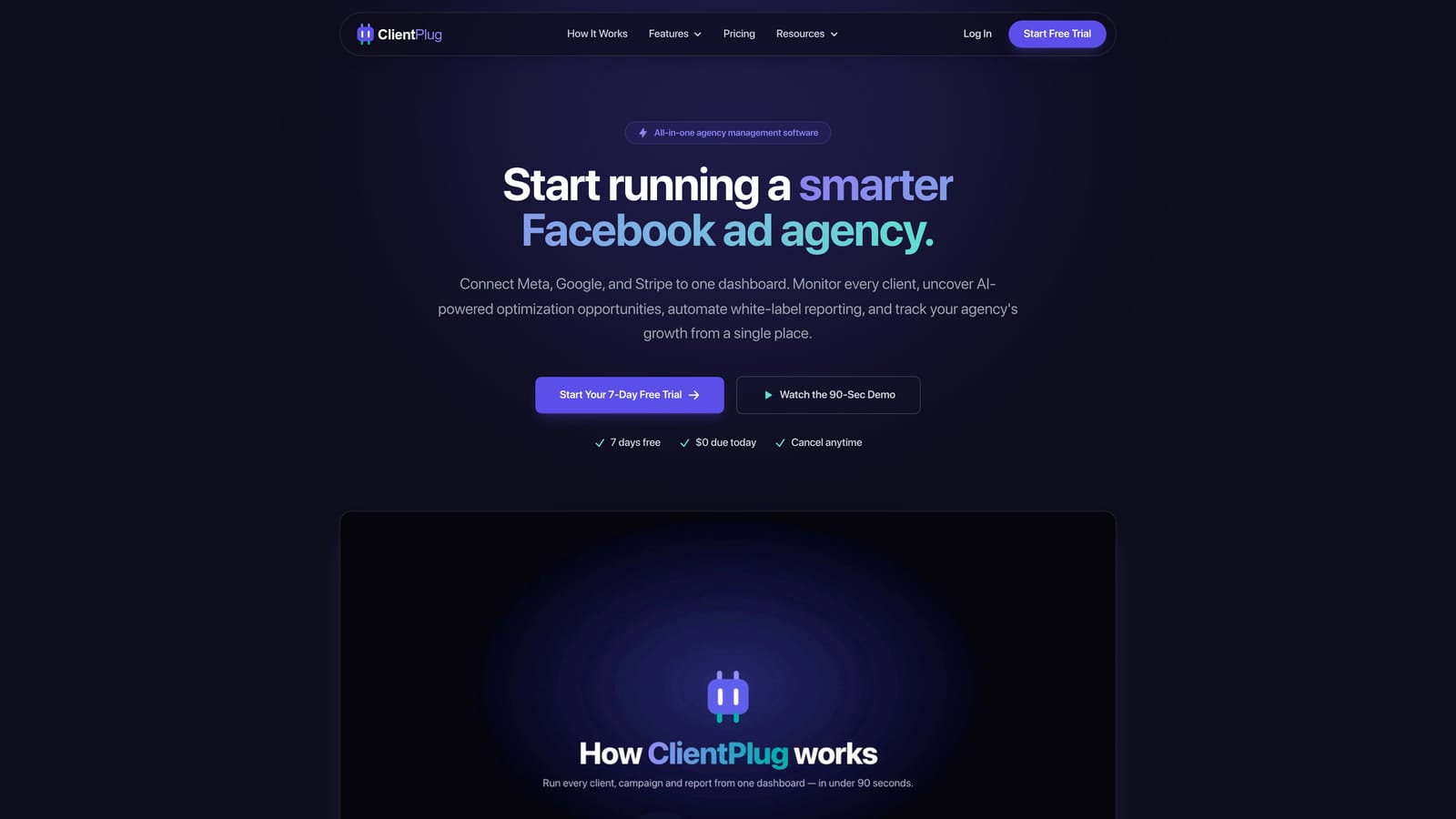
What sets it apart on this list is the pairing of money and performance. Most tools here show ad metrics only, or tasks only. ClientPlug tracks payments alongside ad health, and it monitors that health at every level, from individual ads to campaigns, clients, and the agency as a whole.
- Auto-synced payments and campaign data remove the manual entry of copying invoice status and spend into a spreadsheet.
- Meta and Google Ads performance monitoring flags which ads, campaigns, or clients need attention.
- Automated white-label reports go to clients under your branding without you assembling them each month.
- AI campaign optimization suggests improvements, so you spend less time hunting for problems.
- Conversion API setup takes a few clicks. Conversion API is Meta's server-side event sharing, which helps keep conversion data flowing when browser tracking falls short.
It connects to Meta Ads and Google Ads, and it is designed to be run by the agency owner or account manager without a dedicated analyst.
The limitation is scope. ClientPlug centers on Meta and Google Ads, so an agency that also reports on SEO, email, or many other channels will need another tool for that work. It is also not a project management system. Pricing is listed on the website, so check the current plans there as of November 2026.
Best for: Meta and Google ad agencies and freelancers wanting billing and performance in one dashboard.
2. AgencyAnalytics
AgencyAnalytics is a reporting and client dashboard platform built specifically for marketing agencies. Its main strength is breadth: SEO, PPC, and social reporting sit side by side, with call tracking alongside paid media, which suits agencies selling a bundle of services.
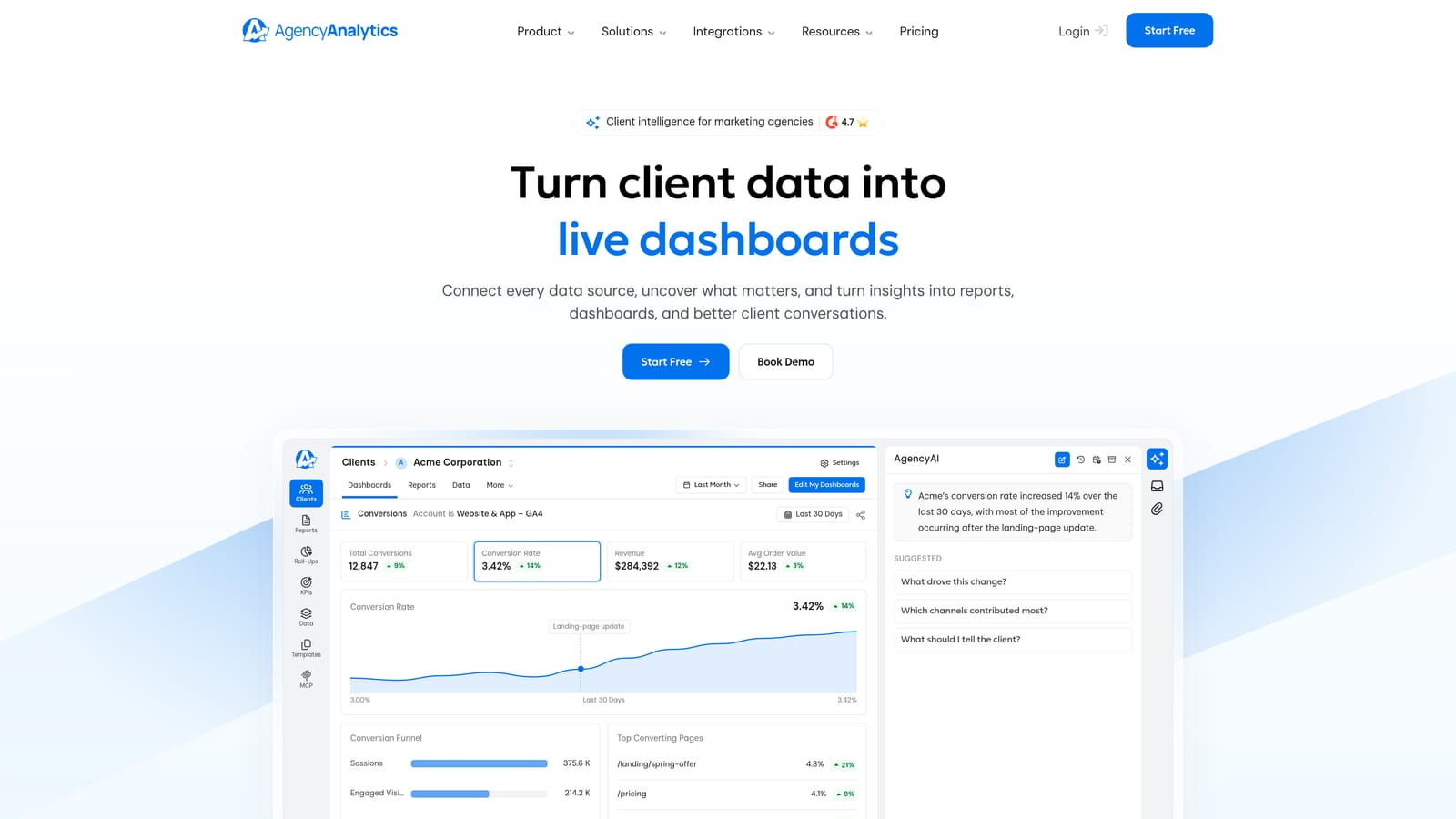
Limitations come first with this one. It is a reporting product only. There is no billing, no campaign management, and no ad optimization, so it will not replace the tools you use to run accounts or collect payment. Its pricing is per client in tiers, which means cost rises as your roster grows. Model that against your expected client count before committing.
- A large integration library covers Google Ads, Meta Ads, GA4, Search Console, and many more, so one report can span channels.
- White-label dashboards and reports carry your branding.
- Client login portals let clients check their own numbers instead of emailing you.
- SEO, PPC, and social reporting live in one tool, which reduces the number of platforms a full-service team maintains.
- Scheduled report delivery sends reports automatically on your cadence.
Setup is mostly connecting accounts and arranging dashboards, and account managers can typically run it day to day. See the website for current tiers, which scale by client count.
Best for: Full-service agencies reporting across SEO, PPC, and social.
3. DashThis
DashThis offers template-based reporting dashboards aimed at agencies that want reports done without a building project. You pick a preset template, connect sources such as Google Ads, Meta Ads, GA4, or Mailchimp, and the report populates.
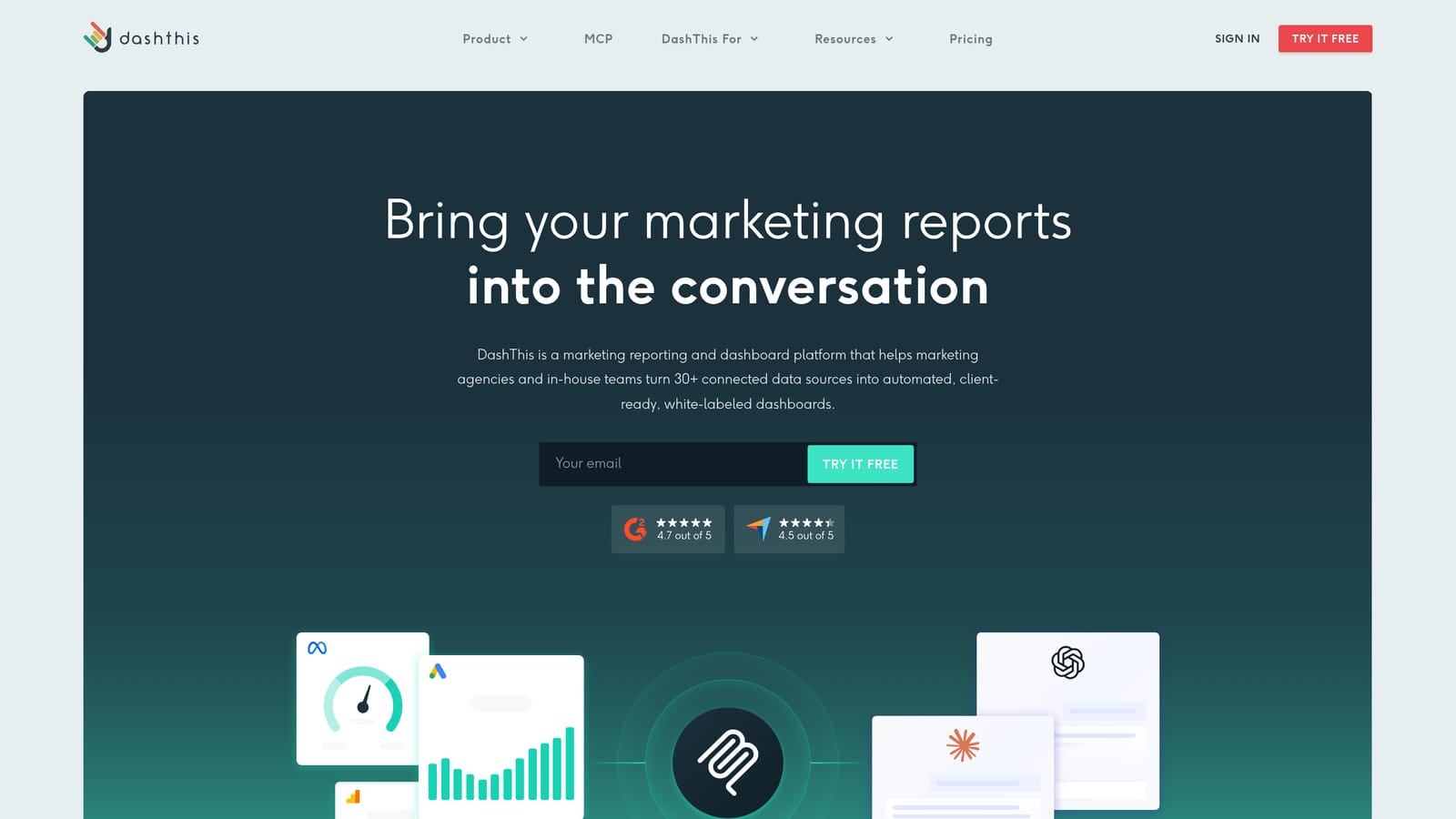
Its distinguishing trait on this list is predictable pricing: plans are tiered by the number of dashboards, so you can see what a given client count will cost. Confirm current tiers and whether user seats are unlimited on your plan, since that is worth verifying on the vendor site.
- Preset report templates get a client report live quickly, with little design effort.
- Automated report sending delivers reports on a schedule so nobody exports PDFs by hand.
- Custom branding lets reports reflect your agency's identity.
- Connections to common ad and analytics sources cover the typical paid media reporting need.
The trade-off is flexibility. Customization is more limited than in a build-it-yourself tool such as Looker Studio, and there are no operational features: no invoices, no task tracking, no campaign controls. If a client asks for an unusual metric layout, you may hit the template's edges.
Setup is light, and a single person can own it. Pricing is tiered by dashboard count, with details on the website.
Best for: Small agencies wanting fast, low-maintenance reports.
4. Looker Studio
Looker Studio is Google's free dashboard and reporting tool. Nothing else on this list matches it on cost: the tool is free, and native connectors for Google Ads, GA4, Search Console, BigQuery, and Google Sheets are included.
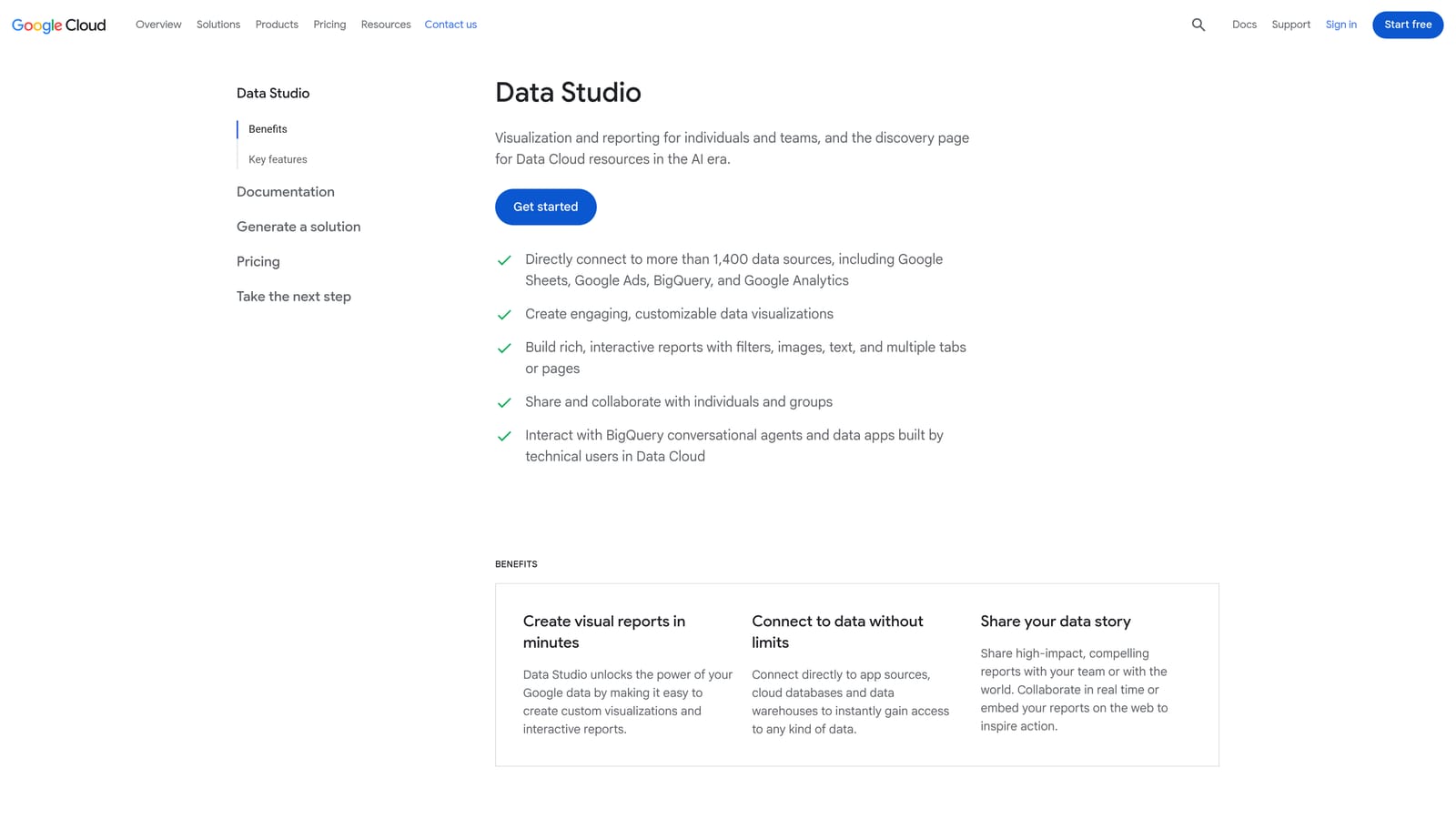
It is also the most flexible. Layouts are fully custom, so you can design exactly the view a client or internal team needs, then share it by link.
Where the cost shows up
Free applies to the tool, not the whole setup. Looker Studio has no built-in white-label client portal, so branding and access control take workarounds. Meta Ads data is not native, so you will typically rely on a paid third-party connector (Supermetrics, covered below, is a common choice). Budget for those partner connectors, because they are charged separately.
Who maintains it
Someone on your team must build and maintain the reports. When a connector breaks or a metric definition changes, that person fixes it. Agencies without that skill in-house often find the free price offset by time.
- Free use lets you build dashboards for every client without per-client fees.
- Native Google connectors pull Google data with no extra spend.
- Custom layouts allow tailored views rather than fixed templates.
- Shareable reports distribute through links or scheduled emails.
Best for: Budget-conscious agencies with someone able to build custom reports.
5. Databox
Databox is a KPI dashboard platform built around goals, alerts, and mobile access. Where other reporting tools produce monthly documents, Databox leans toward ongoing scorecards you check during the week.
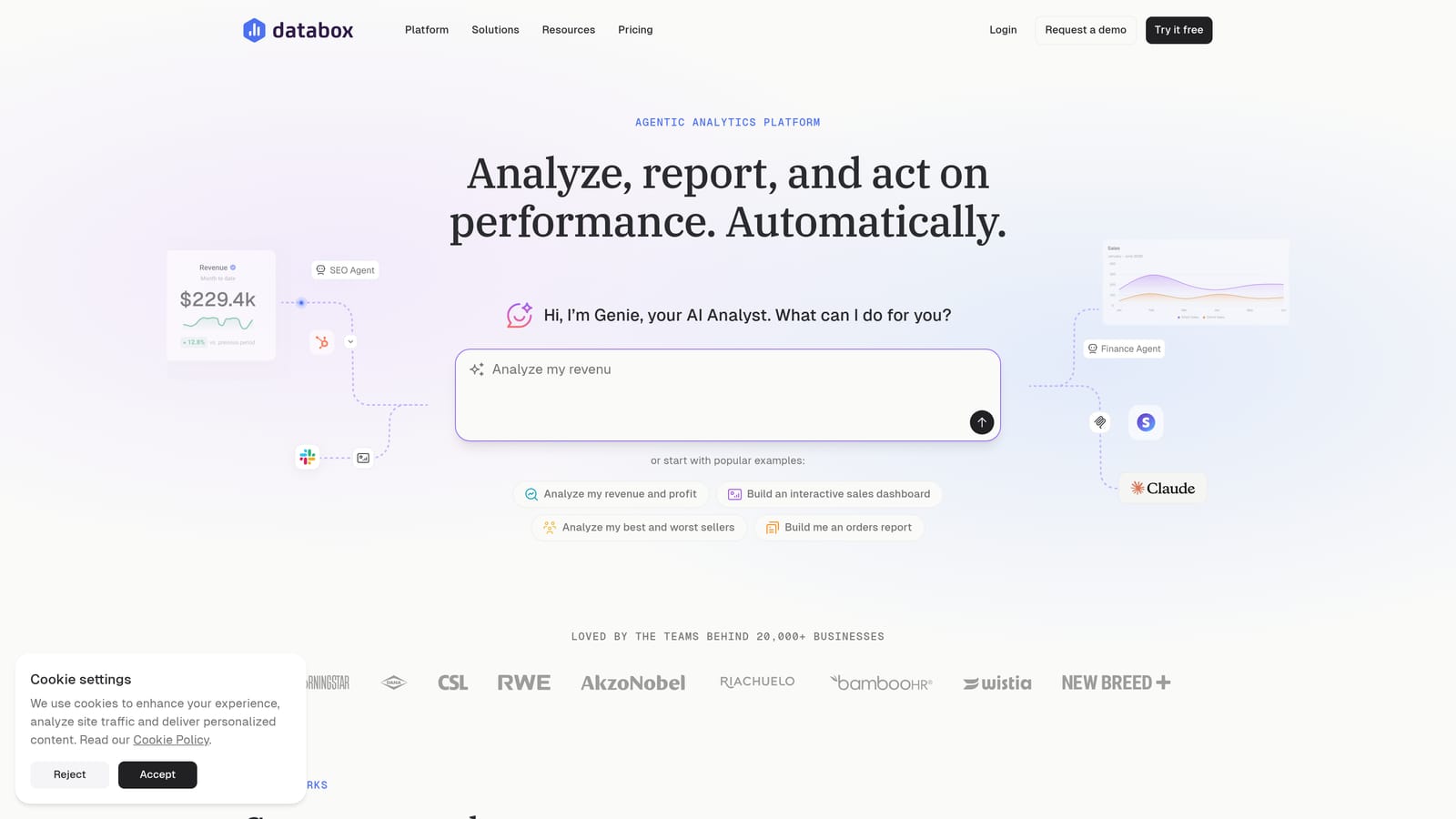
Its limitation is effort. Setup and metric building take time, especially if you want custom metrics rather than ready-made ones. Plans are tiered, so check the website for current limits on data sources and dashboards.
- Goal tracking compares each client's metrics against targets so you see who is on pace.
- Performance alerts notify you when a number moves, which helps catch problems before a client does.
- Custom metrics and data blending combine sources, such as ad spend from Google Ads or Meta Ads with CRM data from HubSpot.
- A mobile app lets owners check client health away from a desk.
It integrates with Google Ads, Meta Ads, HubSpot, and GA4, among others. The day-to-day user is usually the owner or a senior account manager who defines the KPIs. It is less about branded client deliverables than about internal visibility, so confirm what white-label options your plan includes if clients are the audience.
Best for: Owners who want KPI scorecards and alerts for client accounts.
6. Supermetrics
Supermetrics is not a dashboard, and that is the first thing to understand. It is a marketing data connector that moves ad platform data into spreadsheets, BI tools, and warehouses. You build and maintain the reports yourself in whatever tool receives the data.
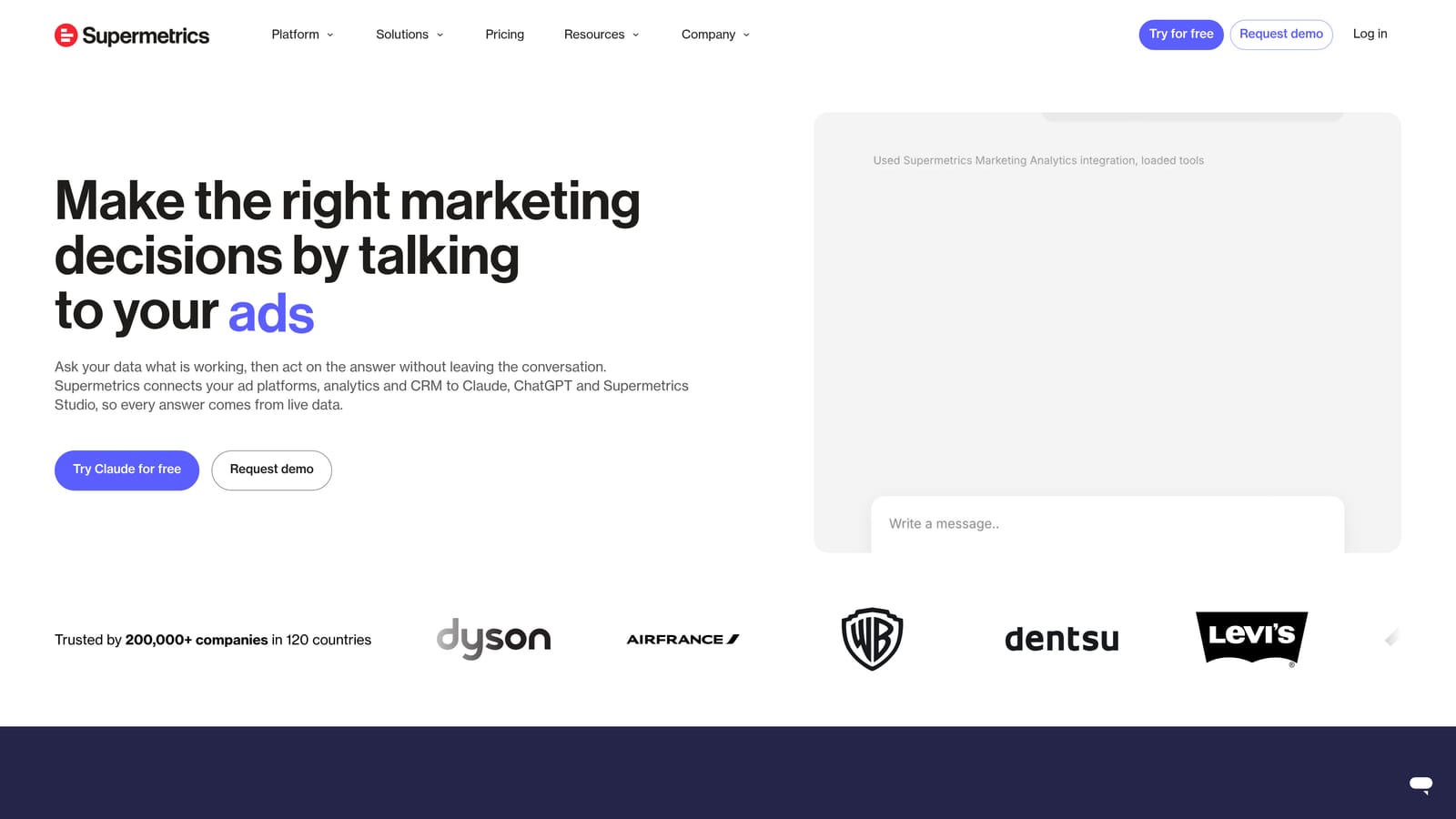
Its edge is connector depth. Paid media coverage is wide, and it feeds destinations including Google Sheets, Looker Studio, Excel, and BigQuery. That makes it a common partner for Looker Studio when you need Meta Ads data there.
- Wide ad platform connector coverage lets one vendor supply data from Meta Ads, Google Ads, and many other platforms.
- Multiple output destinations mean you keep your preferred reporting tool.
- Scheduled data refresh keeps reports current without manual exports.
- Warehouse destinations suit agencies storing historical data for deeper analysis.
It does not suit agencies that want a finished, branded client portal out of the box. You supply the dashboard, the design, and the upkeep. Pricing is quote-based or tiered by destination, so confirm on the website, and remember that connector fees are a recurring line item that grows with your setup.
Best for: Data-savvy agencies feeding existing reporting setups.
7. Swydo
Swydo is a PPC-focused reporting and monitoring tool. Its templates start from paid media needs rather than general marketing, which makes the first report faster for ad-centric agencies.
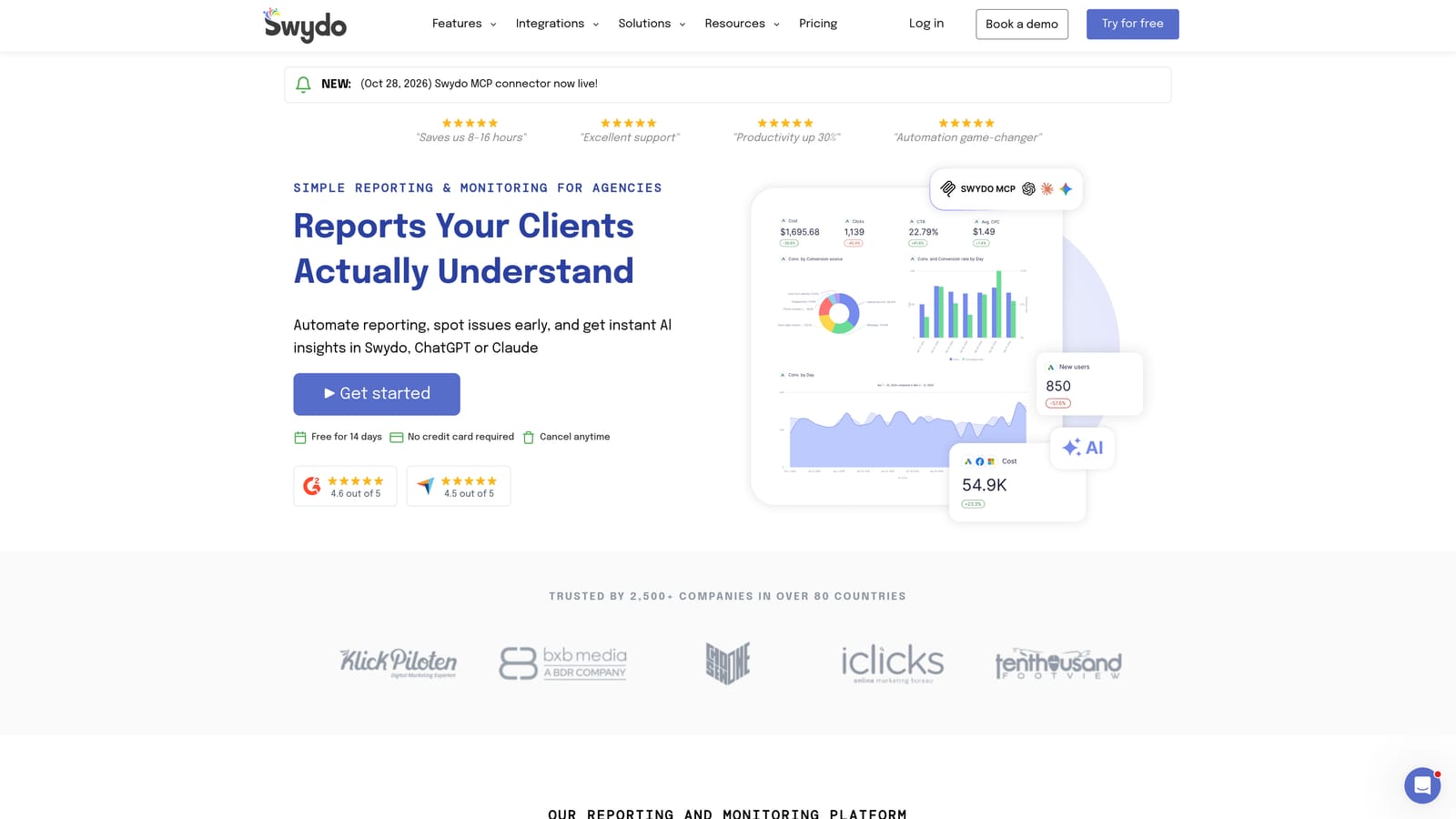
The pricing model is a distinguishing point: plans are tiered by data sources rather than by client count, though you should verify that structure on the vendor site. That can favor agencies with many small clients using the same few platforms.
- Automated white-label reports go out under your branding on a schedule.
- Client dashboards give clients a live view of their results.
- PPC report templates cover common paid search and social metrics from the start.
- Rank tracking adds a basic SEO view beside paid data.
It connects to Google Ads, Meta Ads, Microsoft Ads, and GA4. The integration list is smaller than AgencyAnalytics or the connector-focused tools, and depth falls off outside paid media. An agency with heavy SEO, email, or CRM reporting will feel that gap. Setup is simple enough for an account manager to handle. Check the website for current data-source tiers.
Best for: PPC-heavy agencies wanting simple automated reports.
8. Funnel.io
Funnel.io is a marketing data hub that collects ad data from many platforms and cleans it before it reaches a report. It is a pipeline, so you still need a destination such as Looker Studio, BigQuery, or Google Sheets.
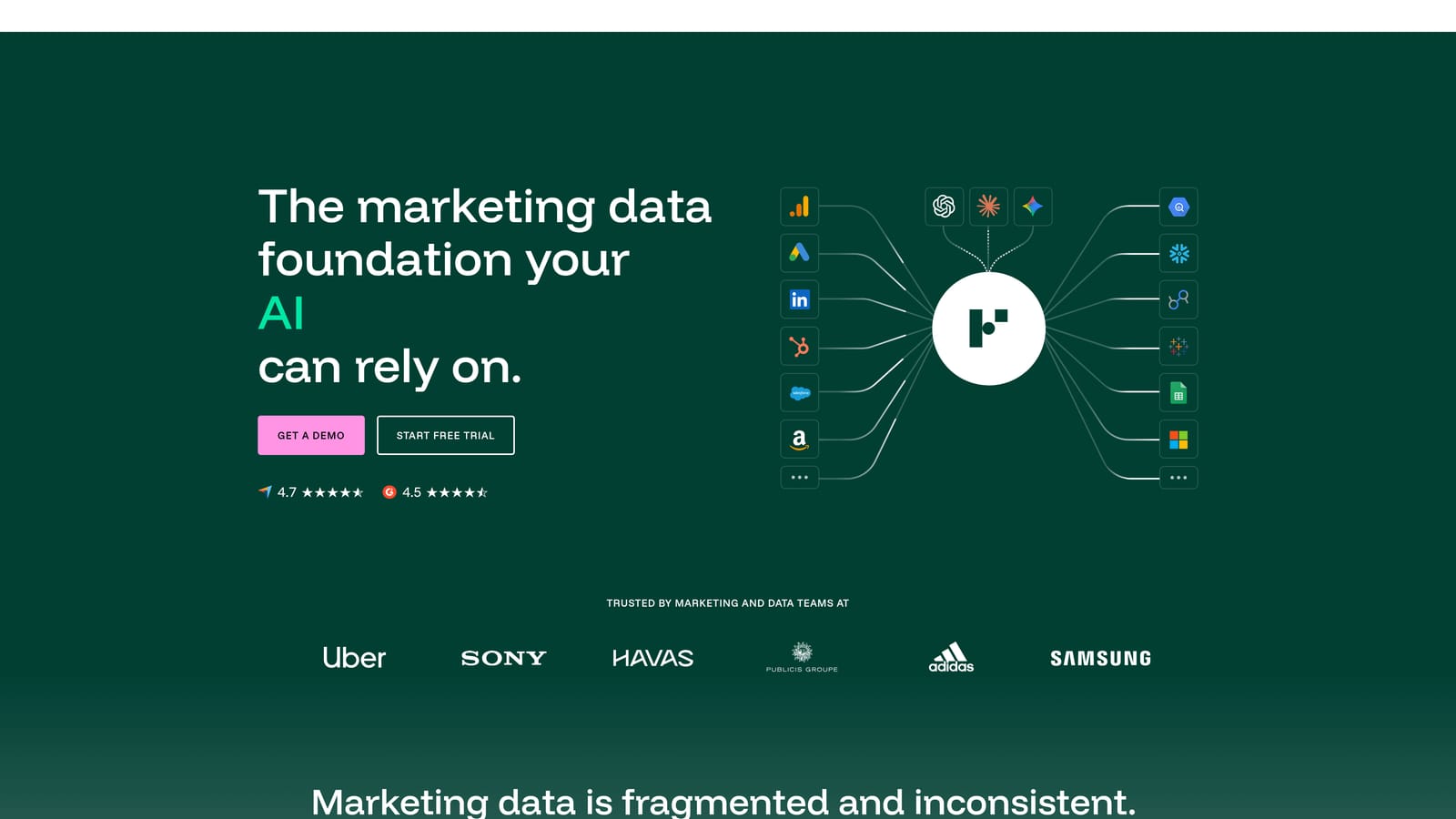
What it does that others here do not is normalization. Campaign naming, currencies, and spend figures differ across channels, and Funnel.io maps them to a consistent structure. For an agency running dozens of accounts across many platforms and currencies, that cleanup is the difference between trustworthy cross-channel totals and a mess.
- A large connector library pulls data from many ad and marketing platforms.
- Data cleaning and mapping standardize naming so channels compare fairly.
- Output to BI tools and warehouses lets you keep your existing analytics stack.
- Spend and currency normalization produces consistent totals across markets.
The limitation is cost and complexity. It leans enterprise, and a small agency with a handful of Meta and Google clients will likely find it more than needed. Setup usually involves someone comfortable with data modeling. Pricing is quote-based, so expect a sales conversation.
Best for: Larger agencies consolidating multi-channel spend data.
9. Monday.com
Monday.com is a work management platform that agencies use to centralize projects, deadlines, and client tasks. It solves a different problem from every other tool here: coordination rather than data.
It handles the operational side of agency life well. Boards track deliverables per client, automations route requests, and views show who is overloaded.
- Customizable boards and dashboards organize campaigns, creative approvals, and onboarding per client.
- Workflow automations cut repetitive handoffs, such as notifying a team when a task changes status.
- Workload and deadline views reveal capacity problems before they cause missed deliveries.
- Client request forms give clients a structured way to ask for work.
It integrates with Slack, Gmail, Google Drive, QuickBooks, and Zapier. Setup effort depends on how elaborate your boards get, and a team lead or operations manager usually owns it.
The limitation is clear: it has no native ad performance analytics. You will not see ROAS or spend pacing without pairing it with another tool. Pricing is per seat in tiers, so costs scale with team size; confirm current plans and any seat minimums on the website as of November 2026.
Best for: Agencies whose main bottleneck is project and task coordination.
Matching the Dashboard to Your Agency's Real Bottleneck
For all-in-one agency operations on Meta and Google, ClientPlug is the fit: payments, ad health, white-label reports, and Conversion API setup sit in one dashboard. Its trade-off is channel scope, so an agency selling SEO and email as well will need a second tool.
For multi-channel client reporting, AgencyAnalytics covers the widest range, while DashThis and Swydo suit smaller or PPC-centric teams. For a free or custom build, Looker Studio works if you have someone to maintain it, and you should budget for paid connectors where Meta data is involved.
For data pipelines, Supermetrics suits agencies feeding an existing stack, and Funnel.io suits larger teams that need normalized cross-channel spend. If the headache is deadlines and handoffs rather than numbers, Monday.com addresses that, with Databox as the option when KPI alerts matter most.
Start with the problem that costs you the most time each week, then pick the category. If it is chasing payments and checking whether client ads are healthy, Learn more about our services.