Running Meta ads for clients means doing two jobs that both get called "CRM": winning new clients, and serving the ones you already have. Most tools handle one well. The nine below were picked for how they fit agency work: client management, Meta Ads visibility, reporting, automation, and cost at small-team scale. Pricing and integrations change often, so details here reflect vendor positioning as of 2026 and should be confirmed on each site.
Quick Comparison of the Nine CRMs
- ClientPlug: freelancers and small agencies delivering Meta and Google Ads; pricing on website; combines client payments, ad performance, and white-label reports in one dashboard.
- HubSpot CRM: agencies running inbound sales alongside client lead management; free tier, paid plans on website; the broadest ecosystem with ad-to-contact attribution.
- GoHighLevel: agencies selling lead-gen and follow-up systems to local businesses; pricing on website; a rebrandable platform you can resell to clients.
- Pipedrive: agencies focused on new-client acquisition; pricing on website; the quickest visual deal pipeline to adopt.
- Monday CRM: agencies wanting sales and client work on one board system; pricing on website; merges sales tracking with project delivery.
- Zoho CRM: budget-conscious agencies; free tier, paid plans on website; low-cost CRM tied into a wide suite of business apps.
- Close: agencies with outbound reps closing by phone; pricing on website; native calling and SMS for fast lead follow-up.
- Copper: Google Workspace agencies; pricing on website; lives inside Gmail with automatic contact capture.
- Notion: solo freelancers with a handful of clients; free tier, paid plans on website; a fully customizable client database at minimal cost.
1. ClientPlug
ClientPlug is an all-in-one client organizer for agencies and freelancers. It is built for the "serving clients" half of the CRM question: tracking what each client owes, how their Meta and Google campaigns are performing, and what you send them each month. It is our own product, so weigh this section with that in mind.
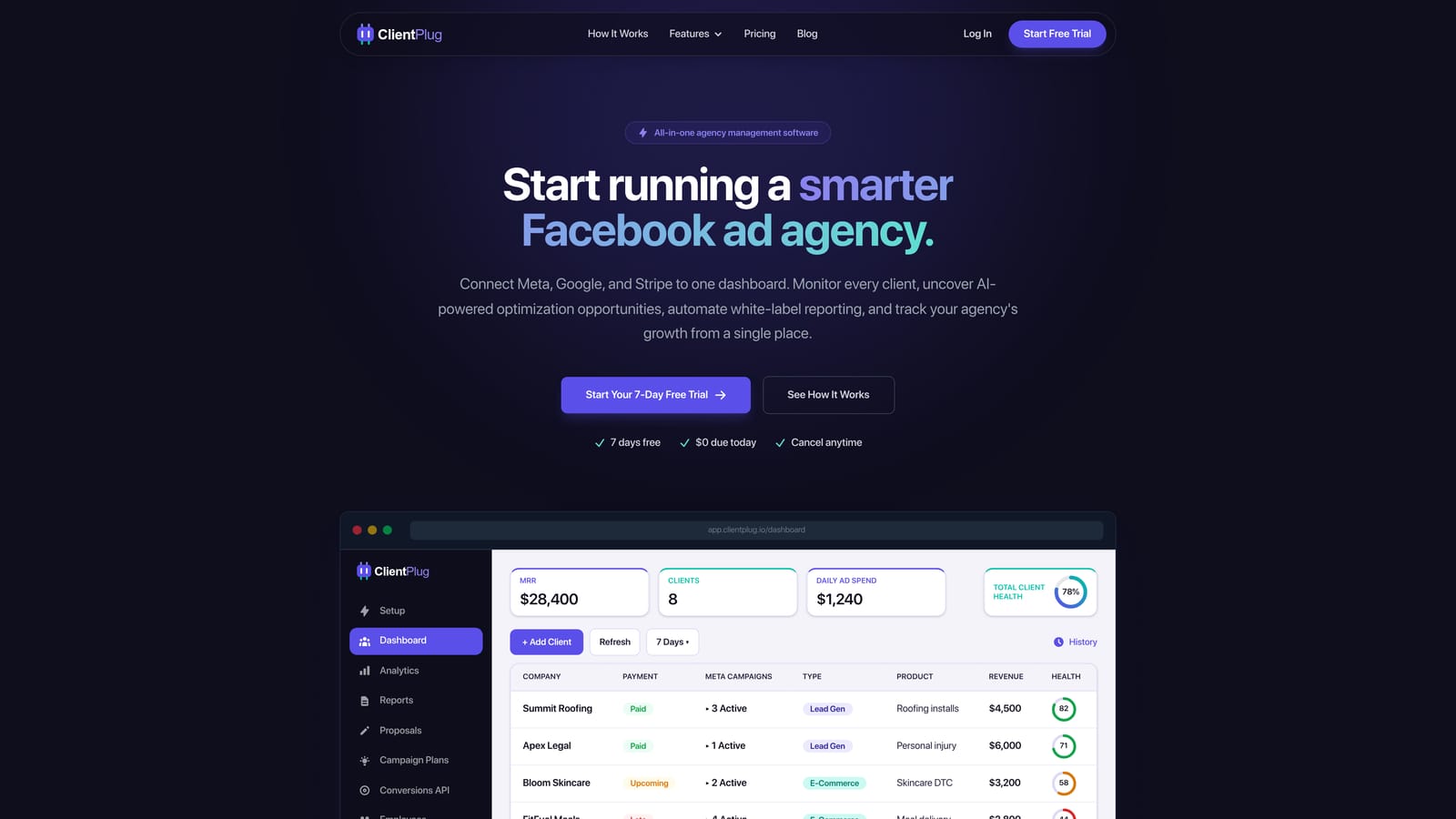
Its distinctive strength is that payments, ad performance, and reporting sit in one dashboard that auto-syncs. Most tools on this list make you stitch those together with spreadsheets or a separate reporting app. If you want to see whether a client is behind on an invoice and whether their cost per lead is drifting upward, you look in the same place.
- A single client dashboard shows every account's status without switching tabs.
- Payment tracking shows who has paid, who is late, and what is coming, so billing does not live in your inbox.
- Meta and Google Ads monitoring flags the health of individual ads, campaigns, clients, and your agency overall.
- Automated white-label reports go out under your brand, replacing the monthly copy-and-paste routine.
- AI campaign optimization suggests changes to underperforming campaigns.
- Conversion API (CAPI) setup takes a few clicks. CAPI sends conversion events from your server to Meta rather than relying only on the browser pixel, which helps when browsers block tracking.
Integrations center on Meta Ads and Google Ads, and setup is mostly connecting ad accounts and adding clients. The person running it day to day is typically the agency owner or account manager, not a sales team.
The limitation is plain: ClientPlug is not a full sales-pipeline CRM. It has no deal stages or outreach sequences, so if you need to manage prospects through a sales process, pair it with a tool like Pipedrive or HubSpot. Pricing is listed on the website; check there for current plans.
Best for: Freelancers and small agencies managing client delivery across Meta and Google Ads.
2. HubSpot CRM
HubSpot CRM is the most widely used option here, with a free tier and optional Marketing, Sales, and Service hubs on top. It suits agencies that want one system for their own inbound pipeline and for tracking where leads come from.
What sets it apart is ecosystem breadth and ad-to-contact attribution. When Meta Lead Ads or Google Ads are connected, you can see which campaign produced a contact and follow that contact through to a closed deal. That matters because a lead form syncing into a contact list is not attribution by itself; you only learn what worked when the source stays attached through the pipeline.
- Contact and deal management keeps every conversation and stage in one record.
- The free tier lets a small team start without a purchase.
- Ads integration ties spend to contacts so you can judge campaigns by pipeline, not just clicks.
- Email marketing handles newsletters and nurture sequences without another app.
- Reporting dashboards summarize pipeline and source performance.
It connects with Meta Lead Ads, Google Ads, Slack, and Gmail. Basic setup is quick, but getting value from the paid hubs takes real configuration, often by a dedicated owner.
The trade-off is cost and weight. Paid plans are priced per seat or per hub and can climb quickly as you add features and people, and the platform is heavy for a solo operator. Free-tier limits also tighten as you scale, so verify what is included as of 2026.
Best for: Agencies running inbound sales alongside client lead management.
3. GoHighLevel
GoHighLevel is an agency-oriented platform that bundles a CRM with funnels, websites, and messaging automation. It is aimed at agencies that sell lead generation plus follow-up to local businesses, such as dentists, contractors, and gyms.
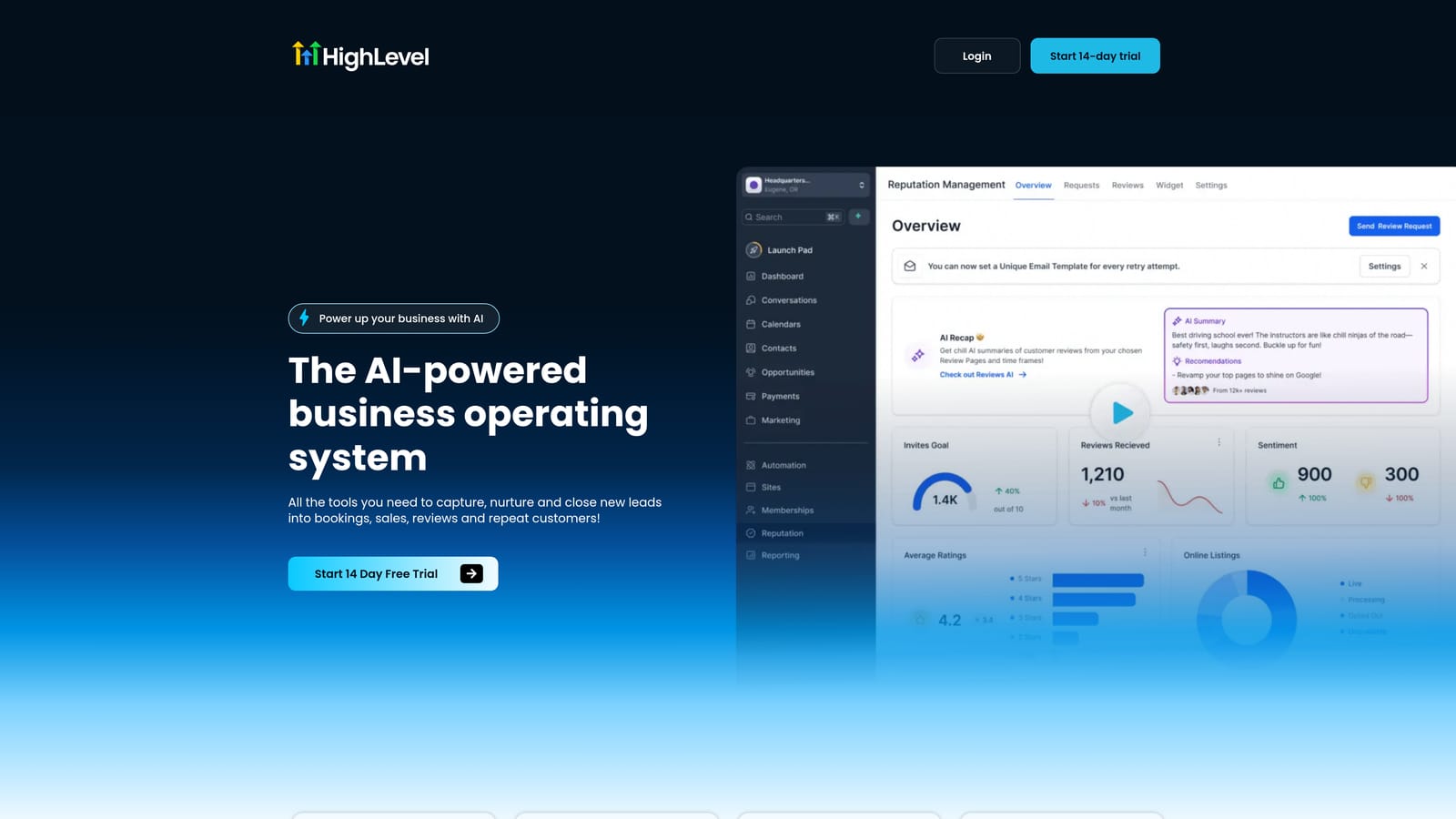
Its standout is the rebrandable, white-label SaaS mode. You can offer clients a login to a platform carrying your branding and resell it, turning the tool into a revenue line rather than only a cost.
What you get
- CRM and pipelines track leads from a Facebook lead form through to booked appointments.
- A funnel and website builder lets you ship landing pages without a separate builder.
- SMS and email automation follows up with new leads within minutes, which is often where local-business campaigns win or lose.
- Calendar booking lets leads schedule themselves.
- White-label SaaS mode lets you present the platform as your own product.
Setup and limits
It integrates with Facebook Lead Forms, Zapier, Stripe, and Twilio. Setup is a real project: expect a steeper learning curve than the simpler CRMs here, and usually someone on your team who becomes the platform owner. SMS, calls, and email are billed by usage on top of the subscription, so costs scale with client volume.
It is less suited to agencies wanting a lightweight tracker, and it does not focus on ad-performance reporting. Pricing is monthly subscription tiers; check the site for current plans and which include the white-label mode.
Best for: Agencies selling lead-gen and follow-up systems to local businesses.
4. Pipedrive
Pipedrive is a sales CRM built around a visual deal pipeline. You drag deals across stages from first contact to signed, and the interface is built to keep a salesperson focused on the next action.
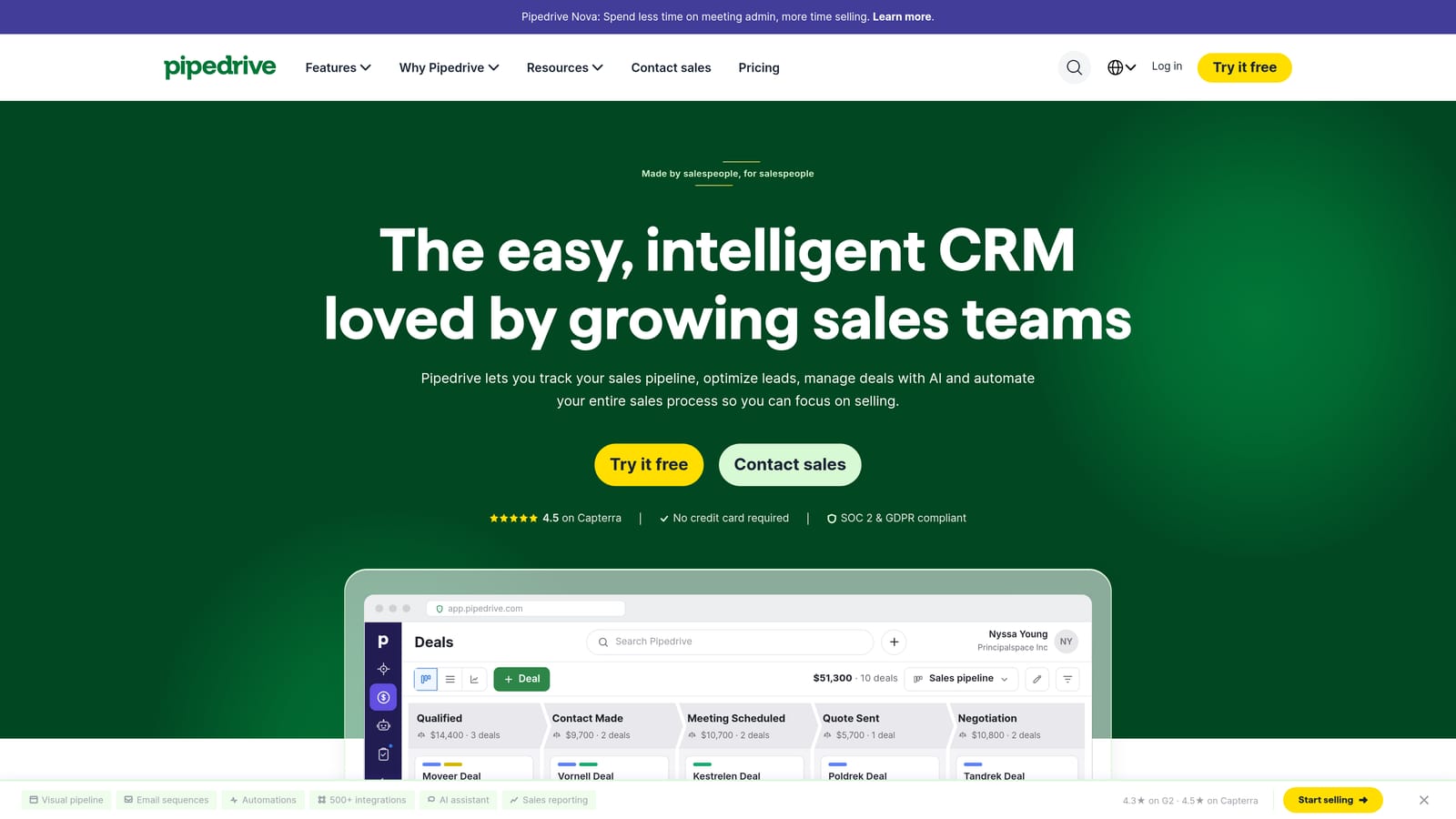
Its distinctive quality is speed of adoption. Compared with HubSpot or Zoho, a new user can be productive in an afternoon, which suits agencies where the owner is also the closer and does not want a configuration project.
- The visual pipeline shows every prospect and where they stall.
- Activity reminders prompt follow-ups so warm prospects do not go cold.
- Email sync keeps conversations attached to the deal record.
- Workflow automation handles repetitive steps such as task creation on stage change.
It works with Google Workspace and Zapier, and Meta lead ad connectors are available through third-party or marketplace options, so confirm the route you would use as of 2026. Setup is light, and the day-to-day user is usually whoever handles sales.
The limitation is scope. Pipedrive has little native ad reporting and no billing, so it will not tell you how a client's campaigns are doing or whether an invoice is outstanding. It is a prospecting tool, not a delivery tool. Pricing is per user per month with tiers by feature; see the website for current numbers.
Best for: Agencies focused on new-client acquisition.
5. Monday CRM
Monday CRM is a CRM built on monday.com's customizable work boards. It suits agencies that want prospects and client projects visible in the same workspace rather than two separate systems.
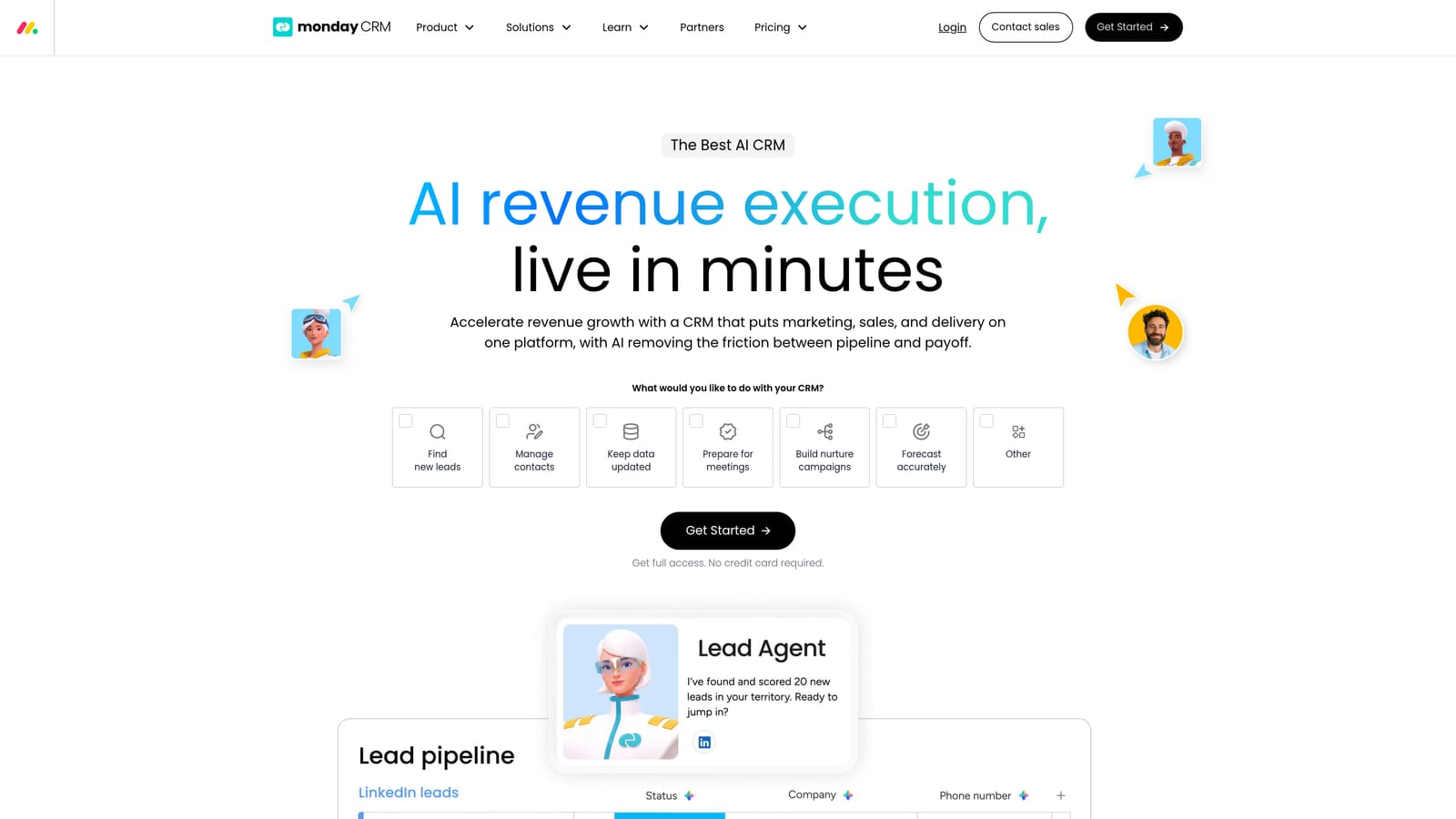
The difference from the rest of the list is that sales tracking and project delivery share one platform. A deal can move to "won" and the same team can see the onboarding board, creative approvals, and campaign launch tasks without exporting anything.
- Custom boards let you model your own pipeline and client workflow.
- Automations move items and notify people when a status changes.
- Dashboards roll up pipeline value and workload across boards.
- Email integration logs conversations against the relevant contact.
It integrates with Gmail, Outlook, Slack, and Zapier. Because it is so flexible, setup takes time, and someone has to design the boards and keep them tidy. Native Meta Ads reporting is not its strength, so ad data would arrive through Zapier or manual entry.
Watch the seat structure. Pricing is per seat per month, and plans have had seat minimums, which can make it awkward for a solo freelancer or a two-person shop. Verify the current minimums and tiers on the site as of 2026.
Best for: Agencies wanting sales and client work on one visual platform.
6. Zoho CRM
Zoho CRM is a feature-rich CRM from the broader Zoho suite, priced modestly relative to its capabilities. It appeals to agencies that care about cost and are willing to spend time configuring.
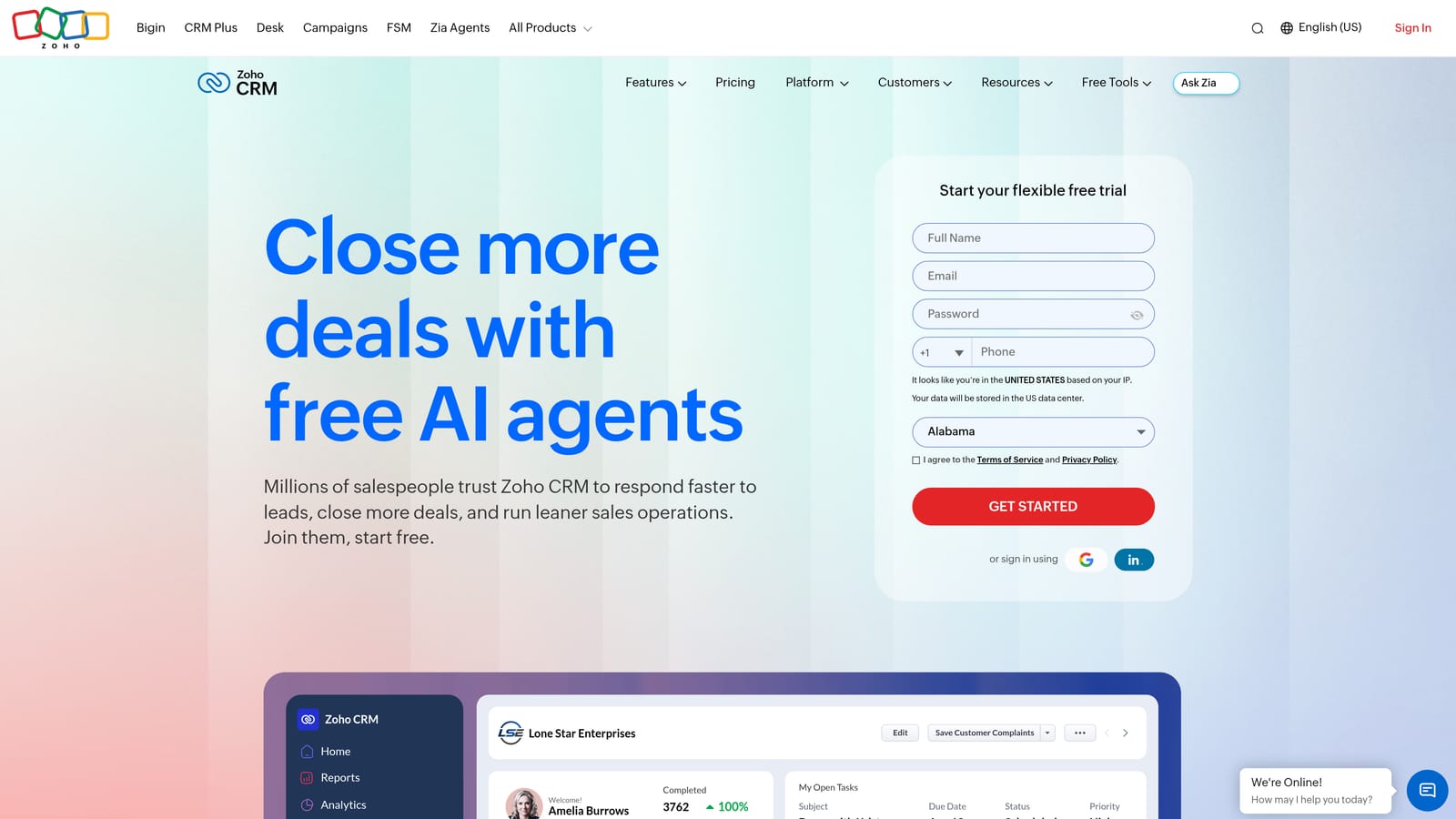
Its edge is the surrounding suite. Zoho Books handles invoicing, Zoho Campaigns handles email, and they share data with the CRM, so an agency can cover billing and marketing without leaving the vendor. Few others on this list offer that at similar prices.
- Lead management captures and scores incoming leads.
- Workflow automation assigns, tags, and follows up without manual work.
- Facebook lead integration pulls lead-form submissions straight into the CRM.
- Analytics show pipeline and source performance.
It connects with Facebook Lead Ads, Zoho Books, Zoho Campaigns, and Zapier. Expect a dense interface and meaningful customization effort; this is not a tool you master in an hour, and it helps to have one person own the setup.
It will not give you ad-performance monitoring or client-facing reports tuned for Meta campaigns. There has been a free tier alongside paid per-user plans, but limits change, so check the current offering as of 2026.
Best for: Budget-conscious agencies adopting the Zoho ecosystem.
7. Close
Close is a sales CRM with calling and messaging built in. It is designed for teams that win business by phone and want every call, text, and email logged without extra tools.
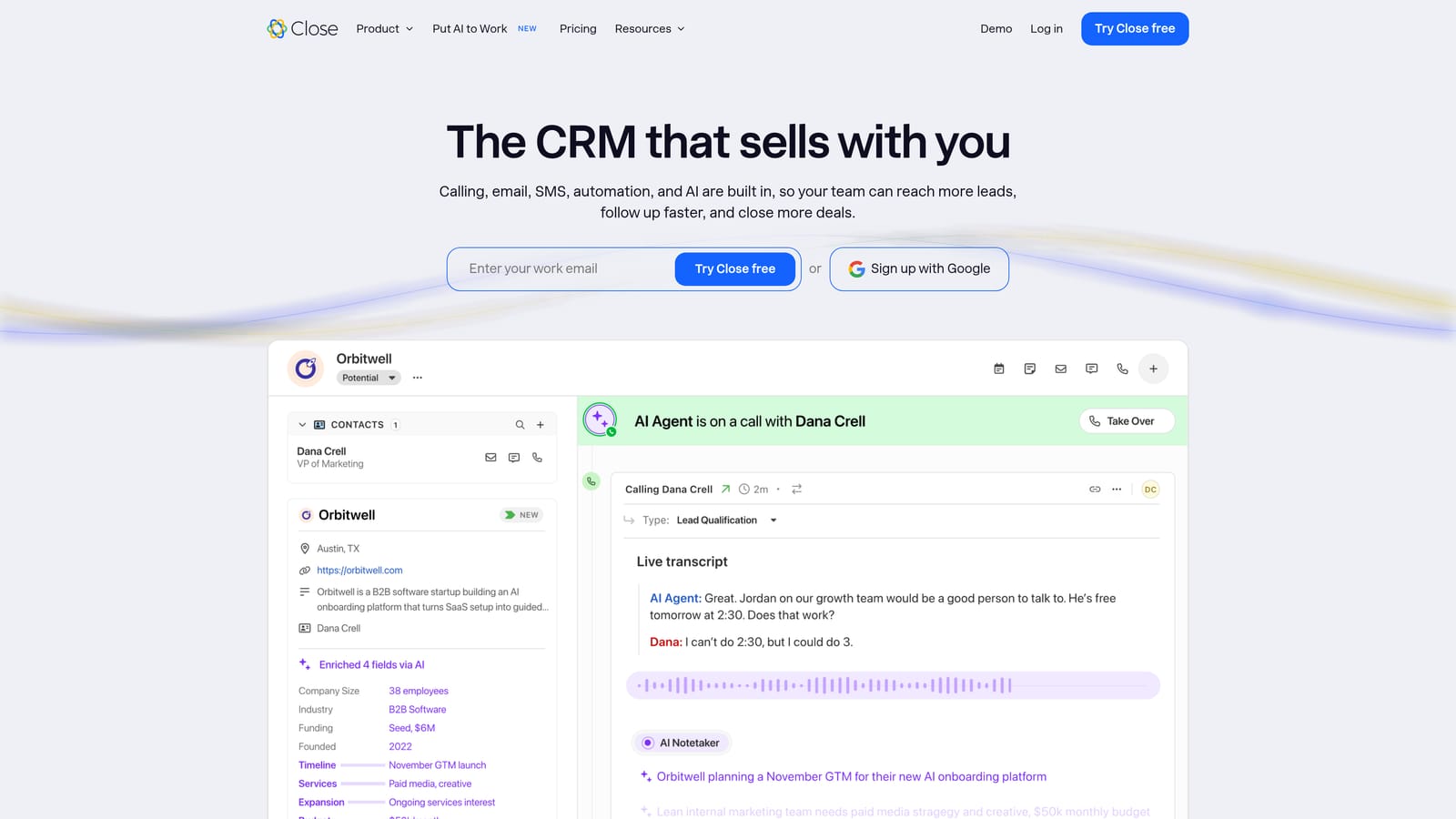
What it does that the others do not is native calling and SMS in the core product. For an agency that responds to inbound leads by phone within minutes, or that has reps cold-calling prospects, that cuts out the dialer subscription and the manual logging.
- Built-in calling lets reps dial from the record and have the call logged automatically.
- SMS and email keep every channel in one conversation thread.
- Sequences automate multi-step outreach so follow-up does not depend on memory.
- Pipeline views show where each opportunity sits across the team.
It integrates with Zapier, Slack, and Zoom. Setup is fairly quick, and daily users are sales reps. Meta leads would typically arrive via Zapier or a connector rather than a deep native sync.
Close has no ad features, and its pricing and design suit sales teams more than solo freelancers. If nobody on your team makes sales calls, you would be paying for capabilities you will not use. Pricing is per user per month; see the site for current tiers.
Best for: Agencies with outbound sales reps closing prospects by phone.
8. Copper
Copper is a CRM designed around Google Workspace. It runs alongside Gmail and aims to keep records current without anyone typing them in.
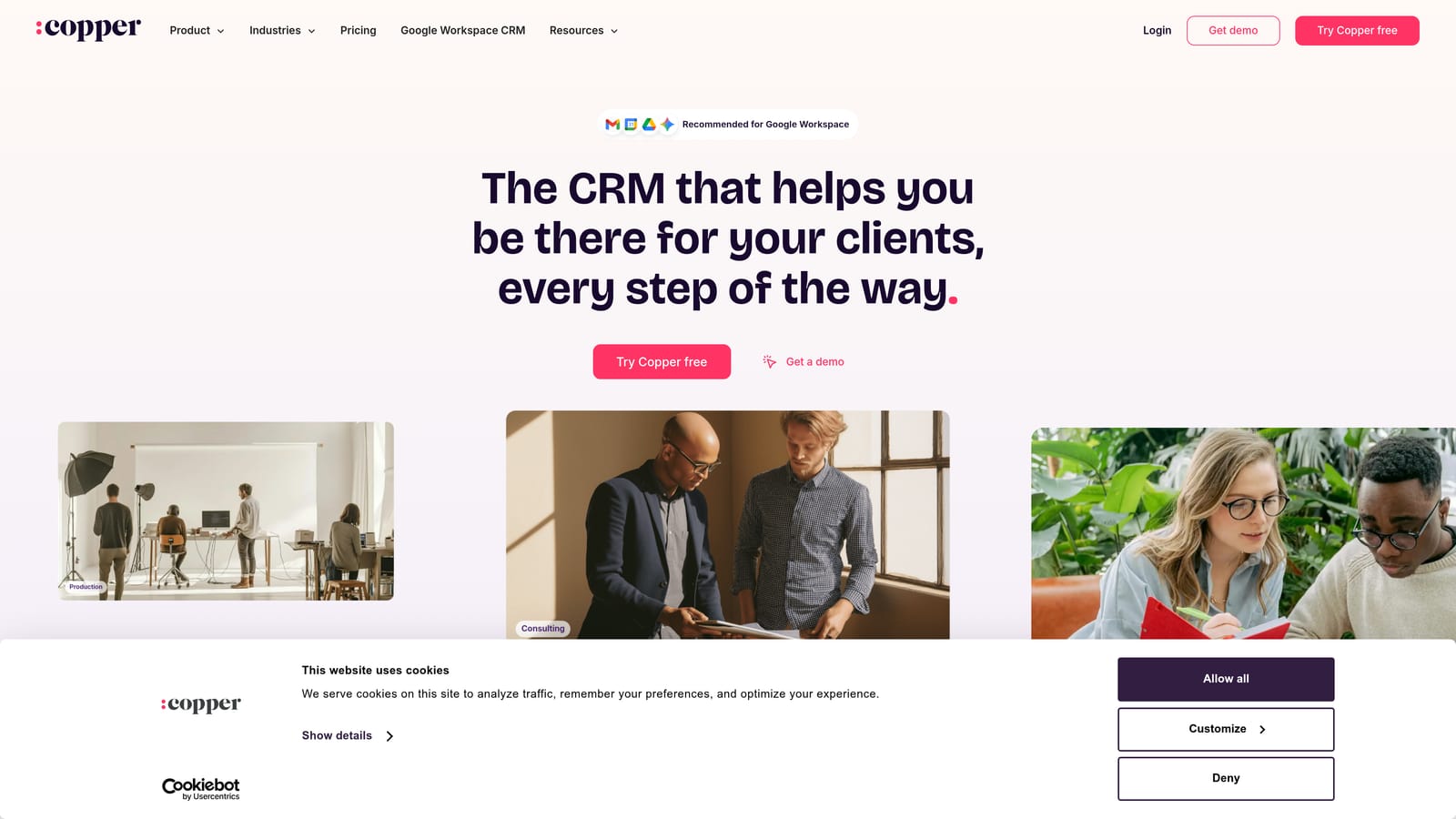
Its distinctive trait is living inside Gmail with automatic contact capture. Emails and meetings with prospects and clients get attached to records on their own, which suits agencies whose main weakness is not updating the CRM.
- Gmail integration lets you work records from your inbox.
- Automatic contact capture builds the database from your correspondence.
- Pipelines track deals through stages.
- Project tracking handles post-sale tasks on the same records.
It connects with Gmail, Google Calendar, Google Drive, and Slack. Setup is light, and most team members can use it with little training.
The limits are automation depth and fit. Automation is more limited than in HubSpot or Zoho, and the product assumes you live in Google Workspace, so Microsoft-based teams will find less to like. It has no ad monitoring or billing. Pricing is per user per month; check the site for current plans.
Best for: Google Workspace agencies wanting low-admin records.
9. Notion
Notion is a flexible workspace that many freelancers turn into a do-it-yourself client tracker. It is not a CRM out of the box, but databases and templates get you most of the way for a small roster.
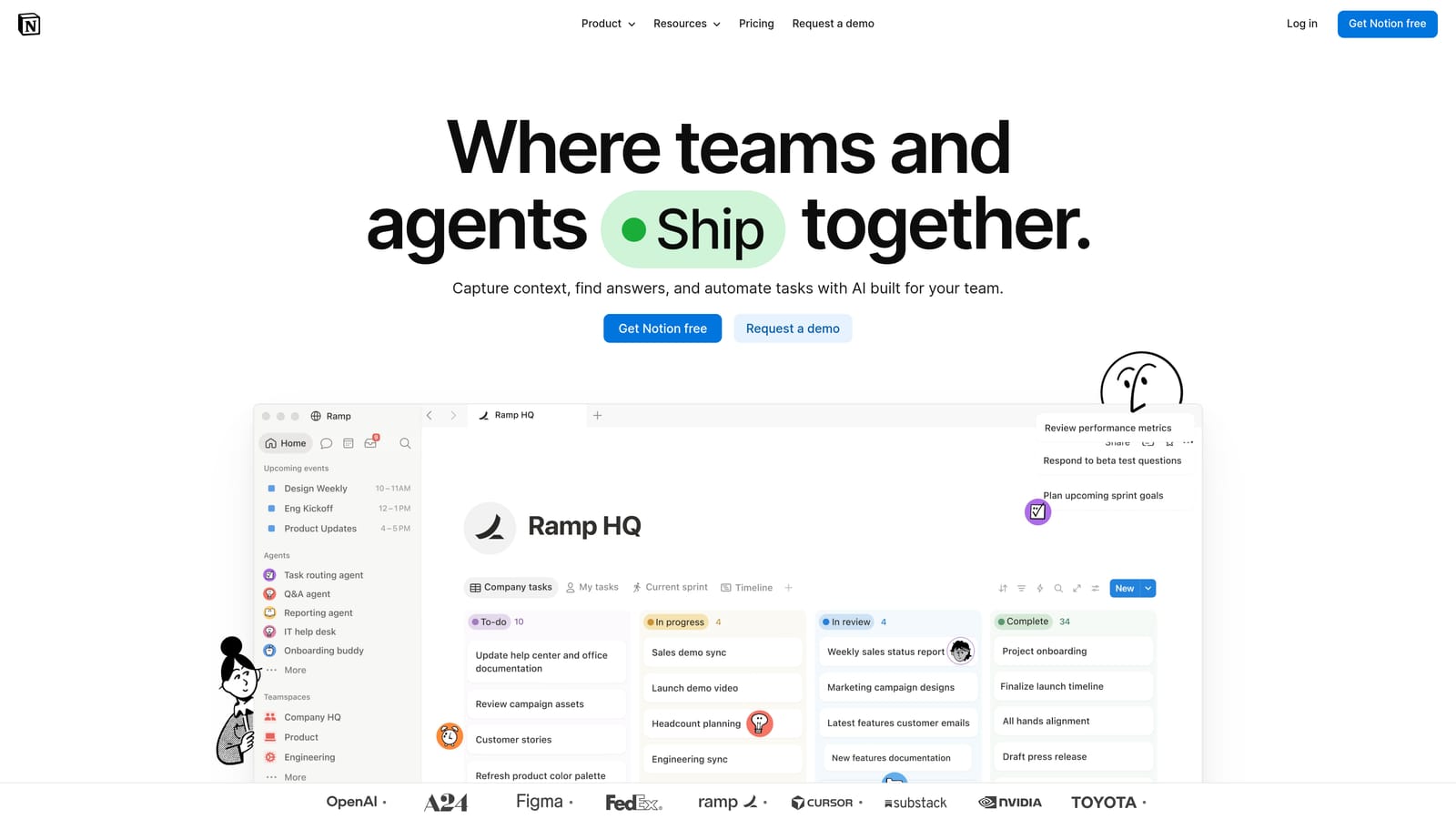
Its strength is cost and control. You can build a client database with fields for retainer, renewal date, ad account IDs, and notes, and shape it exactly to how you work, often for free or very little.
- Databases store clients, campaigns, and tasks in views you design.
- Templates give you a starting structure so you are not building from nothing.
- Relations and rollups link clients to projects and total up values automatically.
- Shared pages let clients see a status page or onboarding doc.
It connects with Slack, Zapier, and Google Drive. You build and maintain everything yourself, so the time cost is real, and it falls to you as the owner.
The limitation is that Notion has no native ad integrations, no billing, and little automation depth. Syncing a lead form to a record requires Zapier, and you will be updating numbers by hand. That is fine for a handful of clients and becomes painful beyond that. A free tier exists alongside paid plans; verify the current limits as of 2026.
Best for: Solo freelancers with a handful of clients.
Matching the Tool to Your Biggest Bottleneck
Start by naming which job is hurting. If you are losing prospects between inquiry and signed contract, you need a sales CRM: Pipedrive for speed, HubSpot for attribution and breadth, or Close if phone follow-up is your edge. If clients are signed but delivery admin is eating your week, with invoices chased by email and reports built by hand, ClientPlug addresses that directly, though it will not manage deal stages. Many agencies end up with one tool for each job, and that is a reasonable setup.
Three picks stand out. For selling follow-up systems to local businesses, GoHighLevel's resale mode is hard to match. For one platform covering sales and project work, Monday CRM fits. For a solo freelancer with few clients, ClientPlug or a Notion build keeps costs low.
Pricing, free-tier limits, and native Meta integrations all change, so confirm them on each vendor's site before committing. Learn more about our services