If you run Meta and Google Ads for several clients, you already know a generic CRM rarely fits your week. The tools below were chosen for agency owners, freelancers and small teams, and judged on pipeline and client management, fit with agency workflows (retainers, reporting, multi-client accounts), ad platform integrations, pricing transparency, and how much setup a small team has to absorb.
One framing helps with every pick: an agency has two jobs, winning clients and keeping them. Most CRMs only cover the first. Each tool below is marked by which job it serves.
Quick Comparison of the Nine CRM Tools
- ClientPlug: ad-focused agencies and freelancers managing delivery, billing and reporting; pricing on the website; ties client payments and live ad performance to automated white-label reports.
- HubSpot CRM: agencies selling inbound and content services; free core, paid plans on the website; the most complete marketing automation ecosystem.
- Pipedrive: agencies focused on new-business outreach; per-user pricing on the website; activity-based selling that keeps follow-ups on track.
- Zoho CRM: budget-conscious agencies building a connected stack; free tier for small teams, paid tiers on the website; low-cost suite spanning projects, accounting and campaigns.
- monday CRM: agencies wanting pipeline and projects in one workspace; per-seat pricing on the website; leads and delivery share the same boards.
- GoHighLevel: agencies building white-label offers for local businesses; monthly tiers on the website; sub-accounts and resale under your own brand.
- Copper: Google Workspace-based agencies; per-user pricing on the website; captures contacts and deals straight from Gmail.
- Salesforce Starter: larger agencies with complex sales processes; per-user pricing on the website; the biggest app marketplace and room to scale.
- Agile CRM: freelancers and tiny teams on a tight budget; per-user pricing on the website; sales, marketing and helpdesk bundled cheaply with scheduling.
1. ClientPlug
ClientPlug is an all-in-one client organizer for digital marketing agencies and freelancers. It is built for the "keeping clients" half of the job: client records, payment tracking and Meta and Google Ads monitoring live in one dashboard, so you stop switching between a billing tool, two ad managers and a spreadsheet.
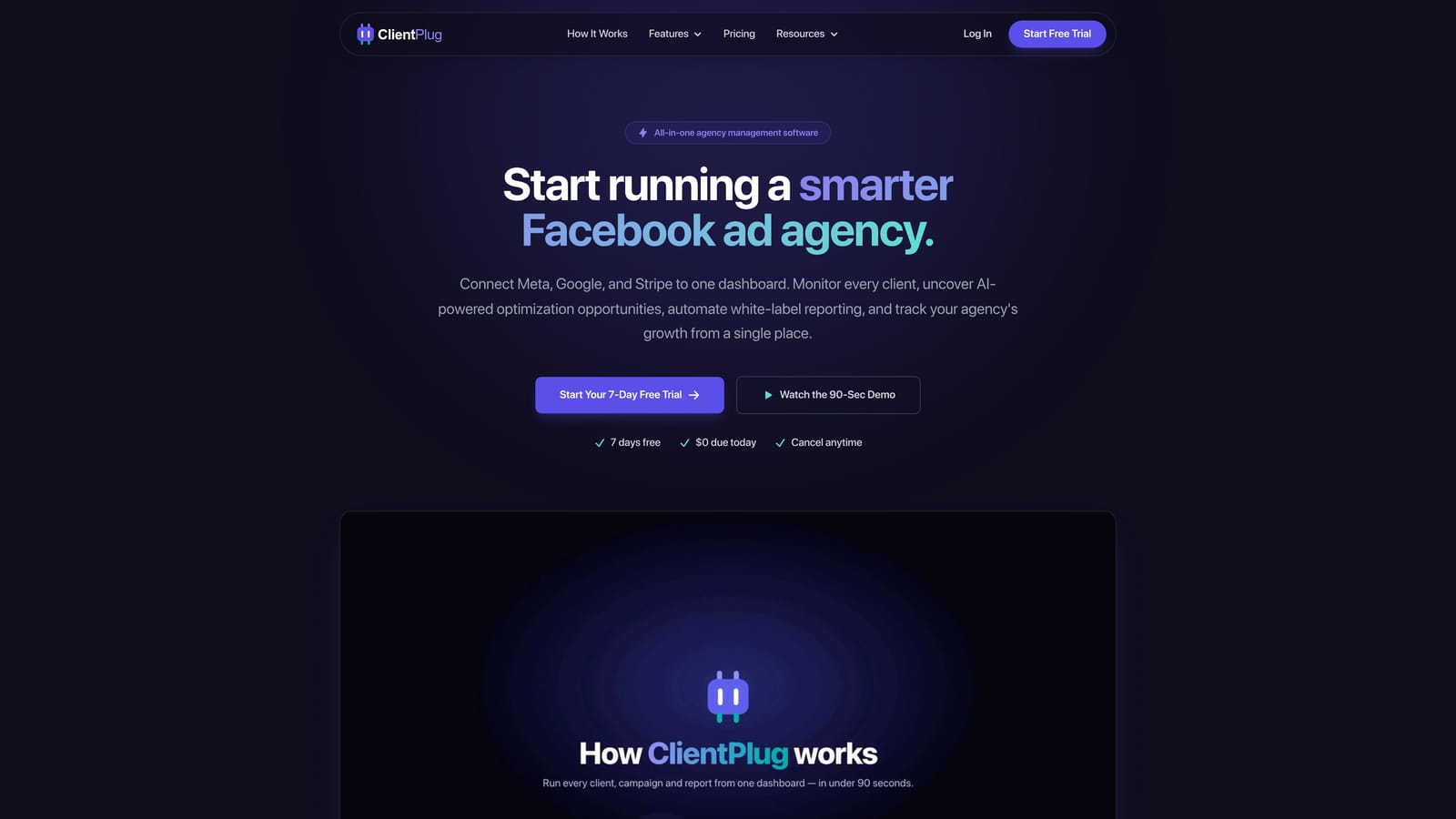
What sets it apart on this list is the link between money and performance. Payments, campaigns and client data auto-sync, so you can see whether a client is paid up next to whether their campaigns are healthy. Health monitoring runs from individual ads up to campaigns, clients and the agency as a whole.
- A single dashboard that auto-syncs payments, campaigns and client data, which removes manual updating.
- Meta and Google Ads performance monitoring, so you spot problem accounts without logging into each platform.
- Automated white-label reports, sent under your brand, that replace hand-built monthly decks. White-label reporting simply means the client sees your agency's name and branding, not the tool's.
- Conversion API (CAPI) setup in a few clicks. CAPI sends conversion events from your server to the ad platform, which helps tracking hold up when browser-based pixels lose data.
- AI-assisted campaign optimization that suggests where to adjust spend and targeting.
Setup is light and the day-to-day user is typically the agency owner or account manager. Integrations center on Meta Ads and Google Ads.
The limitation is plain: ClientPlug is not a full sales-pipeline or marketing-automation CRM. If your growth depends on heavy outbound prospecting, cold sequences and deal stages, pair it with a dedicated pipeline tool. It also does not suit agencies whose work is mostly outside paid ads. Pricing is listed on the ClientPlug website; check it there for current plans.
Best for: Ad-focused agencies and freelancers managing delivery, billing and reporting for many clients.
2. HubSpot CRM
HubSpot CRM is a widely used CRM with a free core and paid hubs for marketing, sales and service. It mainly serves the "winning clients" job, and it does so with the broadest toolset here.
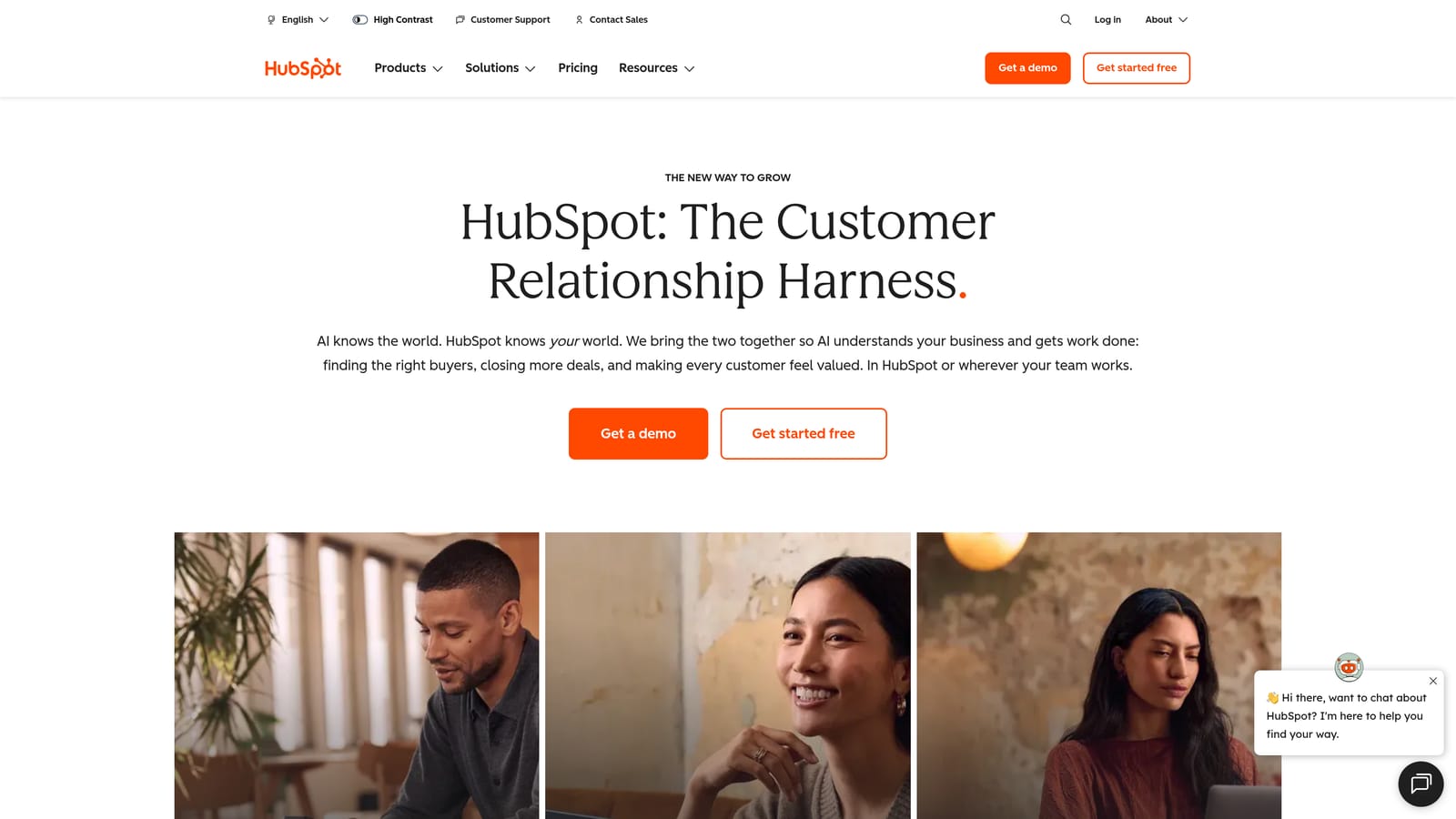
Its distinctive strength is the ecosystem. Forms, landing pages, email marketing, automation and reporting all sit on the same contact database, which suits agencies that sell inbound and content services and want to practice what they pitch.
- A free CRM core that handles contacts, companies and deals without an upfront bill.
- Contact and deal management with a clear view of every conversation.
- Email marketing and forms that capture leads and feed them straight into the pipeline.
- Landing pages and automation to nurture prospects without manual follow-up.
- Reporting dashboards that show where deals stall.
It integrates with Gmail and Outlook, Slack, Zapier and Meta and Google Ads for ad tracking. Setup for the free tier is quick, but getting full value from the paid hubs takes planning, and someone needs to own the system, usually a marketing or sales lead.
The main drawback is cost creep. Adding hubs and seats raises the bill quickly, and some of the most useful automation sits in paid tiers. It also does not handle client billing or ad delivery reporting for your accounts. Pricing starts free; paid plans move with hub, tier and seat count (as of 2026, verify on the HubSpot site).
Best for: Agencies selling inbound and content services that want one platform for marketing and sales.
3. Pipedrive
Pipedrive is a sales-focused CRM built around a visual deal pipeline. It is a pure new-business tool: it does nothing for delivery, and it is better for that focus.
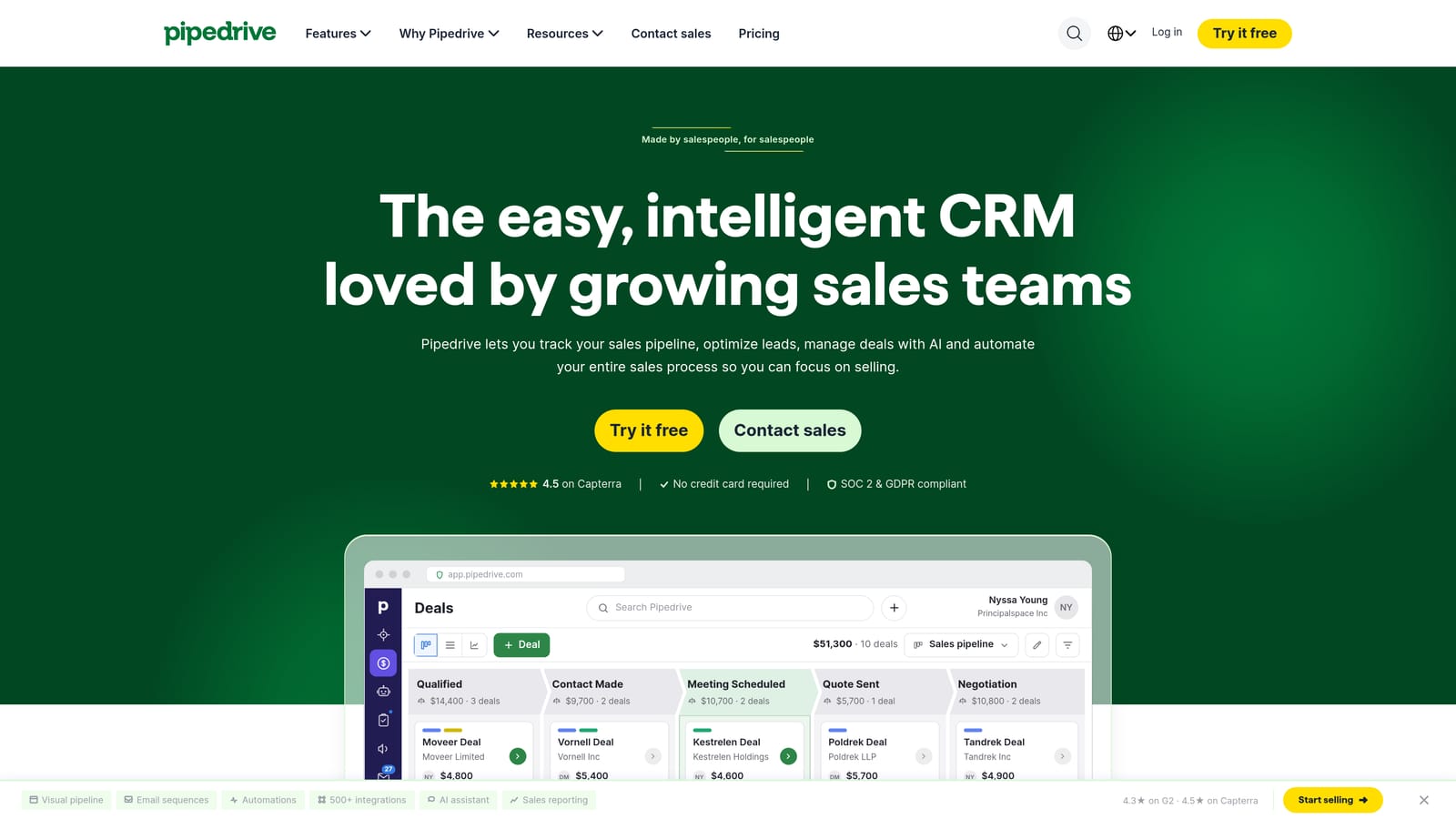
Its standout trait is activity-based selling. Instead of just showing deal stages, it nudges you to schedule the next call or email, which keeps prospecting follow-ups from slipping. For a small agency where the owner also sells, that discipline matters.
- A visual pipeline that shows every prospect and stage at a glance.
- Activity reminders that make sure each deal has a next step.
- Email sync that logs conversations without manual copying.
- Workflow automation for repetitive pipeline tasks.
- Custom fields so you can track agency-specific details such as ad spend range or platform.
Integrations include Google Workspace, Zapier, Slack and Mailchimp. Setup is quick and most small teams are productive within days; the day-to-day users are whoever handles sales.
The limitation is scope. There is no native client delivery, billing or ad reporting, so you will need other tools once a deal closes. Pricing is per user per month in tiers, with higher tiers unlocking more automation (as of 2026, verify on the Pipedrive site).
Best for: Agencies focused on new-business outreach and a clean sales pipeline.
4. Zoho CRM
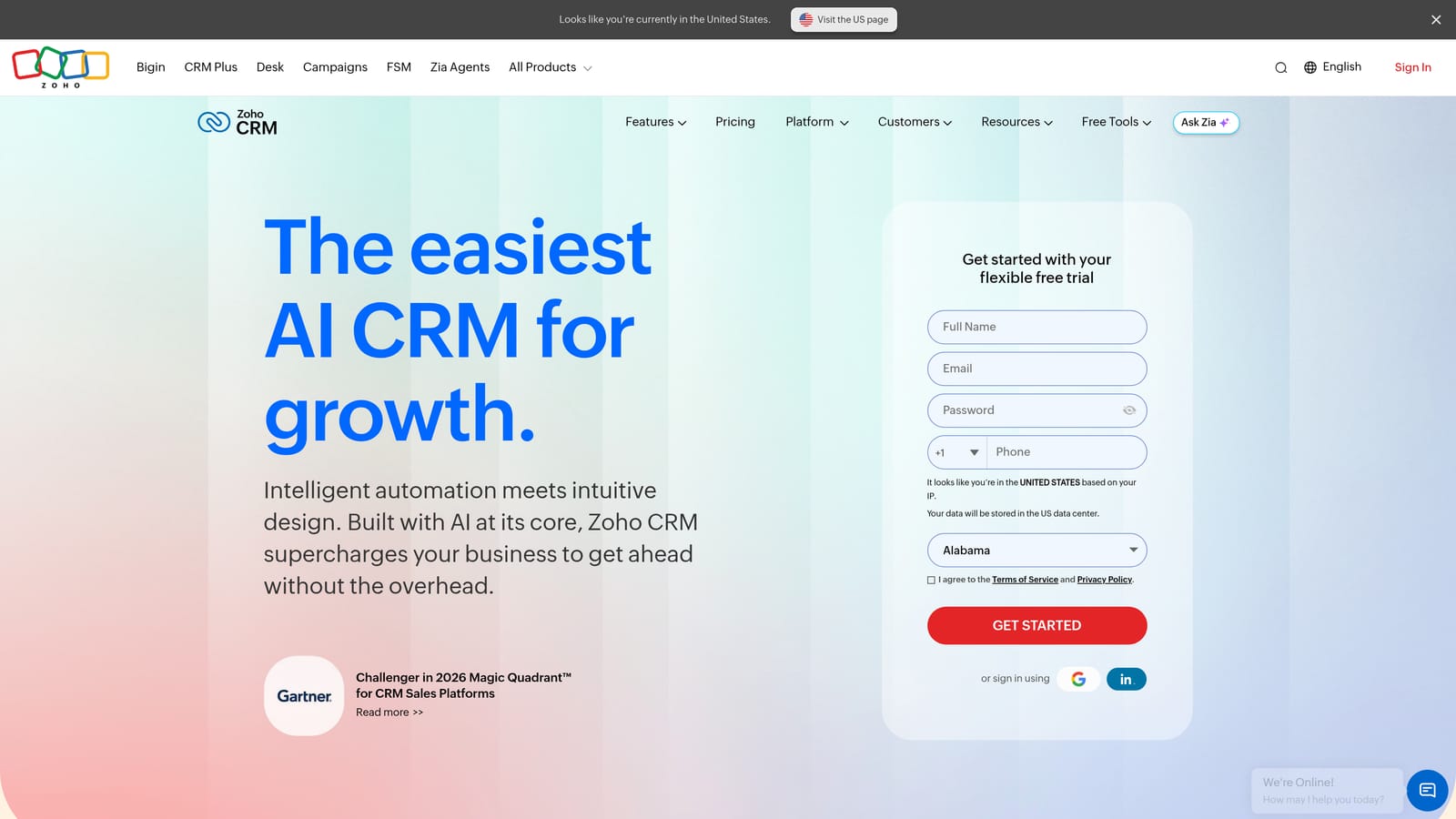
Zoho CRM is a configurable CRM that sits inside the wider Zoho app suite. Its appeal is price-to-breadth: you can add projects, accounting and campaigns from the same vendor.
What it connects to
Integrations with Zoho Projects, Zoho Books, Zoho Campaigns and Google Workspace let an agency run sales, project delivery, invoicing and email under one login. That is the thing the others on this list rarely match at a low cost.
Main features
- Lead and deal management to track prospects through your pipeline.
- Workflow automation that handles assignments and follow-ups.
- Custom modules so you can model retainers, campaigns or accounts your own way.
- Analytics for pipeline and conversion reporting.
- Zia AI assistant for suggestions and data help.
Limitations and cost
The flexibility has a price in time. Small teams often face a learning curve and heavier setup than with simpler tools, and the interface can feel dense. It does not report on Meta or Google Ads performance natively. Pricing is per user per month in tiers, with a free tier for small teams (as of 2026, verify on the Zoho site); costs grow as you add users, higher tiers and other Zoho apps.
Best for: Budget-conscious agencies that want to build a connected stack on one vendor.
5. monday CRM
monday CRM is the board-based CRM from the monday.com work-management platform. It bridges both agency jobs better than most: the same visual workspace can hold your lead pipeline and your client project boards.
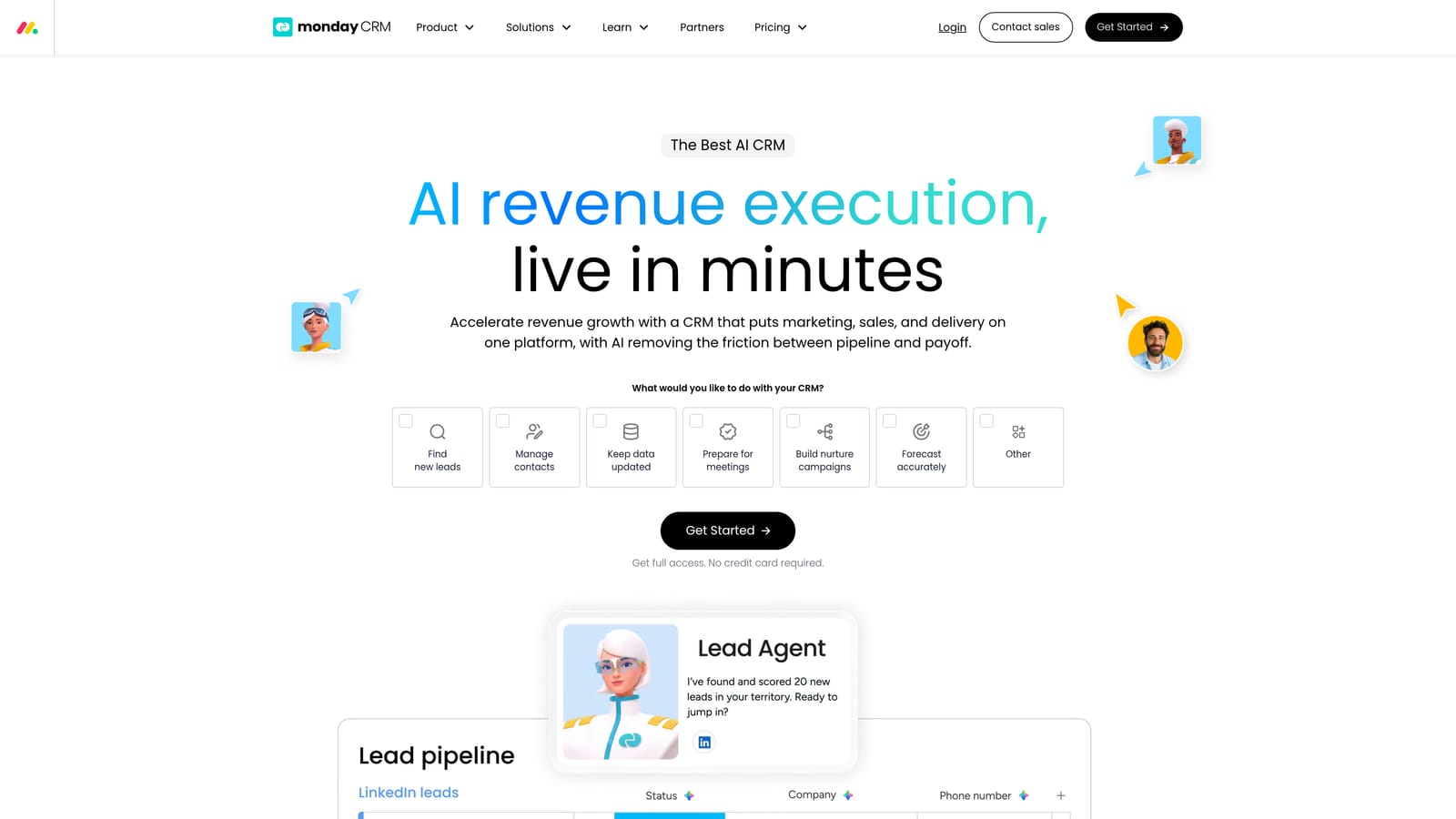
That is the distinctive point. When a deal closes, you can move straight into delivery without exporting data into another system, which suits teams already comfortable with boards.
- Customizable boards that you can shape around your own sales stages.
- Lead and deal tracking with clear ownership.
- Automations that cut repetitive status updates.
- Dashboards that summarize pipeline and workload.
- Email integration to keep conversations attached to deals.
It integrates with Gmail, Outlook, Slack and Zoom. Setup is approachable thanks to templates, though you will spend time tailoring boards, and the person who builds them usually ends up owning them.
The limitation is cost for small teams: seat minimums and tier limits can push the price up, which matters for a freelancer or two-person shop. It also has no native ad reporting or payment tracking. Pricing is per seat per month with seat minimums (as of 2026, verify on the monday.com site), and the tier you need depends on automation and integration limits.
Best for: Agencies that want sales pipeline and project delivery in one visual workspace.
6. GoHighLevel
GoHighLevel is an agency-focused CRM and marketing automation platform with white-label and reselling options. It is closer to a business-in-a-box than a plain CRM.
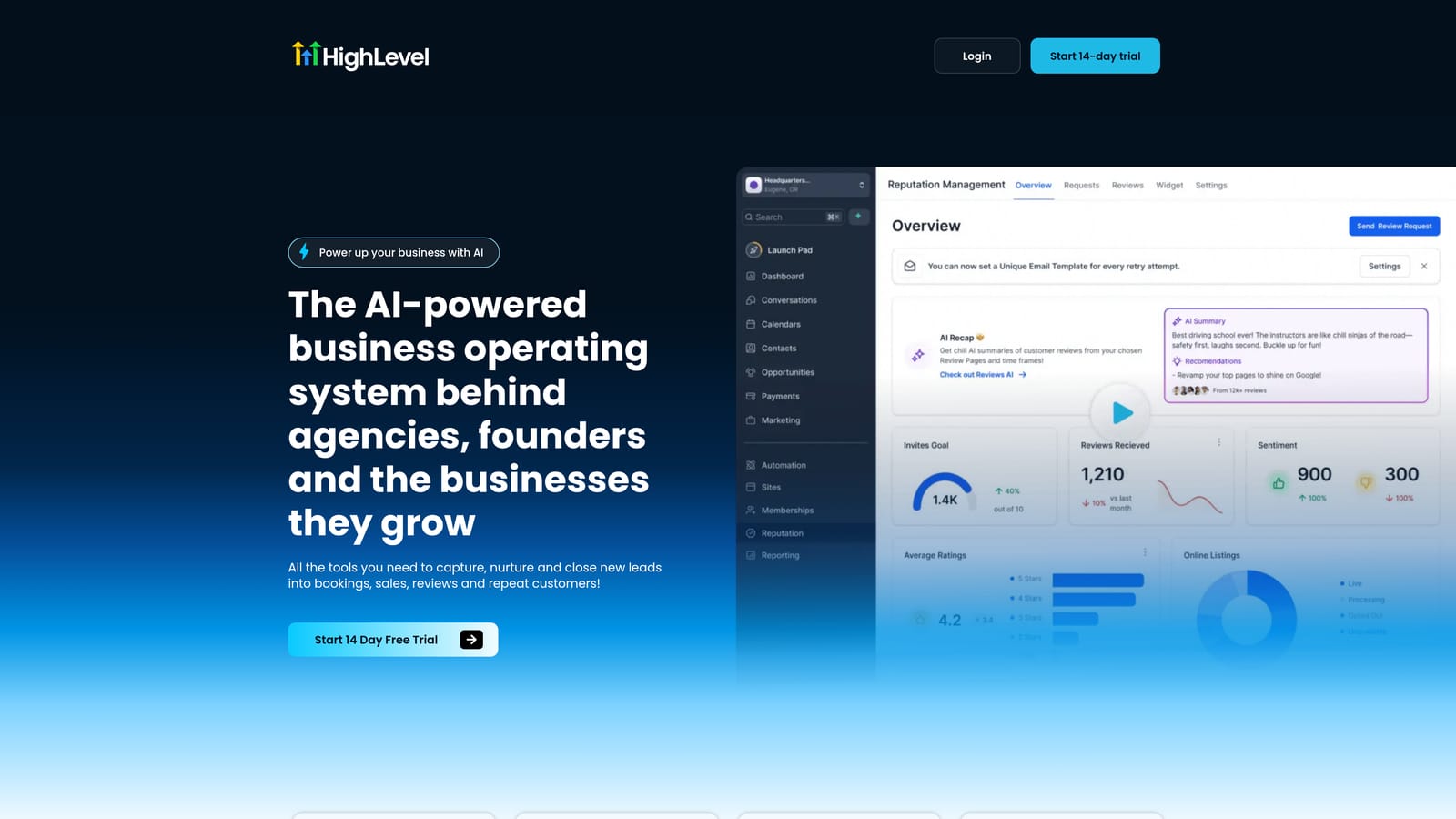
Its signature is sub-accounts: separate workspaces for each client, so their leads, funnels and automations stay apart from each other. With white-label and SaaS mode you can rebrand the platform and resell it to clients as your own product, which is a different business model from anything else here.
- Sub-accounts per client to keep data and campaigns separated.
- Funnels and landing pages that you can build and deploy for clients.
- SMS and email automation for lead nurture and follow-up.
- Calendar booking to turn leads into appointments.
- White-label and SaaS mode to sell under your own brand.
It integrates with Stripe, Zapier, Facebook and Google, and Twilio. Setup is the catch: the feature set is large and takes real time to configure, and someone on your team needs to become the platform expert.
It is heavy for lightweight needs, so an agency that only wants a tidy pipeline or ad reporting will be paying for complexity it does not use. Pricing is monthly tiers (as of 2026, verify on the GoHighLevel site), with the tier determining how many sub-accounts and white-label capabilities you get.
Best for: Agencies building automation-led, white-label service offers for local-business clients.
7. Copper
Copper is a CRM designed to work inside Google Workspace. If your agency lives in Gmail and Calendar, it removes much of the data entry other CRMs demand.
What it does that others do not is capture contact and deal data directly from Gmail and Google Workspace, so the CRM updates itself as you correspond.
- A Gmail sidebar that shows deal context while you read and write emails.
- Automatic contact capture that saves manual logging.
- Pipeline views to track opportunities by stage.
- Project tracking for work that follows a won deal.
- Workflow automation for routine steps.
It integrates with Gmail, Google Calendar, Slack and QuickBooks. Setup is gentle and usually owned by the founder or an account lead.
The limits are clear: it fits less well for teams outside Google Workspace, and its automation is lighter than the heavier platforms. It will not report on ad performance. Pricing is per user per month in tiers (as of 2026, verify on the Copper site), with higher tiers adding automation and reporting depth.
Best for: Google Workspace-based agencies that want minimal data entry.
8. Salesforce Starter
Salesforce Starter is the entry tier of Salesforce's CRM, aimed at small businesses. It is the tool on this list most likely to be bought too early, so be honest about your stage.
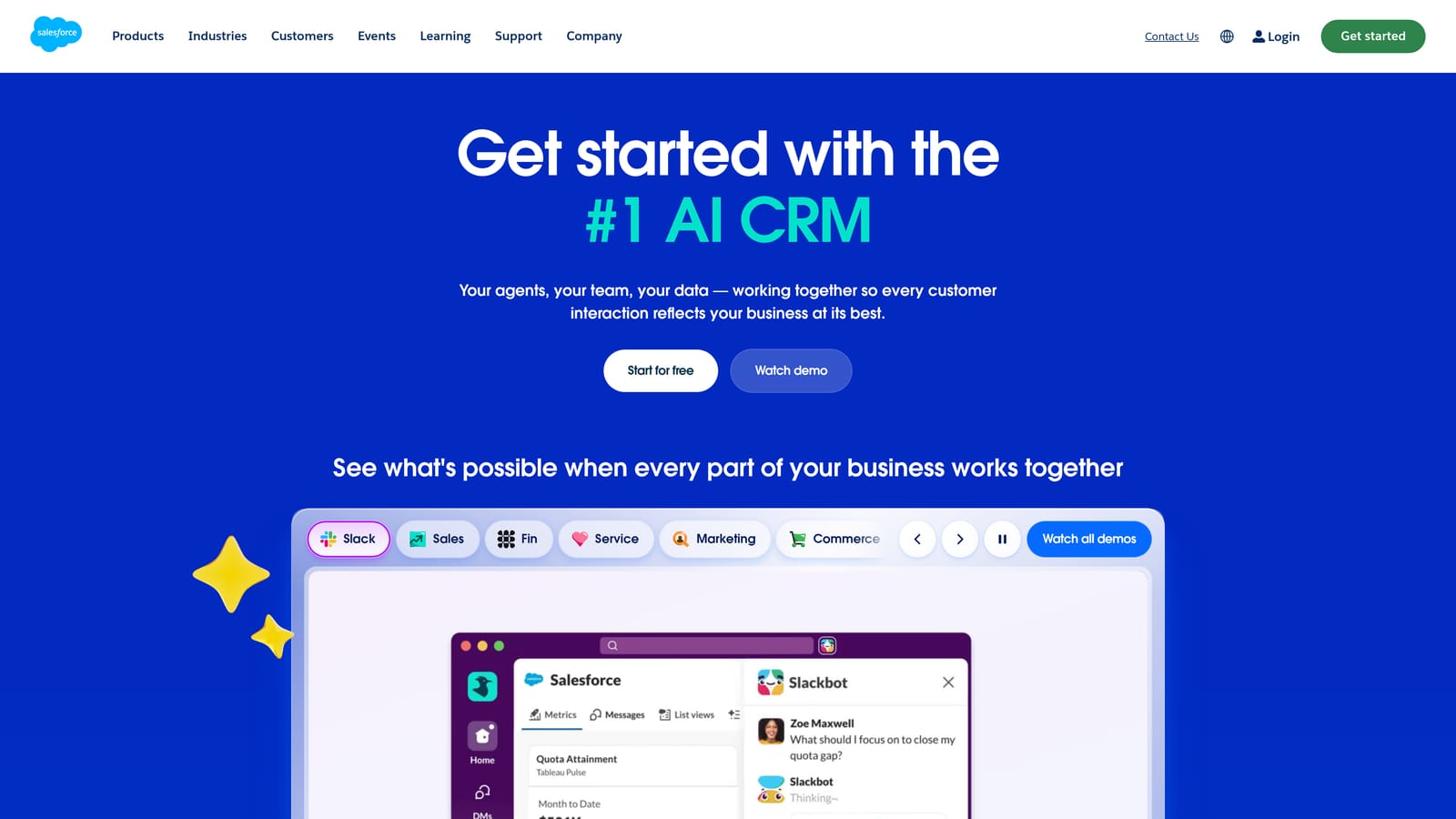
Its advantage is scale. The AppExchange is the largest app marketplace here, and a growing agency with a complex sales process can add capability without switching systems later.
- Lead and opportunity management for structured, multi-stage sales.
- Email integration to log communication against records.
- Reports and dashboards for pipeline visibility.
- Basic automation to reduce manual steps.
- AppExchange access for add-ons that extend the platform.
It integrates with AppExchange apps, Gmail and Outlook, and Slack. Setup and administration are the weak point: implementation overhead is heavy for freelancers and small agencies, and you may need an admin or consultant to get it right.
Paying for a platform you cannot configure or use is a common mistake, and Starter is unlikely to suit a team of one to five. It has no native ad reporting or client billing. Pricing is per user per month (as of 2026, verify on the Salesforce site), and add-ons and higher editions raise the total.
Best for: Larger agencies with complex sales processes and room to invest in setup.
9. Agile CRM
Agile CRM is a budget-friendly all-in-one CRM with sales, marketing and service modules. It targets the solo operator who wants several basics without several subscriptions.
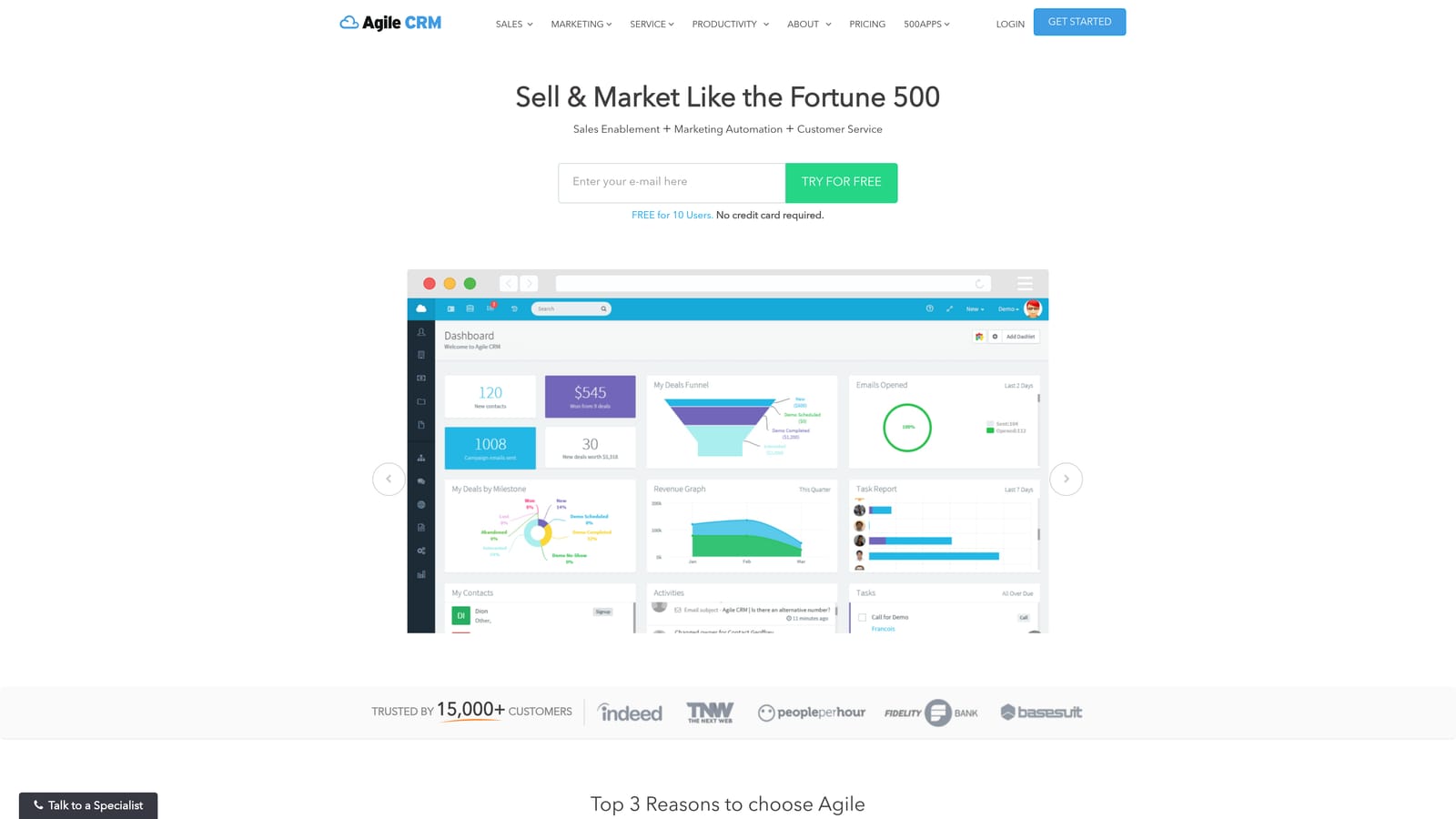
The standout is the low-cost bundle: contact management, email campaigns, appointment scheduling and a helpdesk module in one tool, with scheduling that suits a freelancer booking discovery calls.
- Contact management that keeps leads and clients in one list.
- Email campaigns for basic outreach and newsletters.
- Appointment scheduling so prospects can book time without back-and-forth.
- Basic automation for simple follow-ups.
- A helpdesk module for handling client requests.
It integrates with Zapier, Gmail, Stripe and Shopify. Setup is simple and one person can run it.
The trade-offs are a smaller integration library and less polish than the leading tools, and it will feel thin as you grow. It does not cover ad reporting. Pricing is per user per month, and a free tier has historically been offered (as of 2026, verify on the Agile CRM site); the plan level and user count move the price.
Best for: Freelancers and tiny teams needing basic CRM and automation on a tight budget.
Matching the Right CRM to Your Agency's Situation
Start by deciding which job is hurting. If your pain is delivery, with billing, ad performance and client reports scattered across tabs, ClientPlug fits best, as long as you accept it is not a sales-pipeline tool. If your pain is winning work, HubSpot suits agencies selling inbound services, and Pipedrive suits those who live on outreach and follow-up.
For the other cases:
- White-label resellers: GoHighLevel, if you are ready to invest in configuring it.
- Pipeline and projects together: monday CRM.
- Tight budgets: Zoho CRM or Agile CRM.
Many agencies end up with two tools: a pipeline CRM for prospects and ClientPlug for everything after the sale. Avoid enterprise platforms until you have the team to run them, and audit seats before each renewal.