If you run a paid media agency or freelance practice, the monthly report is probably one of your least profitable hours. This guide is for owners and freelancers who want to replace screenshots and spreadsheets with something repeatable. The tools below were chosen by comparing four things: the data sources they cover, the quality of their white-label output (reports under your own brand, logo, and, on some plans, domain), how much of the work they automate, and how pricing scales per client. Fit matters more than rank, so read each entry against the channels you actually report on.
Quick Comparison of the Reporting Tools
- ClientPlug: Meta and Google Ads agencies and freelancers; pricing on the vendor's website; combines ad performance, client payment tracking, and white-label reports in one auto-syncing dashboard.
- AgencyAnalytics: full-service agencies with many clients; tiered pricing, see website; branded client portal with built-in SEO rank tracking next to paid media.
- DashThis: small to mid-size agencies; priced by dashboard count, see website; fast setup from preset templates.
- Looker Studio: budget-conscious freelancers; free; fully customizable with native Google data sources at no cost.
- Whatagraph: multi-channel agencies; tiered or quote-based, see website; cross-channel data blending in polished reports.
- Swydo: PPC-centric agencies; priced by data sources, see website; goal and budget tracking built into reports.
- Databox: teams wanting live KPI dashboards; free tier, paid plans on website; goal tracking and benchmarks inside live dashboards.
- Supermetrics: data-savvy agencies; priced by connector and destination, see website; the widest connector coverage feeding any tool you choose.
- Klipfolio: agencies with analysts; tiered plans, see website; deep formula and data modeling control for custom KPIs.
1. ClientPlug
ClientPlug is an all-in-one client organizer for digital marketing agencies and freelancers. It is our own product, so weigh this entry accordingly. Rather than being a pure reporting layer, it pulls Meta and Google Ads performance, client payment status, and campaign health into a single dashboard that syncs automatically, then generates white-label reports from that same data.
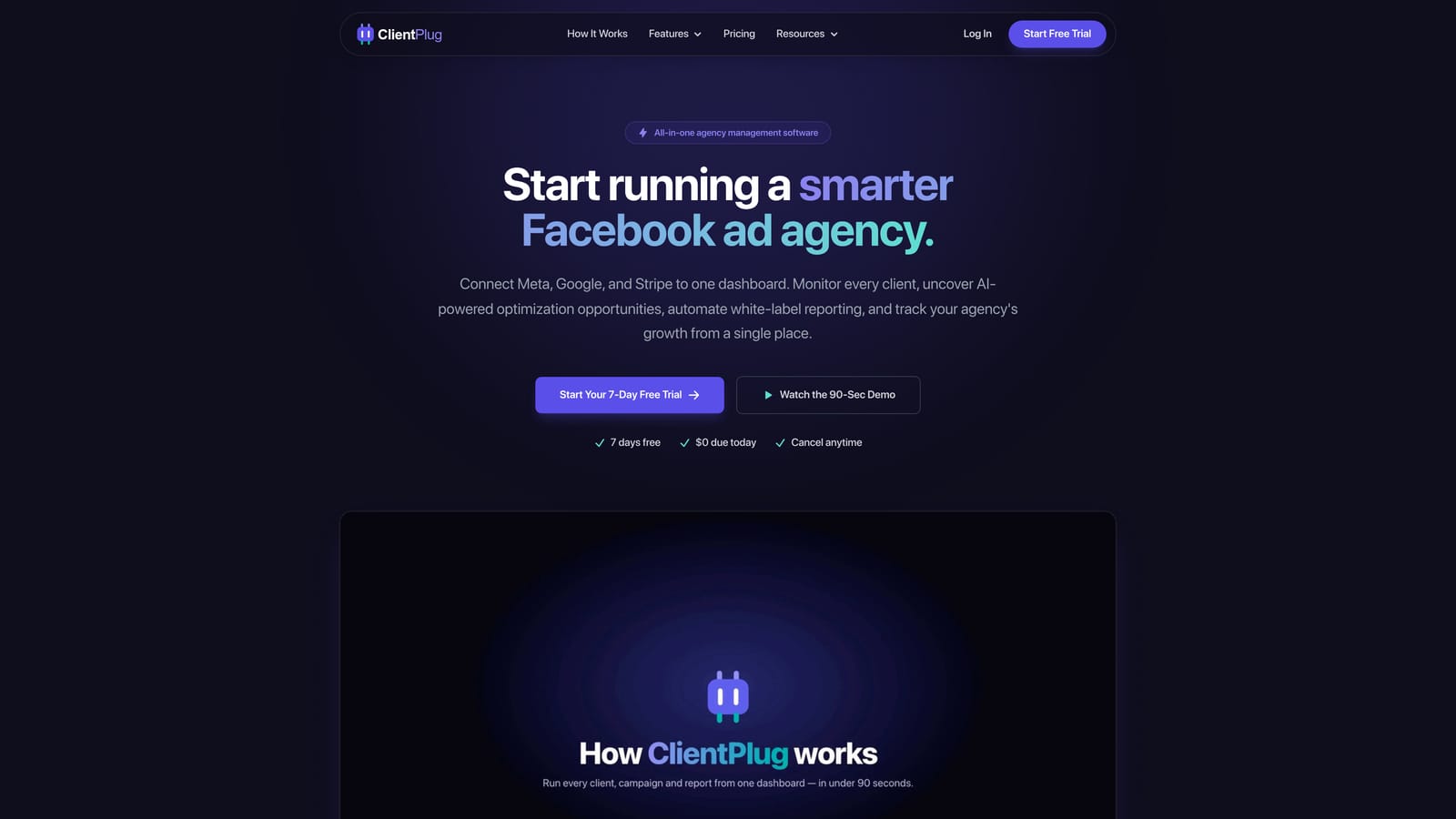
What sets it apart on this list is the combination. Most tools here stop at the report. ClientPlug also tracks whether each client has paid, so the person who checks ad performance on Monday can see billing status in the same place instead of opening an invoicing tool.
- Automated white-label reports go out under your agency's brand, so recurring client updates stop being a manual task.
- Meta and Google Ads monitoring shows the health of individual ads, campaigns, clients, and your agency as a whole.
- Client payment tracking keeps billing visible next to performance.
- AI campaign optimization suggests improvements based on the account data it already has.
- Conversion API setup takes a few clicks, which helps when tracking gaps are skewing the numbers you report.
Setup is lightweight: you connect your Meta and Google Ads accounts, and the dashboard populates. Day to day, it suits the owner or account manager running the accounts, with no analyst needed to maintain it.
The limitation is scope. ClientPlug is built around Meta and Google Ads. If a large share of your reporting covers SEO, email, social organic, or a long tail of other channels, it will not cover them, and a broader platform below will fit better. Pricing details, including what changes the cost, are listed on the ClientPlug website.
Best for: Meta and Google Ads agencies and freelancers who want reporting and client management in one place.
2. AgencyAnalytics
AgencyAnalytics is a reporting platform designed specifically for agencies, with a large integration catalog spanning paid media, SEO, and social. Its main distinction is the client-facing portal: you can give each client a login to a branded dashboard, so they check results themselves instead of waiting for a PDF.
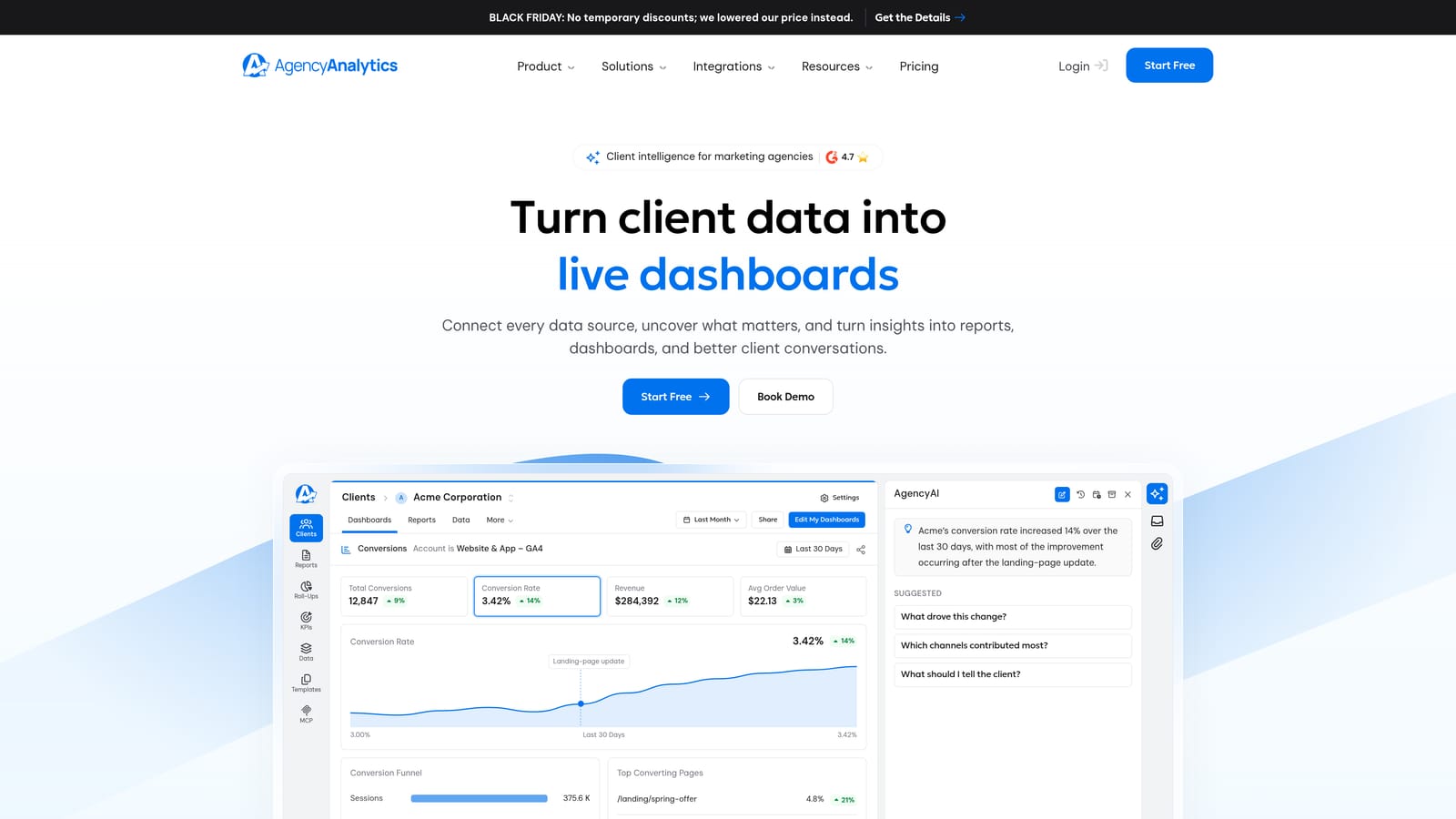
It also includes rank tracking, which means an agency selling both SEO and paid campaigns can report on both from one system. Few tools here do that natively.
- Custom-branded dashboards present results under your agency's identity.
- A large integration library covers PPC, SEO, and social, reducing the number of separate tools behind a retainer.
- Client logins let stakeholders view live numbers without requesting updates.
- Report templates cut the time spent building each monthly deliverable.
- Rank tracking brings SEO position data into the same reports as ad performance.
Integrations include Google Ads, Meta Ads, Google Analytics, Search Console, and call tracking tools. Setup is moderate: connecting accounts is quick, but building polished templates for different client types takes some upfront effort, usually handled by an account manager or operations lead.
The trade-offs are cost and flexibility. Pricing is tiered and scales with the number of client campaigns, so a growing roster raises the bill steadily. It also offers limited custom data modeling, so teams that want to define unusual calculated metrics may feel boxed in. Check the vendor's pricing page for current plans as of 2026.
Best for: Full-service agencies reporting across many channels to many clients.
3. DashThis
DashThis focuses on getting a clean recurring report built quickly. You assemble dashboards by dragging in widgets, or start from preset templates for common report types, and schedule delivery by email. It is a good fit when the goal is a consistent monthly report, not a deep analytics workspace.
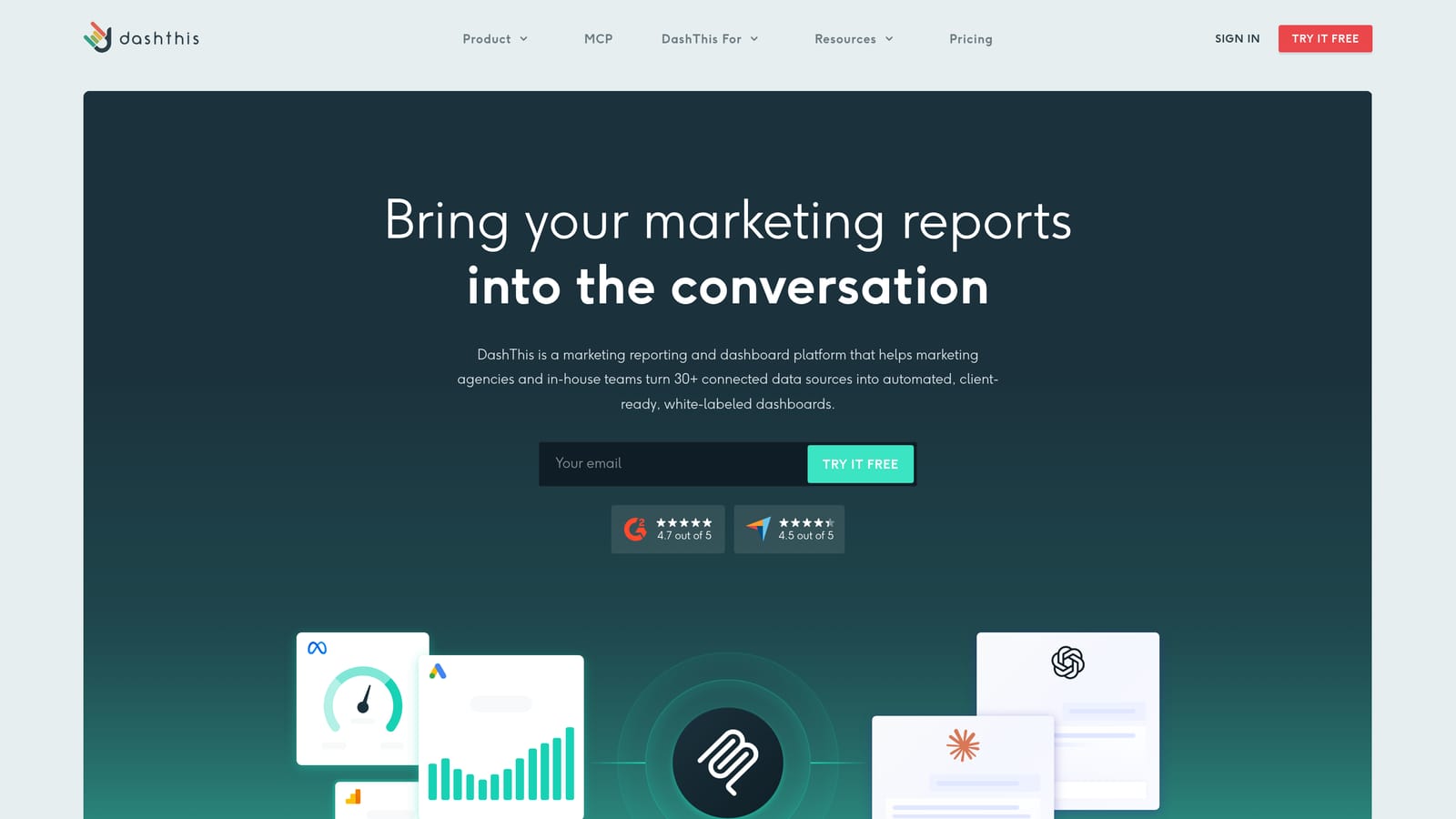
Its pricing model is the differentiator. Cost is based on the number of dashboards rather than the number of data sources, and each dashboard can draw on unlimited sources. An agency that wants to combine many channels in one client report does not pay extra for each connection.
- Drag-and-drop dashboards let non-technical staff build reports without training.
- Preset templates shorten onboarding for each new client.
- Automated email delivery sends reports on schedule without anyone remembering to do it.
- Unlimited data sources per dashboard allow multi-channel reports without per-connector fees.
- Custom branding puts your logo and styling on what clients receive.
Integrations include Google Ads, Meta Ads, Google Analytics, Mailchimp, and HubSpot. Setup is among the easier on this list, and a single person can run it.
The limitation is depth. It is lighter on analysis and client portals than all-in-one platforms, so if clients expect a login to explore live data, or you want to model custom metrics, look at other entries. Because pricing follows dashboard count, a large client roster with one dashboard each will still raise the cost; verify current plans as of 2026.
Best for: Small to mid-size agencies wanting quick, clean recurring reports.
4. Looker Studio
Looker Studio is Google's free dashboarding tool, and for many freelancers it is the default starting point. Native connectors for Google Ads, GA4, Search Console, YouTube, Google Sheets, and BigQuery mean Google-centric reporting costs nothing and can be customized almost without limit.
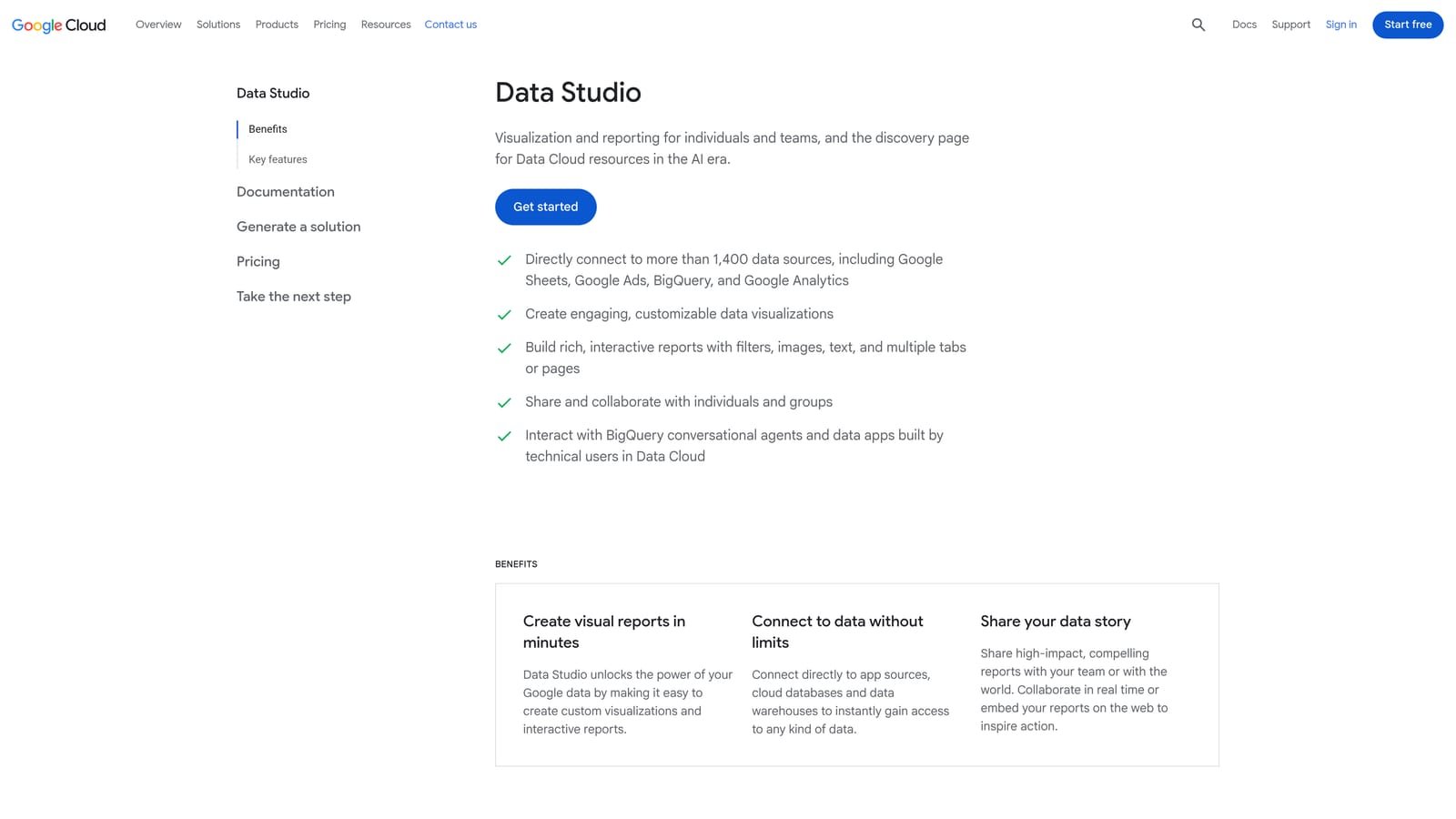
That flexibility is its strongest point on this list: you control every chart, layout, and calculated field. Reports can be shared as live links or sent on a schedule by email.
- Free use removes tooling cost from your per-client margin.
- Native Google connectors pull Google Ads, GA4, and Search Console data without add-ons.
- Shareable live reports give clients a link that always shows current numbers.
- Scheduled email delivery automates distribution once a report is built.
- Custom visualizations let you design reports to match any client's preferences.
The cost shows up in time. Everything is manual setup: you build each report yourself, and there is no client management, billing, or templated onboarding. Non-Google sources such as Meta Ads typically need a partner connector, which often carries a fee (Supermetrics, covered below, is a common choice), and Looker Studio Pro is a paid tier. Check current connector pricing as of 2026.
Day to day, whoever builds the reports maintains them, so it works best when that person is comfortable with data tools. It is a poor fit for agencies that want a turnkey process across dozens of clients.
Best for: Budget-conscious freelancers comfortable building their own reports.
5. Whatagraph
Whatagraph is built for agencies running campaigns across several platforms and needing the results to read as one story. Its strength is cross-channel data blending: you can combine metrics from different sources into unified views, and the report builder produces visually polished output meant for client presentations.
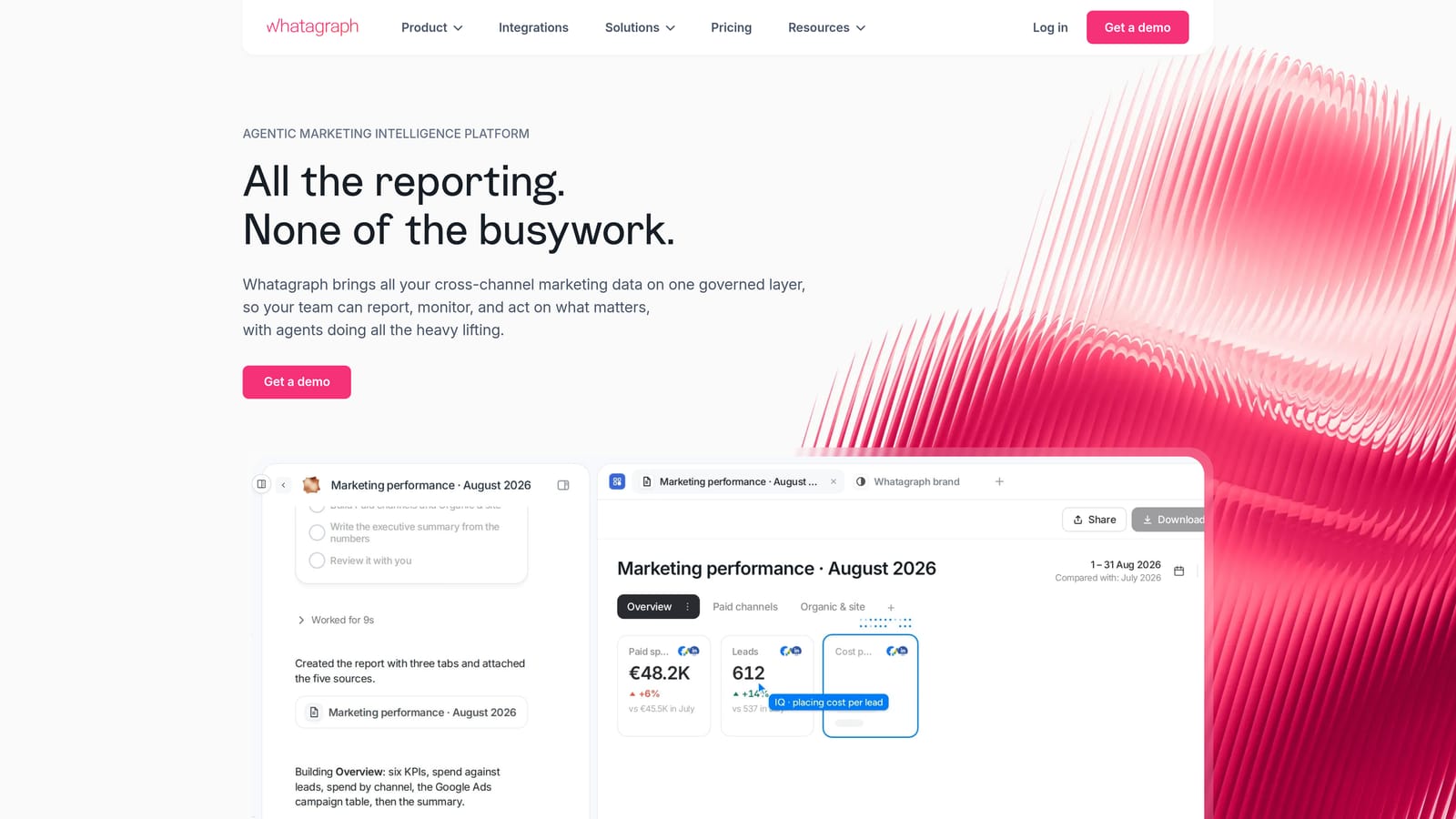
- Cross-channel data blending shows combined performance instead of one platform per page.
- A visual report builder produces presentation-ready layouts without design work.
- Automated scheduling sends recurring reports on a set cadence.
- Agency branding options keep deliverables under your name.
- A broad connector library covers paid, social, and analytics sources.
Integrations include Google Ads, Meta Ads, LinkedIn Ads, Google Analytics, and TikTok Ads. That TikTok and LinkedIn coverage matters if your clients split budget across several paid social platforms. Setup is moderate and typically handled by an account manager or reporting lead.
The limitation is price. It tends to cost more than lightweight tools, which can be hard to justify for a solo freelancer with a few clients. Pricing is tiered or quote-based, so ask for a quote against your client count and verify current plans as of 2026.
Best for: Agencies running multi-channel campaigns that need blended, presentation-ready reports.
6. Swydo
Swydo targets agencies that live in PPC and SEO. It offers report templates and scheduled white-label delivery, and its distinguishing feature is goal and budget tracking built directly into the reports. A client can see not only spend and results but whether pacing is on track against the budget you agreed.
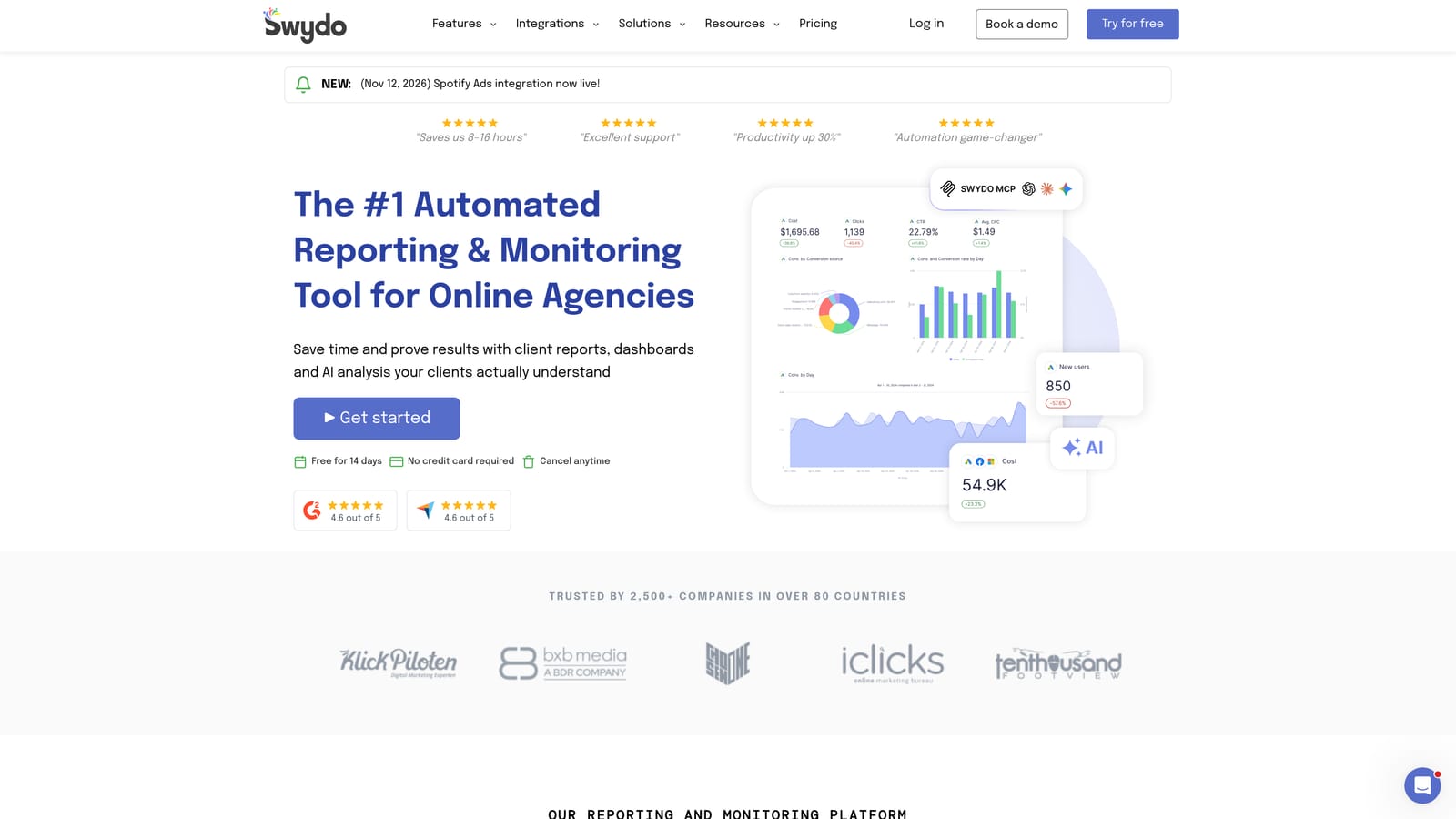
- Report templates speed up the build for each new client.
- Scheduled white-label reports deliver under your brand automatically.
- Goal and budget tracking shows pacing against targets inside the report.
- Performance alerts flag problems before the client notices them.
- PPC and SEO data sources cover the core channels of a search-focused agency.
Integrations include Google Ads, Meta Ads, Google Analytics, Search Console, and Microsoft Ads. The Microsoft Ads coverage is useful for search specialists who manage Bing accounts. Setup is straightforward, and a campaign manager can run it without technical support.
The limitation is polish. The interface and template flexibility feel less modern than newer tools, so agencies that sell on visual presentation may find the output plain. Pricing is based on the number of data sources, so a client with many connected accounts costs more; verify current plans as of 2026.
Best for: PPC-centric agencies that want straightforward automated reports.
7. Databox
Databox is organized around metrics rather than documents. You build live dashboards of KPIs, set goals against them, and compare against benchmarks. It suits teams that want to watch performance continuously, including from a mobile app, rather than assemble a monthly report.
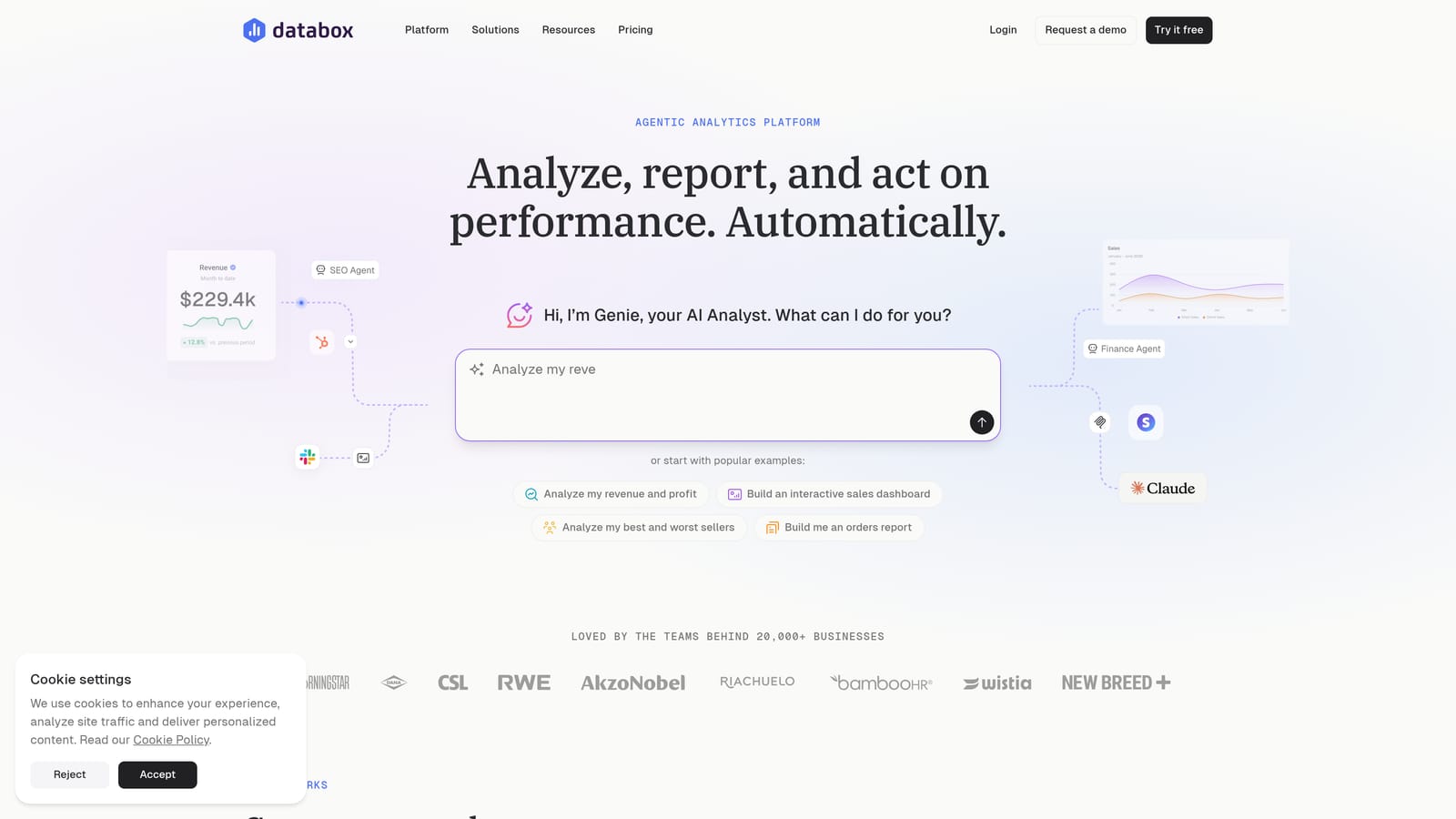
That orientation is its main difference from report-first tools: the dashboard is the product, and goal tracking and benchmarks sit right inside it.
- Goal tracking shows progress toward each client's targets at a glance.
- Benchmarking gives context on whether a number is good or just a number.
- Mobile app access lets you check client performance away from your desk.
- Custom and spreadsheet data support brings in sources without a native connector.
- Dashboard templates shorten the build for common setups.
Integrations include HubSpot, Google Analytics, Google Ads, Meta Ads, and Salesforce, which makes it relevant for agencies tying ad results to CRM data. Setup is moderate, and the person who owns client KPIs usually runs it.
The limitation is that it is less oriented to polished, document-style client reports, so an agency whose clients expect a formatted monthly PDF with commentary may need extra work. A free tier is available, with paid plans above it; check current limits as of 2026.
Best for: Teams that want live KPI dashboards and goal monitoring across clients.
8. Supermetrics
Supermetrics is not a reporting product in the finished sense. It is a data connector that moves marketing data into the place where you build reports: Looker Studio, Google Sheets, Excel, or a data warehouse such as BigQuery. Its standout is connector coverage, among the widest of any tool here, with scheduled refreshes keeping destinations current.
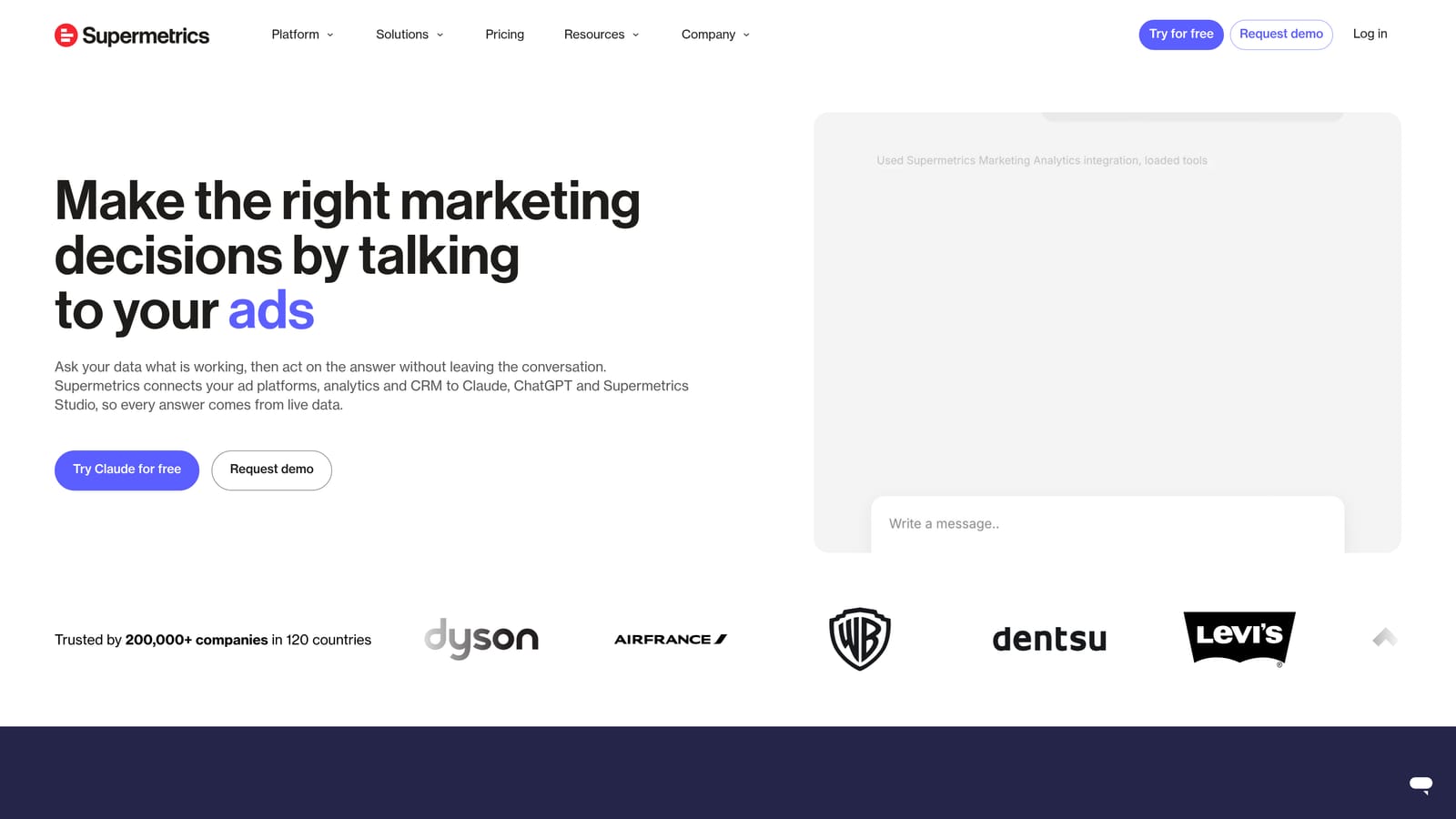
That makes it a component rather than a replacement for the other entries. It pairs especially well with Looker Studio, filling the gap for sources Google does not connect natively.
- Very broad connector coverage reaches platforms that other reporting tools skip.
- Multiple destinations let you choose Looker Studio, Sheets, Excel, or a warehouse.
- Scheduled data refreshes keep reports current without manual exports.
- Data transformations clean and shape data before it reaches the report.
- A template library gives you starting points so you are not building from blank.
Integrations include Google Ads, Meta Ads, LinkedIn Ads, Looker Studio, Google Sheets, and BigQuery. Setup effort is real: you design, build, and maintain the reports yourself, so someone with spreadsheet or data skills has to own it.
Pricing is by connector and destination, so cost rises as you add sources and outputs. Verify current pricing as of 2026. It is a poor choice if you want a finished, client-ready report out of the box.
Best for: Data-savvy agencies building custom reports in Sheets, Looker Studio, or a warehouse.
9. Klipfolio
Klipfolio is a flexible dashboard and metrics builder with real data modeling behind it. Its distinguishing capability is control: you can write custom metric formulas and shape data before it appears on a dashboard, which matters when a client's KPIs do not map neatly onto what a platform reports by default.
- Custom metric formulas let you define KPIs that match each client's business.
- Data modeling prepares and combines data before visualization.
- Custom dashboards can be designed around exactly the numbers that matter.
- Many data connectors cover common ad, analytics, and CRM sources.
- Shareable and embeddable views let you put dashboards in client portals or internal tools.
Integrations include Google Analytics, Google Ads, Meta Ads, Google Sheets, and Salesforce. Setup takes the most effort of any dashboard tool here and is best run by an analyst or someone comfortable with formulas.
The limitation is the learning curve. It is less turnkey for ad-hoc client reporting, so an agency without analyst capacity may spend more time configuring than reporting. Plans are tiered; verify current rates as of 2026.
Best for: Agencies with analysts who need full control over custom metrics.
Matching a Reporting Tool to Your Agency Model
Pick by the channels you report on, not by integration count. A catalog of hundreds of connectors means little if your retainers revolve around two platforms. Check how pricing scales too: per-client and per-dashboard models behave very differently once your roster doubles. Whatever you choose, add short written commentary to each report, since numbers without interpretation are what clients tend to ignore.
- Meta and Google Ads specialists: ClientPlug, if you want reporting, performance monitoring, and payment tracking in one dashboard. Pair it with a broader tool only if you add channels it does not cover.
- Multi-channel agencies: AgencyAnalytics for a client portal and SEO tracking, or Whatagraph for blended, presentation-ready reports.
- Budget-conscious freelancers: Looker Studio, with the understanding that you are trading money for setup time.
- Data-heavy teams: Supermetrics feeding a warehouse or Looker Studio, or Klipfolio if analysts need formula-level control.
If your work is centered on Meta and Google Ads and you would rather manage clients, payments, and reports from one place, see what ClientPlug can do for your agency. Learn more about our services