Running paid media for clients means answering to two audiences at once: the people paying you and the ad accounts spending their money. This list is for agency owners, Facebook and Google ad specialists, and freelancers who have outgrown spreadsheets. Each tool was judged on client records, ad performance visibility, reporting, billing, project workflow, and fit for small to mid-size teams. "Client management" covers several different jobs, so the entries are grouped by what each tool does best.
Quick Comparison of Each Tool
- ClientPlug: best for Facebook and Google ad agencies and freelancers; pricing on the website; ties client payments to live ad account health, with fast Conversion API setup.
- HubSpot CRM: best for agencies with an active sales pipeline; free tier, paid tiers on the website; the deepest contact and deal history tooling here.
- Monday.com: best for agencies running several service lines; per-seat pricing on the website; the most flexible visual workflow builder.
- ClickUp: best for budget-conscious teams; free plan, paid per user; tasks, docs, and time tracking in one low-cost tool.
- Productive: best for mid-size agencies; pricing on the website; per-client margin and utilization reporting.
- Teamwork.com: best for agencies billing hours or fixed-scope projects; per-user pricing on the website; client-restricted access with budget controls.
- HoneyBook: best for solo consultants and small agencies; subscription pricing on the website; a polished proposal-to-payment flow.
- AgencyAnalytics: best for multi-channel agencies; typically priced per client campaign; the widest channel coverage for branded dashboards.
- Dubsado: best for freelancers with repeatable onboarding; subscription pricing on the website; highly configurable template-driven workflows.
1. ClientPlug
ClientPlug is our own product, so weigh this entry accordingly. It is an all-in-one client organizer for digital marketing agencies and freelancers, built around paid ads work. The idea is that the money side (who has paid, who is late) and the performance side (which campaigns are healthy, which are bleeding budget) sit in the same dashboard instead of in a billing app and a separate ad manager.
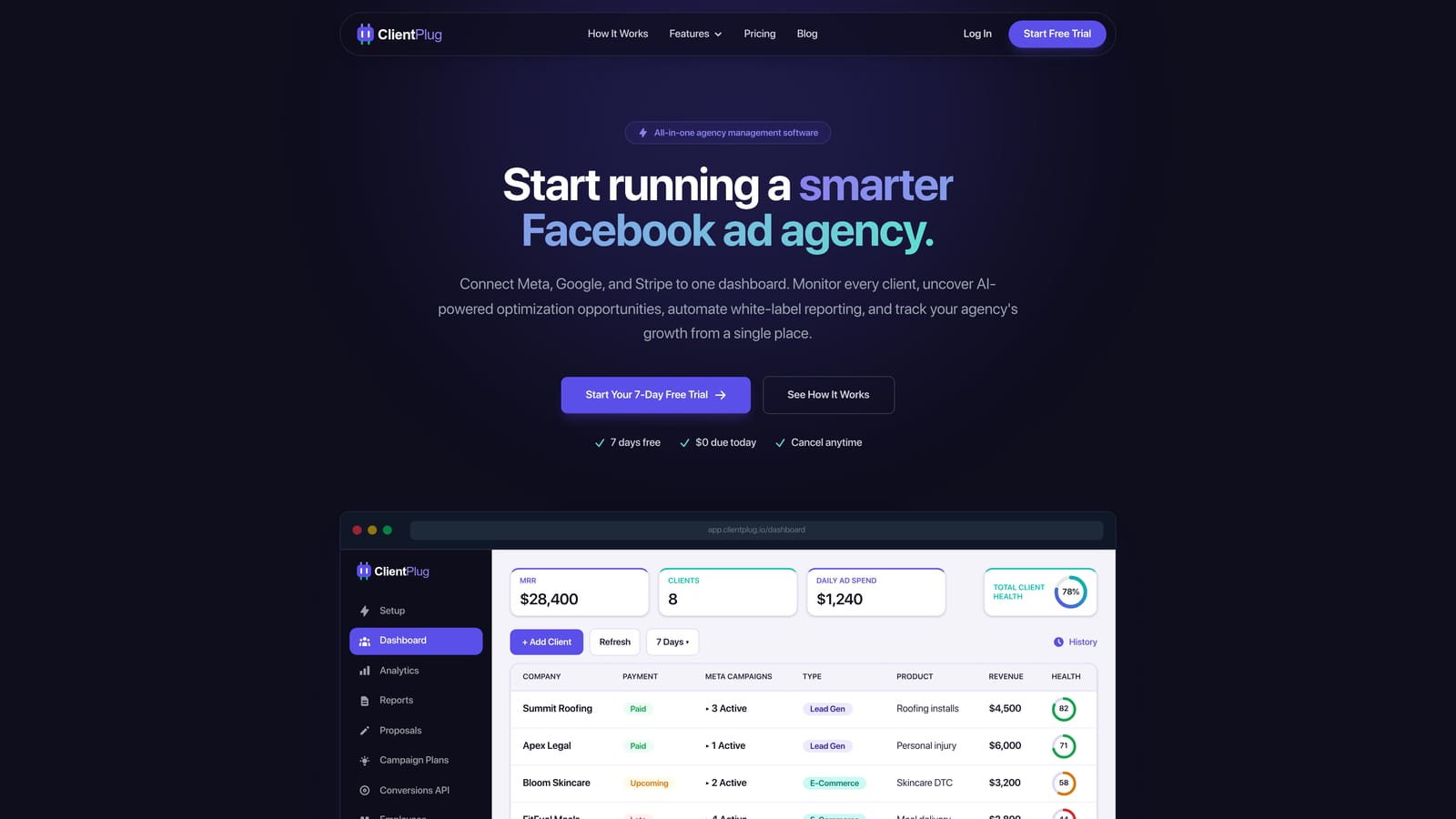
- One dashboard auto-syncs payments, campaigns, and client data, so you are not reconciling several sources by hand.
- Meta and Google Ads monitoring includes health checks at the ad, campaign, client, and agency level, so problems surface before a client emails you.
- AI campaign optimization suggests improvements to running campaigns, which helps small teams that cannot review every account daily.
- Automated white-label reports go to clients under your branding without manual assembly.
- Conversion API setup takes a few clicks. Conversion API sends conversion events from a server to the ad platform directly, which makes tracking less dependent on browser cookies.
Its distinctive strength on this list is tying client payments and live ad account health together. No other tool here shows both, and few make Conversion API setup this quick. Integrations are centered on Meta Ads and Google Ads, and day-to-day use usually falls to the agency owner or account manager.
The limitation is scope. ClientPlug is built for paid ads agencies, and it is not a full project or task management suite. If you run SEO, web design, or content retainers that need task boards and resource planning, you will want a second tool for that work. It also is not a sales CRM for managing a prospecting pipeline. Pricing: see the ClientPlug website for current plans.
Best for: Facebook and Google ad agencies and freelancers who want billing, ad performance, and reporting in one place.
2. HubSpot CRM
HubSpot CRM is a widely used CRM with sales, marketing, and service hubs that track contacts, deals, and communication history. In an agency, its natural job is the front of the funnel: leads come in, deals move through stages, and every email and call stays attached to the contact record.
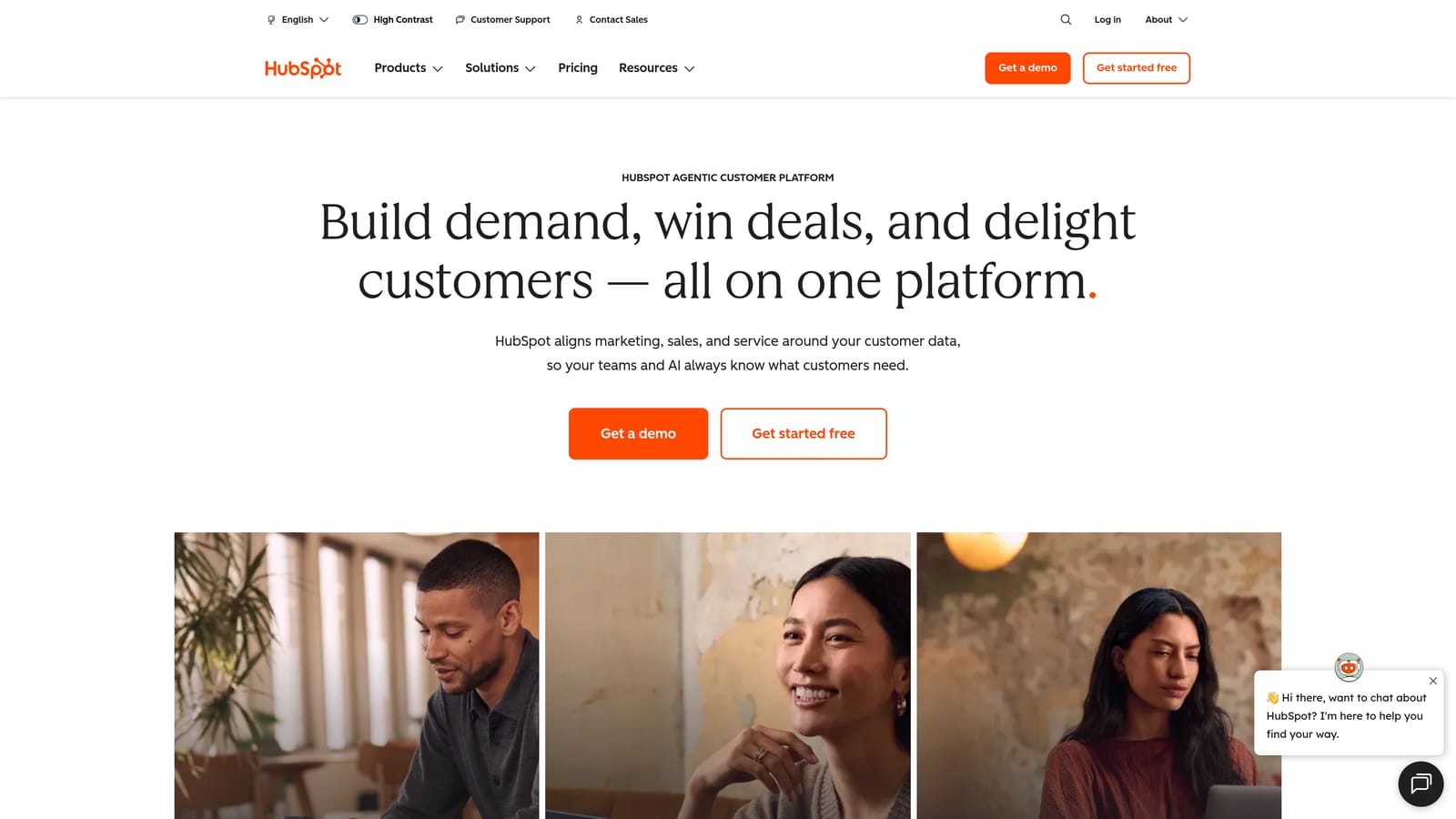
That is where it beats everything else here. Its pipeline and contact history tooling is the deepest on the list, which matters if new-business revenue depends on a disciplined follow-up process.
- Deal pipelines and contact records show where every prospect stands and who owns the next step.
- Email tracking and sequences tell you when a proposal was opened and automate follow-ups.
- Forms and meeting scheduling capture leads and book discovery calls without back-and-forth.
- Reporting dashboards give a view of pipeline value and conversion by stage.
- A free CRM tier lets you start without a commitment.
It integrates with Gmail, Outlook, Slack, Google Ads, and Meta lead ads, so lead capture from your own campaigns is straightforward. Setup is moderate, and someone needs to own data hygiene, usually a founder or a sales lead.
The limitations are real for this audience. HubSpot has no native ad performance monitoring for your clients' accounts and no agency billing. Costs also climb as you add hubs and seats, so model the price at your expected team size. The free tier is free; paid plans are per seat (see the website for current rates as of 2026).
Best for: Agencies with an active sales pipeline that need lifecycle tracking.
3. Monday.com
Monday.com is a customizable work management and CRM platform built on visual boards and automations. It is designed for teams that want to model their own process rather than adopt someone else's.
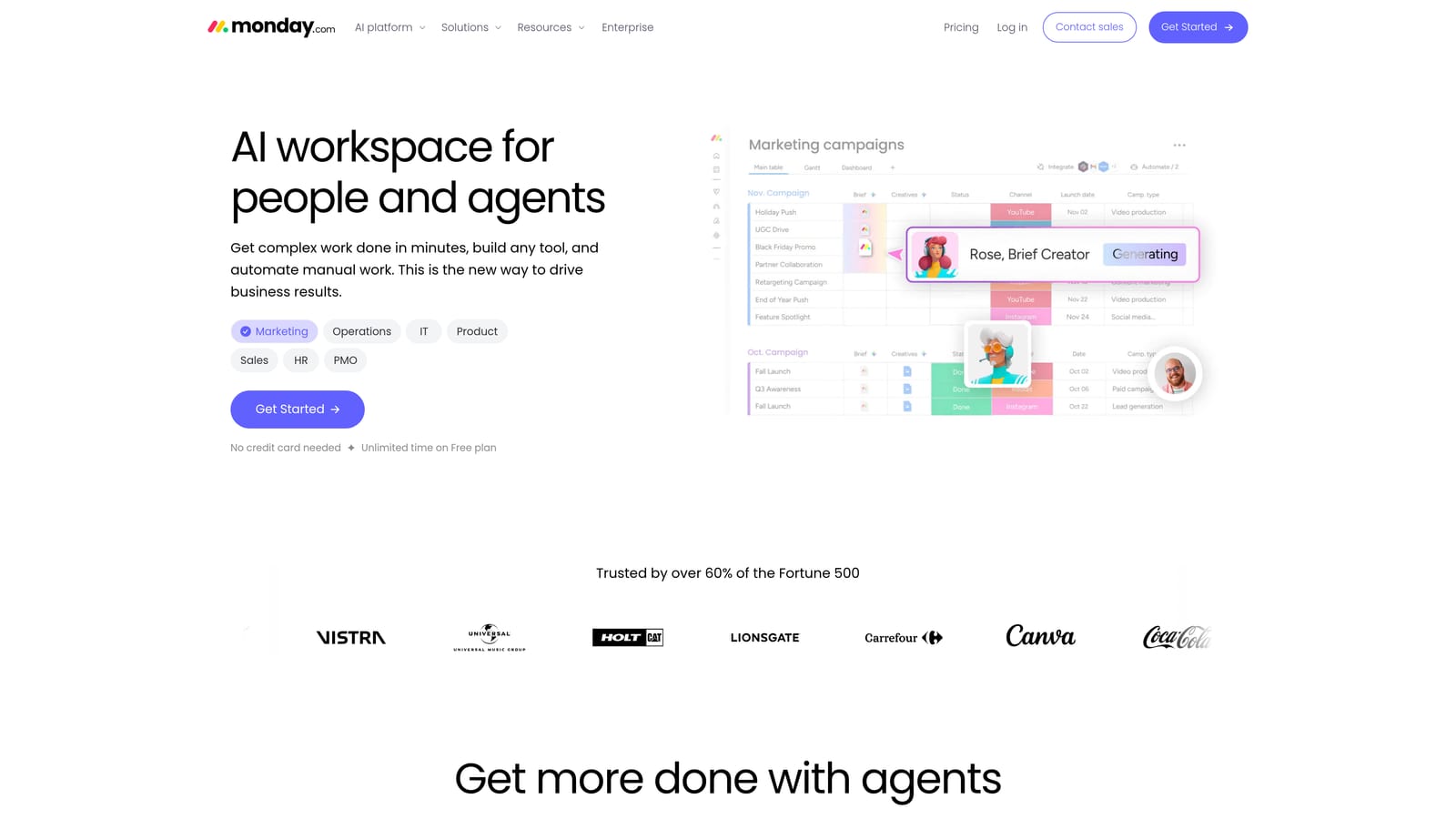
Its edge is flexibility. It is the most adaptable visual builder on this list, so an agency with a paid media team, a web team, and a content team can give each its own board structure and still roll everything up into one view.
What you get
- Custom boards and views (table, kanban, timeline, calendar) so each team sees work its own way.
- Workflow automations that handle status changes, notifications, and handoffs.
- Client onboarding templates that cut the time to a repeatable intake process.
- Dashboards that summarize workload and project status across accounts.
- A separate Monday CRM product for pipeline tracking.
Fit and trade-offs
Integrations include Slack, Google Workspace, Zoom, Mailchimp, and Zapier. Ad reporting is not built in, so pulling Meta or Google results into it requires integrations and extra setup. Expect real time investment to configure it well, and assign one person as the owner, or boards drift into inconsistency.
Pricing is per seat, with free and paid plans (see the website as of 2026). Because it scales by seat, check the cost at your headcount in a year, not just today.
Best for: Agencies wanting one configurable workspace across several service lines.
4. ClickUp
ClickUp is a work management platform that combines tasks, docs, goals, and time tracking. It aims to replace several small subscriptions with one, which is why cost-conscious agencies shortlist it.
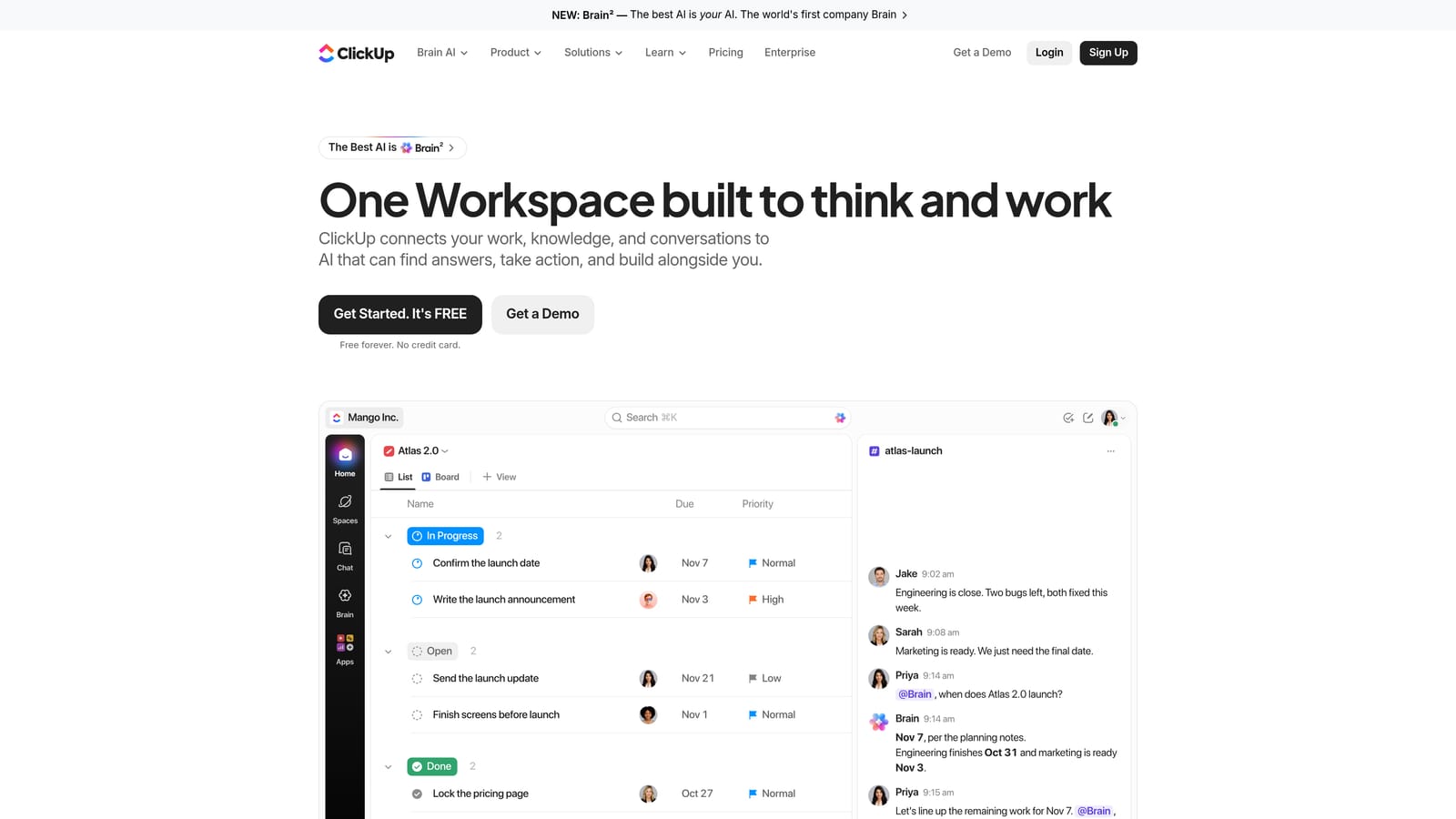
Against the rest of this list, it offers the broadest feature set per dollar. Docs, whiteboards, and time tracking are built in, where other tools charge for add-ons or leave them out.
- Tasks and sub-tasks break a campaign launch into assignable, dated steps.
- Docs and whiteboards keep briefs, SOPs, and creative planning next to the work.
- Time tracking shows where hours go on each retainer.
- Guest access lets clients view or comment on selected work without a full seat.
- Templates speed up recurring processes like onboarding and monthly reviews.
It connects with Slack, GitHub, Google Drive, HubSpot, and Zapier. Setup effort is where it costs you: the learning curve is steep, and the sheer number of options can lead teams to over-build their workspace. Pick an admin early. It also lacks ad-platform reporting depth, so performance numbers must come from elsewhere.
There is a free plan, and paid plans are charged per user (see the website for current pricing as of 2026).
Best for: Budget-conscious teams that want tasks, docs, and time tracking together.
5. Productive
Productive is agency operations software covering projects, resourcing, budgets, and profitability. It is the tool on this list most concerned with whether the agency makes money on each client.
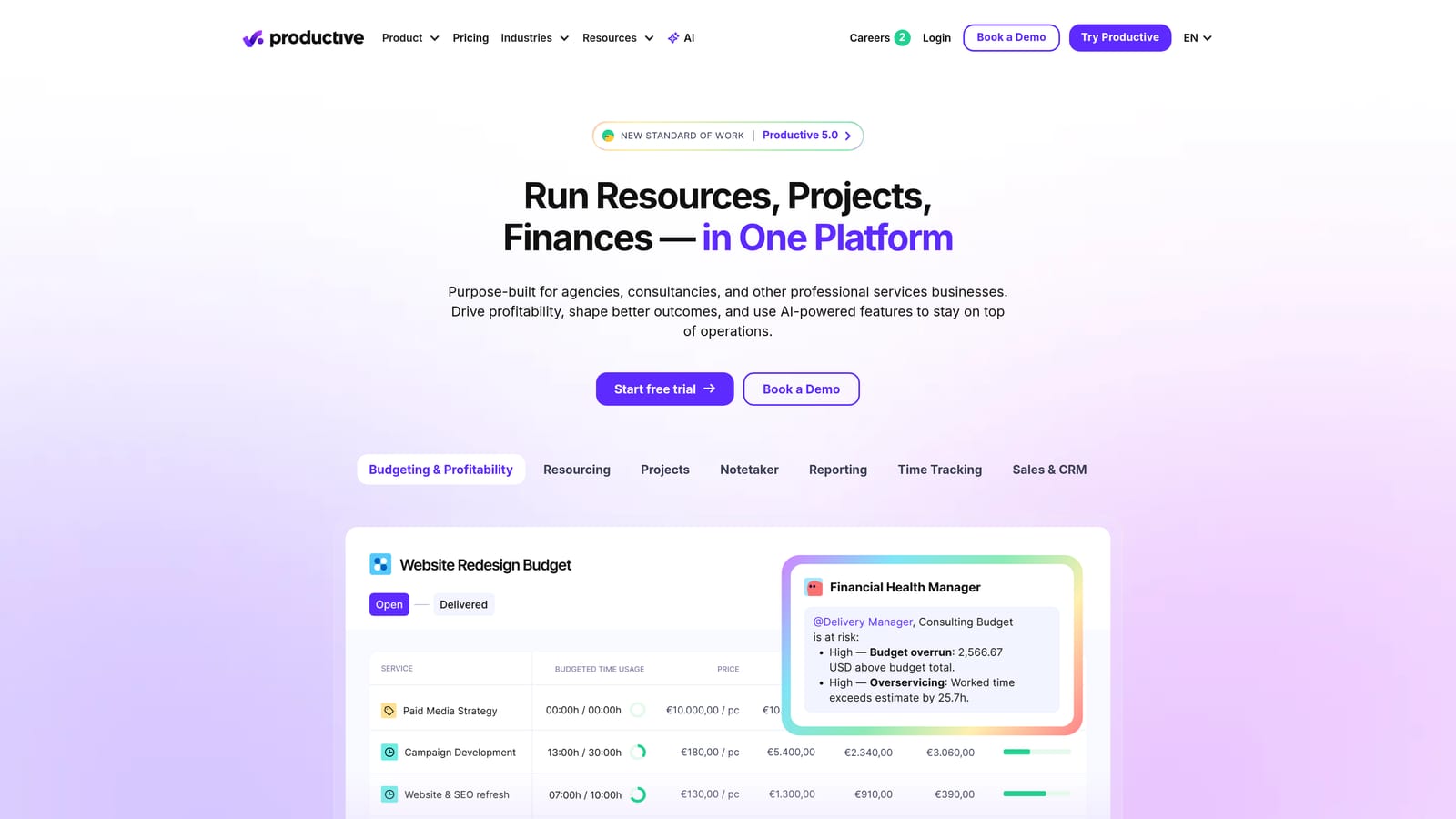
Its distinctive strength is margin and utilization reporting per client. If you want to know that a retainer quoted at a certain price is consuming more hours than it earns, this is the kind of tool that shows it.
- Resource planning shows who is booked, who has capacity, and where you are over-allocated.
- Budget and profitability tracking compares planned against actual cost per project or client.
- Time tracking feeds those budgets with real hours.
- Deals and CRM keep the sales handoff in the same system as delivery.
- Invoicing turns tracked work into bills.
Integrations include QuickBooks, Xero, Slack, and HubSpot, which suits agencies with a separate accounting stack. It takes real onboarding and works best when a delivery lead or operations manager owns it and the team logs time consistently. Without that discipline, the profitability numbers lose value.
The limitation is fit. It is likely overkill and costly for solo freelancers, and it offers no ad account monitoring. Pricing details are on the website and may vary by plan and team size (check as of 2026).
Best for: Mid-size agencies managing utilization and profitability.
6. Teamwork.com
Teamwork.com is a project management platform designed for client services, with billable time and client collaboration at its core. Unlike general-purpose work tools, it assumes you are selling hours or scoped projects to outside clients.
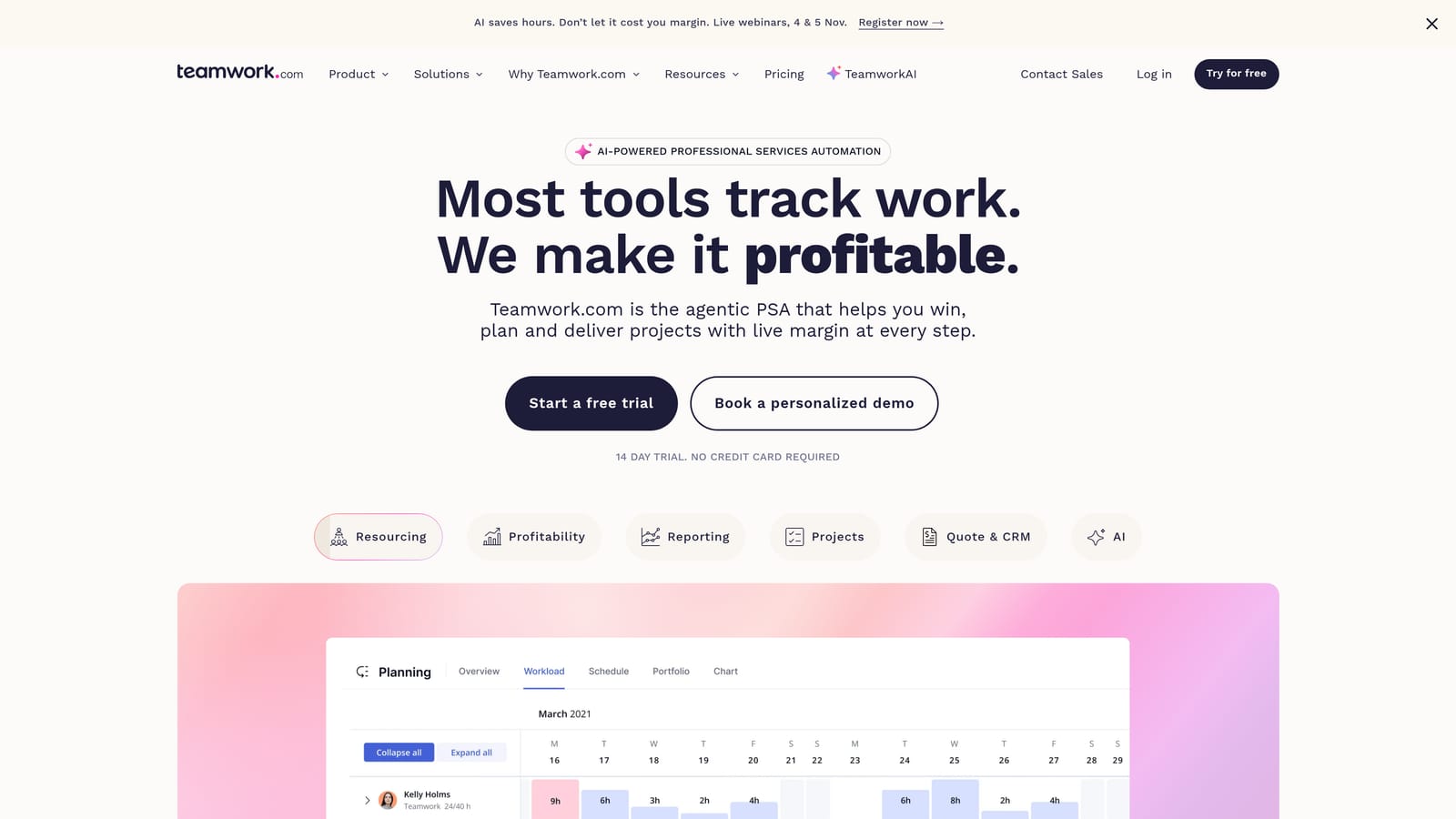
What sets it apart here is the combination of budget controls and client-restricted access. You can let clients see their own projects while keeping internal discussion and other accounts hidden.
- Billable time tracking separates hours you can charge from hours you absorb.
- Project budgets warn you before a fixed-scope job runs over.
- Client permissions control what outside users can view and edit.
- Task management organizes deliverables, owners, and deadlines.
- Invoicing converts logged time and expenses into client bills.
It integrates with QuickBooks, Xero, Slack, HubSpot, and Google Drive. Setup is moderate, and a project manager or operations lead typically runs it. The honest limitations: its CRM is light, so it will not replace a sales pipeline tool, and it has no ad performance monitoring. Paid media agencies on performance retainers may find the hours-based model less relevant than agencies selling fixed deliverables.
Pricing is per user; see the website for current plans as of 2026.
Best for: Agencies billing hours or fixed-scope projects.
7. HoneyBook
HoneyBook is a client flow platform for proposals, contracts, invoices, and payments, aimed at freelancers and small studios. It handles the stretch from "yes, we want to work with you" to "the first payment cleared."
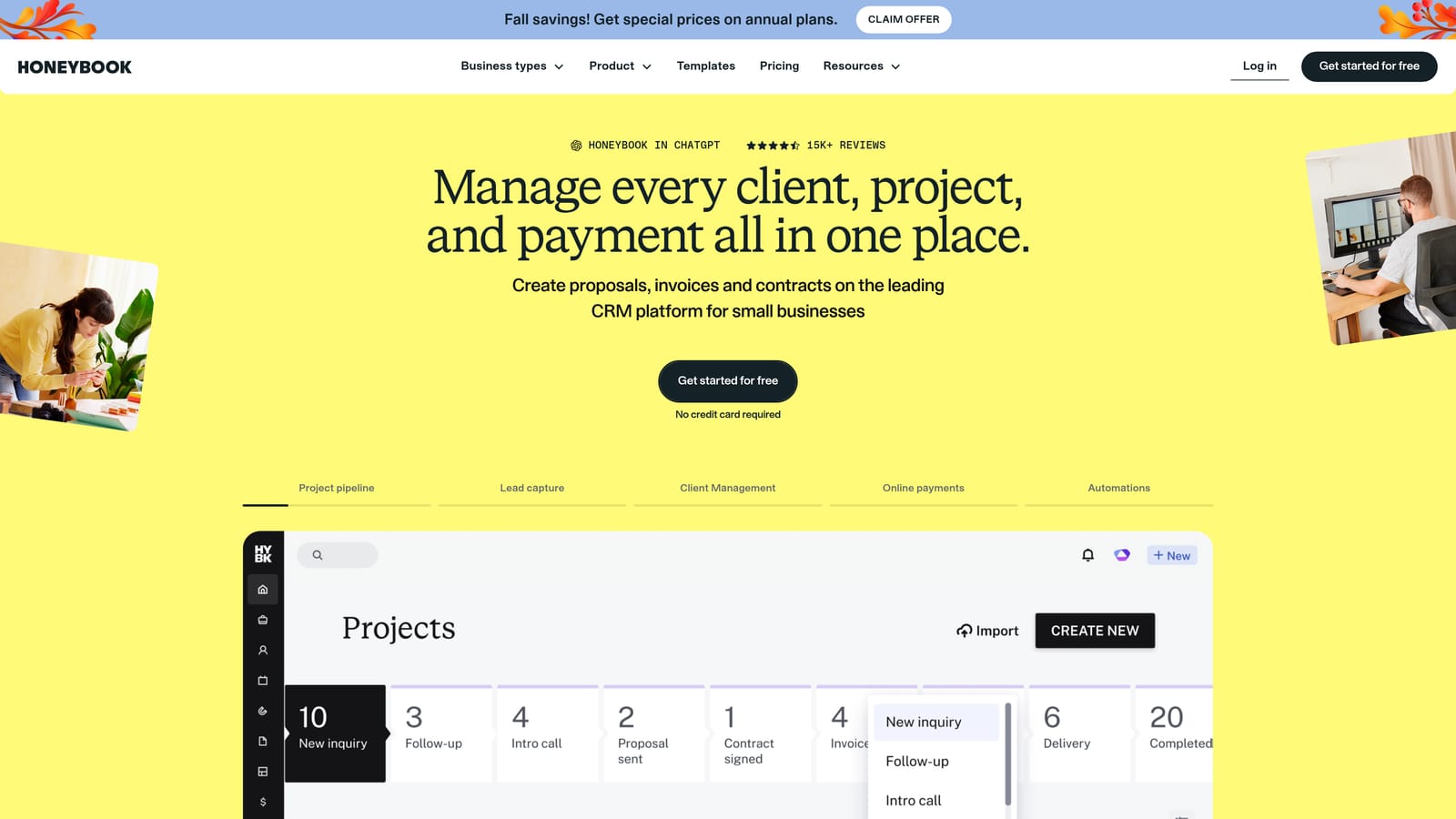
It does that stretch with more polish than anything else here. The client-facing experience of receiving a proposal, signing, and paying in one flow looks professional, which matters when you are a solo operator competing with larger agencies.
- Proposals and contracts are built from templates, so quoting takes minutes.
- E-signatures remove the print-sign-scan step.
- Invoices and payments let clients pay online, and you can set up payment schedules.
- Automated onboarding sends questionnaires and reminders without manual chasing.
- A client portal keeps documents and messages in one place for the client.
It integrates with QuickBooks, Gmail, Google Calendar, and Zapier. Setup is light, and the freelancer or owner can run it alone. The trade-offs: there is little project task management, no ad reporting, and you should check regional availability before committing, since it was built primarily with certain markets in mind. As a subscription product, pricing is listed on the website (as of 2026).
Best for: Solo consultants and small agencies who need simple, professional client admin.
8. AgencyAnalytics
AgencyAnalytics is a marketing reporting platform with white-label dashboards that pull data from many channels. White-label reporting means the dashboards and reports carry your agency's branding, not the software vendor's.
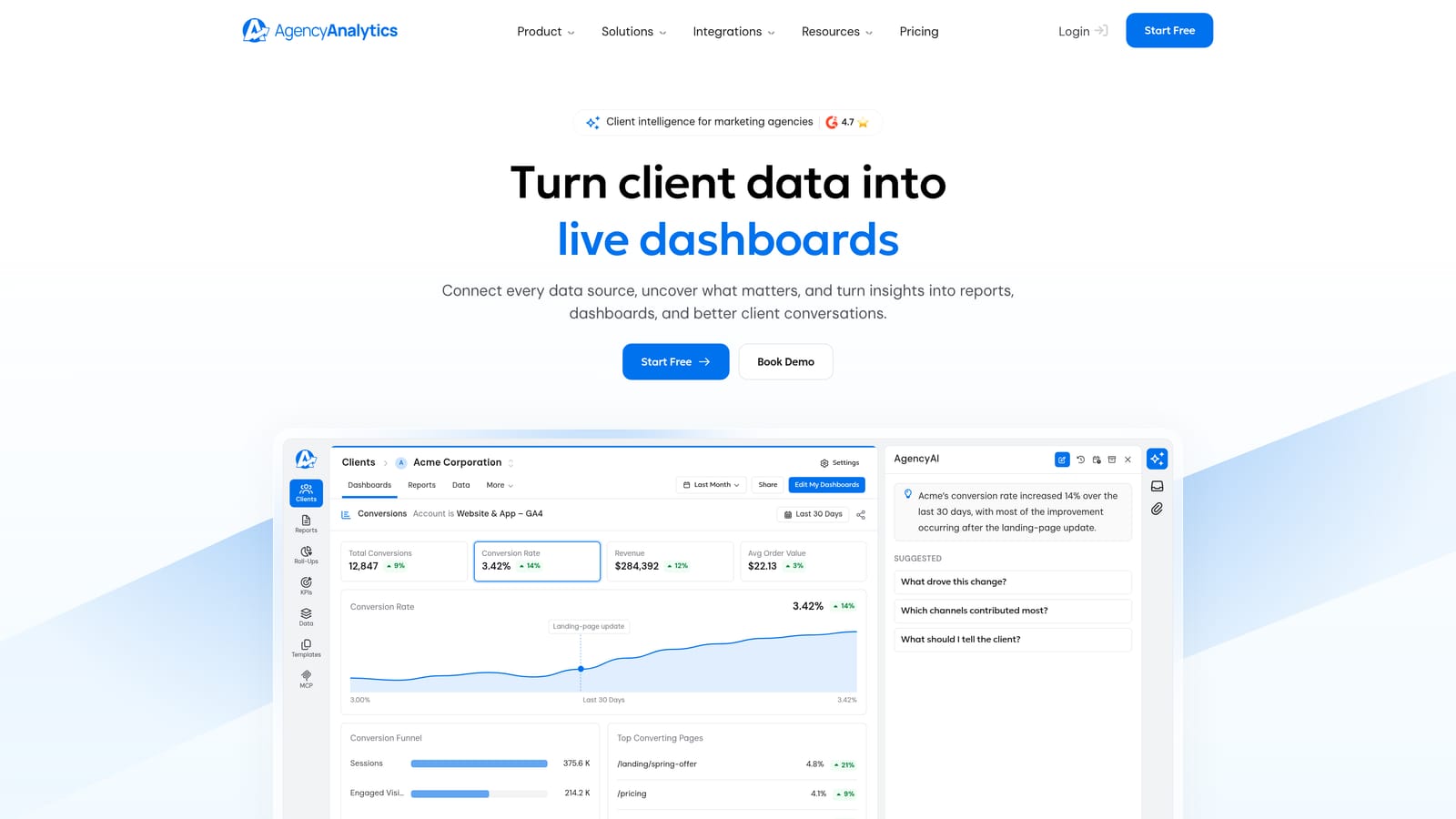
Its standout quality is channel coverage. If your clients buy SEO, PPC, social, and email together, this tool consolidates them into one client-facing view, which a paid-ads-focused tool will not do.
- Multi-channel dashboards combine results from different platforms on one page.
- White-label reports put your branding in front of the client.
- SEO and PPC tracking covers rankings and paid performance side by side.
- Client login access lets clients check results on their own schedule.
- Scheduled reports go out automatically each month or week.
Integrations include Google Ads, Meta Ads, Google Analytics, Search Console, and LinkedIn. Setup is mostly connecting accounts and arranging dashboard templates, handled by an account manager or analyst.
The limitation is that it does reporting only. There are no payments, contracts, or tasks, so you will need another system for the rest of your operations. Pricing typically scales with the number of client campaigns, so cost grows as your client list does (see the website as of 2026).
Best for: Multi-channel agencies needing branded reporting alongside another system.
9. Dubsado
Dubsado is a business management tool for service providers, covering forms, contracts, scheduling, and invoicing. It is built around the idea that most client admin is the same sequence every time and should run itself.
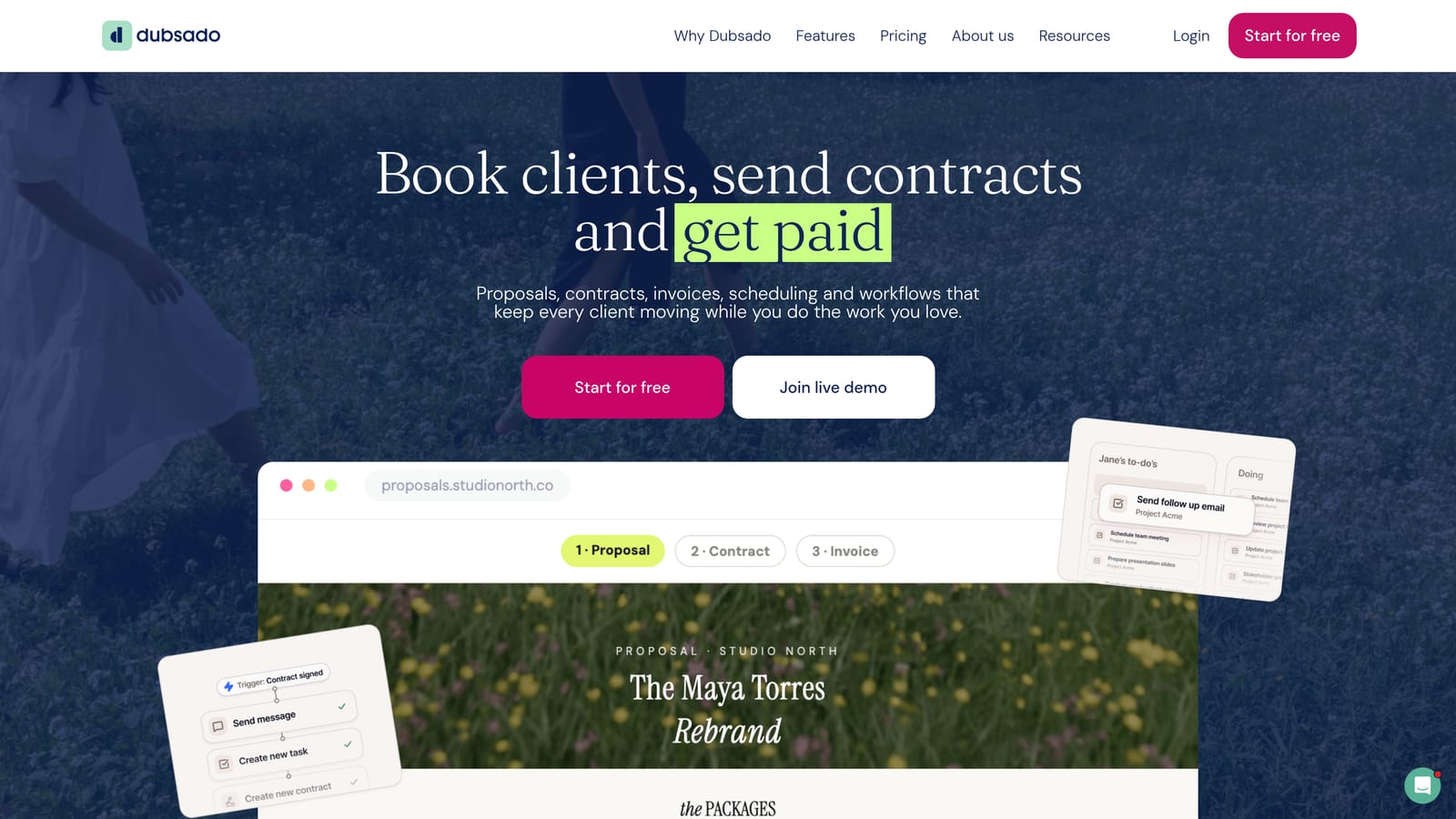
It does that better than the others here through highly configurable, template-driven workflows. You define the steps once (inquiry, questionnaire, contract, invoice, welcome message) and it triggers them for each new client.
- Workflow automation sends emails, forms, and reminders on a schedule you set.
- Forms and questionnaires collect client details up front, so kickoff calls are shorter.
- Contracts get signed digitally and stored with the client record.
- Scheduling lets clients book calls without email chains.
- Invoicing handles payment plans and reminders.
It works with Stripe, PayPal, QuickBooks, Zapier, and Google Calendar. The catch is setup: building good workflows and templates takes time, and a freelancer will usually do it themselves. It also has no ad performance features, so it covers admin only, not delivery or reporting. Subscription pricing is on the website (as of 2026).
Best for: Freelancers who want automated, repeatable client admin.
Which Tool Fits Which Agency
For paid media specialists, ClientPlug is the most direct fit, since it puts payments, Meta and Google Ads health, and white-label reports in one place. Sales-heavy agencies should look at HubSpot CRM for pipeline discipline. Agencies focused on project delivery and margins will get more from Productive, Teamwork.com, Monday.com, or ClickUp, depending on size and budget. Where reporting across many channels is the gap, AgencyAnalytics works as an add-on. Solo service providers can start with HoneyBook or Dubsado for contracts and billing.
No single tool does everything, and many agencies pair two: an ads-focused system plus a project manager, or a CRM plus a reporting layer. Before you commit, model per-seat costs at the team size you expect next year, and check that clients can see something useful.