This guide is for agency owners, freelancers, and small to mid-size marketing teams who want to cut manual admin without piling on software. The tools were chosen by how much repetitive work they remove (reporting, billing, onboarding, task handoffs), how well they suit smaller agencies, how easily they connect to the rest of your stack, and how openly they publish pricing. Since no single product covers everything, each entry notes the bottleneck it targets and where it stops being useful.
Quick Comparison of the Tools
- ClientPlug: best for Facebook and Google ad agencies and freelancers; pricing on the website; ties client payments, ad health, and automated white-label reports into one dashboard.
- Zapier: best for agencies linking many different apps without developers; free tier, paid plans by task volume; the largest app library for connecting niche tools.
- Make: best for technically minded ops leads building complex data flows; free tier, paid plans by operations; a visual canvas with advanced branching and data handling.
- ClickUp: best for agencies wanting one customizable workspace; free plan, paid per-seat plans; tasks, docs, and automations with agency templates in one place.
- Asana: best for process-driven agencies with many approvals; free plan, paid per-seat plans; structured request intake and approval routing.
- monday.com: best for teams that want visual campaign and workload tracking; free plan, paid seat bundles; approachable no-code automation recipes on highly visual boards.
- HubSpot: best for sales-led agencies focused on pipeline; free CRM, paid hubs; CRM-centered automation across the whole new-business pipeline.
- Dubsado: best for freelancers and boutique agencies selling packaged services; paid plans; client lifecycle workflows from proposal to onboarding and invoicing.
- Slack Workflow Builder: best for lightweight internal requests and approvals; included in Slack plans; automation that lives inside the chat your team already uses.
1. ClientPlug
ClientPlug is an all-in-one client organizer built for digital marketing agencies and freelancers who run paid ads. It pulls client payments, Meta and Google Ads performance, and client data into a single dashboard that syncs automatically, so you stop switching between an invoicing tool, two ad managers, and a reporting spreadsheet.
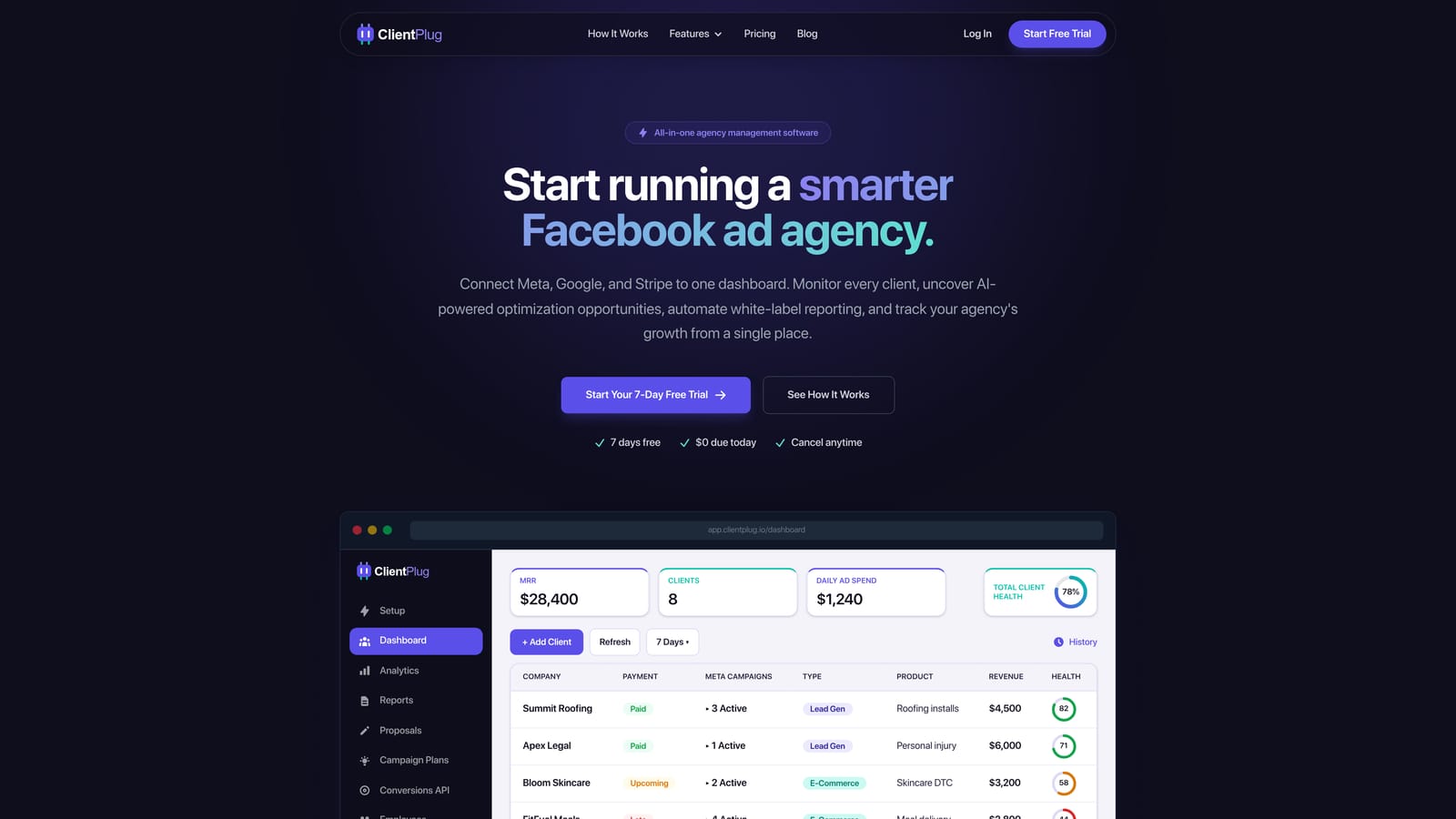
What sets it apart from the rest of this list is that it is specific to ad agencies. The general tools below move tasks and data around; ClientPlug connects the money side of a client relationship (who has paid, who is late) with the performance side (which campaigns are healthy, which are bleeding spend). That pairing is hard to assemble from generic automation builders.
- An auto-syncing dashboard keeps payments, campaigns, and client records current without manual updates.
- Automated white-label reports go to clients under your branding, replacing the monthly copy-and-paste routine.
- Meta and Google Ads monitoring with health checks flags problems at the ad, campaign, client, and agency level.
- AI-assisted optimization suggests improvements to campaigns so you spend less time hunting for what to change.
- Conversion API setup takes a few clicks, which removes a technical task many agencies postpone or outsource.
Setup centers on connecting your Meta and Google Ads accounts, and it is typically run by the agency owner or account manager rather than a technical specialist. Its integrations are focused on those two ad platforms.
The limitation is scope. ClientPlug is not a general project manager and not a cross-app automation builder, so if you need to route tasks between designers, trigger Slack alerts from a CRM, or sync arbitrary apps, you will pair it with something from further down this list. It also will not suit agencies whose work is mostly SEO, web design, or content with little paid media.
Pricing: see the ClientPlug website for current plans and what moves the price.
Best for: Facebook and Google ad agencies and freelancers who want reporting, billing, and ad health in one place.
2. Zapier
Zapier is a no-code automation platform that connects thousands of apps through trigger-and-action workflows, called Zaps. A new Meta lead can create a CRM contact, post to Slack, and add a task in Asana without anyone touching it. It is built for agency owners and operations people who are not developers.
Its distinctive strength is breadth. If you use an obscure proposal tool, a niche call tracker, or a regional payment processor, Zapier is the most likely platform to already have a connector. That makes it the fastest way to stitch together a stack you did not choose to be tidy.
- Multi-step Zaps let one trigger run a whole chain of actions, such as lead capture, enrichment, and notification.
- Filters and paths stop automations from firing on junk and route work differently by condition.
- The very large app directory means fewer custom integrations to build or pay for.
- Built-in AI steps can summarize, categorize, or draft text inside a workflow.
- Webhooks connect tools that lack a native connector.
Common connections include Slack, Google Workspace, HubSpot, Meta Lead Ads, and Asana. Setup for a simple Zap takes minutes, and whoever owns operations usually maintains it.
The trade-offs show up at scale. Costs climb with task volume, and an agency running many clients through high-frequency automations can see bills rise quickly. Complex logic with many branches also becomes harder to read and maintain than it would be on a visual canvas. Pricing: a free tier exists, with paid plans priced by task volume; verify current plans and limits on the Zapier site as of 2026.
Best for: Agencies that need to link many different apps quickly without developers.
3. Make
Make is a visual automation platform where you build multi-step scenarios on a canvas, dragging modules and drawing connections between them. It is aimed at operations leads who are comfortable thinking in data structures and want more control than a basic trigger-action tool gives.
The canvas is its real differentiator. You can see branches, loops, and error paths at a glance, which makes complicated workflows, like processing a batch of ad-spend rows and writing summaries per client, easier to reason about than a long linear list.
- The visual scenario builder shows the whole flow at once, so debugging is faster.
- Routers and iterators split a flow into parallel paths or process lists item by item.
- Data transformation tools reshape, merge, and format records between apps without extra code.
- Scheduling runs scenarios at set intervals, useful for nightly report pulls.
- HTTP and API modules reach services with no prebuilt connector.
It connects to Google Sheets, Slack, Meta, HubSpot, and Airtable, among many others. Expect more setup effort than Zapier: the first few scenarios take real learning time, and one person on the team should own them.
That learning curve is the main limitation. Non-technical owners may find it frustrating, and a poorly documented scenario can become a black box when its builder leaves. Pricing: a free tier exists, with paid plans priced by operations; verify current numbers and limits on the Make site as of 2026. Because each module step counts as an operation, heavy scenarios consume allowances faster than they appear to.
Best for: Technically minded ops leads building complex data workflows on a budget.
4. ClickUp
ClickUp is a work management platform that combines tasks, docs, whiteboards, and built-in automations in one workspace. It is designed for agencies that want delivery, internal operations, and documentation under one roof rather than spread across three tools.
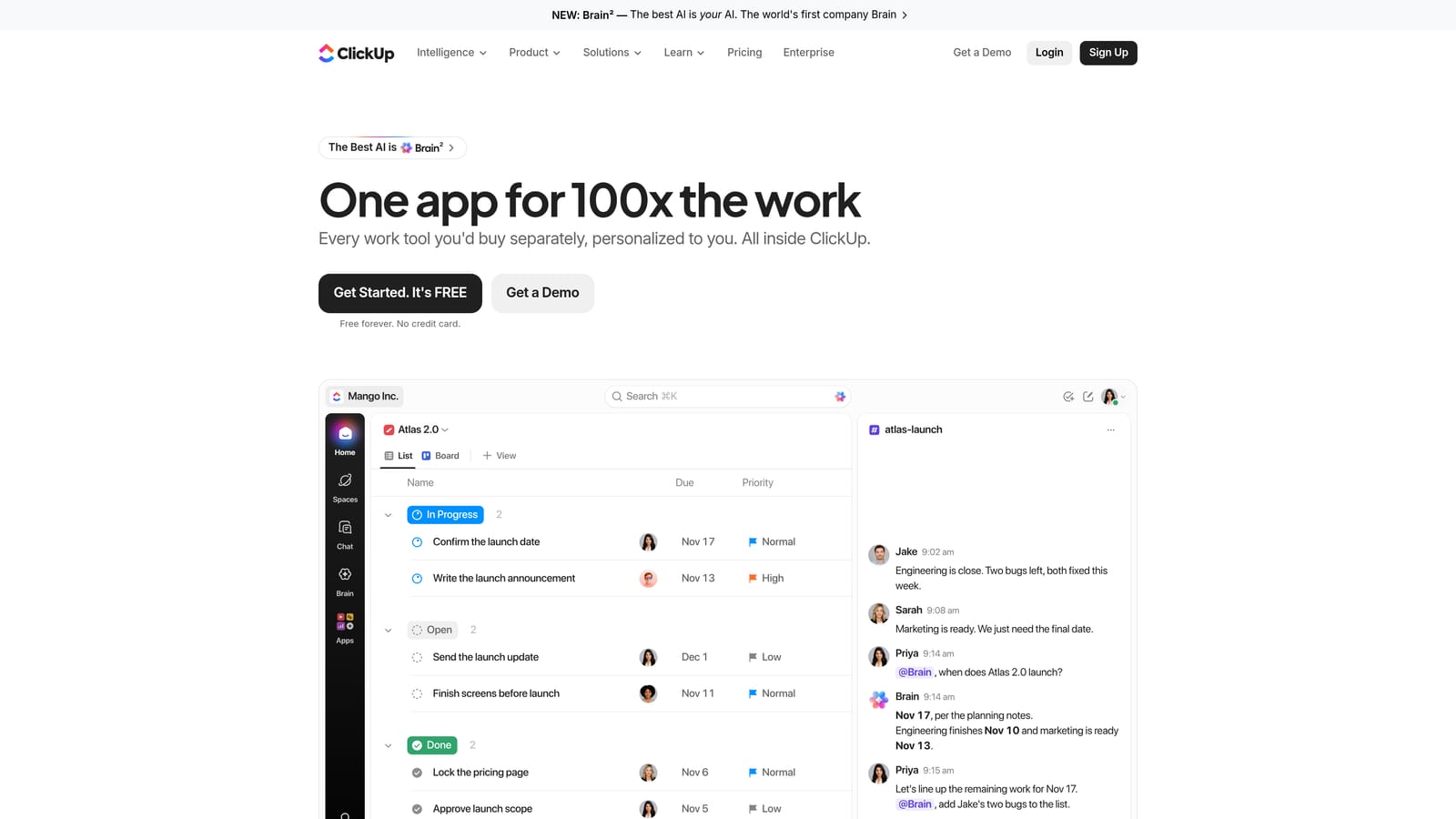
Its edge over the other work managers here is flexibility paired with templates. You can model almost any agency process, from creative production to monthly ad reviews, and start from agency-oriented templates instead of a blank page.
- Task automations change statuses, assign owners, and notify people when conditions are met.
- Templates let you stamp out the same onboarding or campaign launch checklist for every new client.
- Recurring tasks handle weekly optimizations and monthly reporting reminders without manual creation.
- Docs and whiteboards keep briefs and strategy next to the work they describe.
- Custom statuses and views let each team see work the way it actually flows.
It integrates with Slack, Google Drive, GitHub, Zapier, and HubSpot. Setup is where it asks the most of you: the same flexibility that makes it powerful can overwhelm a small team that does not decide on conventions first. Appoint one person to design the structure before inviting everyone.
It is a poor fit for teams wanting something that works out of the box with minimal thought, and it does not pull ad performance or payments on its own. Pricing: a free plan and paid per-seat plans; check automation limits by plan on the ClickUp site as of 2026, since they affect how much you can automate.
Best for: Agencies wanting one customizable workspace for delivery and internal ops.
5. Asana
Asana is a project and work management tool with rules, forms, and a Workflow Builder. It targets agencies with defined processes, where work passes through several people and sign-offs before it reaches a client.
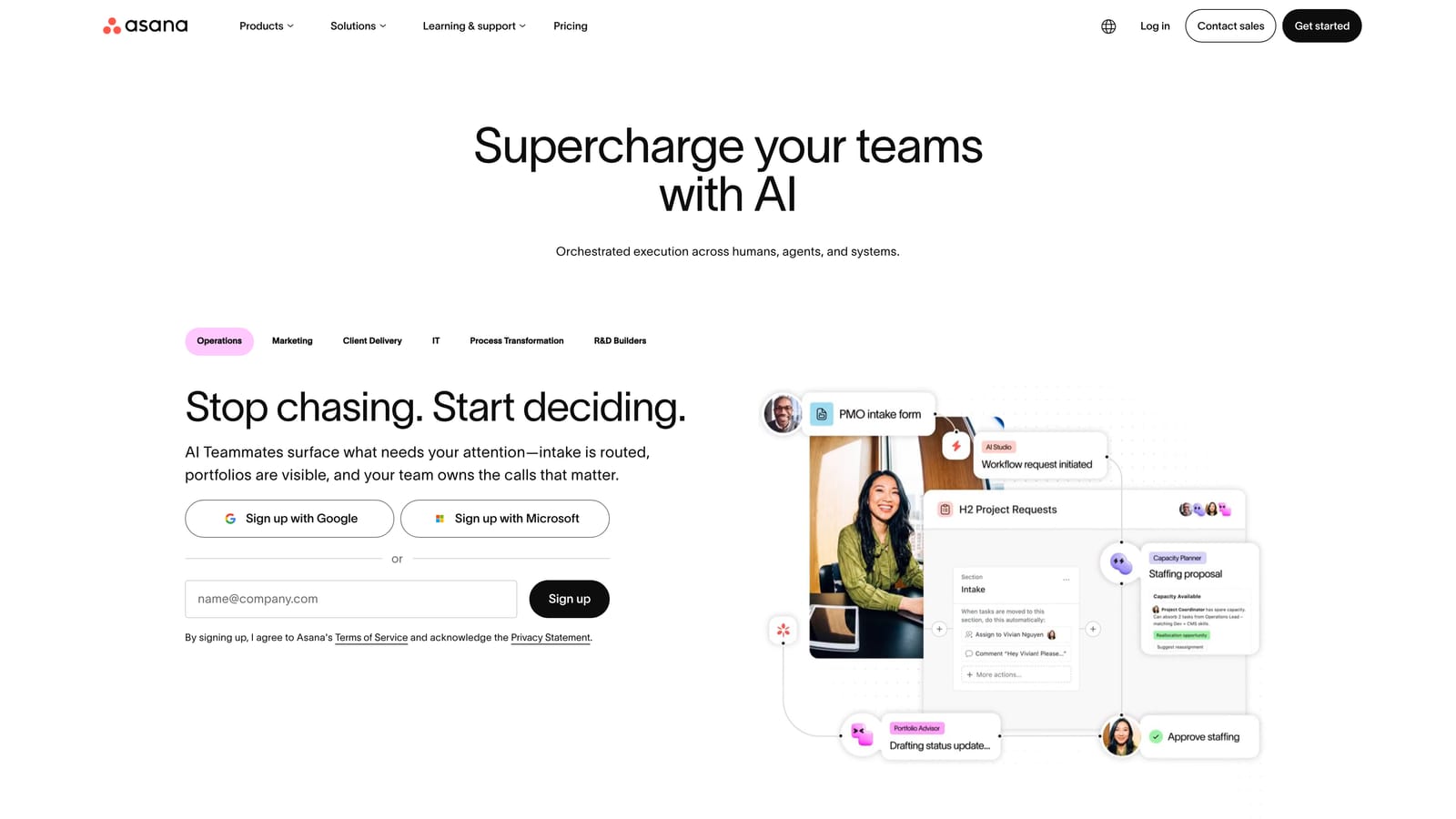
Where it stands out is structured intake and approvals. A client or account manager submits a request through a form, Asana routes it to the right person, and approvals are tracked rather than lost in email threads.
- Rules automation assigns tasks, moves them between sections, and sets due dates when triggers fire.
- Workflow Builder lets you design multi-step processes visually without code.
- Intake forms standardize requests so briefs arrive complete the first time.
- Approvals give creative and ad copy a clear sign-off trail.
- Timeline and portfolios show how projects across clients fit together.
It connects with Slack, Google Workspace, Microsoft Teams, Adobe Creative Cloud, and Zapier. Setup is moderate; a project lead or operations manager can build the first templates in an afternoon.
The limits are cost and reporting. Per-seat pricing grows as you add people, including part-time contractors, and custom reporting is less flexible than in some competitors. It also does not touch payments or ad data. Pricing: a free plan and paid per-seat plans; verify current tiers, and which automation features each includes, on the Asana site as of 2026.
Best for: Process-driven agencies with many handoffs and approvals.
6. monday.com
monday.com is a visual work operating system with no-code automations and dashboards. It suits agency teams that think in boards and colors, and want campaigns, workloads, and deadlines visible at a glance.
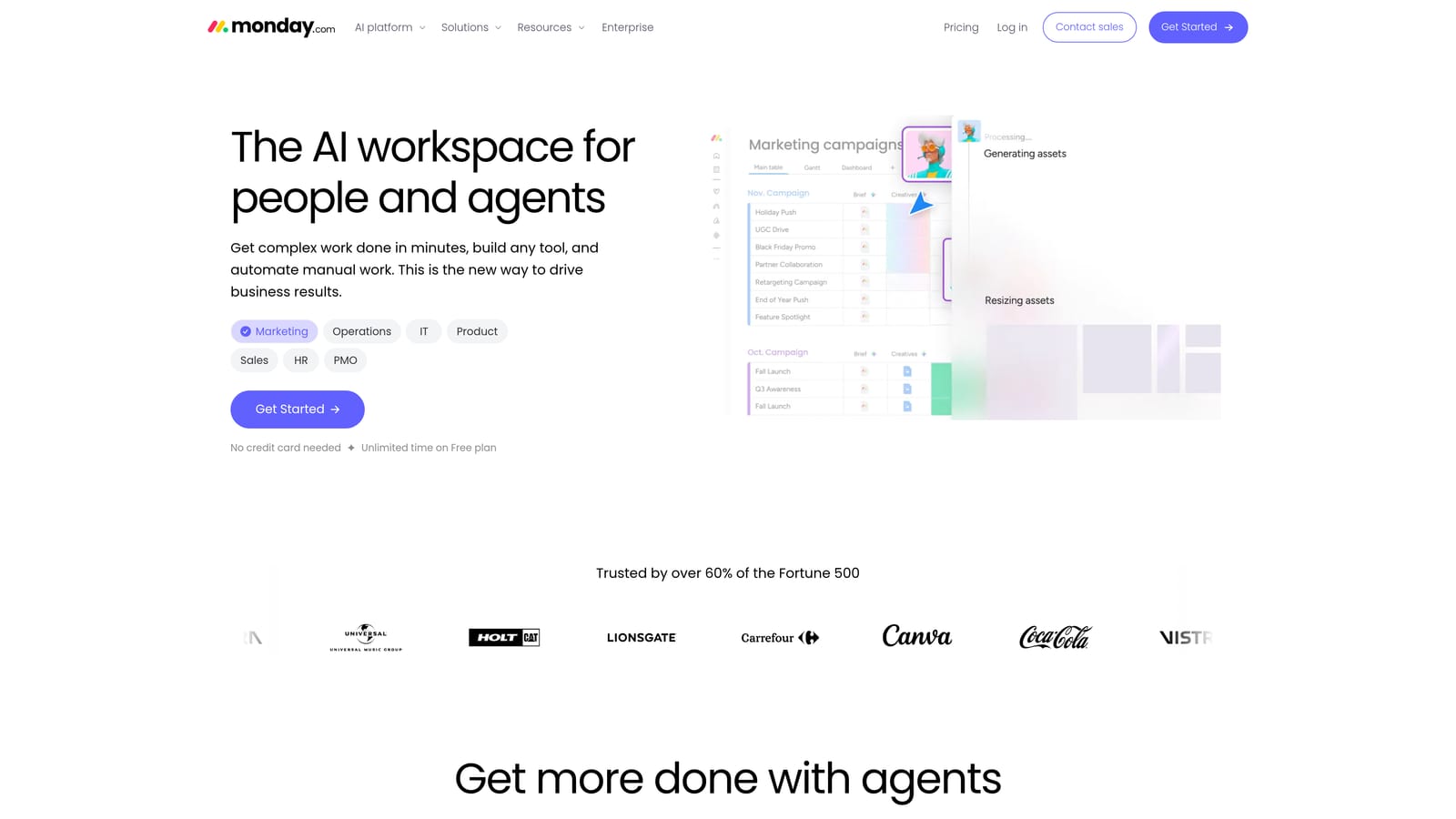
Its distinguishing quality is approachability. Automation recipes read like plain sentences ("when status changes to Done, notify the account manager"), which lowers the barrier for team members who would never open a workflow builder.
- Automation recipes cover common triggers like status changes, due dates, and new items.
- Visual boards give every campaign or client a clear stage-by-stage view.
- Dashboards roll up progress across clients for owner-level oversight.
- Workload view shows who is overbooked before deadlines slip.
- Forms collect briefs and requests directly into boards.
It integrates with Slack, Gmail, Google Drive, Zoom, and Zapier. Getting started is quick, and a project manager or ops lead typically runs it day to day.
Pricing is the sore spot. Seat bundles and tiered automation limits make it harder to predict the real cost, and small teams may pay for more seats than they need. Confirm minimum seat counts before committing. Pricing: a free plan and paid seat bundles; verify current minimums and monthly automation allowances on the monday.com site as of 2026. Like the other work managers, it does not handle ad metrics or billing natively.
Best for: Teams that want visual tracking of campaigns and workloads.
7. HubSpot
HubSpot is a CRM and marketing platform whose workflows automate lead handling, deal progression, and follow-up. For agencies, the relevant use is new business: capturing inquiries, nurturing them, and moving them through a pipeline.
Unlike the task-focused tools above, HubSpot automates around the contact record. Every form fill, email open, and deal stage change lives in one place, so follow-up can be triggered by what a prospect actually did.
- Workflows trigger actions from contact behavior, such as sending a follow-up when a proposal is viewed.
- Lead capture forms feed prospects straight into the CRM with source data attached.
- Deal pipelines show where every opportunity stands and what is stalled.
- Email sequences automate outreach and stop when a prospect replies.
- Reporting ties marketing and sales activity to closed revenue.
It connects with Gmail, Outlook, Slack, Zapier, and Meta Lead Ads. Setup effort is higher than a task tool, since pipelines, properties, and lifecycle stages need design, and it usually belongs to whoever runs sales or growth.
It is overkill for a solo freelancer with a handful of referral clients, and costs scale with contacts and the hubs you add. It also does not manage delivery work or ad performance. Pricing: a free CRM plus paid hubs; verify which workflow features are included on which plan on the HubSpot site as of 2026, because automation is often gated to higher tiers.
Best for: Sales-led agencies focused on lead generation and pipeline follow-up.
8. Dubsado
Dubsado is a client management platform for proposals, contracts, invoices, and scheduling. It is built for solo operators and boutique agencies that sell defined packages and want the path from inquiry to paid client to run itself.
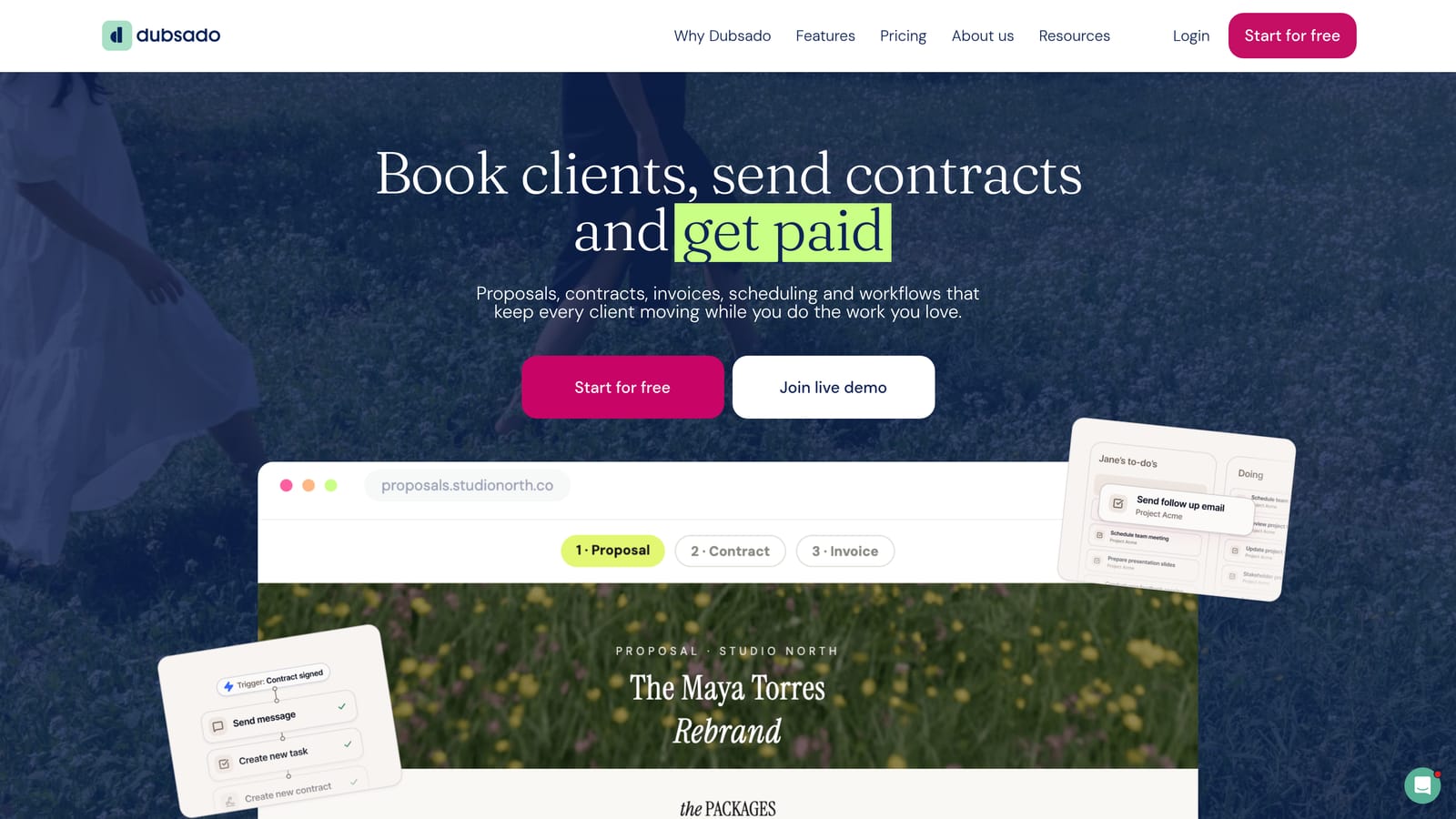
Its specialty is the client lifecycle. You can chain a proposal, contract signature, deposit invoice, onboarding questionnaire, and kickoff call booking into one workflow that fires when a client says yes.
- Workflow templates automate the sequence of emails and tasks after a client signs.
- Contracts and e-signatures remove the back-and-forth of PDFs and printing.
- Invoicing with payment schedules handles deposits and recurring installments.
- The scheduler lets clients book calls without email tennis.
- Questionnaires collect brand details and access info at onboarding.
It integrates with Stripe, PayPal, Google Calendar, Zapier, and QuickBooks. Setup takes a few days to do properly, because templates and branding need care, and the owner normally runs it.
It is not built for ad performance tracking or for managing a large team's tasks, so agencies with many staff will outgrow it as a delivery tool. It also has no view of campaign health. Pricing: paid plans only; verify current prices on the Dubsado site as of 2026, and check whether limits apply to clients or features.
Best for: Freelancers and boutique agencies selling packaged services.
9. Slack Workflow Builder
Slack Workflow Builder is the automation tool built into Slack, used to run requests, check-ins, and approvals inside channels. It suits teams already living in Slack that want small process improvements without adopting another platform.
Its advantage is zero adoption friction. A creative request form, a Monday check-in prompt, or a budget-approval step appears where people already work, so compliance is higher than with a separate tool nobody opens.
- Form-based workflows collect structured requests right in a channel.
- Scheduled messages automate standups and weekly reminders, such as ad budget reviews.
- Channel triggers start a workflow when someone joins, posts, or reacts.
- Approval steps let managers sign off with a click.
- App connectors pass information to tools like Asana or Jira.
It works with Google Workspace, Asana, Jira, Salesforce, and Zapier. Setup is light, and any team lead can build a workflow in minutes.
The limitation is that Slack is not a system of record. Requests can scroll out of sight, and there is no real project tracking, billing, or reporting behind it, so it complements a project tool rather than replacing one. Pricing: included in Slack plans, with some workflow features reserved for paid tiers; verify what your plan includes on the Slack site as of 2026.
Best for: Teams that want lightweight internal request and approval automation.
Matching Each Tool to Your Agency's Biggest Bottleneck
Start from the bottleneck, not the feature list. If your pain is monthly reporting, chasing client payments, and keeping tabs on whether Meta and Google campaigns are healthy, ClientPlug is the closest fit because it handles that ad-specific layer directly. If the pain is connecting apps that were never meant to talk to each other, choose Zapier for speed or Make for complex logic and tighter budgets.
For delivery and handoffs, ClickUp suits teams that want one flexible workspace, Asana suits approval-heavy processes, and monday.com suits visual thinkers. Sales-led agencies should look at HubSpot, while freelancers who sell packages will get more from Dubsado. Slack Workflow Builder is a free-feeling add-on for quick internal requests.
Whichever you choose, begin with one workflow, such as client onboarding or monthly reporting, and automate that before adding anything else. Automating a broken process only produces mistakes faster, and extra tools rarely mean extra efficiency. Pick the one task that eats the most hours, fix the process, then automate it. If that task is reporting, billing, or ad monitoring, Learn more about our services.