If you run a marketing agency or a freelance practice, the operational stack tends to grow by accident: one app for tasks, another for invoices, a spreadsheet for retainers, and three browser tabs for ad accounts. The tools below were chosen for how well they run the operational side of an agency, judged on workflow control, financial visibility, client reporting, team capacity, integrations, and fit for small to mid-sized teams. Each one is mapped to the layer where it is strongest, because no single product wins everywhere.
Quick Comparison of Agency Operations Tools
- ClientPlug: paid media agencies and freelancers; pricing on the vendor's site; ties client payments to live Meta and Google Ads health in one dashboard.
- Productive: growing multi-service agencies; pricing on the vendor's site; links per-project and per-client profitability to scheduled capacity.
- Teamwork: project-based agencies that work directly with clients; pricing on the vendor's site; permissioned client access inside projects.
- Monday.com: agencies designing their own workflows; pricing on the vendor's site; the most flexible no-code board and automation builder here.
- ClickUp: budget-conscious teams consolidating tools; pricing on the vendor's site; the widest built-in set of docs, tasks, and chat.
- Asana: creative and content-heavy agencies; pricing on the vendor's site; structured approval workflows for production handoffs.
- Harvest: hourly and retainer agencies; pricing on the vendor's site; the simplest route from tracked hours to a paid invoice.
- HoneyBook: freelancers and small studios; pricing on the vendor's site; a proposal-to-contract-to-payment onboarding flow.
- AgencyAnalytics: multi-channel agencies; pricing on the vendor's site; the broadest channel coverage for client reporting, including SEO and social.
1. ClientPlug
ClientPlug is an all-in-one client organizer built for digital marketing agencies and freelancers, with a bias toward paid media. It pulls client payments, Meta and Google Ads performance, and reporting into one agency dashboard, so you can see whether a client has paid and whether their campaigns are healthy without switching between apps.
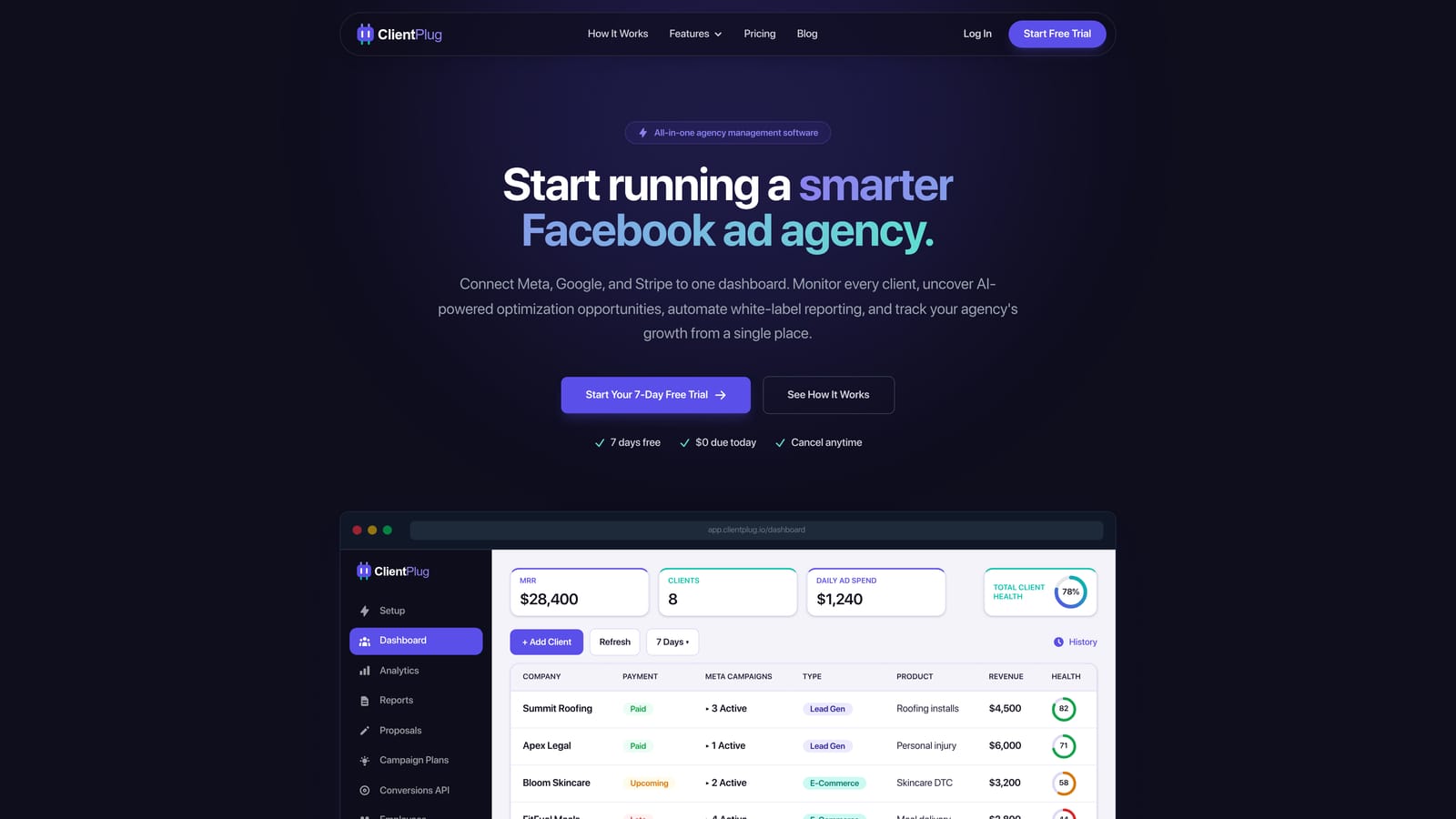
What sets it apart on this list is that join between money and ad performance. Most tools here handle either billing or channel data, rarely both. If a client's invoice is overdue and their cost per lead is climbing, you see both signals in the same place, which helps you decide where to spend your attention that day.
- Client payment tracking shows who has paid, who is late, and what is outstanding across your whole book of clients.
- Meta and Google Ads monitoring surfaces the health of individual ads, campaigns, clients, and the agency as a whole.
- AI campaign optimization suggests improvements so a small team can review more accounts in less time.
- Automated white-label reports go to clients under your branding on a schedule, removing the monthly copy-and-paste routine.
- Conversion API setup is designed to take just a few clicks, which spares you a technical task that often stalls onboarding.
Integrations center on Meta Ads and Google Ads, and the owner or account lead typically runs it day to day. Setup is connecting ad accounts and adding clients, not configuring a workflow engine.
The limitation is scope. ClientPlug is focused on paid media, so it is not a full task or resource management suite. If you need detailed project plans, capacity scheduling, or SEO and social reporting, you will pair it with another tool. Pricing is listed on the ClientPlug website; confirm current plans there as of October 2026.
Best for: Facebook and Google ad agencies and freelancers who want operations and campaign data in one place.
2. Productive
Productive is an agency management platform that covers projects, time tracking, budgets, resource planning, and invoicing in one system. It is designed for agencies that sell several services and need to know whether each engagement is making money.
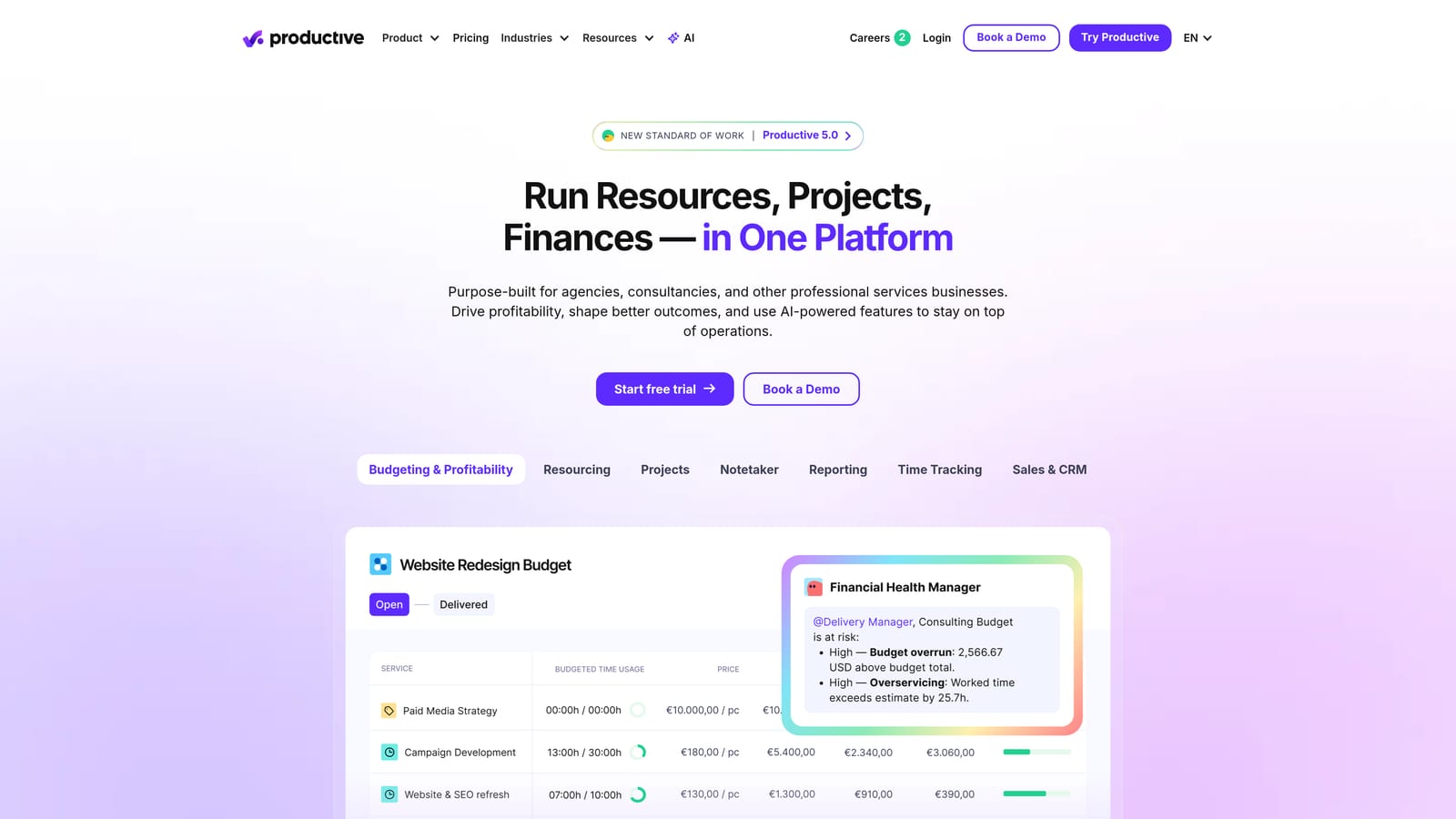
Its distinctive strength is connecting profitability to capacity. You can see budget against actual hours per project and per client, and compare that with how your team is scheduled in the weeks ahead. That makes it easier to spot an overserviced retainer or an underbooked designer before it shows up in your margins.
Main features
- Project and task management keeps delivery work organized alongside the financial data.
- Time tracking feeds actual hours into budgets so overruns are visible while you can still act.
- Budgeting and profitability reporting shows margin by project and client.
- Resource scheduling lets you plan who works on what and spot over- or under-allocation.
- Invoicing turns tracked work into bills without re-entering data.
Setup, fit, and limits
It connects with Slack, QuickBooks, and Xero, and the work is usually shared between an operations lead or project manager and the finance owner. Expect real setup effort: rate cards, budgets, and team data need to be entered for the profitability views to mean anything.
It has no native ad performance monitoring, so paid media teams will still need a separate place to watch campaigns. It may also be more structure than a solo freelancer needs. Pricing is on the vendor's site; as of October 2026, verify current plans and what drives cost, which typically depends on the plan tier and team size.
Best for: Growing multi-service agencies that need margin and capacity visibility.
3. Teamwork
Teamwork is a project management platform designed for client services teams. Unlike general-purpose task tools, it assumes you bill for time and collaborate with outside stakeholders.
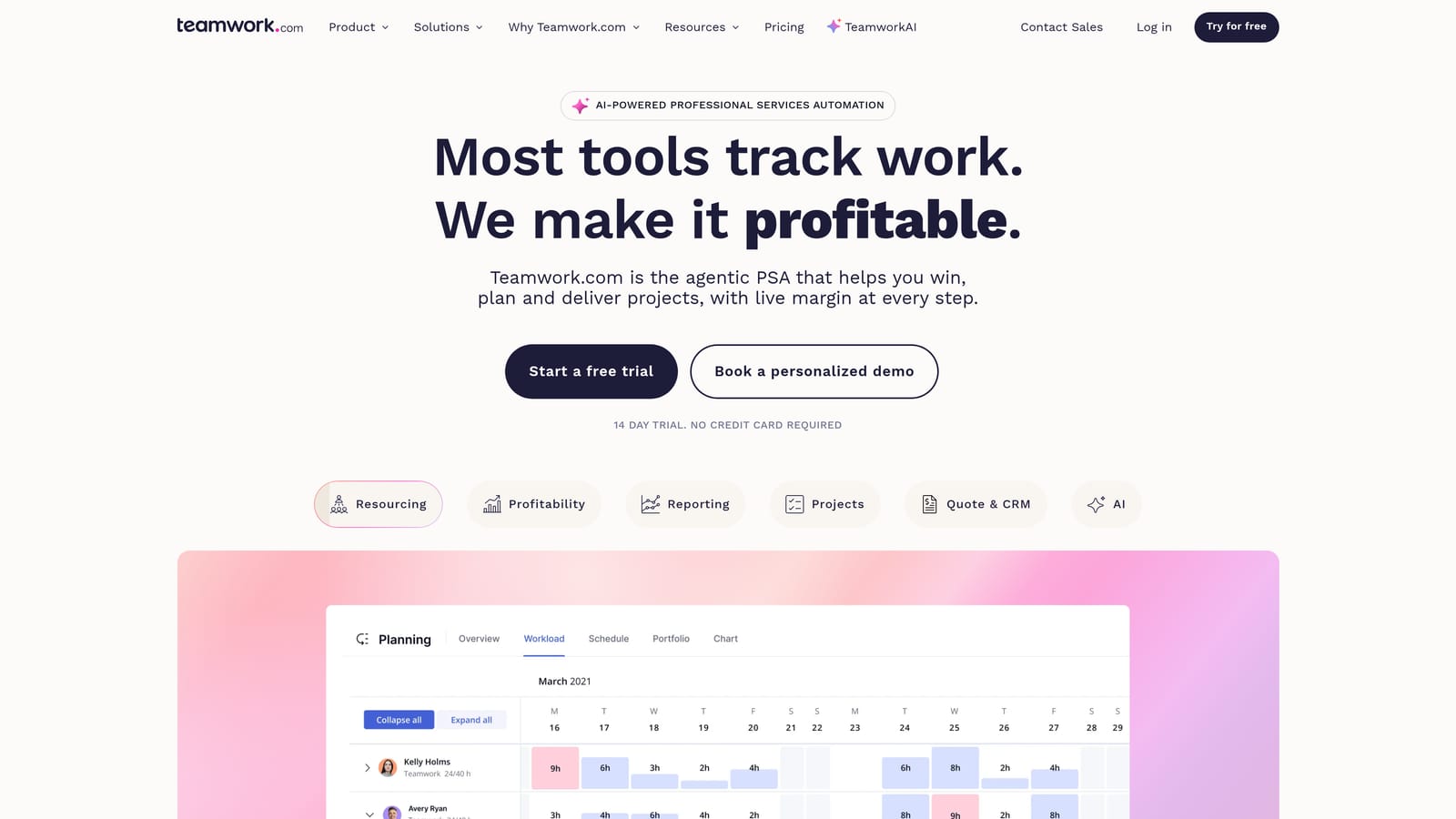
The standout is client-facing collaboration. You can invite clients into a project with permissioned access, so they see the tasks and files you choose and nothing else. That cuts down on status emails and keeps feedback in one thread instead of scattered across inboxes.
Billable time tracking, retainer and budget tracking, and project templates support the commercial side. Templates matter more than they sound: a repeatable onboarding or campaign-launch template means every new client starts from the same checklist. Workload views show how much each person has on, which helps when you are deciding whether to take another account.
- Client user permissions let clients collaborate without seeing internal work.
- Billable time tracking ties hours to invoicing and budgets.
- Project templates standardize delivery for repeatable services.
- Retainer and budget tracking shows how much of a monthly allotment is used.
- Workload views reveal who is overloaded before deadlines slip.
It integrates with Slack, HubSpot, QuickBooks, and Google Drive. A project manager usually owns configuration, and there is a learning curve, particularly for teams coming from simple to-do tools. Some finance and resource planning depth depends on the plan you choose, so check which tier includes what you need. It also does not monitor ad performance. Pricing is on the vendor's site and typically scales with seats and plan level; confirm as of October 2026.
Best for: Agencies delivering project work who collaborate directly with clients.
4. Monday.com
Monday.com is a customizable work operating system built around boards, automations, and dashboards. It does not arrive with an agency model; you build one, which is both its strength and its cost.
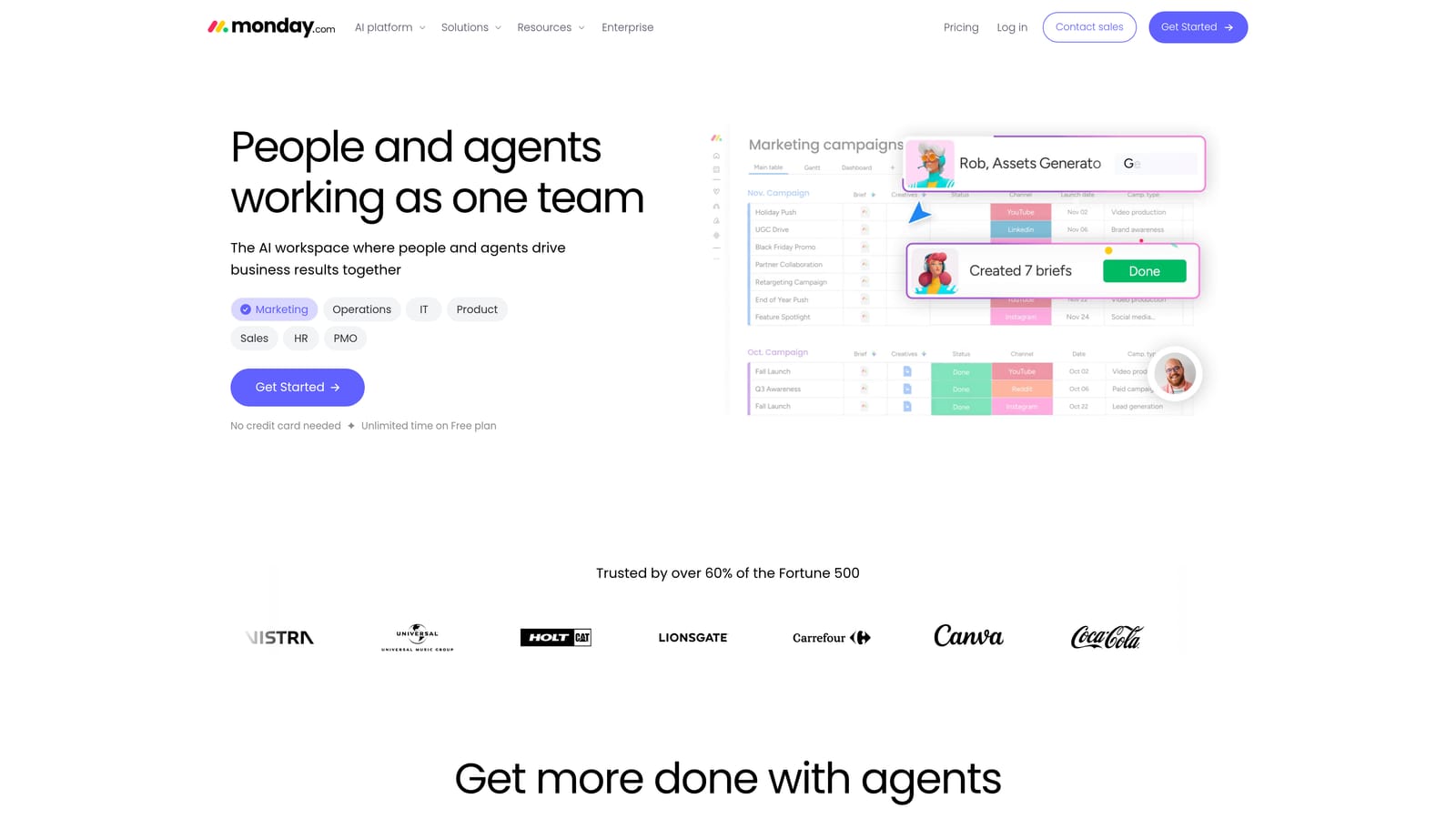
No other tool on this list matches its flexibility. You can design a pipeline board for new leads, a production board for deliverables, and a dashboard that rolls both up for leadership, all without code. Automations move items between stages, notify people, and update statuses, so repeatable processes run with less manual nudging.
The main features worth weighing:
- Custom boards let you model your own client, campaign, or content process.
- Workflow automations remove routine status updates and handoffs.
- Dashboards combine data from several boards into one management view.
- Forms standardize intake for client requests and new briefs.
- The integrations marketplace connects it to the rest of your stack.
It works with Slack, Google Workspace, HubSpot, and Zoom. Someone on your team has to own the build, usually an operations lead or a technically inclined account manager, and a well-designed workspace takes real time to set up. Agency financials are the weak spot: tracking profitability, retainers, or invoicing usually means workarounds or an additional tool. It also has no ad performance monitoring built in.
Pricing is on the vendor's site and generally depends on seats and plan tier, with some features reserved for higher plans. Verify current terms as of October 2026.
Best for: Agencies that want to design their own workflows across teams.
5. ClickUp
ClickUp is an all-in-one work platform that combines tasks, docs, goals, and time tracking. Its pitch is consolidation: replace the separate wiki, task manager, and goal tracker with a single workspace.
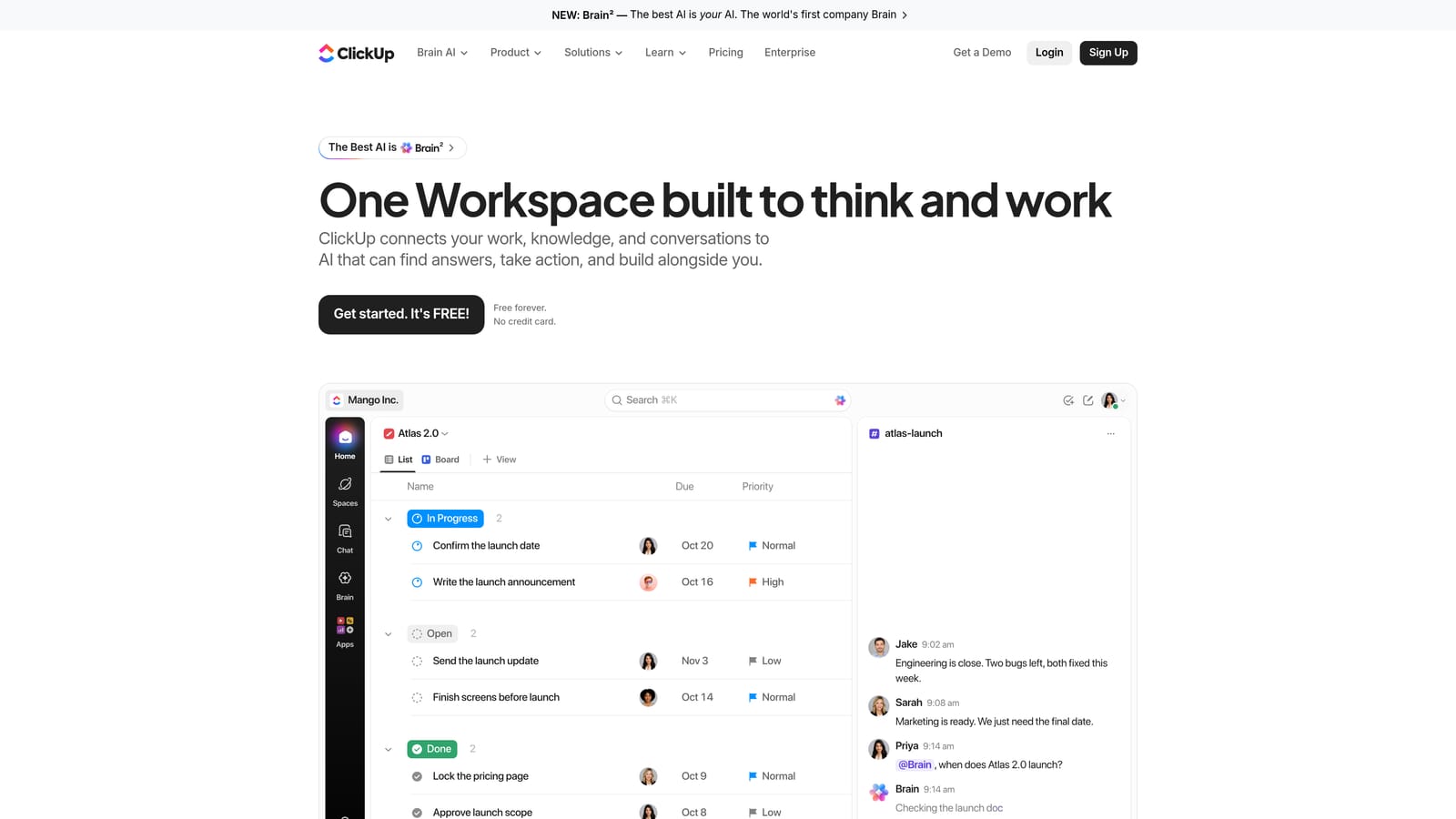
Its distinguishing quality is breadth. Of the tools here, it offers the widest built-in set for docs, tasks, and communication, which can lower your software bill when you are paying for several overlapping apps. Teams can look at the same work as a list, board, calendar, or timeline depending on how they prefer to see it.
- Multiple task views let designers, strategists, and account managers each see work their own way.
- Docs and wikis keep SOPs and client notes next to the tasks they relate to.
- Time tracking records hours against tasks for basic billing and workload checks.
- Automations handle repetitive status changes and assignments.
- Goals connect day-to-day work to targets you set for the agency or a client.
It integrates with Slack, GitHub, Google Drive, and Zoom. Setup can take a while because there are so many options, and that breadth is also the main drawback: small teams can feel overwhelmed and end up using a fraction of it. Invoicing and profitability analysis are not its strength, and there is no native ad monitoring, so finance and campaign data will live elsewhere. Pricing is on the vendor's site and typically depends on seats and plan level; confirm as of October 2026.
Best for: Budget-conscious agencies wanting to replace several tools with one.
6. Asana
Asana is a work management tool for tasks, timelines, approvals, and portfolios. It suits teams where work passes through many hands before it reaches the client.
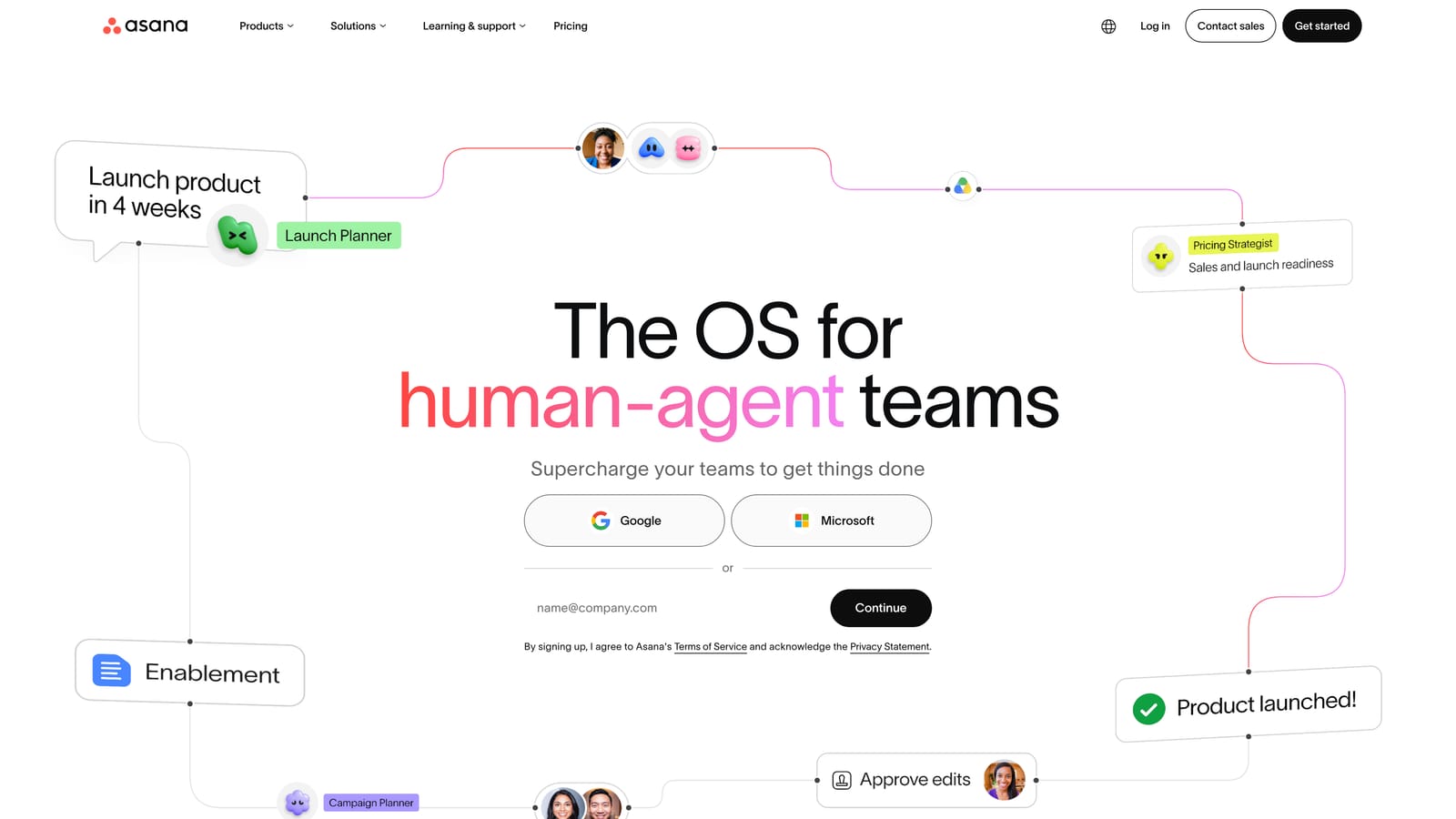
The feature that matters most for agencies is structured approvals. A creative asset, ad copy set, or landing page can move through review and sign-off in a defined sequence, with a clear record of who approved what. For campaign and creative production, that discipline reduces the "which version is final?" confusion that wastes hours.
- Timelines map dependencies so a late deliverable shows its downstream impact.
- Approvals formalize review and sign-off on creative and copy.
- Portfolios give leadership a status view across all client projects.
- Workload view shows team capacity so assignments stay balanced.
- Rules automate routine task assignment and status changes.
It connects with Slack, Adobe Creative Cloud, Google Workspace, and Microsoft Teams, which fits creative workflows well. A project manager or ops lead typically sets up templates and rules; getting started is straightforward, though portfolios and workload features depend on the plan tier.
Billing and profitability tracking are not core to Asana, so you will need a separate tool for time, invoicing, and margin. It also has no ad performance reporting. Pricing is on the vendor's site and generally rises with seats and plan level; verify as of October 2026.
Best for: Content and creative-heavy agencies with many handoffs.
7. Harvest
Harvest is a focused time tracking and invoicing tool with expense tracking and project budget reports. It does one job, getting from hours worked to money collected, and does it without much overhead.
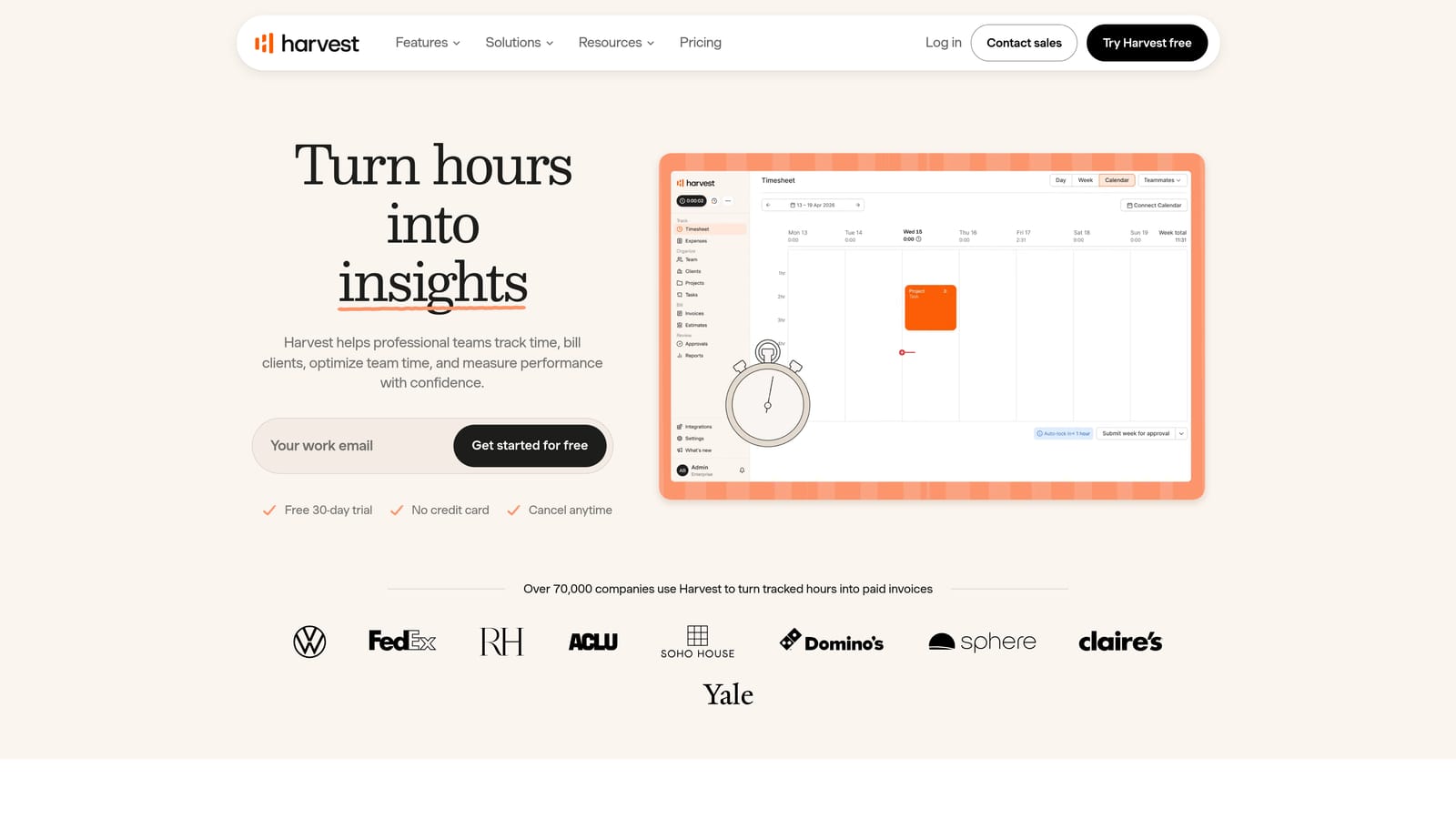
That narrow scope is its edge. Of everything here, it offers the simplest path from tracked hours to a paid invoice: log time, turn it into an invoice, and let clients pay online. For an agency that bills hourly or tracks retainer hours, this removes the end-of-month reconstruction of who worked on what.
- Time tracking captures hours per client and project from the people doing the work.
- Invoicing converts tracked time and expenses into bills quickly.
- Expense tracking lets you pass costs through to clients accurately.
- Project budget reports show how much of a budget is used before it is exceeded.
- Payment collection lets clients pay invoices online, shortening the wait.
It integrates with QuickBooks, Xero, Asana, and Trello, so it slots beside your accounting and task tools. Setup is light, and either the owner or an admin can manage it, while team members just log time.
It is not a project management or reporting platform, and it offers no capacity planning or ad data. Agencies that price by deliverable or performance rather than hours will find less value. Pricing is on the vendor's site and typically depends on the number of seats; check current plans as of October 2026.
Best for: Hourly or retainer agencies focused on billable hours.
8. HoneyBook
HoneyBook is a client management platform for proposals, contracts, invoices, and payments. It was built for independent service businesses, which makes it a natural fit for freelancers and small studios more than larger teams.
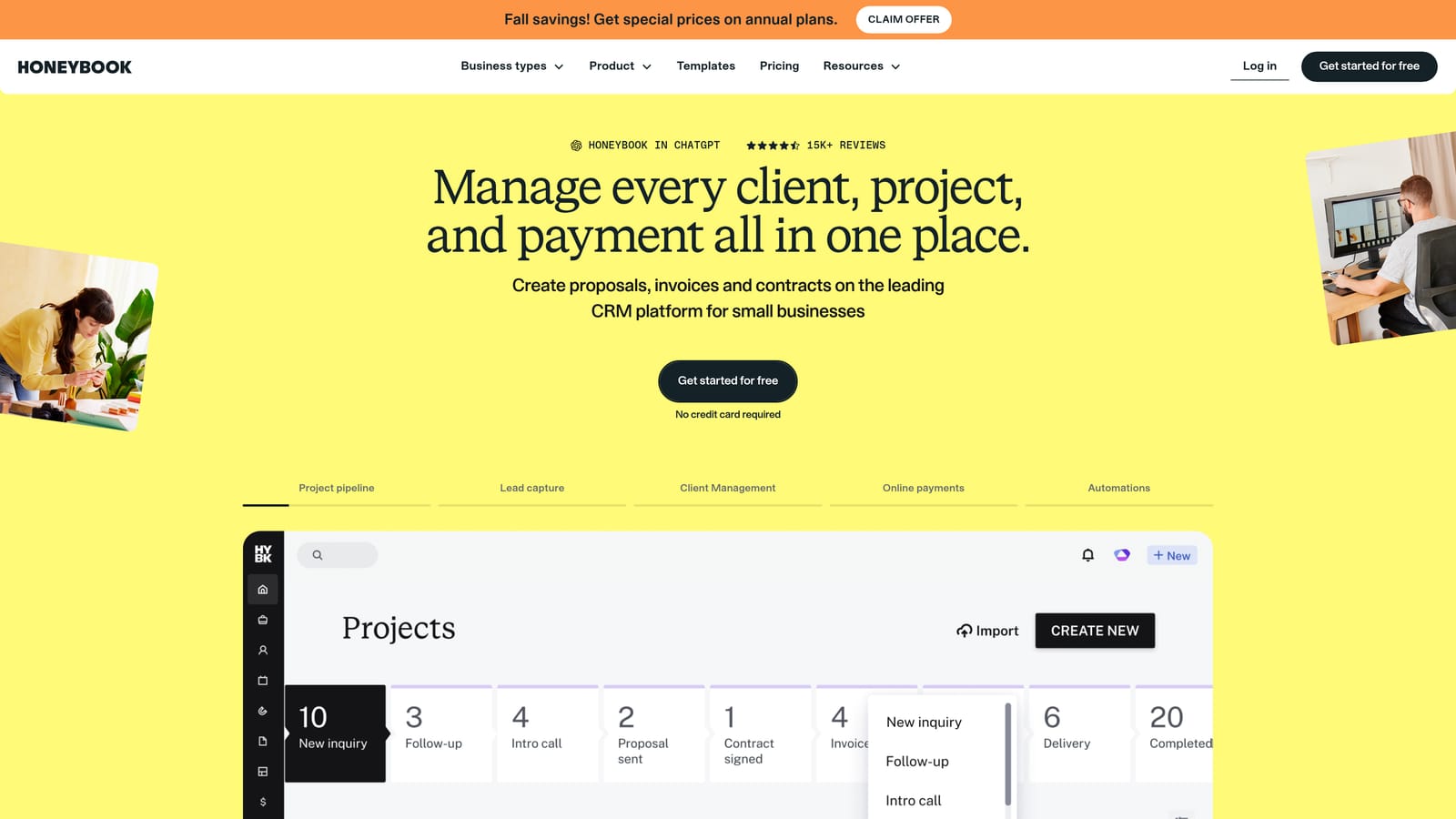
Its signature is the onboarding flow. A prospect receives a proposal, signs a contract electronically, and pays an invoice or deposit inside one continuous process. That formalizes the start of a client relationship, which is often the weakest point for freelancers who still send PDFs and chase signatures by email.
- Proposals let you present scope and pricing in a consistent, professional format.
- Contracts and e-signatures remove the back-and-forth of printing and scanning.
- Invoices and payments collect deposits and installments from the same platform.
- Automated workflows send reminders and follow-ups so you chase less manually.
- A client portal keeps documents, messages, and payments in one place for the client.
It integrates with QuickBooks, Google Calendar, and Zapier, and the owner typically runs it alone. Setup is quick, mostly a matter of building templates for your proposals and contracts.
It is light on team project management and has no ad data, so an agency with several employees will outgrow it as a delivery tool. It also does not give you time-based profitability analysis. Pricing is on the vendor's site and typically depends on plan tier; confirm current terms as of October 2026.
Best for: Freelancers and small studios formalizing client onboarding.
9. AgencyAnalytics
AgencyAnalytics is a marketing reporting platform with multi-channel dashboards and white-label client portals. It exists to turn scattered channel data into something a client can read.
Its edge is channel coverage. For agencies that report on SEO, social, and paid media together, it offers the broadest range on this list, pulling data from sources like Google Analytics, Google Ads, Meta Ads, and Search Console into a single view. That matters when one client's monthly report spans several services.
- Multi-channel dashboards combine SEO, social, and paid data in one place.
- White-label reports carry your branding, so clients see your agency, not the software.
- A client portal lets clients check results on their own schedule.
- Rank tracking monitors search positions for SEO clients.
- Scheduled reports send themselves, saving the monthly assembly effort.
Setup means connecting each client's accounts and building or cloning dashboard templates, usually handled by an account manager or analyst. Once templates exist, new clients come online faster.
It is reporting-focused: it does not manage tasks, time, or billing, so it covers only one layer of agency operations. Agencies with only a few paid-media clients may find a lighter option sufficient. Pricing is on the vendor's site and typically depends on the number of clients or campaigns you manage; verify current plans as of October 2026.
Best for: Multi-channel agencies reporting on SEO, social, and paid together.
Matching Tools to Your Agency's Situation
Agency operations break into four layers: work management, finances and time, client reporting, and channel performance. Most agencies end up combining two or three tools rather than finding one that does everything, so the useful question is which layer hurts most right now.
- Paid media agencies: ClientPlug covers payments, Meta and Google Ads health, and white-label reporting together. Add a task tool such as Asana or ClickUp if you need deeper production workflows.
- Project-heavy teams: Teamwork suits client collaboration, Monday.com suits custom workflows, and Asana suits approval-heavy creative work.
- Profitability-focused agencies: Productive ties margin to capacity, while Harvest is the lighter choice if hours and invoices are your main concern.
- Freelancers: HoneyBook handles onboarding and payment, and ClientPlug works if your services are mostly Meta and Google Ads.
- Multi-channel reporting: AgencyAnalytics is the strongest fit when SEO and social sit alongside paid.
Whatever you shortlist, check pricing, plan limits, and integrations on each vendor's site, since they change often. If paid media is the core of your agency, Learn more about our services.