If you run a paid-media agency or freelance practice, the monthly software bill is only part of the cost. What matters is what the price model does as you add clients, teammates, and data connections. The nine tools below were chosen for how well they organize client work for marketing agencies, how clear and scalable their pricing is, and how much of the client workflow each one covers. In this article, client organizer software means tools that centralize client data, payments, communication, and reporting. Pricing details change often, so this guide describes pricing models rather than quoting numbers; confirm every tier on the vendor's own page before you buy.
Quick Comparison of Agency Client Organizer Pricing Models
- ClientPlug: paid-media agencies and freelancers; starting price on the website; tracks client payments next to live Meta and Google Ads health in one dashboard.
- HubSpot: agencies built around a sales pipeline; free CRM tier, paid per-seat tiers; the largest integration ecosystem on this list.
- Productive: mid-size agencies managing budgets and capacity; per-user tiers, see website; project profitability and utilization tracking.
- AgencyAnalytics: multi-service agencies reporting on SEO and PPC; tiered by client campaigns, see website; broad multi-channel reporting including rank tracking.
- Monday.com: agencies that want to build their own workflow; per-seat tiers with minimum seats; the most customizable boards and automations.
- HoneyBook: solo freelancers; subscription tiers, see website; a single contract-to-payment flow for independent operators.
- Teamwork.com: retainer or hourly agencies with project-heavy work; per-user tiers; billable time tracking with client collaborator access.
- Databox: agencies running KPI reviews with clients; free plan plus tiers by data sources; goal tracking and metric alerts across sources.
- Copilot: service agencies wanting a client-facing portal; tiered pricing, see website; a fully branded portal on the agency's own domain.
1. ClientPlug
ClientPlug is an all-in-one client organizer for digital marketing agencies and freelancers. It is built for people who sell paid media and need to see, in one place, who has paid, which campaigns are healthy, and what to send each client at the end of the month.
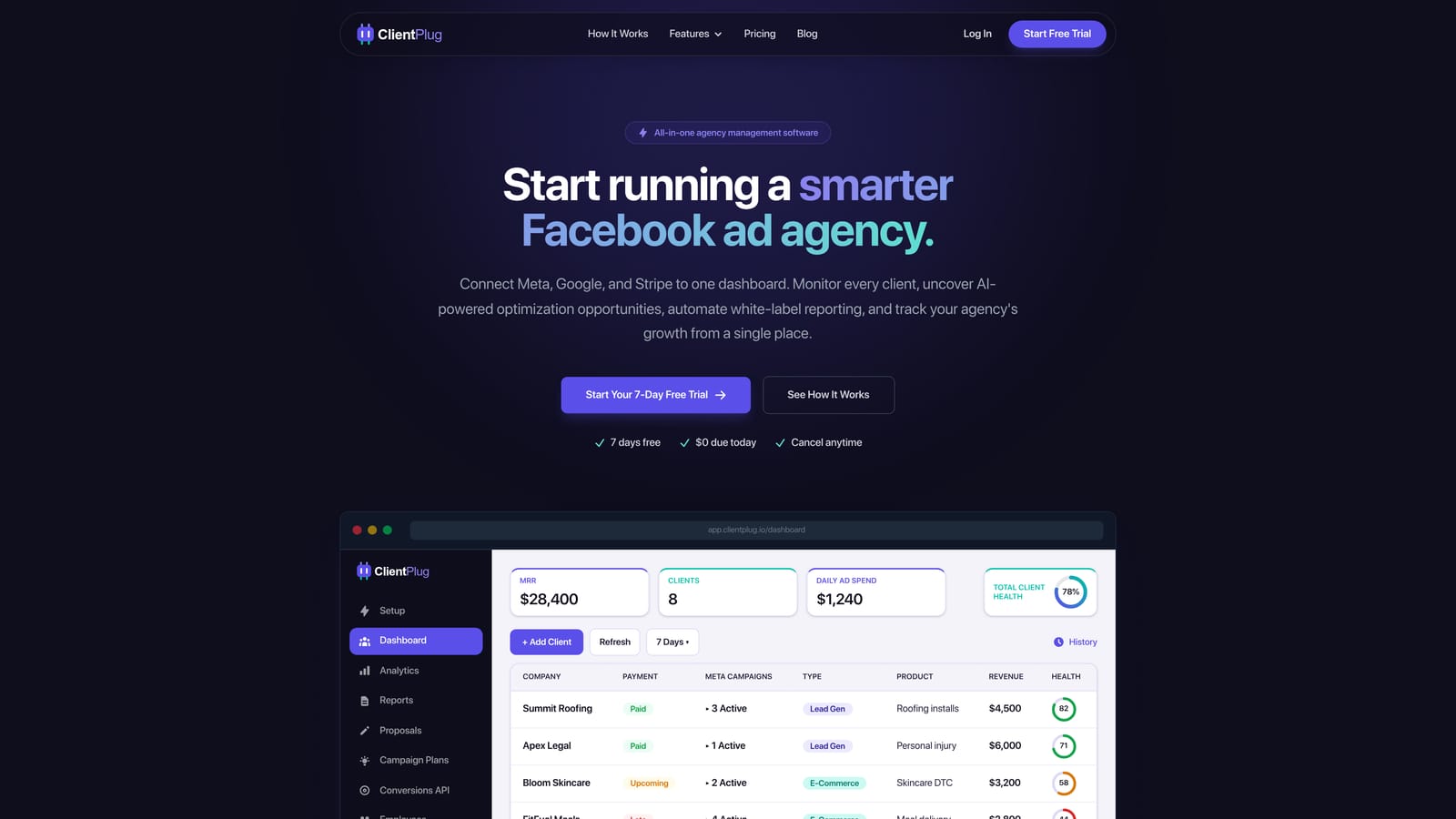
Its distinguishing trait on this list is that payments, campaigns, and client data sync automatically into one dashboard. Health monitoring runs at every level, from individual ads to campaigns to clients to the agency as a whole. Most other tools here cover either the money side or the ad-data side, not both.
- Client payment tracking shows who is paid up and who is overdue without a separate spreadsheet.
- Meta and Google Ads performance monitoring surfaces problem ads and campaigns before a client raises them.
- AI campaign optimization suggests changes so you spend less time auditing accounts by hand.
- Automated white-label reports go to clients under your branding on a schedule you set.
- Conversion API setup takes a few clicks, which saves a technical task many agencies dread.
Integrations center on Meta Ads and Google Ads, so setup is mostly connecting ad accounts and adding clients. The person who runs it day to day is usually the agency owner or an account manager, not a dedicated operations hire.
The limitation is scope. ClientPlug is designed for paid-media agencies. If you do SEO or web design and need full project management, with tasks, timelines, and resource planning, you will need a second tool alongside it.
Pricing: the starting price is listed on the ClientPlug website, and you should confirm the current plan structure there as of November 2026.
Best for: Facebook and Google ad agencies wanting payments and ad performance in one place.
2. HubSpot
HubSpot is a CRM and marketing platform with a free tier and paid hubs for sales, marketing, and service. It suits agencies whose revenue depends on managing a pipeline of prospects and closing deals.
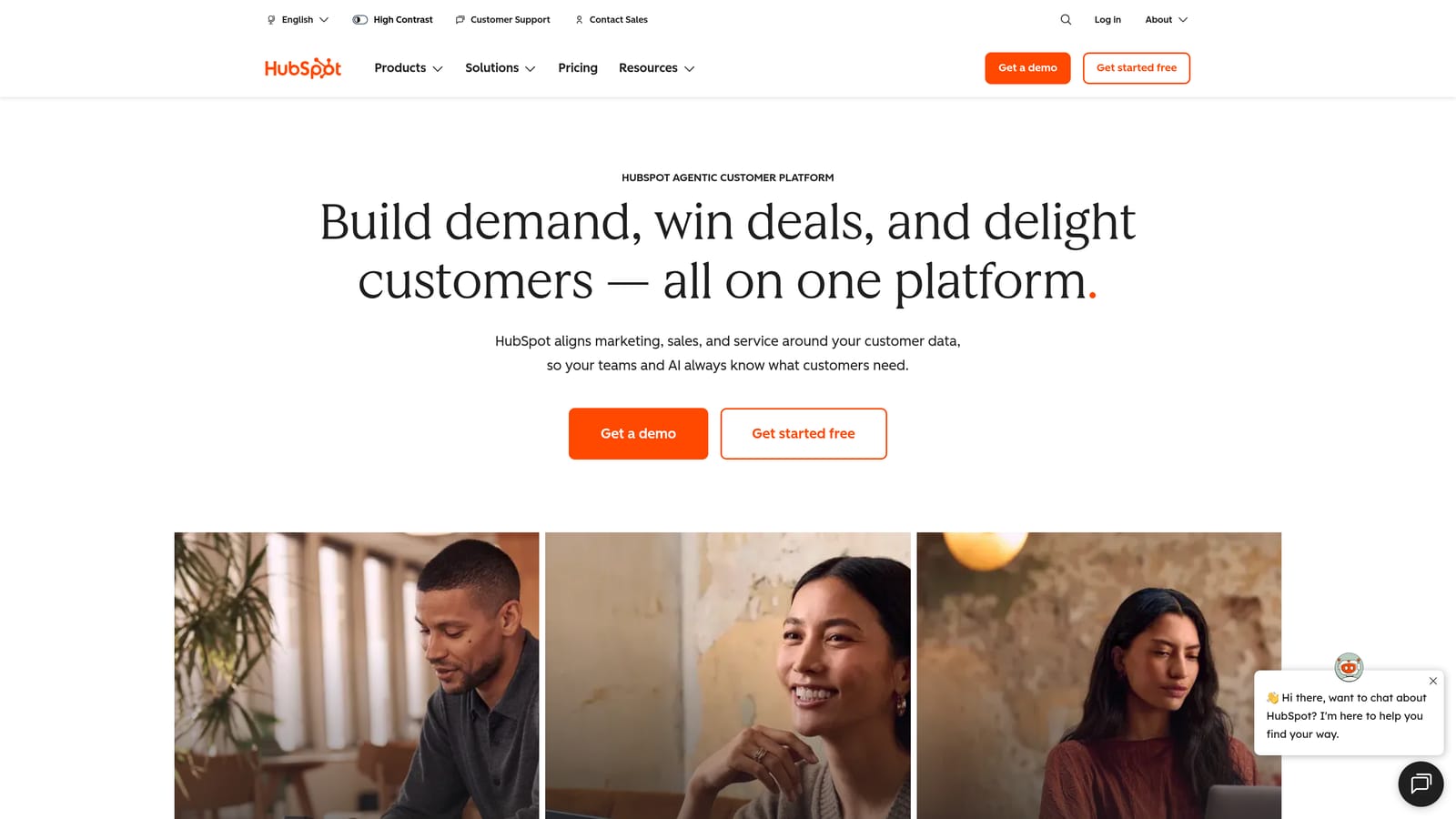
What it does better than anything else here is breadth of connection. Its integration ecosystem is the largest on this list, covering Gmail, Outlook, Slack, and Zapier, so nearly any tool your agency already uses can feed into it. The free CRM also gives a low-risk place to start.
- The free CRM stores contacts and companies, so you can centralize client records before spending anything.
- Deal pipelines show where each prospect sits and what is likely to close.
- Email marketing lets you nurture leads and communicate with clients from the same system.
- Reporting dashboards turn sales activity into numbers you can review weekly.
- Automation handles follow-ups and routing so fewer leads slip.
Setup effort depends on how deep you go. The free CRM is quick; configuring paid hubs, properties, and workflows usually needs someone who owns the system, often a marketing or sales lead.
The limits are cost growth and fit. Pricing climbs with seats and with each additional hub, so a cheap start can become expensive as the team grows. HubSpot also has no agency-specific ad monitoring and no client payment tracking, so it will not tell you how a Meta campaign is performing or who is late on an invoice.
Pricing: a free tier exists, with paid per-seat tiers above it. Seats and hubs drive the bill; check the pricing page for the current figures as of November 2026.
Best for: Agencies prioritizing sales pipeline and CRM depth.
3. Productive
Productive is an agency management platform covering projects, resource planning, budgets, and billing. It is designed for agencies large enough that the main question is whether each project makes money and whether the team is over- or under-booked.
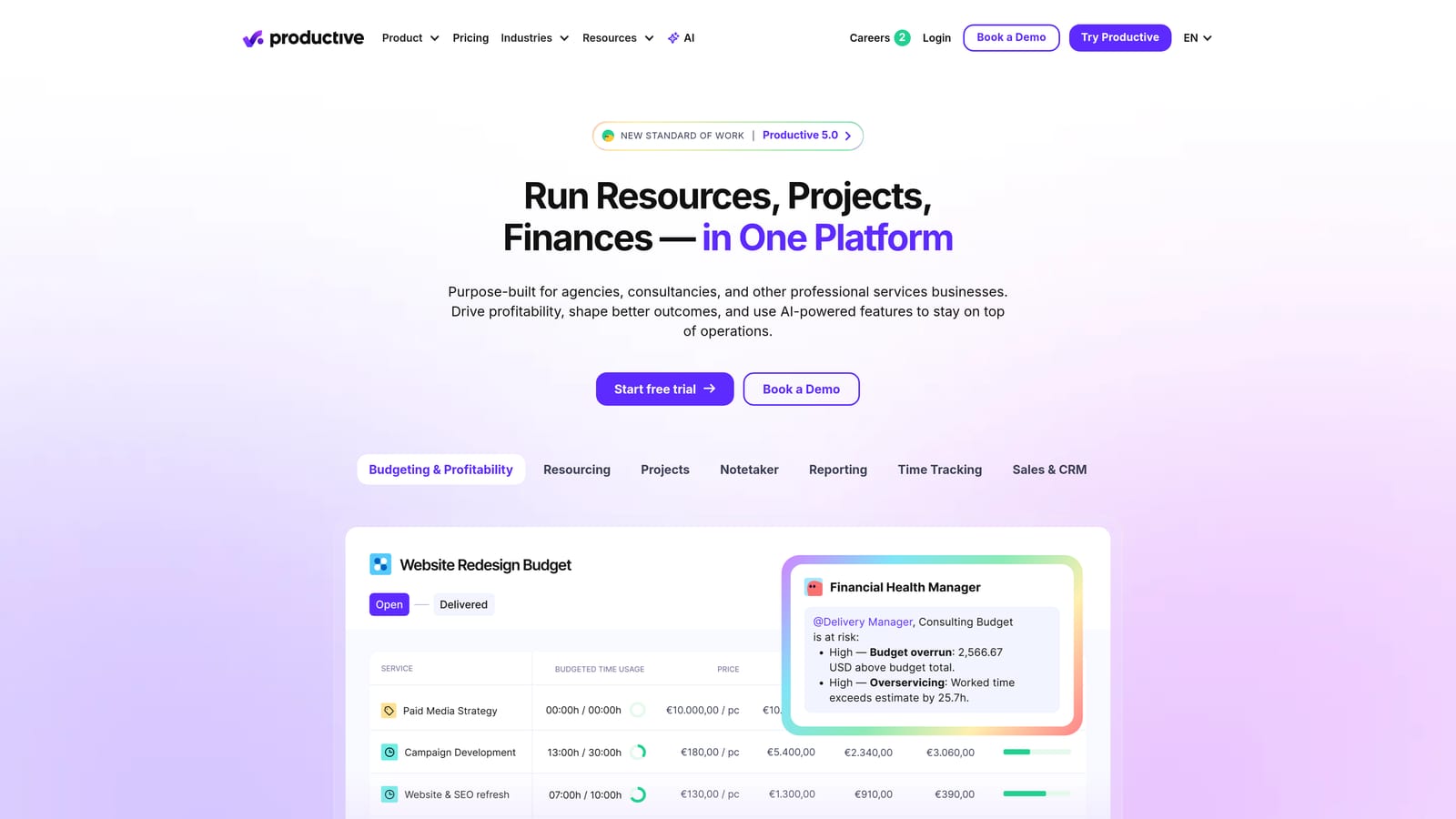
Its edge is profitability and utilization tracking. You can compare what a project was budgeted against what it consumed, and see who has capacity next month. None of the other tools on this list go as deep on that operational view.
What you get
- Project management keeps deliverables, tasks, and deadlines for each client in one place.
- Resource planning shows team capacity so you stop overbooking people.
- Budget tracking compares planned and actual spend on a project as it runs.
- Invoicing ties billing to the work logged.
- Profitability reports show which clients and services actually earn their keep.
Setup and limits
Integrations include QuickBooks, Xero, and Slack, which suits agencies that already run accounting software. Setup is heavier than with lighter tools, because budgets, rates, and teams need to be modeled before the reports mean anything. Expect an operations lead or agency manager to own it.
It does not pull live ad-platform data, so you will not monitor campaign health here. A freelancer or small team with simple needs will likely find it more than they require.
Pricing: per-user tiers. Team size is the main driver; confirm current tiers on the website as of November 2026.
Best for: Mid-size agencies managing budgets and team capacity.
4. AgencyAnalytics
AgencyAnalytics is a marketing reporting platform with client dashboards across many channels. It is built for agencies that need to show clients results from several services at once.
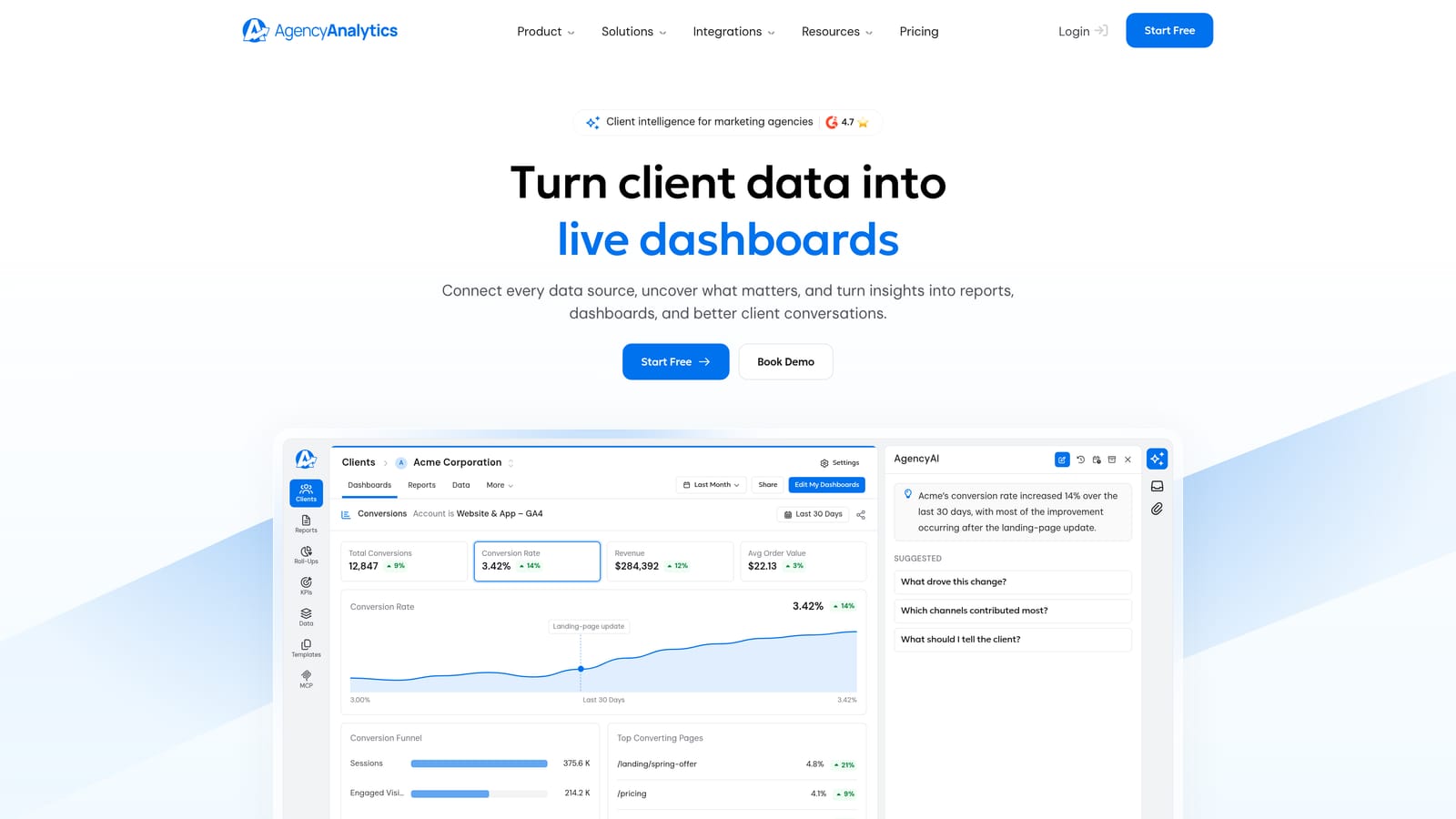
Its strength is reporting breadth. Integrations span Google Analytics, Google Ads, Meta Ads, and Search Console, and it adds rank tracking, so SEO and PPC results can sit in the same client view. That makes it more suitable than a paid-media-only tool for agencies selling both.
- Client dashboards give each account a live view of its numbers.
- Automated reports are sent on a schedule, cutting monthly reporting hours.
- Rank tracking covers the SEO side that ad-focused tools skip.
- White labeling puts your branding on dashboards and reports.
- Multi-channel integrations pull the different marketing sources together.
Setup is mostly connecting each client's data sources and building or reusing templates. A marketing analyst or account manager typically runs it.
The key caveat is that this is a reporting tool, not an organizer. It has no payment tracking and does not handle client operations, so you still need somewhere to manage invoices and relationships. This is the clearest case of the misconception that reporting equals organization.
Pricing: tiered by the number of client campaigns, so the bill rises as your client list grows. Check the current tiers as of November 2026.
Best for: Multi-service agencies needing SEO and PPC reporting in one tool.
5. Monday.com
Monday.com is a customizable work-management platform that agencies can use for client tracking through boards and CRM templates. It rewards teams that know how they want to work and are willing to design it.
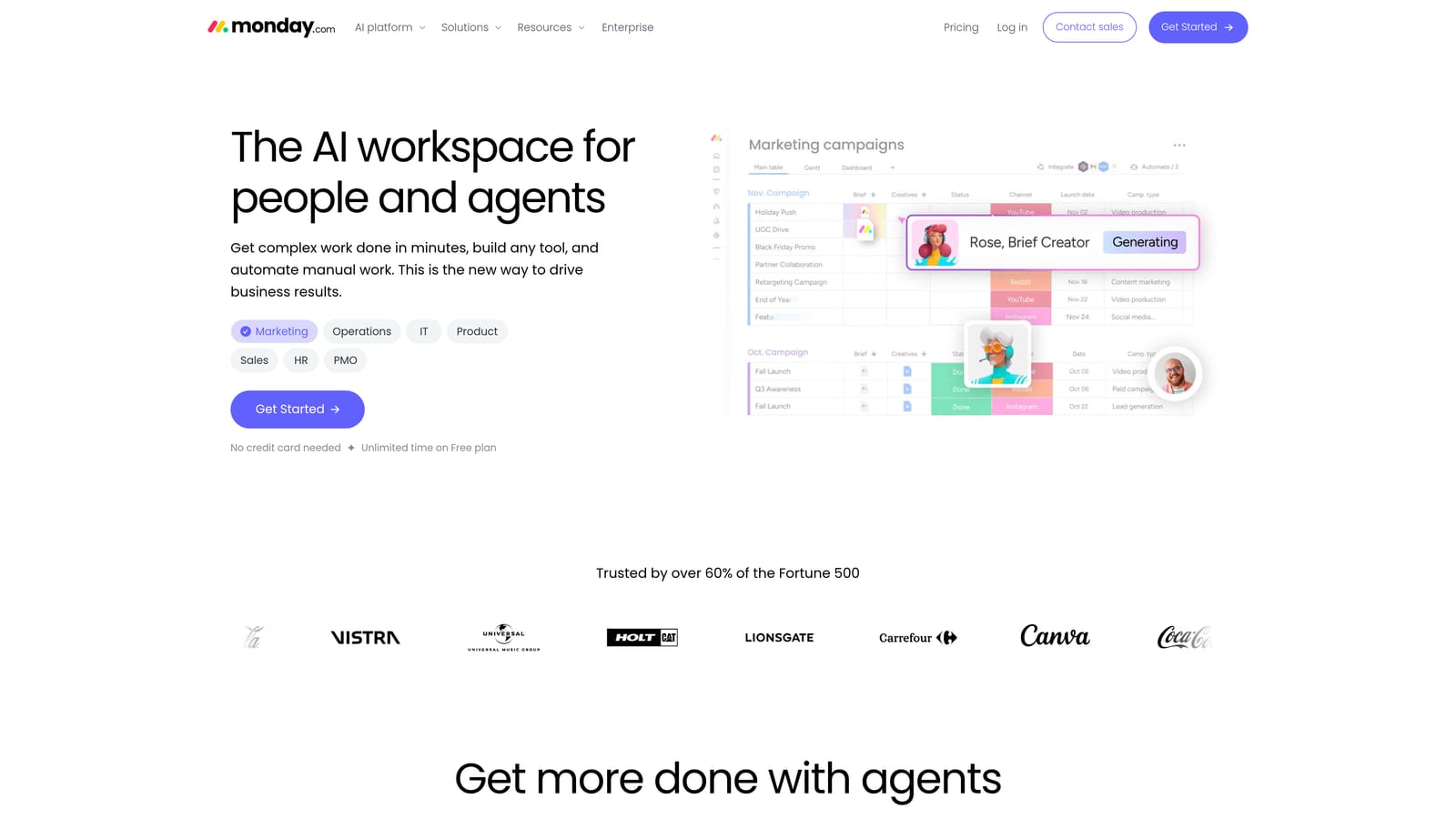
Its distinctive quality is flexibility. Boards, automation recipes, and dashboards can be shaped into almost any workflow, from onboarding to approvals to a lightweight client pipeline. Integrations include Slack, Gmail, Zoom, and Zapier.
- Custom boards let you structure client data the way your agency thinks about it.
- Automations move items, notify people, and remove repeated manual updates.
- The CRM template gives a starting point for tracking leads and clients.
- Dashboards roll up status across clients and projects.
- Forms collect onboarding information in a consistent format.
The trade-off is effort. You have to build agency workflows from scratch, and someone must maintain them as your process changes, usually an operations-minded owner or manager. It has no ad analytics, so campaign performance must be tracked elsewhere.
Watch the pricing structure carefully. Plans are per seat with minimum seat counts, so a small team may pay for seats it does not use, and costs rise as you add people and features. That is the pattern behind cheap-looking seat prices turning costly.
Pricing: per-seat tiers with minimum seats. Confirm current rules on the website as of November 2026.
Best for: Agencies wanting a flexible, build-your-own workflow.
6. HoneyBook
HoneyBook is a client management tool for proposals, contracts, invoices, and payments, aimed at independent service businesses. It is made for one person (or a very small team) selling services directly to clients.
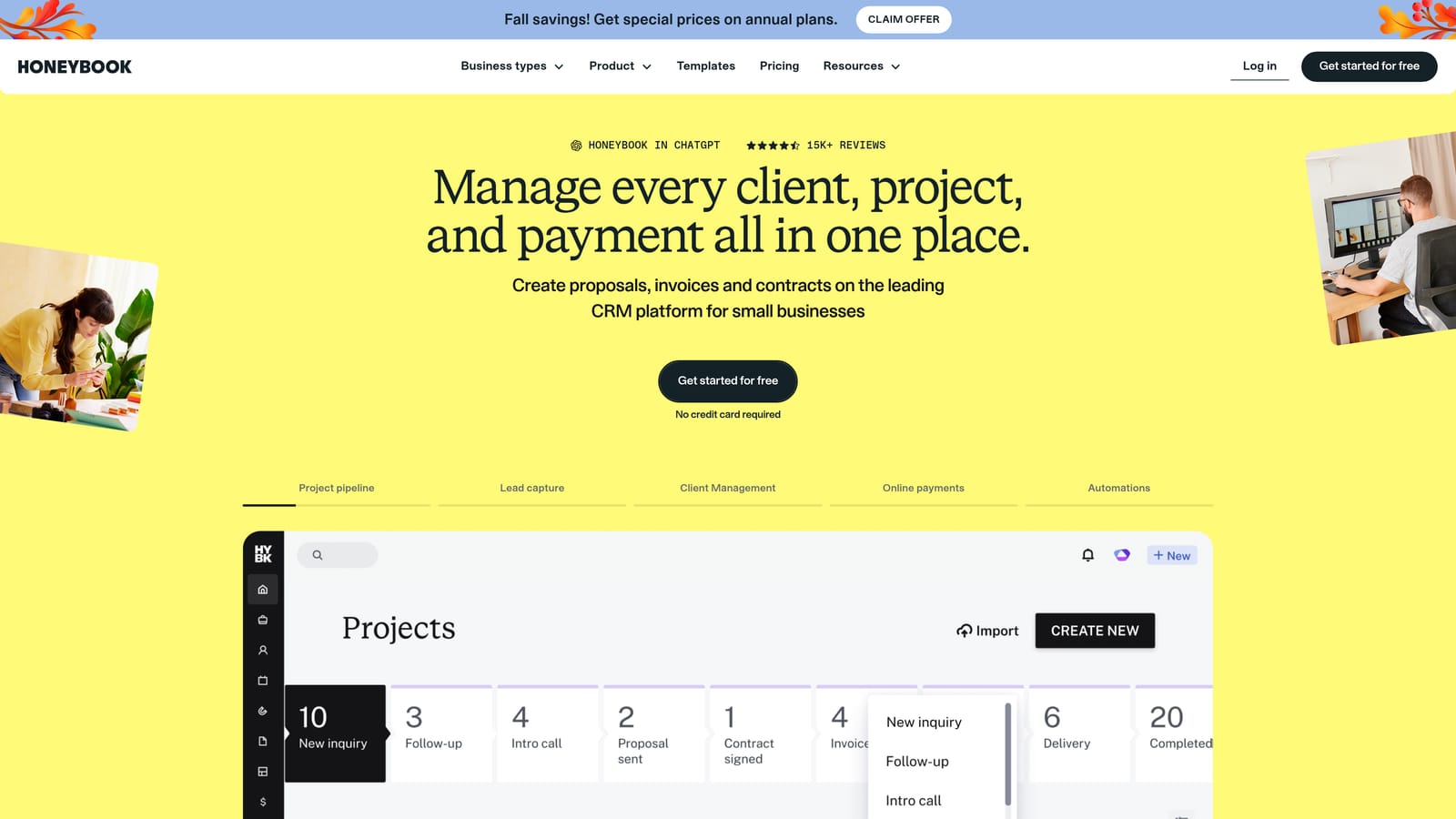
Its standout is a clean contract-to-payment flow. You send a proposal, the client signs, an invoice follows, and payment is collected, all within the same system and client record. For a solo operator, that covers much of the administrative cycle.
- Proposals let you present scope and pricing in a polished format.
- E-signature contracts remove the back-and-forth of printing and scanning.
- Invoicing generates bills tied to the agreed work.
- Online payments let clients pay quickly and cut the chasing.
- A client portal keeps documents and communication in one place.
It integrates with QuickBooks, Gmail, and Zapier, and setup is light enough that the freelancer can do it in an afternoon.
It is not built for ad monitoring, so you will not see campaign performance. It is also not designed for larger teams, so an agency that grows past a handful of people may outgrow its structure.
Pricing: subscription tiers. Check the website for current plans and any trial terms as of November 2026.
Best for: Solo freelancers needing proposals, contracts, and payments.
7. Teamwork.com
Teamwork.com is a project management platform designed for client service teams, with time tracking and billing built in. It fits agencies whose revenue is tied to hours or retainers.
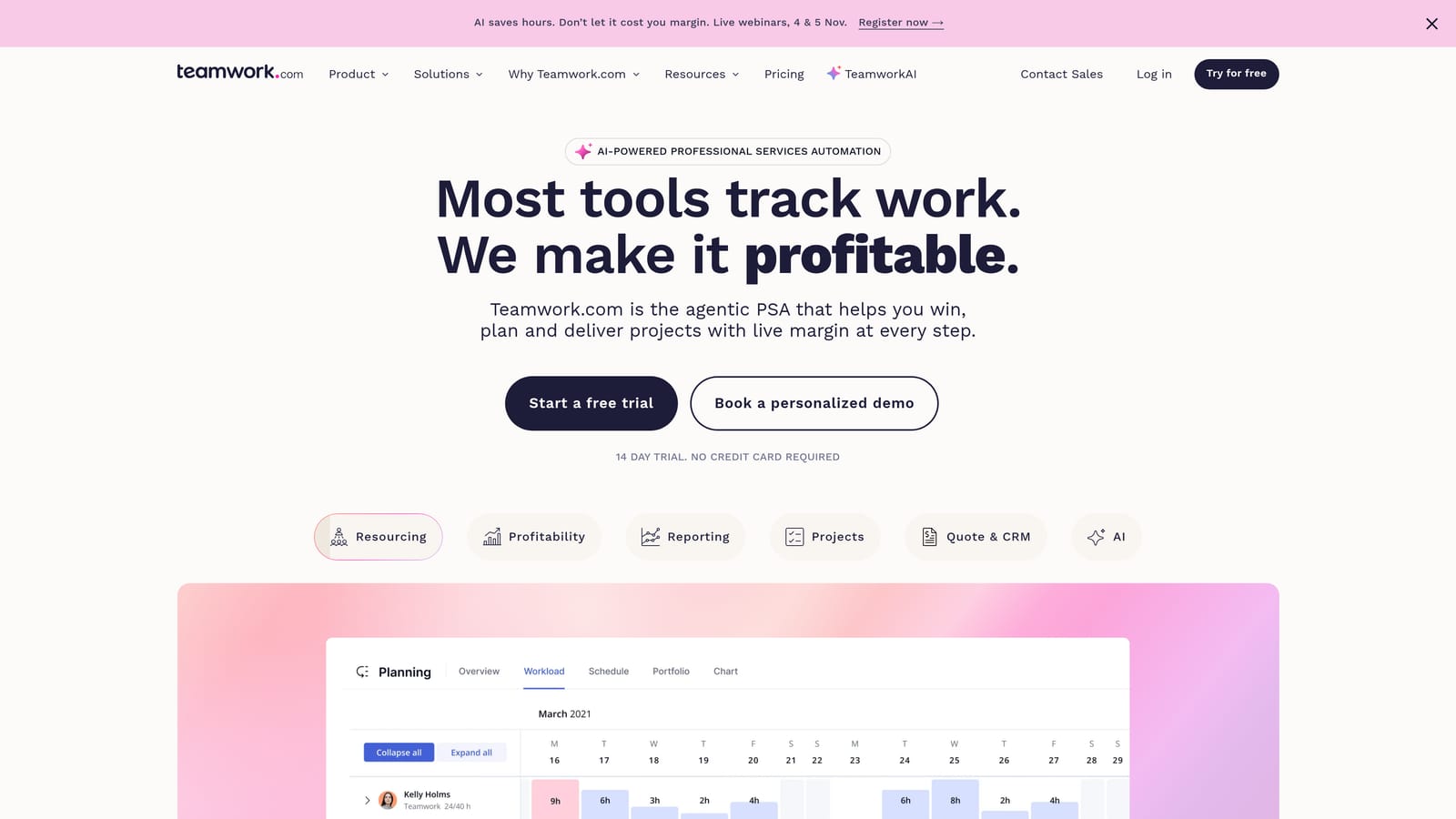
The distinguishing feature is billable time tracking combined with client collaborator access. Your team logs hours against budgets, and clients can be invited to see or comment on work without becoming full seat-holders in the same way.
- Task management organizes deliverables and deadlines per client.
- Time tracking records hours so billing reflects actual effort.
- Budgets show how much of a retainer or project allowance is used.
- Billing turns tracked time into invoices.
- Client collaboration keeps feedback and approvals in one thread.
Integrations include Slack, HubSpot, QuickBooks, and Google Drive. Setup involves creating projects, rates, and budgets, and a project manager normally runs it day to day.
It has no ad-platform performance data, so it will not replace a campaign monitoring tool. For an agency that only runs paid ads and has little project work, its project structure may feel like overhead.
Pricing: per-user tiers. Seat count is the main variable; confirm current pricing as of November 2026.
Best for: Agencies billing hourly or by retainer with project-heavy work.
8. Databox
Databox is a business analytics platform that builds KPI dashboards from many data sources. It is the tool for agencies whose client meetings revolve around numbers and targets.
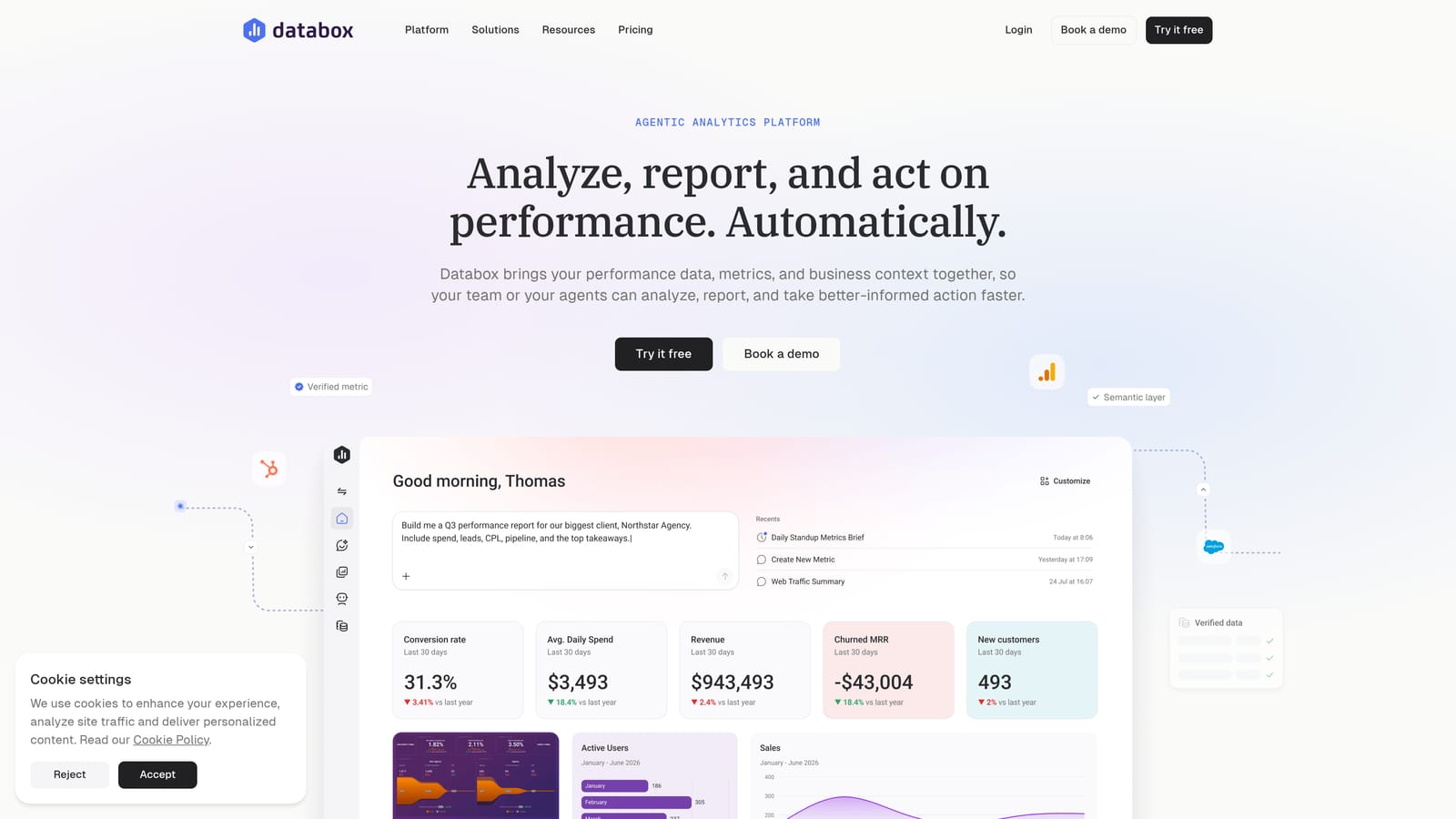
It stands out for goal tracking and metric alerts. You can set a target, such as a cost per lead, and be notified when a metric drifts, across sources like Google Ads, Meta Ads, HubSpot, and Google Analytics.
- KPI dashboards bring the numbers clients care about onto one screen.
- Goal tracking shows progress against targets rather than raw figures.
- Alerts flag changes so you can react between reviews.
- Report templates speed up building client-ready views.
- Data source connections let you combine ad, CRM, and web data.
Setup centers on connecting sources and choosing metrics, and an analyst or account lead usually owns it.
It is not a client organizer. There are no payments and no project workflow, so it complements rather than replaces an operations tool. Free plans typically limit what you can connect, so check how far the free tier goes before building around it.
Pricing: a free plan plus paid tiers based on data sources. More connections push you up a tier; confirm details as of November 2026.
Best for: Agencies focused on KPI dashboards for client reviews.
9. Copilot
Copilot is a client portal platform with messaging, files, invoicing, and forms, all under the agency's own brand. It is built for service businesses that want clients to log in to something that looks like the agency's own product.
The standout is a fully branded portal on the agency's own domain. Clients see your name and your design, not a third-party tool, which can matter for perceived professionalism.
- A branded client portal gives each client one place to go.
- Messaging keeps conversations out of scattered email threads.
- File sharing stores deliverables and assets where clients can find them.
- Invoicing lets clients view and pay bills in the portal.
- Forms standardize onboarding and requests.
Integrations include Stripe, Zapier, and Slack. Setup is mainly branding the portal and inviting clients, and an account manager or operations lead typically handles it.
It has no ad performance monitoring, so campaign results must come from another tool. If clients rarely log in, a portal adds little, and you may be better served by scheduled reports.
Pricing: tiered. Check the website for current plans and for how client counts or features affect the price as of November 2026.
Best for: Service agencies wanting a branded client-facing portal.
Matching Pricing Model to Agency Type
For paid-media agencies, ClientPlug is the most direct fit because it covers payments and Meta and Google Ads performance together, which none of the others do. Reporting-first shops that sell SEO as well as PPC should look at AgencyAnalytics, and add Databox if client reviews are driven by goals and alerts. Project-heavy agencies will get more from Productive or Teamwork.com, depending on whether profitability or billable time is the bigger concern.
Solo freelancers can start with HoneyBook for contracts and payments, or pair a lightweight tool with ClientPlug if they run ads. Pay attention to the pricing model more than the headline number: per-seat tools get costly as teams grow, per-client tools as your roster grows, and per-data-source tools as you connect more channels. Free tiers often cap clients or integrations, so test them against your real setup.
Pricing and plans change, so check each vendor's current pricing page and trial terms before you commit. If paid-media operations are your focus, Learn more about our services.