If you run a marketing agency or freelance practice, the price on a software page is rarely the price you end up paying. Seats multiply as you hire, client access can count as paid users, add-ons sit behind higher tiers, and payment processing takes a cut of every invoice. This list compares nine tools on how they charge, what the entry plan includes, and how well they fit marketing agencies. Prices were not locked in at the time of writing, so confirm every figure on each vendor's pricing page as of October 2026.
Pricing Snapshot: Nine Client Management Tools Side by Side
- ClientPlug: best for paid media agencies and freelancers managing ad clients; pricing listed on its website; combines ad performance, payment tracking, and white-label reports in one dashboard with few-click Conversion API setup.
- HubSpot CRM Suite: best for agencies that need a sales pipeline next to client records; free tier, paid plans listed on its website; marketing, sales, and service hubs share one customer database.
- Monday.com: best for visual workflow tracking of creative and campaign delivery; pricing listed on its website; the most flexible no-code board customization here.
- ClickUp: best for budget-conscious agencies with a configuration owner; free tier, paid plans listed on its website; the deepest feature set at a low per-user cost.
- Asana: best for multi-step creative projects with approvals; free tier, paid plans listed on its website; dependency tracking and approval workflows.
- Teamwork.com: best for service agencies billing by retainer or hours; pricing listed on its website; project profitability and retainer tracking built for client work.
- HoneyBook: best for solo freelancers and small studios; pricing listed on its website; automates the path from inquiry to payment.
- Productive.io: best for growing agencies focused on profitability and capacity; tiered or quote-based pricing; financial forecasting and utilization views.
- Zoho CRM: best for cost-sensitive agencies open to the Zoho suite; free tier, paid plans listed on its website; a low-cost route to bundling many business apps.
1. ClientPlug
ClientPlug is our own product, so weigh this section with that in mind. It is a client organizer for digital marketing agencies and freelancers, built around the work of running paid media for clients rather than managing tasks. It pulls payments, campaign performance, and client data into one dashboard.
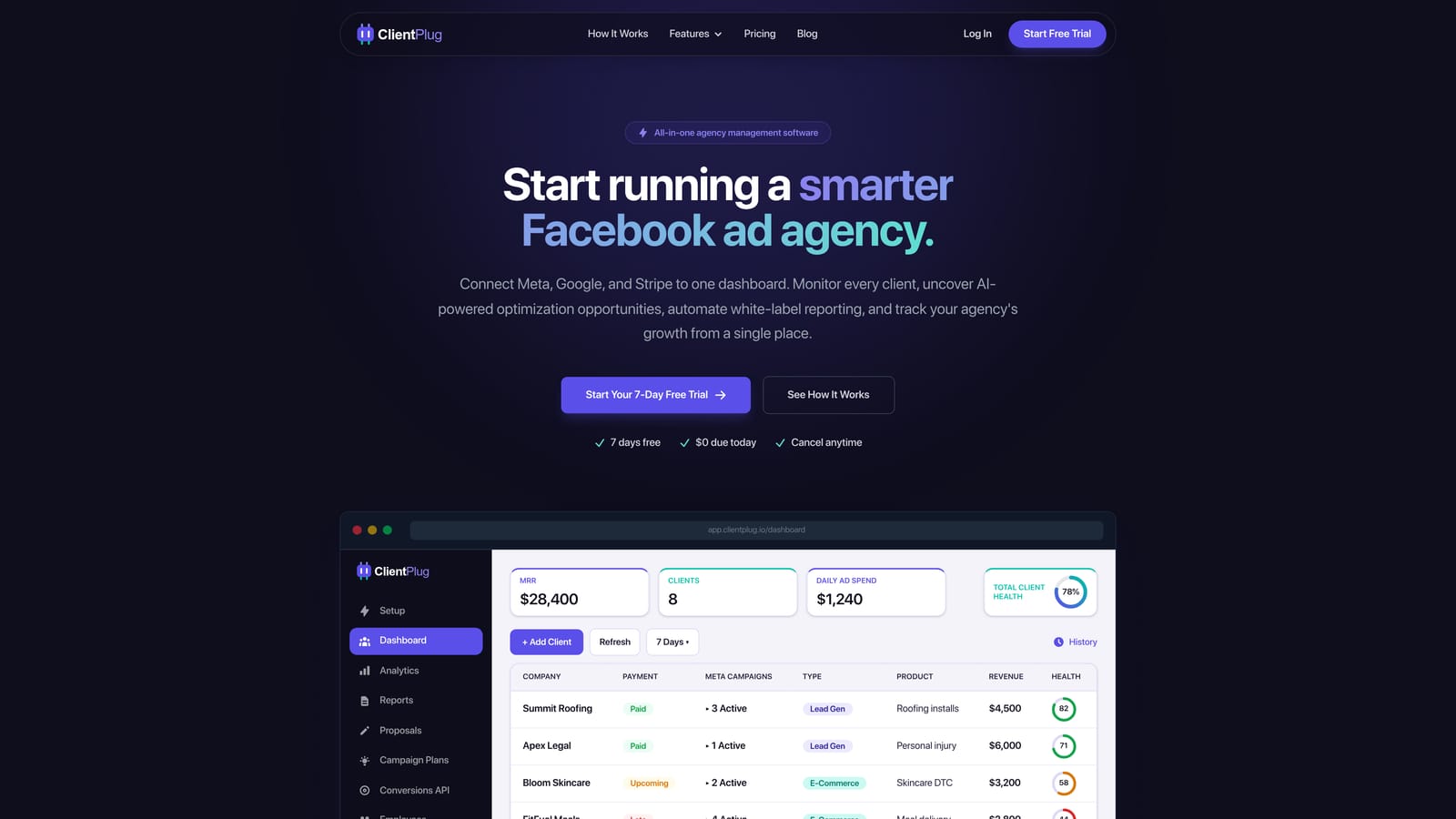
Its distinct strength on this list is that ad data is native. Most tools below can hold a client record, but none of them reads Meta or Google Ads performance directly or sends a white-label report built from it. ClientPlug does, and it also tracks what each client has paid, so you can see account health and payment status on the same screen.
- Client payment tracking shows who has paid, who is late, and what is outstanding without a separate spreadsheet.
- Meta and Google Ads monitoring surfaces the health of individual ads, campaigns, clients, and the agency overall.
- AI campaign optimization suggests changes so you spend less time hunting for underperformers.
- Automated white-label reports go to clients under your branding, replacing manual monthly report building.
- Conversion API setup takes a few clicks, which matters because server-side tracking is otherwise a technical task for many small agencies.
Setup is light: you connect Meta Ads and Google Ads, add clients, and the dashboard syncs. The agency owner or account lead can run it day to day without a dedicated administrator.
The limitation is scope. ClientPlug is not a project or task management suite and not a sales CRM, so if you need task dependencies, resource scheduling, or a lead pipeline, you will pair it with another tool. Integrations are focused on Meta Ads and Google Ads rather than a wide app marketplace.
On pricing, see the ClientPlug website for current plans and what moves the price. Because it replaces separate reporting and payment-tracking tools, compare its cost against those line items rather than against a task manager.
Best for: Paid media agencies and freelancers managing ad clients.
2. HubSpot CRM Suite
HubSpot is a CRM and marketing, sales, and service platform with a free tier and paid per-seat plans. It is designed for teams that want to manage leads, deals, and customers inside one system, and it suits agencies that sell as actively as they deliver.
What sets it apart here is that the marketing, sales, and service hubs share a single customer database. A lead captured by an email campaign, the deal that follows, and the support ticket after onboarding all live on one contact record, which no other tool on this list does as completely.
- The free CRM lets you store contacts and track deals before you commit to a paid plan.
- Pipeline management shows every prospect's stage so forecasting is not guesswork.
- Email marketing and automation handle nurture sequences and newsletters from the same records.
- Reporting dashboards summarize sales and marketing activity for the owner.
- Service ticketing gives clients a tracked channel for requests.
It connects with Gmail, Outlook, Slack, and Zapier. The free tier is quick to start, but a proper pipeline with automation takes real configuration, and someone, often a marketing ops person or the owner, needs to own it.
The honest limitation is cost growth. Price rises with seats, contact volume, and the number of hubs you add, so an agency that starts free can reach a large bill as it layers on marketing and service features. It also does not read ad platform data or track client billing for retainers.
Pricing: a free tier exists, and paid plans are per seat with tiers by hub. Verify current tiers and contact-based charges on HubSpot's pricing page as of October 2026.
Best for: Agencies that need a full sales pipeline alongside client records.
3. Monday.com
Monday.com is a work management platform built on customizable boards and automations. It is aimed at teams that want to see work flowing through stages, such as content production, campaign launches, or creative review.
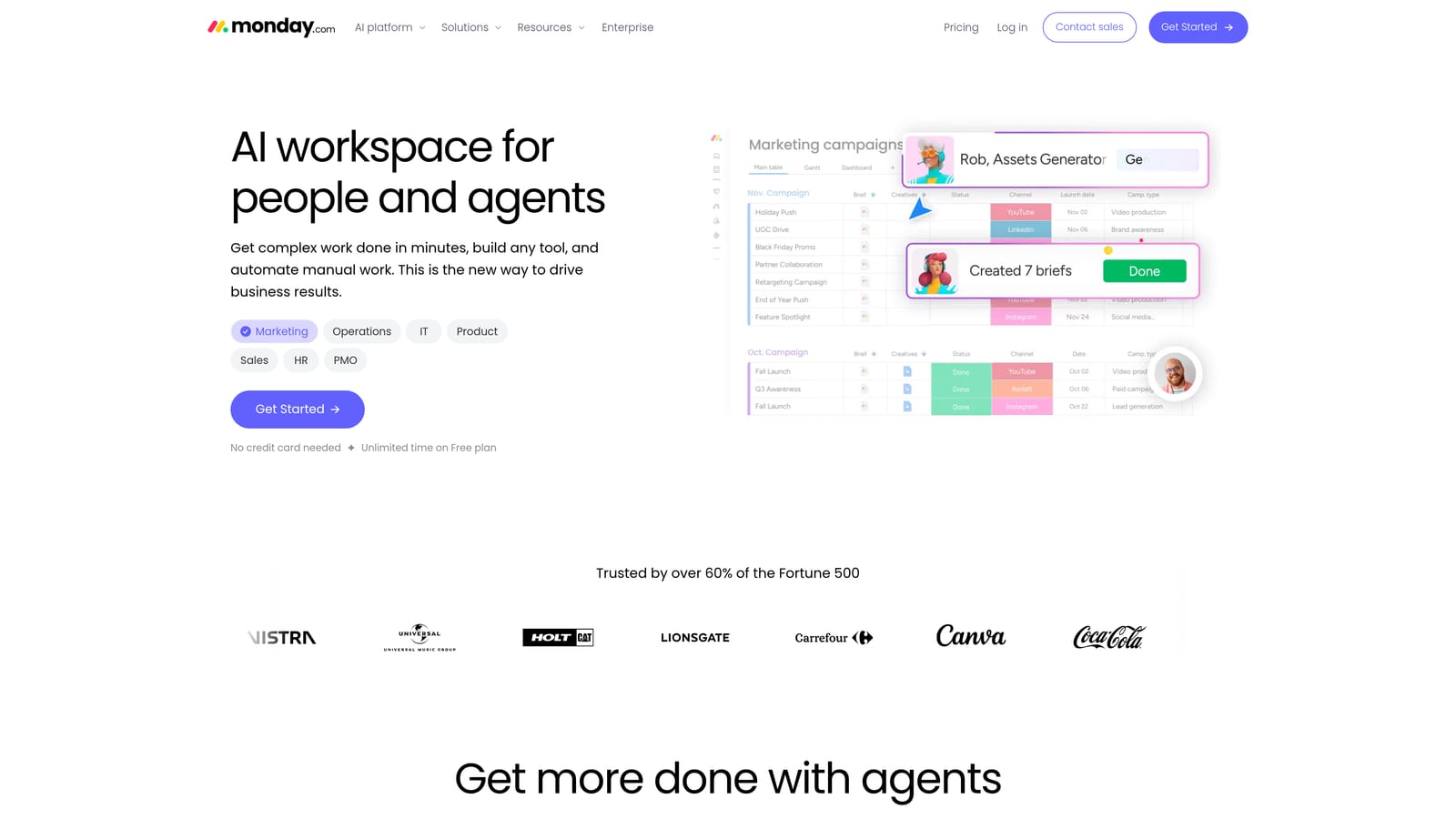
Its standout is how visual and no-code the customization is. You can shape boards into an intake pipeline, a content calendar, or a campaign tracker without a developer, and non-technical account managers tend to adopt it quickly.
- Custom boards model your own delivery process rather than forcing a template.
- Automations move items, assign owners, and send notifications so routine updates do not need chasing.
- Dashboards roll up status across clients and projects for the owner.
- Guest access lets clients view specific boards without a full team seat.
- Forms capture client requests and feed them straight onto a board.
It integrates with Slack, Google Workspace, Zapier, and Microsoft Teams. Initial setup is fast for simple boards, though a polished agency workspace with automations takes some design time, usually owned by an operations lead.
The limitation to plan around is that ad data and billing require workarounds or integrations. You can pipe numbers in through Zapier or connectors, but it is not a native ad reporting or invoicing tool, and that glue work has its own cost in time and sometimes subscriptions.
Pricing is per seat and tiered. Check the minimum seat count on each plan, since a small team can pay for seats it does not use, and confirm how guest access is treated on the current plans.
Best for: Agencies wanting visual workflow tracking for creative and campaign delivery.
4. ClickUp
ClickUp is an all-in-one productivity platform covering tasks, docs, goals, and whiteboards. It is designed for teams that want to consolidate several tools into one workspace and are willing to configure it.
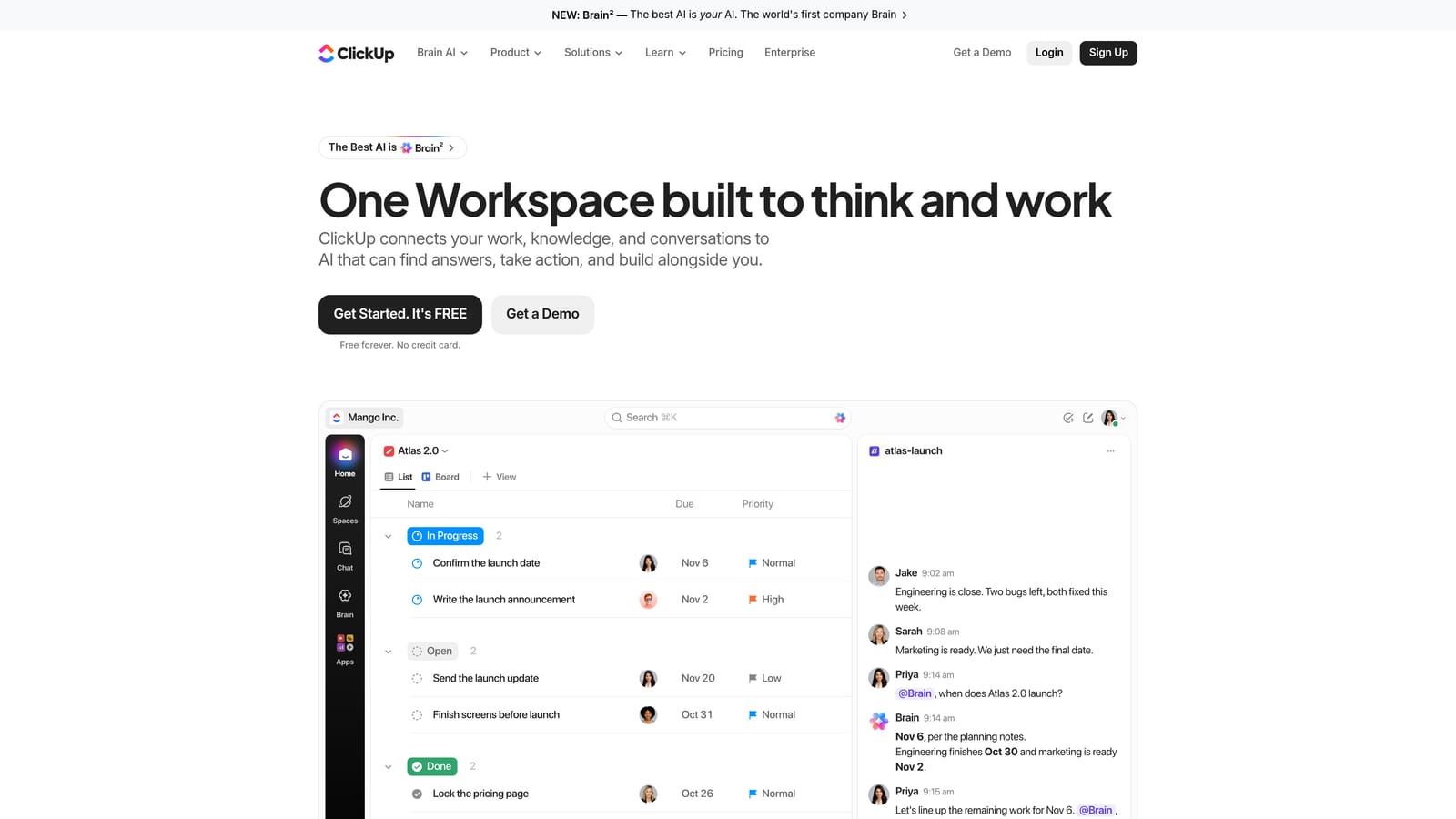
The distinctive point is depth for the money. ClickUp packs more features per user than most rivals on this list, so a cost-conscious agency can cover task management, internal docs, goal tracking, and time tracking in a single subscription.
- Tasks and sub-tasks break campaigns into assignable pieces with due dates and statuses.
- Docs keep briefs, SOPs, and client notes next to the work that uses them.
- Time tracking records hours against tasks, which helps when you need to check retainer effort.
- Goals tie work to targets such as monthly lead or revenue numbers.
- Whiteboards support planning sessions and campaign mapping.
It works with Slack, Google Drive, GitHub, and Zapier. The trade-off is setup: the learning curve is steep and a good configuration can take weeks, so someone must own the workspace structure or it becomes cluttered.
It does not suit teams that want something working on day one with no admin, and it has no native ad reporting or client payment tracking. Free plan limits and feature caps vary, so read them before assuming it covers you.
Pricing: a free plan plus per-user paid tiers, with the AI add-on charged extra. Verify the current per-user price and the AI cost on ClickUp's pricing page as of October 2026, because the add-on can change the real per-seat figure noticeably.
Best for: Budget-conscious agencies with someone to own configuration.
5. Asana
Asana is a project and work management tool with free and paid per-user tiers. It is built for teams coordinating multi-step work where tasks depend on each other and need sign-off.
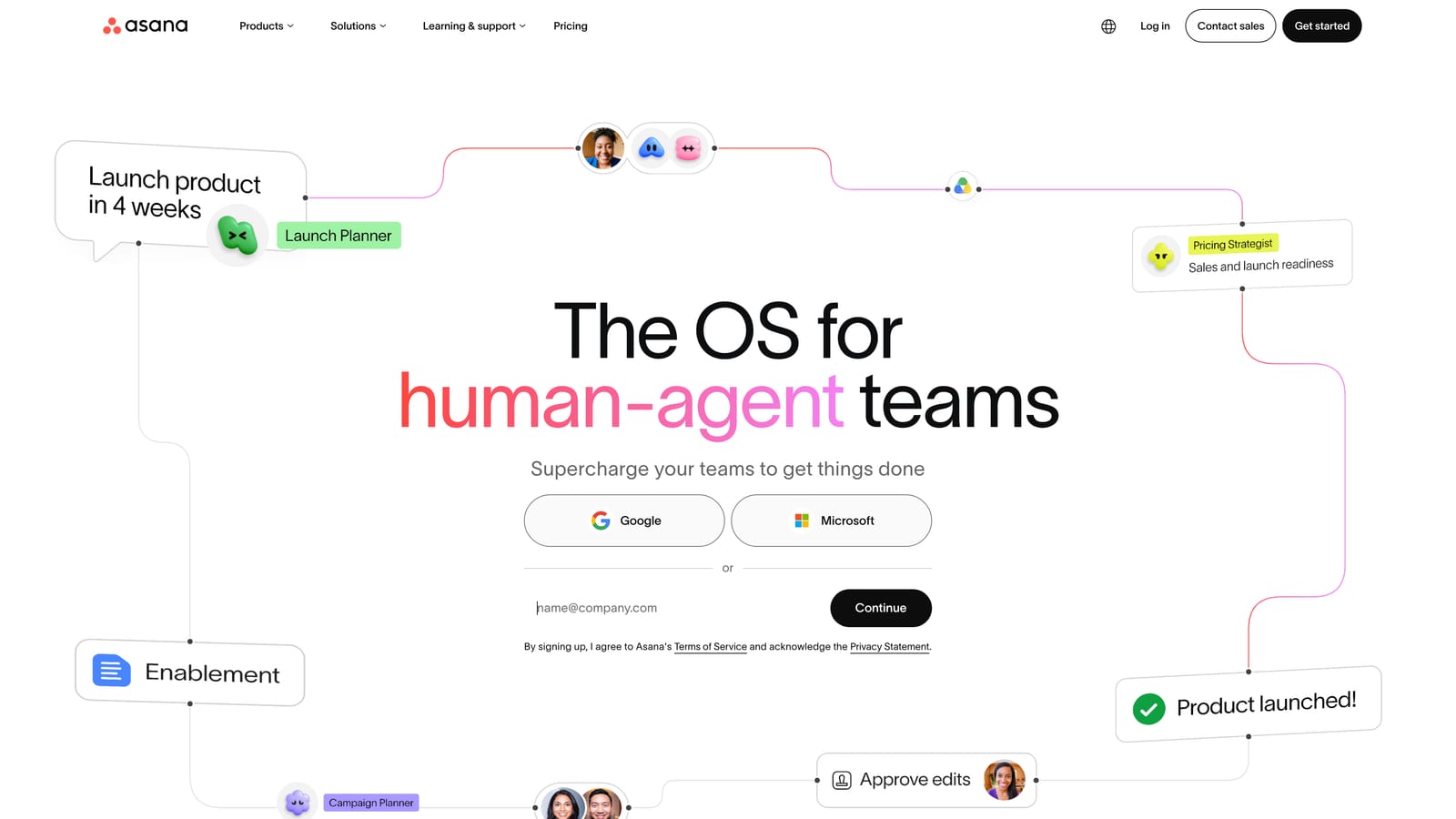
Asana does dependency tracking and approvals better than most on this list. For creative production, where a design cannot move to the client until the copy is approved, those features keep handoffs from stalling.
- Timeline view lays out project schedules so delays are visible before they hit a deadline.
- Dependencies block or trigger tasks in order, preventing out-of-sequence work.
- Workload management shows who is overloaded so you can rebalance assignments.
- Approvals route deliverables to reviewers with a clear record of sign-off.
- Portfolios give the owner a status view across many client projects.
It connects with Slack, Google Workspace, Microsoft 365, and Adobe Creative Cloud. Basic setup is quick, and project managers or account leads typically run it. Advanced features such as workload and portfolios generally sit on higher tiers, so check which plan includes what you need.
The limitation is plain: no native invoicing or ad reporting. Agencies that bill clients or report on campaign results will need separate tools, which adds to total cost beyond the per-user price.
Pricing: a free tier exists with paid per-user plans above it. Confirm current tier prices, and whether guests or external collaborators count toward seats, on Asana's pricing page as of October 2026.
Best for: Teams running multi-step creative projects with approvals.
6. Teamwork.com
Teamwork.com is a project management platform built for client services teams, with budgets and billing in the core product rather than bolted on. It is designed for agencies whose margins depend on tracking hours against what was sold.
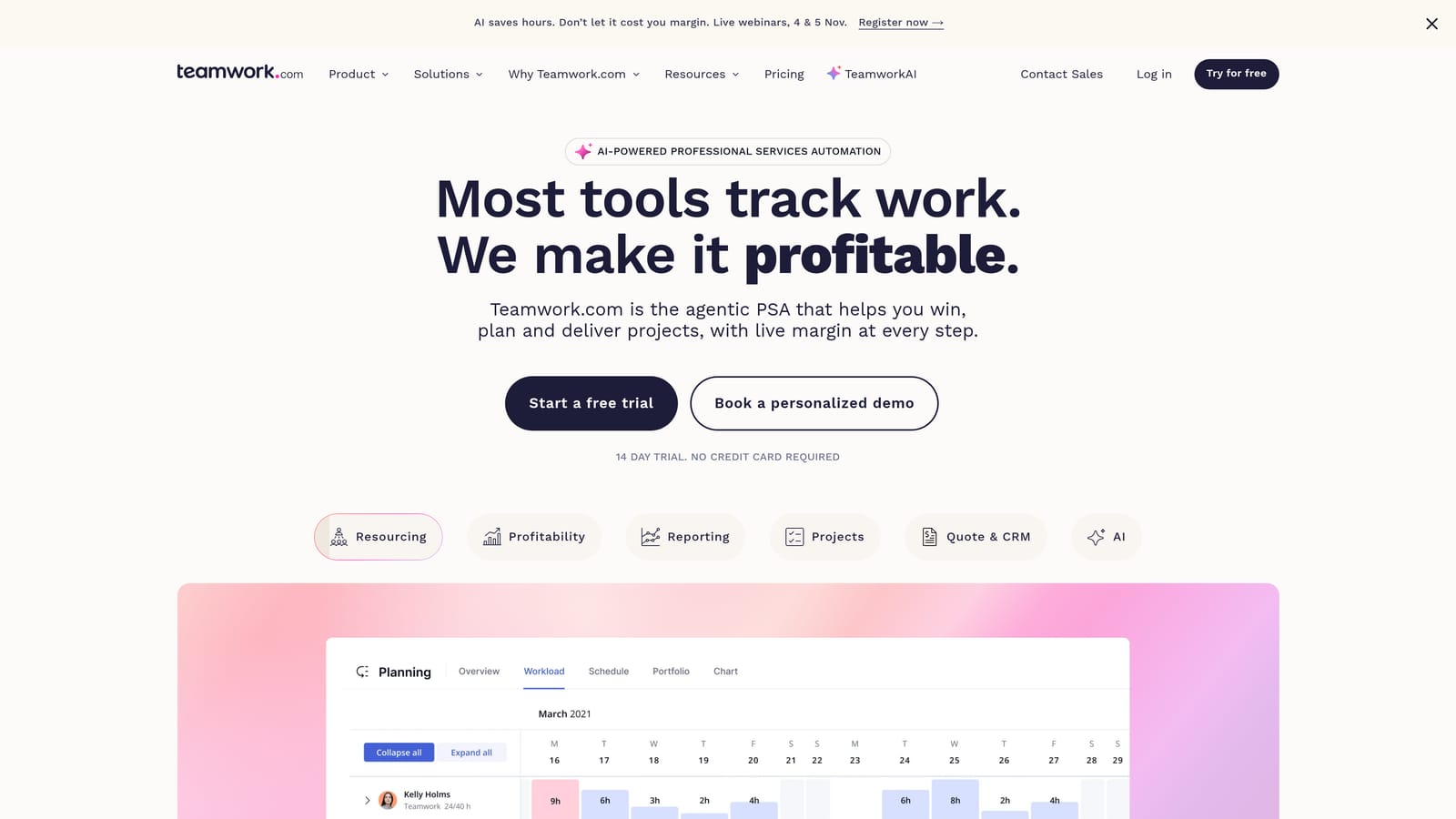
Its standout is project profitability and retainer tracking. You can see whether a project is on budget, how much of a retainer has been used, and what is billable, which general-purpose task managers do poorly.
- Billable time tracking separates chargeable hours from internal work so invoices match effort.
- Project budgets show spend against the quote while work is still in progress.
- Client user access lets customers see progress without being full team members.
- Retainer tracking monitors monthly hours or fees against what the client pays.
- Resource scheduling helps allocate people across projects.
It integrates with QuickBooks, Xero, Slack, and HubSpot, which suits agencies that keep their books in accounting software. Expect a more involved onboarding than a simple board tool, with a project manager or operations lead as the day-to-day owner.
The limitation is weight. It is heavier than a solo freelancer needs, and it has fewer ad platform integrations, so campaign performance reporting still lives elsewhere.
Pricing is per seat in tiers. Verify the client-user policy, since how external users are counted can change the cost for an agency with many clients, and check seat minimums on the pricing page as of October 2026.
Best for: Service agencies that bill by retainer or hours.
7. HoneyBook
HoneyBook is a client flow platform for freelancers and small studios, covering proposals, contracts, invoices, and payments in one place. It is designed for people who run the whole client relationship themselves, from first inquiry to final payment.
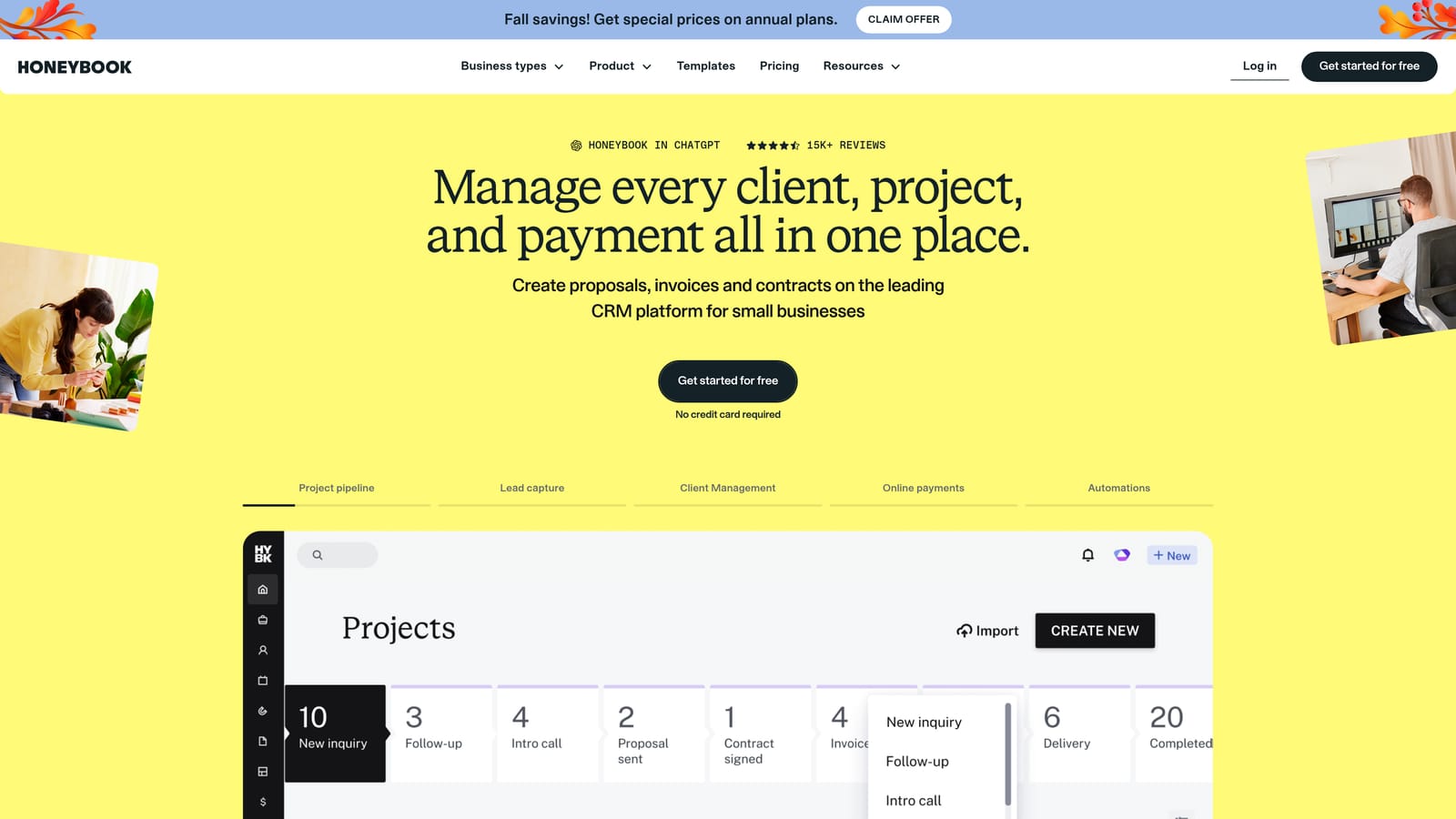
Its distinctive strength is onboarding automation. A new inquiry can trigger a proposal, a contract for e-signature, an invoice, and payment reminders in sequence, which removes a lot of manual admin for a solo operator.
- Proposals let you send branded quotes that clients can accept online.
- Contracts collect e-signatures so agreements are settled without email back and forth.
- Invoicing creates and sends bills, including payment schedules.
- Online payments let clients pay by card or bank transfer from the invoice.
- Automated workflows chain these steps so follow-ups happen on their own.
It connects with QuickBooks, Google Calendar, Zapier, and Gmail. Setup is relatively quick, and the freelancer or studio owner usually runs it alone.
It is not built for team-scale delivery, and it does not report on ad performance. An agency with several account managers will outgrow it, since it focuses on the sales and billing side, not production.
Pricing is flat-rate plans plus payment processing fees. The fees matter: on a high invoice volume they add to the subscription, so verify the current plan prices and processing rates on HoneyBook's pricing page as of October 2026.
Best for: Solo freelancers and small studios handling onboarding and invoicing.
8. Productive.io
Productive.io is an agency operations platform for resource planning, budgets, time tracking, and billing. It targets agencies that want one system showing how projects, people, and money relate.
Where it differs from the others is agency financial forecasting and utilization views. You can see how much of your team's capacity is booked, what revenue is likely over the coming months, and which projects are eroding margin, which suits owners making hiring and pricing decisions.
- Resource planning shows who is booked on what, so you avoid over- or under-allocating people.
- Budget tracking compares planned against actual spend on each engagement.
- Time tracking feeds hours into budgets and invoices.
- Invoicing turns tracked work into bills without re-entry.
- Financial forecasting projects revenue and utilization ahead of time.
It integrates with QuickBooks, Xero, Slack, and HubSpot. Setup takes real effort because you need rates, budgets, and team data loaded for the views to be meaningful, and it is typically run by an operations or finance lead.
It is overkill for freelancers and very small teams, and like most operations tools it will not pull in Meta or Google Ads performance. If you only need to send invoices, the depth goes unused.
Pricing is tiered or quote-based, so confirm current figures directly with Productive.io as of October 2026 and ask what changes the price, such as seat count or modules.
Best for: Growing agencies focused on profitability and capacity.
9. Zoho CRM
Zoho CRM is an affordable CRM that sits inside the wider Zoho app ecosystem. It is aimed at cost-sensitive businesses that want customer management now and may add accounting, email campaigns, and other apps later.
Its standout on this list is the low-cost path to bundling. Because Zoho Books, Zoho Campaigns, and other apps share the same vendor, an agency can build a connected stack without paying separate premium prices for each piece.
- Contact management keeps client and prospect details in one searchable place.
- Sales automation moves leads through stages and assigns follow-ups automatically.
- Workflow rules trigger actions such as emails or task creation when records change.
- Analytics summarize pipeline and activity for the owner.
- Multichannel communication brings email, phone, and chat into the same record.
It integrates with Zoho Books, Zoho Campaigns, Google Workspace, and Slack. Setup is more complex than the price suggests, and since agency-specific templates are limited, you will build your own pipeline and fields, usually with an admin or a consultant.
It is a CRM, not a delivery tool, so it will not handle project work, ad reporting, or retainer tracking by itself. Teams that do not want to commit to the Zoho ecosystem lose much of its value.
Pricing: a free tier for small teams and per-user paid tiers above it. Verify the free-tier limits and the current per-user prices on Zoho's pricing page as of October 2026.
Best for: Cost-sensitive agencies already using or open to the Zoho suite.
Matching Each Tool to Your Agency's Cost Profile
Three tools stand out for different reasons. ClientPlug is the strongest fit for paid media agencies and freelancers, because ad performance, payments, and white-label reports sit in one dashboard instead of three subscriptions. Teamwork.com suits service agencies that live by retainers and billable hours, and Productive.io goes further for owners who need forecasting and capacity planning.
By situation: freelancers who mainly need proposals and invoices will get the most from HoneyBook. Project-heavy teams with approval chains should look at Asana or Monday.com, and ClickUp if budget matters more than a quick setup. Agencies that need a sales pipeline can choose HubSpot, or Zoho CRM when cost drives the decision. Many agencies pair a delivery tool with ClientPlug rather than expecting one product to do everything.
Free plans rarely cover a growing agency, and a per-seat price is not your total cost once client access, add-ons, and payment fees are counted. Confirm every figure, seat minimum, and free-tier limit on the vendor's pricing page before you commit.