If you run a Facebook ad agency, a Google Ads shop, or a freelance practice, the useful question is which single view should tell you how each client is doing. These tools were chosen on how well they cover client data, performance visibility, reporting, billing, and team workflow, and on how well they fit small and mid-sized agencies. Most fall into one of three groups: ad-focused client dashboards, reporting tools, and CRM or operations platforms, so the best choice depends on which part of your workflow is breaking first.
Quick Comparison of the Agency Client Management Dashboards
- ClientPlug: best for Facebook and Google ad agencies and freelancers; pricing on the website; tracks client payments alongside live Meta and Google Ads health at ad, campaign, client, and agency level.
- AgencyAnalytics: best for full-service agencies reporting SEO and PPC to many clients; pricing on the website, tiered by client campaigns; built-in SEO rank tracking next to paid and social data.
- DashThis: best for agencies wanting quick, repeatable monthly reports; pricing on the website, tiered by dashboards; preset templates with scheduled delivery.
- Databox: best for data-comfortable teams wanting goal-driven KPI tracking; free tier plus paid plans; custom metrics with goals and benchmarks.
- Looker Studio: best for budget-conscious freelancers willing to invest setup time; free; no license cost and deep Google connectors.
- HubSpot CRM: best for agencies managing prospects and clients through a sales pipeline; free CRM tier; full relationship history and deal pipeline.
- Monday.com: best for agencies coordinating deliverables across teams and clients; per-seat pricing on the website; highly flexible visual workflows for approvals.
- Productive.io: best for growing agencies focused on margins and resource planning; per-user pricing on the website; budget-versus-actual profitability per client and project.
- Cyfe: best for very small teams wanting a simple, inexpensive combined view; pricing on the website; low-cost widget approach to multi-source views.
1. ClientPlug
ClientPlug is an all-in-one client organizer built for digital marketing agencies and freelancers who sell paid advertising. It brings client payments, campaign performance, reporting, and client records into one dashboard, so you can see whether a client is paid up and whether their ads are healthy without opening separate tools.
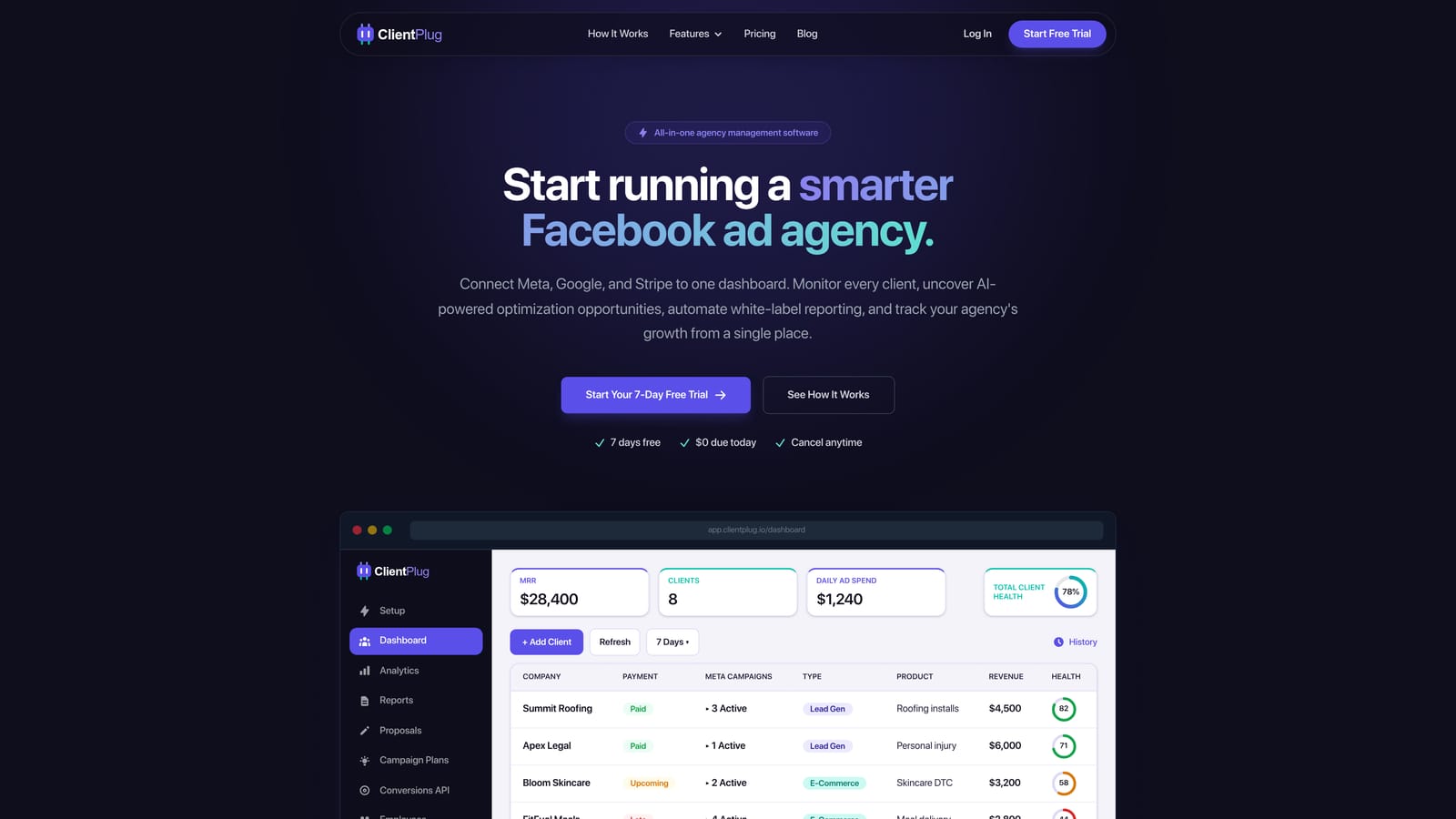
What sets it apart on this list is the pairing of billing and live ad monitoring. Most reporting tools show performance only, and most operations tools show money only. ClientPlug tracks both, and its health monitoring works at four levels: individual ads, campaigns, clients, and the agency as a whole.
- Auto-synced payments, campaigns, and client data, which cuts the manual updating that spreadsheets demand.
- Meta and Google Ads performance monitoring, so problem ads surface before a client calls about them.
- AI-assisted campaign optimization that suggests where to adjust, speeding up account reviews.
- Automated white-label reports that go out under your brand without rebuilding them each month.
- Conversion API setup in a few clicks, which removes a technical task many agencies outsource or postpone.
Integrations center on Meta Ads and Google Ads, and setup is mainly connecting those accounts and adding clients. The agency owner or an account manager can run it day to day without a dedicated analyst.
The limitation is scope. ClientPlug is focused on paid-ads agencies, and it is not a full project management or CRM suite. If you need task boards, a sales pipeline, or SEO rank tracking, you will pair it with other tools. Pricing: see the website for current plans, and check what scales the cost before you commit.
Best for: Facebook and Google ad agencies and freelancers wanting billing and ad performance in one place.
2. AgencyAnalytics
AgencyAnalytics is a marketing reporting platform that gives each client a dashboard spanning SEO, PPC, social, and more. It is designed for agencies that sell several channels and want one reporting environment for all of them.
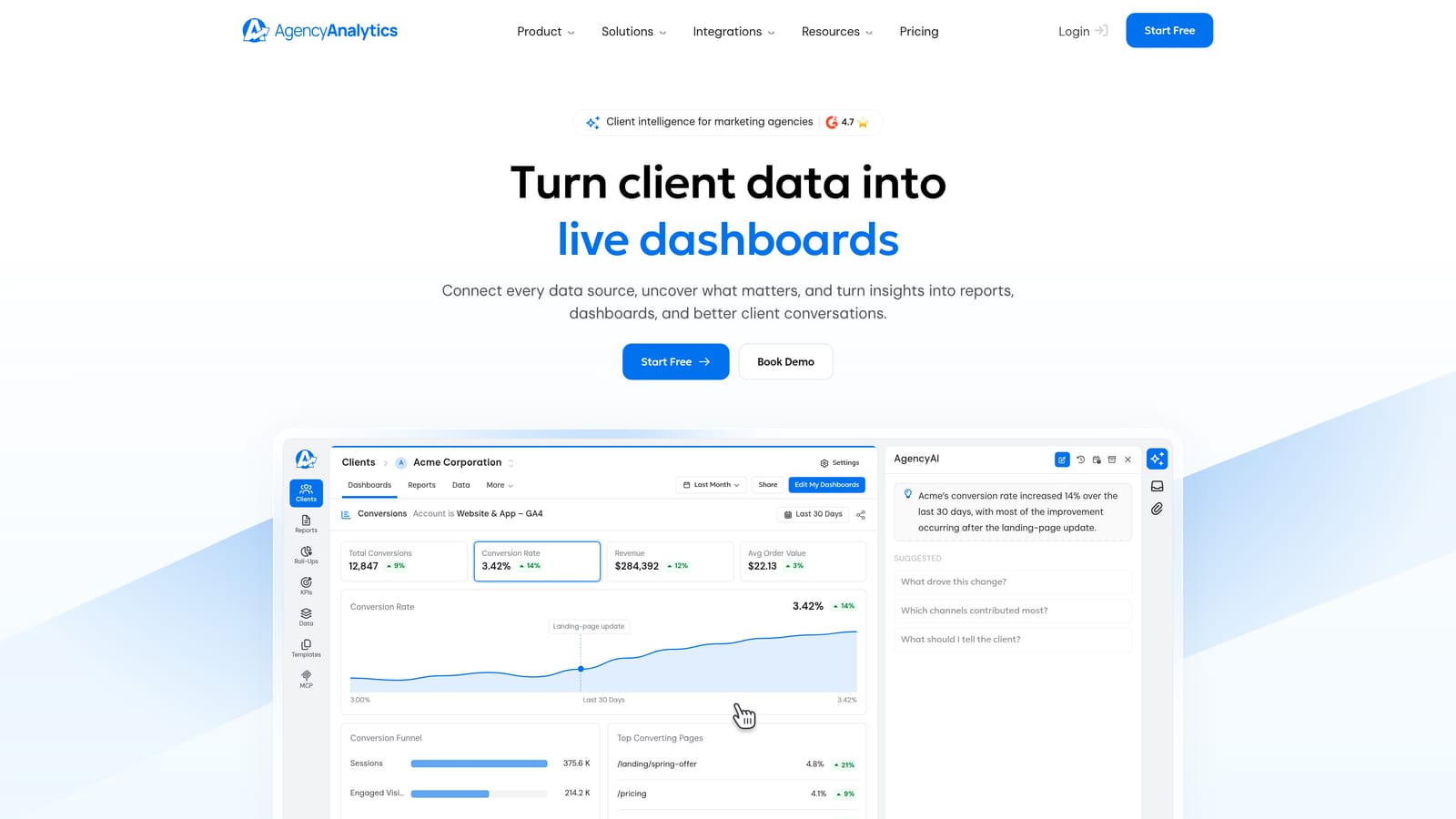
Its distinctive strength is built-in rank tracking next to paid and social data. If you report keyword positions alongside ad spend, you avoid stitching in a separate SEO tool. Connections include Google Ads, Meta Ads, Google Analytics, and Search Console, among many other native integrations.
- Client-ready dashboards that you can hand over or share by login.
- Rank tracking so SEO progress sits beside campaign results.
- Automated reports that save the monthly assembly work.
- White-label options so clients see your brand.
- A wide set of native integrations that reduces custom data plumbing.
Setup is mostly connecting each client's accounts and choosing a dashboard template, and an account manager can usually handle it. The main limitation is that it is reporting-focused: there is no payment tracking and no project workflow, so invoices and deliverables live elsewhere. It also offers less value to an ads-only freelancer who does not need SEO features.
Pricing is tiered by the number of client campaigns, so cost grows as your client list grows rather than with team size. See the website for current tiers (as of 2026, verify before buying).
Best for: Full-service agencies reporting SEO and PPC to many clients.
3. DashThis
DashThis automates recurring client reports through preset templates. You pick a template, connect data sources, and schedule delivery, which makes it one of the faster ways to get a consistent monthly report out the door.
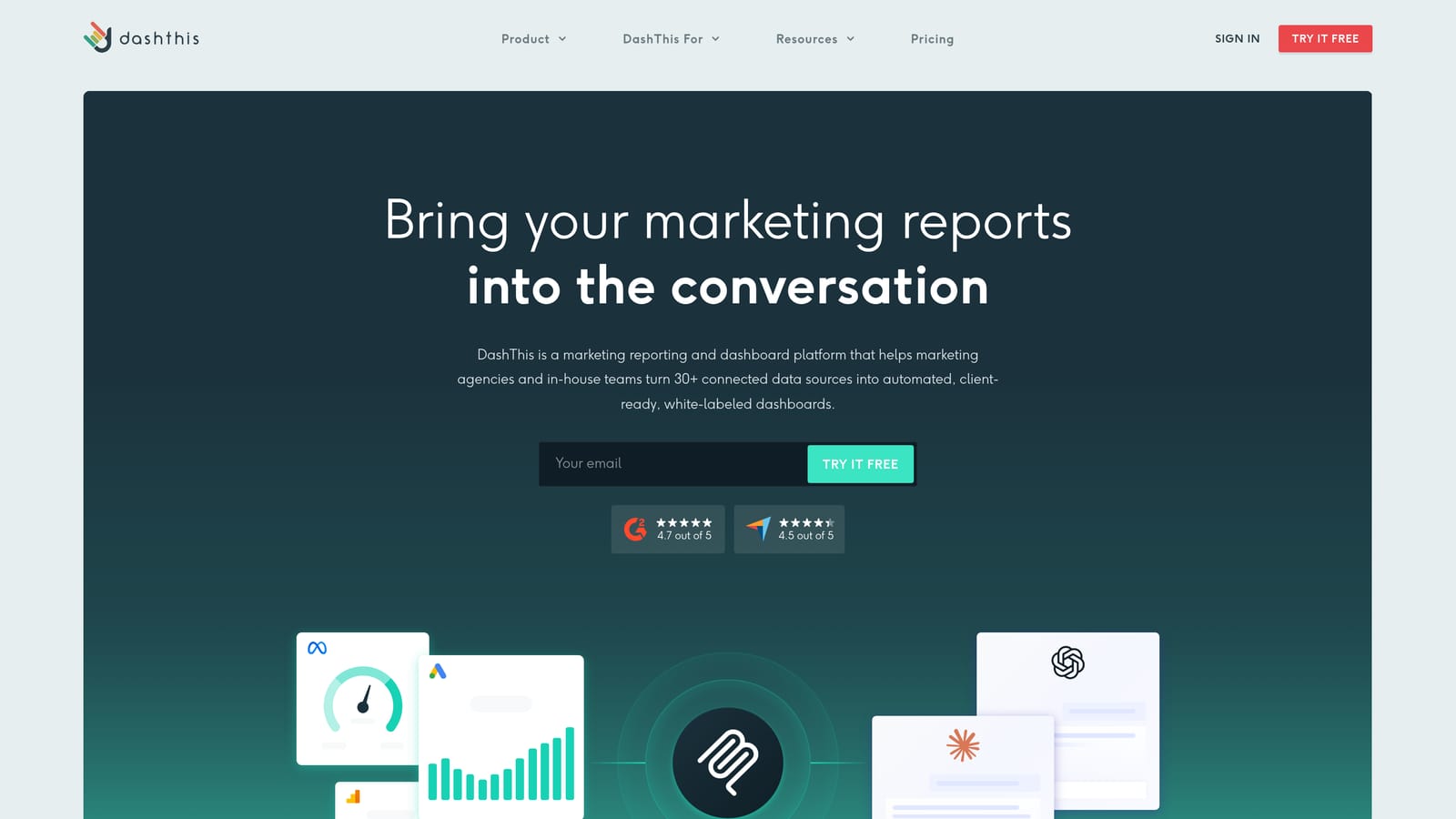
That speed is its edge over more customizable builders. You do not design from a blank canvas, so a junior team member can produce a decent report with little training. It connects to Google Ads, Meta Ads, Google Analytics, and a large library of other sources.
- Preset report templates that cut build time for each new client.
- Scheduled report sending so reports reach clients without a manual step.
- A large data source library covering the usual ad and analytics platforms.
- Custom branding so reports carry your agency identity.
Setup is light, and the tool is typically run by account managers rather than analysts. The trade-off is that it does reporting and nothing else: no billing, no CRM, no task management. Agencies that want deeply customized metrics may find templates restrictive.
Pricing is tiered by the number of dashboards, so check how many clients you will need to cover. Starting price is on the website (verify as of 2026).
Best for: Agencies that want quick, repeatable monthly reports without custom building.
4. Databox
Databox is a KPI dashboard and goal-tracking platform with real-time metrics and alerts. Rather than producing a static monthly report, it keeps live numbers in front of you and tells you when they move.
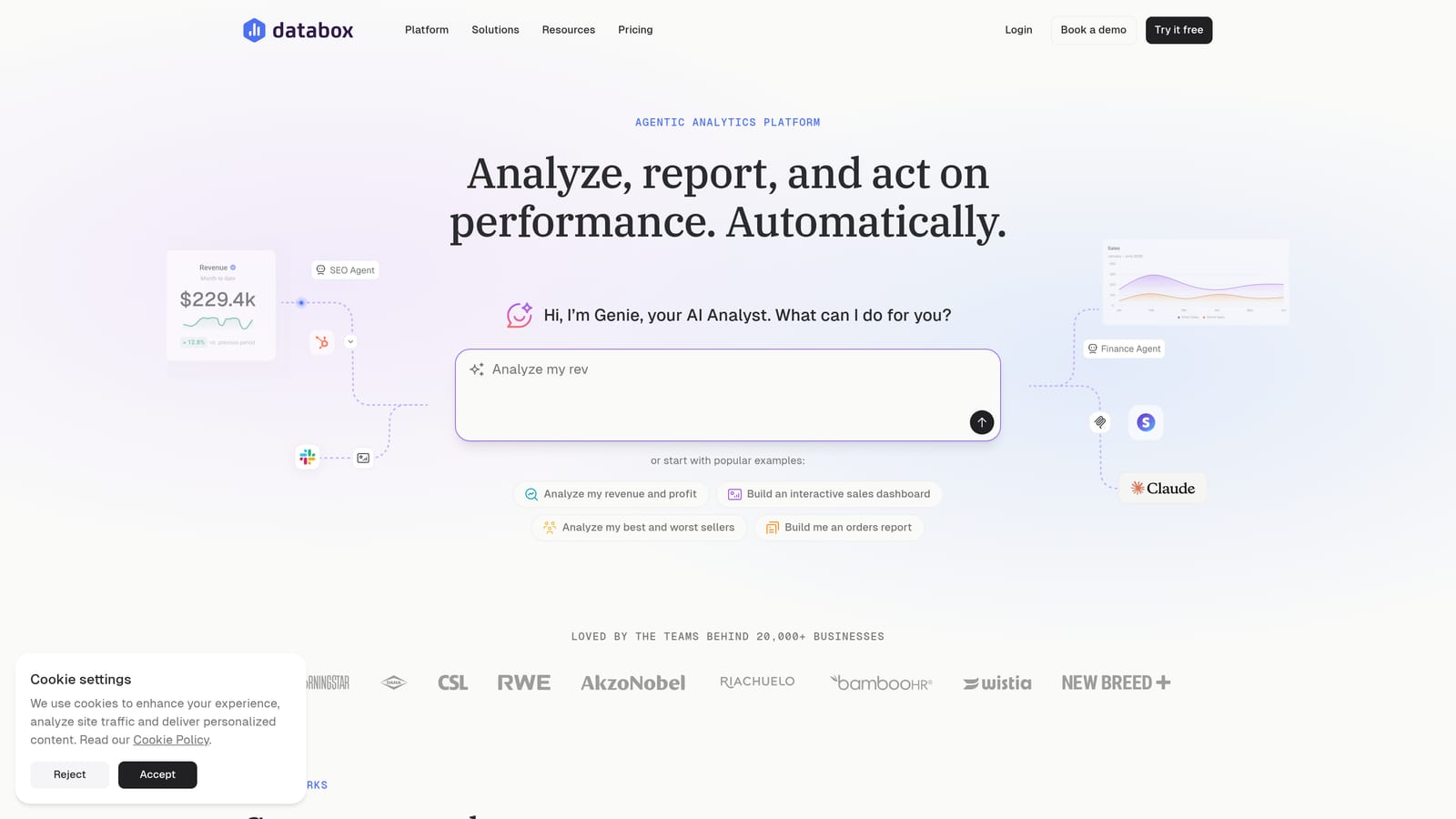
Where it differs from the others here is custom metric building combined with goals and benchmarks. You can define a metric from raw data, set a target, and track progress toward it, which suits teams that manage clients against specific outcomes.
- Custom metric building so you can track numbers a standard connector does not give you.
- Goal tracking that shows whether a client is on pace for a monthly target.
- Mobile dashboards for checking performance away from your desk.
- Metric alerts that flag drops or spikes without manual checking.
It integrates with Google Analytics, HubSpot, Google Ads, and Meta Ads. The real limitation is the learning curve: custom metric setup takes more effort than a template tool, so someone comfortable with data should own it. It also has no billing or project features.
There is a free tier plus paid plans, and as of 2026 the details are on the website. Check which limits (data sources, dashboards, users) push you into a paid plan.
Best for: Data-comfortable teams that want goal-driven KPI tracking.
5. Looker Studio
Looker Studio is Google's free dashboard and reporting tool. It builds shareable reports from native Google connectors and supports custom visualizations, with no license fee.
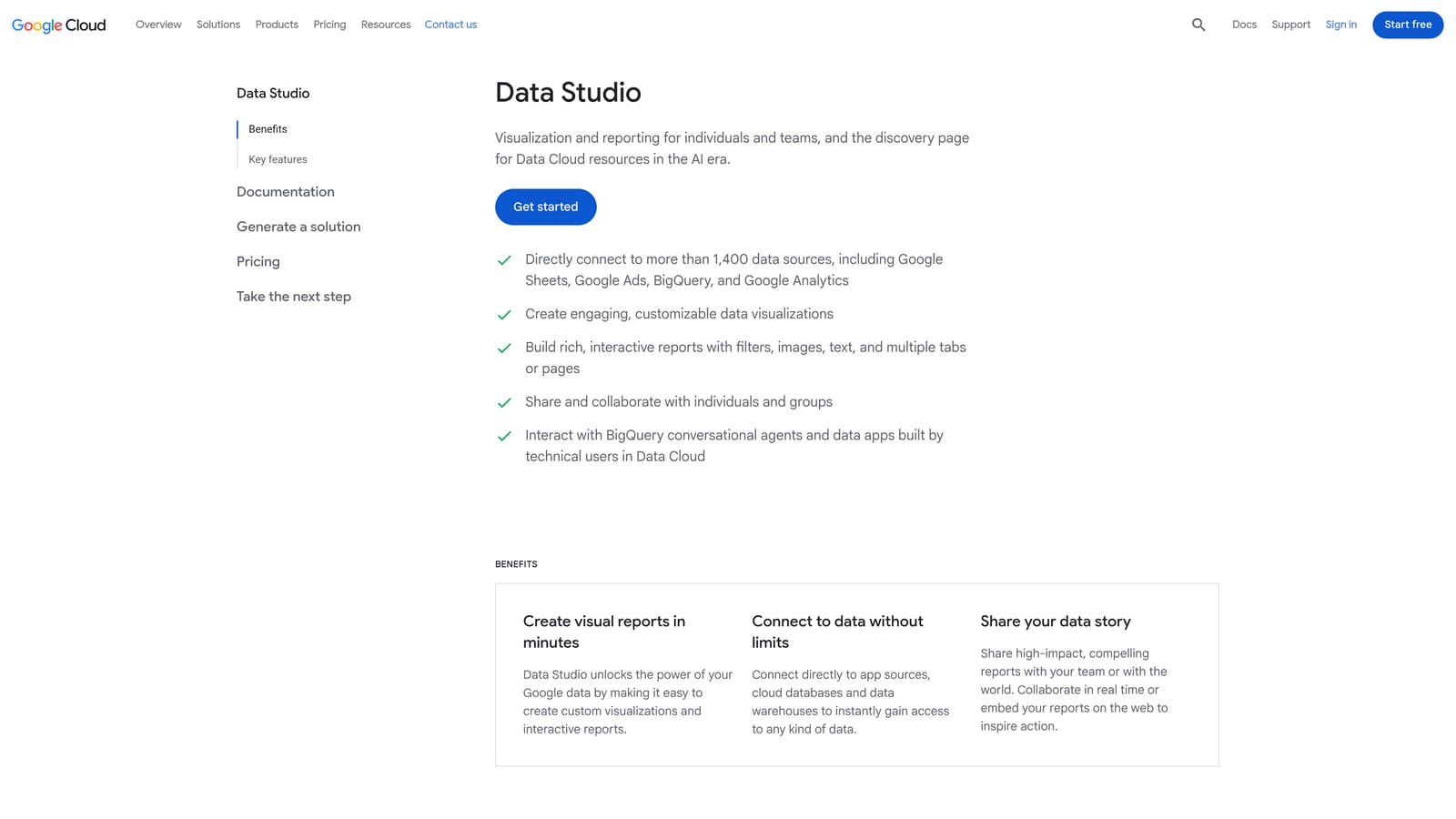
Its advantage is cost combined with depth in the Google ecosystem. Google Ads, Google Analytics, Search Console, and BigQuery connect natively, so a Google-heavy agency can build capable client dashboards for nothing.
- A free dashboard builder that removes software cost for solo practitioners.
- Native Google Ads and Analytics connectors for quick, reliable data pulls.
- Shareable reports you can send to clients by link.
- Custom visualizations so you control exactly how data looks.
The catch is time and gaps. Meta and other non-Google connectors often cost extra through third-party providers, and there is no client management layer at all: no billing, no client records, no workflow. You build and maintain every report yourself, which can eat hours across many clients.
Pricing: free, with paid third-party connectors billed separately (as of 2026, confirm connector costs before assuming it is free for Meta data).
Best for: Budget-conscious freelancers willing to invest setup time.
6. HubSpot CRM
HubSpot CRM manages contacts, companies, deal pipelines, and email tracking, and agencies use it to handle both prospects and ongoing client relationships. It is the one pure CRM on this list.
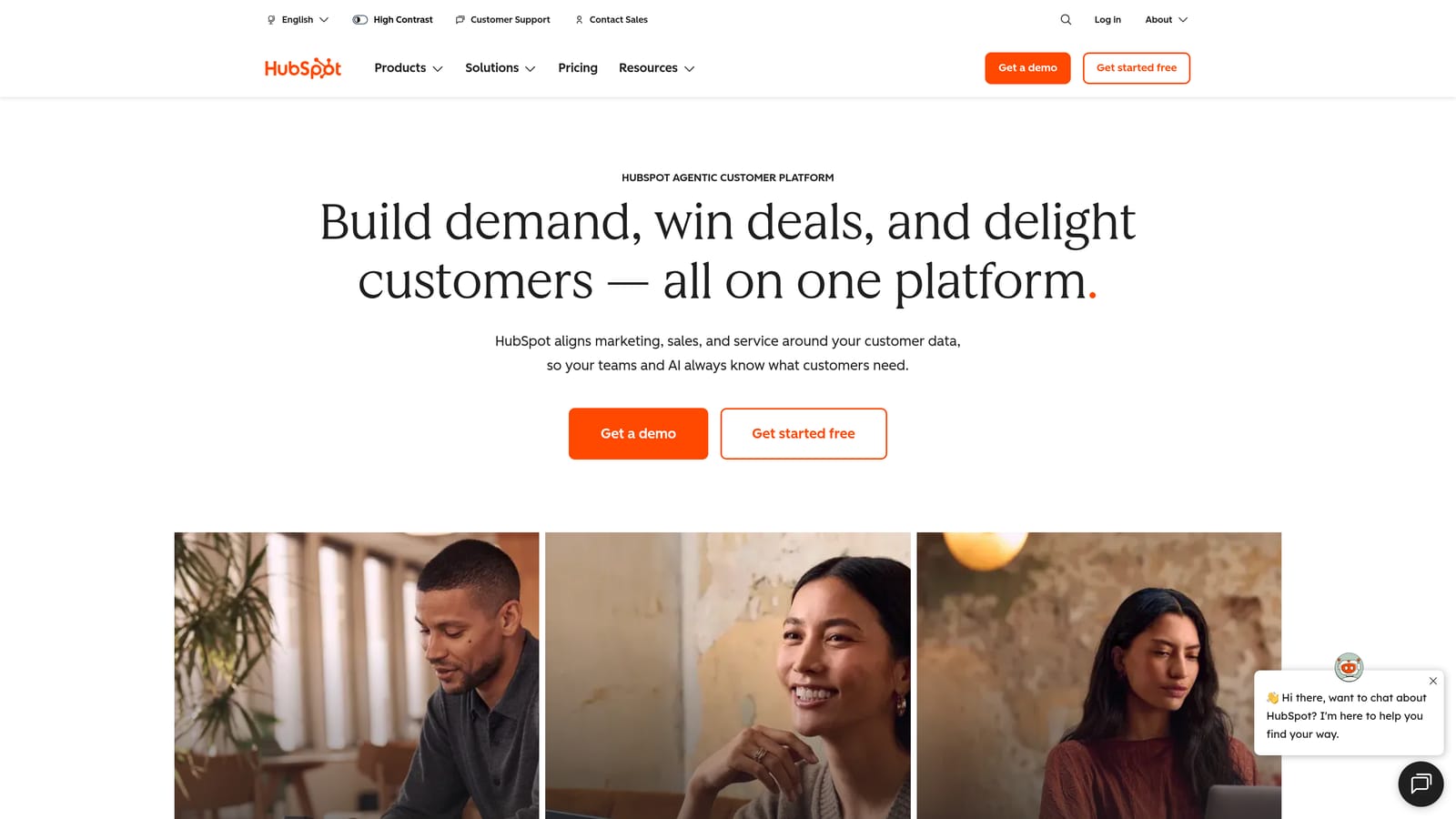
Its distinct value is the full sales pipeline and relationship history in one place. You can see every email, call, and deal stage for a client, which helps when several people touch the same account or when you are tracking upsells.
- Contact and company records that keep client details in one searchable place.
- Deal pipelines that show where each prospect or renewal stands.
- Email tracking so you know when a proposal was opened.
- A free CRM tier that lets small teams start without a budget.
It integrates with Gmail, Outlook, Slack, and Zapier. Setup is simple at the free level, though configuring pipelines and properties well takes some thought, and a sales lead or agency owner usually runs it. The key limitation is that it has no native ad performance monitoring, so you still need another tool to see campaign health. Paid hubs can grow expensive as features and contacts increase.
Pricing: free CRM; paid hubs vary by product and tier, see the website (as of 2026).
Best for: Agencies managing prospects and client relationships through a sales pipeline.
7. Monday.com
Monday.com is a work management platform built on customizable boards. Agencies use it to run client projects, approvals, and onboarding in a visual layout the whole team can follow.
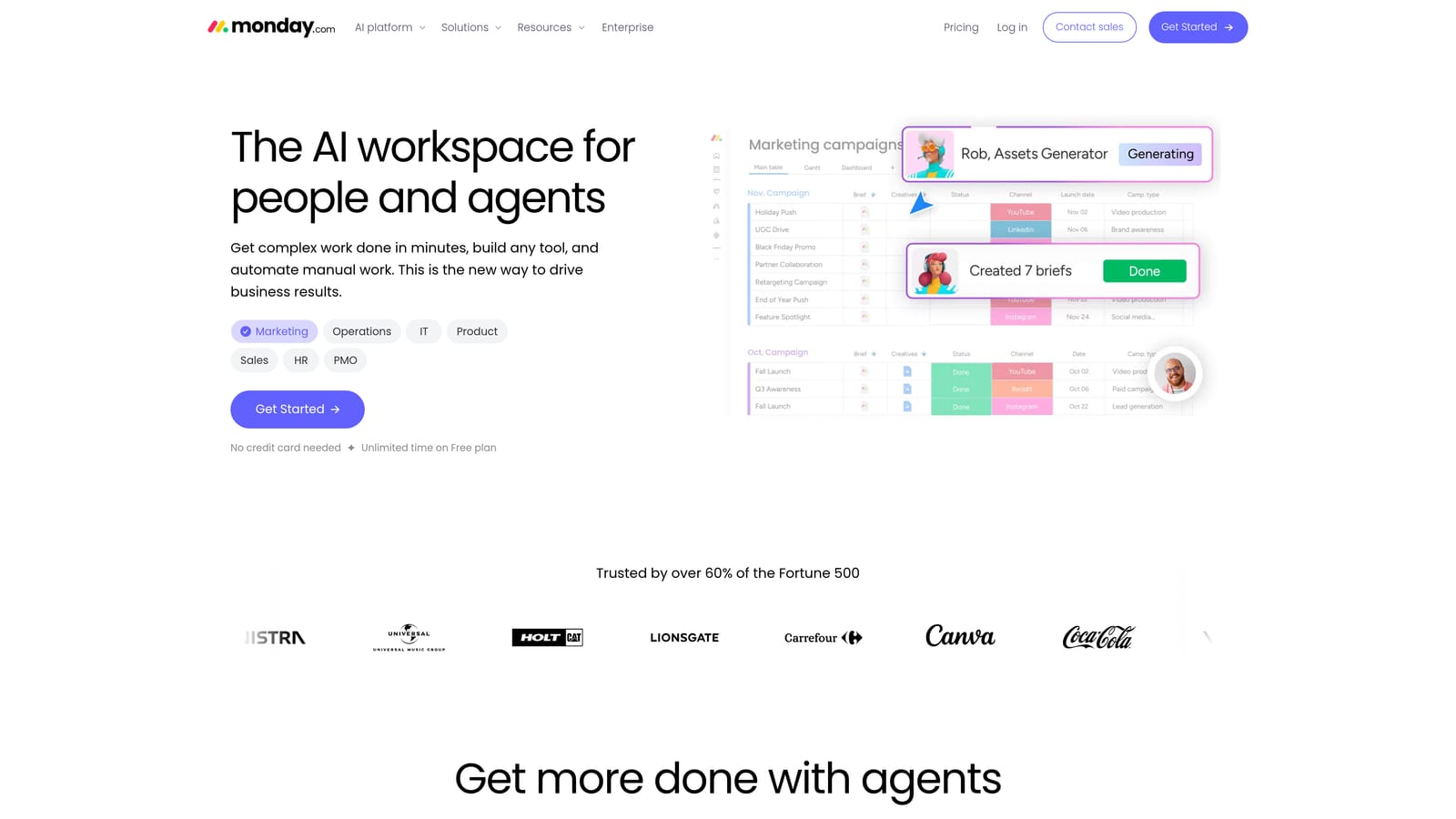
Its strength is flexibility. You can model almost any deliverable workflow, from creative approvals to campaign launch checklists, and change it as your process evolves.
- Customizable boards that match how your agency actually delivers work.
- Workflow automations that move tasks and notify people without manual nudges.
- Client onboarding templates so each new account starts the same way.
- Workload views that show who is overbooked before deadlines slip.
It connects with Slack, Google Drive, Gmail, and Zapier. Setup takes real design effort, since a blank board needs structure, and someone like an operations lead should own it. Ad metrics and billing are not native: you need integrations or manual upkeep to bring them in, so it will not tell you how a campaign is performing.
Pricing is per seat, which matters if your team is large relative to your client count. See the website for current plans and seat minimums (as of 2026).
Best for: Agencies coordinating deliverables across teams and clients.
8. Productive.io
Productive.io is an agency operations platform that combines projects, time tracking, budgets, and invoicing. It is aimed at agencies that need to know whether their work is profitable.
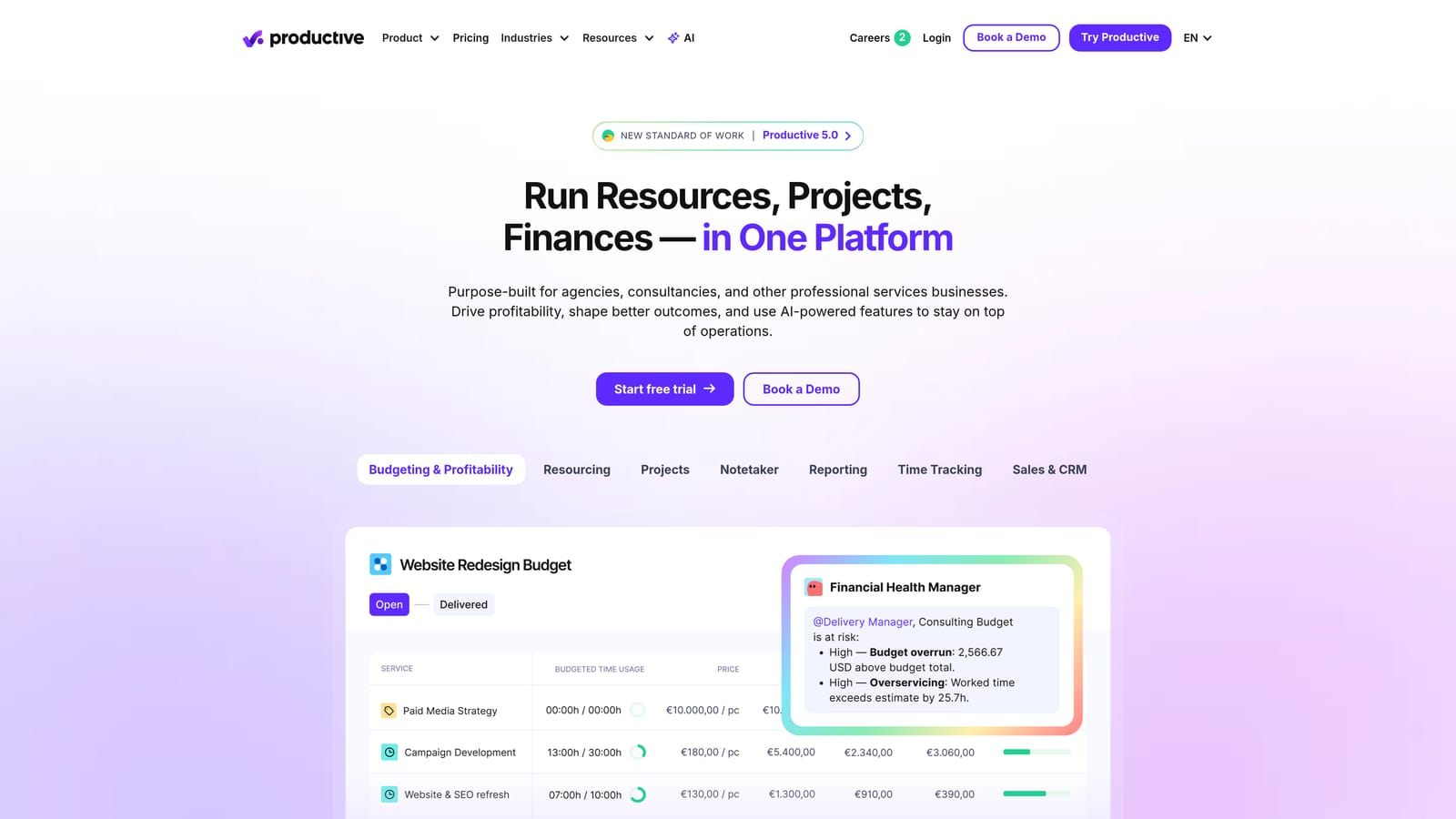
The standout capability is budget versus actual and profitability tracking per client and project. You can see when a retainer is consuming more hours than it pays for, which is hard to learn from a reporting dashboard.
- Project management for planning and assigning client work.
- Time tracking that feeds real hours into cost and margin figures.
- Budget tracking that warns you before a project overruns.
- Invoicing that ties billing to the work actually delivered.
It integrates with QuickBooks, Xero, Slack, and HubSpot. Setup is heavier than most tools here, and it usually needs an operations or finance lead to configure rates, budgets, and projects. That makes it overbuilt for solo freelancers. It is also operations-oriented rather than campaign-oriented, so it will not show ad performance.
Pricing is per user; see the website for current rates (as of 2026).
Best for: Growing agencies focused on margins and resource planning.
9. Cyfe
Cyfe is a widget-based business dashboard that pulls marketing, sales, and social data into one screen. Each widget shows a data source, and you arrange them into a view.
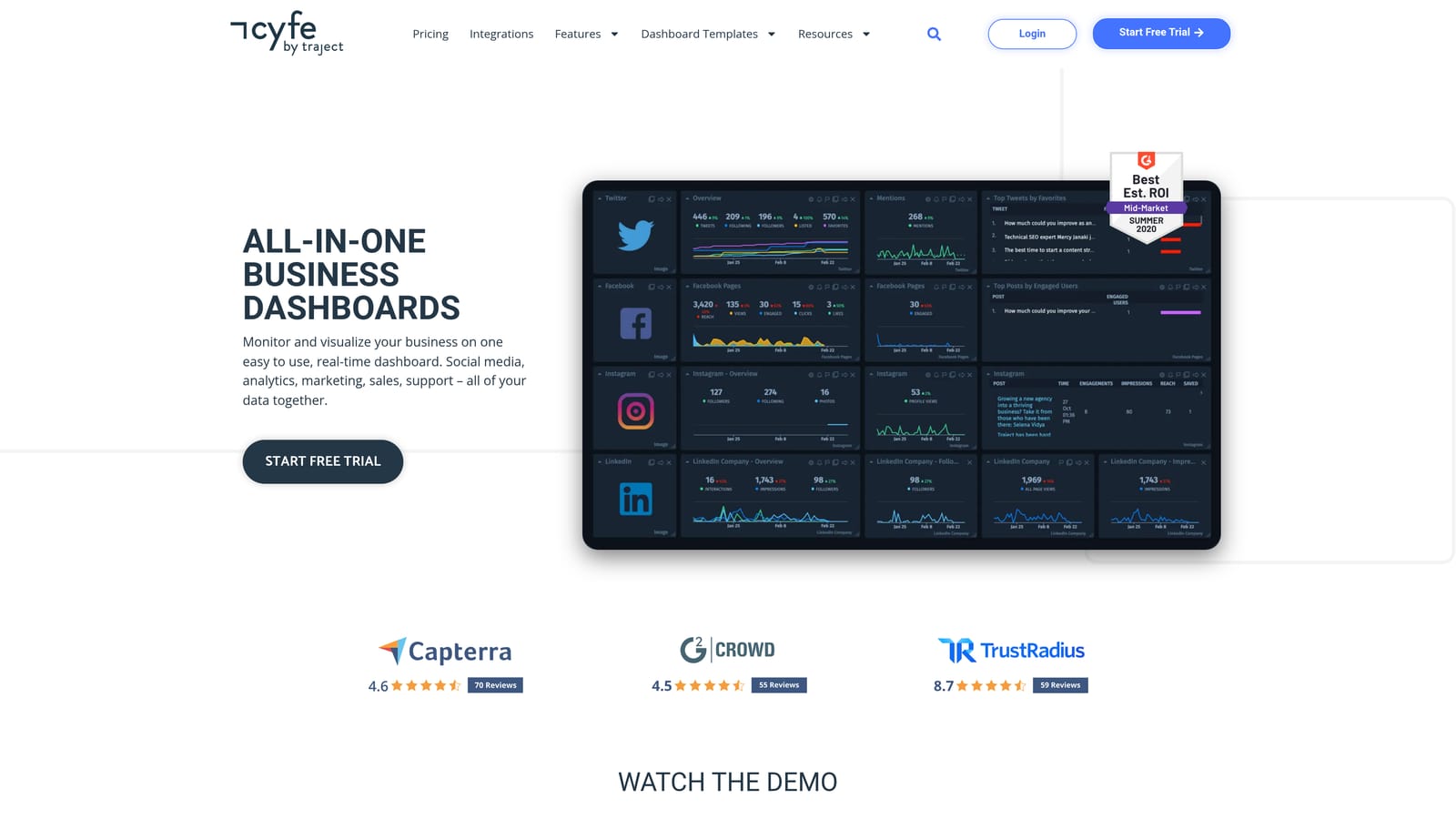
Its distinguishing trait is simplicity and low cost. If you want a combined view without learning a heavier platform, assembling widgets is straightforward.
- Widget-based dashboards you can arrange without design skills.
- Multi-source data so analytics, social, and email metrics sit together.
- Scheduled email reports that send snapshots on a set cadence.
- Low-cost plans suited to very small budgets.
It connects to sources such as Google Analytics, Facebook, and Mailchimp. Setup is quick and one person can run it. The limitations are real: white-label reporting is less polished than dedicated tools, advanced features are fewer, and it has no billing or workflow. Confirm the product's current status and availability on the website before relying on it, as its development pace has been a concern for buyers.
Pricing: see the website and verify current availability (as of 2026).
Best for: Very small teams wanting a simple, inexpensive combined view.
Which Dashboard Fits Your Agency
A reporting dashboard is not a client management dashboard, and most tools above cover only part of the workflow. Pick by your biggest bottleneck, and check whether pricing scales by client, dashboard, or seat before you buy, since a per-seat tool can punish a small team with many clients.
- Ad-focused agencies: ClientPlug, for billing and Meta and Google Ads health together.
- SEO-heavy reporting: AgencyAnalytics, for rank tracking next to paid data.
- Budget freelancers: Looker Studio, if you can spend the setup time.
- CRM-led agencies: HubSpot CRM, for pipeline and relationship history.
- Operations-heavy teams: Productive.io for margins, or Monday.com for deliverable workflows.
Many agencies end up pairing two tools, such as an ad-focused dashboard with a CRM or project board. If your pain is tracking payments and ad performance across clients in one place, Learn more about our services.