If you run a small agency or freelance practice and have outgrown spreadsheets, this guide is for you. The tools below were judged on four things: starting price, fit for small teams, ease of setup, and how much of the client workflow each one covers, from the first deal through delivery, billing and reporting. "Affordable" here means the total you spend once you add the tools you would otherwise buy separately, not only the lowest sticker price. ClientPlug is our own product and sits first; we describe it with the same scrutiny as the rest.
Quick Comparison of Affordable Client Management Tools
- ClientPlug: Facebook and Google ad agencies and freelancers; pricing on the vendor site; combines ad performance monitoring and white-label reports with client payment tracking.
- HubSpot CRM: small teams wanting a free start; free tier, paid plans vary; a free CRM that grows into a full marketing and sales platform.
- Zoho CRM: budget-conscious teams that will configure their own system; low per-user pricing, see vendor site; the widest set of connected business apps at a low cost.
- HoneyBook: project-based creative and consulting freelancers; subscription, see vendor site; contract-to-payment flow with branded client documents.
- Dubsado: freelancers who want to automate onboarding; subscription, see vendor site; deeply customizable automated workflows.
- Pipedrive: sales-led agencies chasing new clients; per user per month, see vendor site; a pipeline-first design that keeps deals front and center.
- Moxie: solo freelancers who want one subscription for admin; subscription, see vendor site; a client portal bundled with proposals, time tracking and invoicing.
- Agile CRM: tight budgets needing CRM plus email campaigns; free plan for small teams, verify limits; marketing automation and landing pages inside a low-cost CRM.
- Trello: beginners with a handful of clients; free tier; near-zero cost and almost no learning curve.
1. ClientPlug
ClientPlug is an all-in-one client organizer built for digital marketing agencies and freelancers who run paid ads. It pulls client records, payments and campaign data into one dashboard so you are not switching between an ads manager, an invoicing tool and a reporting tool to answer a simple question about a client.
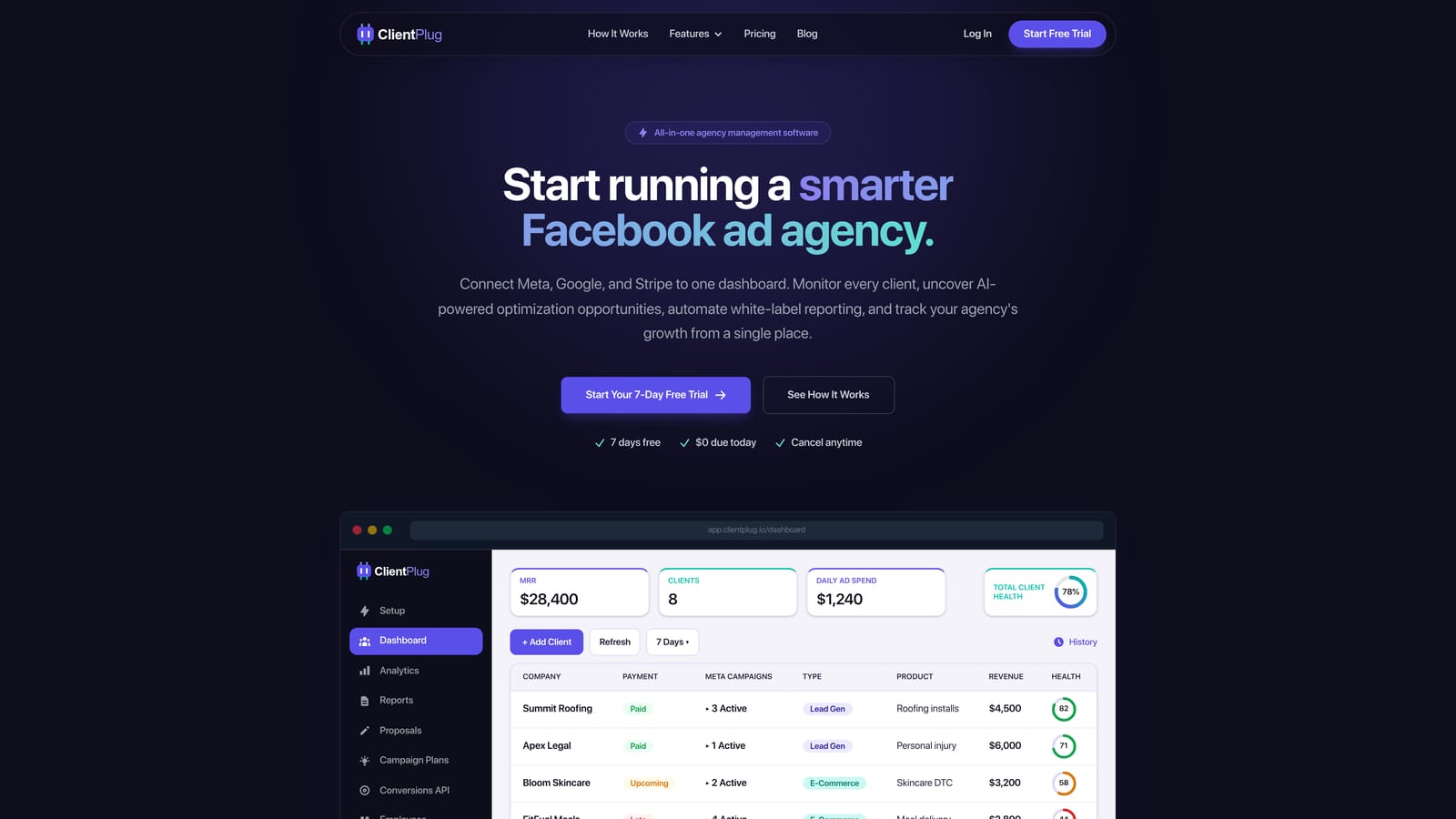
Its distinctive strength is the combination. Most tools on this list track clients or money; ClientPlug also watches the ad accounts you are paid to manage, so you can see the health of individual ads, campaigns, clients and your agency overall next to what each client owes you. That is a real saving if you would otherwise pay for a separate reporting product.
- Client payment tracking, so you can see who has paid and who is late without checking a separate invoicing tool.
- Meta and Google Ads performance monitoring across all client accounts in one place.
- AI campaign optimization that suggests improvements, saving time on routine account reviews.
- Automated white-label reports that go to clients under your branding, replacing manual monthly report building.
- Conversion API setup in a few clicks, which removes a technical task many freelancers outsource.
Integrations center on Meta Ads and Google Ads, and setup mostly means connecting those accounts. The agency owner or account manager typically runs it day to day; no developer is needed.
The limits are plain. ClientPlug is geared to agencies running paid advertising. If you are a photographer, consultant or other non-advertising service business, much of it will go unused. It is also not a full project management tool, so if you need task boards, dependencies and file proofing, you will pair it with something else. Pricing was not confirmed for this article, so check the ClientPlug site for current plans as of November 2026.
Best for: Facebook and Google ad agencies and freelancers wanting one dashboard for clients, payments and reports.
2. HubSpot CRM
HubSpot CRM is one of the most widely used CRMs, and its free tier is the main reason it appears on an affordable list. It covers contact and deal management at no cost, with paid hubs for sales, marketing and service when you outgrow it.
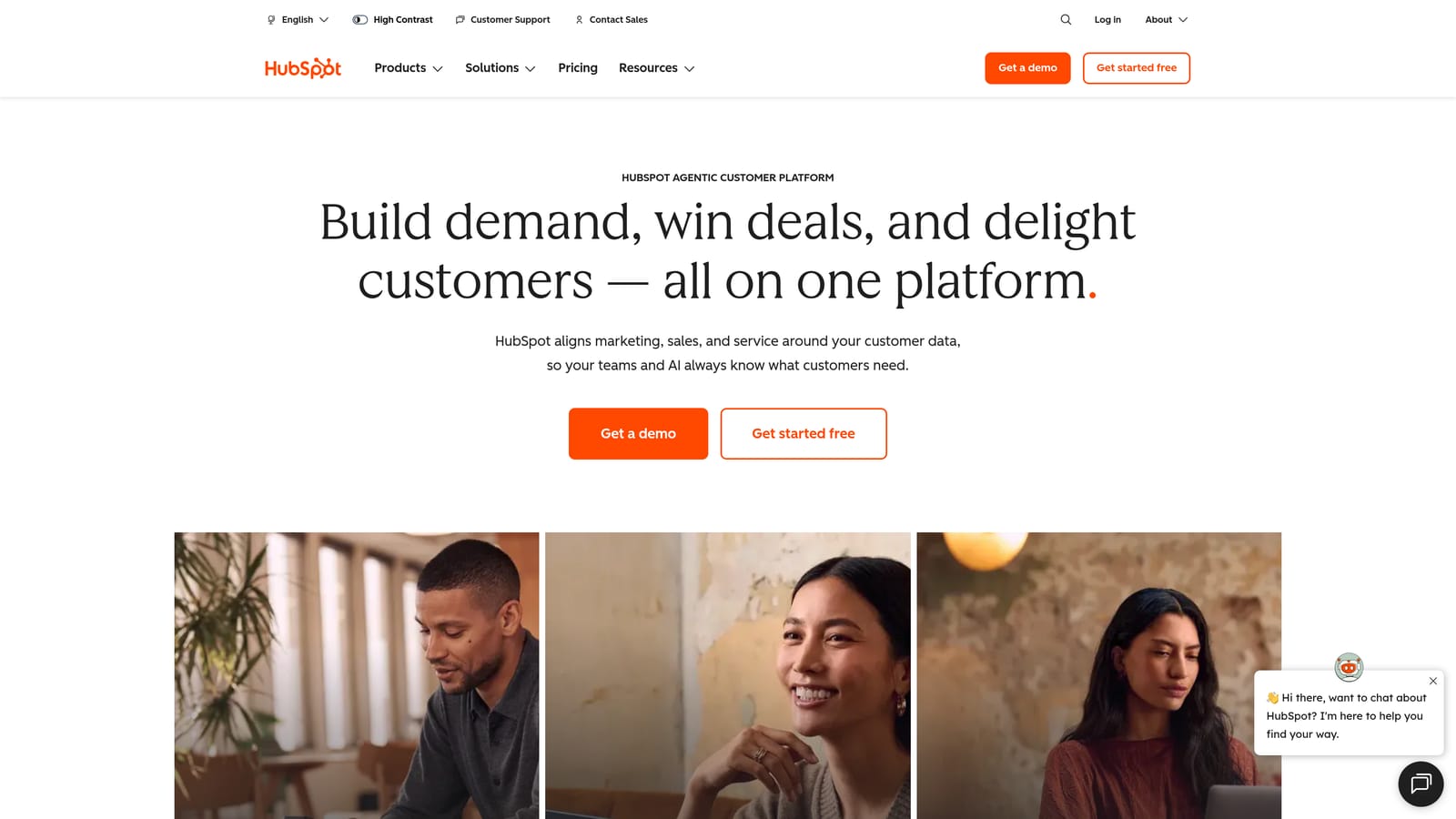
What it does better than most of the list is scale. You can start with free contact records and a deal pipeline, then add marketing automation or a service desk later without migrating to a new system. Its marketplace is also large, so connecting your existing tools is rarely a problem.
- Free contact and deal management, so you can log every client and prospect without a subscription.
- Email tracking that shows when a prospect opens your message, helping you time follow-ups.
- Pipeline views that show where each deal sits at a glance.
- Forms and basic reporting to capture leads and see simple conversion numbers.
- Paid marketing and service hubs for when you need more than a CRM.
It connects with Gmail, Outlook, Slack and Zapier, plus a large catalog of marketplace apps. Setup for the free tier is quick, and one person can run it. Deeper configuration takes longer.
The catch is cost growth. Paid tiers are generally priced per seat, and adding hubs raises the bill quickly, so a team that starts free can end up paying far more than expected. It also has no agency ad reporting, and it is a sales CRM first, so post-sale delivery and client billing need other tools. Verify current free-tier limits and paid pricing on the vendor site as of November 2026.
Best for: Small teams that want a free start and a large integration ecosystem.
3. Zoho CRM
Zoho CRM is a customizable, low-cost CRM that belongs to the wider Zoho suite of business apps. It suits owners who would rather configure a system to match their process than adapt to someone else's.
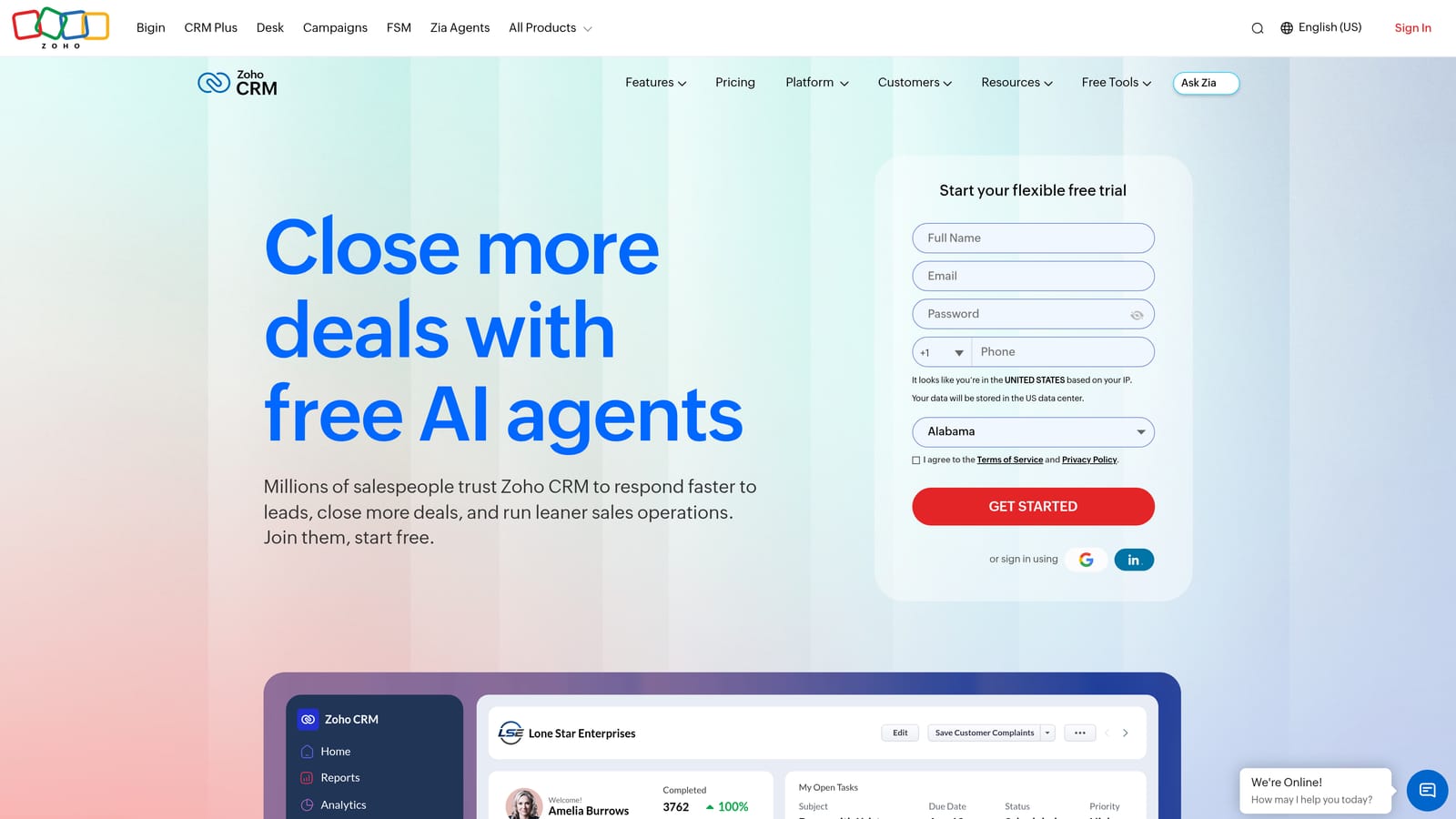
Its standout is breadth at a low per-user price. Zoho Books handles accounting, Zoho Projects handles tasks, and they connect to the CRM, so you can assemble a fairly complete back office from one vendor rather than several.
What you get
- Customizable modules, so you can track the fields your agency actually cares about.
- Workflow automation that handles repetitive follow-ups and record updates.
- A sales pipeline to track prospects through to signed clients.
- Analytics for sales performance and forecasting.
- Connections across the Zoho suite, reducing the number of vendors you manage.
Setup and limits
Integrations include Zoho Books, Zoho Projects, Google Workspace, Microsoft 365 and Zapier. Expect a real learning curve: flexibility means decisions about modules, fields and automations, and someone has to own that configuration. Advanced features sit on higher tiers, so the cheap entry price may not cover everything you want.
It is a poor fit if you want a tool that works well within an hour. Pricing is per user per month, and as of November 2026 a free tier for small teams has been offered, though you should verify its limits on the vendor site.
Best for: Budget-conscious teams willing to configure a flexible system.
4. HoneyBook
HoneyBook is a client flow platform for freelancers and service businesses. It walks a client from inquiry to proposal, contract, invoice and payment inside branded documents.
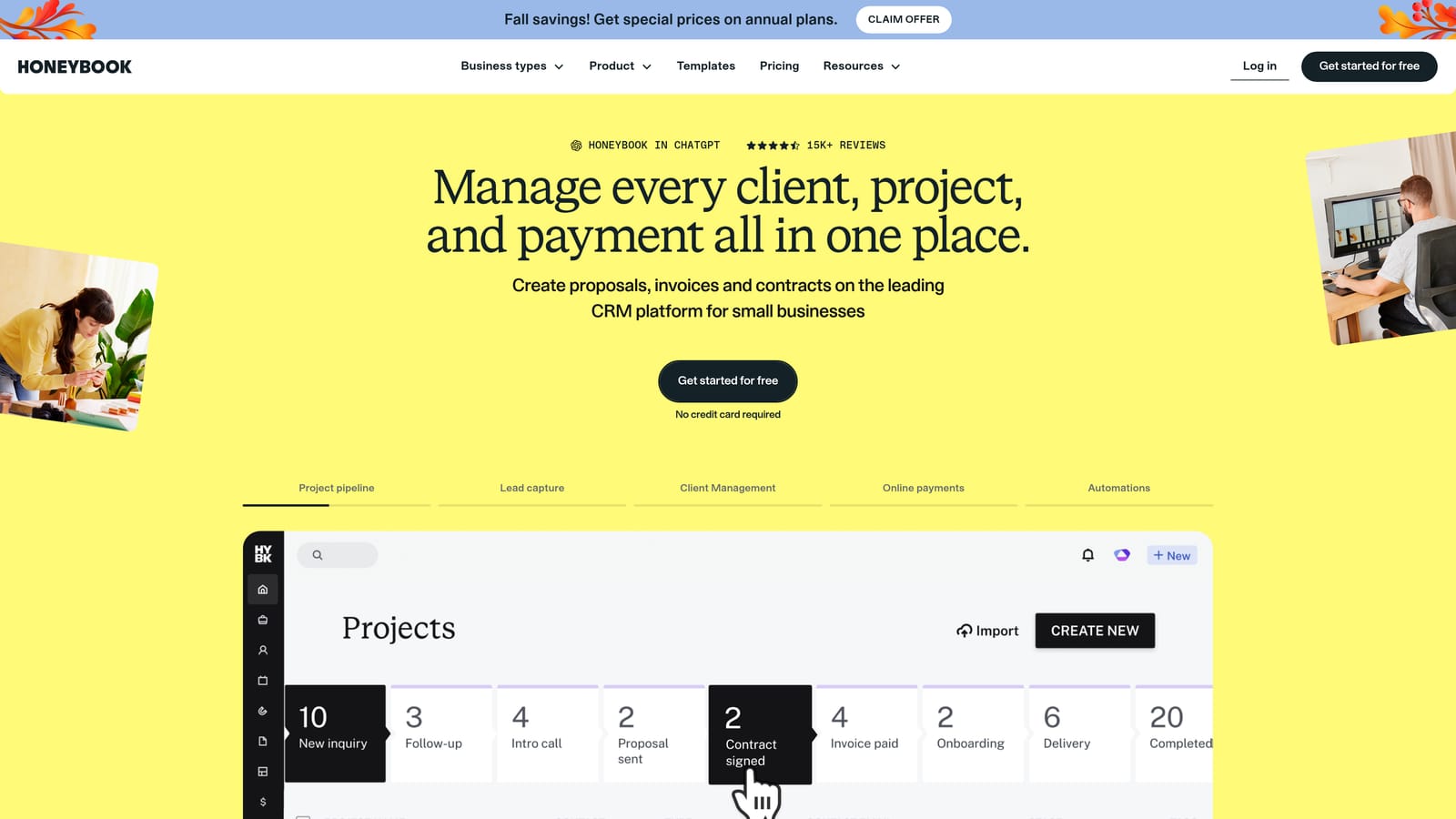
Its strength is that contract-to-payment sequence. A client can review a proposal, sign electronically and pay a deposit in a single flow, which shortens the gap between "yes" and money in the bank. Few other tools here handle that as smoothly.
- Proposals that you can build from templates and send in minutes.
- Contracts with e-signatures, so nothing needs printing or chasing.
- Invoicing and payments, including deposits and payment schedules.
- Scheduling so clients can book calls without email back-and-forth.
- Automations that send reminders and follow-ups for you.
It integrates with QuickBooks, Google Calendar, Gmail and Zapier. Setup is relatively gentle, and the owner usually runs it alone.
The downsides: there is no ad reporting, and it is built around project-based billing, so retainer-heavy agencies may find it less natural. It can feel pricey for a solo freelancer with only a few clients, and you should verify regional availability before committing. Pricing is a subscription; check the vendor site for current plans as of November 2026, and compare monthly against annual billing.
Best for: Creative and consulting freelancers who bill by project.
5. Dubsado
Dubsado is a business management tool that brings forms, workflows, scheduling, contracts and invoicing together. Where HoneyBook is streamlined, Dubsado is configurable, and it rewards people who like building systems.
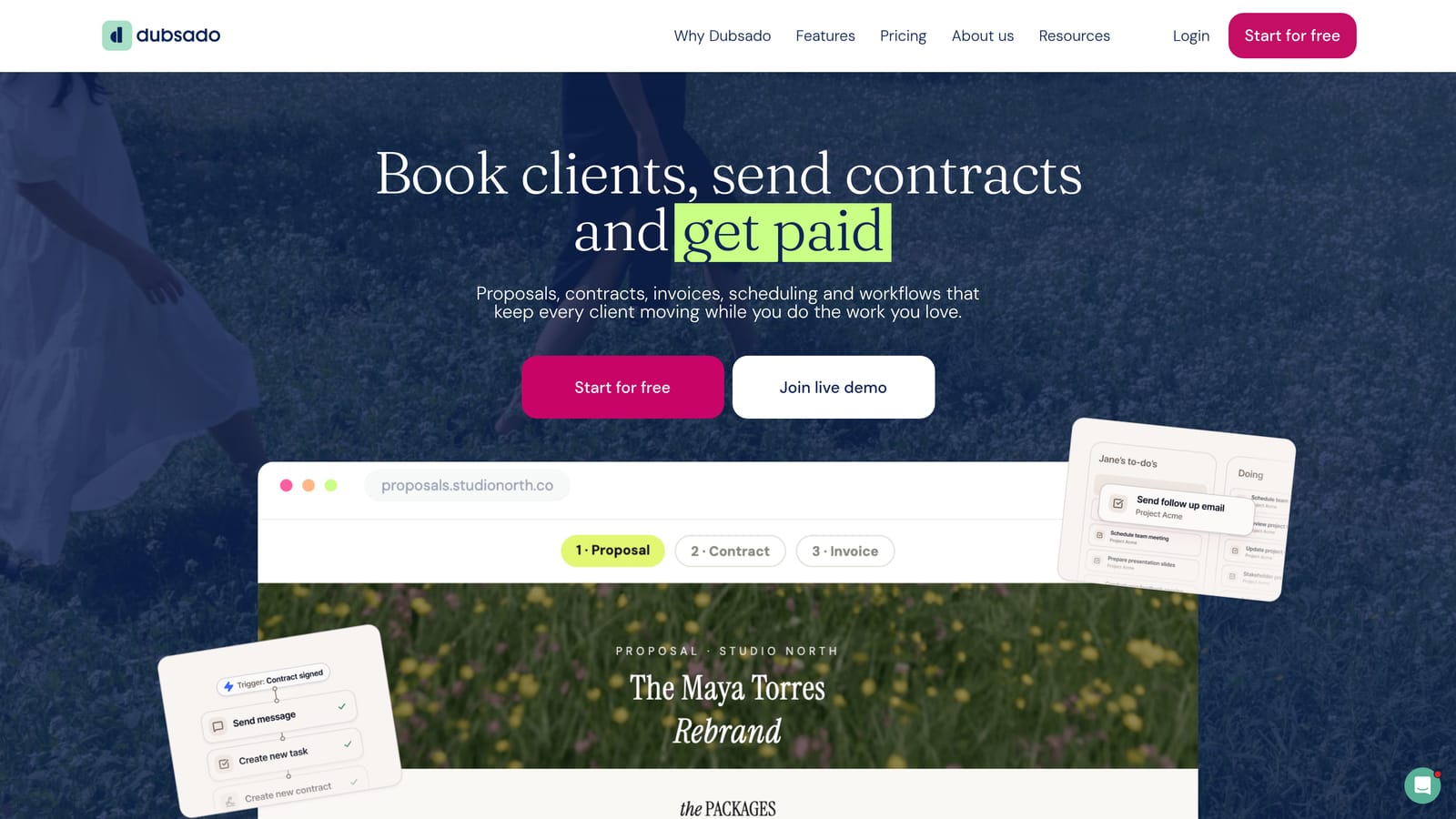
Its standout feature is workflow depth. You can design a full onboarding sequence that triggers a questionnaire, a contract, an invoice and reminder emails automatically once a client says yes, and tailor each step to the type of work.
- Custom forms that collect exactly the intake details you need.
- Automated workflows that run onboarding and offboarding without manual steps.
- A scheduler that lets clients book time against your availability.
- Contracts you can send and sign electronically.
- Invoicing with payment processing through connected providers.
It works with Stripe, PayPal, QuickBooks, Zapier and Google Calendar. The trade-off is setup time. Expect to spend hours, sometimes days, building templates and workflows before it pays off, and the interface looks dated next to newer tools.
It does not suit anyone who wants to be running by this afternoon, and like the other admin tools here it has no ad reporting. Pricing is a monthly or annual subscription, with annual billing typically cheaper per month, so confirm current rates on the vendor site as of November 2026.
Best for: Freelancers who want to automate onboarding and are happy to invest setup time.
6. Pipedrive
Pipedrive is a CRM designed around deals and sales activity. Everything revolves around a visual pipeline, which makes it easy to see which prospects need attention today.
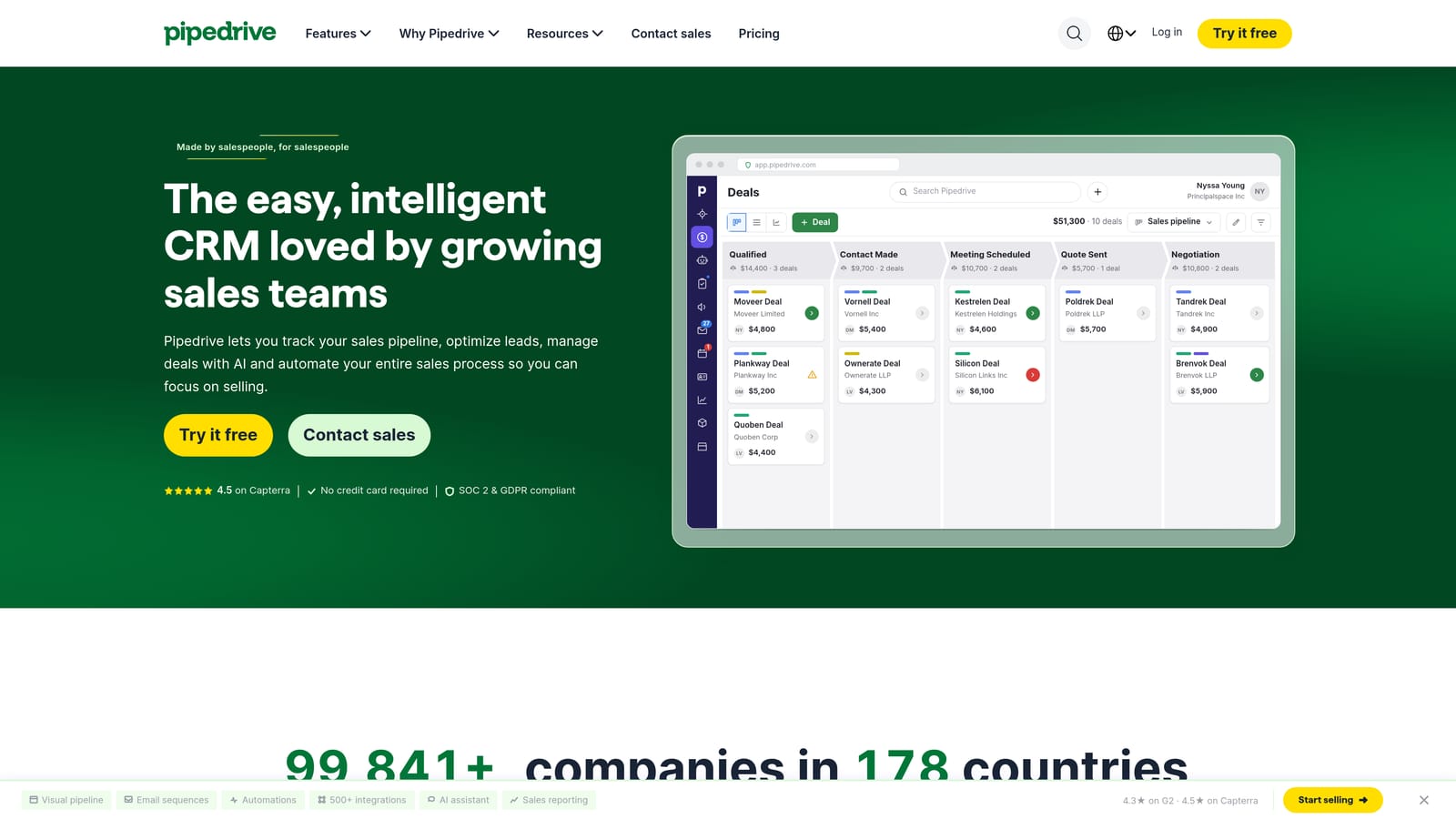
It does one thing well against this list: it keeps new-client acquisition front and center. If your biggest problem is leads going cold, its activity reminders and pipeline stages impose useful discipline.
- A visual deal pipeline you can drag deals through as they progress.
- Activity reminders so follow-ups do not slip.
- Email sync that logs conversations against the right deal.
- Workflow automation for repetitive sales tasks.
- Reporting on pipeline value and conversion.
It connects with Google Workspace, Microsoft 365, Zoom, Mailchimp and Zapier. Setup is quick for a basic pipeline, and a salesperson or the owner can run it.
Its weakness is everything after the sale. It is weak for delivery, billing and client reporting, and some capabilities come as add-ons that raise the real monthly cost. If your pain is keeping existing clients informed and paid, this is the wrong category. Pricing is per user per month, so costs scale with headcount; check the vendor site for current tiers as of November 2026.
Best for: Sales-led agencies focused on winning new clients.
7. Moxie
Moxie is a freelancer business platform that folds a CRM, proposals, contracts, time tracking, invoicing and a client portal into one subscription. It is aimed squarely at people working alone.
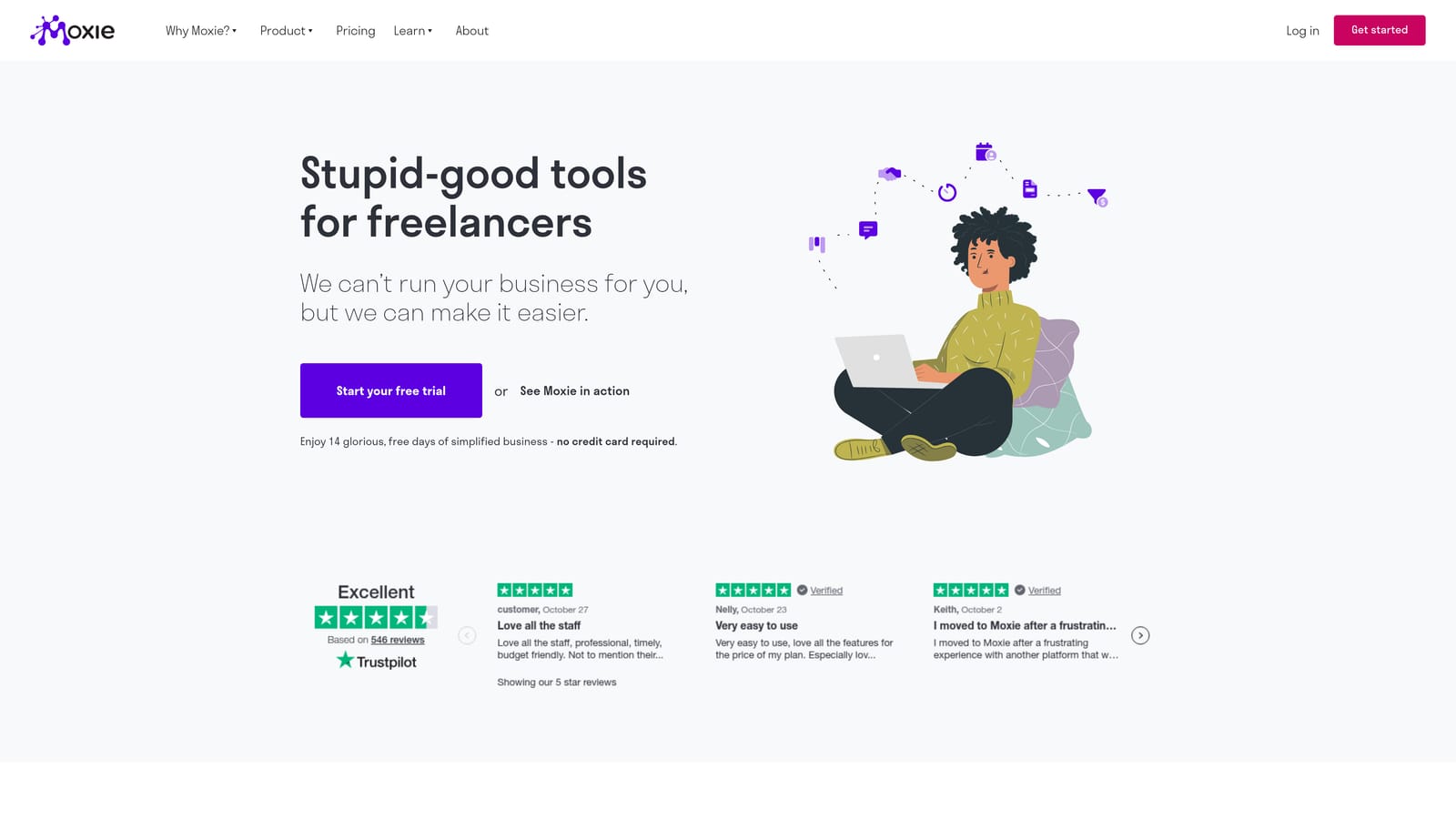
The distinctive piece is the client portal bundled with the rest of the admin tools. Clients can log in to see project status, documents and invoices, which makes a one-person business look more established while cutting down on status emails.
- A built-in CRM to track leads and clients without a separate tool.
- Proposals and contracts you can send for signature.
- Time tracking tied to invoices, so hourly work gets billed accurately.
- Invoicing with online payment options.
- A client portal that centralizes files, updates and billing.
It integrates with Stripe, QuickBooks, Google Calendar and Zapier. Setup is modest and the freelancer runs everything personally.
It is built for solo operators, so growing teams may hit limits on collaboration and permissions. There is also no ad performance reporting. Pricing is a subscription; verify current plans and whether annual billing lowers the cost on the vendor site as of November 2026.
Best for: Solo freelancers wanting one subscription for all client admin.
8. Agile CRM
Agile CRM is a small-business CRM that bundles contacts, deals, marketing automation and a helpdesk. It targets teams that want several functions without buying several products.
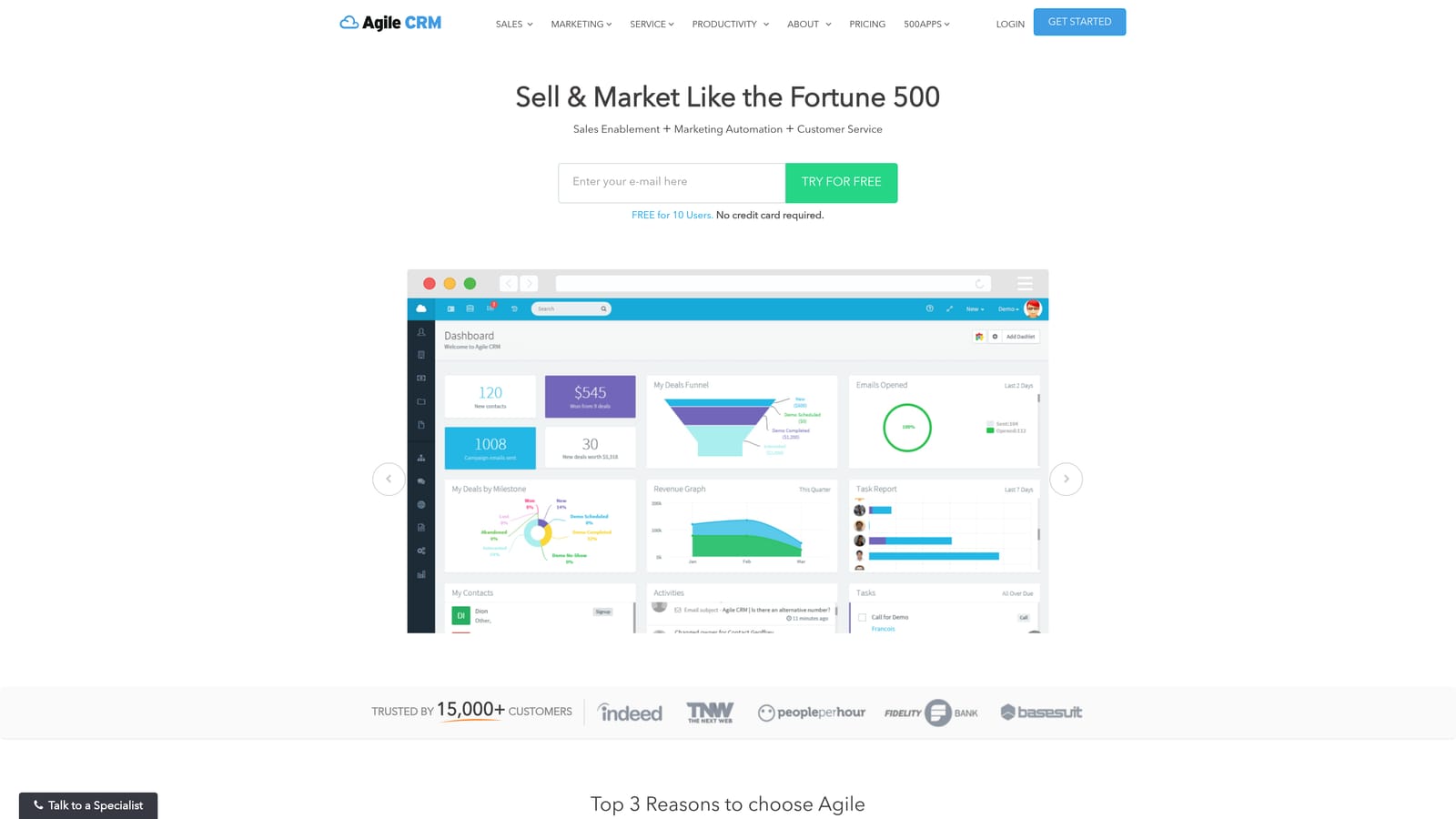
Its edge is the marketing side. Email automation and landing pages come inside a low-cost CRM, so an agency can capture leads and nurture them without paying for a separate email platform.
- Contact management with activity history for every client and lead.
- Deal tracking to follow opportunities through your pipeline.
- Email marketing automation to run nurture sequences.
- Landing pages to capture leads without a separate builder.
- A helpdesk to handle client support requests.
Integrations include Google Workspace, Zapier, Stripe and Mailchimp. Basic setup is manageable, though the breadth means more to learn than a single-purpose tool.
The interface is less polished than the leading CRMs, and support quality can vary, which matters if you rely on quick answers. It has no ad reporting and no real project delivery features. A free plan for small teams has been offered alongside paid tiers, but verify the current limits and pricing on the vendor site as of November 2026.
Best for: Tight budgets that need CRM plus email campaigns.
9. Trello
Trello is a kanban board tool, not client management software in the strict sense, but with CRM templates it works as a lightweight client tracker. Each card becomes a client or deal, and columns show stages.
Its advantage is cost and simplicity. You can be productive within minutes, with almost no training, and the free plan covers the basics.
- Kanban boards that show every client's stage visually.
- Cards and checklists for onboarding steps and deliverables.
- Templates so you can start from a ready-made client tracker.
- Power-Ups that add calendars, integrations and extra fields.
- Butler automation to move cards and set due dates automatically.
It connects with Slack, Google Drive, Jira and Zapier. Setup takes minutes and anyone on the team can maintain it.
The limits show up as you grow. There are no built-in payments, no real contact database and no reporting, so every client update and invoice is manual, and the board gets harder to maintain with more clients. It also leaves you buying other tools for billing and reports, which erodes the savings. Trello offers a free plan and paid tiers; check the vendor site for current limits as of November 2026.
Best for: Beginners with a handful of clients and almost no budget.
Matching Each Tool to Your Agency Before You Commit
Three picks stand out depending on how you work. If you run Facebook or Google ads for clients, ClientPlug covers the most of your actual workflow, since it ties payments and white-label reporting to the campaigns you manage. It is our own product, and it is not the right choice for non-advertising businesses or anyone needing full project management. Solo creatives who bill by project should look at HoneyBook, or Moxie if a client portal matters more. Sales-led teams that mainly need to win clients will get more from Pipedrive or HubSpot's free tier.
If your budget is close to zero, start with Trello or a free CRM tier and accept the manual work. Before paying for any annual plan, trial two tools with real clients for a few weeks, and compare per-seat costs at the team size you expect in a year, not today. Prices and free-tier limits change often, so confirm them on each vendor's site.