Running an ad agency means living across a dozen different tabs. Client records in one place, Meta Ads Manager open in another, Google Ads in a third, invoices somewhere in your inbox, and your team's task list buried in a chat thread. It's a lot to hold together, and the cracks show up fast when something slips.
The right workflow management software changes that. It pulls your client data, campaign performance, team tasks, and billing into a system that actually works together. The challenge is that most tools are built for general project management, not specifically for agencies running paid media campaigns.
Here are the top workflow management tools for ad agencies in 2026, evaluated on ease of use, agency-specific features, integrations, and pricing transparency.
1. ClientPlug.io
Best for: Ad agencies and freelancers who need client management, ad performance, and payments in one place
ClientPlug.io is an all-in-one client organizer built specifically for digital marketing agencies and freelancers running paid media.

Where This Tool Shines
Most tools on this list solve the task management problem well. ClientPlug.io solves a different problem: the constant context-switching between your ad platforms, your client records, and your billing. It auto-syncs Meta Ads and Google Ads performance data alongside your client information and payment tracking, so everything lives in one dashboard without manual data entry.
For Facebook ad agencies and Google ad agencies especially, this is a genuine differentiator. You can see at a glance which campaigns are underperforming, which clients have outstanding invoices, and what's happening across every account, without opening four separate tabs to piece it together.
Key Features
Unified Dashboard: Auto-syncs client data, campaign performance, and payment status in a single organized view.
Native Meta Ads Monitoring: Pulls Meta Ads performance directly into the platform so you're not switching to Ads Manager for every check-in.
Google Ads Integration: Google Ads performance data syncs alongside your client records for full paid media visibility.
Payment Tracking: Monitor client payment status without toggling between your project tool and your invoicing software.
Agency-First Design: Built around the actual workflow of paid media specialists, not adapted from a generic productivity platform.
Best For
ClientPlug.io is the strongest fit for solo freelancers and small-to-mid agencies whose core service is running Meta Ads, Google Ads, or both. If paid media is your primary offering and you're tired of piecing together campaign performance, client info, and billing from separate tools, this was built for you.
Pricing
Visit clientplug.io for current plan details and pricing. A free option is available to get started.
2. Monday.com
Best for: Agency teams that want a visual, highly flexible campaign planning workspace
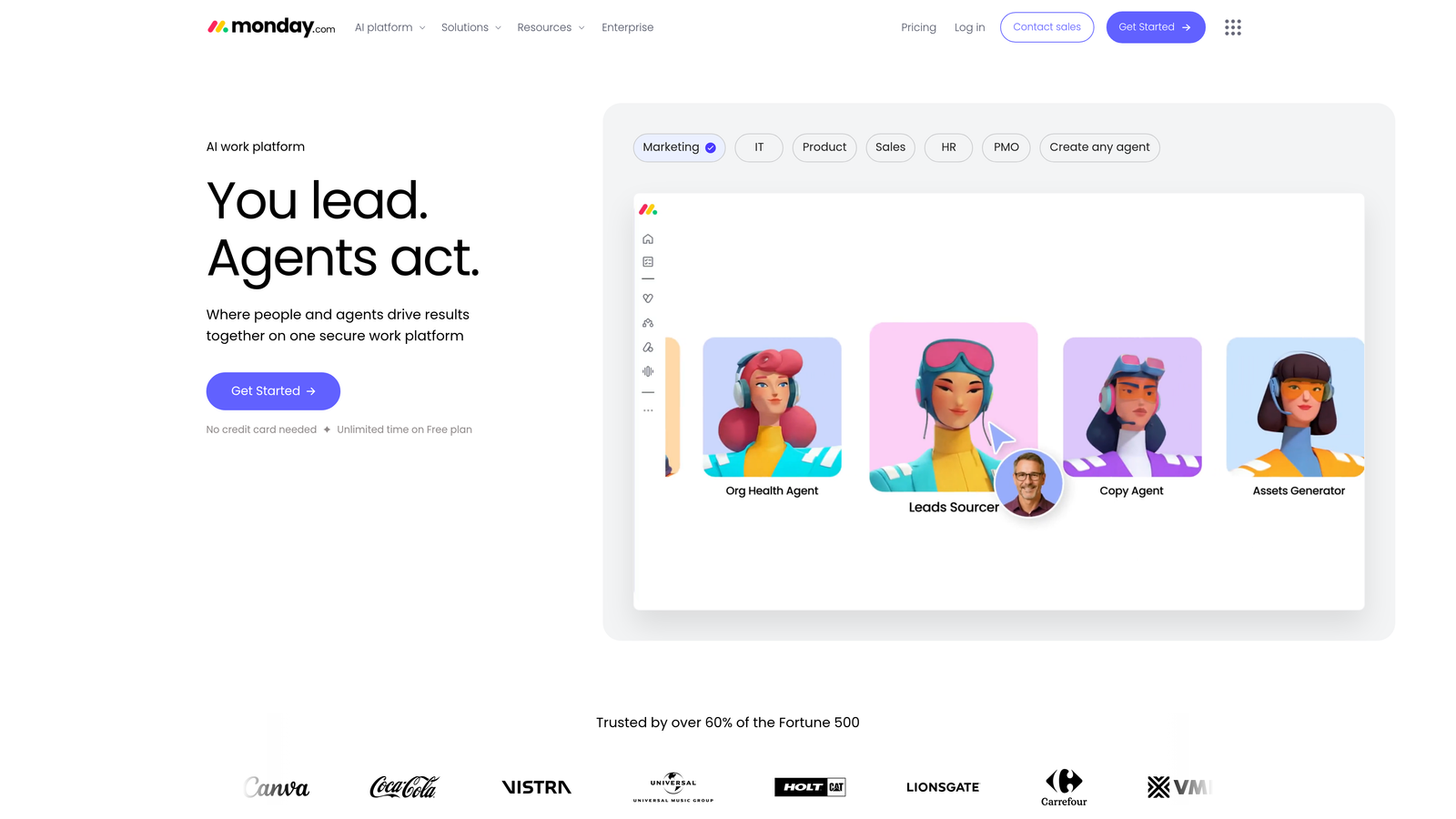
Monday.com is a visual work operating system used widely across marketing and agency teams for campaign planning, task tracking, and team collaboration.
Where This Tool Shines
Monday.com's visual boards are genuinely satisfying to work in. You can build a campaign planning board that shows every deliverable, deadline, and owner at a glance, then switch to a Gantt view to see how the timeline holds up. The automation builder lets you eliminate repetitive handoffs, like automatically notifying a designer when a brief is approved.
It also offers agency-specific templates that give you a solid starting point without building everything from scratch. The integration ecosystem is broad, covering Slack, Google Workspace, and ad platforms via Zapier connections.
Key Features
Multiple Board Views: Kanban, timeline, Gantt, calendar, and workload views give you flexibility depending on the task.
Automation Builder: Create no-code automations to handle repetitive status updates and notifications.
Agency Templates: Pre-built templates for campaign management, content calendars, and client onboarding.
Integrations: Connects with Slack, Google Workspace, Zoom, and hundreds more via native and Zapier integrations.
Time Tracking and Workload Views: Monitor team capacity and log hours directly within the platform.
Best For
Small to mid-size agency teams that need a polished, visual workspace for campaign planning and internal task management. Works best when paired with separate tools for ad performance reporting and client billing.
Pricing
Free plan available for up to 2 seats. Paid plans scale by seat count with additional features unlocked at higher tiers.
3. Asana
Best for: Agencies that need strong deadline accountability and team workload management
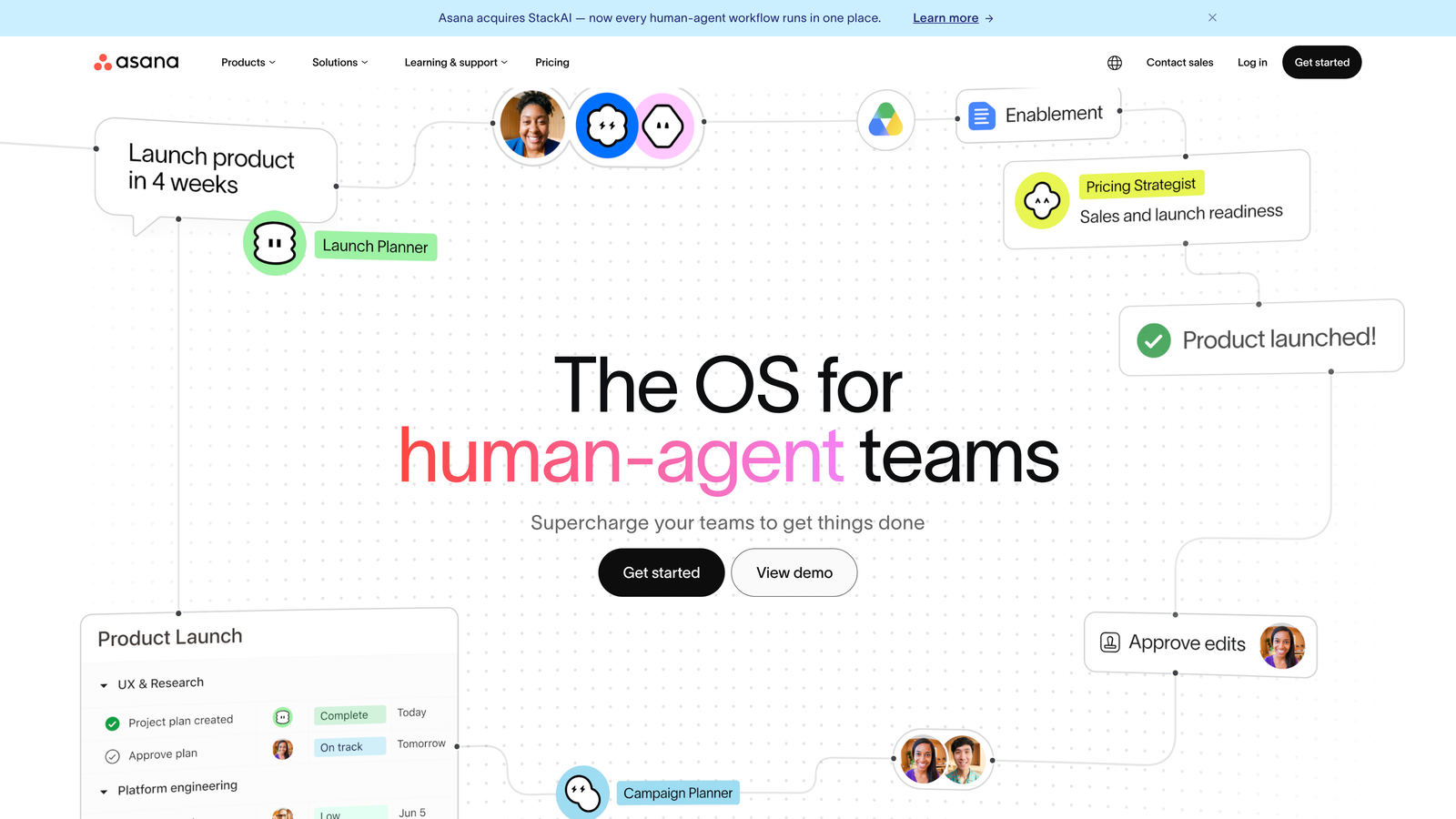
Asana is a structured task and project management platform known for clear ownership, deadline tracking, and workload visibility across agency teams.
Where This Tool Shines
Asana excels at making sure nothing falls through the cracks on multi-step campaign projects. Task dependencies mean you can chain deliverables in the right order, so your copywriter doesn't start writing before the brief is approved, and your designer doesn't begin creative until copy is signed off. The timeline view makes it easy to map out a campaign launch schedule visually.
The workload management feature is particularly useful for agency managers. You can see at a glance when a team member is overloaded and redistribute tasks before a deadline gets missed.
Key Features
Timeline View: Gantt-style campaign scheduling that shows dependencies and milestones clearly.
Workload Management: Visual capacity planning to balance tasks across your team.
Task Dependencies: Chain deliverables in the correct sequence for complex campaign workflows.
Goals and Milestones: Track progress against campaign objectives and team targets.
Integrations: Connects with Google Workspace, Slack, HubSpot, and a wide range of marketing tools.
Best For
Mid-size agency teams running multiple simultaneous campaigns who need clear task ownership and structured project timelines. Strong choice for agencies with dedicated project managers overseeing team capacity.
Pricing
Free tier available for basic use. Premium and Business plans unlock advanced features including timeline view, workload management, and reporting.
4. ClickUp
Best for: Budget-conscious agencies that want an all-in-one platform without a high per-seat cost
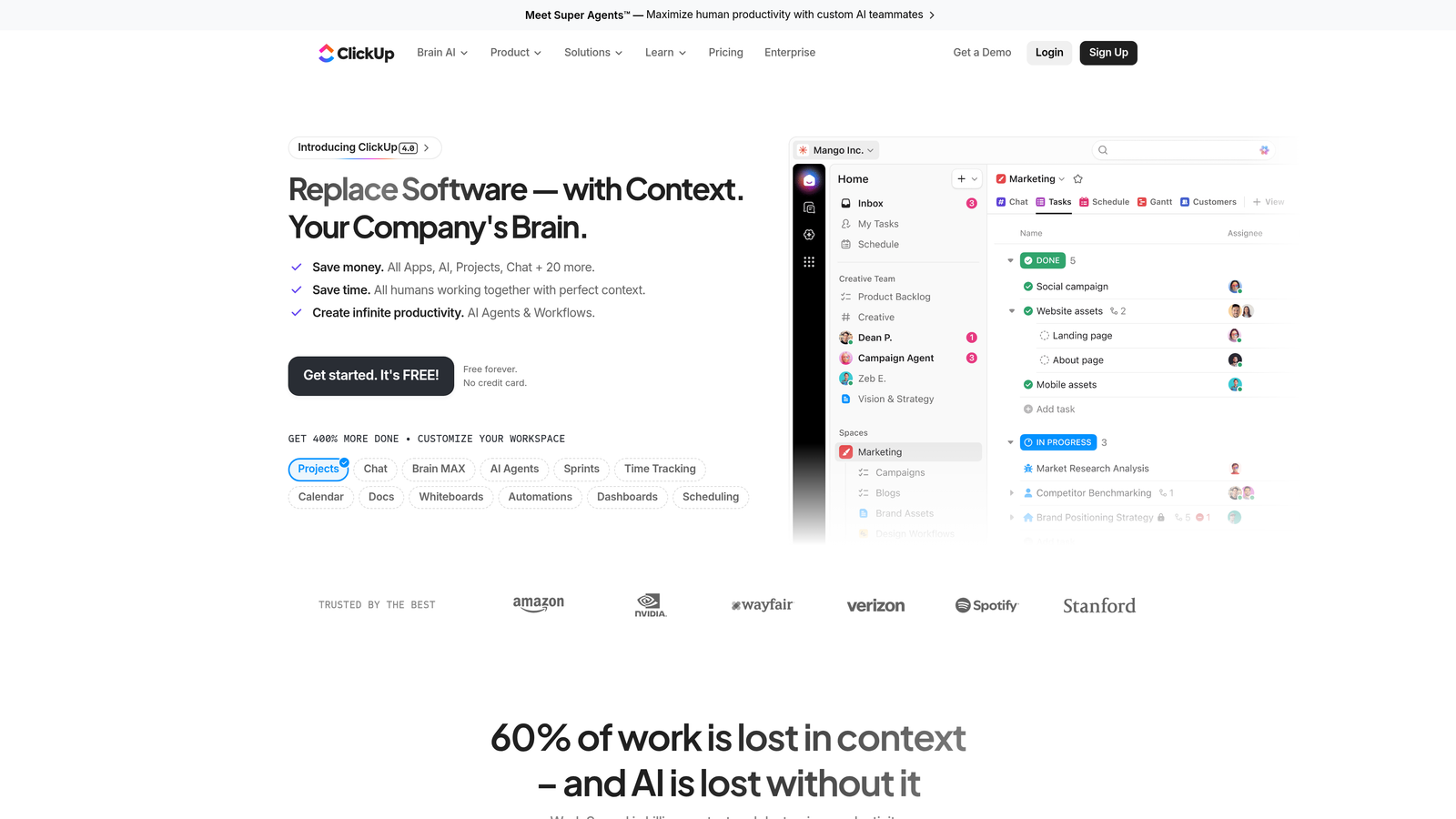
ClickUp is a highly customizable productivity platform combining tasks, docs, goals, time tracking, and whiteboards in a single workspace.
Where This Tool Shines
ClickUp's main appeal is breadth. Instead of paying for a project management tool, a docs tool, and a time tracker separately, ClickUp bundles them together with a generous free tier that makes it accessible for freelancers and small agencies watching their software spend. The range of views, from list to board to calendar to Gantt, means different team members can work in whatever format suits them.
The tradeoff is setup complexity. ClickUp can do a lot, which means there are a lot of decisions to make when configuring your workspace. Agencies that invest the time to set it up properly tend to get strong value from it.
Key Features
All-in-One Workspace: Tasks, docs, whiteboards, goals, and time tracking under one roof.
Custom Views: List, board, calendar, Gantt, and more to suit different workflows and team preferences.
Built-In Time Tracking: Log billable hours directly within tasks without a separate app.
Extensive Template Library: Pre-built templates for agency workflows, campaign management, and client onboarding.
Generous Free Tier: Significant feature access on the free plan, making it practical for solo operators.
Best For
Freelancers and small agency teams who want maximum feature coverage at minimal cost, and who are willing to invest time upfront in configuring their workspace properly.
Pricing
Free plan available with strong feature access. Paid plans start at a low monthly per-seat cost and scale with additional capabilities.
5. Teamwork
Best for: Agencies managing ongoing client retainers who need built-in budget and billing tracking
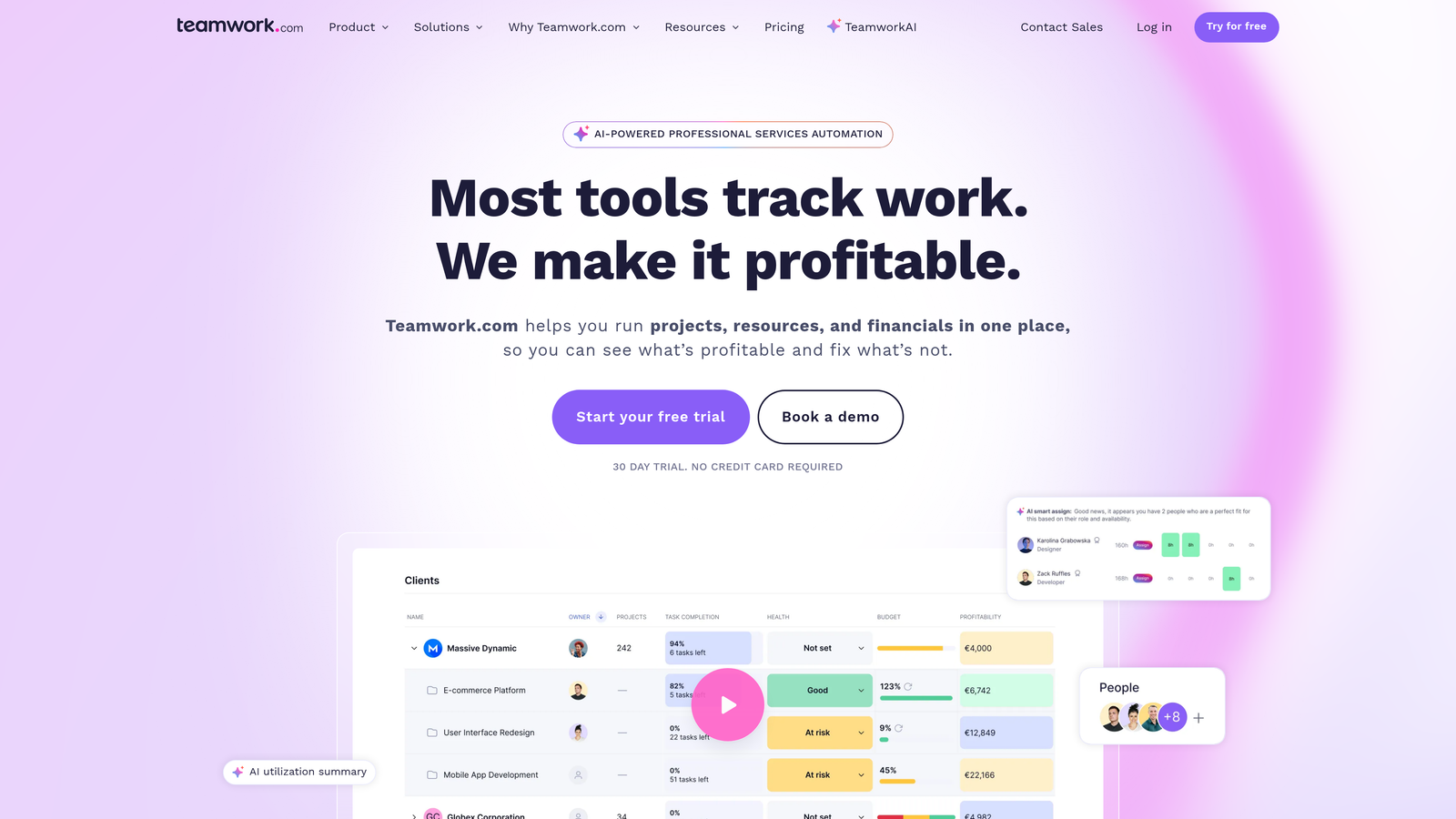
Teamwork is a project management platform designed specifically for agencies and client services teams, with retainer management and client portals built into the core product.
Where This Tool Shines
Teamwork understands the agency model in a way that general-purpose tools don't quite replicate. The client portal feature lets your clients log in to see project progress without exposing your internal notes or team conversations. The retainer and budget tracking features help you monitor whether you're staying within scope on monthly accounts, which is a constant concern for agencies running ongoing paid media management.
Time billing and profitability reporting per project give agency owners visibility into which accounts are actually making money, not just which ones feel busy.
Key Features
Client Portal: Clients get external visibility into project status without seeing internal team communications.
Retainer and Budget Tracking: Monitor hours and spend against retainer agreements to stay within scope.
Time Billing and Invoicing: Log billable hours and generate invoices directly within the platform.
Profitability Reporting: See margin and profitability data per project or client account.
Task and Milestone Management: Standard project management features with agency-oriented defaults.
Best For
Agencies running multiple retainer accounts who need to track scope, hours, and billing in one place. Particularly strong for teams that want to give clients professional project visibility without a separate client communication tool.
Pricing
Free starter plan available. Paid plans scale with features and user count, with retainer and billing features on higher tiers.
6. Notion
Best for: Agencies building internal knowledge bases, SOPs, and client onboarding documentation
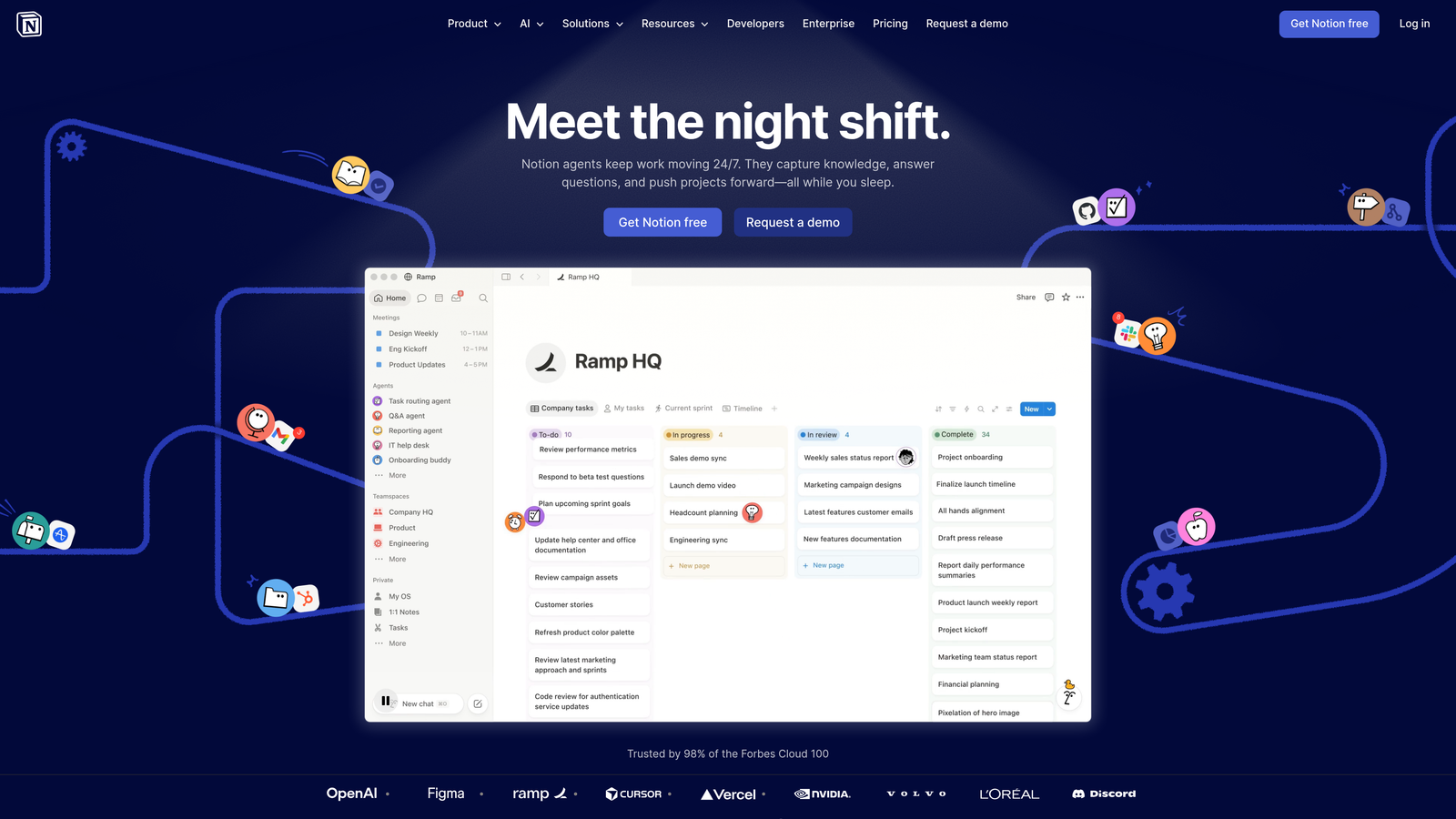
Notion is a flexible workspace combining notes, databases, and task management, widely used by agencies for process documentation and internal wikis.
Where This Tool Shines
Notion is where agencies go to document how things work. If you've ever found yourself re-explaining your onboarding process to a new hire or rewriting the same client brief template for the fifth time, Notion solves that by giving you a structured, searchable home for all of it. SOPs, client wikis, campaign checklists, and brand guidelines can all live in one organized workspace that your whole team can access and update.
It also handles basic task management through its database views, which works well for smaller teams. Where it starts to strain is when you need complex project tracking with dependencies, workload visibility, or time logging.
Key Features
Flexible Pages and Databases: Build anything from simple notes to relational databases with linked records.
SOP and Documentation Hub: Ideal for capturing agency processes, client onboarding steps, and internal guides.
Database Views: Table, board, calendar, and gallery views for managing tasks and client records.
Collaborative Editing: Multiple team members can work in the same pages simultaneously.
Large Template Community: Thousands of community-built templates for agency use cases.
Best For
Agencies that want a centralized knowledge base and documentation system. Works best as a complement to a dedicated project management tool rather than a standalone workflow solution for larger teams.
Pricing
Free personal plan available. Team plans are priced per seat with additional admin and collaboration features.
7. Wrike
Best for: Larger agencies with complex approval workflows and advanced reporting needs
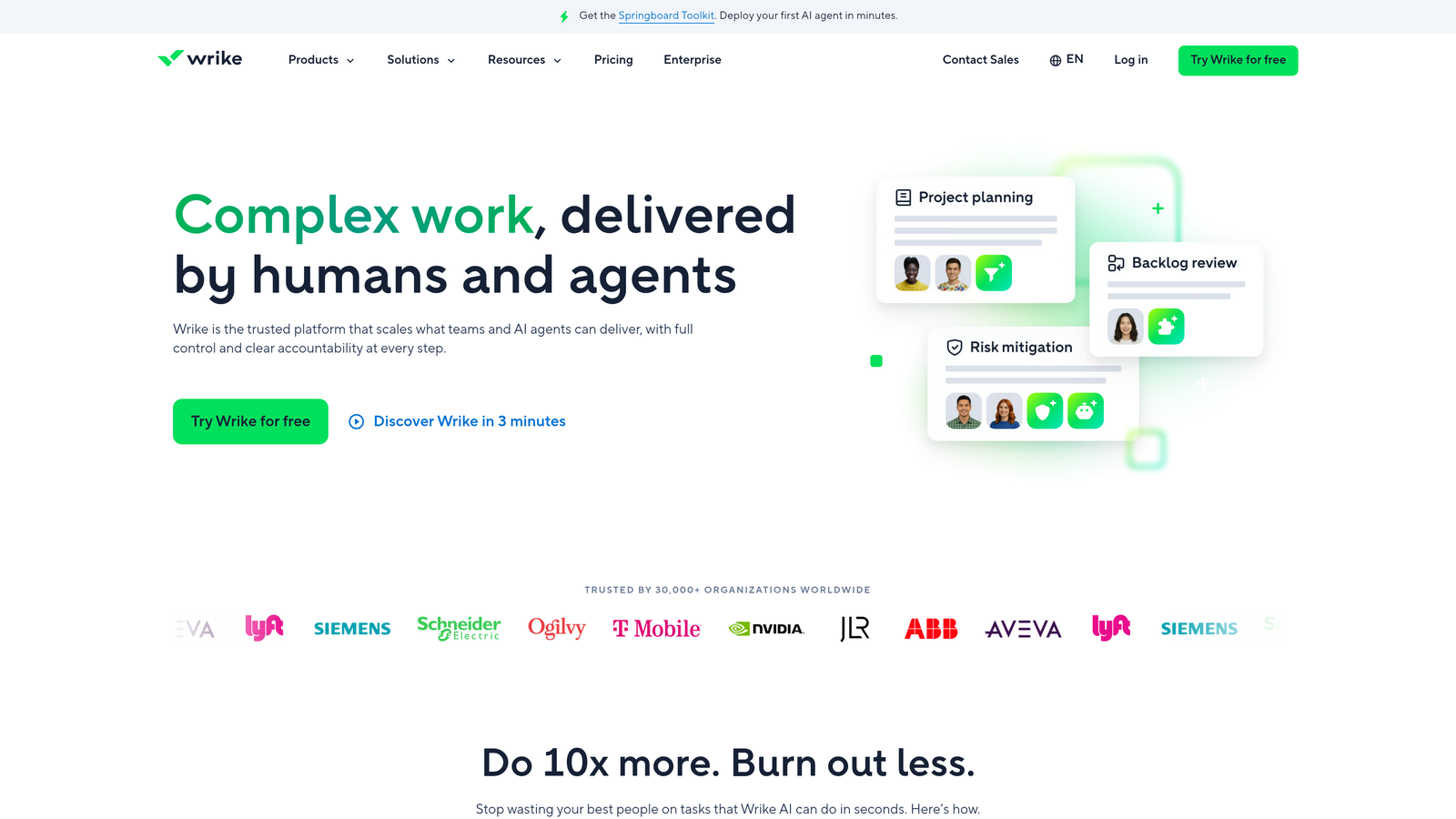
Wrike is an enterprise-grade project management platform with advanced analytics, approval workflows, and custom dashboards suited to larger agency operations.
Where This Tool Shines
Wrike is built for scale and complexity. If your agency has a formal content review and approval process, multiple departments, or clients who require detailed performance reporting, Wrike's custom dashboards and cross-project analytics give you the visibility to manage it. The approval and review workflow features are particularly useful for agencies producing high volumes of ad creative that needs to move through multiple sign-off stages.
The tradeoff is that Wrike's depth comes with a steeper learning curve and a higher price point. It's less suited to smaller teams who want to be up and running quickly.
Key Features
Custom Dashboards: Build performance dashboards tailored to your agency's reporting needs.
Approval and Review Workflows: Structured content review and sign-off processes for ad creative and deliverables.
Cross-Project Reporting: Aggregate data and performance metrics across multiple client projects.
Resource Management: Capacity planning and resource allocation across teams and projects.
Security and Admin Controls: Enterprise-grade permissions and access controls for larger organizations.
Best For
Larger agencies with dedicated operations staff, formal approval processes, and a need for detailed cross-project reporting. Less ideal for small teams or freelancers who need simplicity over depth.
Pricing
Free tier available for basic use. Paid plans scale significantly for enterprise features, with pricing best reviewed directly on Wrike's site.
8. Trello
Best for: Freelancers and very small teams who want a lightweight, low-setup workflow system
Trello is a simple, visual Kanban board tool that gets you organized quickly with minimal setup and a very low learning curve.
Where This Tool Shines
Trello's strength is simplicity. You can set up a working board in under ten minutes, drag cards through columns as work progresses, and have a clear visual picture of where every task stands. For a freelancer managing a handful of client accounts, that's often all you need. There's no configuration rabbit hole to fall down.
Power-Ups extend Trello's functionality through integrations, and the Butler automation tool lets you set up basic no-code rules without any technical knowledge. It's owned by Atlassian, so it integrates cleanly with Jira for agencies that also do tech or development work.
Key Features
Intuitive Kanban Boards: Drag-and-drop card management that anyone can pick up in minutes.
Power-Ups: Extend functionality through integrations with tools like Slack, Google Drive, and more.
Card-Level Details: Checklists, due dates, attachments, and comments on each card.
Butler Automation: No-code rules to automate repetitive board actions and notifications.
Low Learning Curve: Minimal onboarding required, making it easy to get a team or client started quickly.
Best For
Solo freelancers and very small agency teams who want a clean, simple visual system without the overhead of a full project management platform. Not well suited to agencies that need complex reporting or workload management.
Pricing
Free plan available with solid core features. Paid plans unlock additional Power-Ups, automations, and admin controls.
9. HoneyBook
Best for: Independent freelancers who need a full client lifecycle tool covering proposals, contracts, and payments
HoneyBook is a client lifecycle management platform designed for freelancers and independent consultants, handling everything from first inquiry through to final payment.
Where This Tool Shines
HoneyBook is less about task management and more about the business side of running a freelance practice. It covers the full client journey: a potential client reaches out, you send a proposal, they sign a contract, you invoice them, and they pay, all within one system. For solo ad consultants who spend meaningful time on client acquisition and admin, that end-to-end flow saves significant back-and-forth.
The automated follow-up sequences are a particularly useful feature for freelancers who lose leads simply because they forgot to follow up. HoneyBook handles that nudge automatically.
Key Features
End-to-End Client Pipeline: Manage leads from first inquiry through proposal, contract, and payment in one place.
Contract and E-Signature: Create professional contracts and collect legally binding signatures digitally.
Invoice and Payment Collection: Send invoices and accept payments without a separate billing tool.
Scheduling and Meeting Booking: Built-in calendar booking to reduce scheduling back-and-forth.
Automated Follow-Up Sequences: Set up automatic reminders and follow-ups so no lead goes cold by accident.
Best For
Solo freelance ad consultants who need a polished system for managing client relationships, contracts, and payments. Not designed for team collaboration or campaign performance tracking, so it works best alongside a separate tool for those needs.
Pricing
Monthly subscription model with a free trial available. Check HoneyBook's site for current plan pricing.
Which Tool Is Right for Your Agency?
The honest answer is that the best tool depends on what's actually breaking down in your current workflow. Here's a quick way to think through it.
If you're a solo freelancer or independent paid media consultant, start with ClientPlug.io or HoneyBook. ClientPlug.io gives you campaign performance and client management in one place. HoneyBook covers the proposals-to-payment pipeline if that's where your admin time is going.
If you're running a small team and need solid task management without a steep learning curve, ClickUp and Trello are both strong options. ClickUp gives you more depth; Trello gets you organized faster with less setup.
For growing agencies managing multiple client retainers, Monday.com, Asana, and Teamwork all perform well. Teamwork has the edge if retainer tracking and client portals are priorities. Monday.com wins on visual flexibility. Asana is the strongest choice if workload management and deadline accountability are your main concerns.
Larger agencies with complex approval workflows and reporting needs should take a close look at Wrike. And if your agency runs on documentation and SOPs, Notion makes an excellent knowledge base to run alongside whichever project management tool you choose.
For agencies whose core business is running Meta Ads and Google Ads, ClientPlug.io stands apart from every other tool on this list. It's the only one that combines ad platform performance data with client records and payment tracking in a single auto-syncing dashboard. The others handle workflow and tasks well, but they require manual work or third-party integrations to bridge the gap between what's happening in your campaigns and what's happening with your clients and billing.
If that gap is costing you time and causing things to slip, it's worth exploring what ClientPlug.io can do for your agency. Learn more about our services and see how it fits your workflow.